How to Make a Good Presentation on PowerPoint
Creating a compelling PowerPoint presentation requires creativity, structure, and time.
However, AI-powered tools like MagicSlides.app can simplify this process by generating high-quality slides with enhanced design and content, ensuring a professional and engaging presentation.
Why Use MagicSlides.app?
MagicSlides.app is an AI-driven web application that streamlines the presentation-making process.
It helps save time while offering well-structured, visually appealing slides that might be difficult to create manually.
With AI-generated content and design suggestions, presentations become more creative, engaging, and effective.
Steps to Create a Good Presentation Using MagicSlides.app
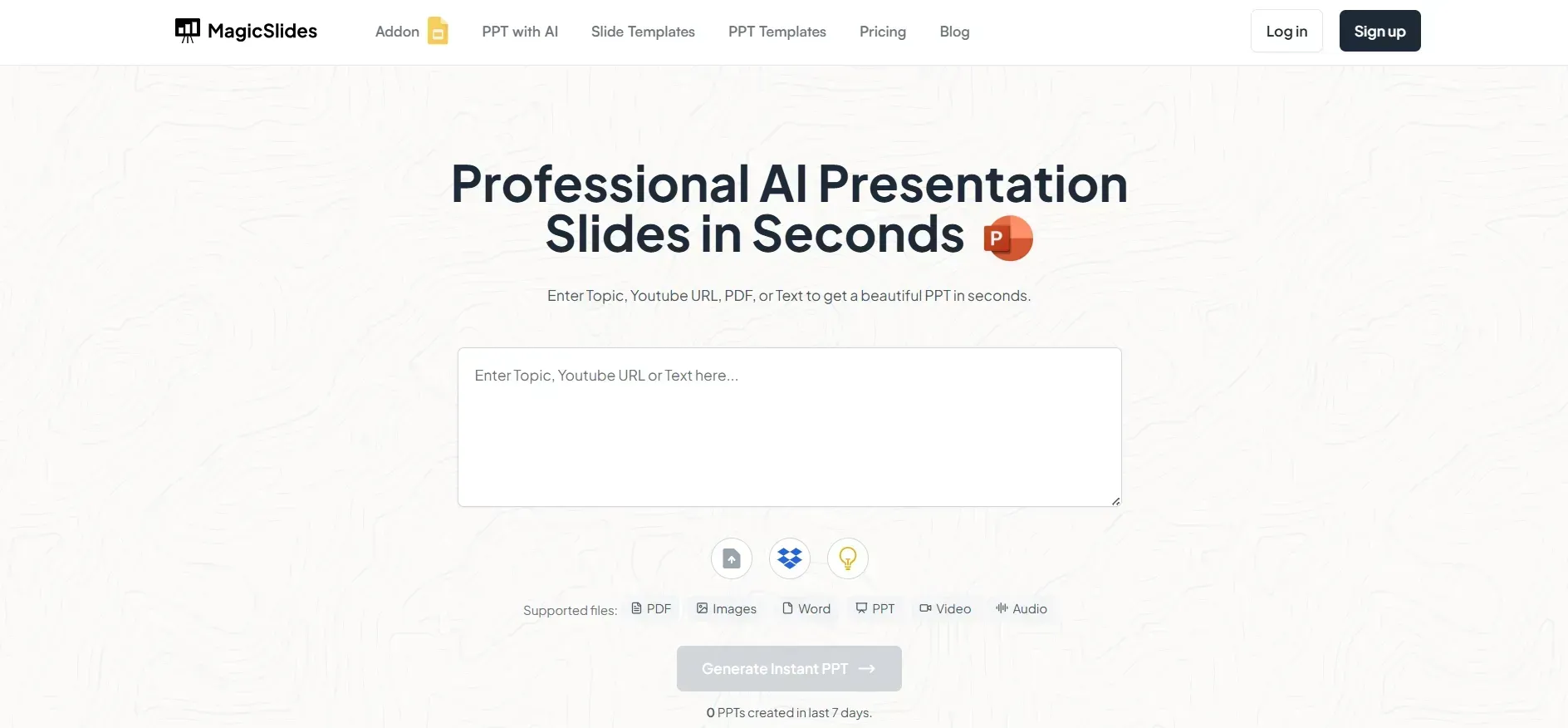
Step 1: Visit MagicSlides.app
Start by opening your browser and navigating to MagicSlides.app. This AI-powered tool enables users to generate presentations effortlessly with minimal manual input.
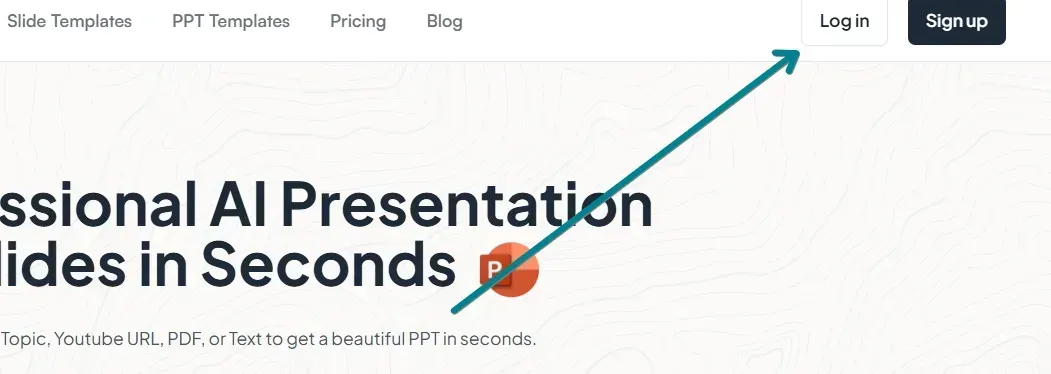
Step 2: Log In to Your Account
To access the full range of features, log in or sign up for an account. This will allow you to generate and download presentations seamlessly.
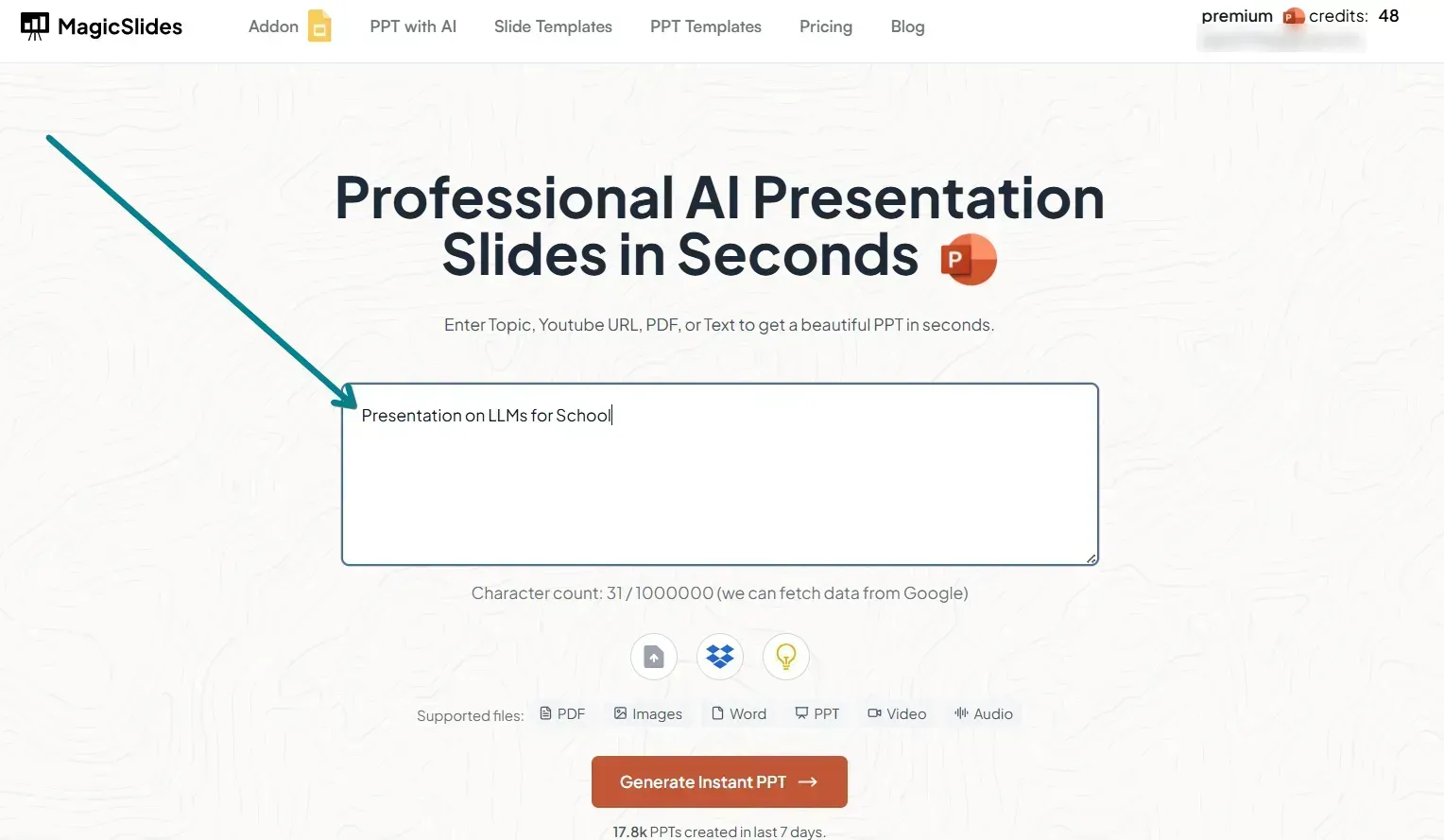
Step 3: Enter Your Presentation Topic
In the AI input field, type in your topic. For instance, if you're presenting on "The Future of Renewable Energy," simply enter that as the topic. AI will generate relevant slides based on key industry insights and structured content.
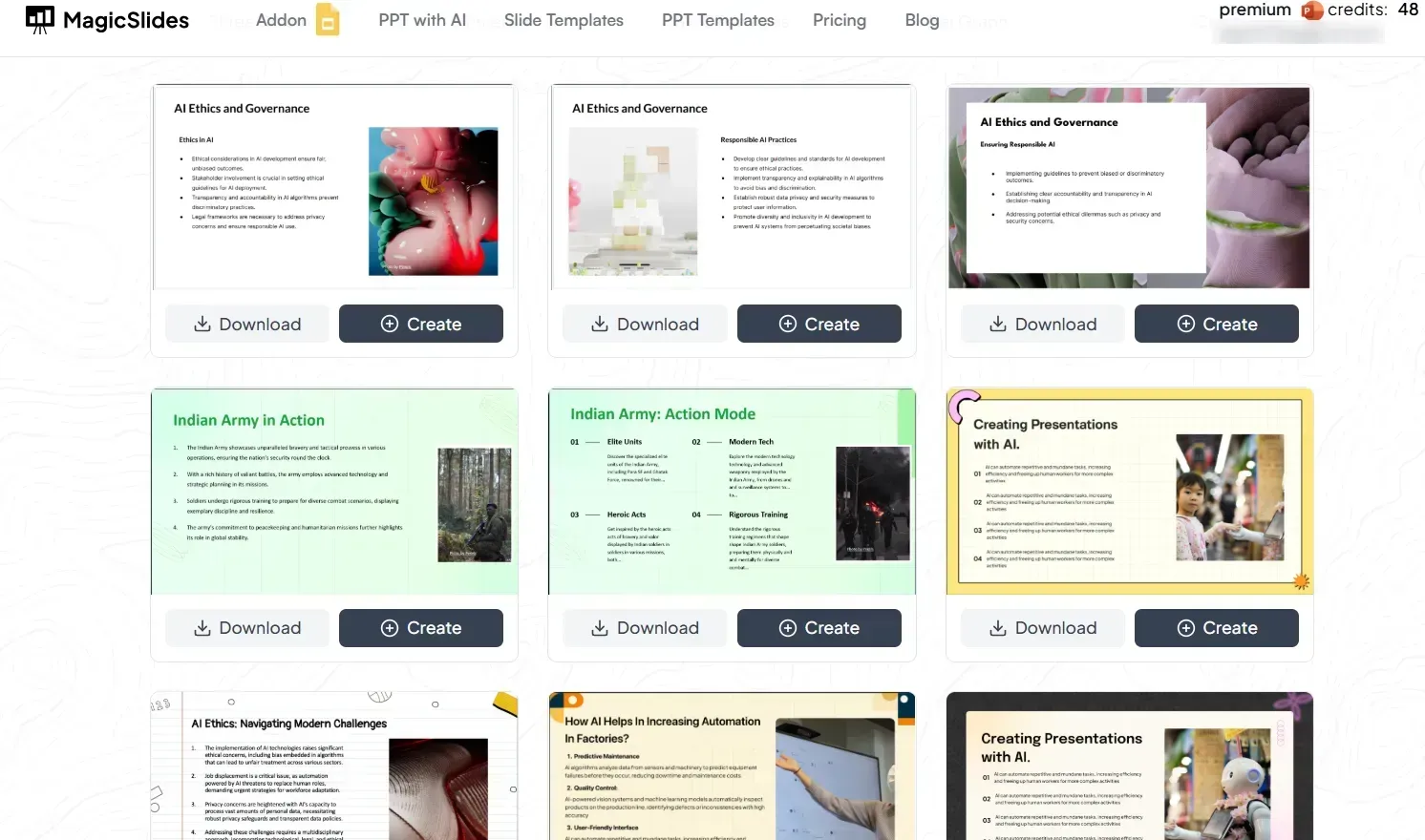
Step 4: Click 'Generate Presentation'
Once you've provided the topic, click on the 'Generate Presentation' button. MagicSlides.app will instantly create a well-structured PowerPoint presentation with relevant points, images, and design layouts.
Step 5: Review and Customize the Slides
After generation, review the slides to ensure accuracy and relevance. If necessary, make edits, add your own insights, or refine the design to align with your brand or presentation style.
Step 6: Download and Use Your Presentation
Once satisfied, download the presentation in .pptx format. The file can be opened and edited further in Microsoft PowerPoint, Google Slides, or other compatible software.
Benefits of Using MagicSlides.app for PowerPoint Presentations
- Saves Time – AI automates slide creation, reducing manual work.
- Enhances Creativity – AI suggests innovative designs and content structures.
- Ensures Professionalism – Delivers high-quality slides with relevant and structured content.
- Supports Various Formats – Easily export and modify in different presentation tools.
FAQs are here to help!
Can MagicSlides.app create presentations for any topic?
Yes, MagicSlides.app can generate presentations on a wide range of topics based on AI-driven insights.
Do I need PowerPoint to use MagicSlides.app?
No, MagicSlides.app generates .pptx files that can be used in PowerPoint, Google Slides, and other presentation tools.
Is MagicSlides.app free to use?
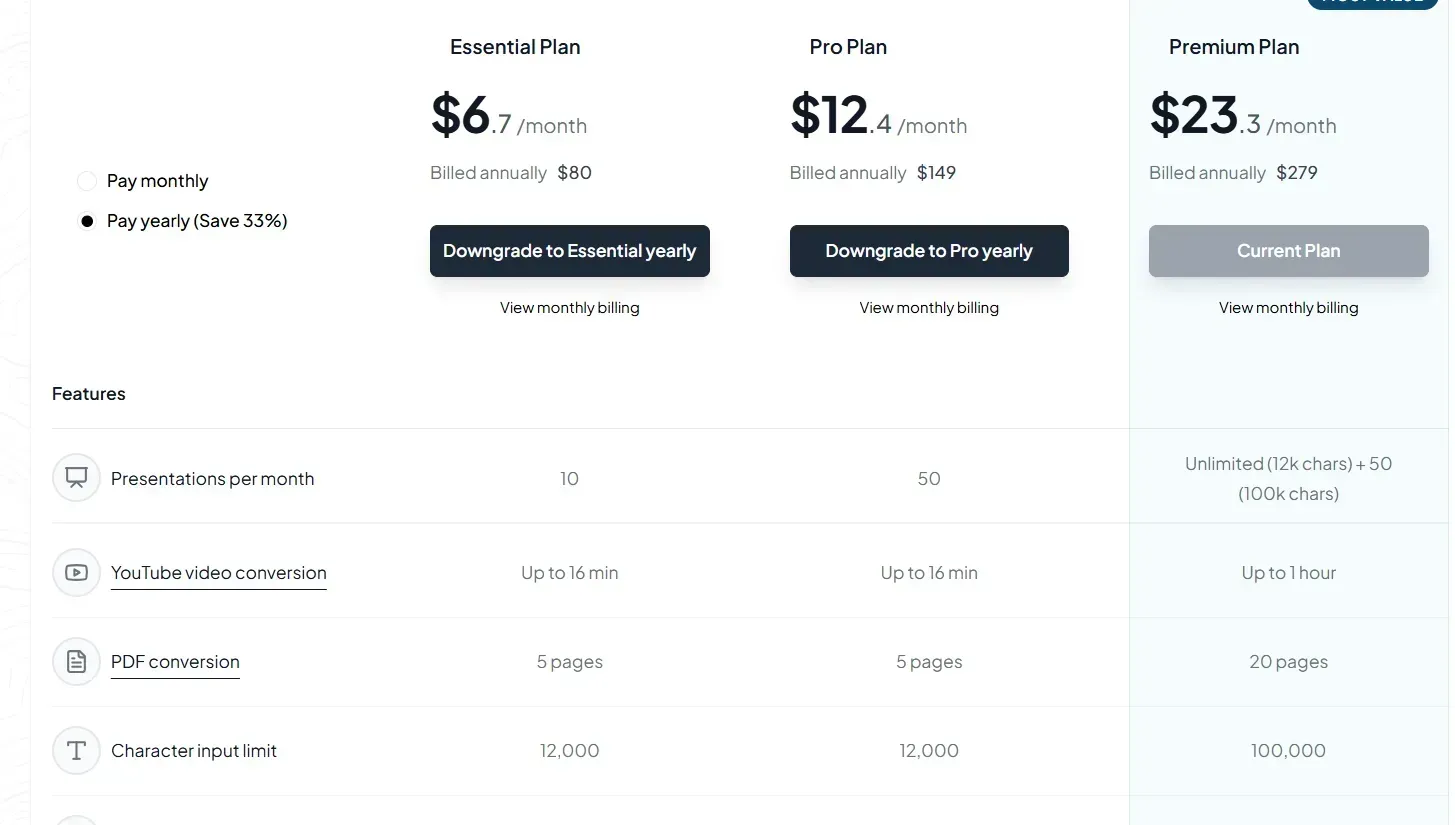
MagicSlides.app offers both free and premium versions. The free plan includes basic features, while premium plans provide advanced options like video-to-PPT conversion and enhanced designs.
By leveraging AI tools like MagicSlides.app, anyone can create stunning PowerPoint presentations with ease, saving time and ensuring high-quality content and design.
Share on socials
More from the blog
How to Change Opacity in Google Slides? Easiest Guide
8 April 2026
How to Insert Bitmoji into Google Slides?
8 April 2026
How to Make PowerPoint for Research Defense (2026 Guide)
7 April 2026
100+ Best Seminar Topics for Students in 2026
7 April 2026
How to edit a PowerPoint template
7 April 2026
Best Fonts for PPT: Top PowerPoint Fonts for Readability & Engagement
7 April 2026
How to Improve Slide Design for Presentations?
6 April 2026
How to Use Google Form Autofill Bot? Step-By-Step Guide
6 April 2026
How to Download Presentation from Gamma App: Easy Ways to Export, Convert & Save Slides
5 April 2026
