How to reset a presentation in powerpoint


Discover PowerPoint’s hidden gem: ‘Revert to Saved’ your undo button for presentation perfection and creative freedom.
In the dynamic world of presentations, a nuanced understanding of the tools at your disposal can be the key to unlocking a seamless and efficient workflow. In this blog post, we delve into the significance of this feature, unraveling the steps that empower presenters to effortlessly undo changes and return to a pristine canvas.
How to reset a presentation in powerpoint
Open Your Presentation:
Launch Microsoft PowerPoint and open the presentation you want to reset.
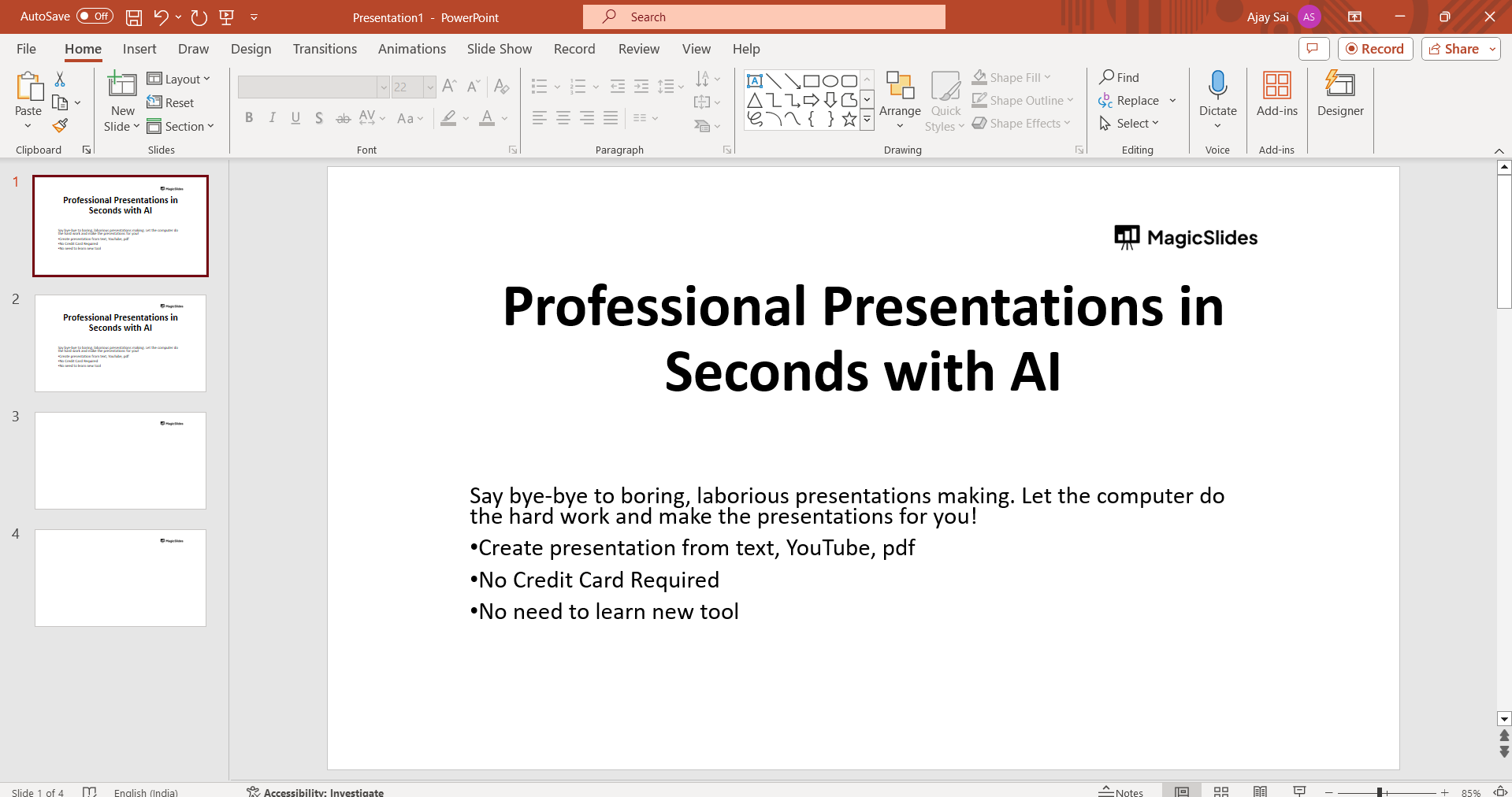
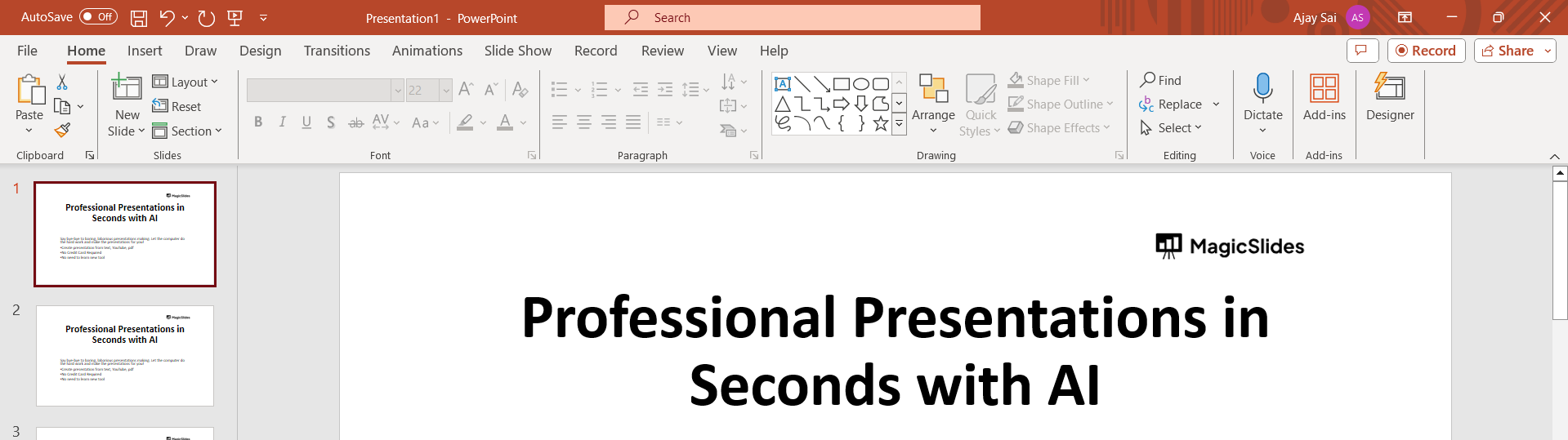
Navigate to the File Tab:
In the upper left corner of the PowerPoint window, locate and click on the "File" tab. This will take you to the backstage view.
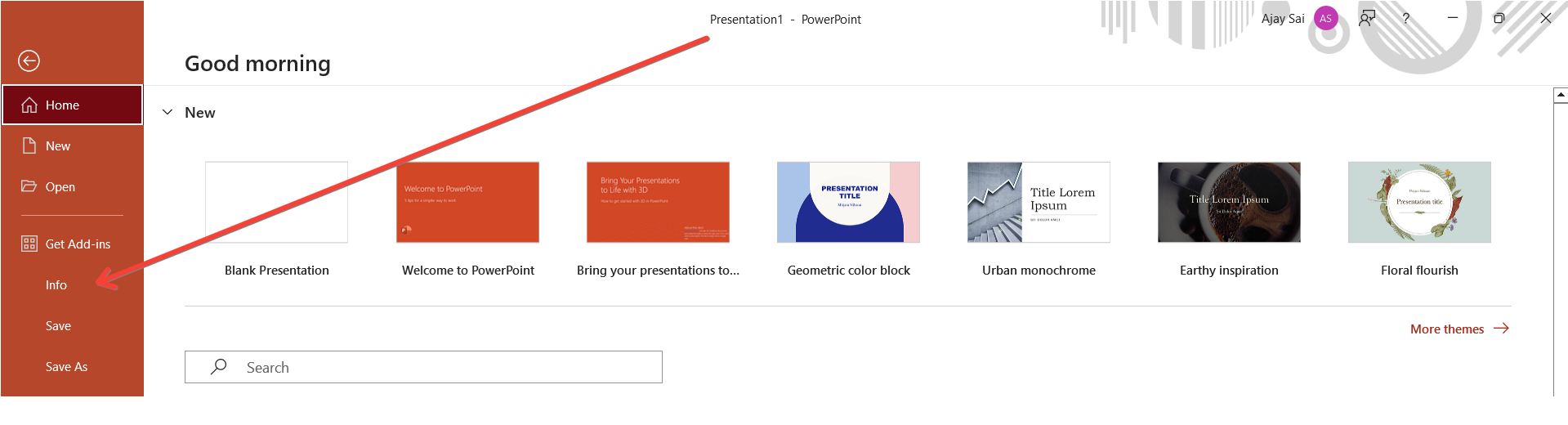
Access the Info Tab:
Within the backstage view, look for the "Info" option on the left-hand menu. Click on it to access information about your presentation.
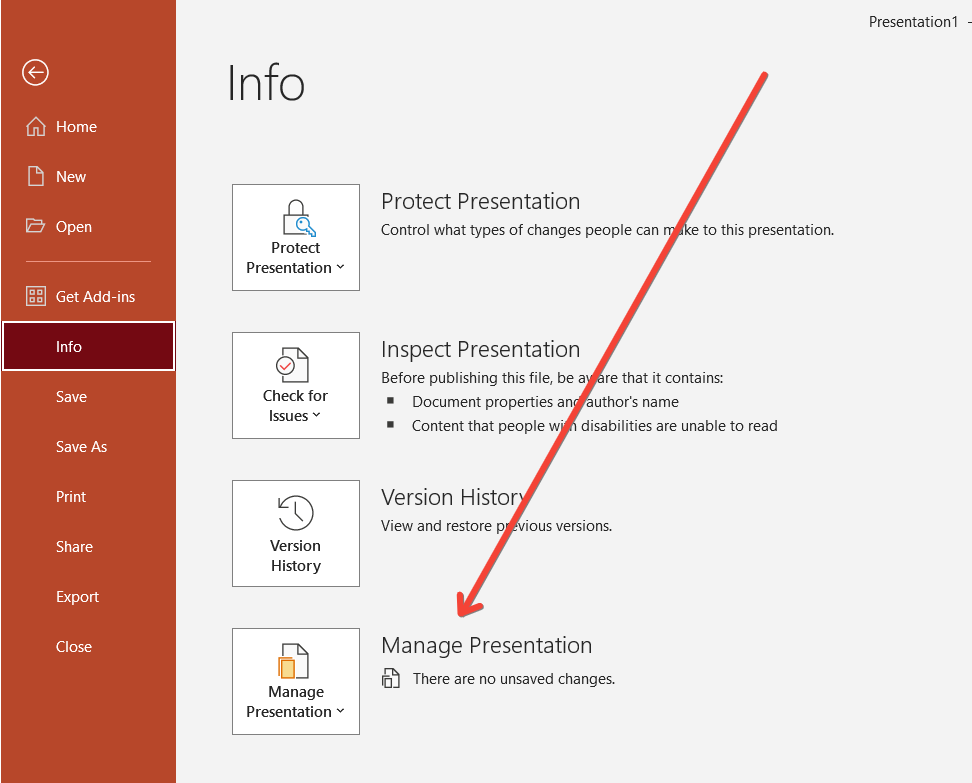
Find the Manage Presentation Option:
Under the "Info" section, you'll see various details about your presentation. Look for an option that is related to managing the presentation or file settings. This might be labeled as "Manage Presentation" or something similar.
Confirm Reversion:
Once you've found the "Revert to Saved" option, click on it. PowerPoint may ask for confirmation before reverting to the last saved version. Confirm your decision to proceed. If it is unavailable you can choose the reset option available on the home tab itself.
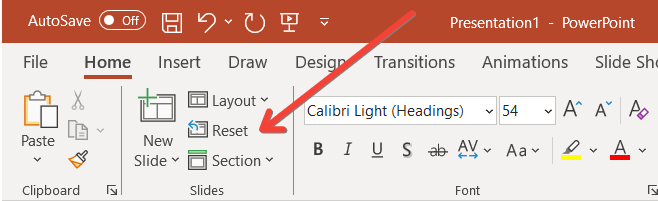
Check the Reset Presentation:
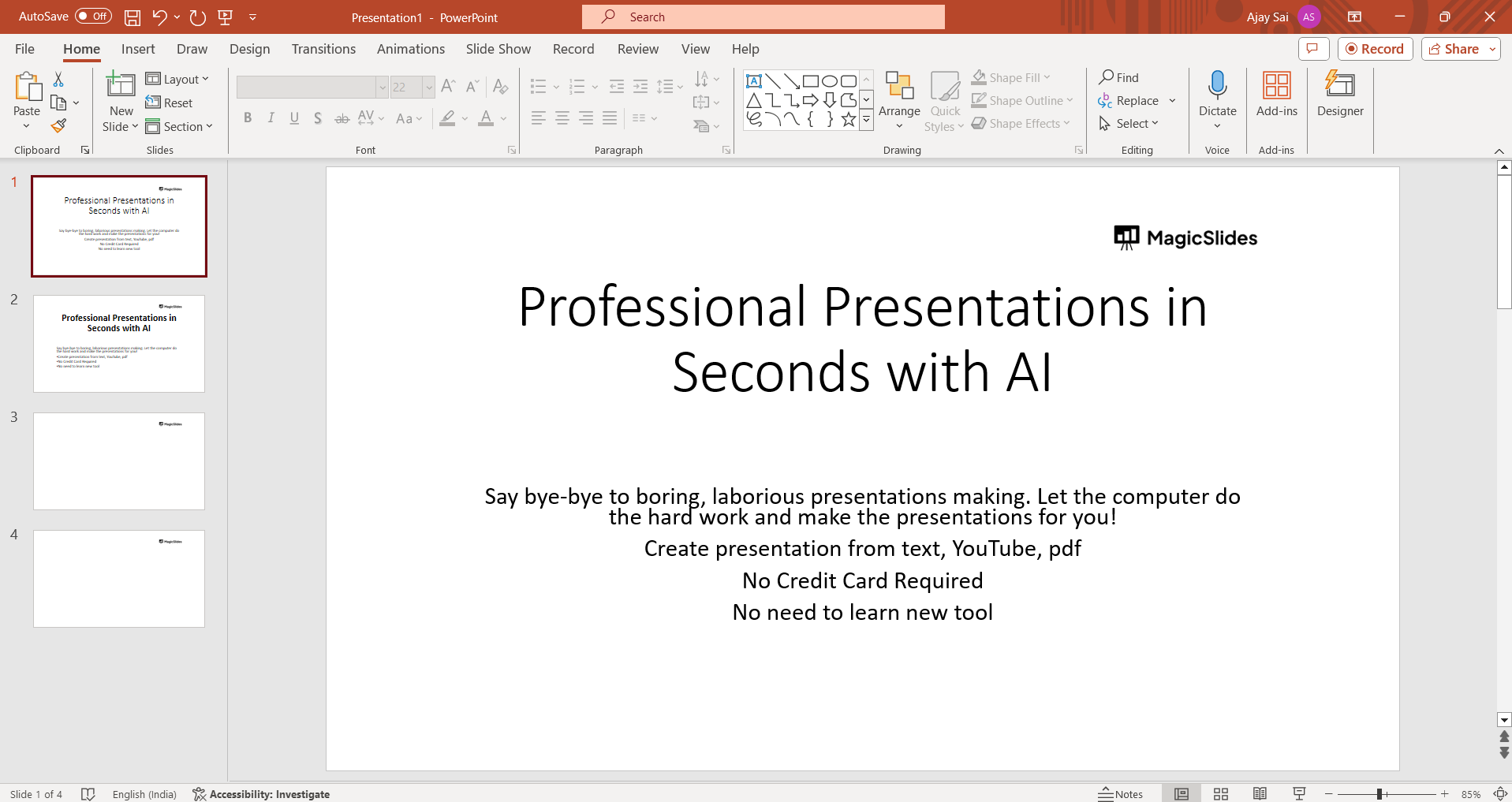
Verify that your presentation has been reset to the last saved state. Review the slides and content to ensure that the changes you wanted to undo have been successfully reverted.
Conclusion:
By recognizing the importance of this feature, presenters gain not only a safety net for their endeavors but also the freedom to explore, experiment, and innovate without the fear of irreversible missteps. By following these steps, you should be able to reset your presentation to the last saved version, undoing any changes made since the last save.
Frequently Asked Questions:
Why would I need to revert to a saved version in PowerPoint?
Ans: Well, presentations are like evolving stories. Sometimes, in the heat of creativity, we make changes that might not resonate. Reverting to a saved version is like hitting the undo button on your narrative. It ensures that if you take a wrong turn in your presentation journey, you can easily reroute to the last known, error-free destination.
Is reverting to a saved version a permanent action?
Ans: Nope, not at all. Think of it as a safety net rather than a one-way street. Reverting to a saved version is like time-traveling to the point when your presentation was last saved. It undoes changes made after that, giving you the flexibility to experiment and revert, but your creativity isn't bound by it. You're in control.
Can I selectively revert specific slides instead of the entire presentation?
Ans: Absolutely! PowerPoint's got your back. If you're not vibing with specific slides, you can selectively revert them by duplicating just those slides. This way, you're resetting only what you need, leaving the rest of your masterpiece untouched. It's like having a reset button for individual chapters in your presentation story.
Have a look @these blogs which you might find helpful:
- How To Add Gifs To Powerpoint: https://www.magicslides.app/blog/how-to-add-gifs-to-powerpoint
- How To Draw On Powerpoint Slides: https://www.magicslides.app/blog/how-to-draw-on-powerpoint-slides
- How To Change Slack Account Email Id: https://www.magicslides.app/blog/how-to-change-slack-account-email-id
- How To Convert PPT To MP4 Online: https://www.magicslides.app/blog/How-to-convert-PPT-to-MP4-online


