How to change slack account email id


Embark on Slack customization navigate steps to update your profile seamlessly, ensuring your workspace aligns with you.
In the ever-evolving landscape of communication and collaboration, Slack stands as a cornerstone for seamless team interaction. However, circumstances change, and so do email addresses.
Whether it's for personal preference or professional necessity, updating your Slack account email is a straightforward process.
In this guide, we'll walk you through the simple steps to ensure your Slack account stays current and connected with your evolving digital identity.
Before we begin, if you are looking to send Google form submissions directly to Slack, check SlackNotify.app. It will include all info submitted and sent directly to the Slack channel of your choice
How to change slack account email id
1. Open Slack:
Embark on your Slack journey by either firing up the Slack app on your device or navigating to the official Slack website at https://slack.com/.
This initial step sets the stage for managing your workspace seamlessly.
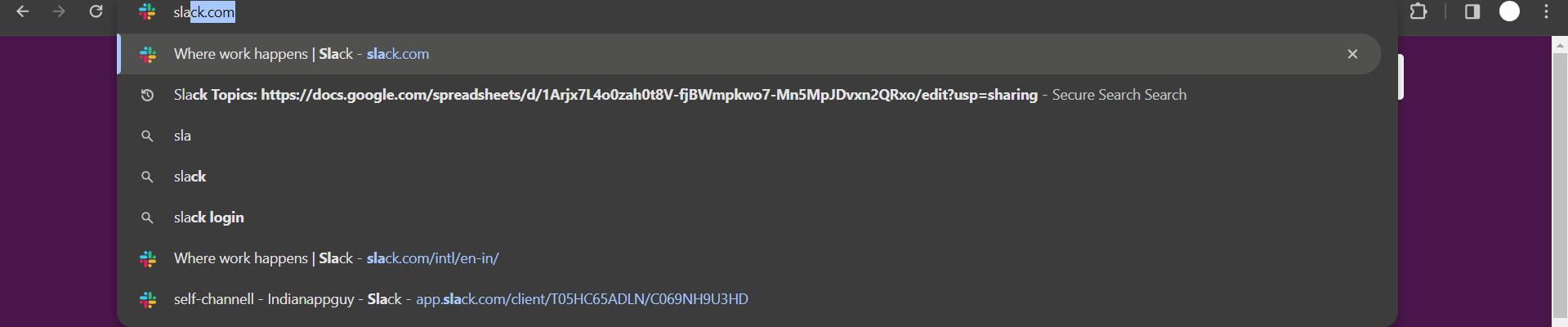
2. Log in:
If you're not already logged in, gain access to your workspace by entering your existing email address and password.
This authentication ensures a secure entry into your Slack domain, ready for customization.

3. Access Profile:
Once inside, direct your attention to the top-left corner where your workspace name resides.
A simple click opens up a menu where you'll find the gateway to your personalization options: "Profile & account." Navigate there to delve into your account settings.
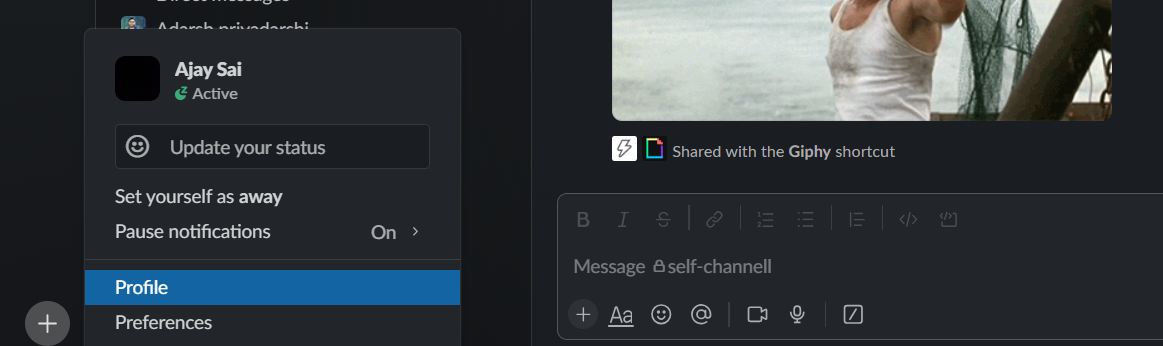
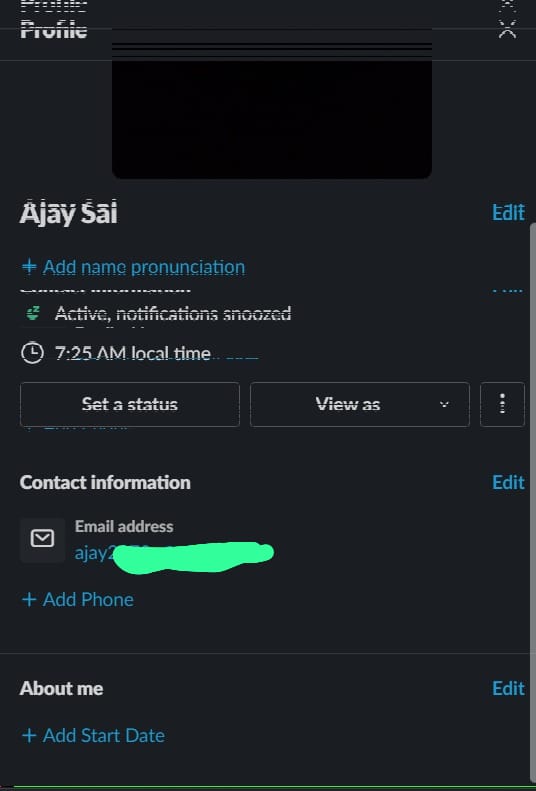
4. Edit Profile:
With "Profile & account" at your fingertips, the next destination is the "Edit profile" button.
This crucial button may be positioned conveniently near your profile picture or tucked away under a discreet "More" menu, depending on your Slack version.
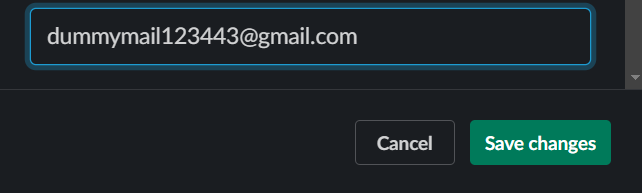
5. Change Email:
Within the realm of profile editing, pinpoint the field displaying your current email address.
Execute the change by deleting the old email and introducing the new one. This transformation aligns your Slack identity with your current email status.
6. Verify and Update:
Security is paramount in the digital realm, and Slack ensures the integrity of your account modifications.
Expect a confirmation email in your new inbox, guiding you through the verification process. Once confirmed, your Slack account stands updated and synchronized with the new email, ensuring a seamless and secure user experience.
After updating your Slack email ID, keep your team informed by setting up Google Form notifications in Slack. This will ensure you receive real-time alerts whenever someone submits a Google Form, improving your workflow.
Conclusion:
As we navigate the dynamic realm of digital workspaces, maintaining accurate account information becomes paramount. By effortlessly changing your Slack email, you stay synchronized with your professional identity.
The process is user-friendly, ensuring that as you adapt to new horizons, your collaboration hub evolves with you.
Keep your Slack account seamlessly integrated, reflecting the agility and adaptability essential in today's fast-paced work environments.
Frequently Asked Questions:
How do I access my profile settings in Slack?
Click on your workspace name in the top-left corner, then select "Profile & account" from the menu.
Where can I find the "Edit profile" button?
Look for it near your profile picture or under a "More" menu, adapting to your Slack version.
What happens after changing my email address in Slack?
Slack will send a confirmation email to your new address; verify to complete the update process.


