Adapting Presentations for Different Cultural Audiences: A Comprehensive Guide


Learn how to adapt presentations for different cultural audiences with key strategies and AI-powered tools like MagicSlides.app for seamless, professional presentations.
In today's globalized world, delivering presentations to culturally diverse audiences has become the norm. Whether you're presenting in an international business meeting, an academic conference, or a multinational company, adapting presentations for different cultural audiences is essential for effective communication.
A well-adapted presentation helps bridge cultural gaps, ensures clear messaging, and enhances audience engagement. This blog will explore key strategies for adapting presentations to different cultural backgrounds and how you can create culturally sensitive presentations efficiently using MagicSlides.app.
Why Cultural Adaptation Matters in Presentations
Every culture has unique ways of processing information, interpreting messages, and responding to visual and verbal cues. A one-size-fits-all approach may lead to misinterpretation, reduced engagement, or even offense in some cases. Understanding and respecting cultural differences allows presenters to:
- Build stronger connections with their audience
- Improve comprehension and message retention
- Avoid miscommunication and cultural faux pas
- Increase audience engagement and participation
Key Strategies for Adapting Presentations for Different Cultural Audiences
1. Understand Your Audience’s Cultural Background
Before crafting a presentation, research the cultural norms and communication styles of your audience. Consider:
- Language and Dialects – Does your audience prefer English, or should you use translations?
- Communication Style – Are they direct (e.g., Americans, Germans) or indirect (e.g., Japanese, Chinese)?
- Formality Level – Should the presentation be highly professional (e.g., in Japan) or relaxed and interactive (e.g., in the USA)?
- Symbolism and Colors – Some colors or symbols may carry different meanings in various cultures.
Example: In Western cultures, direct eye contact is seen as a sign of confidence, while in some Asian cultures, prolonged eye contact can be considered impolite.
2. Use Appropriate Visuals and Colors
The visual design of your presentation should align with cultural preferences.
- Images and Icons: Ensure visuals are culturally appropriate. Avoid using gestures or symbols that may be misunderstood in different regions.
- Color Psychology: Colors have different cultural meanings. For example:
- Red symbolizes good luck in China but danger in Western cultures.
- White represents purity in the West but mourning in some Asian and African cultures.
- Green is associated with nature in the West but has religious significance in the Middle East.
- Text Alignment: Some cultures (like Arabic and Hebrew speakers) read right to left, so adjust slides accordingly.
3. Modify Content and Language
The way content is structured and presented should reflect cultural differences.
- Avoid Jargon and Slang: Keep your language simple and free from idioms or slang that may not translate well.
- Use Universal Examples: Instead of region-specific references, use globally recognized analogies.
- Adapt Humor Cautiously: Some cultures appreciate humor in presentations, while others prefer a more formal approach.
Example: A joke that works in the U.S. may not be understood in Japan, where presentations are often formal.
4. Adjust Verbal and Non-Verbal Communication
Cultural differences in tone, pace, and gestures can significantly impact how your message is received.
- Speaking Pace: Some cultures (e.g., Spanish and Italian speakers) speak faster, while others (e.g., Japanese and Nordic speakers) prefer a slower, more deliberate pace.
- Gestures: Be mindful of hand movements. A thumbs-up is positive in the U.S. but offensive in some Middle Eastern countries.
- Tone of Voice: In some cultures, speaking loudly conveys enthusiasm, while in others, it may come across as aggressive.
5. Localize Data and Examples
Data should be presented in a way that makes sense to the audience:
- Date Formats: "04/07/2025" means July 4th in the U.S. but April 7th in the UK.
- Measurement Units: Use metric (kilograms, kilometers) for most countries, but imperial (pounds, miles) for the U.S.
- Currency and Financial Data: Convert figures to the local currency for better understanding.
Example: If presenting financial trends, a U.S. audience would expect USD ($), while a European audience would expect EUR (€).
How to Easily Adapt Presentations with MagicSlides.app
Creating culturally tailored presentations manually can be time-consuming. MagicSlides.app simplifies the process by using AI-powered tools to generate PowerPoint presentations quickly.
Steps to Use MagicSlides.app
- Visit MagicSlides.app – Open your web browser and go to MagicSlides.app.
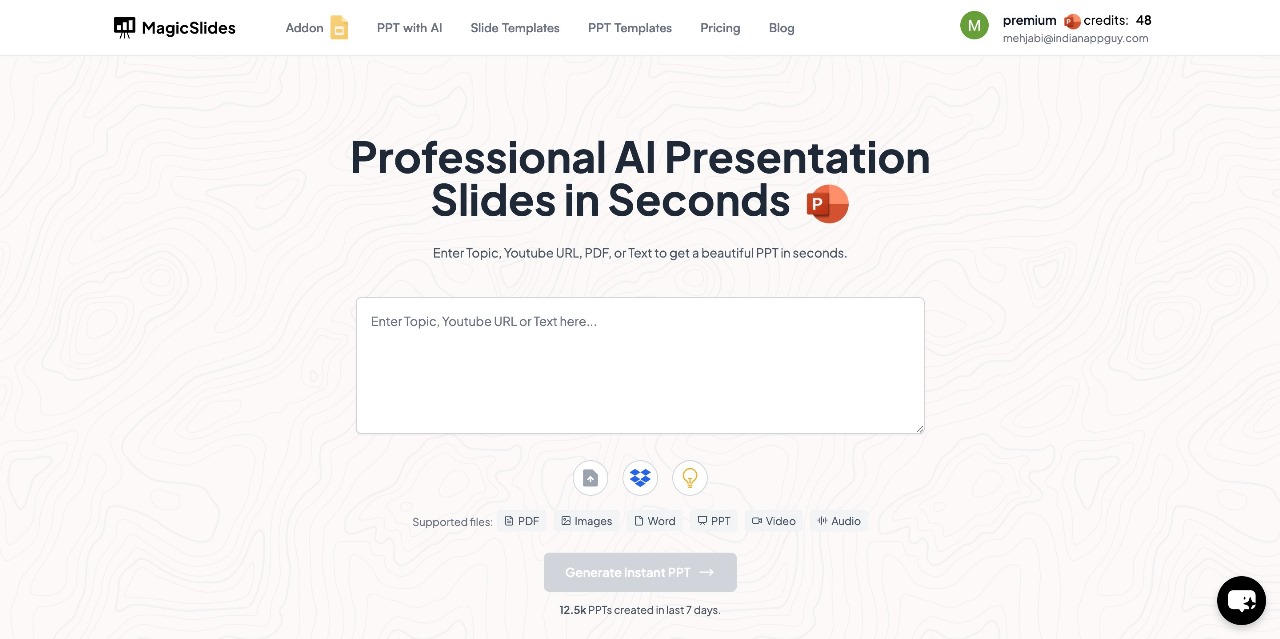
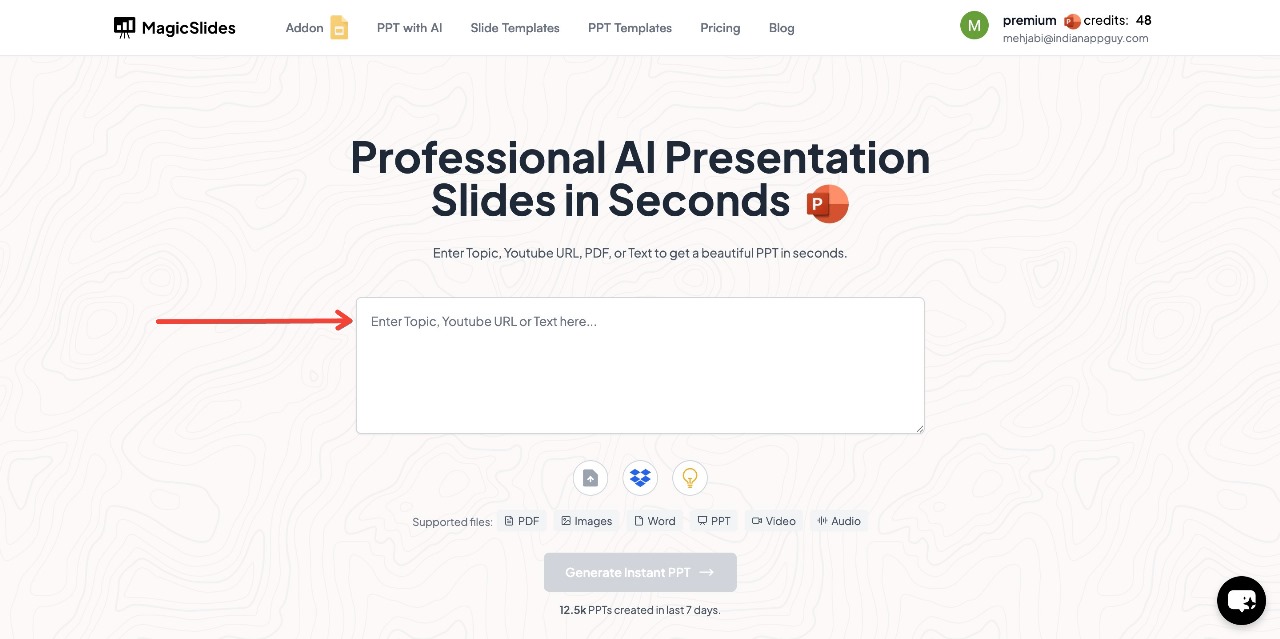
- Enter Your Topic – Type in the subject or title of your presentation in the provided space.
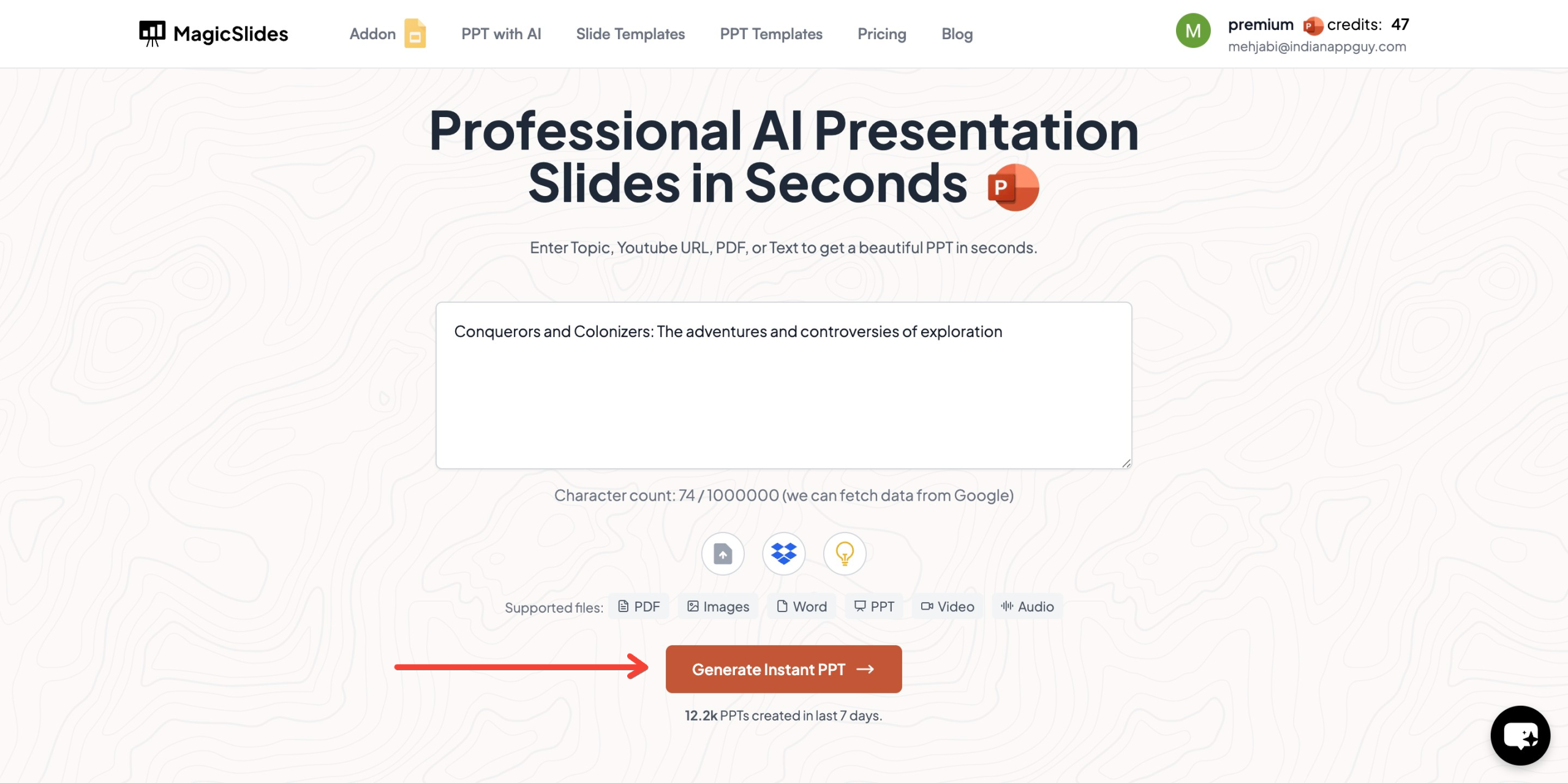
- Click "Generate Instant PPT" – The AI will start creating slides based on your topic.
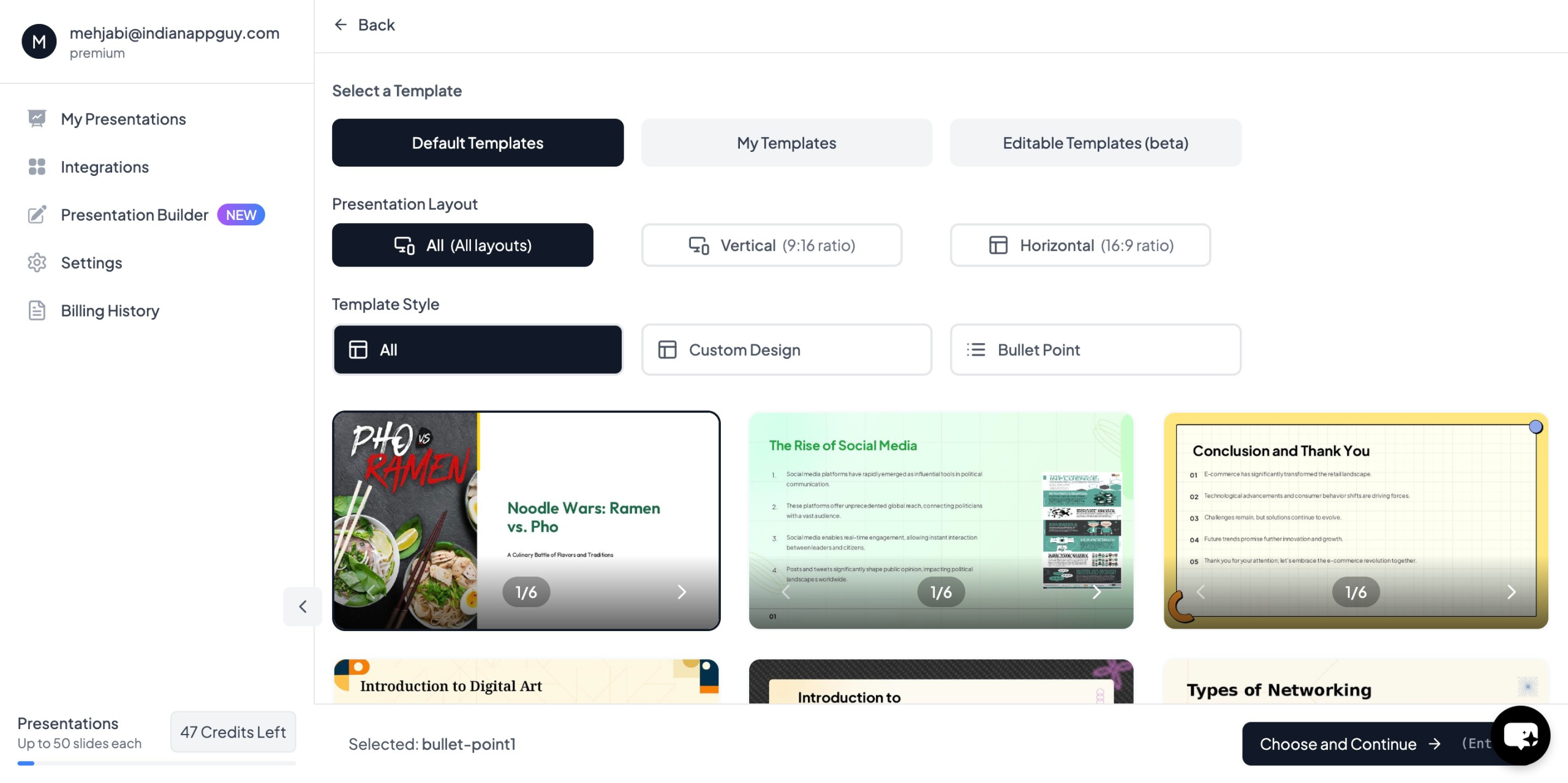
- Choose Your Template – Select a design that suits your presentation and choose the number of slides as prompted.
- Click "Start Generation" – The AI will process your input and begin creating slides.
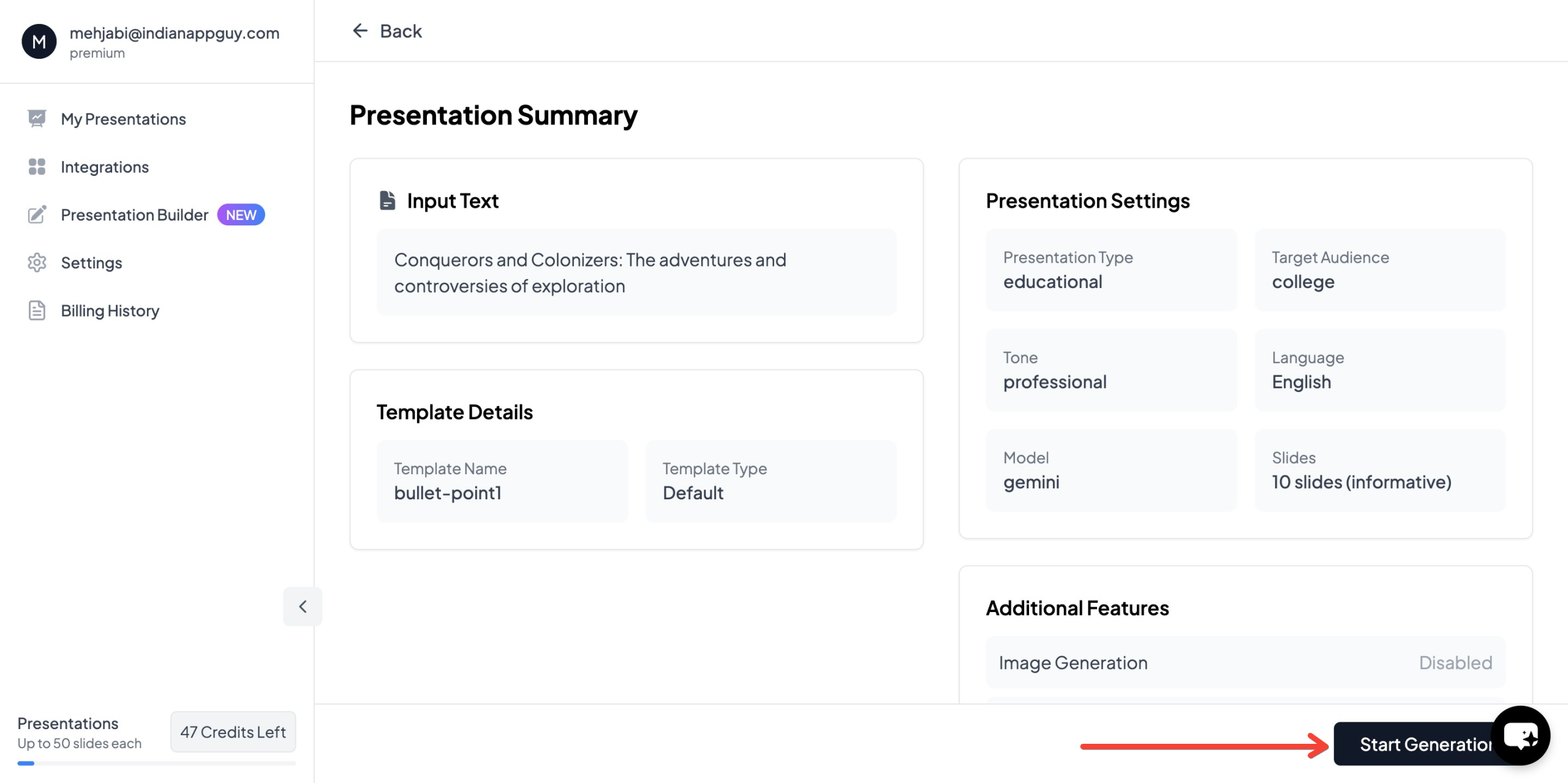
- Your Presentation is Ready – Within seconds, your AI-generated PowerPoint will be complete with structured content and relevant images.
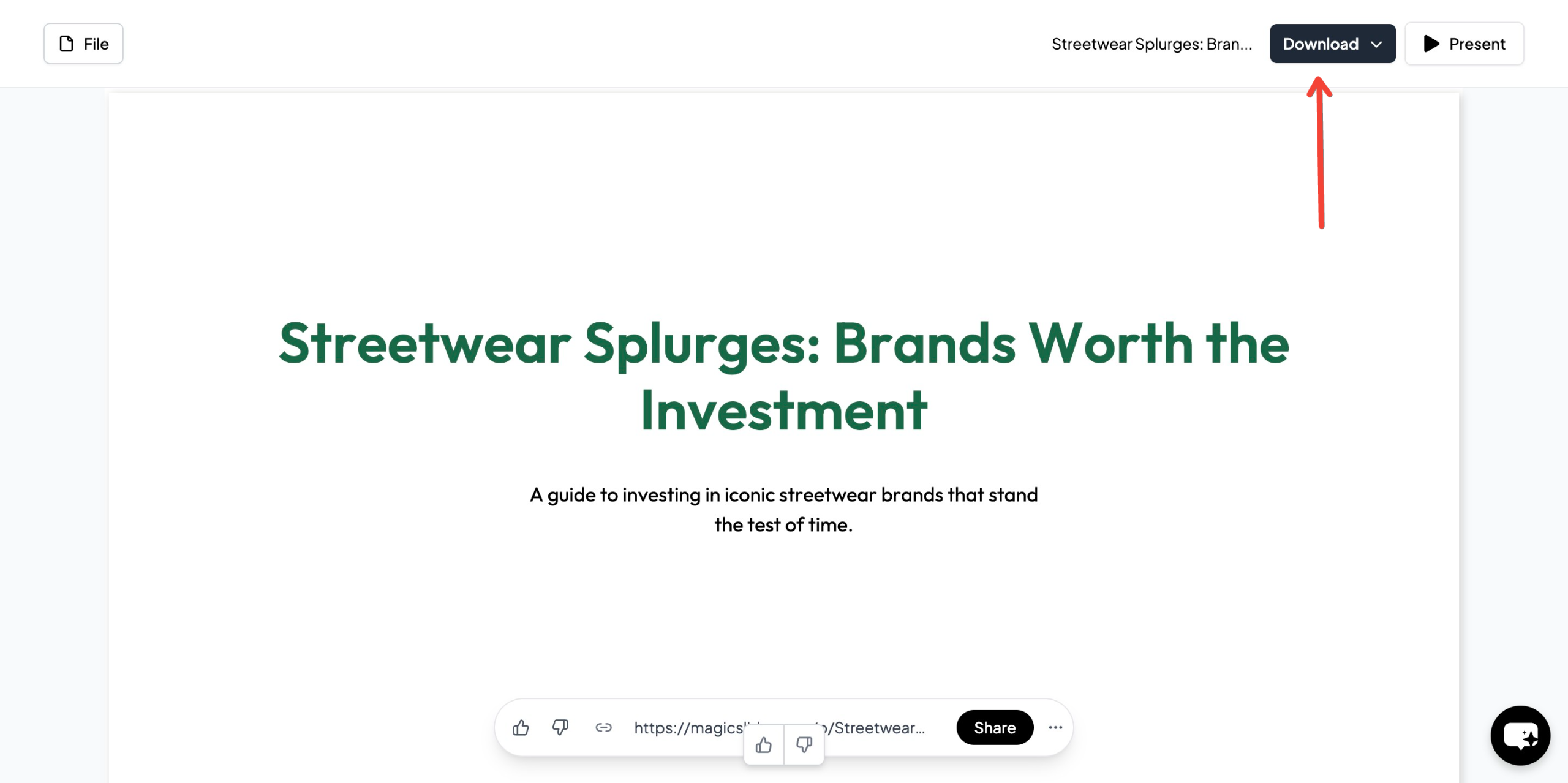
This AI-powered approach saves time, ensures professional quality, and helps you quickly adapt your presentation for different cultural audiences.
MagicSlides.app Pricing & Plans
MagicSlides offers flexible pricing plans for different needs:
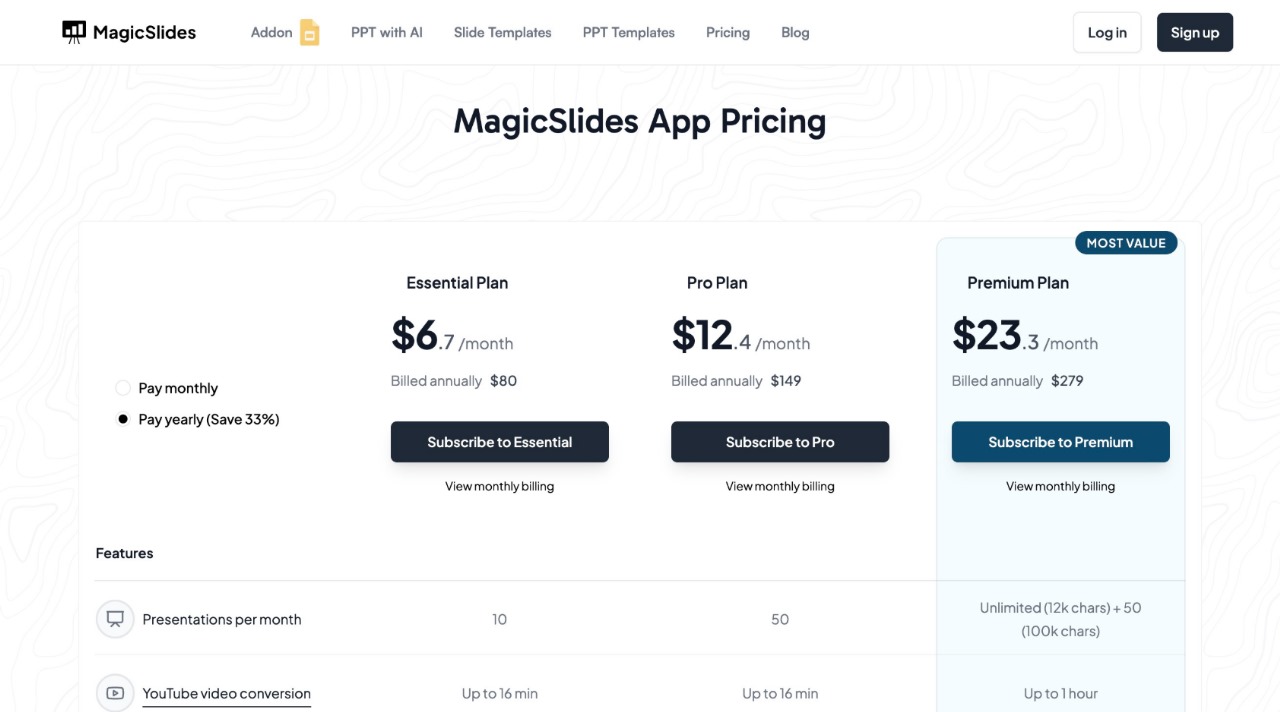
For more details, visit MagicSlides.app and choose the plan that best suits your presentation needs.
Final Thoughts
Adapting presentations for different cultural audiences is crucial in today’s interconnected world. By understanding cultural preferences in language, visuals, humor, and communication styles, you can create engaging and meaningful presentations that resonate with diverse audiences.
With MagicSlides.app, you can generate AI-powered presentations instantly, saving time while ensuring cultural adaptability and professional quality. Try it today and take your presentations to the next level.


