Can you link Google Docs to Google Slides


Learn how to dynamically link Google Docs content to Google Slides for seamless updates and integration
Yes, you can link Google Docs to Google Slides, allowing for seamless integration and updating between your documents and presentations.
This is especially useful when you want to include text, tables, or data from a Google Doc into a Google Slides presentation while maintaining a dynamic connection.
This guide explains how to link Google Docs content to Google Slides step by step.
Can You Link Google Docs to Google Slides? | Steps to Link Google Docs to Google Slides
Step 1: Open Your Google Docs File
Open the Google Docs file that contains the content you want to link to your Google Slides.
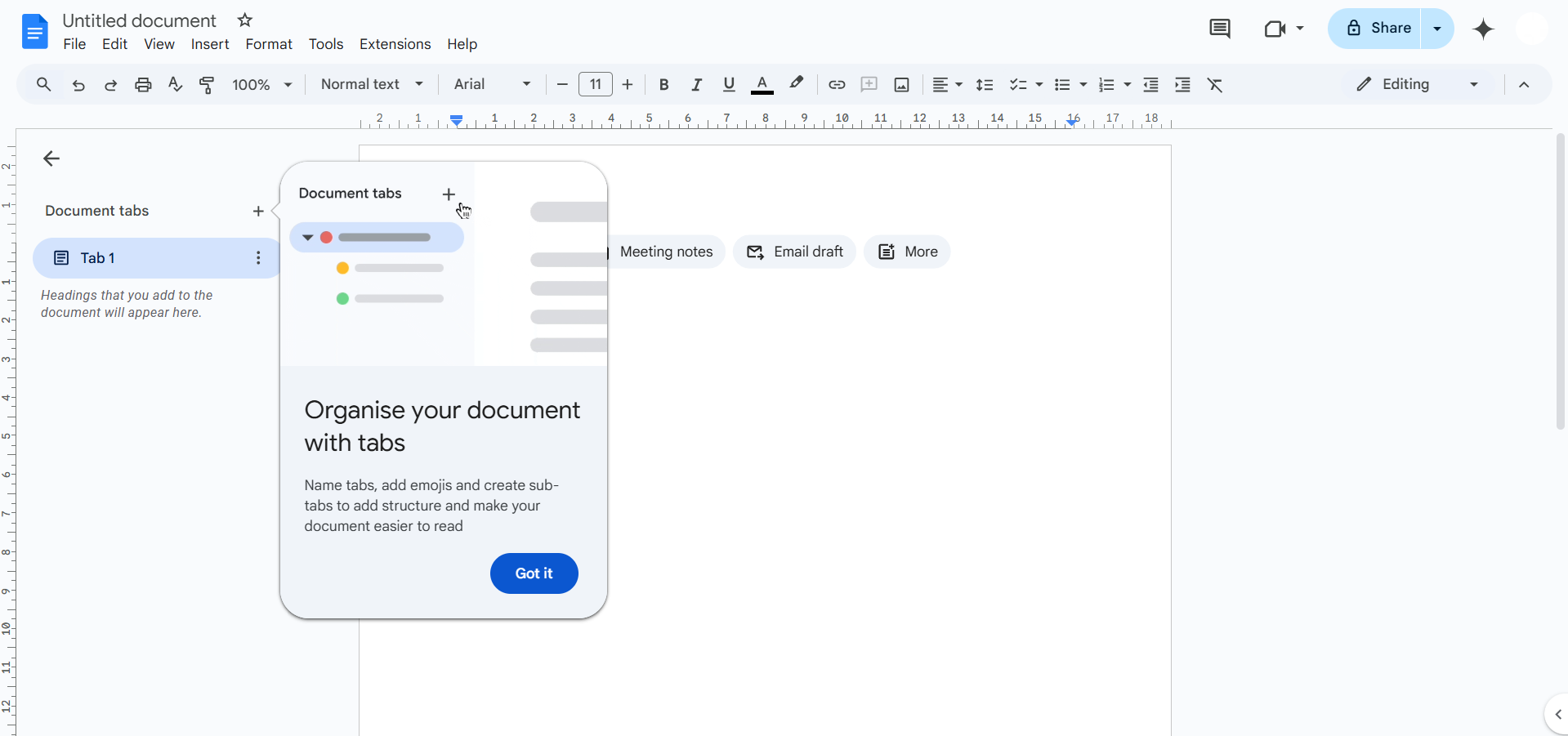
Identify the text, table, or data you wish to transfer and link.
Step 2: Copy the Content from Google Docs
Highlight the specific content (text, tables, or images) in your Google Docs file.
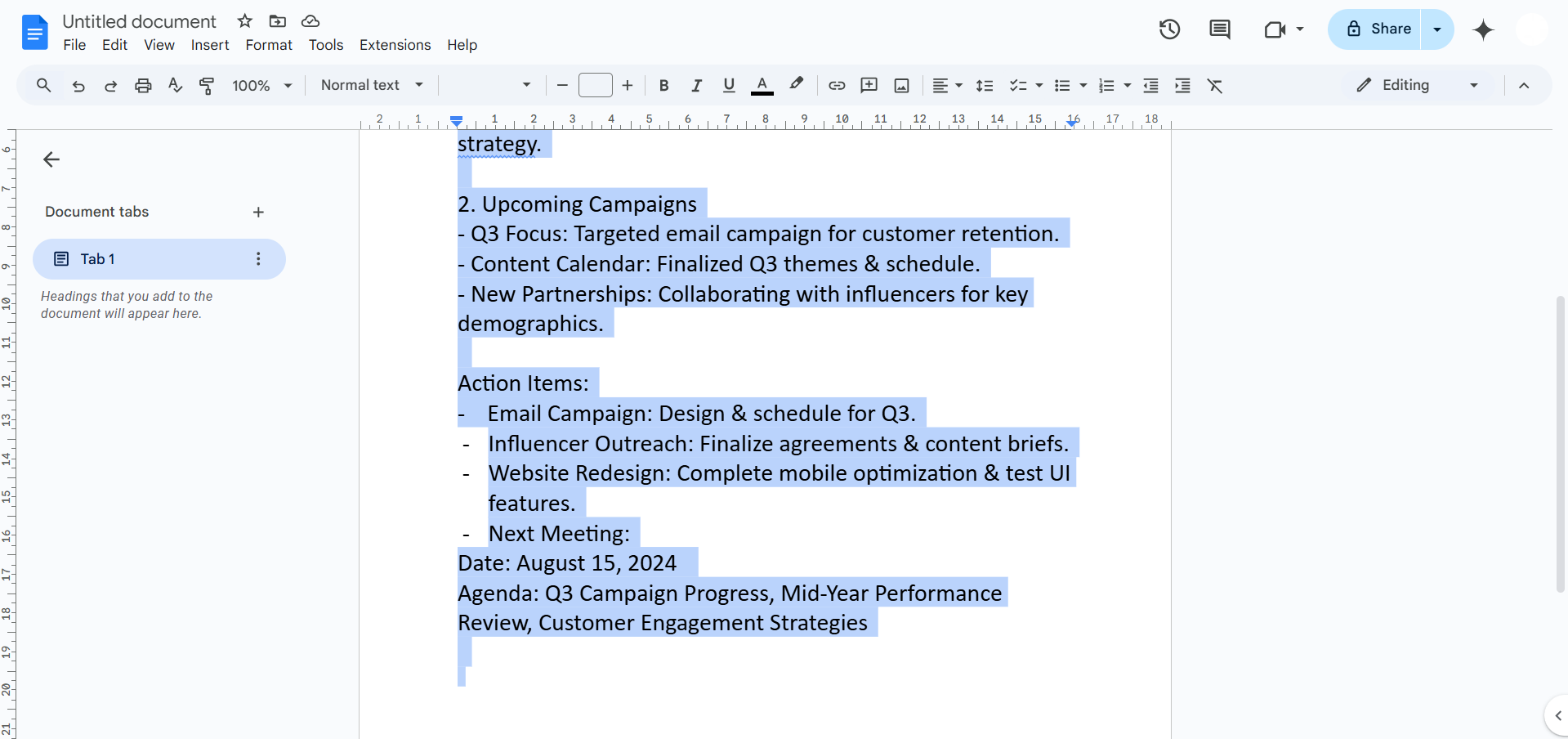
Right-click on the highlighted content and select “Copy.” Alternatively, use Ctrl + C (Windows) or Cmd + C (Mac) to copy it.
Step 3: Open Your Google Slides Presentation
In a new tab, open the Google Slides presentation where you want to insert the linked content.
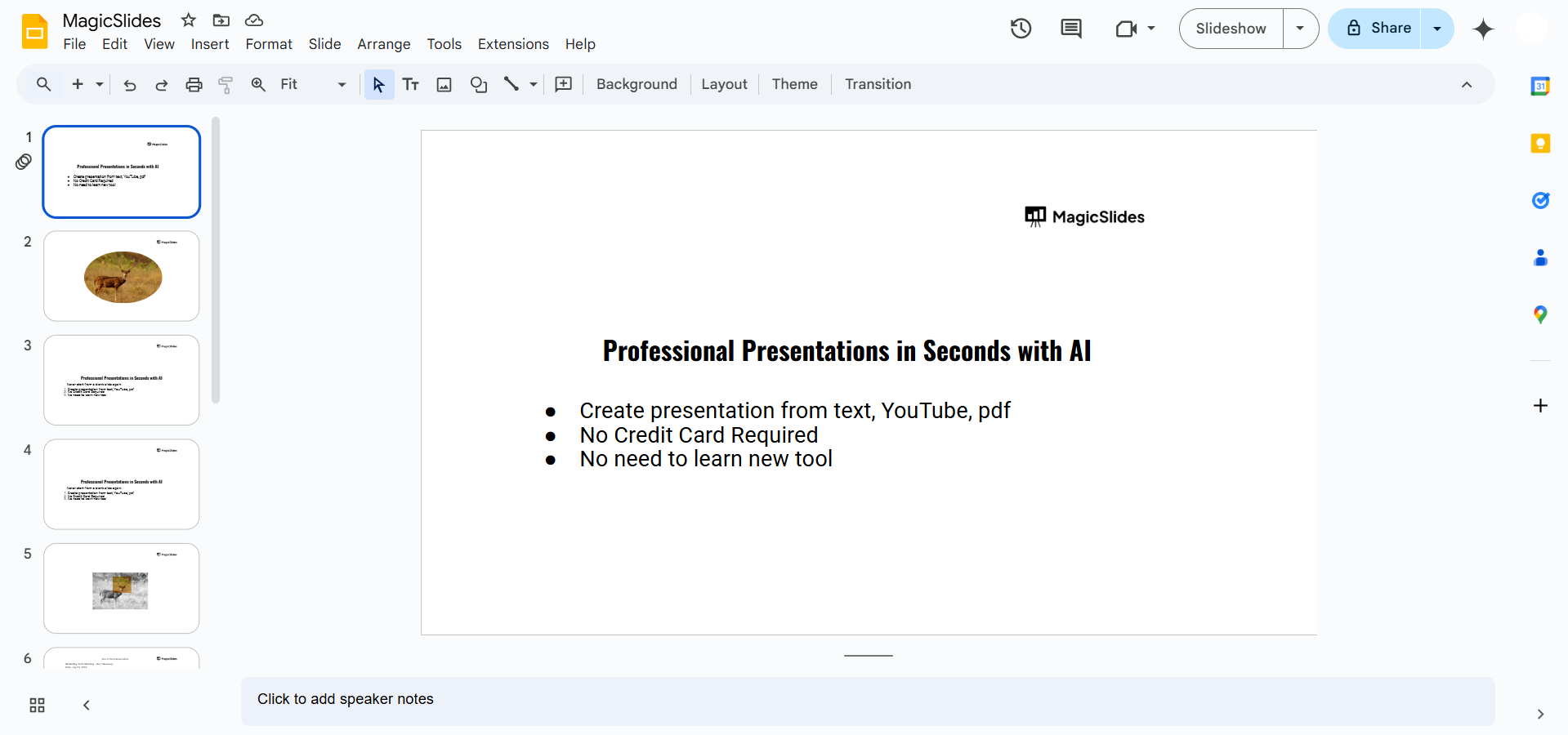
Navigate to the specific slide where you want to place the content.
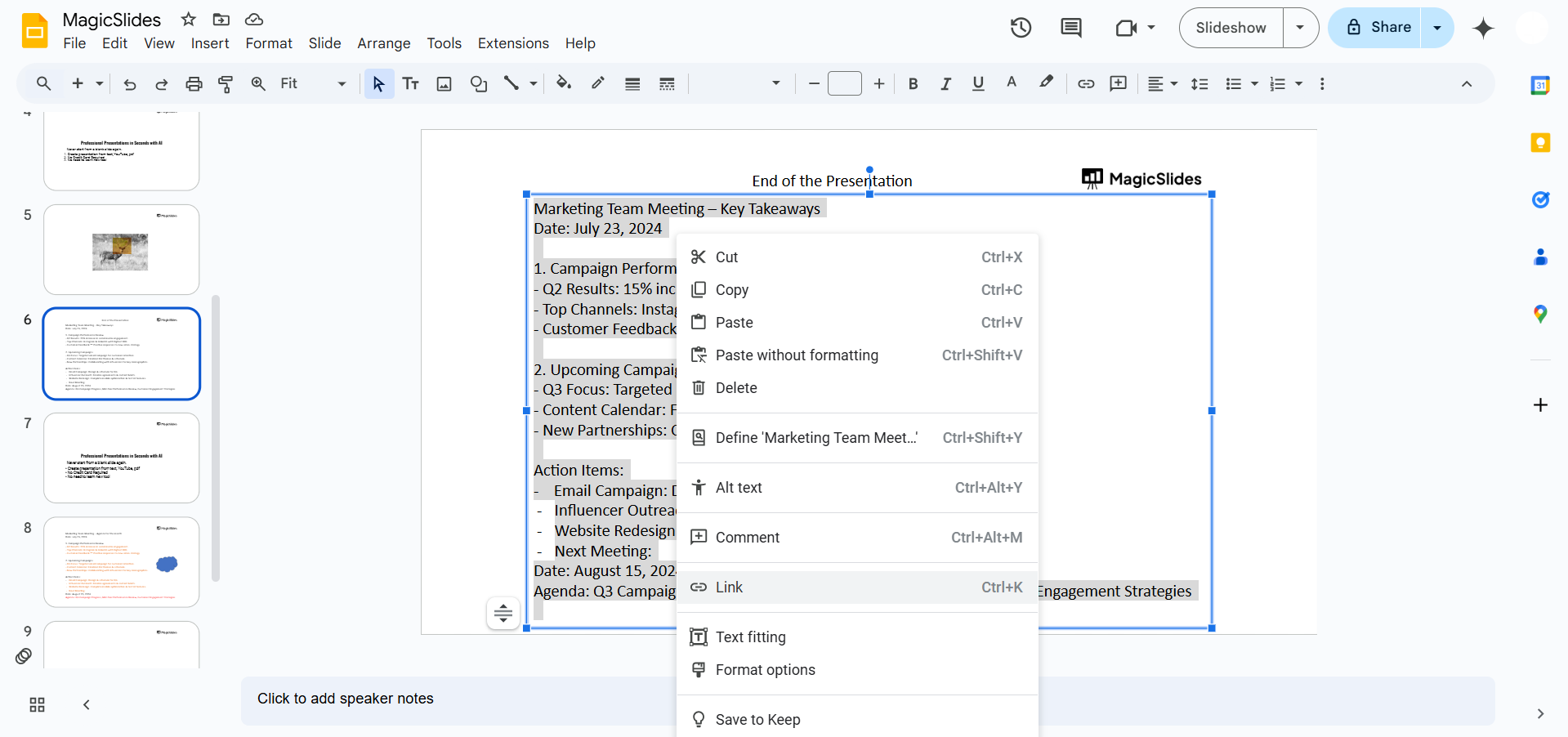
Step 4: Paste the Content with a Link
Right-click on the slide and select “Paste.”
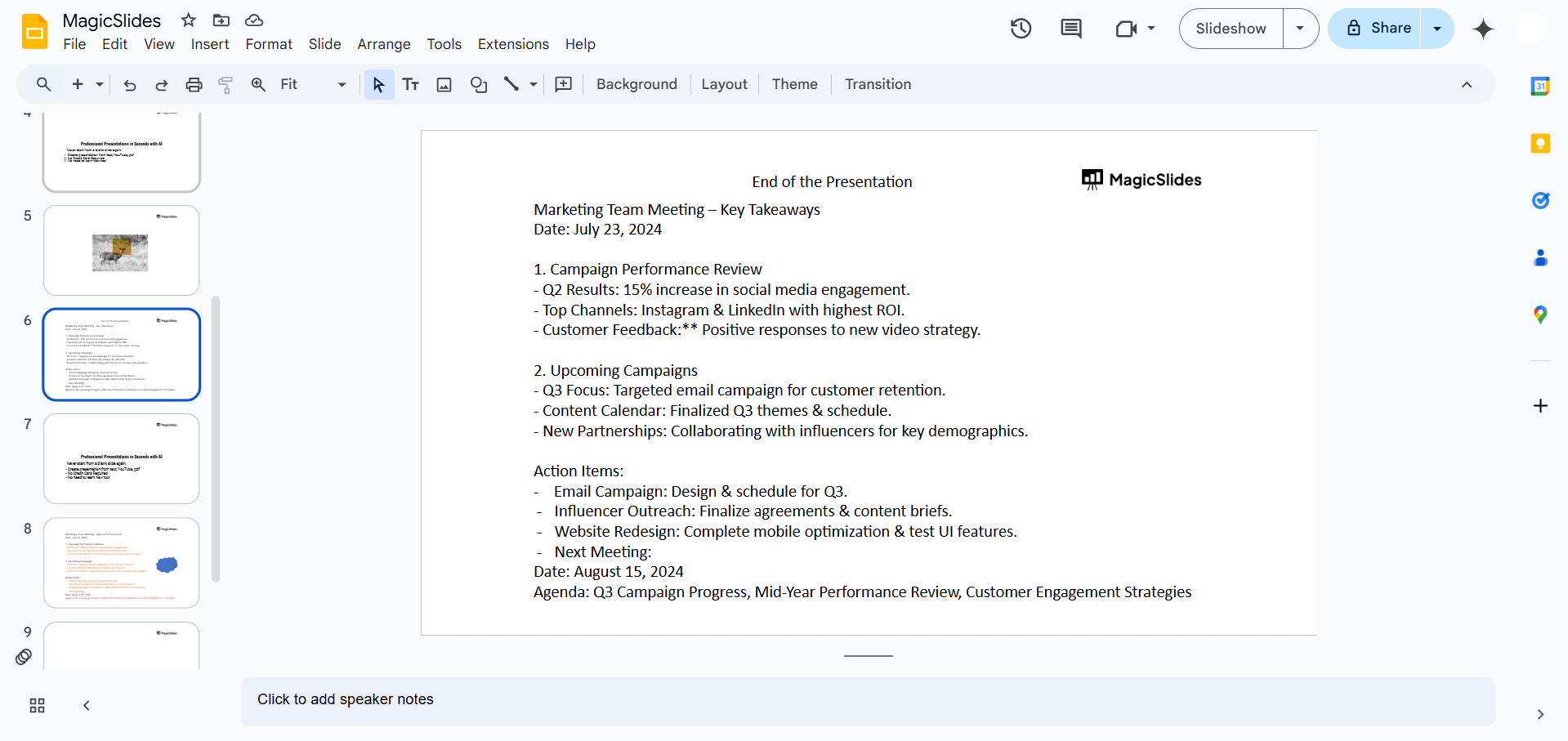
When prompted with the option to link, select “Link to source.” This creates a dynamic link between the content in Google Docs and Google Slides.
Step 5: Update Linked Content
Whenever the content in the Google Docs file changes, open your Google Slides presentation.
A notification will appear in the linked slide, prompting you to “Update.” Click the button to sync the changes from Google Docs into Google Slides.
Conclusion
Linking Google Docs to Google Slides is a powerful way to integrate and update content dynamically across your documents and presentations.
This method ensures your presentations stay consistent with any updates in the source document, saving time and maintaining accuracy.
Follow these steps to optimize your workflow and keep your projects organized.
FAQs on Linking Google Docs to Google Slides
Can I link images from Google Docs to Google Slides?
Yes, images can be linked, but they will require manual updating if changed in the source.
Will formatting changes in Google Docs reflect in Google Slides?
Yes, when you update linked content, formatting changes in Google Docs will apply to Google Slides.
Can I link multiple sections from one Google Doc to different slides?
Yes, you can copy and paste different sections separately and link them to specific slides.
By following this guide, you’ll efficiently link Google Docs to Google Slides, ensuring dynamic updates and improved productivity!


