Top 12 PowerPoint Alternatives Compared – Find the Best Presentation Tool


Explore the top 12 PowerPoint alternatives compared in detail. Find the best tool for your needs with AI-powered, cloud-based, and design-friendly options.
Microsoft PowerPoint has been the go-to presentation software for decades, but it’s not the only option available in the market. There are plenty of PowerPoint alternatives available for you, whether looking for an AI- powered tool, a cloud-based solution, or more design-oriented alternatives.
In this blog, we will compare 12 top alternatives to PowerPoint and also highlight their features, pricing, and best use cases. Additionally, we will introduce you to an advanced AI-generated PPT solution. It is a smart AI-powered presentation tool that simplifies slide creation with just a few clicks.
Let us compare the top PowerPoint alternatives.
Why Look for PowerPoint Alternatives?
There are many users whose work is completely dependent on presentations. And I have seen how this also helps in business presentations and makes people stay away from the clutter.
- AI-Powered Automation: AI presentation slides by automated software available in the market help in generating slides with a few clicks.
- Cloud Collaboration: Platforms like Google Slides and Prezi allow real-time collaboration.
- More Design Flexibility: Some alternatives provide better templates and customization options.
- Cost Considerations: PowerPoint is part of the Microsoft Office suite, which may be expensive for some users.
Let’s explore the 12 best PowerPoint alternatives available today.
Top 12 PowerPoint Alternatives Compared
1. MagicSlides.app – AI-Powered Presentation Generator
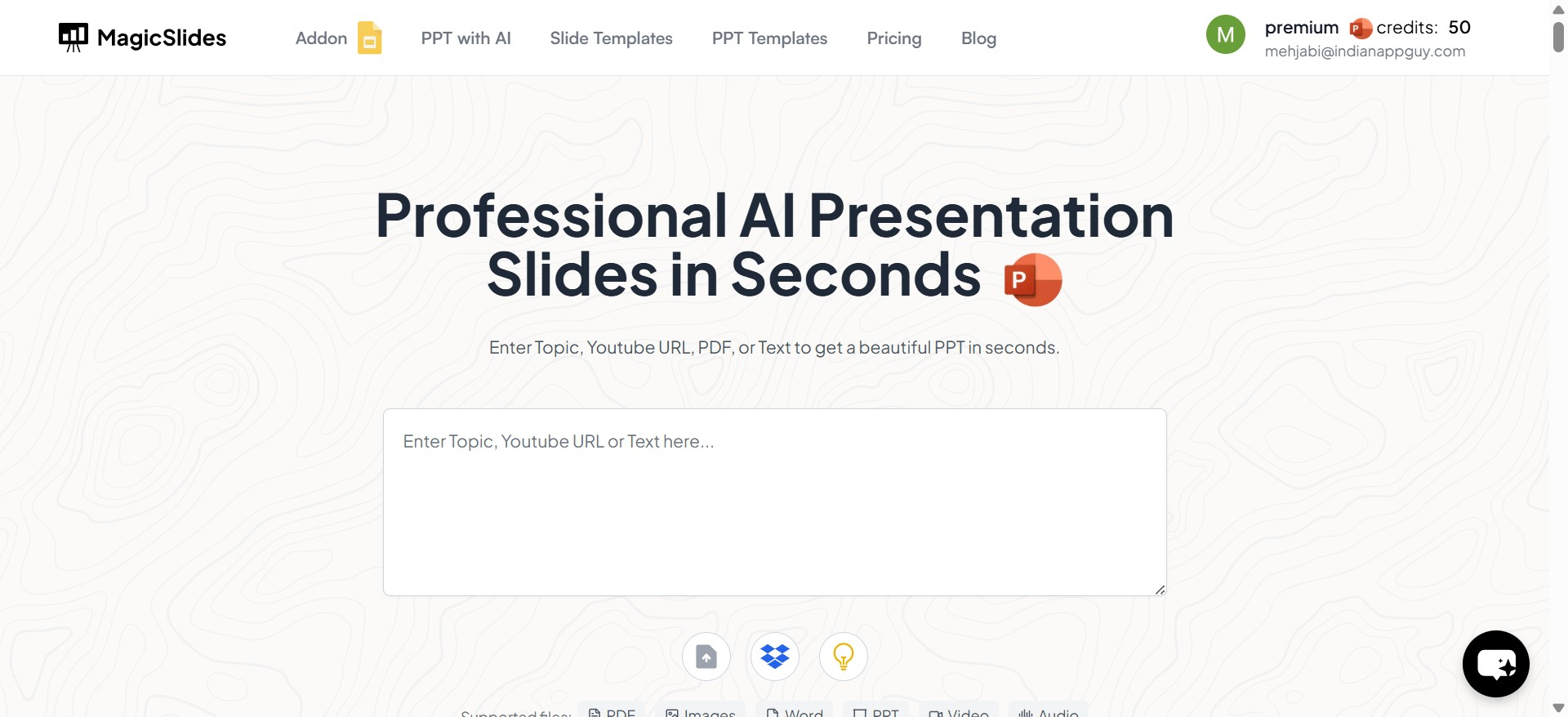
This tool ranks as the best presentation AI tool of 2026 for Instant AI-generated presentations
It is an AI-driven tool that automates PowerPoint creation. It allows users to generate high-quality presentations instantly by simply entering a topic. It’s ideal for students, professionals, and businesses that need quick and well-structured slides.
How to Use MagicSlides.app:
- Visit the application hompage
- Enter your topic in the given space
- Click "Generate Instant PPT"
- Choose a free PPT templates and specify the number of slides
- Fill in additional details as prompted
- Click "Generate Instant PPT" and your presentation will be ready
Pricing Plans for Application
| Plan | Monthly Billing | Annual Billing | Key Features |
|---|---|---|---|
| Essential | $6.7/month | $80/year | 10 presentations/month, up to 10 slides, AI text generation, and Google data integration |
| Pro | $12.4/month | $149/year | 50 presentations/month, up to 15 slides, AI images, YouTube conversion (16 min), and Zapier integration |
| Premium | Contact for pricing | Contact for pricing | Unlimited slides (12k+ chars), 50 presentations (100k chars), AI images, 1-hour video conversion |
2. Google Slides
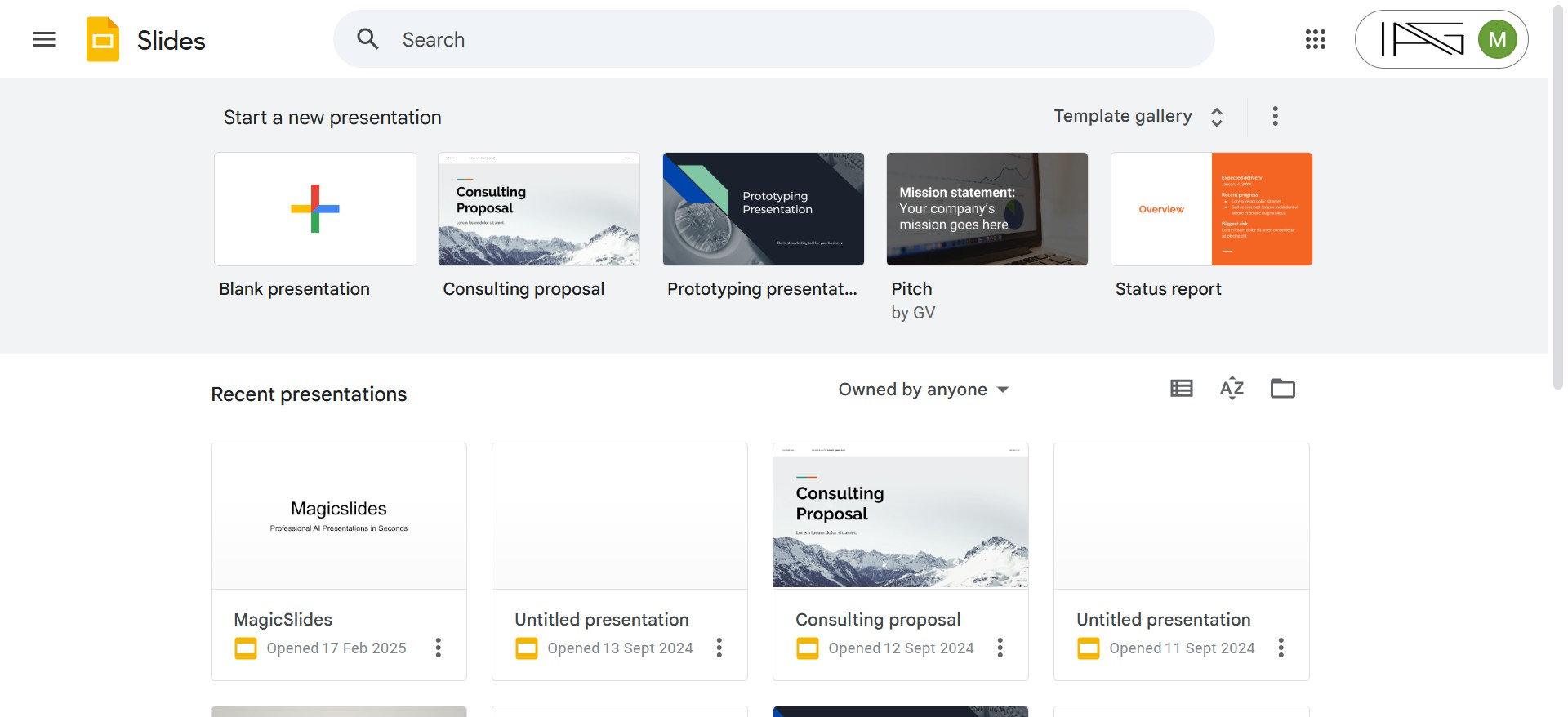
Best for: Cloud-based collaboration
Google Slides is a free, web-based alternative that allows real-time collaboration. It’s perfect for teams and students who need a free, easy-to-use presentation tool.
Pros: Free, auto-saves work, accessible from any device
Cons: Limited design features, requires internet connection
Pricing: Free with Google account
3. Canva
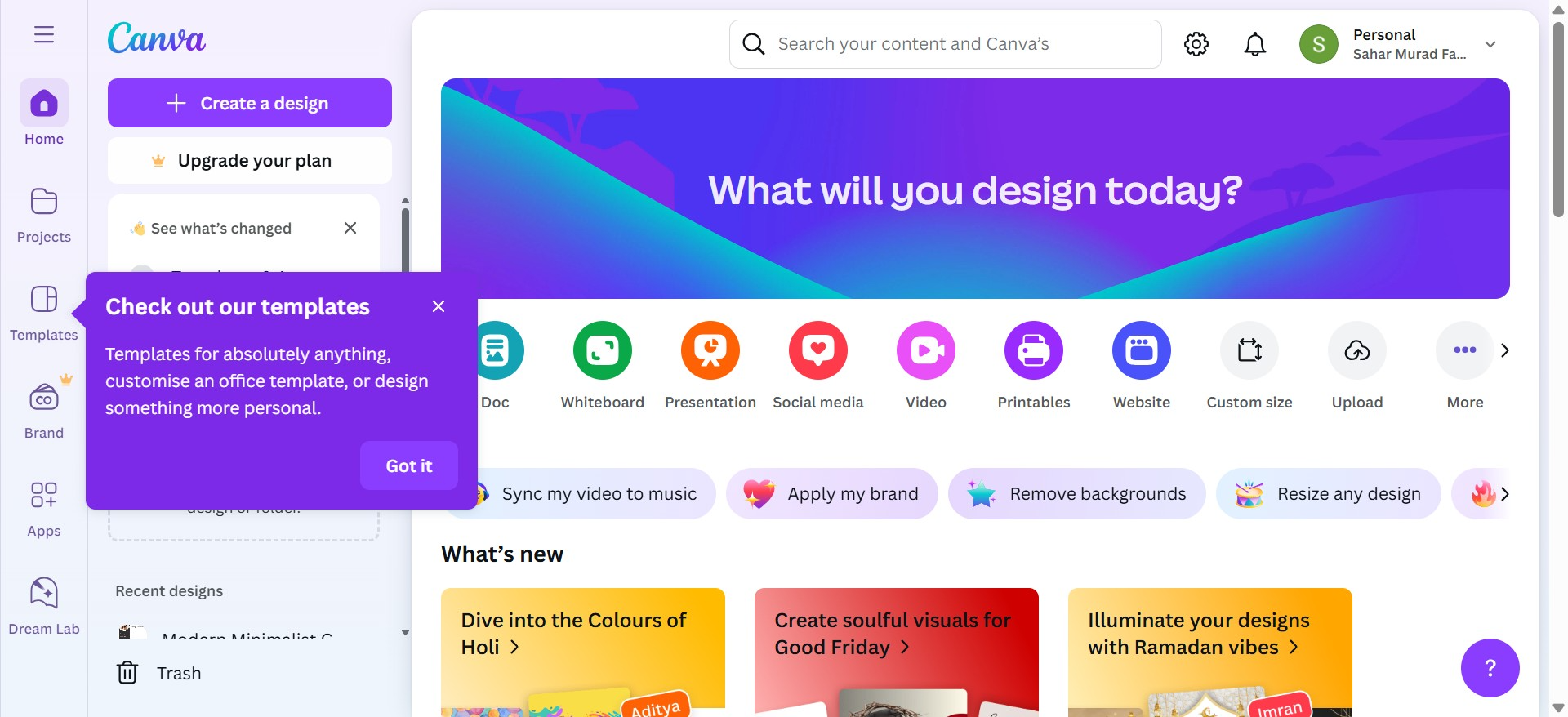
Best for: Visually appealing presentations
Canva is a graphic design platform with a powerful presentation tool. It offers drag-and-drop editing and thousands of professional templates.
✅ Pros: Great templates, easy design tools, free and paid plans
❌ Cons: Limited slide animations
Pricing: Free; Pro version starts at $12.99/month
4. Prezi
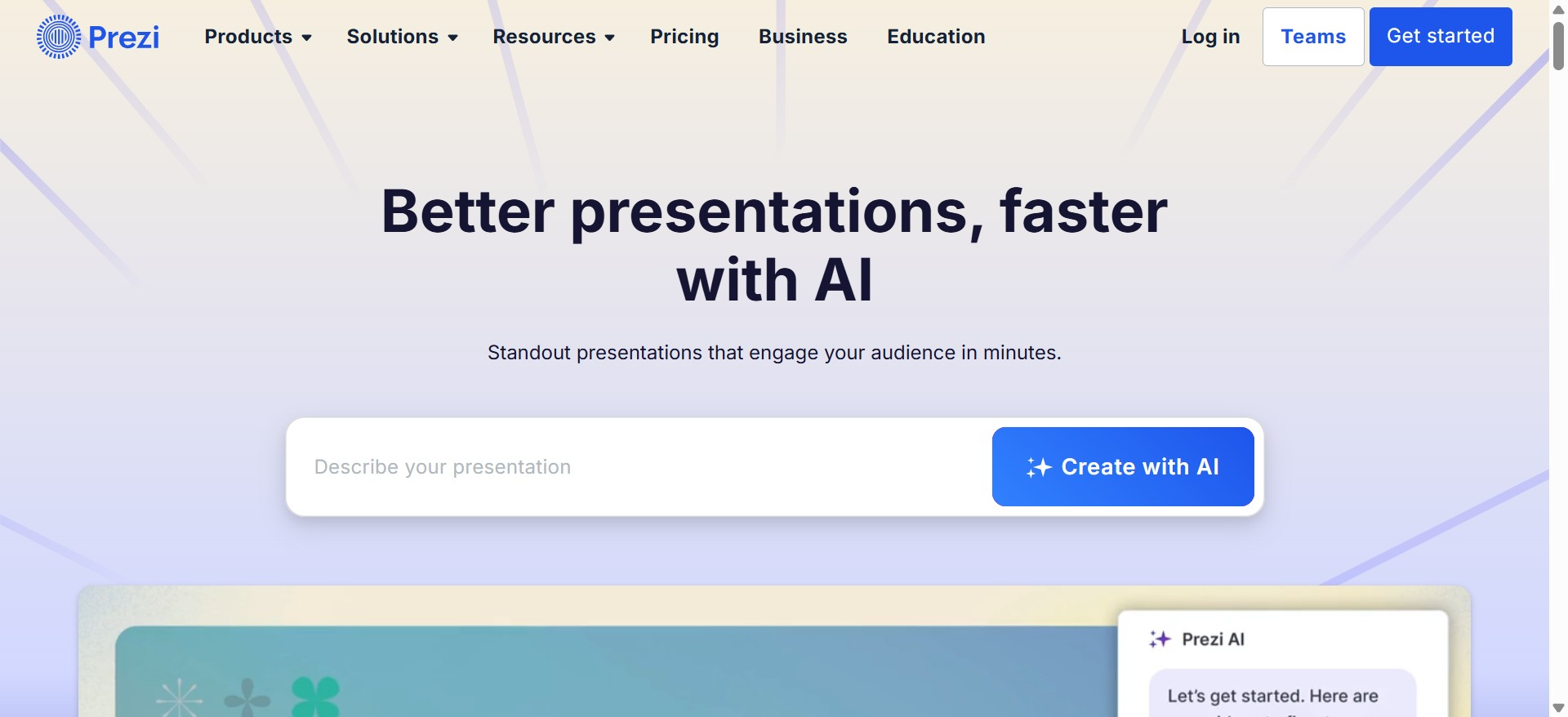
Best for: Dynamic, non-linear presentations
Prezi offers a unique zooming interface, making presentations more engaging and visually appealing.
✅ Pros: Interactive design, great for storytelling
❌ Cons: Takes time to learn
Pricing: Starts at $5/month
5. Zoho Show
Best for: Businesses and teams
Zoho Show is a cloud-based presentation tool with great collaboration features. It integrates with Zoho’s business suite.
✅ Pros: Free for individuals, integrates with Zoho tools
❌ Cons: Fewer templates
Pricing: Free for individuals, Business plans start at $2.50/user/month
6. Visme
Best for: Infographic-heavy presentations
Visme is great for creating interactive and infographic-based slides, making it ideal for marketers and educators.
✅ Pros: Rich in design elements, interactive presentations
❌ Cons: Limited free plan
Pricing: Free; Paid plans start at $12.25/month
7. Ludus

Best for: Designers and creative professionals
Ludus is a presentation tool designed for designers, offering better customization and integration with Sketch, Figma, and Adobe tools.
✅ Pros: Design-focused, modern UI
❌ Cons: Not ideal for beginners
Pricing: $14.99/month
8. Beautiful.ai

Best for: AI-powered automated design**
Beautiful.ai uses AI to automatically format slides, ensuring professional designs with minimal effort.
✅ Pros: AI-assisted design, time-saving
❌ Cons: Less customization
Pricing: Starts at $12/month
9. Powtoon
Best for: Animated video presentations
Powtoon is perfect for creating animated presentations and explainer videos.
✅ Pros: Great for marketing and training videos
❌ Cons: Steeper learning curve
Pricing: Free; Paid plans start at $19/month
10. Slidebean
Best for: Startups and business pitches
Slidebean uses AI to help users create investor-ready pitch decks quickly.
✅ Pros: AI-assisted formatting, ideal for businesses
❌ Cons: Limited customization
Pricing: Starts at $8/month
11. Haiku Deck
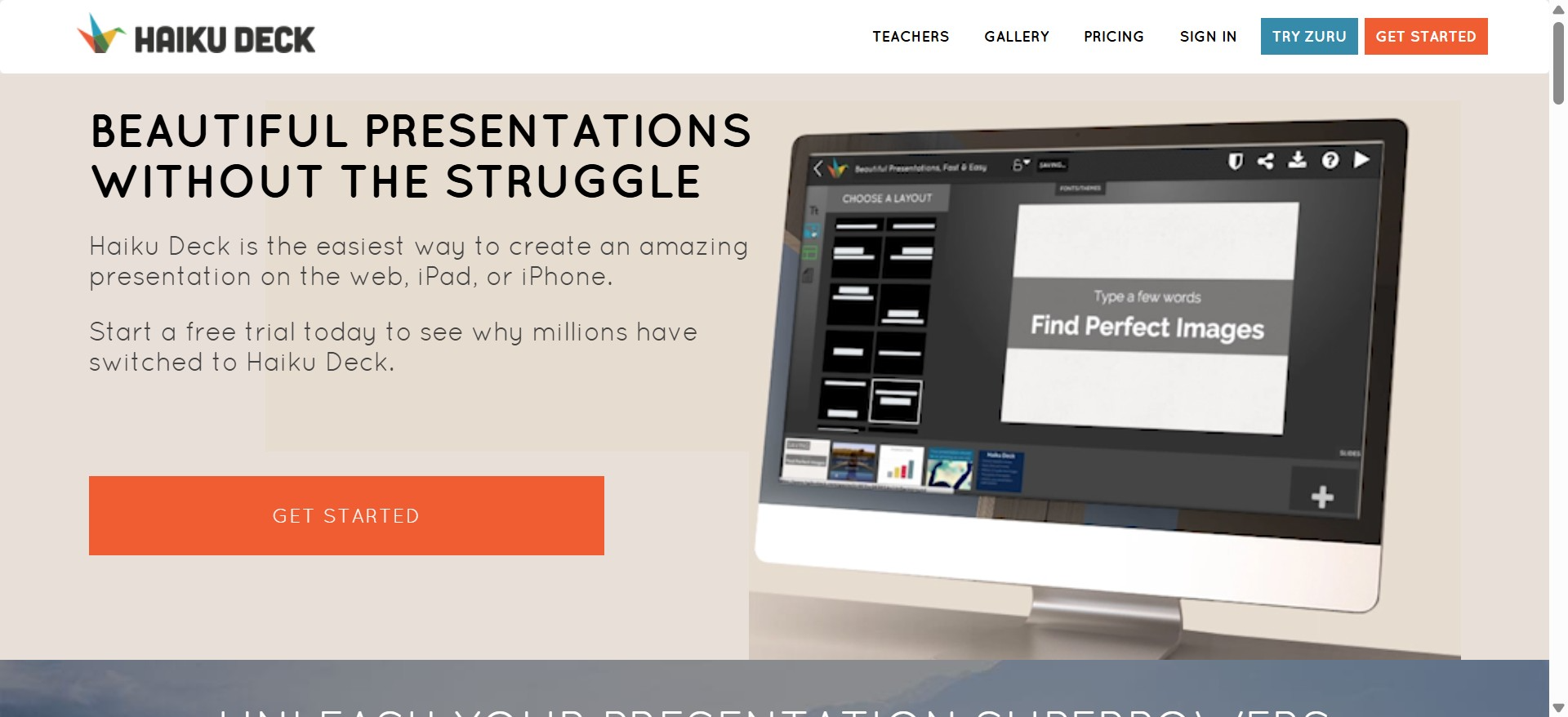
Best for: Simple, image-based presentations
Haiku Deck focuses on minimalist, visually appealing slides with large images and limited text.
✅ Pros: Great for storytelling
❌ Cons: Limited features
Pricing: Starts at $9.99/month
12. Keynote
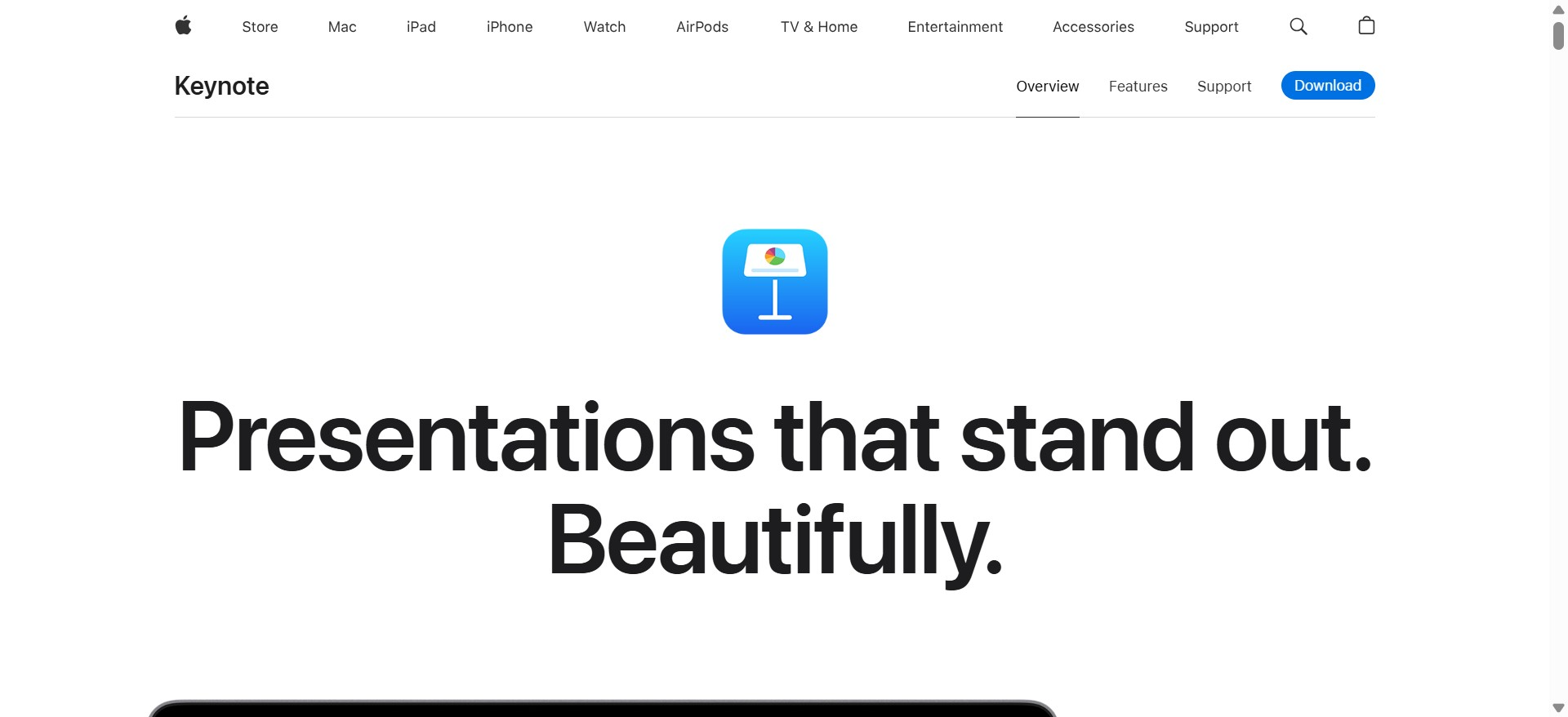
Best for: Apple users
Keynote is Apple’s answer to PowerPoint, offering a sleek and intuitive design experience.
✅ Pros: Free for Mac users, professional design tools
❌ Cons: Limited Windows compatibility
Pricing: Free for macOS users
Which PowerPoint Alternative Should You Choose?
Choosing the right PowerPoint alternative depends on your specific needs. Whether you prefer AI-powered automation, cloud collaboration, visual storytelling, or animated slides, there are plenty of great options available.
If you need quick and professional slides, an AI-driven tool that can help you generate presentations effortlessly. On the other hand, if you prefer customization and design flexibility, tools like Canva, Visme, or Ludus might be a better fit.
Ultimately, the best tool is the one that aligns with your workflow, budget, and presentation style. Explore these options, try a few out, and find the one that makes your presentations more effective and engaging.


