How do you a Summary Slide on Google Slides


Create a powerful summary slide in Google Slides to recap key points and engage your audience
A summary slide is a concise way to recap the key points of your presentation.
It helps your audience remember the most important information and leaves a lasting impression.
This guide provides step-by-step instructions on how to create a professional summary slide in Google Slides, ensuring your presentation ends on a strong note.
How Do You Create a Summary Slide on Google Slides? | Steps to Create a Summary Slide in Google Slides
Step 1: Open Your Google Slides Presentation
Log in to your Google account and open the presentation you want to enhance with a summary slide.
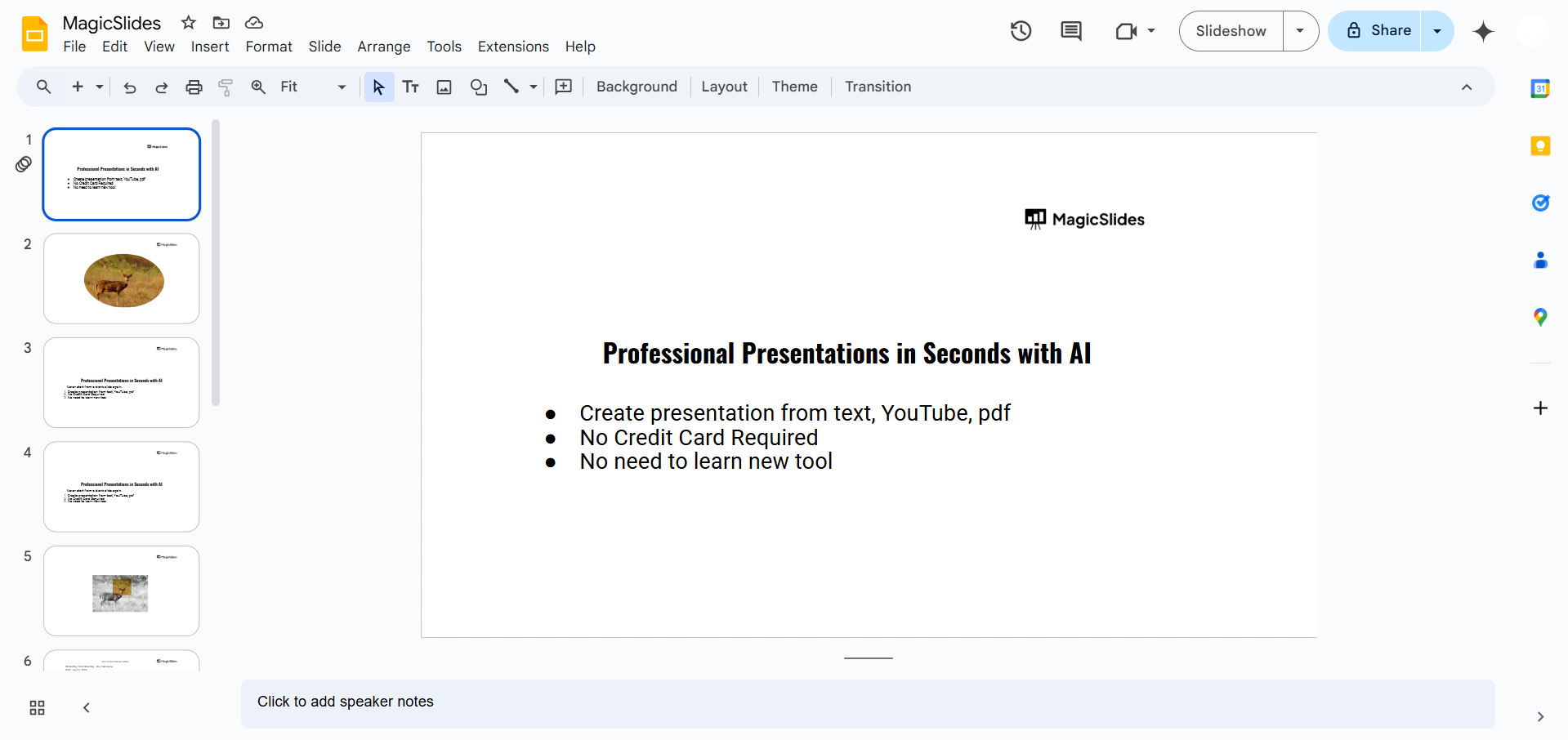
Navigate to the slide navigation pane on the left-hand side.
Step 2: Insert a New Slide
Click the “+” (Add Slide) button in the toolbar, or go to the menu bar and select Slide > New Slide.
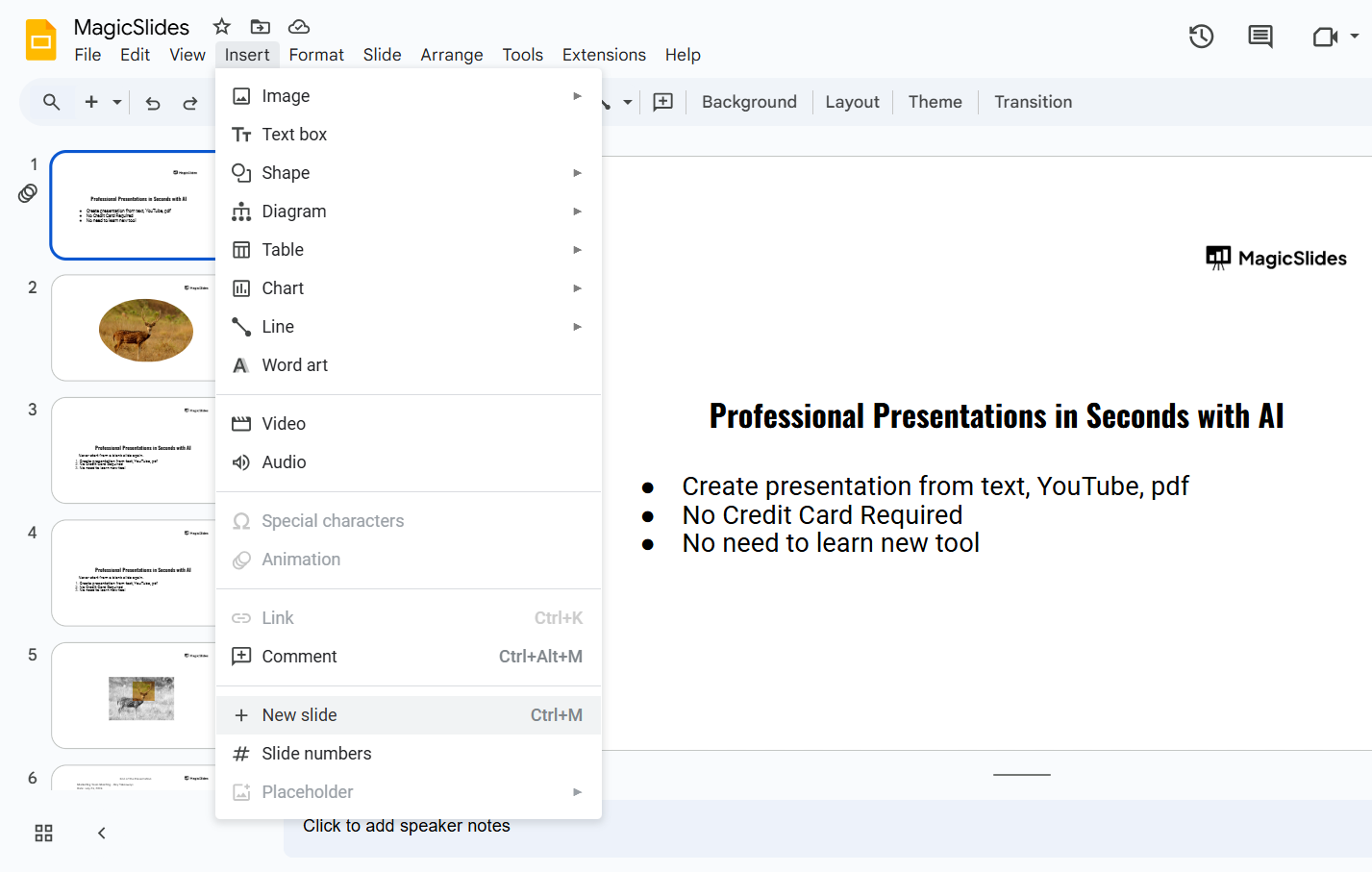
Choose a blank slide or a slide layout that works best for summarizing your points.
Step 3: Add a Title to the Summary Slide
Click on the title box and type a clear, concise title like “Summary” or “Key Takeaways.”
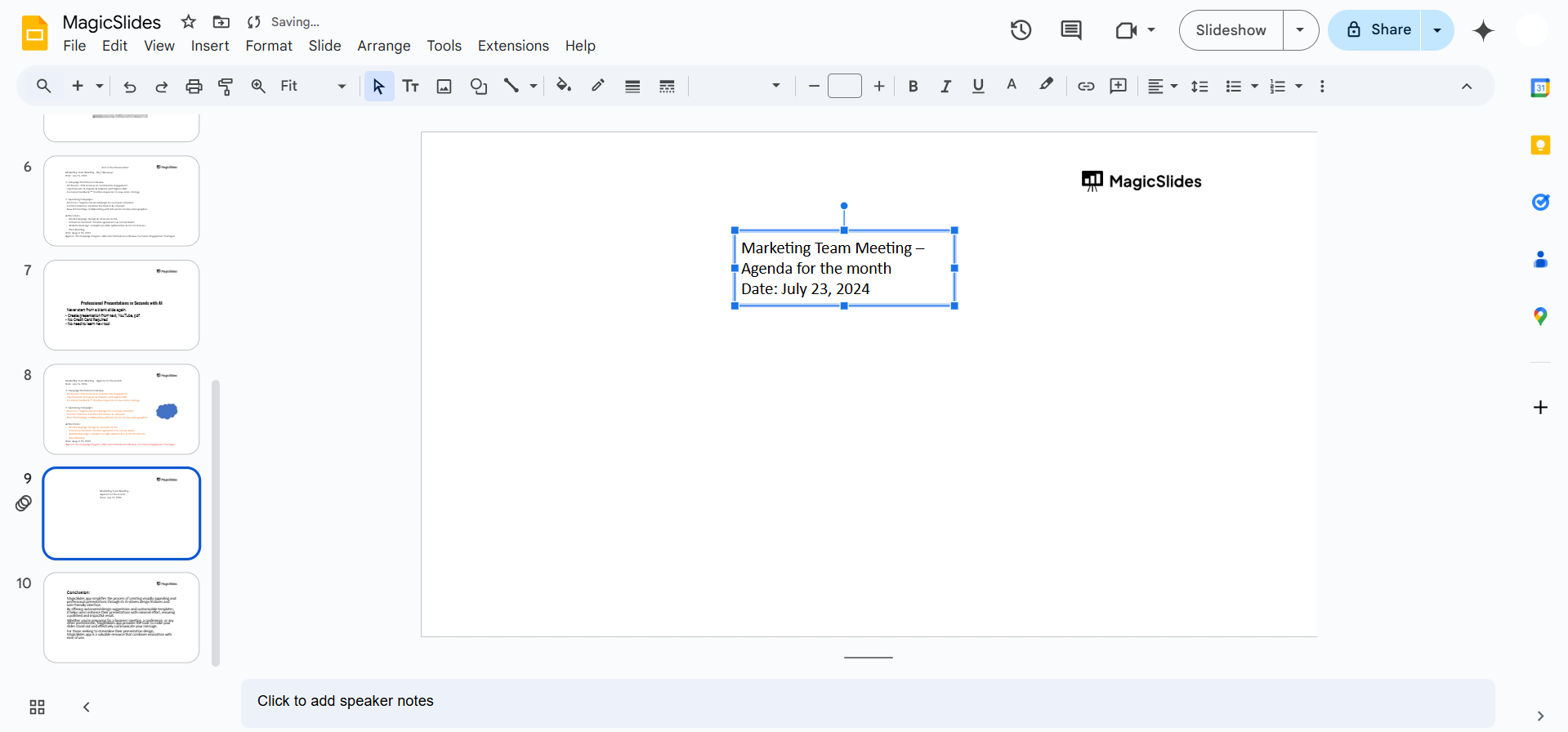
Format the title using font styles and sizes to make it stand out.
Step 4: Highlight Key Points from Your Presentation
Review your presentation and identify the main points or topics you want to include in the summary.
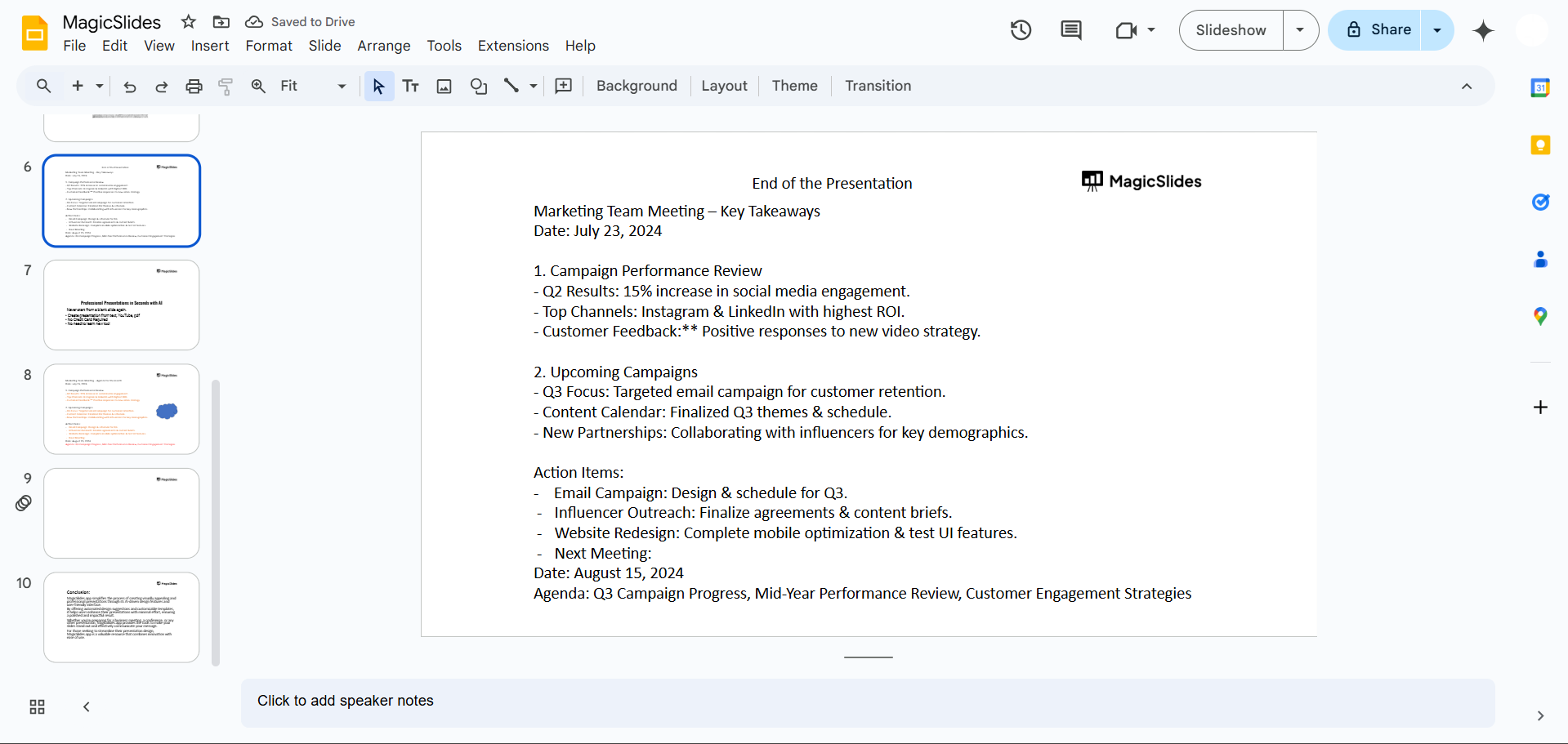
Add these points as bullet points or numbered lists to keep the information concise and organized.
Limit your summary to 3–5 key takeaways to avoid overwhelming your audience.
Step 5: Use Visual Aids (Optional)
Include visuals like icons, charts, or images to reinforce your key points.
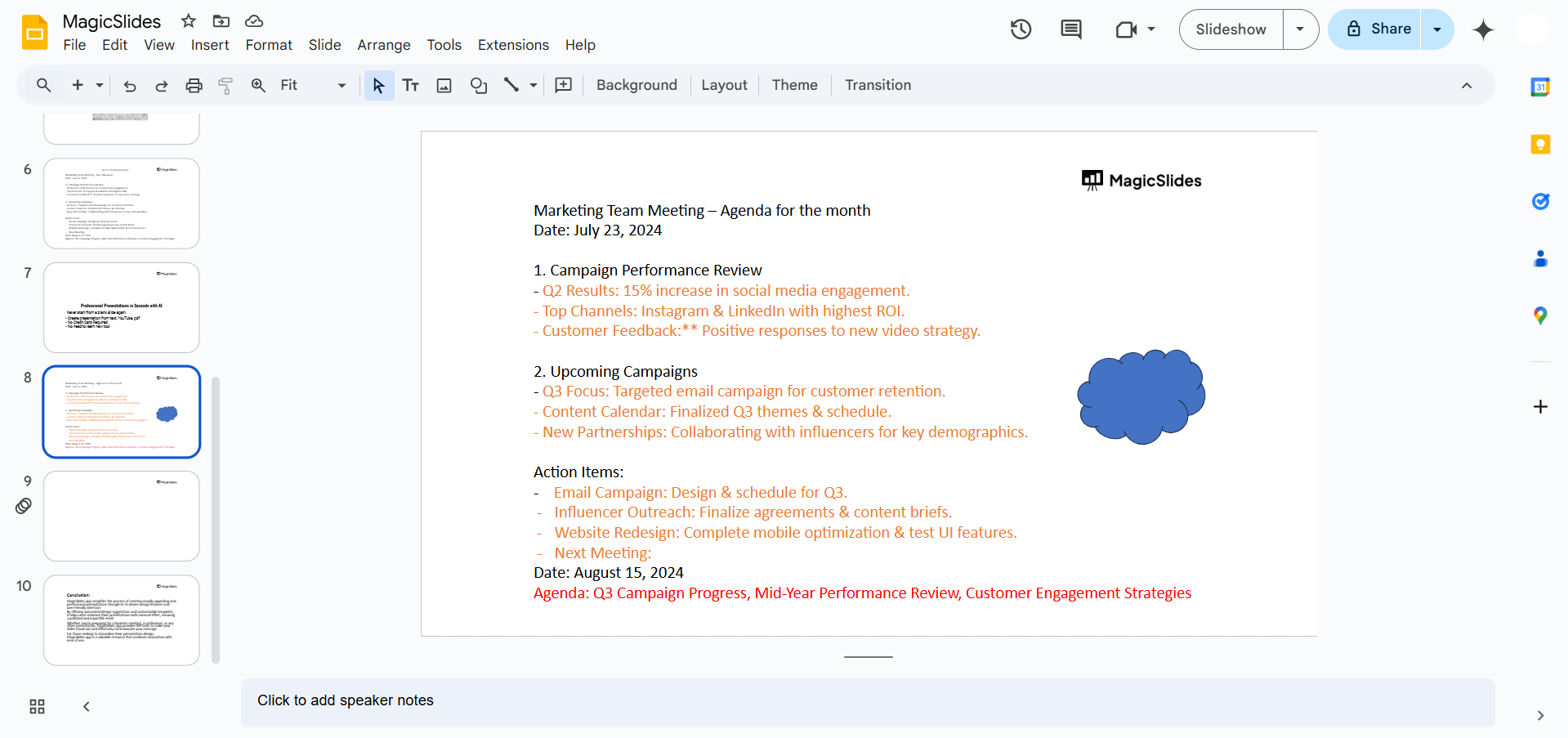
Ensure the visuals are relevant and align with the overall theme of your presentation.
Step 6: Review and Adjust
Check for spelling or formatting errors.
Ensure the summary slide flows naturally from the rest of the presentation and aligns with its content.
Conclusion
Creating a summary slide in Google Slides is a simple yet effective way to conclude your presentation.
By highlighting the main points and using clear visuals, you can leave a lasting impression on your audience.
Following these steps ensures your summary slide is both professional and impactful.
FAQs on Creating a Summary Slide in Google Slides
Can I use a pre-designed slide for the summary?
Yes! Google Slides offers pre-designed templates that you can customize for your summary slide.
How many points should I include in a summary slide?
Ideally, include 3–5 key points to keep the summary concise and easy to follow.
Can I add animations to my summary slide?
Yes! Animations can help emphasize key points but use them sparingly to maintain a professional look.
By following these steps, you can create a summary slide that effectively wraps up your presentation and reinforces your key messages.


