Adding a voiceover to your Canva video can enhance its engagement and help deliver your message more effectively.
Canva provides a user-friendly platform to add voiceovers, making your videos more professional and appealing.
Follow this step-by-step guide to add a voiceover to your Canva video seamlessly.
https://www.guidejar.com/embed/4043c140-6820-4e6e-bf6a-bbb63dabdc7b?type=1&controls=onHow to Add a Voice Over in Canva Video | Steps to Add a Voice Over in Canva Video
Step 1: Open Canva and Start a Video Project
Log in to your Canva account and click on Create a Design.
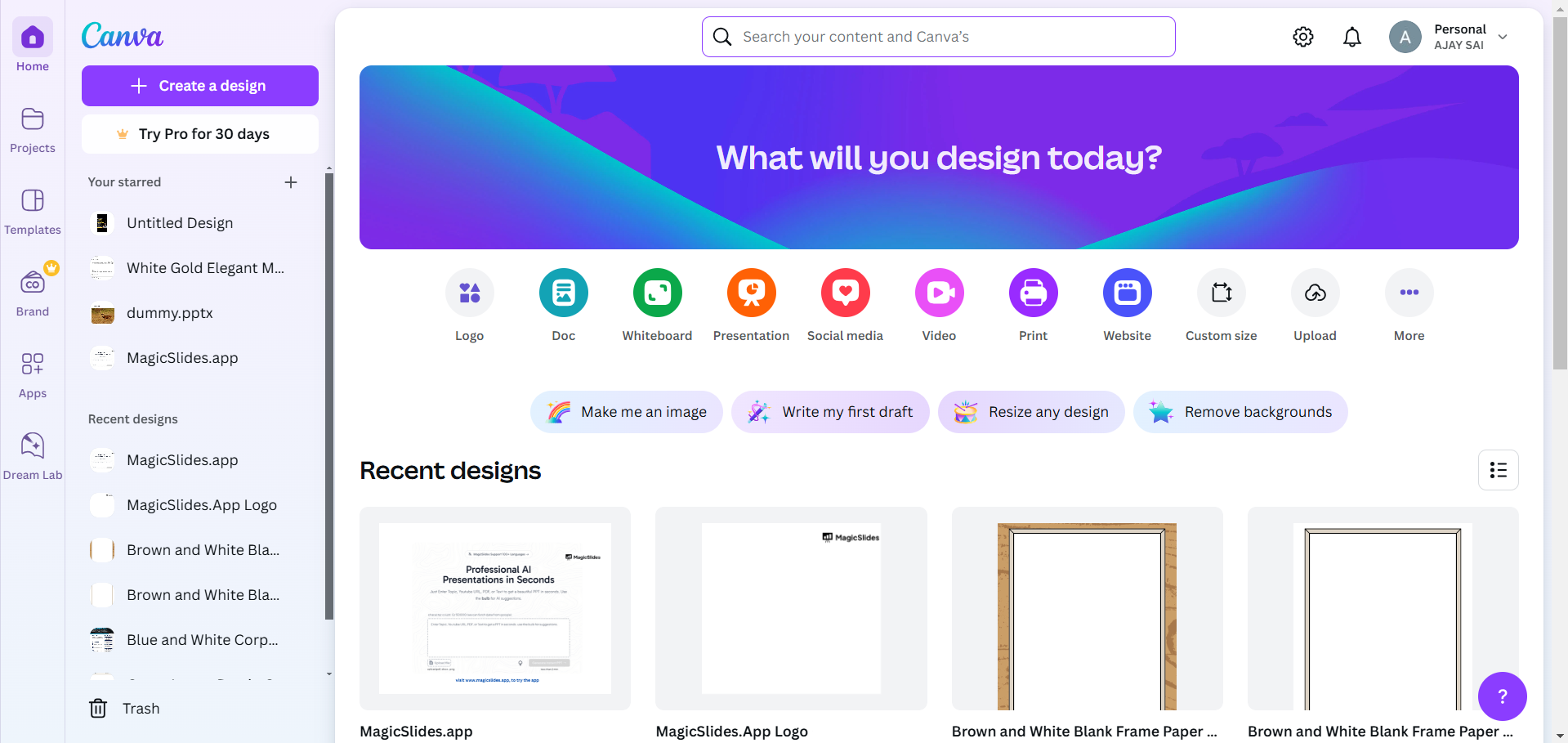
Select Video or any other suitable template for your project. Upload your media or use Canva’s stock videos and elements to create your video.
Step 2: Prepare Your Voiceover File
Record your voiceover using any audio recording tool like Audacity, GarageBand, or your phone’s recorder.
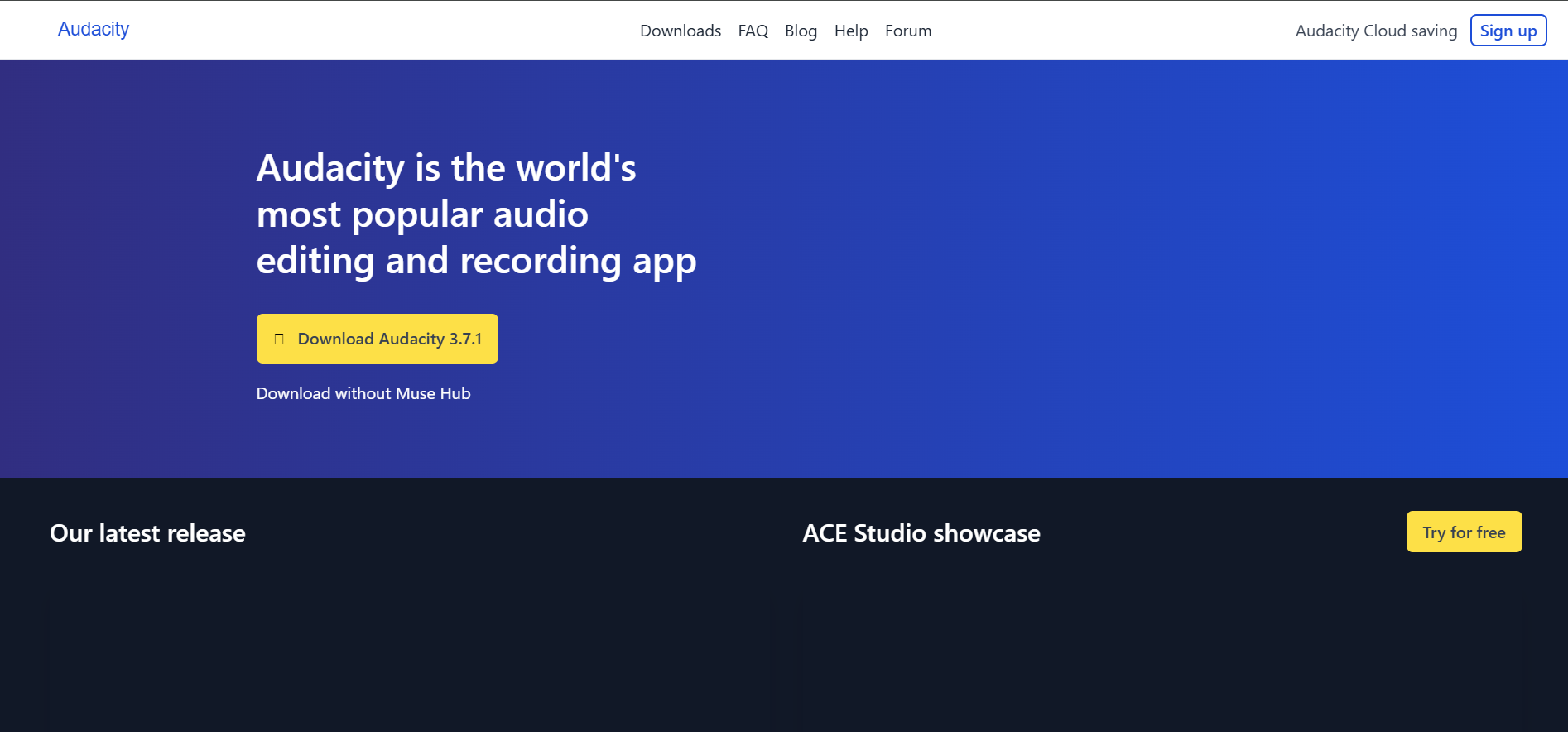
Save the file in a compatible format like MP3 or WAV.
Make sure your voiceover aligns with the duration and flow of your video content.
Step 3: Upload Your Voiceover to Canva
In Canva, go to the Uploads tab on the left panel. Click on the Audio button and upload your voiceover file.
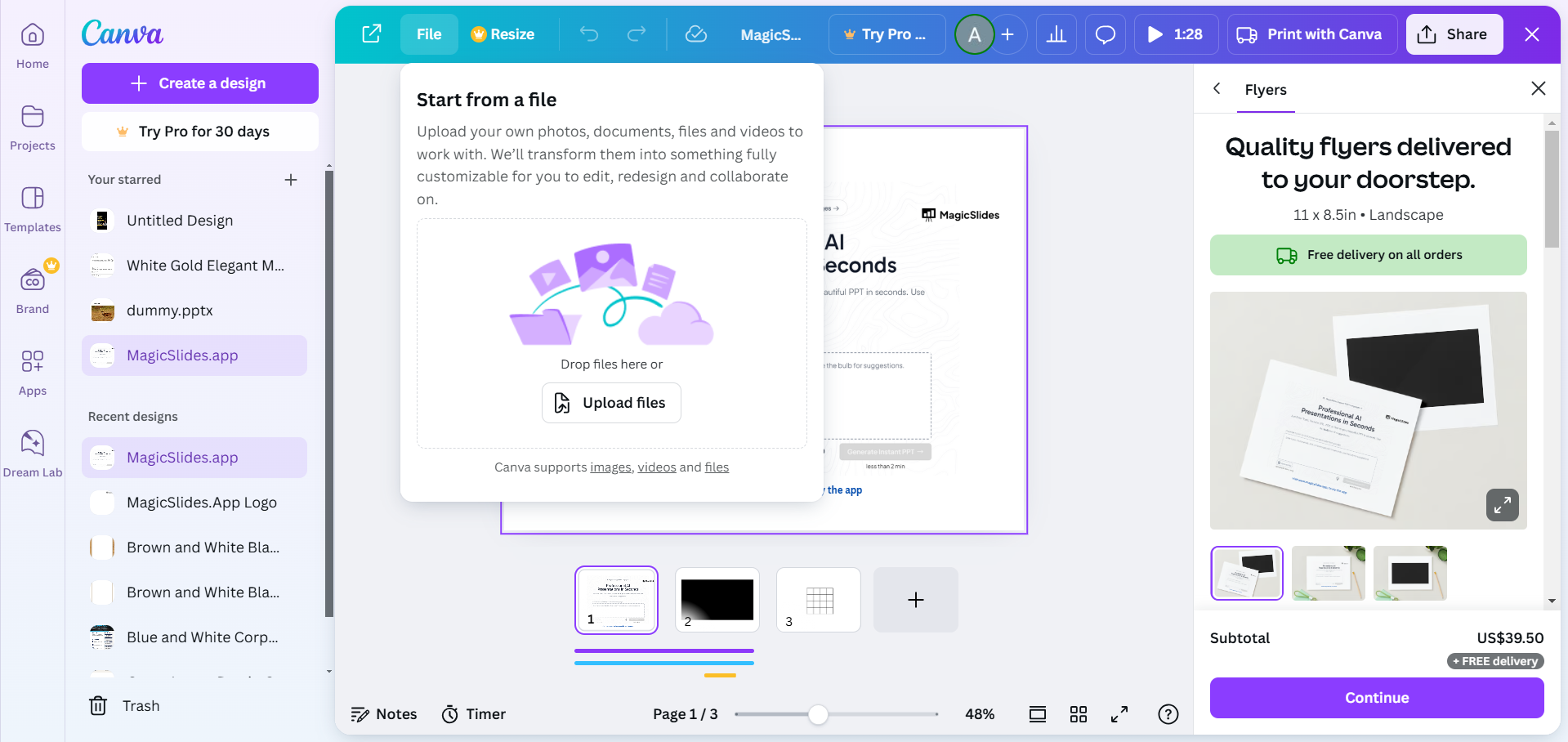
Once uploaded, the file will appear in your audio library.
Step 4: Add the Voiceover to Your Video Timeline
Drag and drop the uploaded voiceover onto your video timeline. Position the voiceover to align with the visuals in your video.
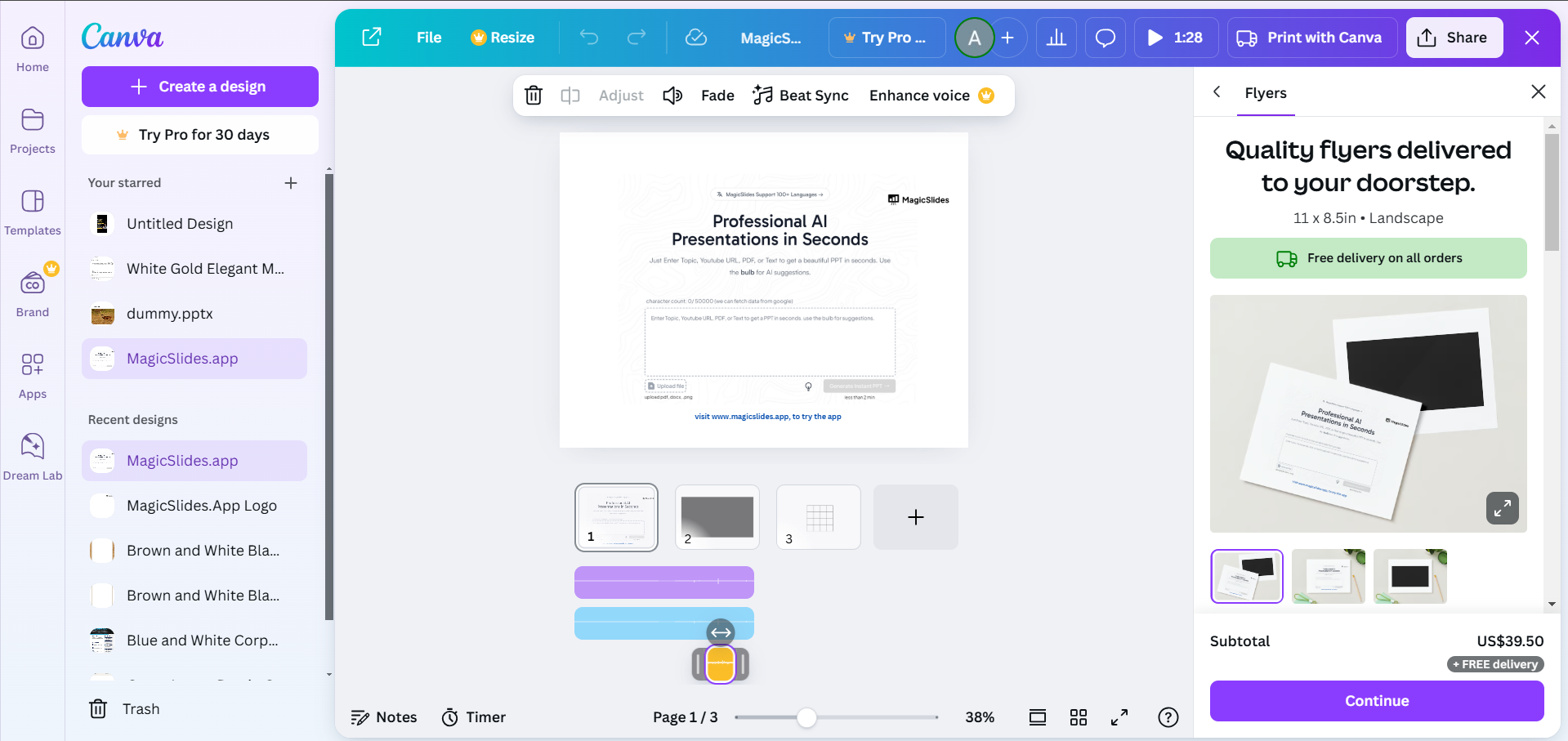
Adjust the length of the voiceover if needed by trimming it to match the video.
Step 5: Export Your Video
Once satisfied with your video, click on the Share button in the top-right corner.
Select Download and choose a suitable format like MP4. Save your video with the voiceover added.
Conclusion
Adding a voiceover to your Canva video is a straightforward process that can make your content more engaging and effective.
By following these steps, you can seamlessly integrate audio into your videos, elevating the storytelling and professionalism of your projects.
Start experimenting with voiceovers today to create videos that leave a lasting impact!
FAQs on Adding a Voice Over in Canva Video
Can I record a voiceover directly in Canva?
Currently, Canva doesn’t support direct voice recording. Use an external tool to record your voiceover and upload it.
How do I adjust the voiceover’s timing in Canva?
You can drag and reposition the audio track on the timeline to sync it with your visuals.
What audio formats are supported in Canva?
Canva supports common audio formats like MP3, WAV, and M4A for uploading voiceovers.
By mastering these steps, you’ll be able to add professional voiceovers to your Canva videos with ease!
Share on socials
More from the blog
How to Convert PPT to Google Slides - Complete 2026 Guide
19 March 2026
How to insert bitmoji into Google Slides
19 March 2026
Top 12 PowerPoint Alternatives Compared – Find the Best Presentation Tool
17 March 2026
Genetics Topics for Presentation: 100+ Comprehensive Ideas
17 March 2026
Interesting Biology Topics for Presentations: 100+ Captivating Ideas
17 March 2026
How to add morph Transition in PowerPoint
15 March 2026
How to animate google slides
10 March 2026
50+ Funny Presentation Topic Ideas to Get You Started
5 March 2026
Scribd PPT Downloader Free: Step-by-Step Guide (Updated 2026)
2 March 2026
