How to add sections in Powerpoint


Optimize your presentations by learning how to effortlessly add and manage sections in PowerPoint slides.
Elevate the structure of your PowerPoint presentations by incorporating sections. Organizing slides becomes a breeze, enhancing clarity and navigation. Follow these simple steps to add and manage sections, streamlining your content for a polished and professional delivery.
Adding sections in PowerPoint helps organize and structure your presentation, making it easier to navigate and manage content. Here's a step-by-step guide on how to add sections:
How to add sections in Powerpoint
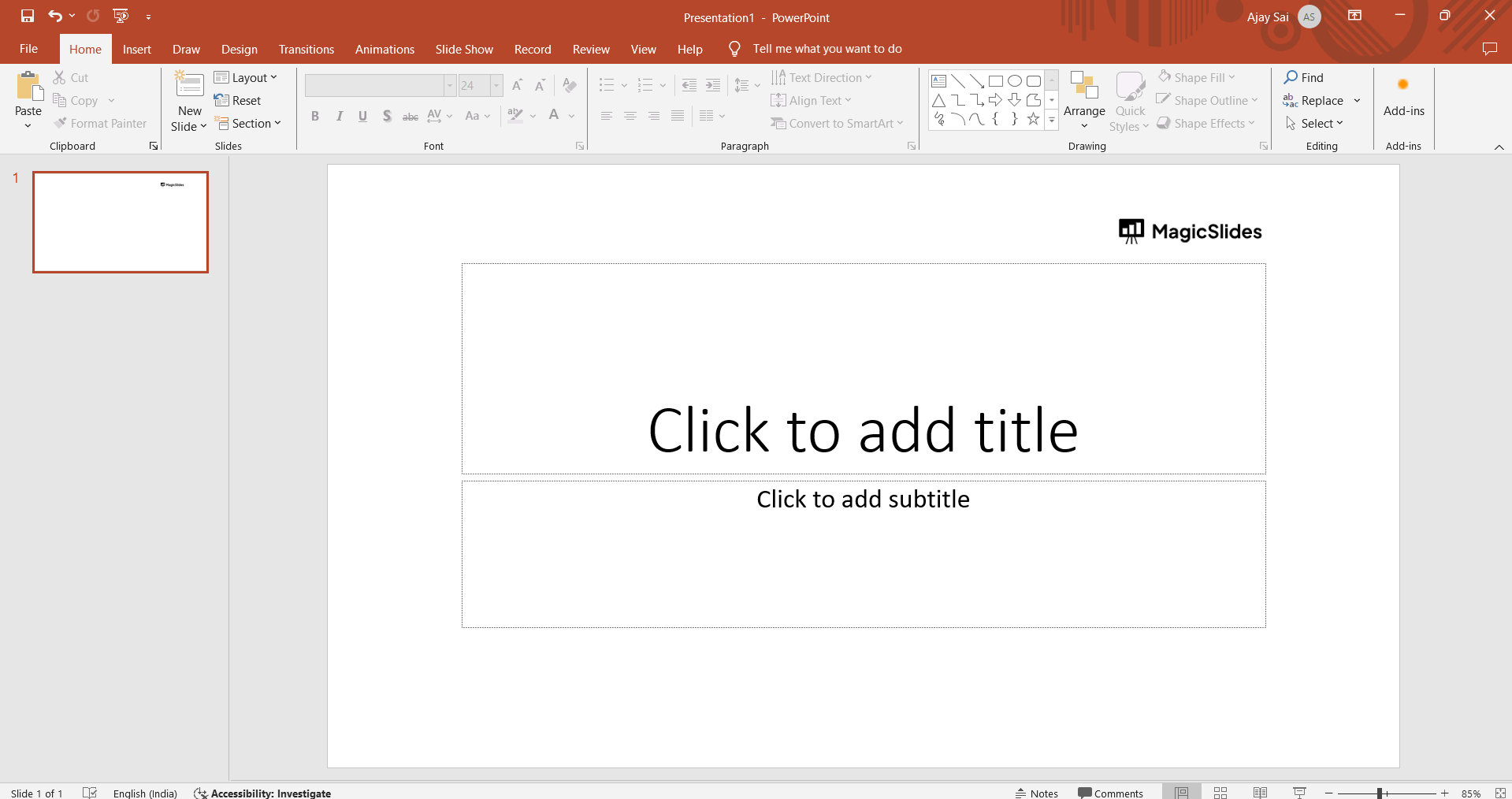
Open your PowerPoint Presentation:
Launch PowerPoint and open the presentation where you want to add sections.
Navigate to the Slide Sorter View:
Click on the "View" tab in the ribbon. Select "Slide Sorter" in the Presentation Views group.
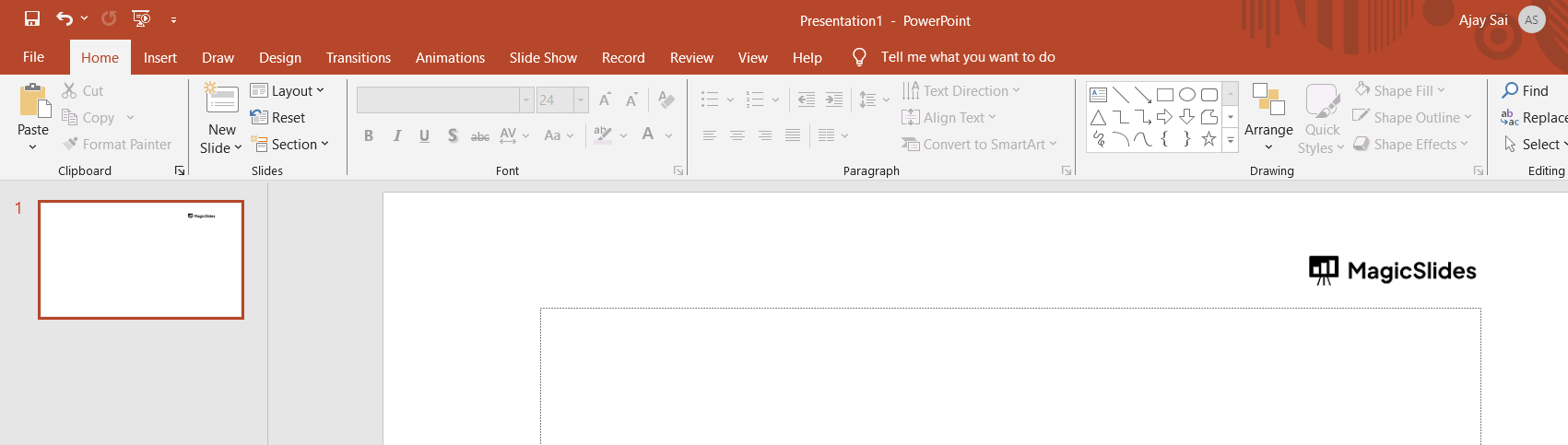
Select Slides for Section:
In Slide Sorter view, click and drag to select the slides where you want to add a section.
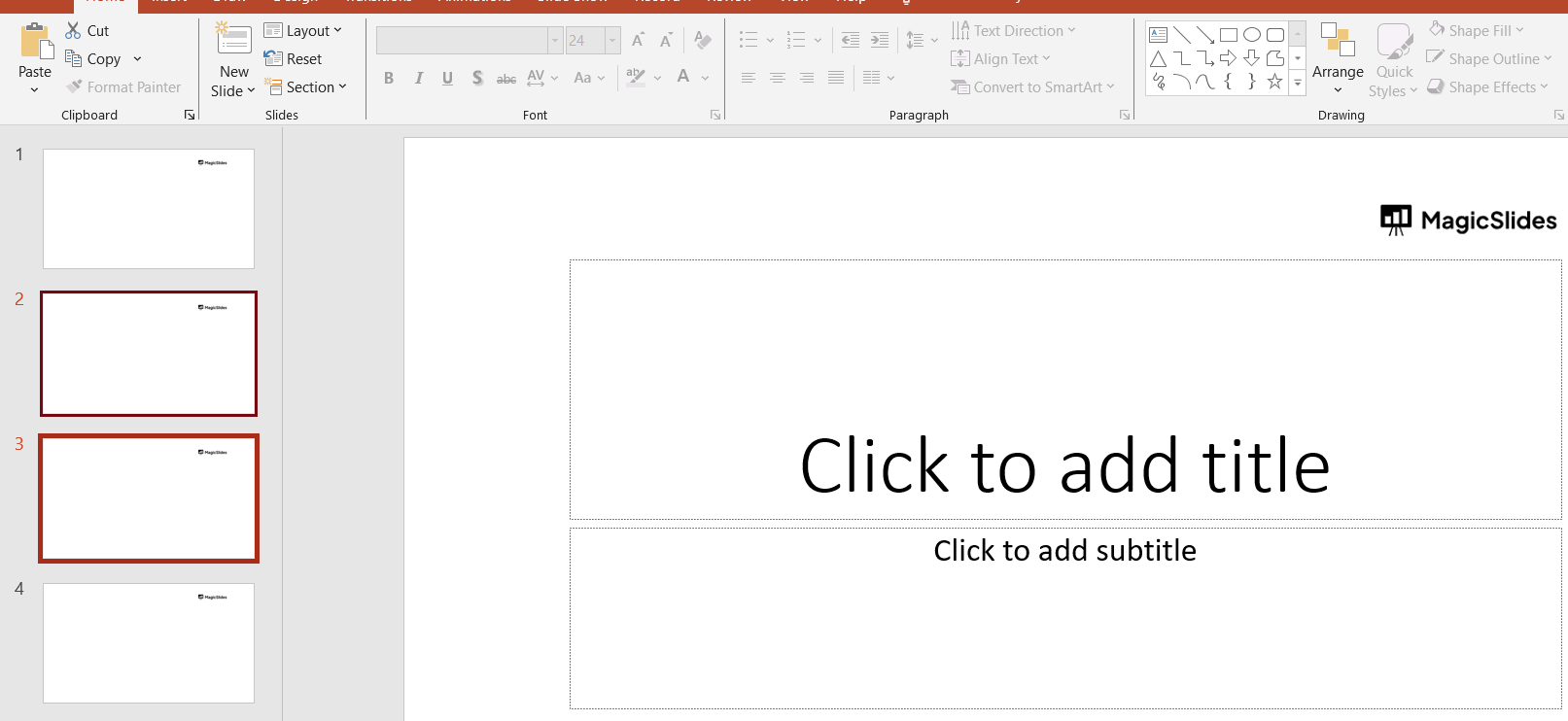
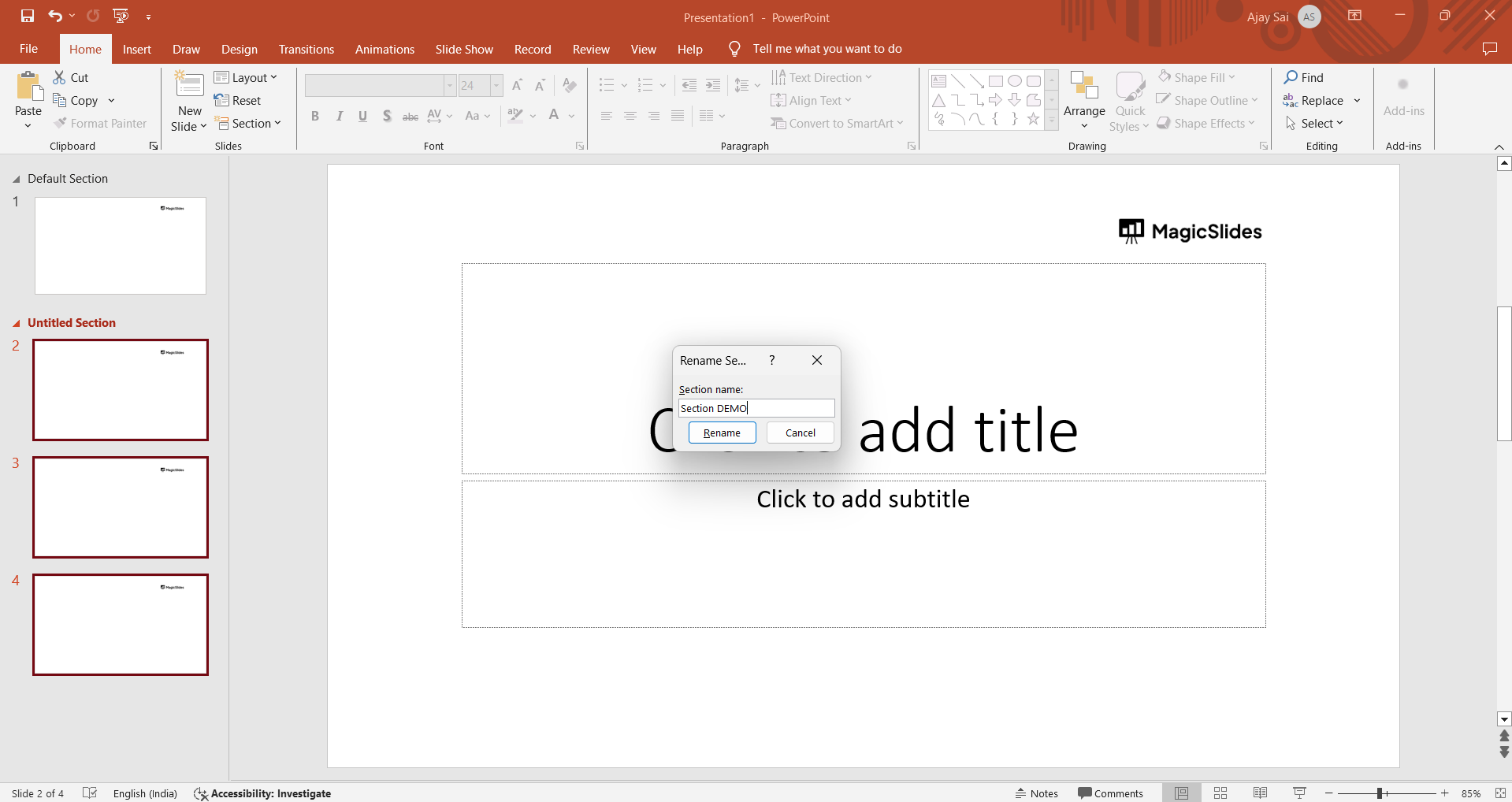
Insert & Name the Section:
Right-click on the selected slides. Choose "Add Section" from the context menu. A prompt will appear. Enter a name for your section and press Enter.
Conclusion:
By adding sections, you can better organize your PowerPoint presentation and make it more user-friendly during both creation and presentation. With the power to simplify complex presentations, adding sections in PowerPoint transforms the way you manage and convey information.
Whether you're fine-tuning a business pitch or creating an educational masterpiece, the ability to structure content seamlessly ensures your audience stays engaged. Elevate your presentation game with this easy-to-follow guide on incorporating sections for a more organized and impactful delivery. Learn how to Convert News Articles To PPT Slides
Frequently Asked Questions:
Can I add sections to specific slides in my PowerPoint presentation?
Absolutely! In Slide Sorter view, select the slides, right-click, and choose "Add Section."
Can I rename or remove sections once added?
Yes, easily rename by right-clicking the section header. To remove, right-click and select "Remove Section."
Can sections be added in older versions of PowerPoint?
Yes, in PowerPoint 2013 and later, or in earlier versions using Slide Sorter or Normal view.
Have a look @these helpful blogs by us:
- How To Convert News Articles To PPT Slides: https://www.magicslides.app/blog/how-to-convert-news-articles-to-ppt-slides
- How To Turn A Slack Channel Public: https://www.magicslides.app/blog/how-to-make-a-slack-channel-public
- How To Convert Tech Blog Updates To PPT Presentations: https://www.magicslides.app/blog/how-to-convert-tech-blog-updates-to-ppt-presentations


