How to Convert Tech Blog Updates to PPT Presentations


Elevate tech communication effortlessly convert insightful blog updates into dynamic presentations with magicslides.app.
In the dynamic world of technology, staying on top of the latest updates is crucial. Imagine seamlessly converting those insightful tech blog updates into powerful PowerPoint presentations that captivate your audience. With magicslides.app, this transformation becomes not just a possibility but a breeze. Let's explore the steps to elevate your tech blog updates into compelling presentations:
How to Convert Tech Blog Updates to PPT Presentations
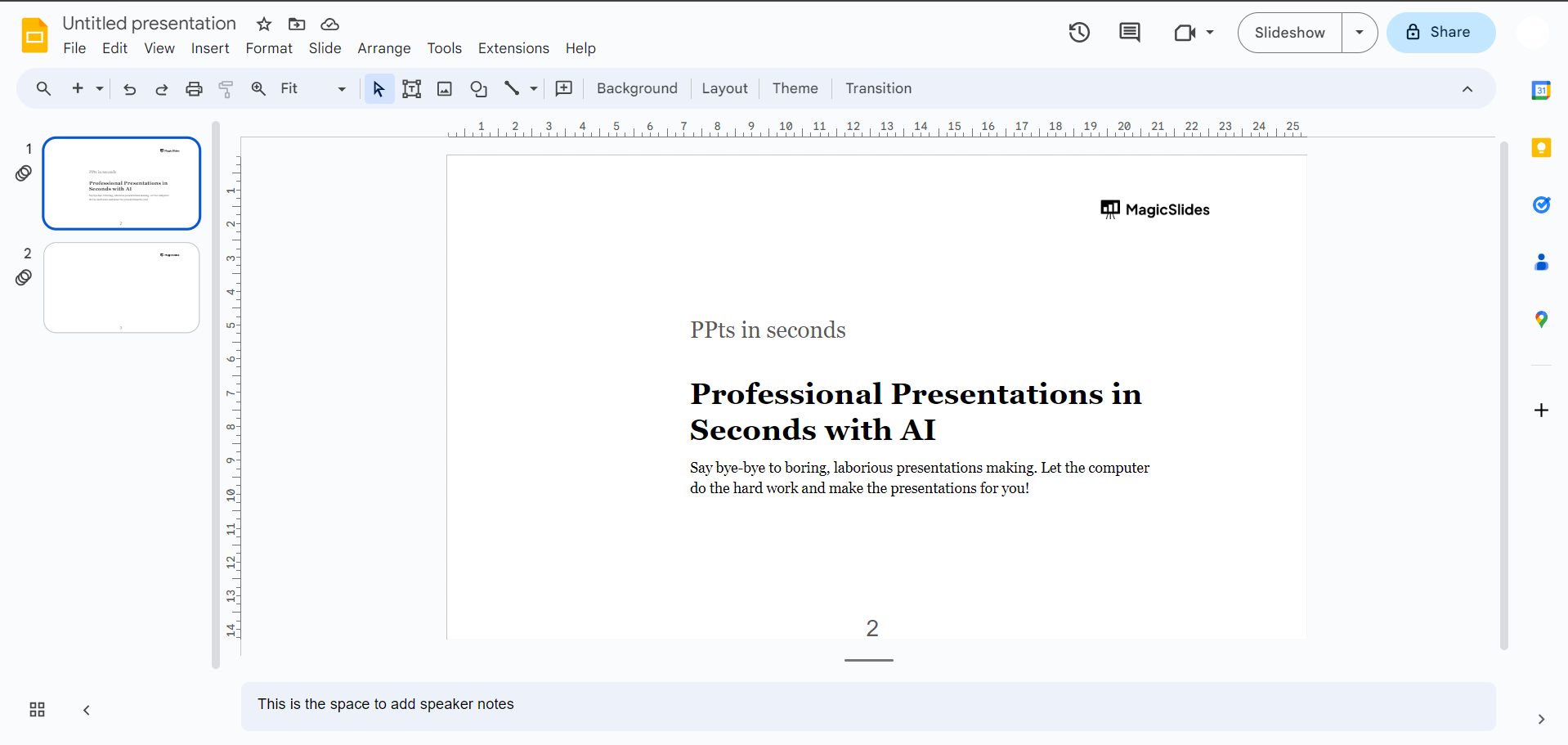
Step 1: Dive into the World of Google Slides
Begin your journey by navigating to Google Slides and sign in with your Google account. If you're not already using Google Slides, creating an account is quick and straightforward.
Step 2: Unlock the Magic of magicslides.app
Ensure you have magicslides.app in your toolkit. If it's already part of your extensions, simply open it from the extensions tab. If not, head over to the Extensions Marketplace within Google Slides. Search for magicslides.app, download the extension, and add this powerful tool to your Google Slides environment.
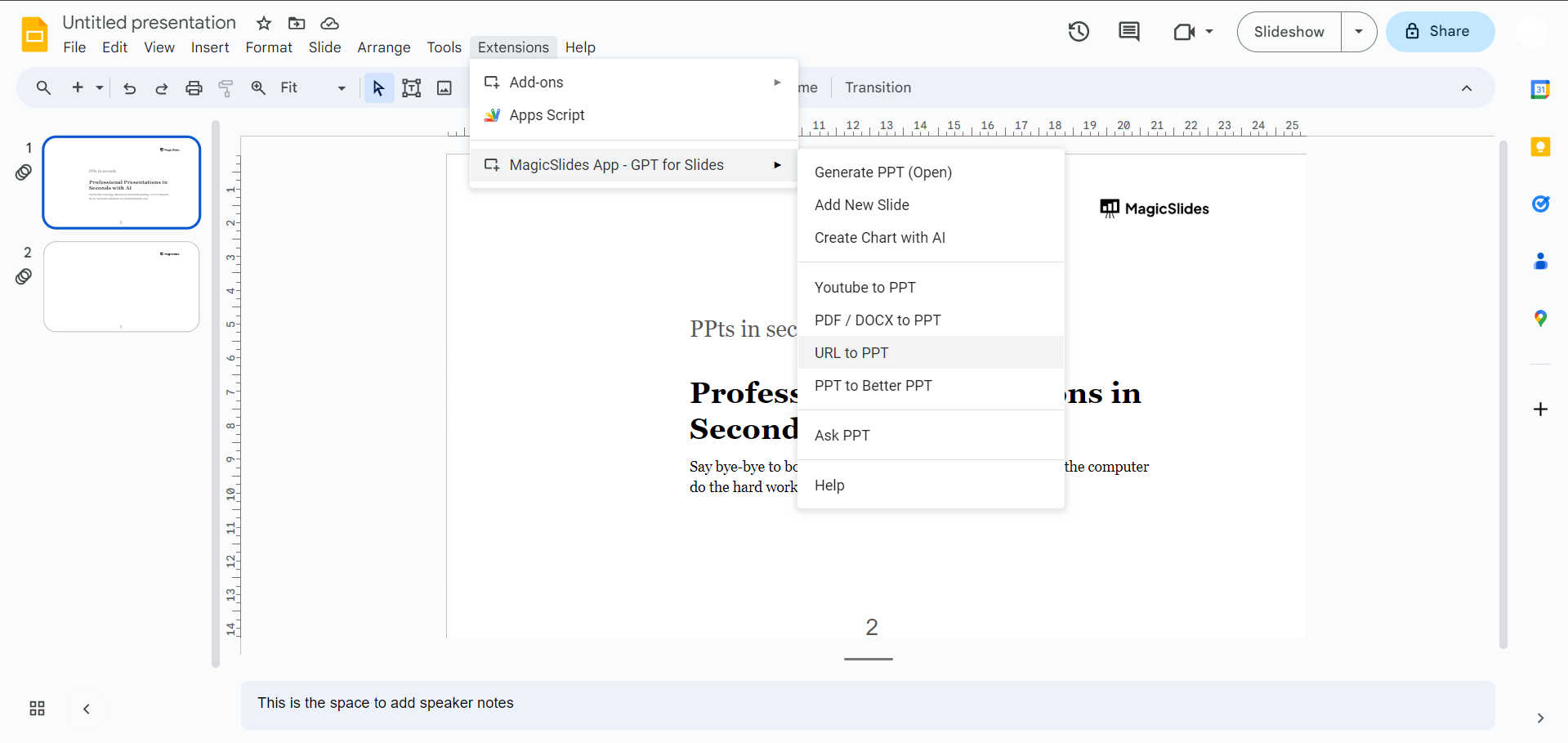
Step 3: Tech Blog URL – Your Gateway to Dynamic Presentations
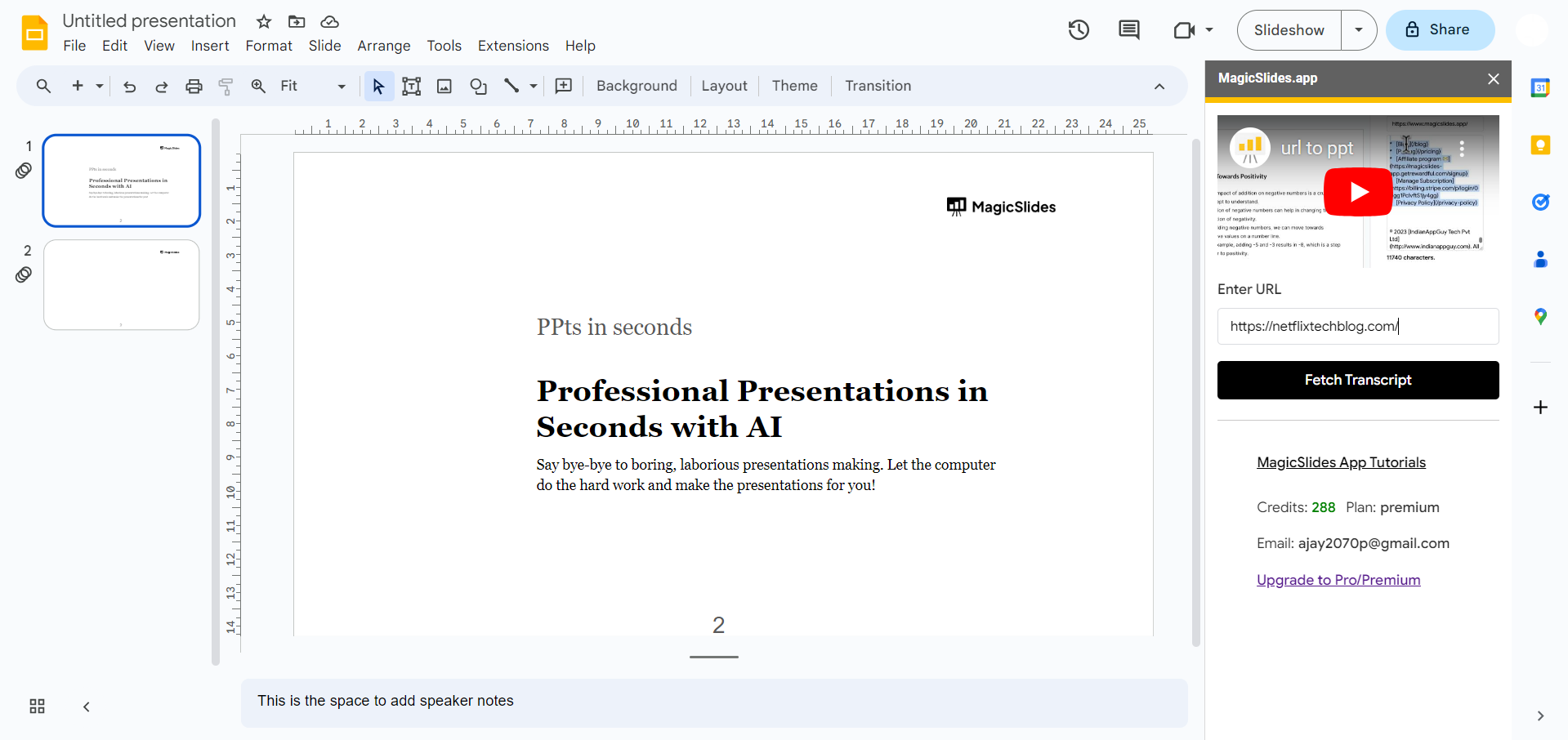
Now, dive into your favorite tech blog and copy the URL of the article you want to convert into a presentation. This could be an insightful analysis, a groundbreaking tech update, or anything that deserves attention.

Step 4: Paste and Convert
Return to Google Slides, paste the copied URL into magicslides.app, and hit the 'Convert to PPT' button. Watch as magicslides.app performs its magic, turning the tech blog content into a visually appealing and structured PowerPoint presentation.
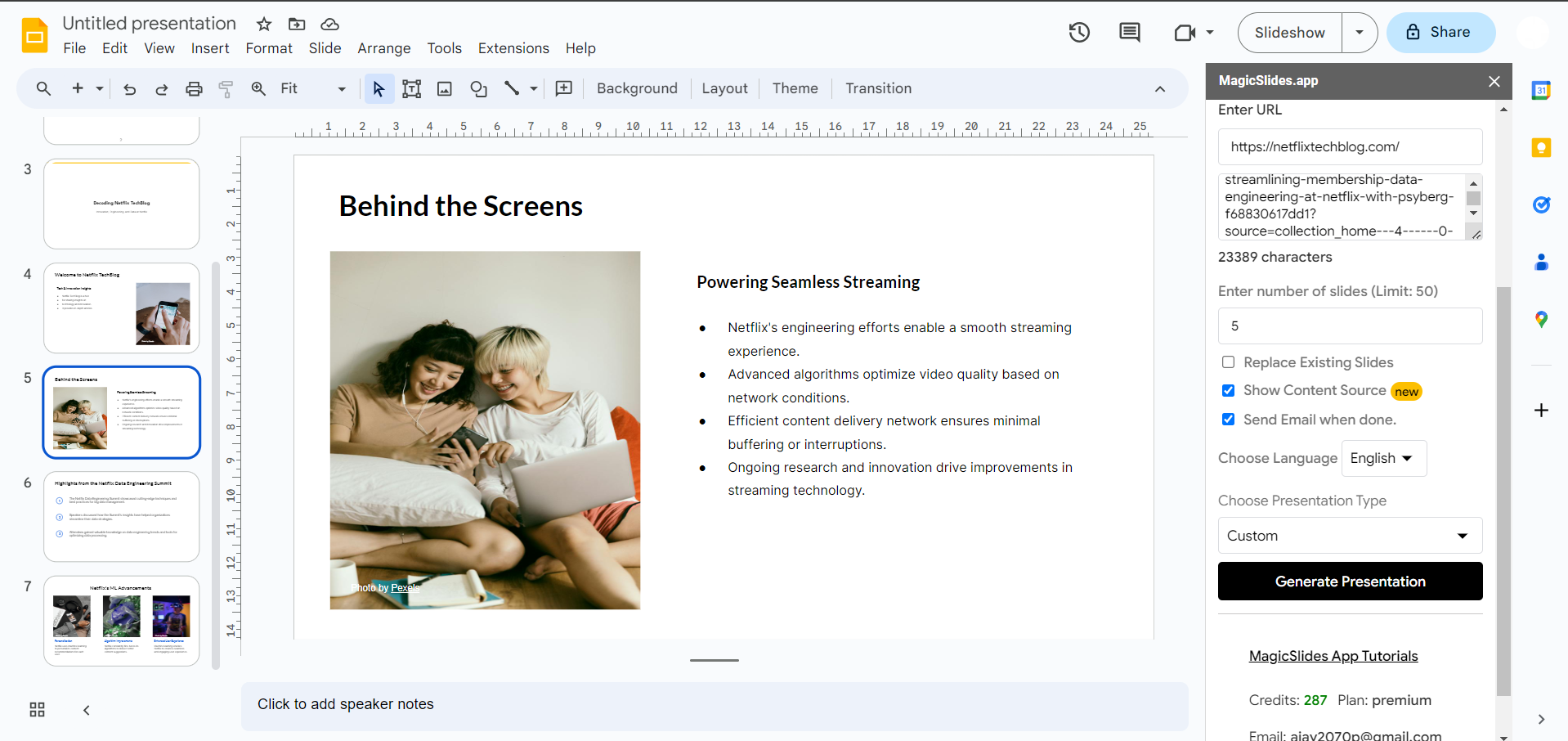
Step 5: Share Your Insights Effectively
Congratulations! Your tech blog is now transformed into a dynamic presentation. Magicslides.app optimizes the layout, making it not only informative but also visually appealing. Take a moment to review and make any adjustments to align with your presentation style.
Why magicslides.app?
- Efficiency: Streamline your workflow by seamlessly integrating magicslides.app into Google Slides.
- Flexibility: Customize layouts and styles to match your tech brand and presentation preferences.
- Security: Rest easy knowing that magicslides.app operates within the secure Google Slides environment, ensuring the confidentiality of your tech insights.
Conclusion:
In conclusion, magicslides.app is your go-to tool for turning tech blog updates into captivating presentations. Elevate your tech communication game, share insights effectively, and make a lasting impression in the fast-paced world of technology. Download magicslides.app now and transform the way you present your tech knowledge!
Frequently Asked Questions:
How does magicslides.app enhance tech blog presentations?
Answer: Magicslides.app seamlessly transforms tech blog updates into visually compelling PowerPoint presentations for effective communication.
Can I customize the appearance to match my tech brand's style?
Answer: Absolutely! Magicslides.app allows flexible customization, ensuring your tech presentations align with your brand's identity.
Is magicslides.app secure for handling confidential tech insights?
Answer: Yes, magicslides.app operates within Google Slides' secure environment, prioritizing the confidentiality of your tech content.
Check out these info blogs by us:
- How To Use Microsoft Dictate In Desktop PowerPoint: https://www.magicslides.app/blog/how-to-use-microsoft-dictate-in-desktop-powerpoint
- How To Rename A Slack Channel On Desktop: https://www.magicslides.app/blog/how-to-rename-a-slack-channel-on-desktop
- How To Change Layout Of A Powerpoint Presentation: https://www.magicslides.app/blog/how-to-change-layout-of-a-powerpoint-presentation
- How To Reset A Presentation In Powerpoint: https://www.magicslides.app/blog/how-to-reset-a-presentation-in-powerpoint


