How to create a Pitch Deck from URL


Unleash the magic of Magicslides and Google Slides to effortlessly transform any URL into impactful pitch decks.
In the dynamic world of presentations, turning valuable content from blog posts or articles into compelling pitch decks is now easier than ever. Follow this simple guide to seamlessly create a professional pitch deck directly from a URL using Google Slides and the powerful Magicslides extension.
How to create a Pitch Deck from URL
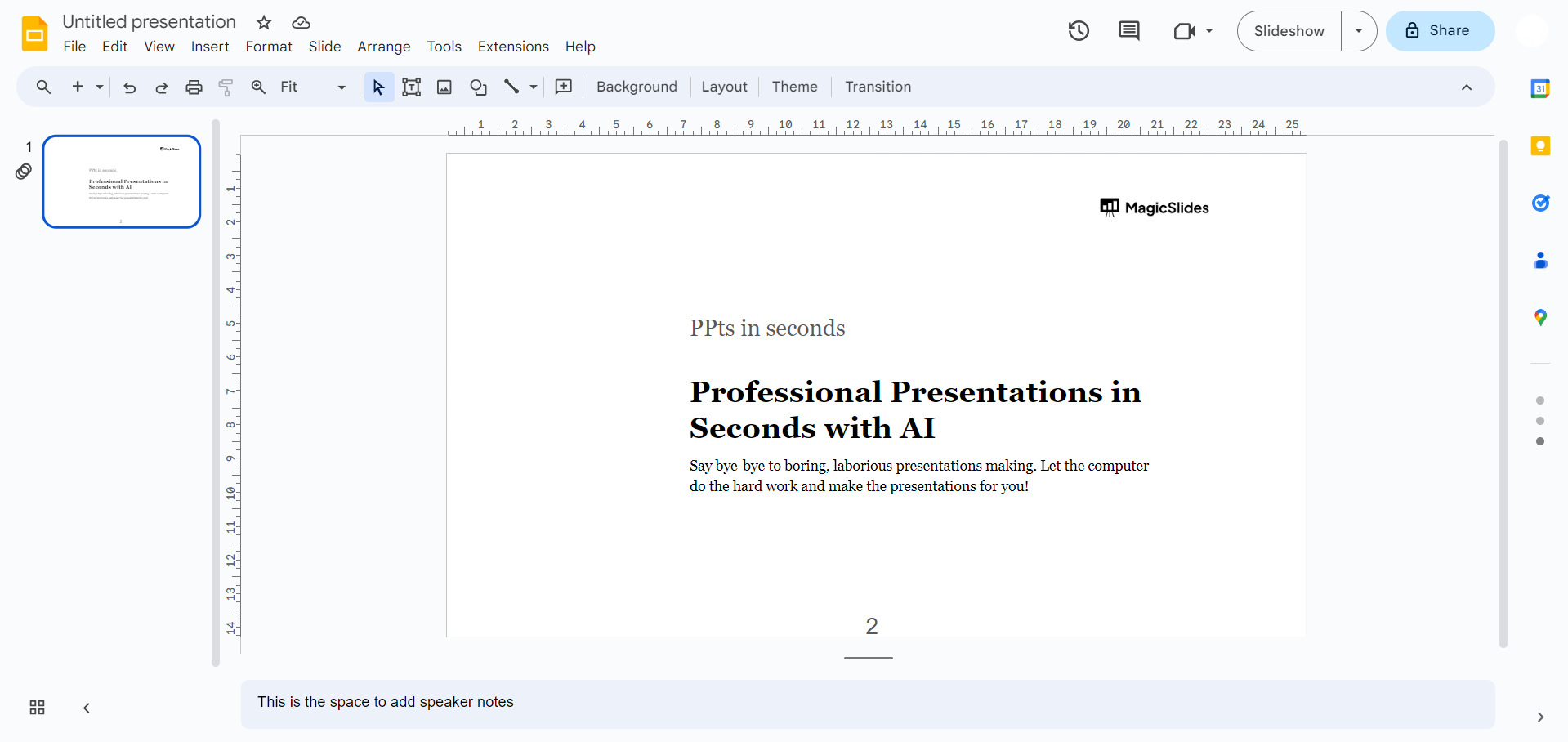
Step 1: Accessing Google Slides
Begin your journey by visiting the Google Slides website at slides.google.com. If you aren't already signed in, log in with your Google account to access the powerful suite of presentation tools.
Step 2: Installing Magicslides Extension
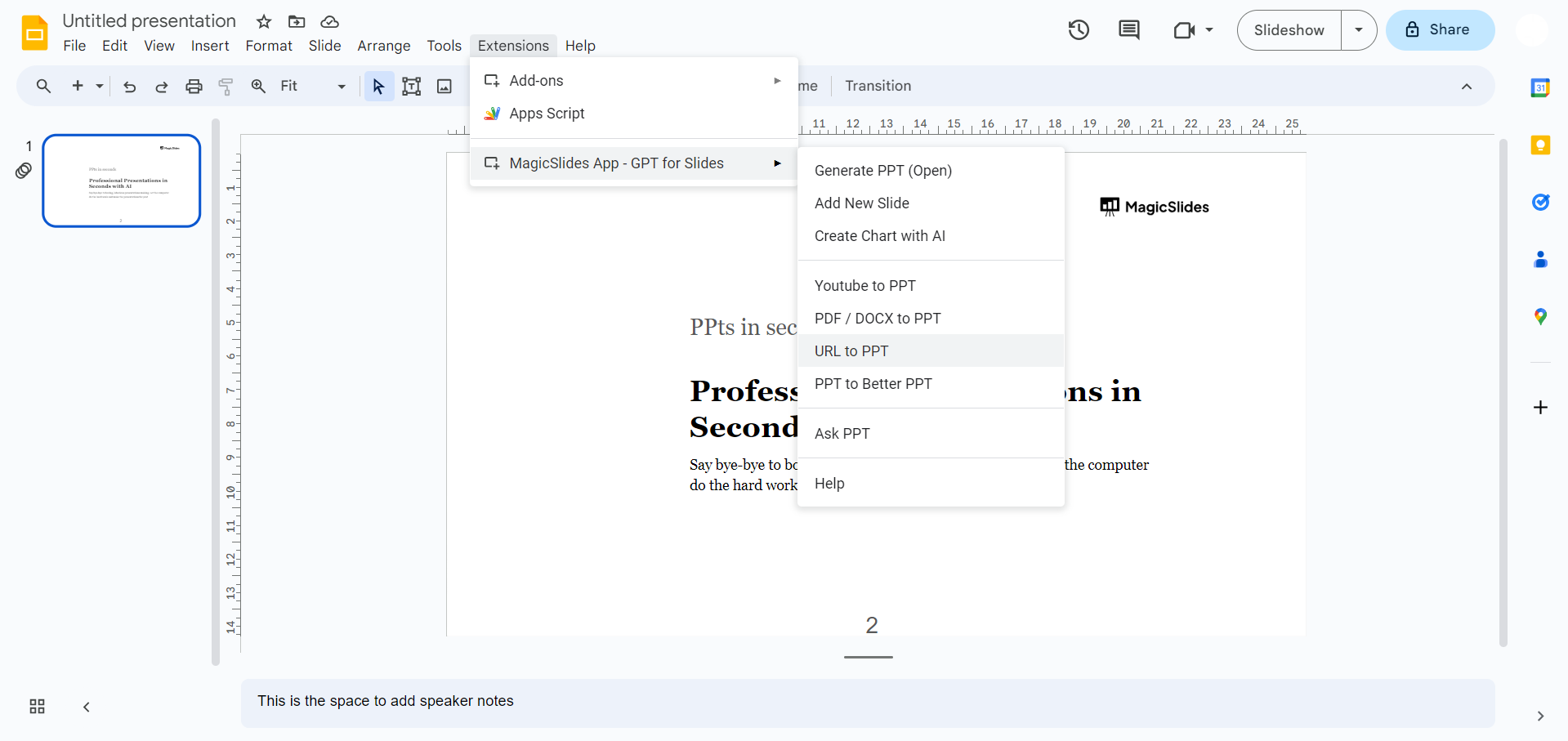
If you're already a Magicslides user, simply open the extension tab. Not familiar with Magicslides?
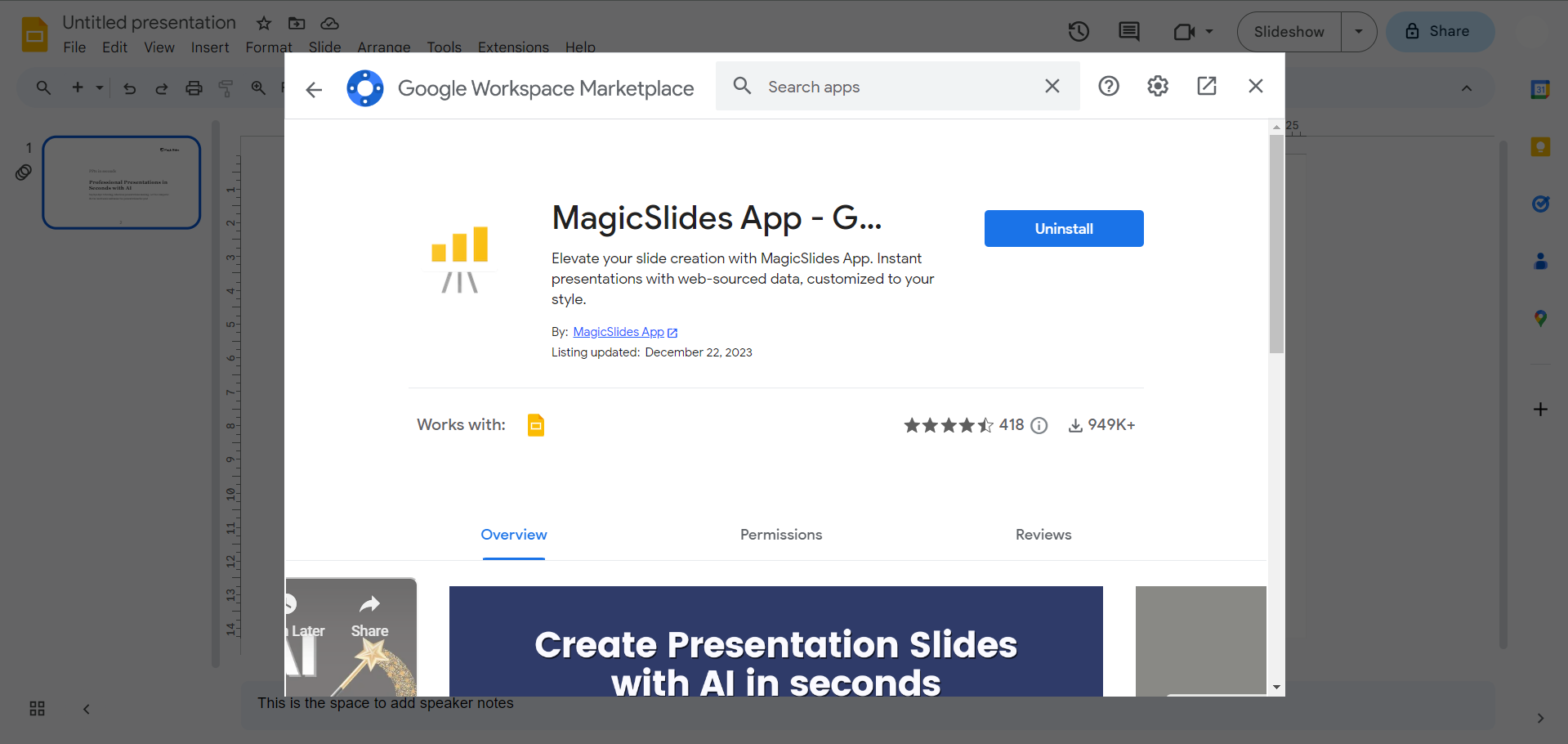
Head to the Extensions Marketplace within Google Slides. Search for Magicslides.app, download the extension, and add it to your Google Slides toolbox.
Step 3: Capturing the Magic
Once your Magicslides extension is ready, navigate to any blog post or article that sparks your interest. Copy the URL of the content you wish to transform into a captivating pitch deck.

Step 4: Bringing Ideas to Life creating PPT now
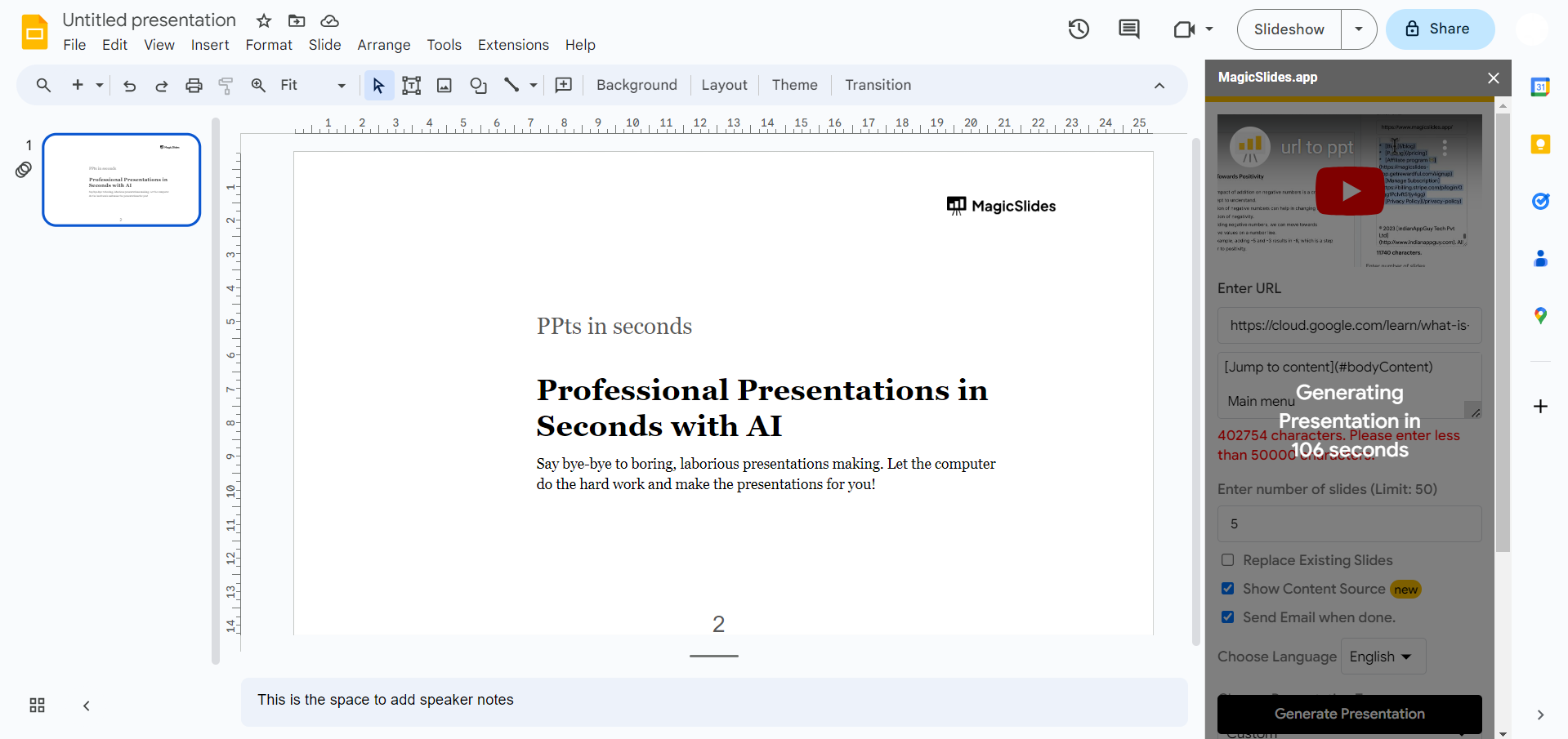
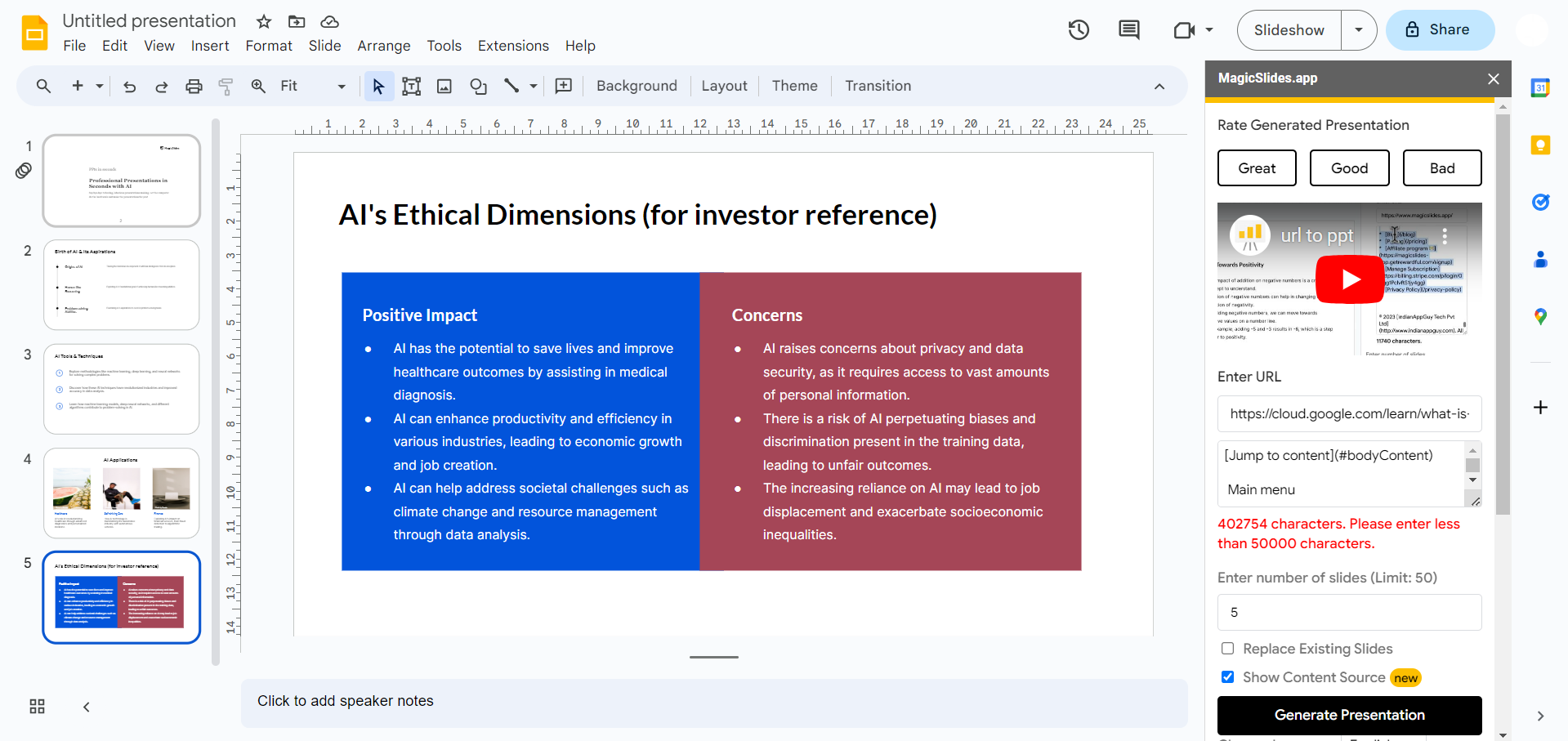
Return to your Google Slides interface, and with Magicslides by your side, paste the copied URL into the designated area. Then, with a simple click on the "Generate to PPT" button, witness the magic unfold.
Step 5: Yayy! Your Article is Now a Pitch Deck
In a matter of seconds, your chosen article is transformed into a polished pitch deck. Magicslides intelligently organizes content, creating slides that seamlessly blend aesthetics with substance. Your presentation is now ready to captivate audiences and convey your message with impact.
Conclusion:
With the fusion of Google Slides and Magicslides, the process of converting URL content into pitch decks becomes a revolutionary tool for professionals, educators, and innovators alike. Elevate your storytelling, simplify your workflow, and embrace the transformative power of digital presentations. Your ideas deserve to shine – let Magicslides illuminate the way.
Frequently Asked Questions:
Q: Why use Magicslides for creating pitch decks from URLs?
Ans: Magicslides seamlessly integrates with Google Slides, simplifying the conversion process with a user-friendly interface and smart content organization, ensuring your pitch decks look professional.
Q: Can I use Magicslides to convert articles from any website?
Ans: Yes, Magicslides supports a wide range of websites. Simply copy the URL of the article or blog post you want to transform, and Magicslides will work its magic.
Q: What if I'm new to Google Slides and extensions? Is the process beginner-friendly?
Ans: Absolutely! The guide walks you through each step, from accessing Google Slides to installing Magicslides. The user-friendly interface ensures a smooth experience, even for beginners.
Have a look @these helpful blogs by us:
- How To Convert News Articles To PPT Slides: https://www.magicslides.app/blog/how-to-convert-news-articles-to-ppt-slides
- How To Turn A Slack Channel Public: https://www.magicslides.app/blog/how-to-make-a-slack-channel-public
- How To Convert Tech Blog Updates To PPT Presentations: https://www.magicslides.app/blog/how-to-convert-tech-blog-updates-to-ppt-presentations


