How to design Effective Presentations


Designing effective presentations helps convey ideas clearly, engage audiences visually, and leave a lasting impression
How to Design Effective Presentations: A Step-by-Step Guide
Designing an effective presentation is more than just putting text and images on slides.
It’s about communicating your message clearly, engaging your audience visually and verbally, and supporting your ideas with thoughtful structure and design.
Whether you’re preparing for a school project, business pitch, or professional talk, following these steps can help you create a powerful and memorable presentation.
Step 1: Define Your Objective Clearly
Before opening PowerPoint or Google Slides, ask yourself:
- What is the goal of this presentation?
- What should the audience walk away with?
Having a clear objective will guide your slide content, tone, and layout. A focused purpose ensures the presentation stays relevant and concise.
Step 2: Know Your Audience
Design decisions should be audience-centric. Consider:
- Their level of expertise
- Their interests and expectations
- What kind of visual style and tone suits them
Tailor your visuals, language, and examples to your audience for greater impact.
Step 3: Create a Logical Structure
A well-organized presentation typically follows this format:
- Introduction: Capture attention and introduce your topic.
- Body: Divide your main content into 2–4 key sections.
- Conclusion: Summarize key points and include a call-to-action or takeaway.
Use titles and section headers to keep the audience oriented.
Step 4: Use Visuals Wisely
Visual elements are powerful but must be purposeful. Include:
- High-quality images or icons
- Infographics and charts for data
- Diagrams to explain processes
Avoid clutter. Stick to one key visual idea per slide, and ensure images support—not distract from—your message.
Step 5: Limit Text on Slides
Use slides to complement your speech, not to repeat it. Apply the 6×6 rule:
- No more than 6 bullet points per slide
- No more than 6 words per bullet
This encourages you to speak more naturally and keeps the audience focused on you.
Step 6: Choose a Consistent and Clean Design
Stick to:
- One or two fonts
- A simple color scheme
- Consistent spacing, alignment, and layout
Use templates if needed, but customize them so they align with your message and branding.
Step 7: Use Animations and Transitions Sparingly
Animations can enhance understanding—but overdoing them can make your presentation feel unprofessional. Use:
- Simple transitions like “fade” or “appear”
- Animations to highlight key points or processes
Never let effects overshadow your content.
Step 8: Rehearse and Revise
Once designed, practice your presentation out loud. This will help you:
- Identify weak areas or awkward slides
- Fine-tune your pacing
- Make design tweaks for clarity
Rehearsing ensures your visuals and speech work together seamlessly.
Tired of spending hours crafting a presentation? Here’s a smarter solution MagicSlides
Whether it’s for work, school, or a pitch deck, building a presentation from scratch can take hours from researching and organizing content to designing each slide. But what if you could skip all that and have your presentation ready in under a minute? That’s exactly what MagicSlides does for you.
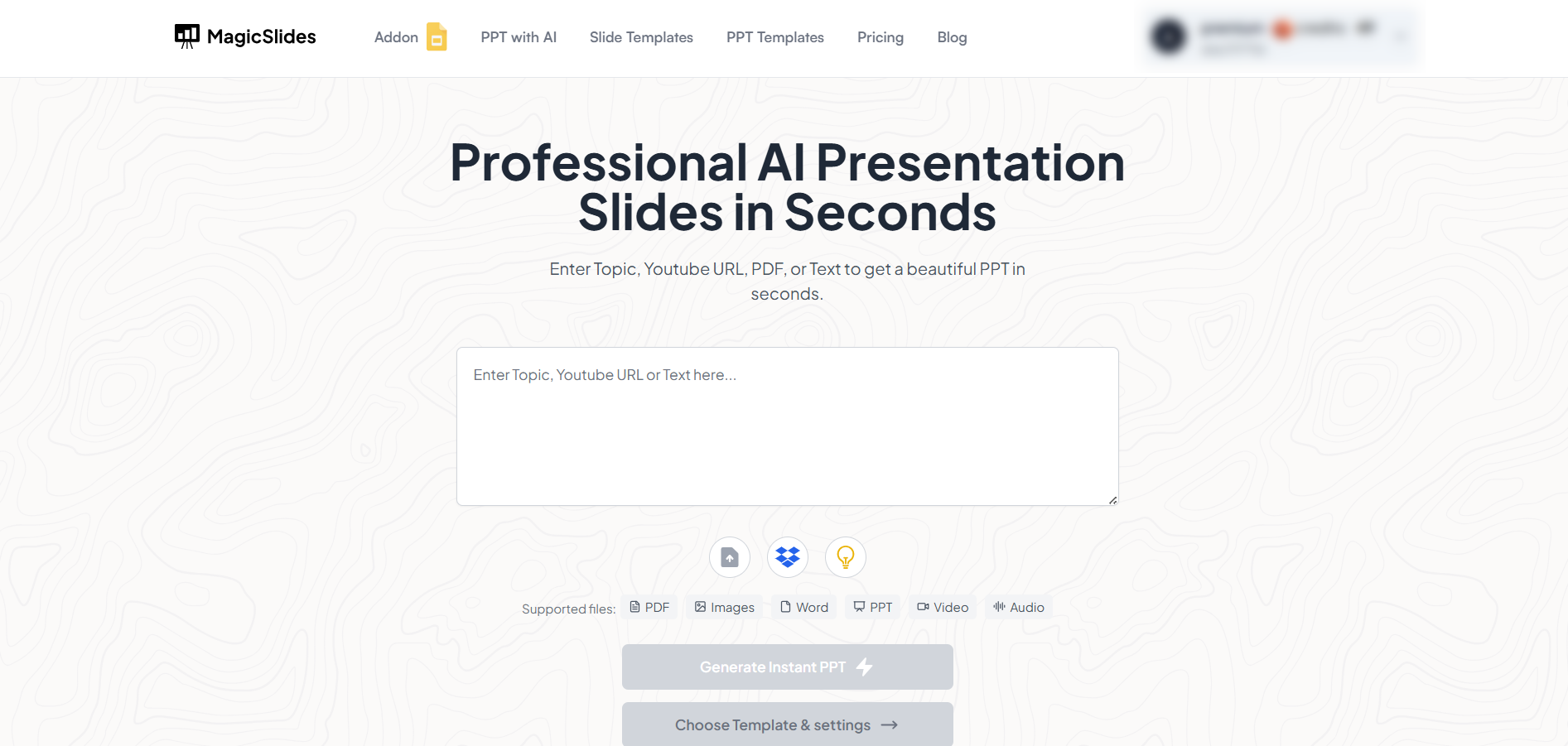
MagicSlides is an AI-powered tool that creates professional, engaging presentations with just one prompt. Simply enter your topic, and the platform will generate a full deck complete with structured content, design elements, and suggested visuals.
Here’s what you’ll love about MagicSlides:
- Instant slide generation with just one prompt
- Smart content organization and bullet points
- Visually polished designs, no design skills needed
- Multiple formats: Download as PowerPoint, use in Google Slides
- Supports customization, edits, and re-generation
- Converts YouTube videos, URLs, or text into full presentations
- Perfect for business, education, content creation, and more
Want to try it yourself? Click here to start creating your first presentation for free!
Conclusion
Designing effective presentations is a skill that combines creativity, structure, and audience awareness.
With clear goals, engaging visuals, and strategic content layout, you can deliver presentations that not only look great but leave a lasting impression.
Keep refining your skills, and every presentation will get better and more impactful.
FAQs can take you forward!
What makes a presentation effective?
Clarity, focus, visual appeal, and audience engagement are key. An effective presentation delivers value while keeping viewers interested.
How many slides should a presentation have?
It depends on your topic and time limit. A 10–15 minute talk typically works well with 10–12 slides.
Should I use a template or start from scratch?
Templates are helpful for consistency and speed, especially if you’re not a designer. Just ensure you customize them to fit your topic and tone.


