How to Group Items in PowerPoint


Easily manage and organize your PowerPoint designs by grouping items for seamless movement and editing
Grouping items in PowerPoint is a useful technique that allows you to combine multiple objects into one.
This makes it easier to move, resize, or format them as a single unit, saving you time and ensuring consistency in your designs.
Follow this step-by-step guide to learn how to group items effectively in PowerPoint.
How to Group Items in PowerPoint | Steps to Group Items in PowerPoint
Step 1: Open Your PowerPoint Presentation
Launch PowerPoint and open the presentation where you want to group items.
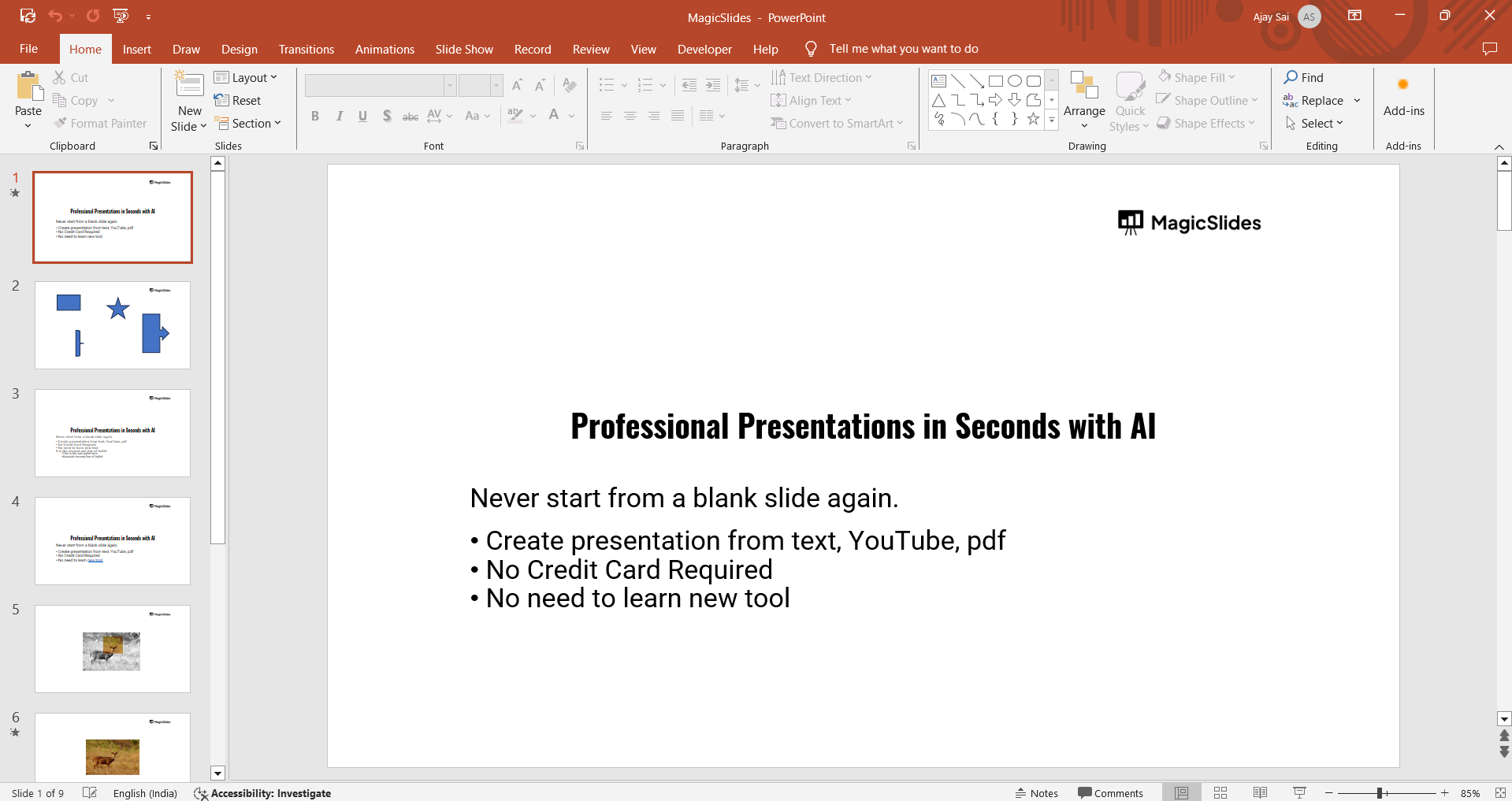
Navigate to the slide that contains the objects you wish to group.
Step 2: Select the Items You Want to Group
Hold down the Shift key on your keyboard.
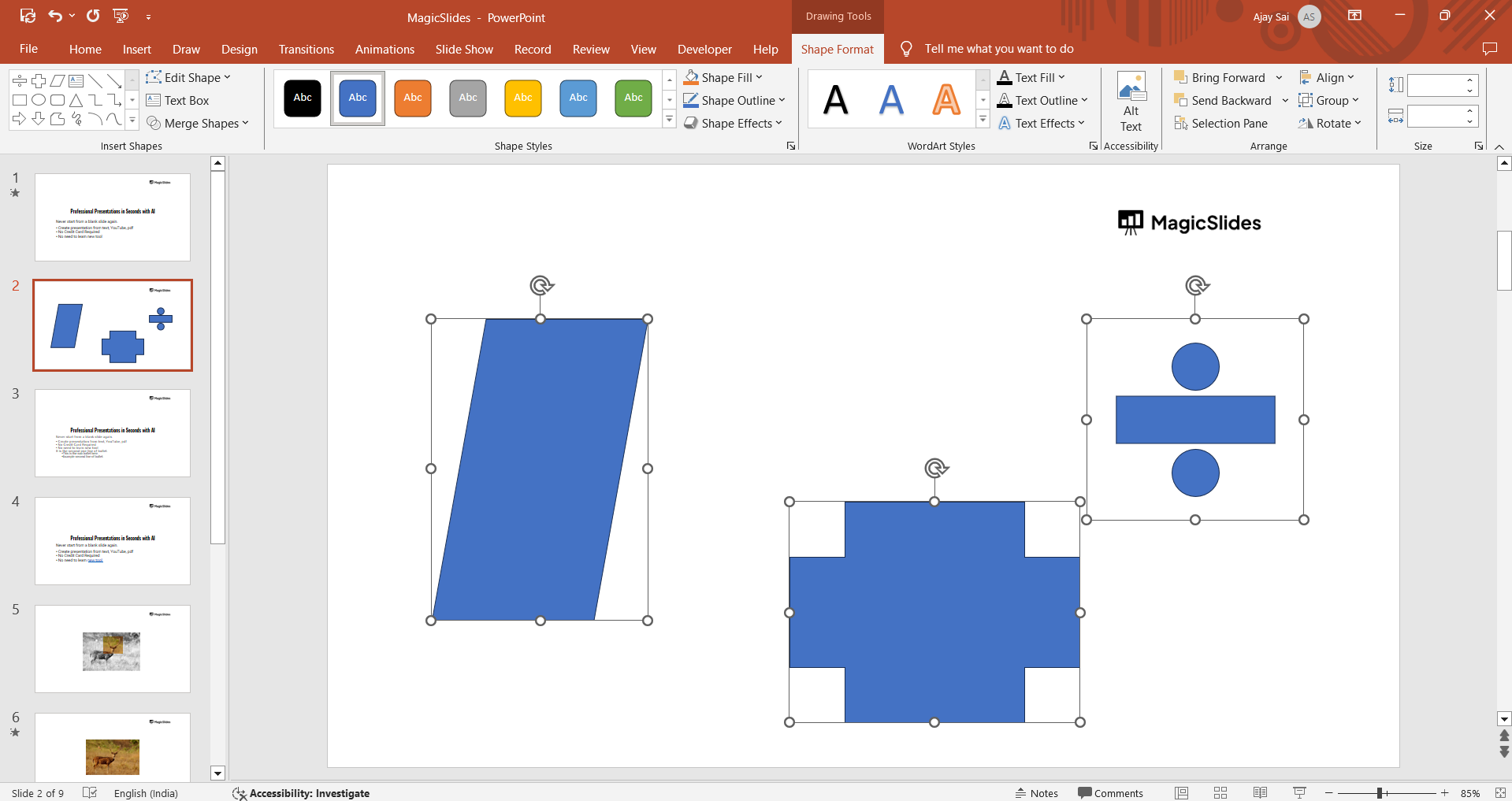
Click each object you want to include in the group. Selected items will show bounding boxes.
Step 3: Group the Selected Items
With the objects selected, right-click anywhere within the selection.
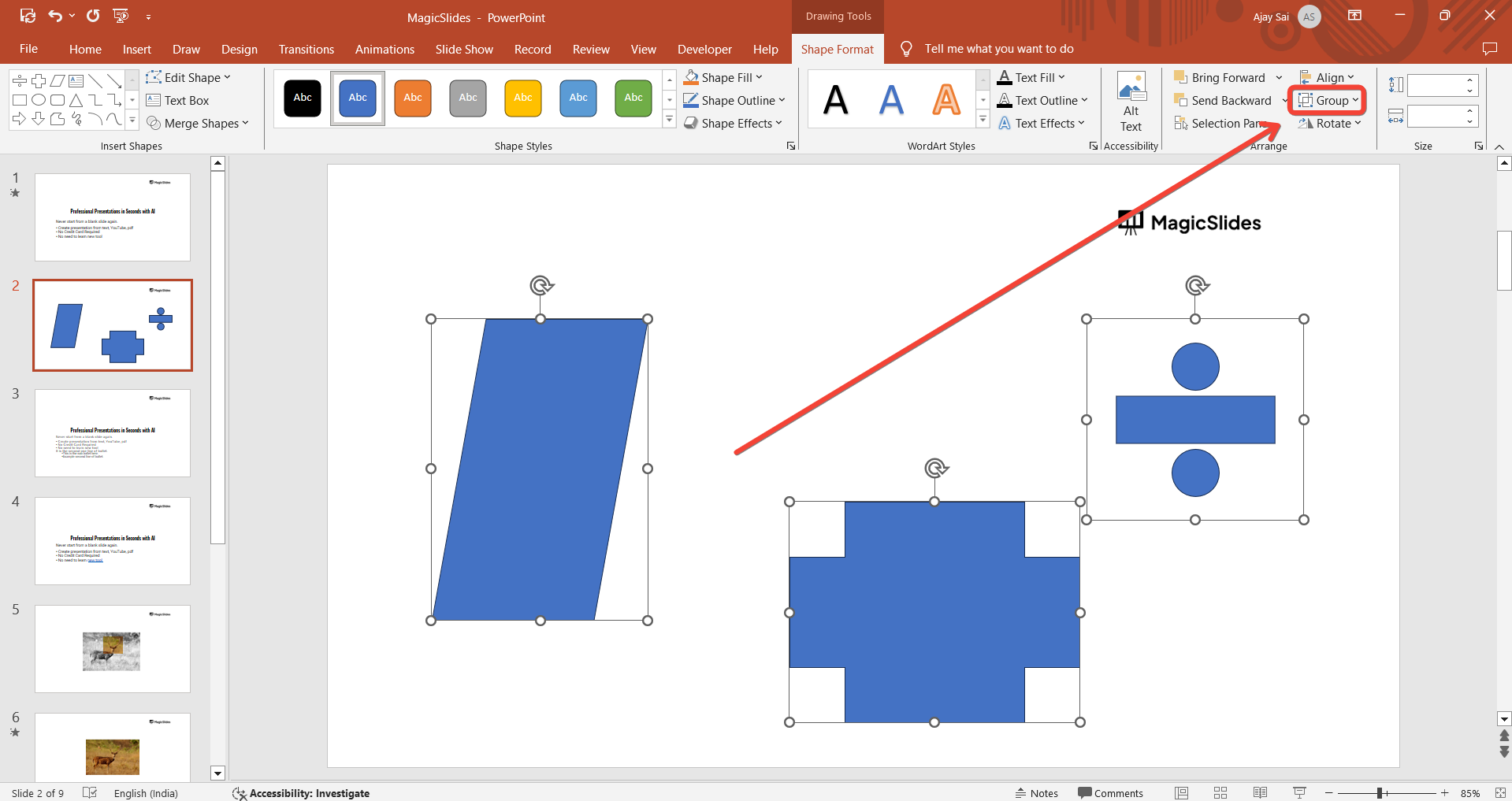
From the context menu, click on “Group” > “Group.” Alternatively, you can use the Ctrl + G (Windows) or Command + G (Mac) shortcut.
The items will now be combined into a single group.
Step 4: Adjust the Group as Needed
Move the grouped items by clicking and dragging. Resize the group by dragging the handles on the bounding box.
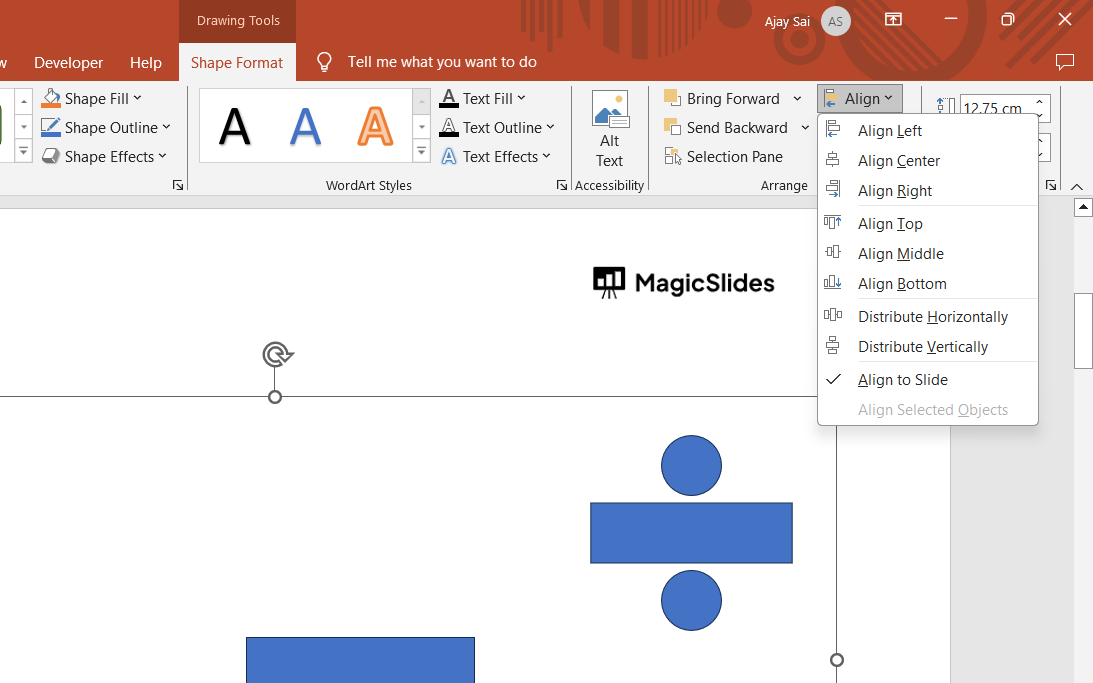
Format the group as a whole by applying effects, colors, or animations.
Step 5: Ungroup Items (Optional)
If you need to make individual changes to an object within the group, right-click the group.
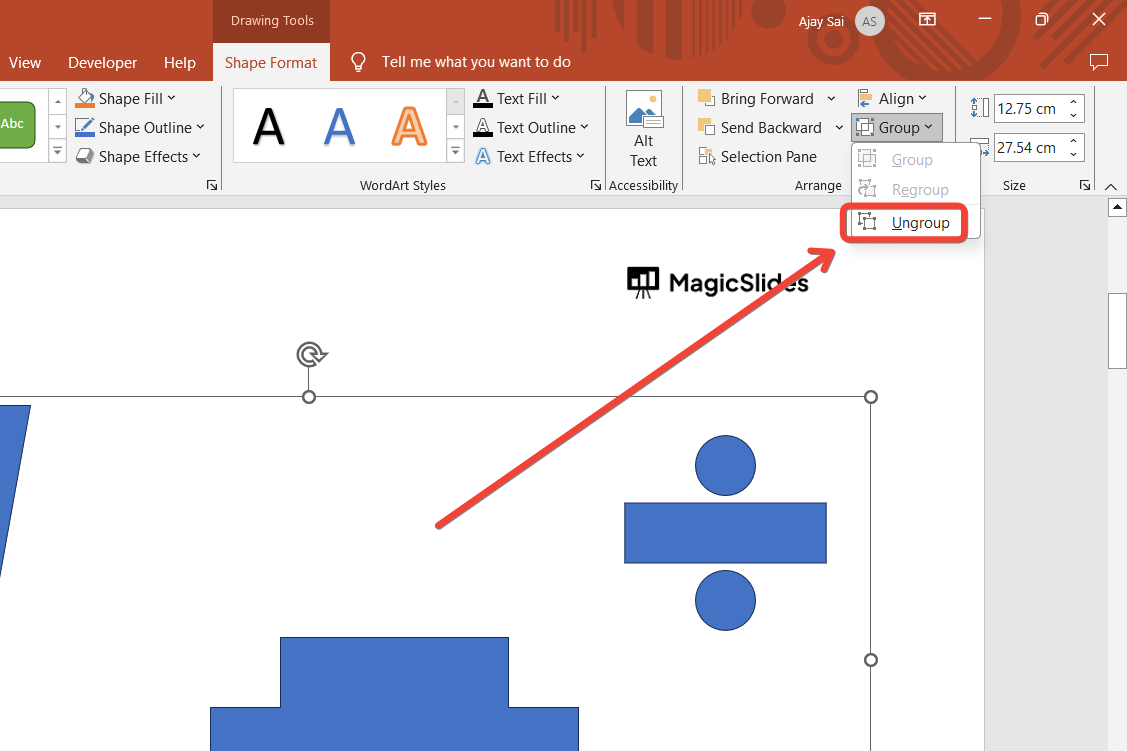
Select “Group” > “Ungroup” or use the shortcut Ctrl + Shift + G (Windows) or Command + Shift + G (Mac).
Make the required adjustments, then regroup the items if needed.
Conclusion
Grouping items in PowerPoint is a simple yet powerful feature that streamlines your workflow and ensures precise alignment of objects.
By following these steps, you can easily manage complex designs and create professional-looking presentations.
Mastering this technique will save you time and enhance the visual appeal of your slides.
FAQs on Grouping Items in PowerPoint
Can I group different types of objects together?
Yes, PowerPoint allows you to group text boxes, shapes, images, and other objects regardless of their type.
How do I group items across multiple slides?
Grouping only works on objects within the same slide. You can duplicate grouped objects to other slides for consistency.
Why is the Group option greyed out?
Ensure you have selected at least two objects. The Group option is unavailable if only one item is selected.
By using the grouping feature effectively, you can simplify your design process and create polished presentations with ease.


