How to Sell on Canva


Selling on Canva allows designers to monetize their creative skills by offering customizable digital products
Canva is not only a powerful design tool but also a great platform to sell your custom templates and designs.
Whether you're a freelancer, business owner, or digital creator, Canva enables you to create and market products like social media templates, business cards, and presentations.
In this guide, I’ll take you through the process of setting up and selling your designs on Canva, helping you reach potential buyers and generate income from your creativity.
How to Sell on Canva: A Step-by-Step Guide
Step 1: Create a Canva Account
The first step to selling on Canva is creating an account if you don’t already have one.
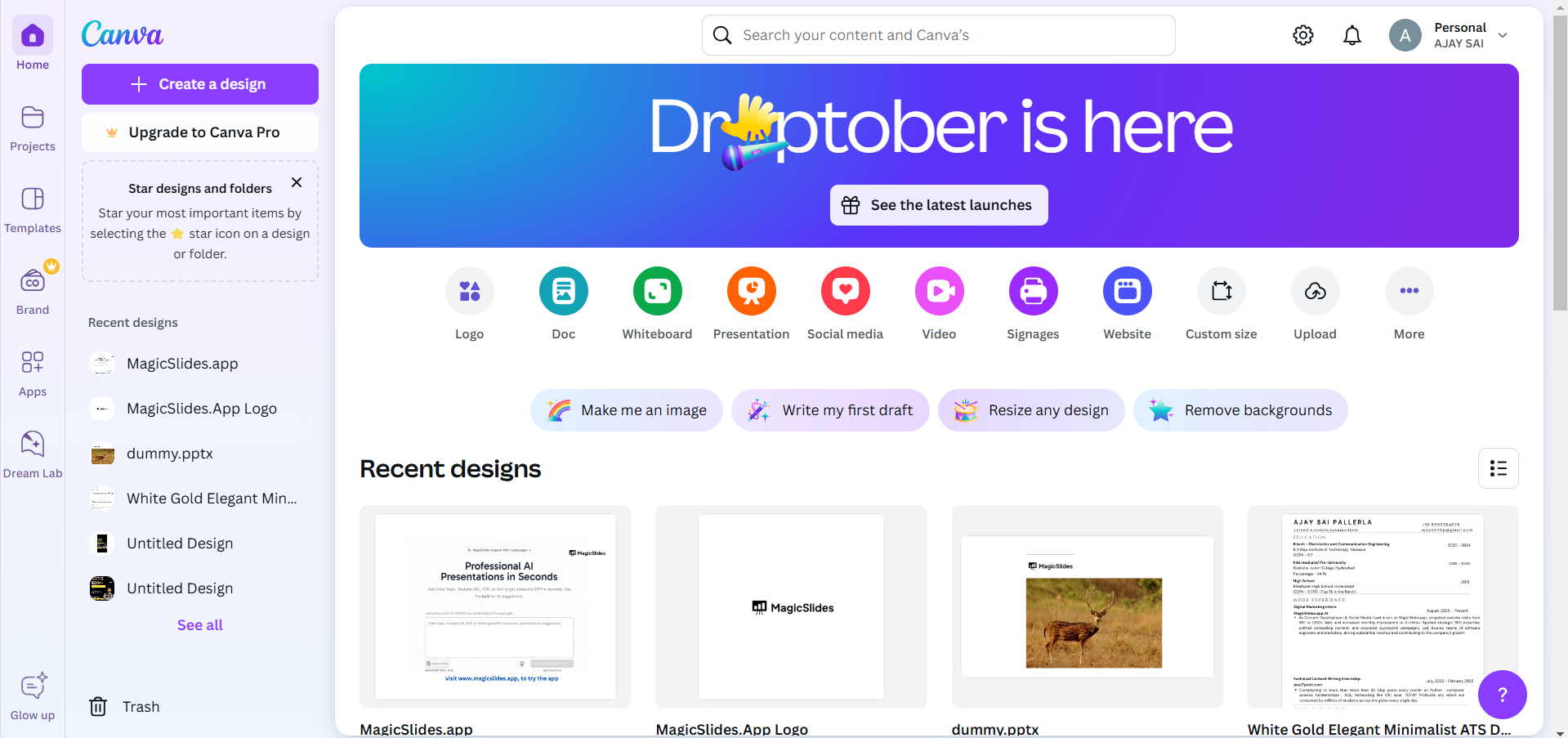
Sign up for a free or Canva Pro account, depending on the features you need.
The Pro account offers more advanced design features, which can help you create premium products for sale.
Step 2: Design Your Products
Once your account is set up, start designing the products you want to sell. This could be anything from social media templates, infographics, logos, or presentations.
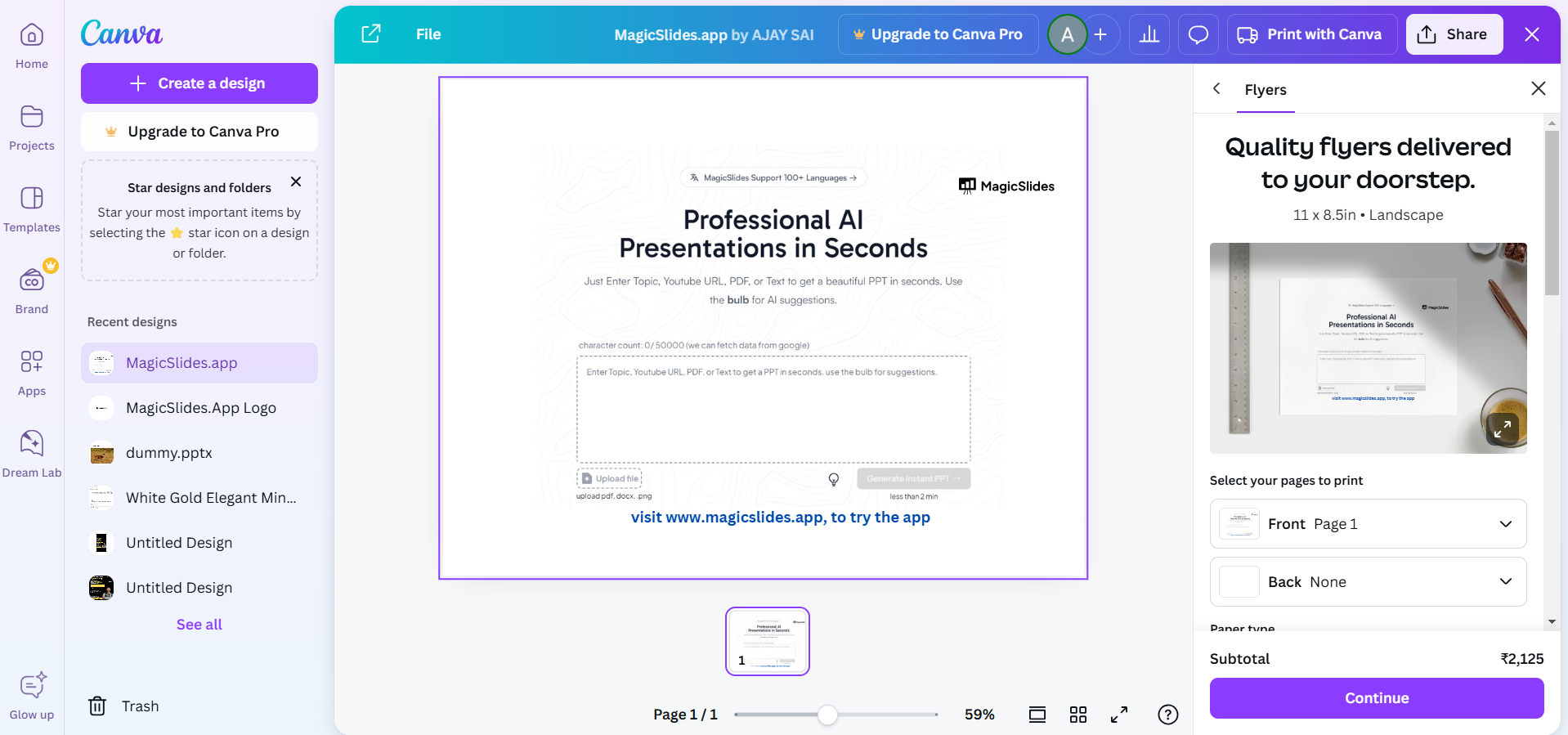
Use Canva’s extensive library of design elements or upload your own to create unique, marketable designs.
Ensure your designs are of high quality and ready for sale.
Step 3: Export Your Designs
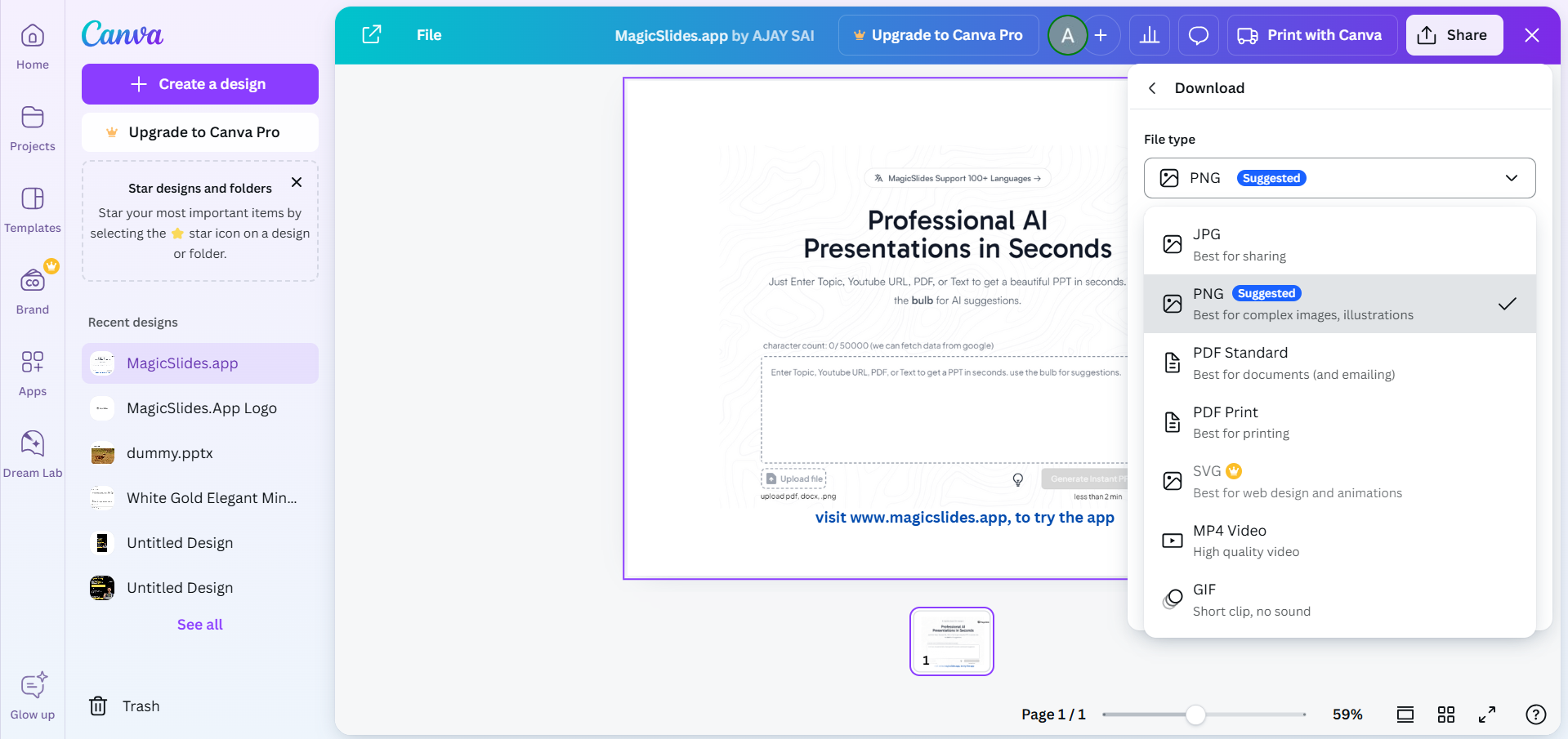
After designing your products, export them in high-quality formats. Canva allows you to export designs as PNG, JPG, PDF, or even video and GIF formats.
Choose the format based on what your customers will need (e.g., PDFs for templates, PNGs for logos).
Step 4: Create a Canva Template Link (Optional)
If you're selling editable templates, Canva allows you to create a shareable template link.
This way, customers can access and edit the design on their own Canva accounts.
Simply click the "Share" button, select “Share a link to use as a template,” and Canva will generate a special link.
Step 5: Choose Your Selling Platform
To sell your Canva designs, you need to choose a platform. You can sell them on your website, through e-commerce platforms like Etsy or Gumroad, or via social media use Canva’s contributor programme.
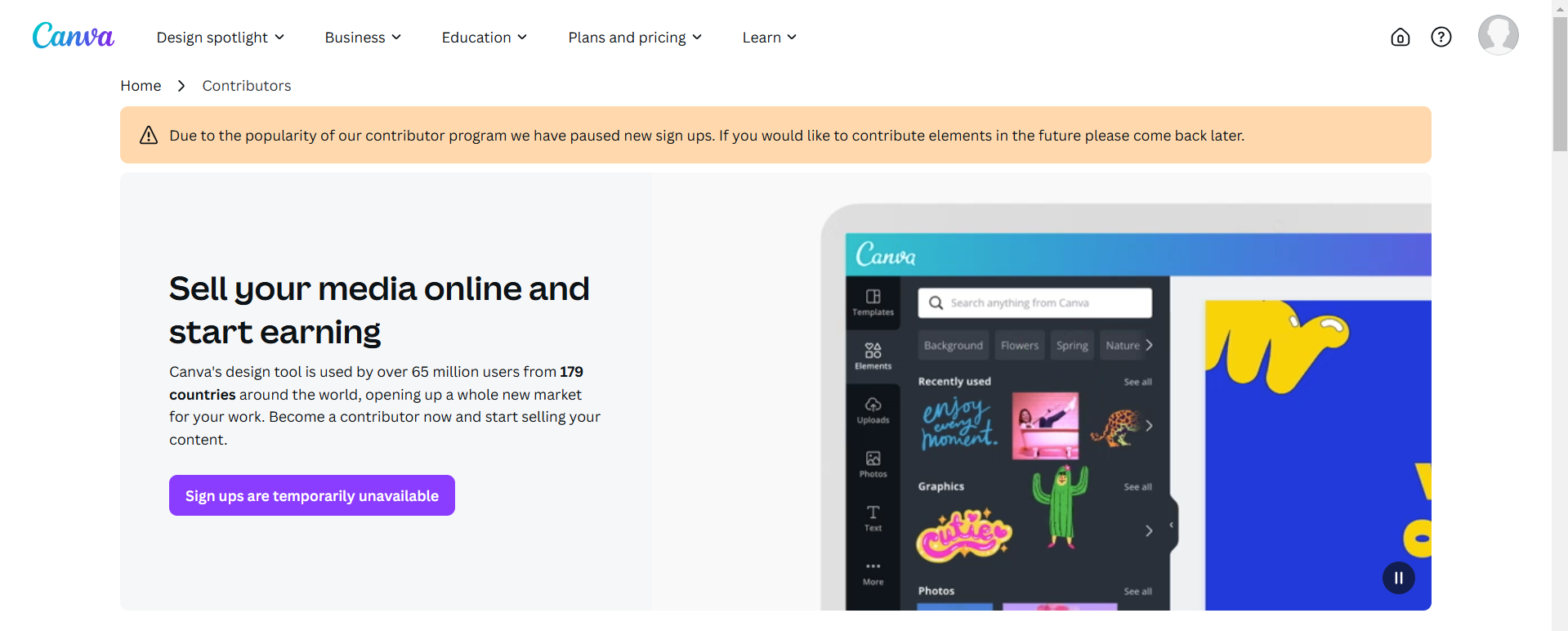
Make sure to optimize your product listings by including high-quality previews and clear descriptions of what your customers are purchasing.
Step 6: Set Your Pricing
Determine the pricing for your designs based on factors like design complexity, file types, and market demand.
Ensure your prices are competitive while reflecting the value of your work. You can also offer bundles or discounts to attract more buyers.
Step 7: Promote Your Designs
Promoting your Canva designs is key to reaching more customers. Use social media platforms, email marketing, and even paid ads to showcase your products.
Make use of Canva’s mockups and presentation tools to create attractive previews that entice potential buyers.
After learning the basics of selling on Canva, check out how to use AI on Canva to streamline your design process and create high-quality, market-ready products.
Conclusion
Selling on Canva provides a great opportunity for designers and entrepreneurs to monetize their creativity.
With Canva’s easy-to-use design tools and the ability to sell across multiple platforms, you can build a successful online business by offering beautiful and customizable designs.
Follow these steps to start selling your Canva designs and expand your reach in the growing digital marketplace.
FAQs are here to guide!
Can I sell Canva designs that include Canva’s stock elements?
Yes, you can sell designs that include Canva’s stock elements, but ensure you're following Canva’s licensing rules, which vary depending on whether you're using the free or Pro version.
Do I need a Canva Pro account to sell my designs?
No, you can sell designs with a free Canva account, but Canva Pro offers more features and assets that can help you create higher-quality, professional designs.
Where can I sell Canva templates online?
You can sell Canva templates on platforms like Etsy, Gumroad, your own website, or via social media channels.


