Important Guidelines While Using a Presentation Aid during your Speech


Learn key tips to effectively use presentation aids during speeches to enhance clarity and audience engagement
Important Guidelines While Using a Presentation Aid During Your Speech
Presentation aids such as slides, props, videos, or charts can elevate your speech by making information clearer, supporting your message, and keeping the audience engaged.
However, if not used properly, they can also distract or confuse.
This blog outlines essential guidelines for effectively using presentation aids during your speech, so they enhance rather than hinder your message.
Step 1: Choose the Right Type of Aid
Select an aid that complements your message and fits the context of your speech. For example:
- Use slides for structured data or visuals.
- Show a short video to demonstrate a concept in action.
- Display physical props for product demos or storytelling.
Avoid using aids that are overly complex or unnecessary for your topic.
Step 2: Make It Clear and Simple
Presentation aids should clarify not complicate your content. Keep text minimal (use bullet points or keywords), choose large readable fonts, and avoid excessive animations or transitions.
Visuals should be high-quality and easily visible to the entire audience.
Step 3: Practice With Your Aids
Familiarize yourself with your presentation aids in advance. Rehearse your speech using them so transitions feel natural, and you don’t rely on reading directly from them.
This helps you stay in control and appear confident during your speech.
Step 4: Maintain Audience Connection
Never turn your back to the audience to read your slides or point at the screen for long periods.
Always face your audience while referring to the aid briefly. Use gestures or a laser pointer to direct attention without breaking eye contact.
Step 5: Ensure Technical Reliability
If you're using digital tools like slides or videos, test all equipment beforehand. Bring backups on a USB drive or cloud service, and have an alternative plan in case of technical failure.
This ensures your speech goes smoothly even if something goes wrong.
Step 6: Time Your Aid Usage Wisely
Don’t keep an aid on screen longer than necessary. Introduce it, explain it, and move on once the point is made.
Overusing visual aids can cause distraction or information overload for the audience.
Step 7: Align Aids with Your Message
Every presentation aid should serve a purpose supporting or reinforcing your main points.
Ask yourself: “Does this help clarify or emphasize what I’m saying?” If not, consider removing it.
Tired of spending hours crafting a presentation? Here’s a smarter solution MagicSlides
Whether it’s for work, school, or a pitch deck, building a presentation from scratch can take hours from researching and organizing content to designing each slide. But what if you could skip all that and have your presentation ready in under a minute? That’s exactly what MagicSlides does for you.
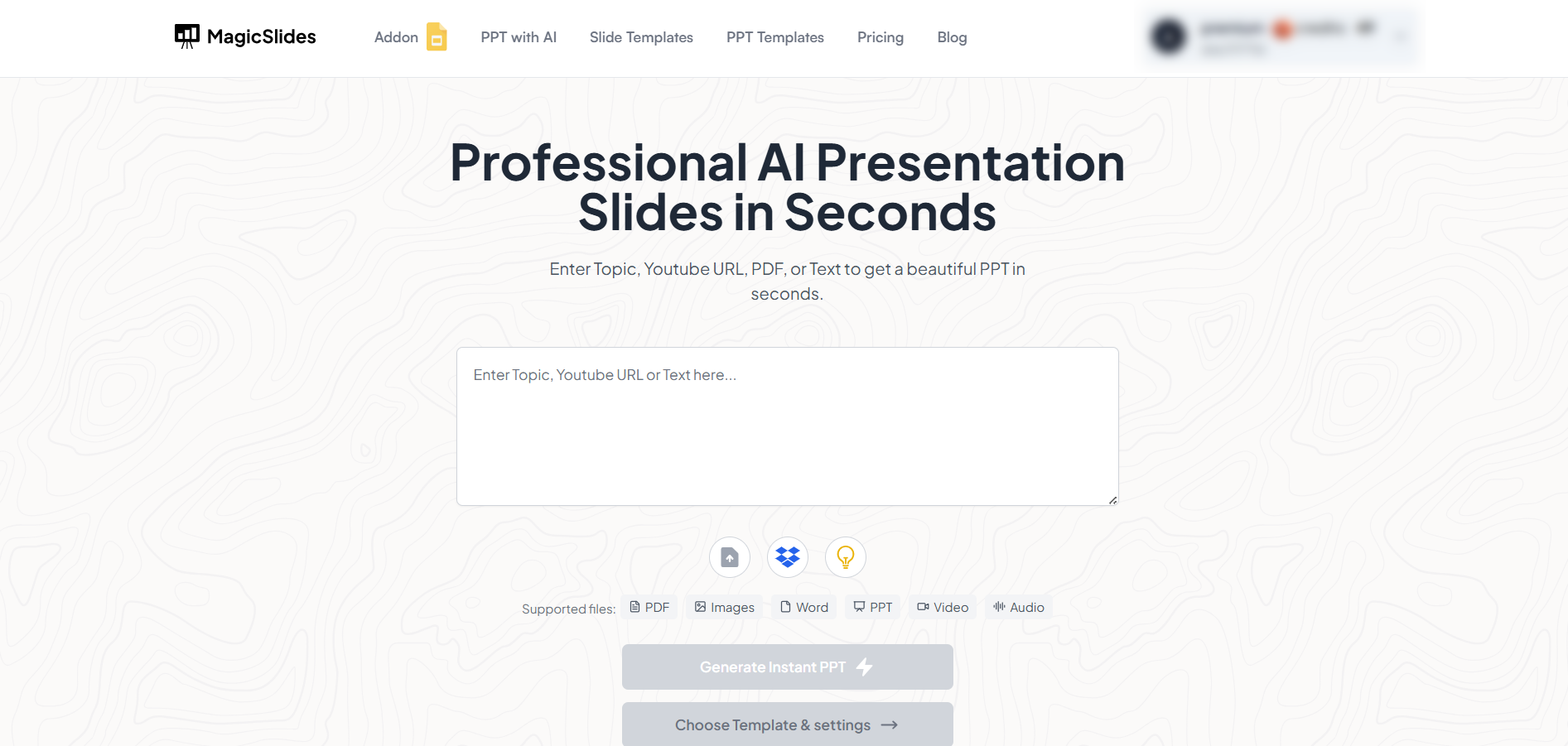
MagicSlides is an AI-powered tool that creates professional, engaging presentations with just one prompt. Simply enter your topic, and the platform will generate a full deck complete with structured content, design elements, and suggested visuals.
Here’s what you’ll love about MagicSlides:
- Instant slide generation with just one prompt
- Smart content organization and bullet points
- Visually polished designs, no design skills needed
- Multiple formats: Download as PowerPoint, use in Google Slides
- Supports customization, edits, and re-generation
- Converts YouTube videos, URLs, or text into full presentations
- Perfect for business, education, content creation, and more
Want to try it yourself? Click here to start creating your first presentation for free!
Conclusion:
When used wisely, presentation aids can significantly enhance your speech.
The key lies in choosing appropriate aids, practicing beforehand, and ensuring they support rather than overshadow your message.
Keep it simple, clear, and relevant and always keep your audience’s focus on you, the speaker.
FAQs are here to help!
Can I use multiple types of presentation aids in one speech?
Yes, but only if each aid serves a clear purpose and doesn’t overwhelm or confuse the audience.
How much text should I include on a slide?
Keep it brief no more than 5-7 words per bullet point and 3-5 bullet points per slide.
What if the technology fails during my presentation?
Have a backup plan printed notes, handouts, or the ability to deliver your message without the aid.


