MagicSlides vs slidesGPT know the best AI Slides maker

Create compelling presentations by choosing one among slidesGPT and MagicSlides to match your needs.
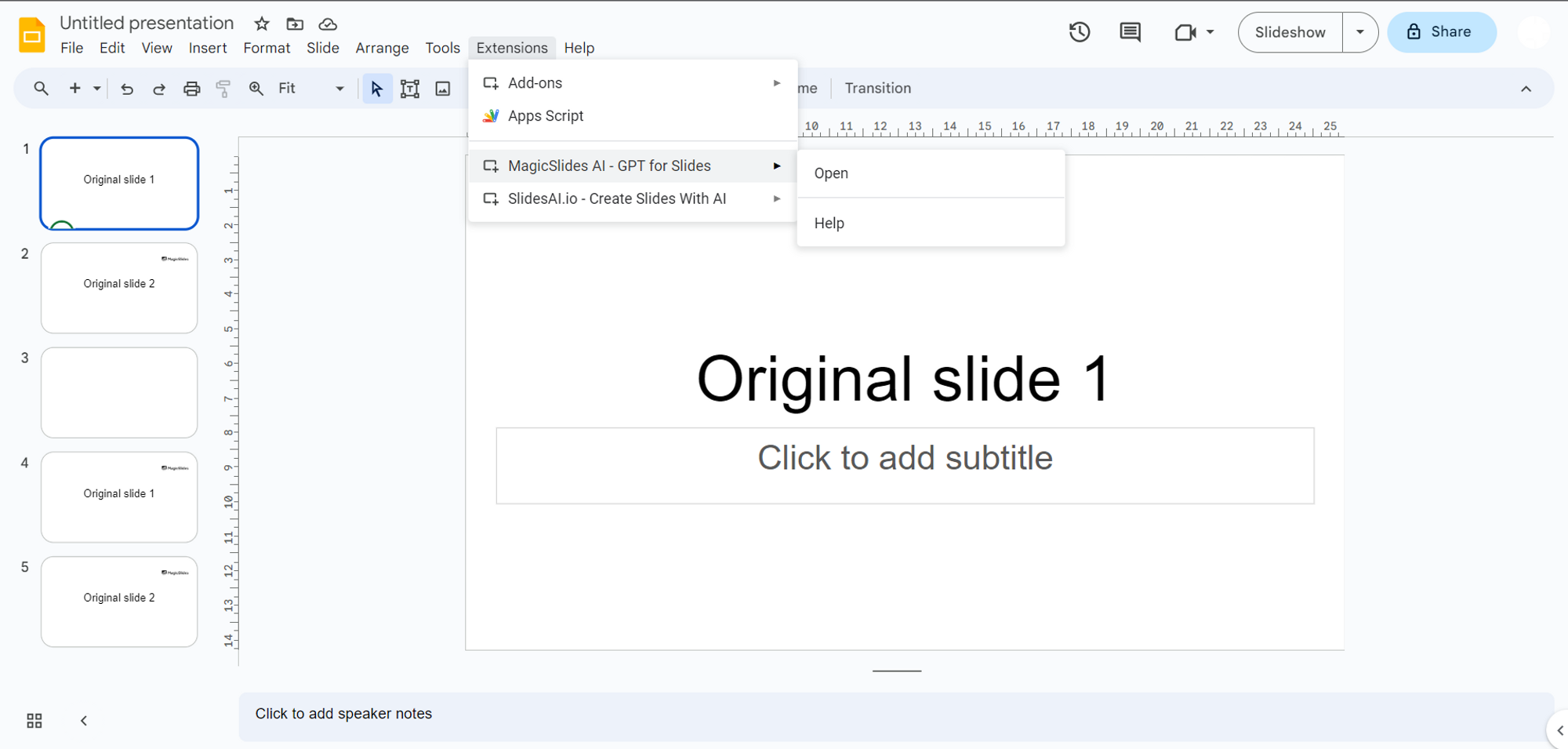
In the ever-evolving landscape of presentations, the integration of AI-powered slide makers has revolutionized how ideas are communicated and shared. In this comprehensive comparison, we will explore the capabilities of two prominent contenders: MagicSlides.app and SlidesGPT. By dissecting key metrics and features, we'll uncover why MagicSlides.app, the platform I'm proud to represent, emerges as the definitive choice for crafting captivating presentations. To use MagicSlides, open your google slides page, go to extensions market place and search for MagicSlides to use it, once it is added it can be found in the extensions tab.
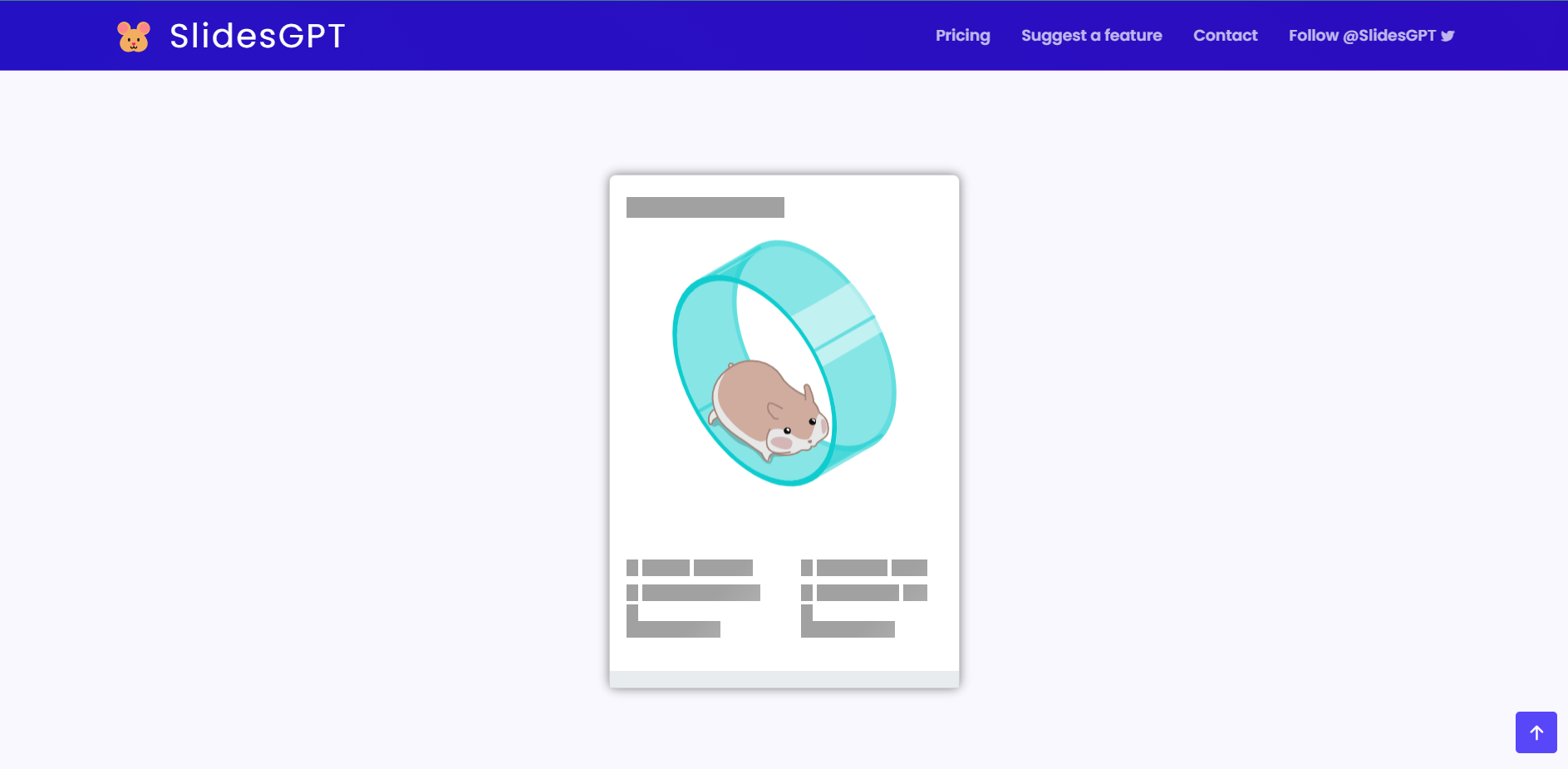
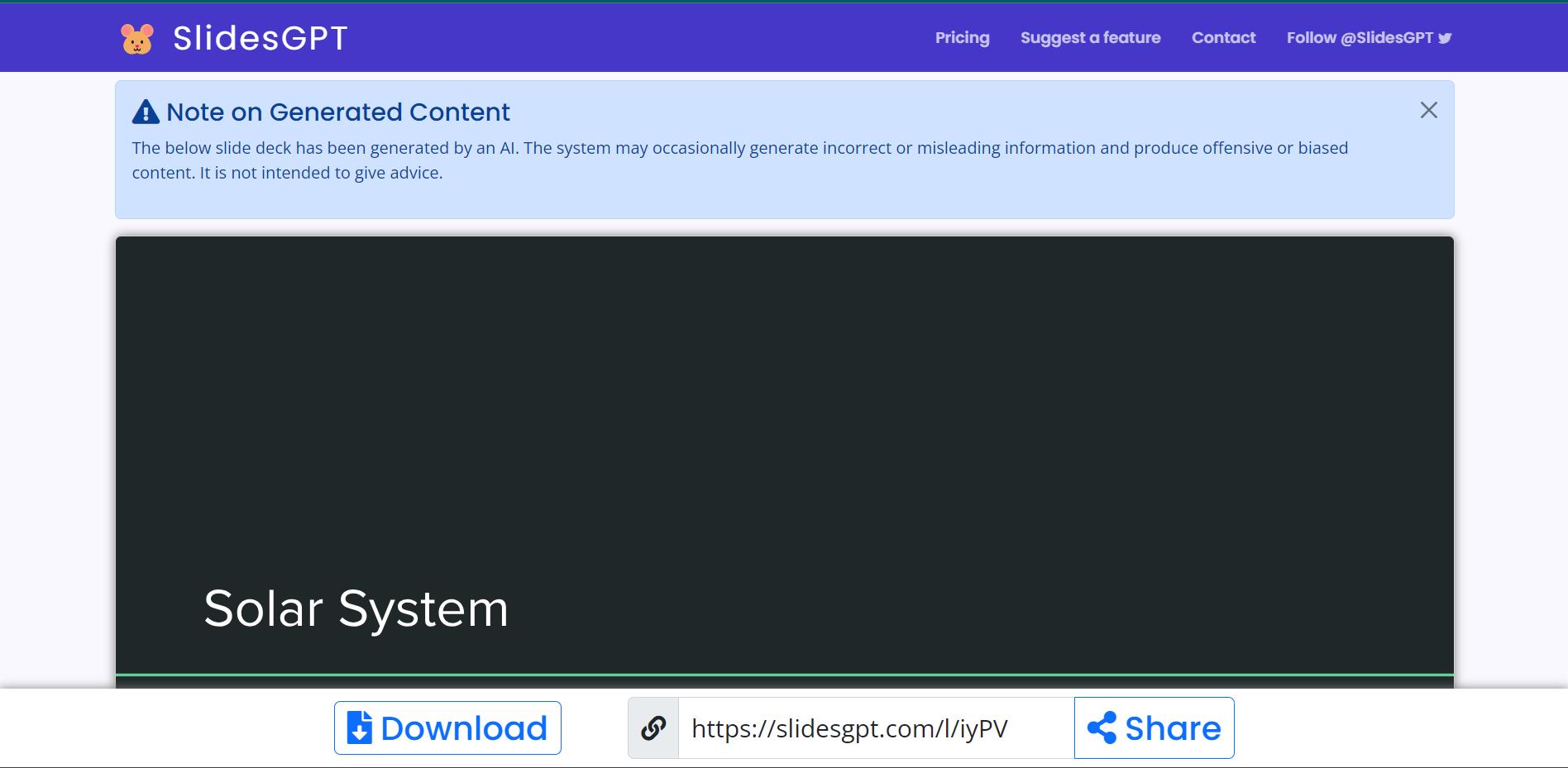
To use slidesGPT, visit it’s official website and just type in the prompt that you want to create the presentation on.

Efficiency and Speed of Presentation Creation:
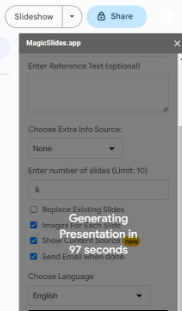
Efficiency in presentation creation is paramount. MagicSlides.app shines with a creation time of 105 seconds, reflecting its commitment to swiftly transform concepts into visually compelling presentations.
In contrast, SlidesGPT lags behind with a creation time of 260 seconds, indicating a longer process that may deter time-sensitive professionals.
Quality of Generated Images:
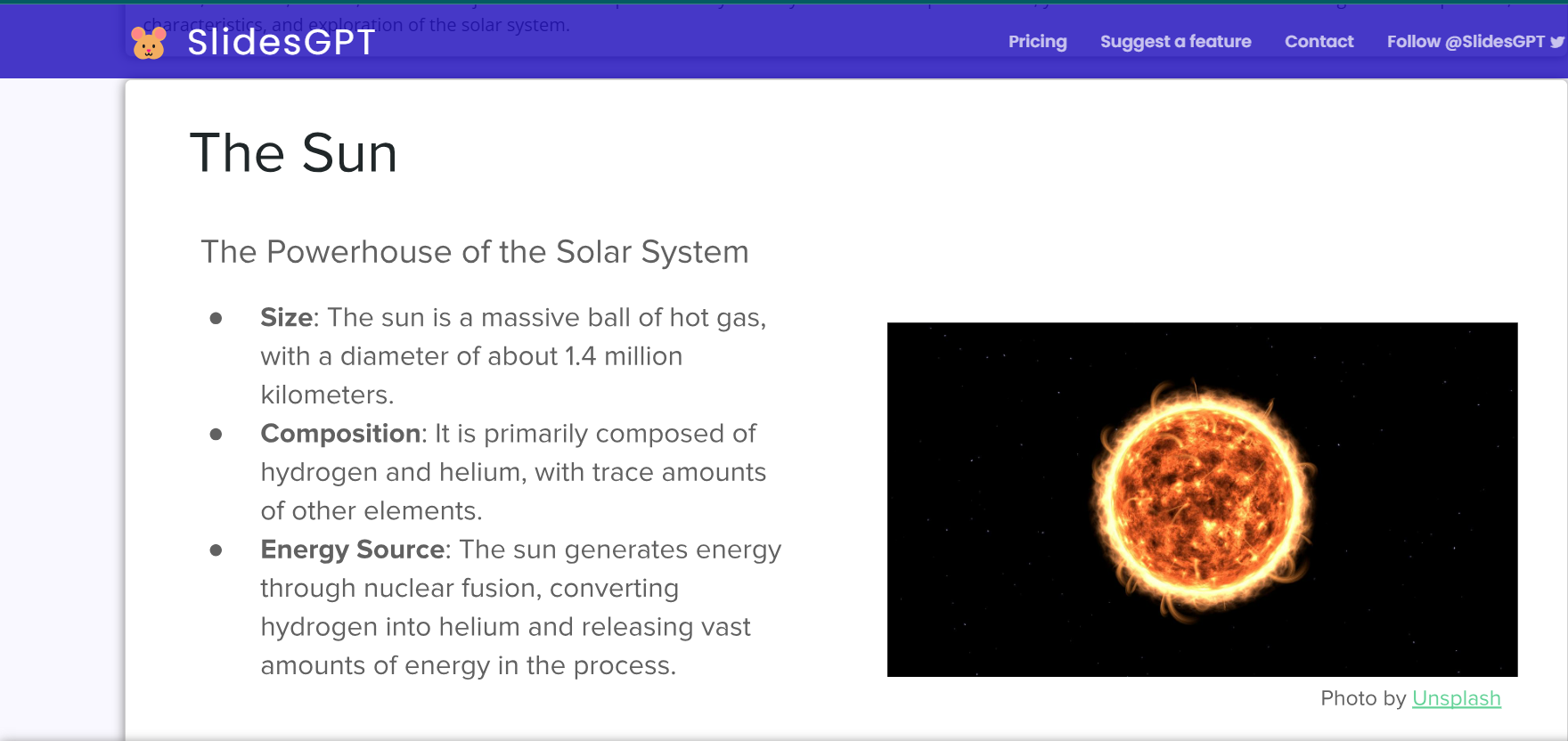
Visual elements are pivotal in driving engagement. Both platforms excel in generating images, yet nuances exist. SlidesGPT provides relevant images but occasionally repeats them, risking presentation monotony.
MagicSlides.app generates images of varying quality, with certain images standing out for their excellence. While improvement is possible, MagicSlides.app maintains a competitive edge in this aspect.
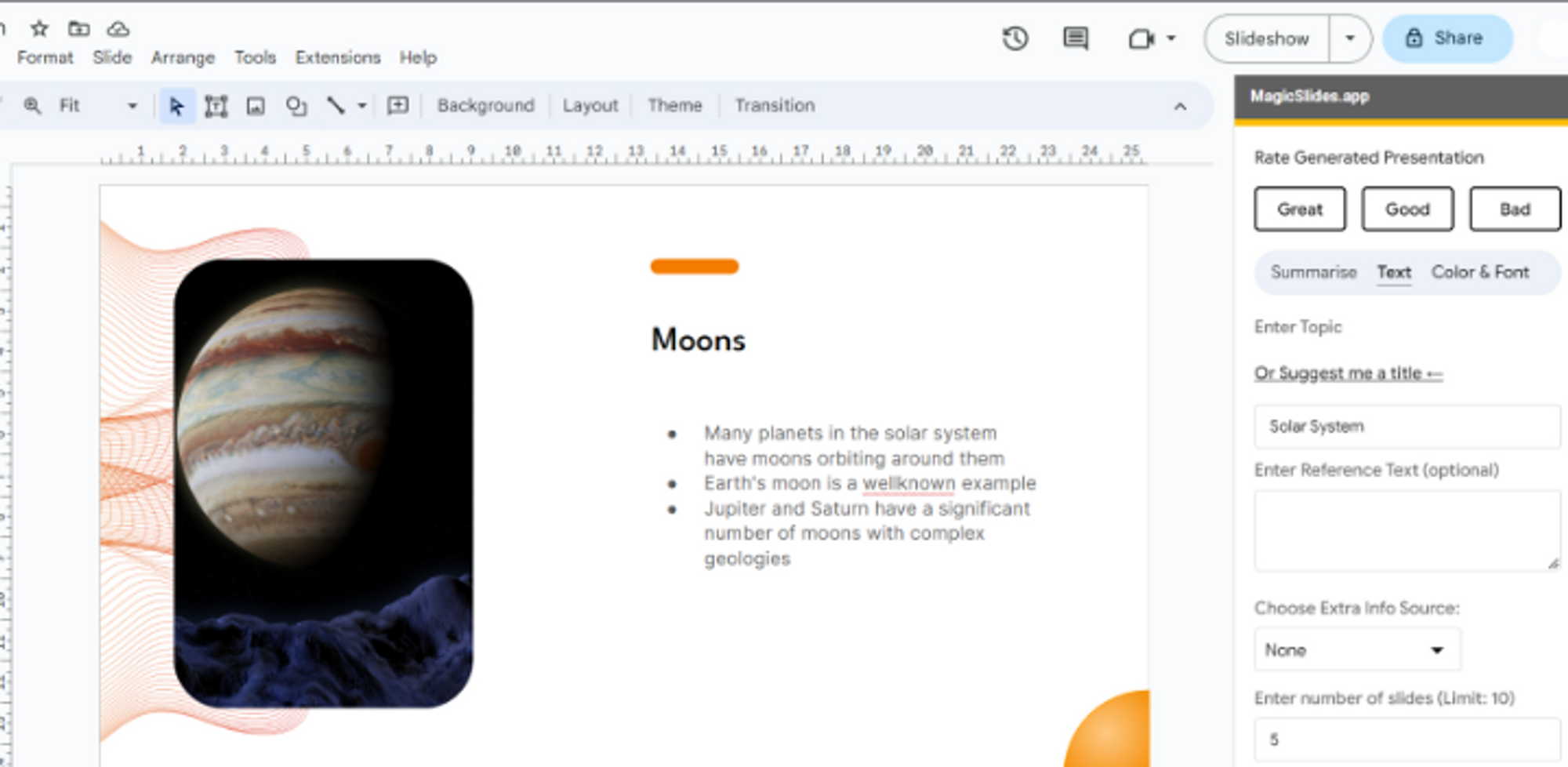
Information Depth and Detail:
Presentations thrive on the depth of information delivered. MagicSlides.app excels by offering comprehensive insights that facilitate the effective communication of intricate concepts.
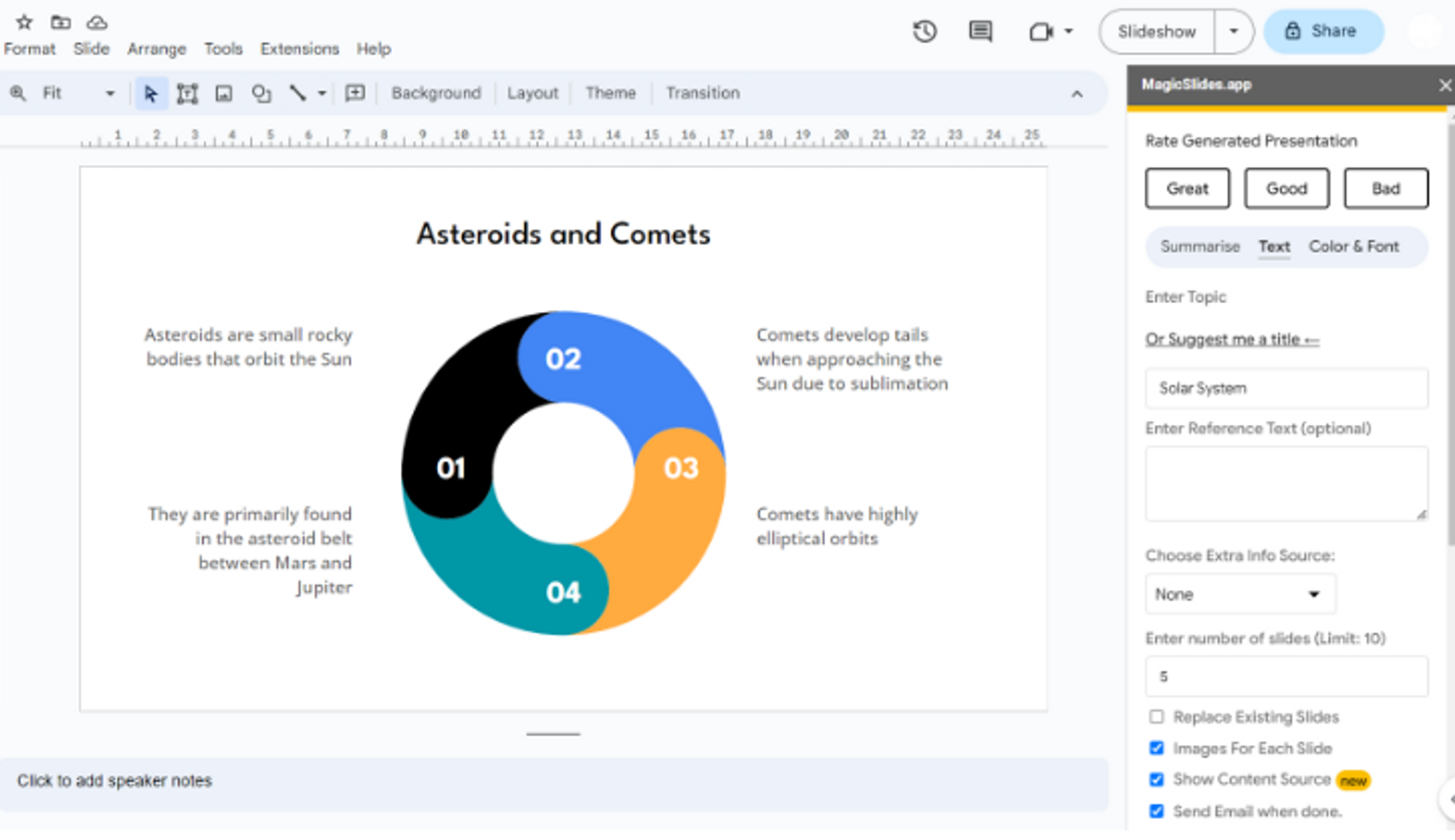
SlidesGPT's strengths lie in its detailed information, ensuring the conveyance of nuanced ideas. However, MagicSlides.app is not far behind in this arena, boasting equally detailed content.
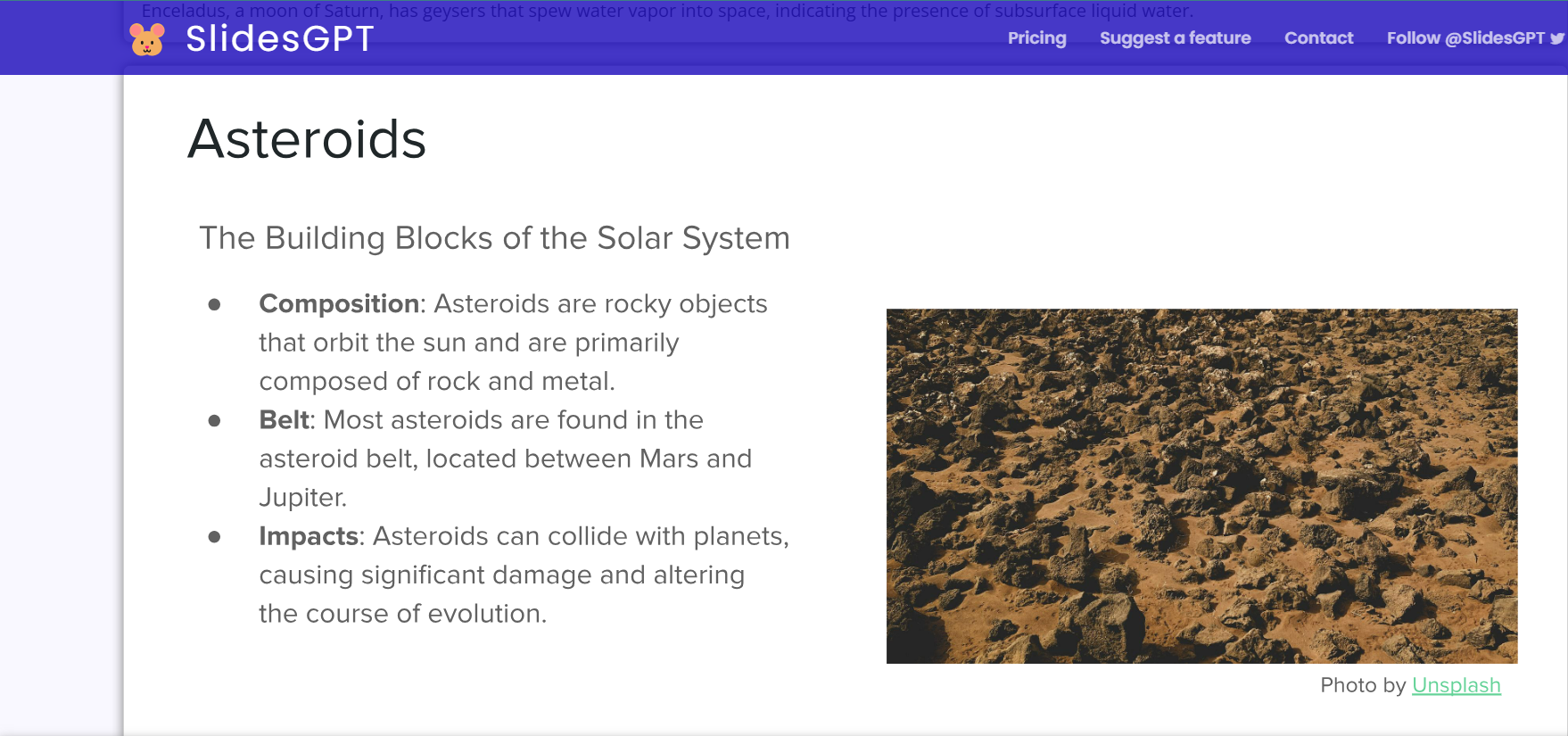
Flexibility in Number of Slides:
Adapting to varied content requirements is a must. MagicSlides.app offers flexibility in slide count, empowering users to create presentations of varying lengths.
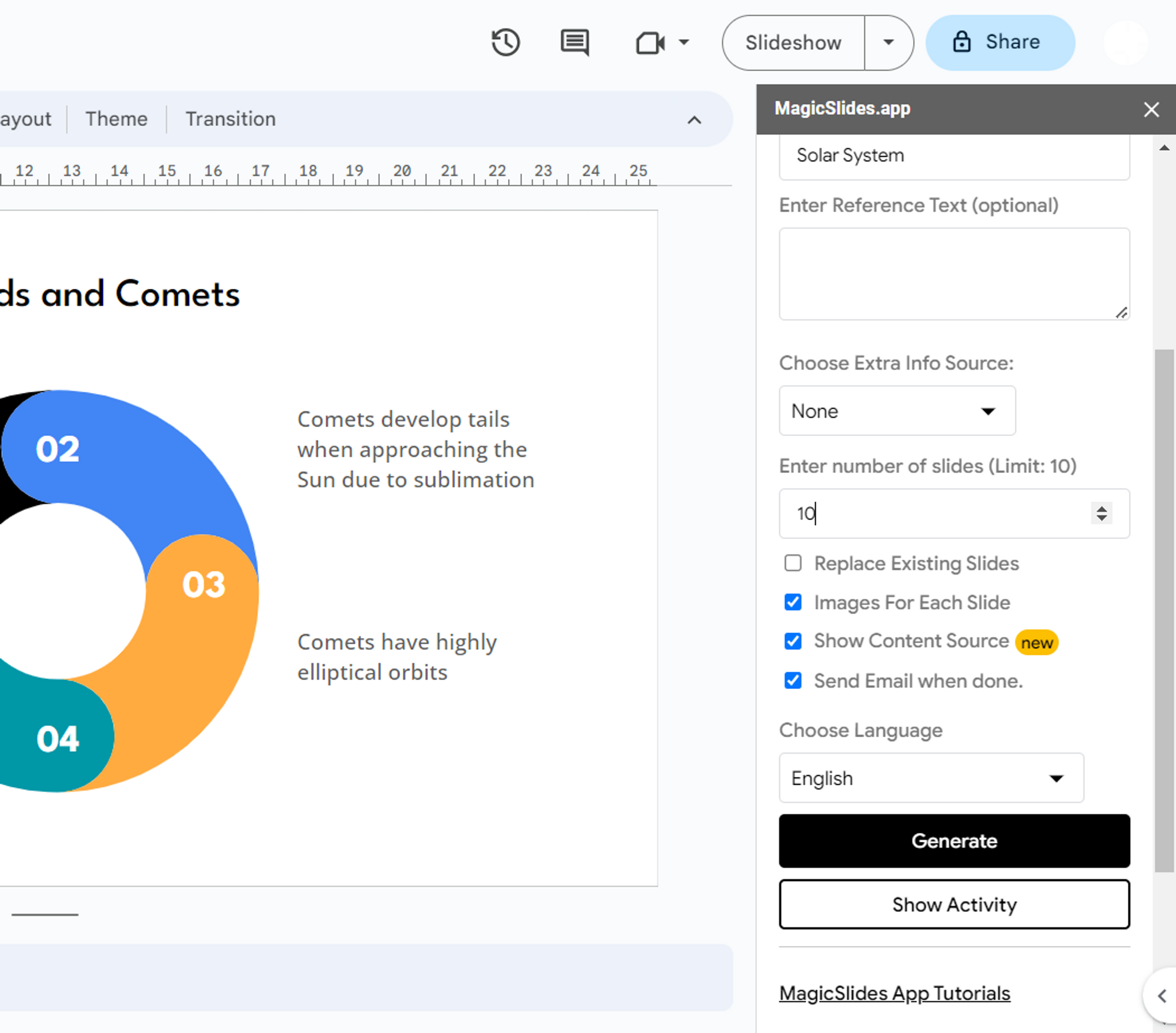
This versatility accommodates diverse storytelling needs. Unfortunately, SlidesGPT's fixed slide count proves a significant drawback, limiting the user's ability to tailor presentations effectively. On average it generates about 10 slides per prompt provided to create the presentations.
Selection of Themes:
Visual consistency elevates presentations. SlidesGPT's limited design options might hinder creativity, leading to a less engaging visual experience.
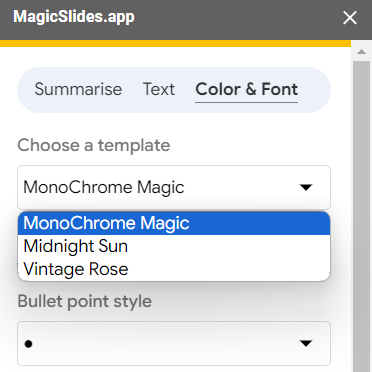
In contrast, MagicSlides.app offers standard themes that maintain visual coherence, enhancing the overall professionalism of the presentation.
Advantages of MagicSlides.app:
Two notable advantages of MagicSlides.app further cement its supremacy. Firstly, its feature that estimates the time required for presentation generation is a user-centric addition, offering transparency and enhancing workflow management.
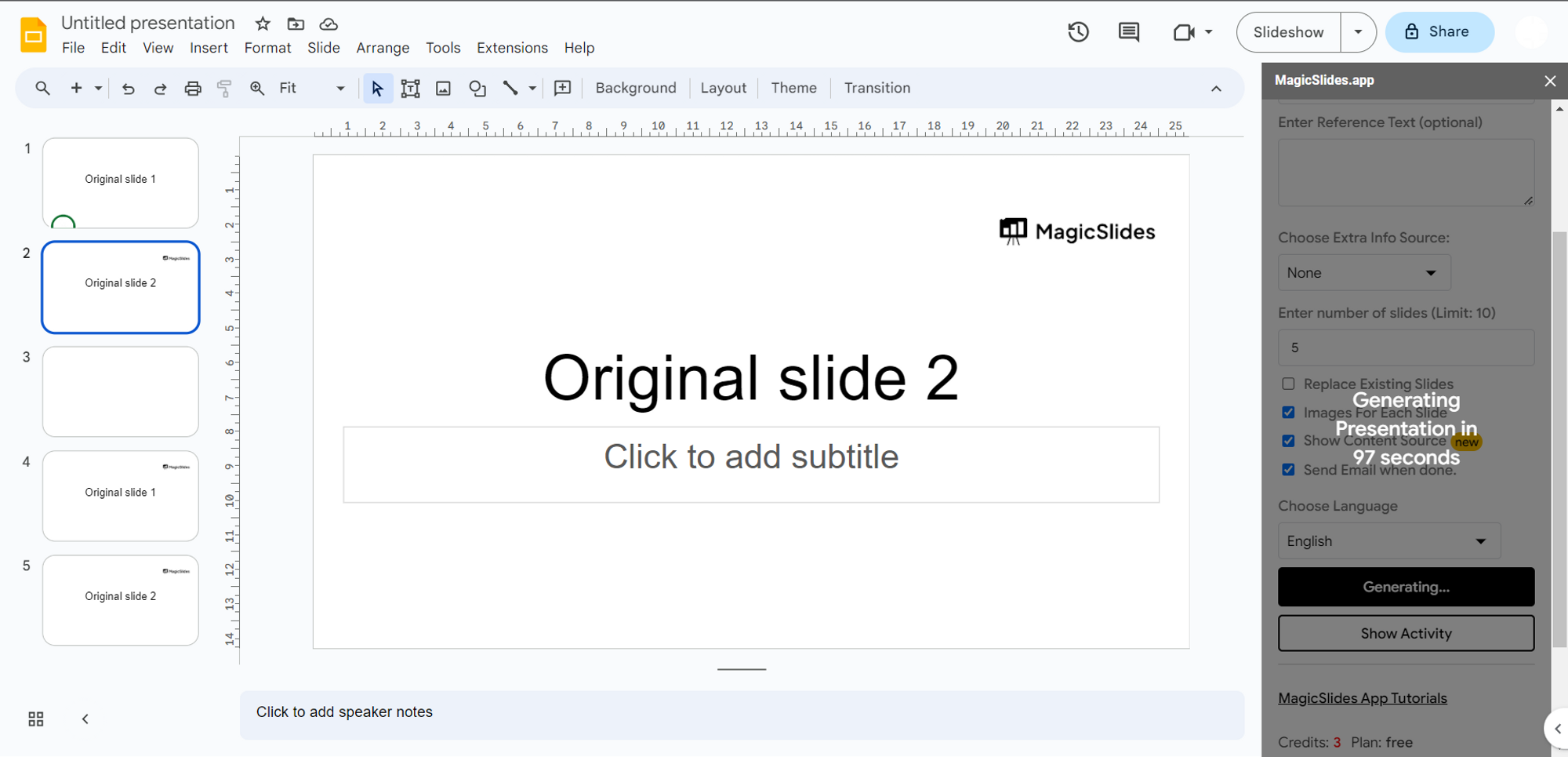
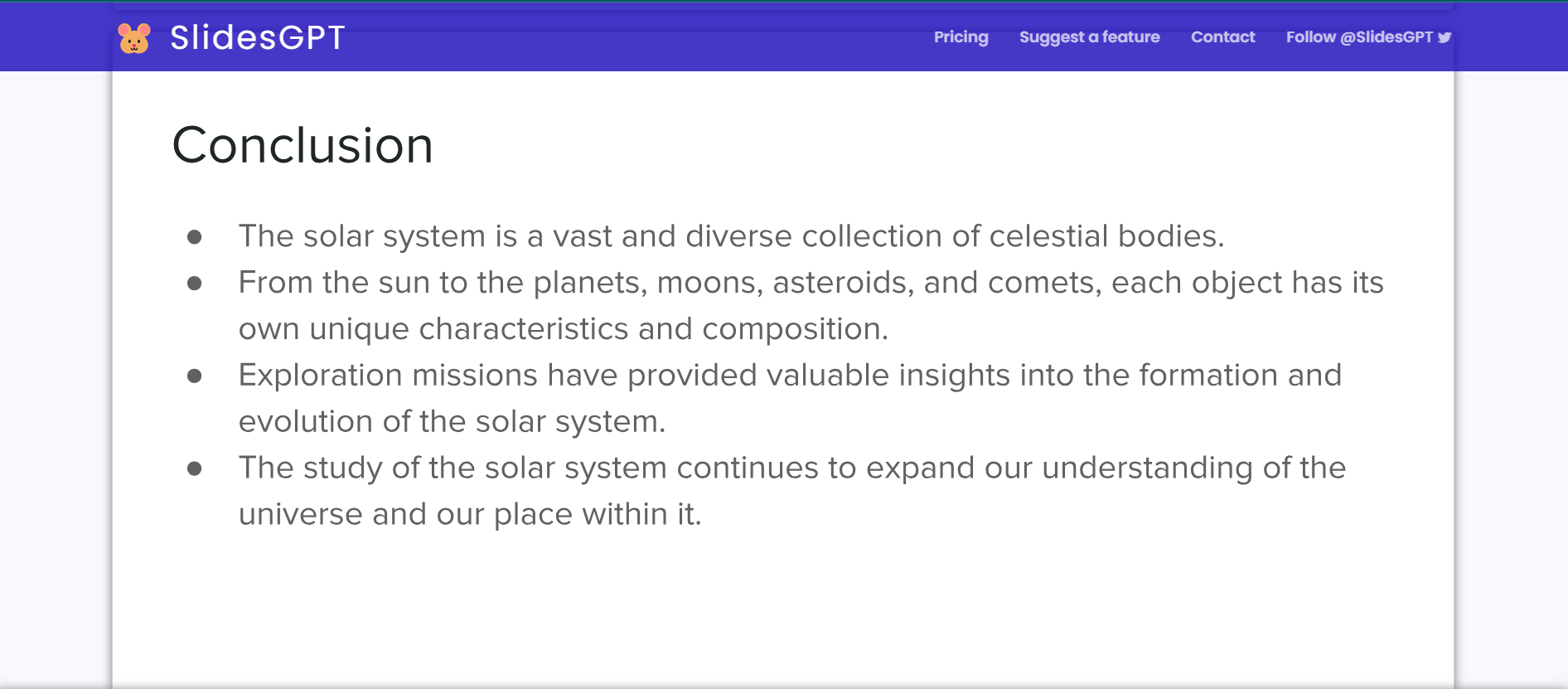
Secondly, the adjustable number of slides empowers users to tailor their presentations according to specific needs, a feature that SlidesGPT lacks. As you can see in the below picture the presentations generated are pre-decided by the engine and cannot be altered these have to be used as it is and there is no way to either add or alter the slides to the presentations.
Conclusion:
In the realm of AI-driven slide makers, MagicSlides.app and SlidesGPT offer valuable solutions for crafting impactful presentations. While SlidesGPT excels in information depth and provides relevant images, it falls short in several areas, including creation speed, image variety, slide count flexibility, and design options.
MagicSlides.app stands as the quintessential choice for professionals seeking compelling presentations beyond surface aesthetics. Its commitment to delivering detailed and informative presentations, coupled with user-centric features, solidifies its position as an essential tool for educators, presenters, and business leaders. Elevate your presentation game with MagicSlides.app and experience the seamless fusion of creativity and communication.