What is a Decision Tree? How to Make One with Examples


Learn what a decision tree is, its components, how to create one, and real-world examples to make effective decisions with data insights.
A decision tree is a graphical representation used to map out decisions and their possible consequences, including chance event outcomes, resource costs, and utility.
It resembles a tree structure, where each node represents a decision point or a chance event, and each branch represents the possible outcomes or actions.
This tool is widely used in decision analysis, machine learning, and operations research to aid in decision-making processes.
Components of a Decision Tree
A decision tree consists of several key components:
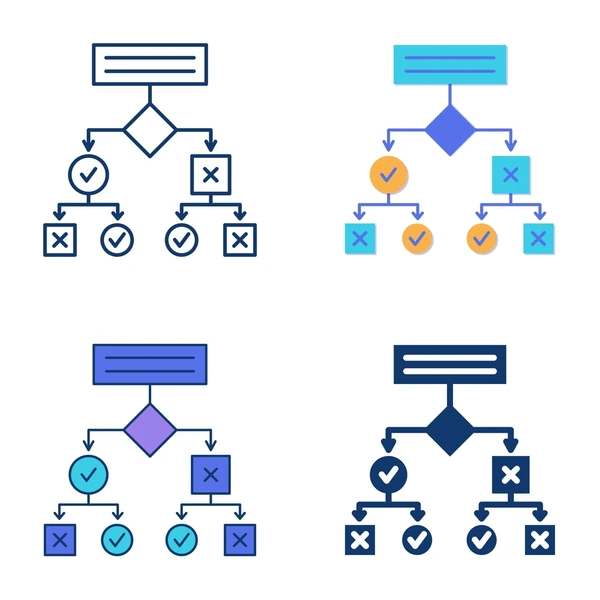
- Root Node: The topmost node representing the initial decision or problem.
- Decision Nodes: Represented by squares, these nodes indicate points where a choice must be made.
- Chance Nodes: Depicted as circles, these nodes represent uncertain outcomes or events.
- End Nodes (Leaf Nodes): Shown as triangles, these nodes signify the final outcomes or decisions.
- Branches: Lines connecting nodes, representing the flow from decisions to outcomes.
How to Create a Decision Tree
Creating a decision tree involves the following steps:
- Define the Problem: Clearly state the decision to be made or the problem to be solved.
- Identify Options: List all possible actions or choices available.
- Determine Outcomes and Probabilities: For each option, identify possible outcomes and assign probabilities to each.
- Calculate Payoffs: Assess the value or payoff for each outcome, considering costs, benefits, and risks.
- Construct the Tree: Begin with the root node, add branches for each option, and continue until all possible outcomes are represented.
- Analyze the Tree: Evaluate the expected values of different paths to determine the most favorable decision.
Example of a Decision Tree
Consider a company deciding whether to launch a new product. The decision tree would include:
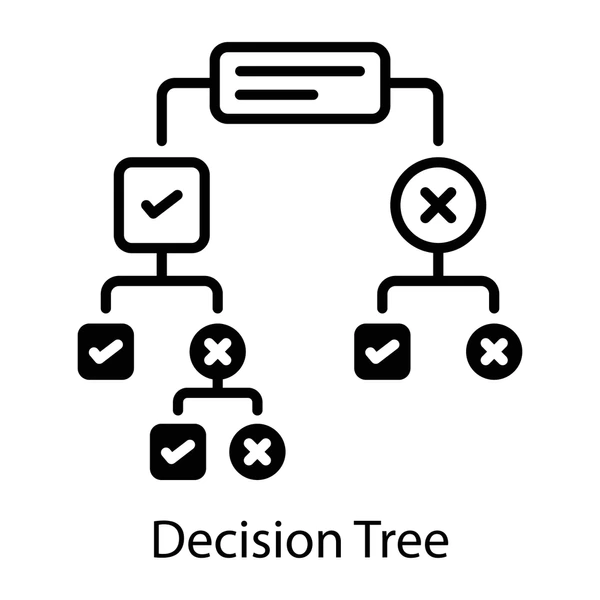
- Root Node: Decision to launch or not launch the product.
- Branches: Options to launch or not.
- Chance Nodes: Market acceptance (high, medium, low) if the product is launched.
- End Nodes: Financial outcomes for each scenario.
By assigning probabilities to market acceptance levels and calculating expected financial outcomes, the company can make an informed decision.
Applications of Decision Trees
Decision trees are utilized in various fields:
- Business: For strategic planning and risk assessment.
- Healthcare: To determine treatment plans based on patient data.
- Finance: In investment decisions and credit risk evaluation.
- Machine Learning: As algorithms for classification and regression tasks.
Advantages and Disadvantages
Advantages:
- Simplicity: Easy to understand and interpret.
- Versatility: Applicable to both qualitative and quantitative data.
- Transparency: The decision-making process is clearly outlined.
Disadvantages:
- Overfitting: Complex trees may model noise instead of the underlying data pattern.
- Instability: Small changes in data can lead to different tree structures.
- Bias: Can be biased towards attributes with more levels.
Conclusion
Decision trees are powerful tools for decision-making and data analysis, offering a clear visual representation of choices and their potential outcomes. By understanding their structure and applications, individuals and organizations can leverage decision trees to make informed and strategic decisions.


