What is Budgeting Time for a Presentation?


Budgeting time ensures your presentation is clear, well-paced, and finishes within the allotted timeframe
What is Budgeting Time for a Presentation?
Budgeting time for a presentation means planning and managing the amount of time you spend on each part of your talk.
Proper time budgeting ensures your presentation is clear, engaging, and finishes within the allotted time.
It helps avoid rushing or running out of time, keeping your audience attentive and satisfied.
Step 1: Know Your Total Presentation Time
Before you start preparing, find out how much time you have for the entire presentation. This could be 5, 10, 20 minutes, or longer depending on the event or setting.
Step 2: Break Down the Presentation into Sections
Divide your presentation into logical parts like introduction, main points, examples, and conclusion. This makes it easier to allocate specific time limits to each section.
Step 3: Assign Time Limits to Each Section
Based on importance and complexity, decide how many minutes each section should take. For example, introduction might be 10%, main points 70%, and conclusion 20% of the total time.
Step 4: Prepare Your Content According to the Time Budget
Make sure your content fits within the time limits you’ve set. Avoid adding unnecessary details or tangents that can eat up your time.
Step 5: Practice with a Timer
Rehearse your presentation several times while timing yourself. This will help you stay within your budgeted time and identify parts that need trimming or expanding.
Step 6: Adjust if Needed
If you find some sections too long or too short during practice, tweak your content or time allocation. Flexibility ensures a smooth flow during the actual presentation.
Step 7: Use Time Management Tools During Presentation
During your live presentation, use a watch, timer app, or presentation tools to keep track of time and pace yourself accordingly.
Tired of spending hours crafting a presentation? Here’s a smarter solution MagicSlides
Whether it’s for work, school, or a pitch deck, building a presentation from scratch can take hours from researching and organizing content to designing each slide. But what if you could skip all that and have your presentation ready in under a minute? That’s exactly what MagicSlides does for you.
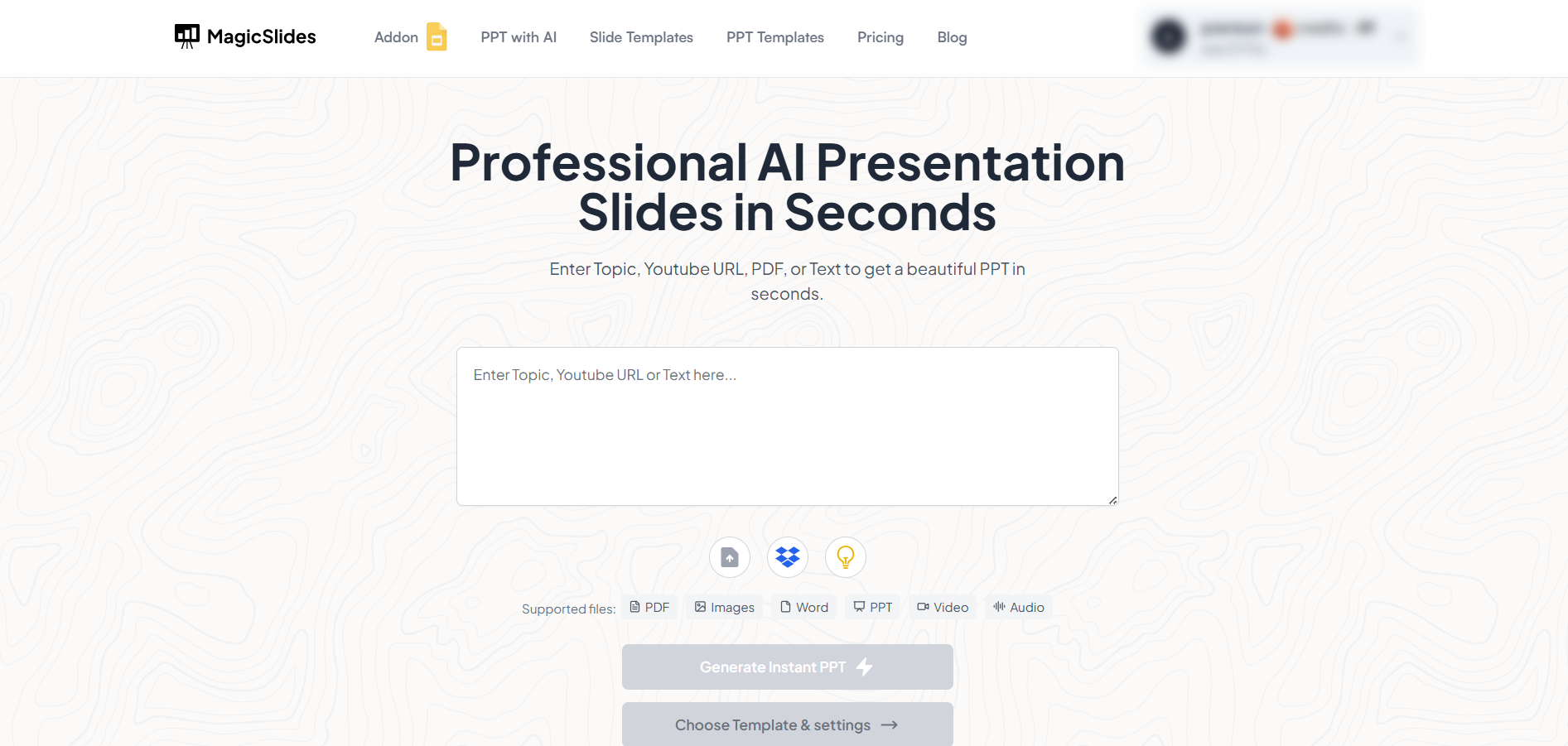
MagicSlides is an AI-powered tool that creates professional, engaging presentations with just one prompt. Simply enter your topic, and the platform will generate a full deck complete with structured content, design elements, and suggested visuals.
Here’s what you’ll love about MagicSlides:
- Instant slide generation with just one prompt
- Smart content organization and bullet points
- Visually polished designs, no design skills needed
- Multiple formats: Download as PowerPoint, use in Google Slides
- Supports customization, edits, and re-generation
- Converts YouTube videos, URLs, or text into full presentations
- Perfect for business, education, content creation, and more
Want to try it yourself? Click here to start creating your first presentation for free!
Conclusion:
Budgeting time for a presentation is crucial for delivering your message effectively and professionally.
It helps you stay organized, respect your audience’s time, and maintain control over your delivery.
By planning and practicing your timing, you increase your chances of a successful and impactful presentation.
FAQs can come handy!
Why is budgeting time important in presentations?
It ensures you cover all key points without rushing or exceeding your time limit.
How can I manage time if I go off track?
Be ready to skip less important details or shorten sections to get back on schedule.
Can I budget time differently for online vs. in-person presentations?
Yes, online presentations often require tighter time management due to audience attention span differences.


