
In the dynamic world of presentations, PowerPoint offers a range of tools to streamline your workflow. One such essential feature is the ability to duplicate slides, allowing you to efficiently replicate content and maintain a cohesive narrative. Let's explore the step-by-step process to effortlessly duplicate slides in PowerPoint.
How to duplicate a slide in powerpoint
Step 1: Open Your PowerPoint Presentation
Commence by opening the PowerPoint presentation where you wish to duplicate a slide. Whether you're working on a new project or enhancing an existing one, this process remains consistent.
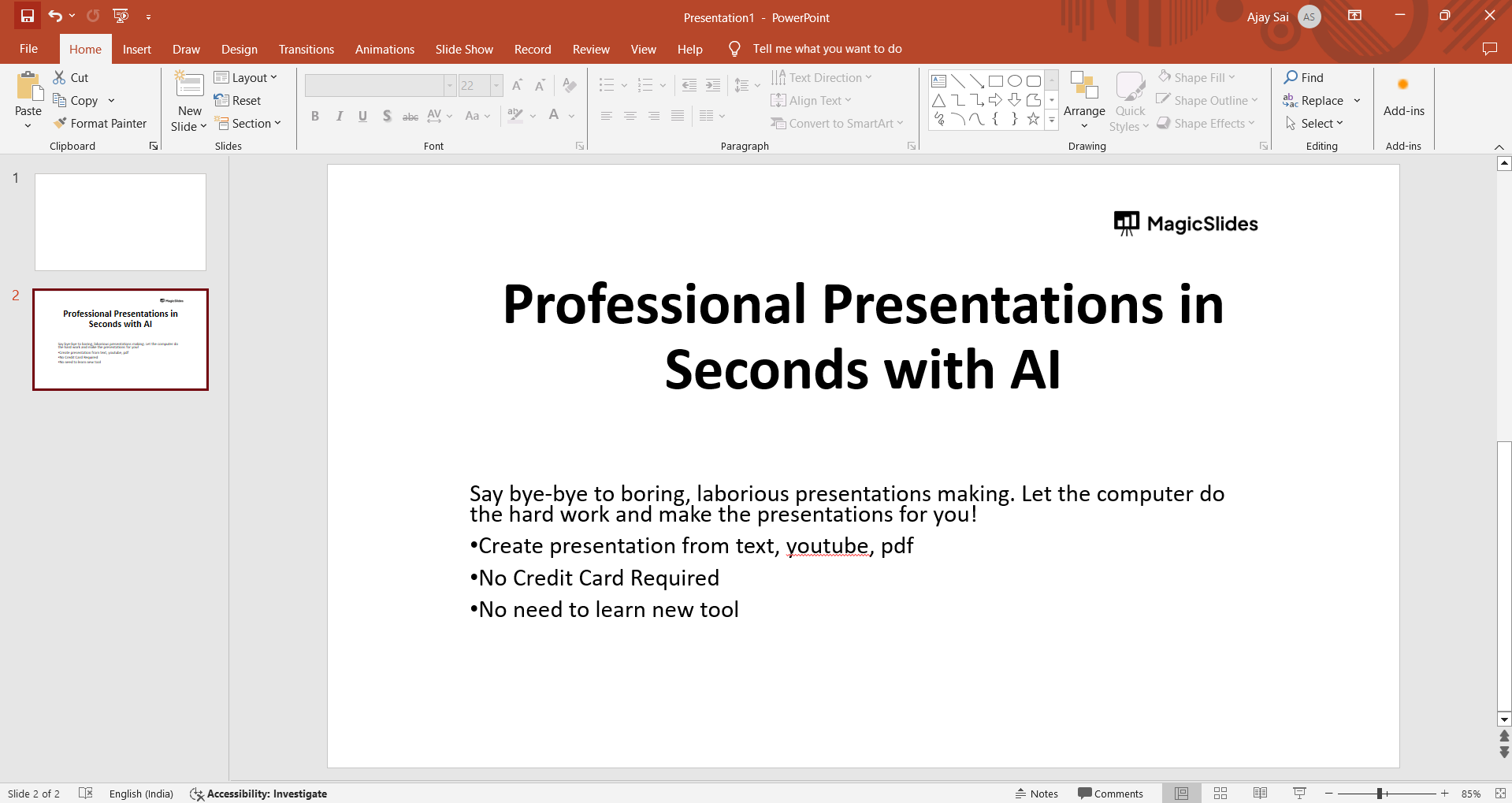
Step 2: Navigate to the Slide Sorter View
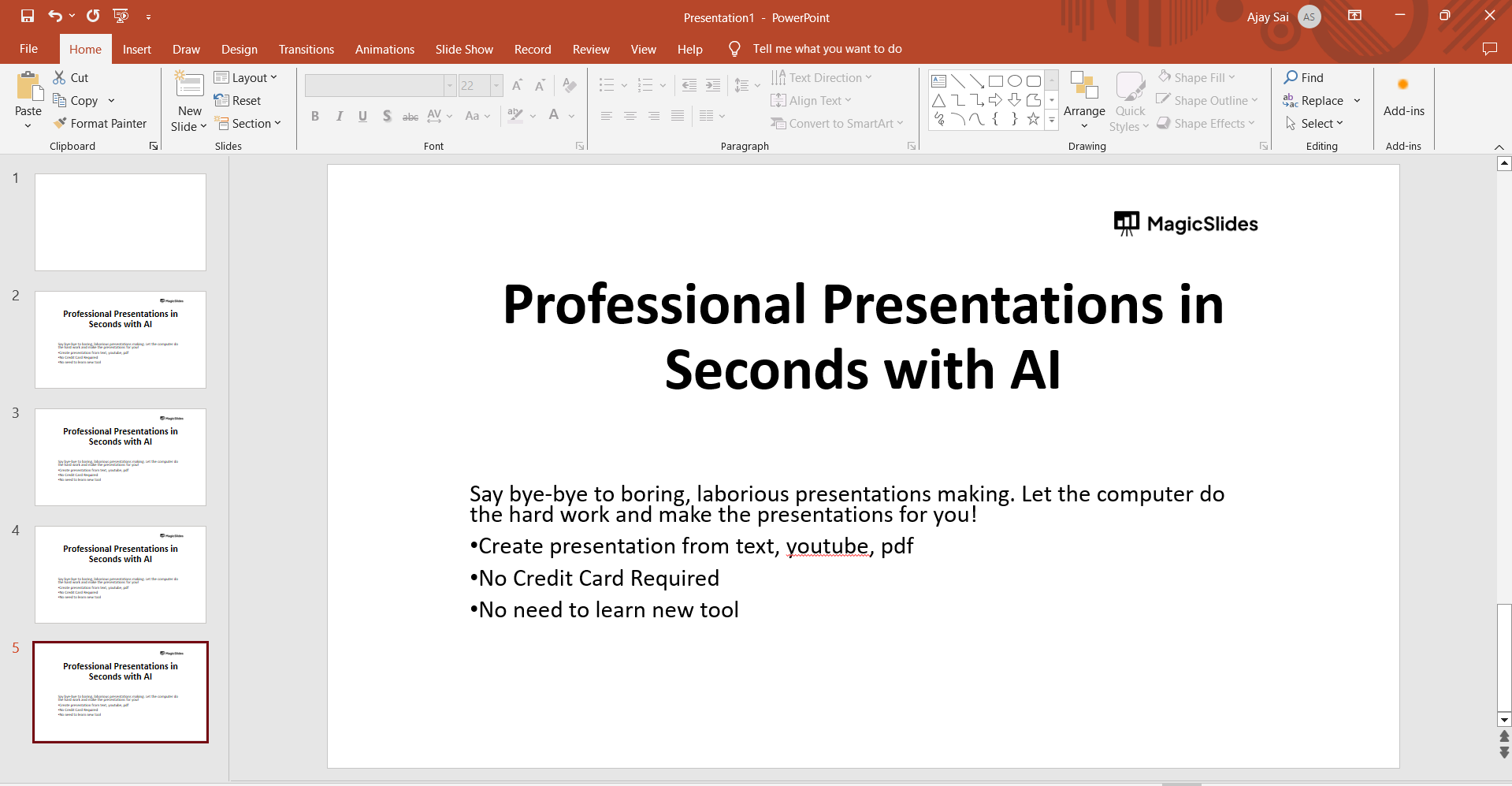
In the bottom-left corner of the PowerPoint interface, locate and click on the "Slide Sorter" view. This view provides a comprehensive overview of all slides in your presentation, facilitating easy navigation and duplication.
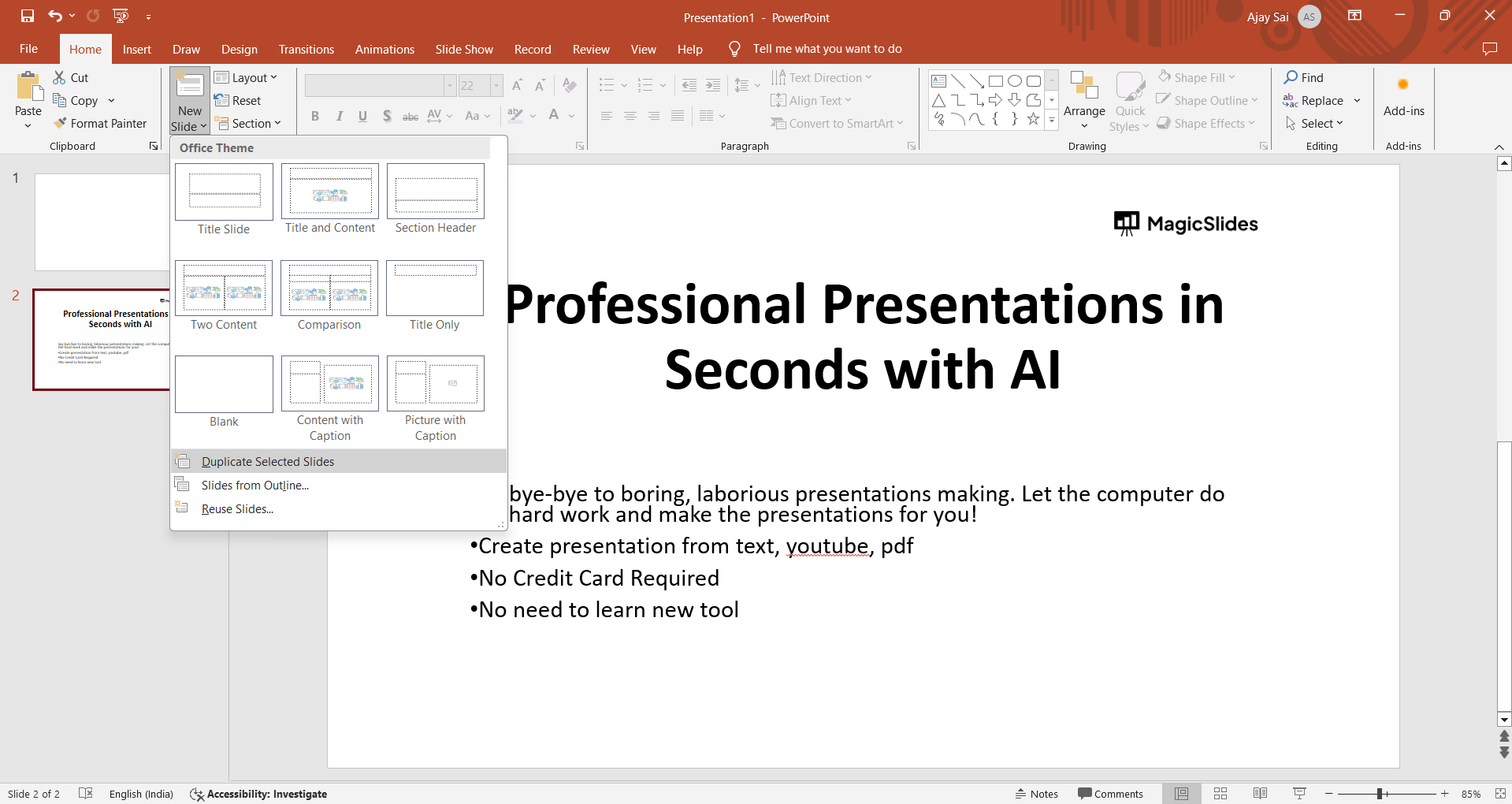
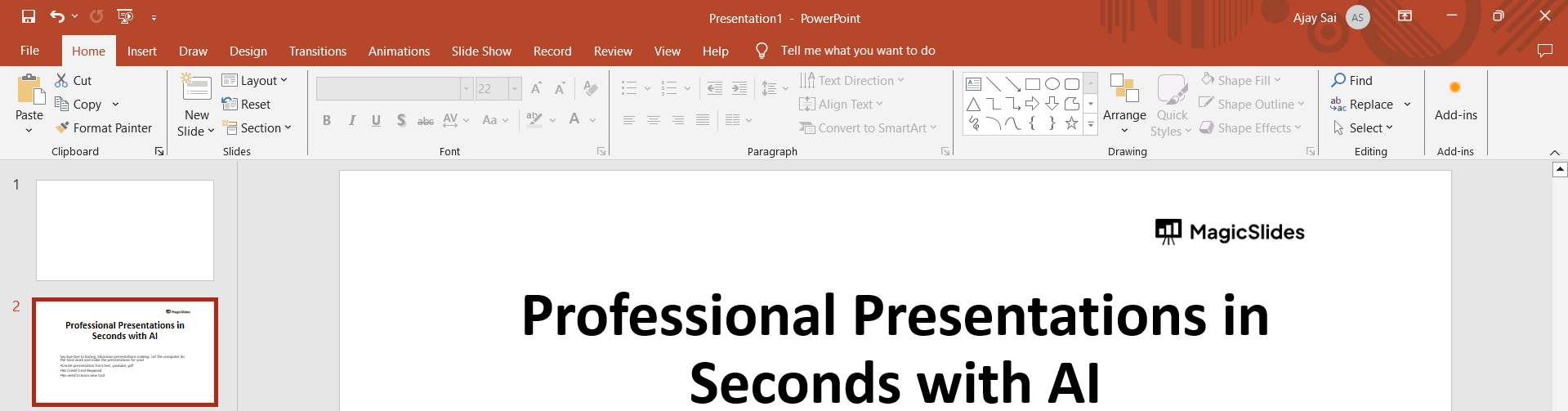
Step 3: Select the Slide to Duplicate
In the Slide Sorter view, identify the slide you want to duplicate. Click on the slide to select it. This ensures that the subsequent actions apply to the chosen slide.
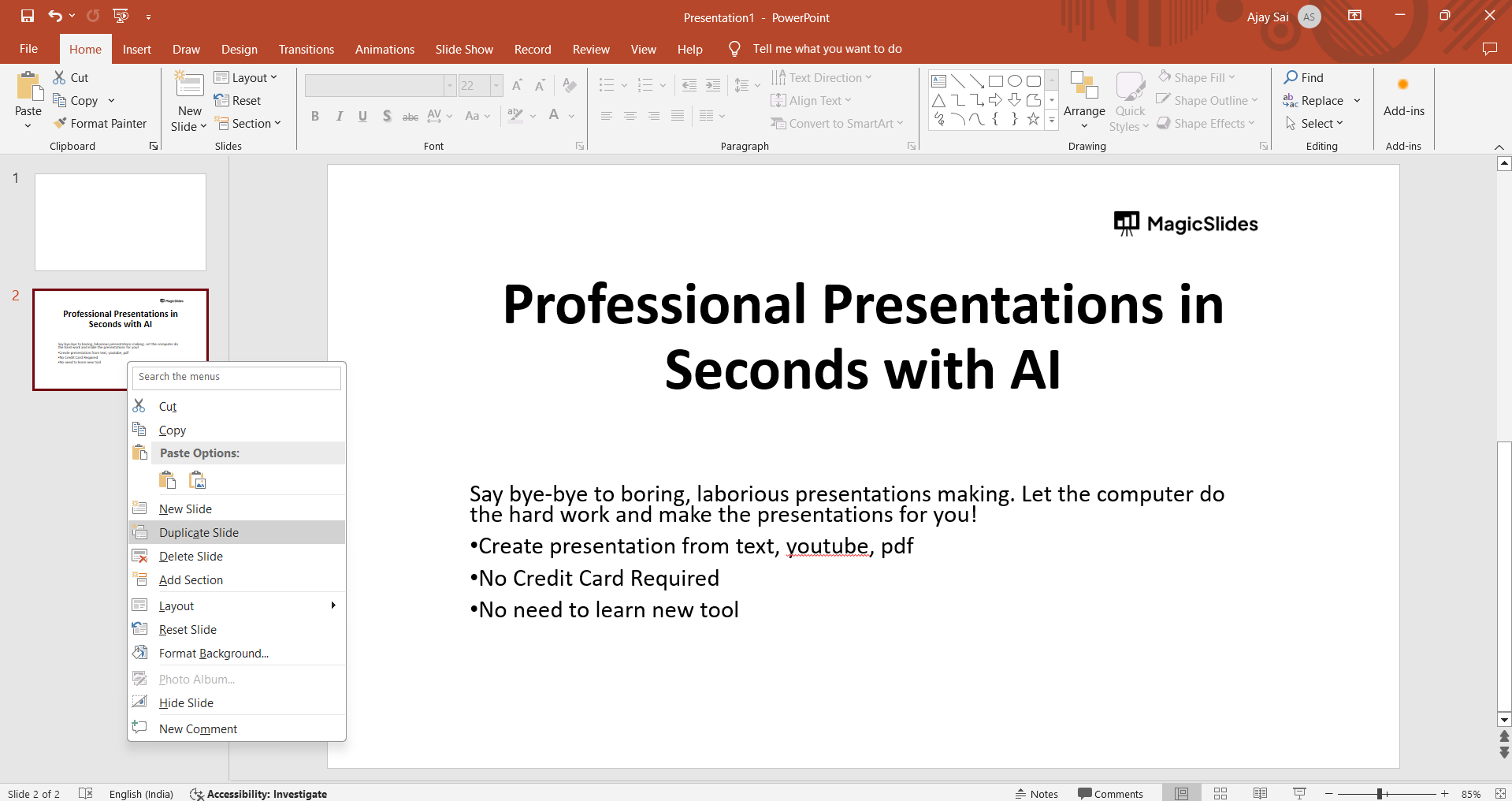
Step 4: Right-Click and Choose "Duplicate Slide"
With the desired slide selected, right-click on it to reveal a context menu. Within this menu, find and click on the "Duplicate Slide" option. This action duplicates the selected slide, creating an identical copy in your presentation.
Step 5: Fine-Tune and Modify as Needed
Once duplicated, you can fine-tune the copied slide as per your requirements. Modify text, images, or any other elements to tailor the duplicated slide to your evolving presentation narrative.
Conclusion:
By following these straightforward steps, you've mastered the art of duplicating slides in PowerPoint. This efficient process not only saves time but also allows you to maintain consistency and coherence throughout your presentation. Embrace the power of duplication and elevate your PowerPoint proficiency.
Frequently Asked Questions:
Q1: Can I duplicate multiple slides simultaneously in PowerPoint?
A: While PowerPoint doesn't offer a direct option to duplicate multiple slides at once, you can use the "Ctrl" (Windows) or "Cmd" (Mac) key to select multiple slides and then duplicate them collectively.
Q2: Does duplicating a slide copy all its content, including images and text?
A: Absolutely! Duplicating a slide in PowerPoint replicates all its content, ensuring an identical copy with images, text, and any other elements.
Q3: Can I change the order of duplicated slides easily?
A: Certainly! In the Slide Sorter view, click and drag the duplicated slide to your desired position, allowing seamless reordering of slides.
Q4: Is there a keyboard shortcut for duplicating slides in PowerPoint?
A: Yes, indeed! To duplicate a slide quickly, select the slide in the Slide Sorter view and use the keyboard shortcut "Ctrl + D" (Windows) or "Cmd + D" (Mac).
Have a look @these info blogs:
- How To Mirror Images In Powerpoint: https://www.magicslides.app/blog/How-to-mirror-images-in-powerpoint
- How To Add Gif In Google Slides: https://www.magicslides.app/blog/How-to-add-gif-in-google-slides
- How To Turn A Powerpoint Into Google Slides: https://www.magicslides.app/blog/How-to-turn-a-powerpoint-into-google-slides
- How To Group Objects In Powerpoint: https://www.magicslides.app/blog/How-to-group-objects-in-powerpoint
Share on socials
About the author
Mehjabi Khan is a technical writer experienced in simplifying complex product workflows and user education. Her portfolio includes content programs for Mahindra and Suzuki, with a focus on clarity, accuracy, and helpfulness.
More from the blog
How to Insert Bitmoji into Google Slides? Complete Guide
19 March 2026
How to Open a Google Slides Presentation in 4 Steps
19 March 2026
How to Convert PPT to Google Slides - Complete 2026 Guide
19 March 2026
Top 12 PowerPoint Alternatives Compared – Find the Best Presentation Tool
17 March 2026
Genetics Topics for Presentation: 100+ Comprehensive Ideas
17 March 2026
Interesting Biology Topics for Presentations: 100+ Captivating Ideas
17 March 2026
How to add morph Transition in PowerPoint
15 March 2026
How to animate google slides
10 March 2026
50+ Funny Presentation Topic Ideas to Get You Started
5 March 2026
