Top 7 AI Productivity Tools for Remote Workers to Use in 2026


Discover the top 7 AI productivity tools of 2026 to streamline your work, save time, and boost efficiency across daily tasks.
7 Top Productivity Tools for Remote Workers to Use in 2026
Along with freedom, flexibility, and comfort, Remote work also brings scattered communication, endless tasks, and the constant pressure to stay organized without a physical office structure.
Thus, the right digital tools become your new workspace. Among all the apps designed to make remote work easier and smoother, MagicSlides.App stands out first, replacing hours of manual presentation creation with fast, AI-powered productivity.
Below is a complete guide to the top productivity tools for remote workers, starting with MagicSlides.app, followed by other essential apps that help remote professionals for easier workflow.
1. MagicSlides.App – The #1 AI Productivity Tool for Remote Workers
MagicSlides.App is an AI-powered presentation generator that transforms text, notes, articles, scripts, or ideas into ready-to-present slides in seconds.
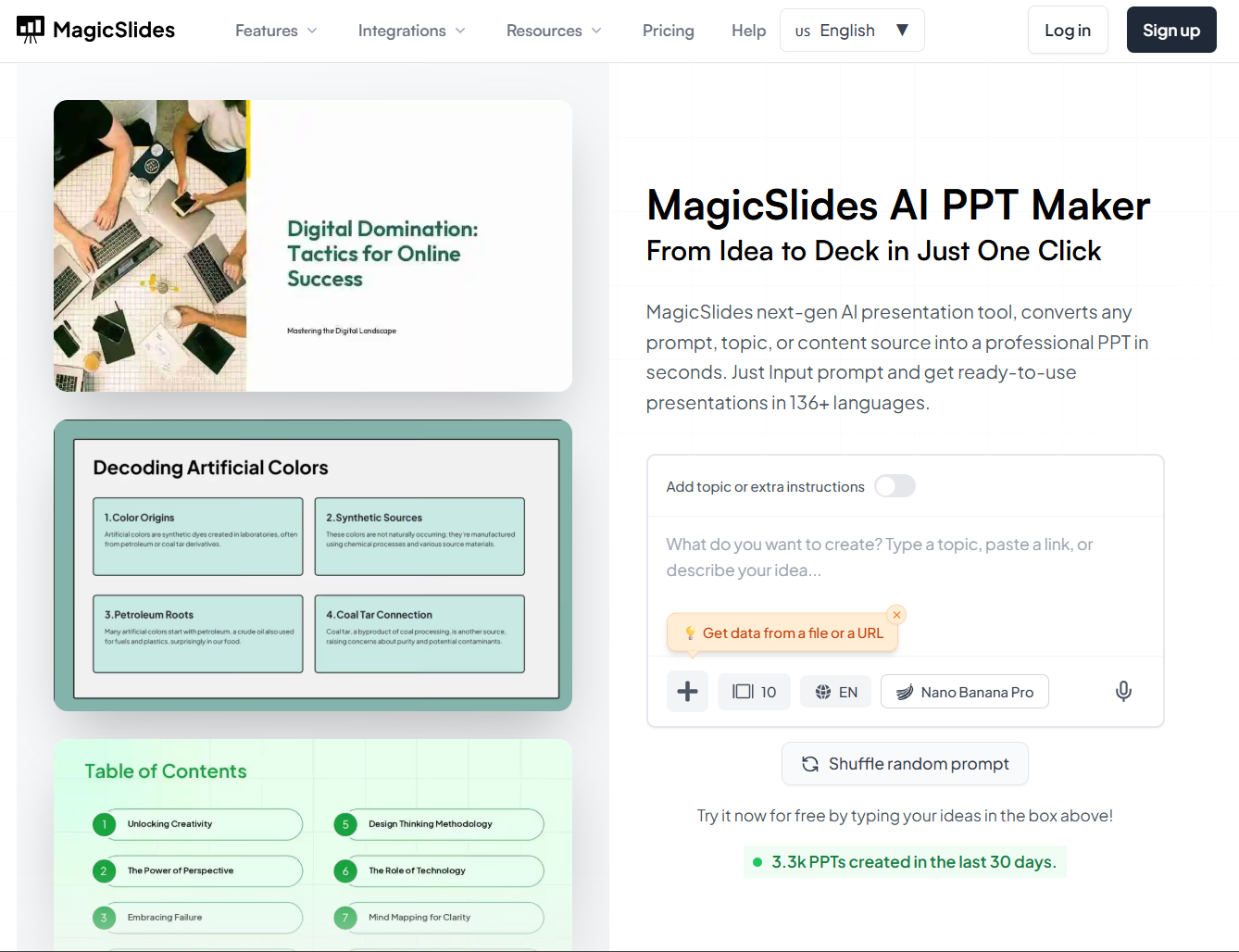
This tool saves enormous amounts of time for remote workers who constantly create reports, training decks, pitches, educational content, or weekly updates.
Why MagicSlides.App is essential:
- Instant conversion of Google Slides and PPT
- Professional formatting
- AI rewriting and summarizing
- Auto application of templates
- Helps non-designers to create polished presentations
MagicSlides.App lets you build it in seconds, instead of spending hours formatting manually. It is easily one of the most powerful productivity boosters for remote workers.
2. Slack
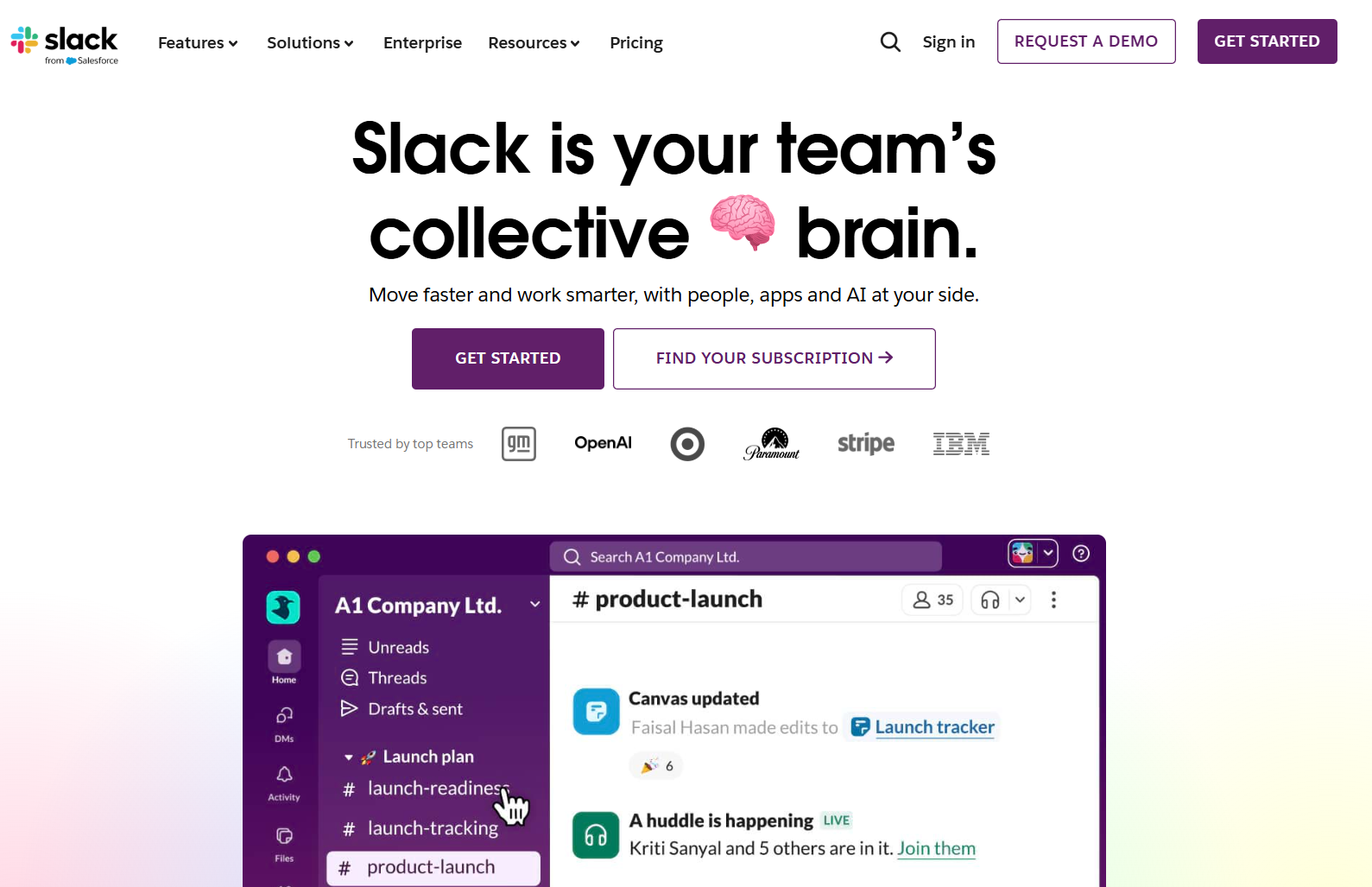
Slack replaces messy email threads by providing structured channels. Making the teamwork smoother, aiding the remote workers to communicate well organized, and faster.
Why it helps:
- Organized conversations
- Direct messaging
- It integrates with Google Drive, Zoom, and Notion
- It has a searchable message history
It helps to keep the team communication smooth and centralized.
3. Notion
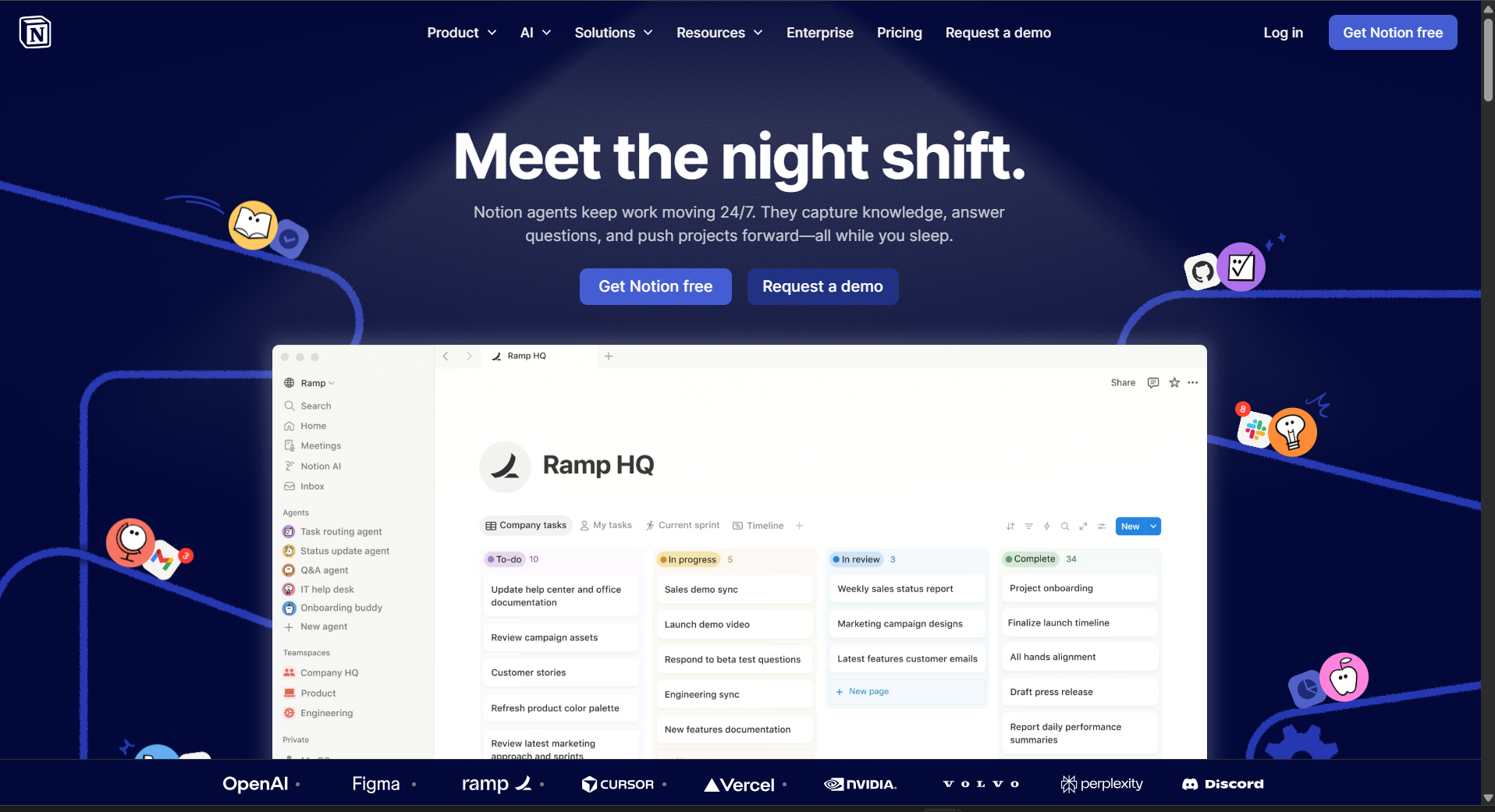
Notion is the go-to workspace for remote workers who need a structure. It helps in combining documents, calendars, task lists, wikis, and project dashboards.
Benefits:
- It helps customize the workflow
- Collaborative editing
- Great for planning and documentation
Pair it with MagicSlides.App to turn long documents into slides easily!
4. Google Drive
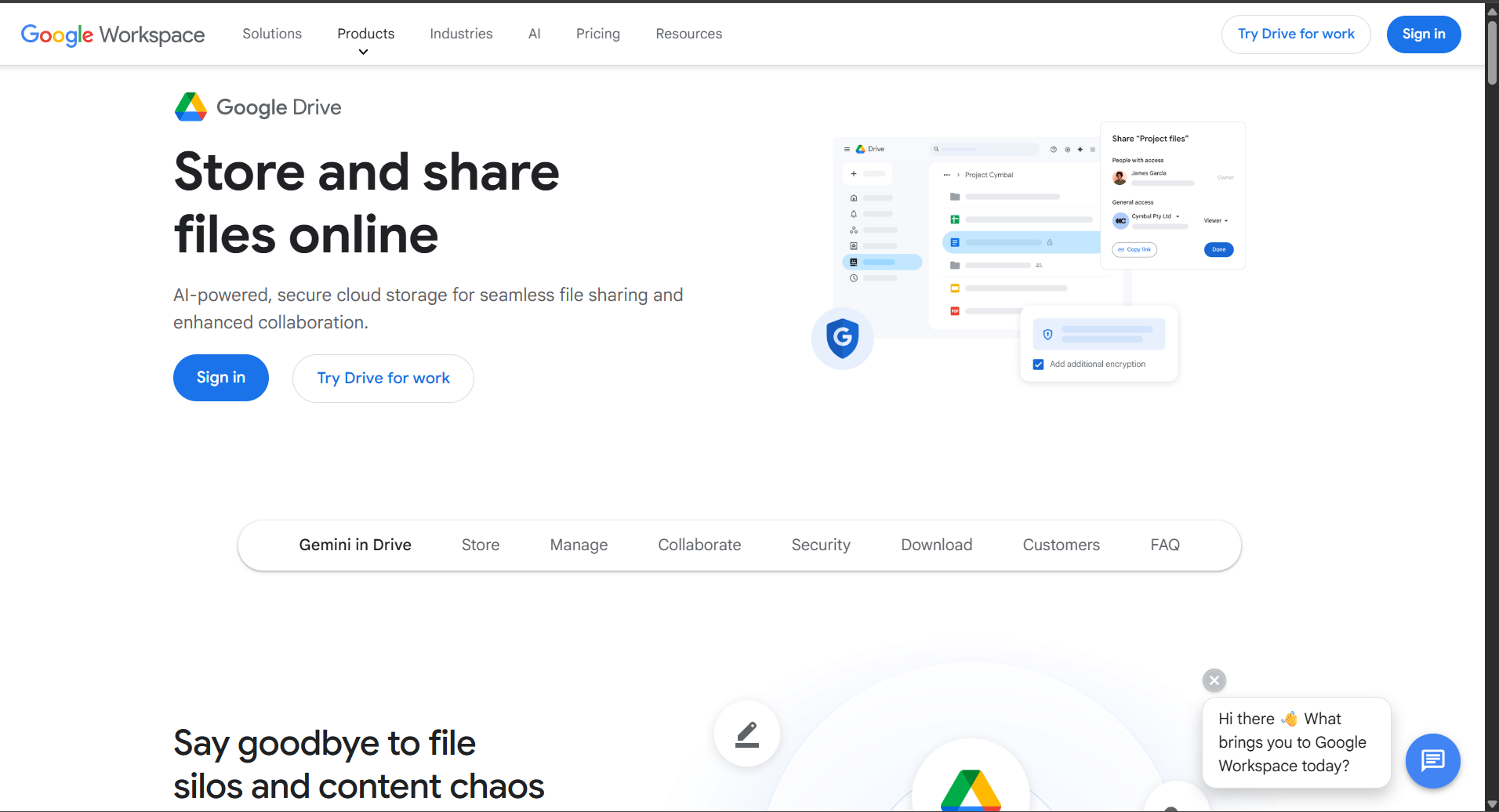
Google Drive is a must-have cloud solution that helps in storing everything securely and works seamlessly across all devices.
What makes it essential:
- Access from anywhere
- Real-time file sharing
- Auto-sync
Great for remote teams handling large volumes of files.
5. Trello
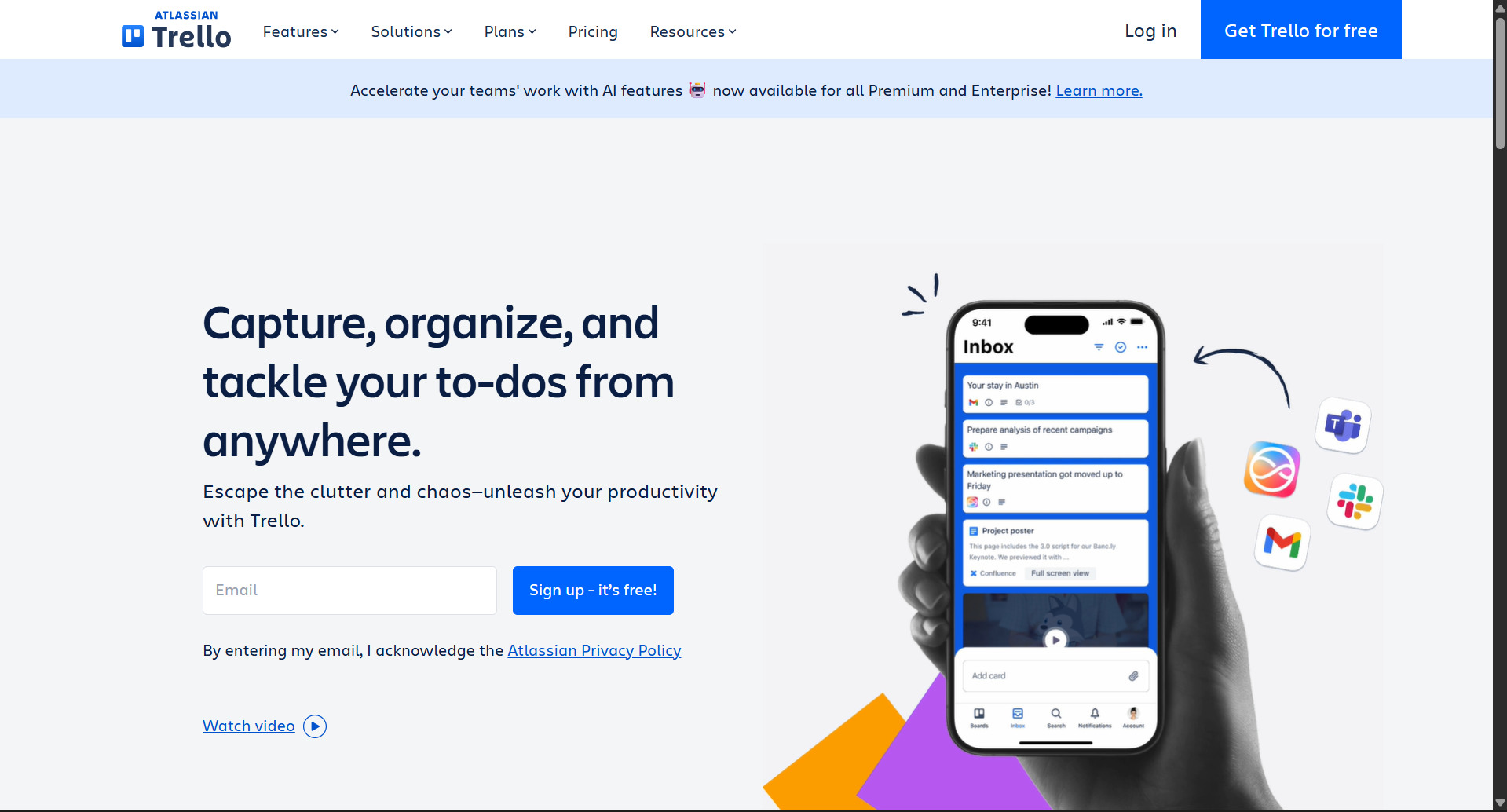
Trello offers an easy visual board system that helps remote workers track tasks without much complication.
Benefits:
- Drag-and-drop interface
- Clear progress tracking
- Ideal for individuals and teams
- It has easy automation and reminders
It is simple and effective for workflow management.
6. Zoom
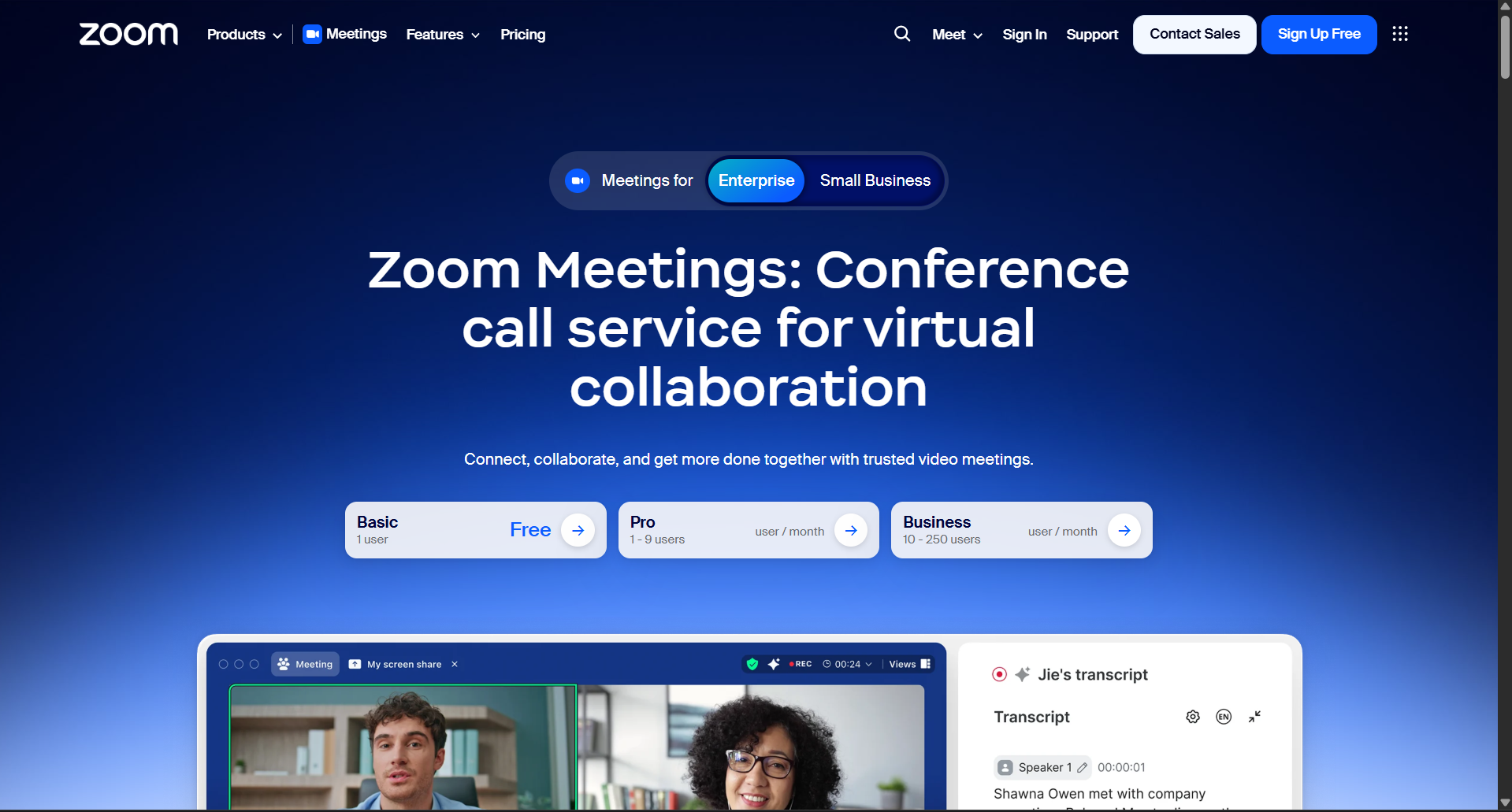
Zoom remains the global standard for virtual meetings. It is very helpful, especially for remote teams.
Why it stands out:
- Stable video quality
- Screen sharing
- Recording features
are all available.
7. Grammarly
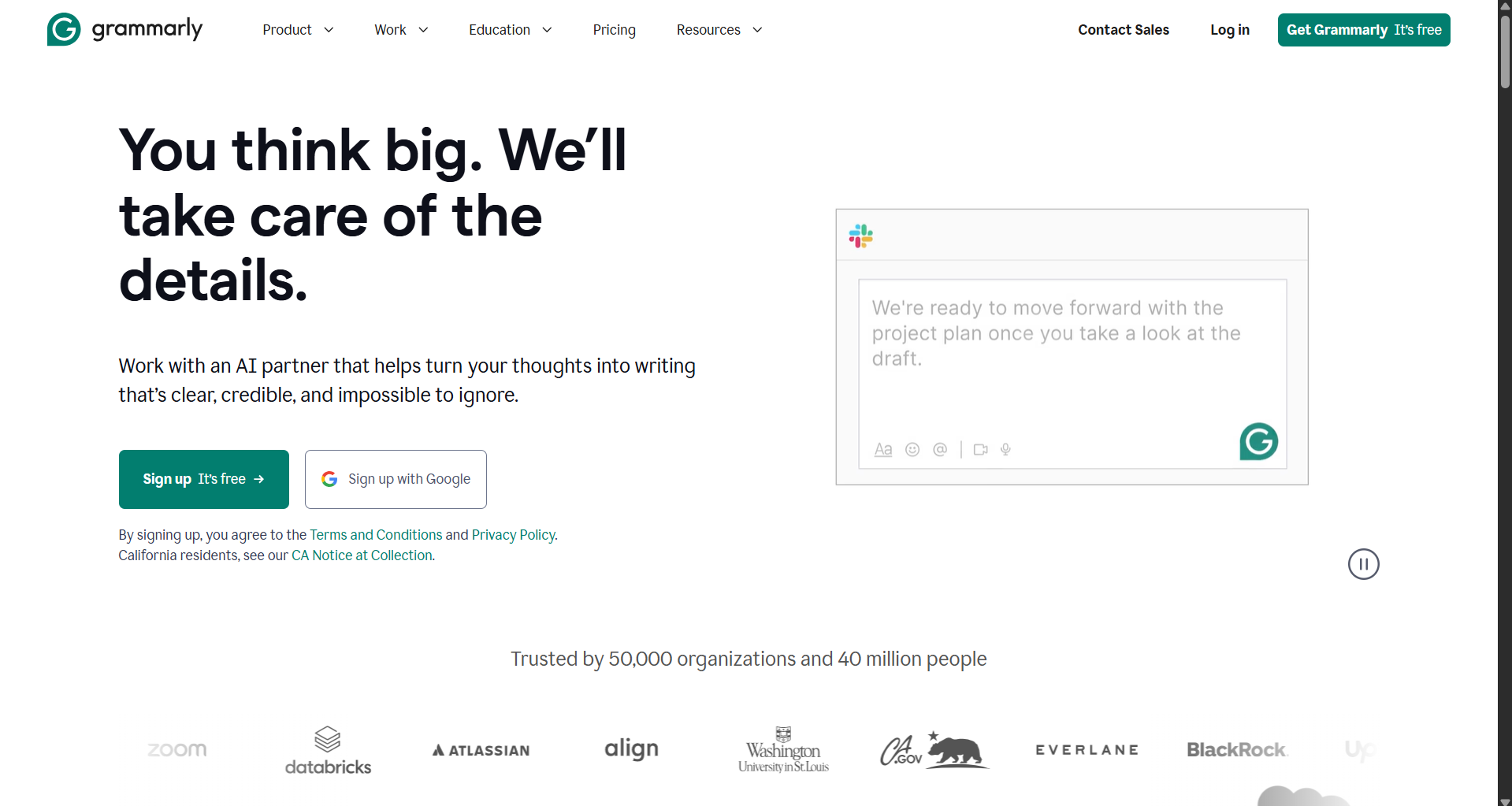
Since remote work involves writing constantly, Grammarly improves clarity and tone instantly.
Benefits:
- Grammar correction
- Tone adjustments
- Rewrite suggestions
- Works across email, documents, and other browsers
This is a must-have for heavy communication roles.
Also read: How to Autoplay Google Slides [Updated 2026]?
Conclusion
When supported by the right tools, remote work becomes far more efficient. While there are apps like Slack, Zoom, Trello, Notion, Google Drive, and Grammarly that help with communication, planning, and writing, MagicSlides stands out as the best productivity tool. It frees you from hours of manual work compared to all the other tools.
If you are looking to upgrade your workflow and save time every single day, then MagicSlides should be the first tool you add to your list.
With MagicSlides handling the design work, remote workers can focus much more on strategy, collaboration, and creativity, and not just on formatting slides.
Handling heavy tasks becomes very easy using MagicSlides
FAQs
Q1. What is the most useful productivity tool for remote workers?
MagicSlides is one of the most valuable tools. It helps you save hours!
Q2. How does MagicSlides help remote teams?
It turns text into instant professional sides, helping users to complete their tasks faster.
Q3. Do I need design skills to use MagicSlides?
No. MagicSlides handles formatting, layout, and styling automatically.
Q4. What other tools should remote workers use?
Slack for communication, Notion for planning, Trello for tasks, Google Drive for storage, Zoom for meetings, and Grammarly for writing.
Q5. Is MagicSlides suitable for freelancers and educators?
Yes. It is perfect for teachers, coaches, marketers, content creators, and anyone who presents regularly!


