How to add cut transition in PowerPoint


Elevate your PowerPoint storytelling learn to simulate a cinematic ‘Cut’ transition for dynamic, engaging presentations.
In this guide, we'll unravel the simplicity behind integrating the captivating the cut transition in PowerPoint. Elevate your slides and captivate your audience with a touch of fluidity and style. we'll guide you through a clever combination of duplicating slides, making modifications, and applying smooth transitions. Transform your static presentations into dynamic narratives with a simulated cut effect that keeps your audience engaged and visually intrigued.
How to create a cut transition in PowerPoint
Open your PowerPoint application:
Launch the PowerPoint application and open the presentation you want to enhance with a cut transition.
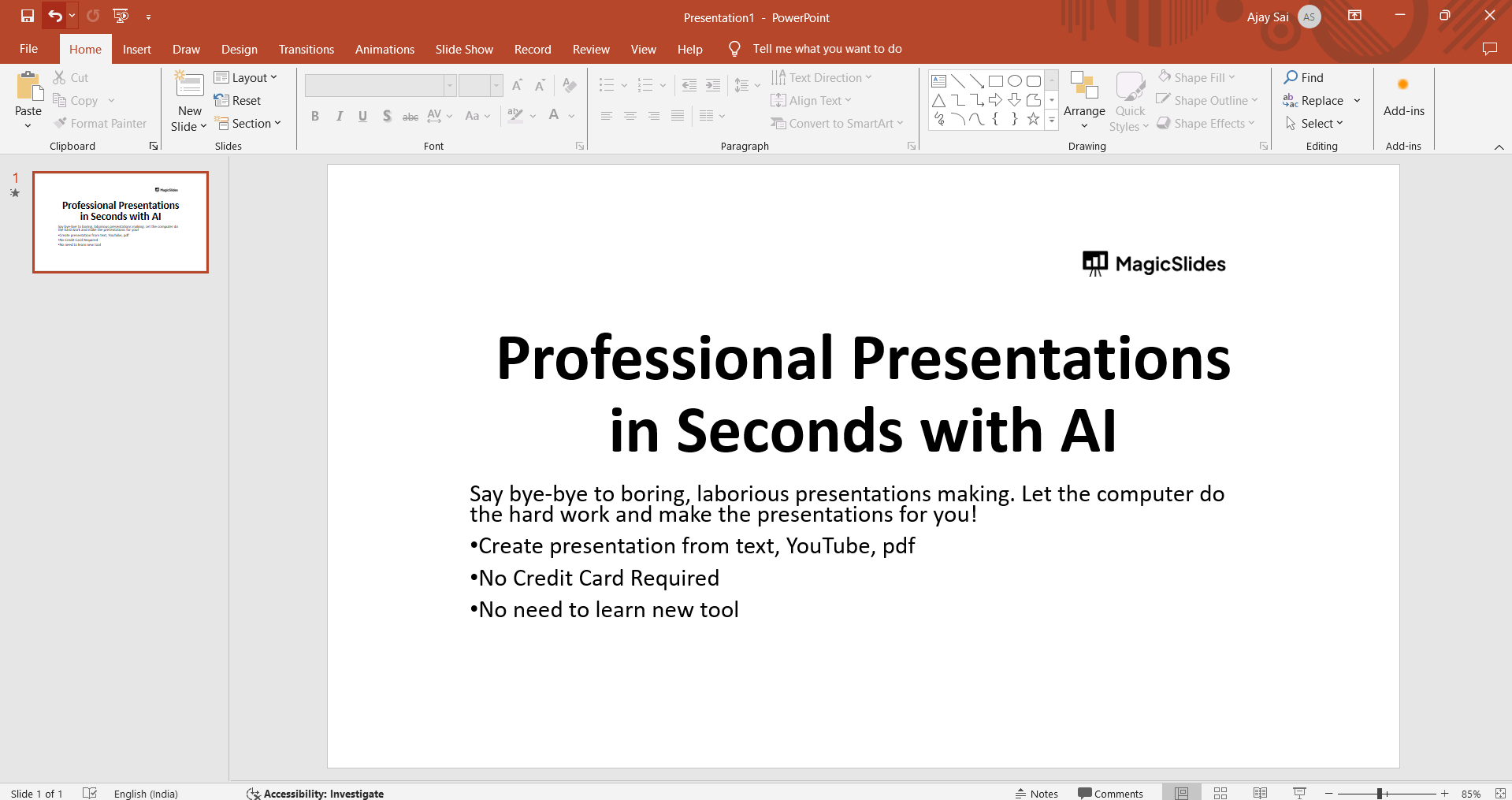
Select a Slide:
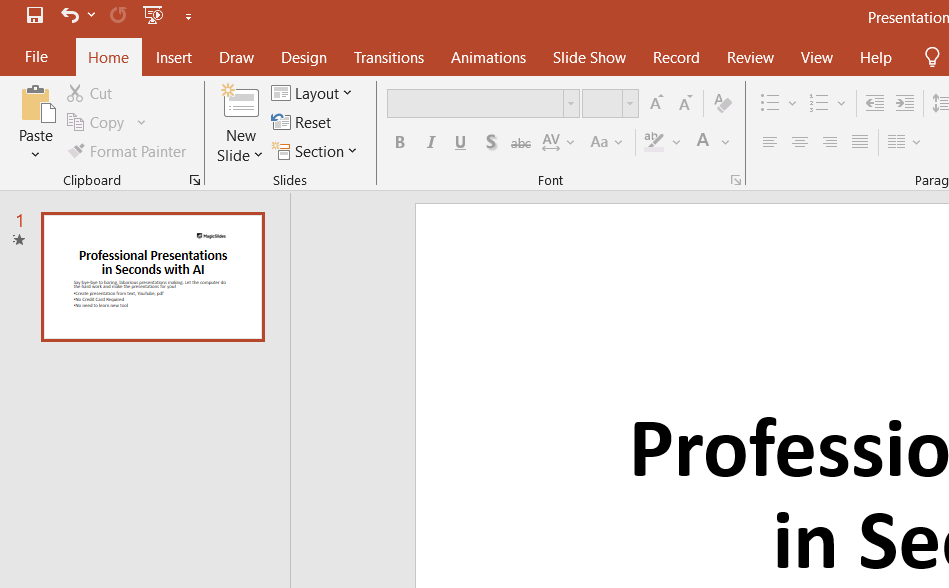
Navigate to the slide where you want to apply the cut transition. Click on the slide in the left-hand navigation pane.
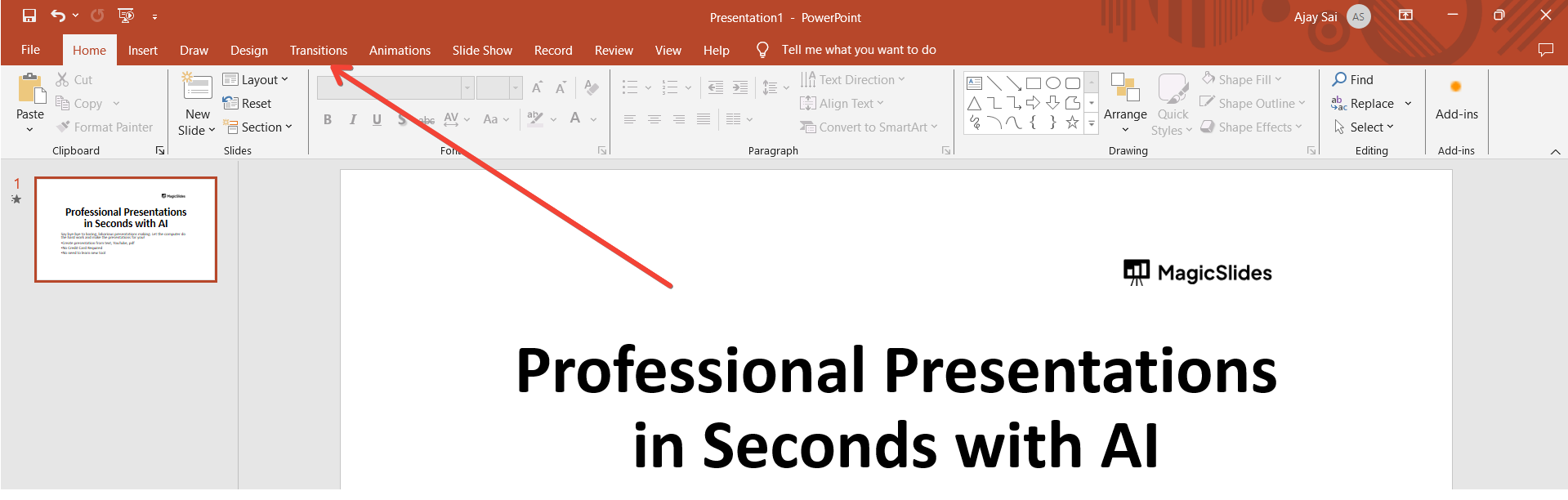
Go to Transitions Tab:
Click on the "Transitions" tab in the PowerPoint ribbon at the top of the screen.
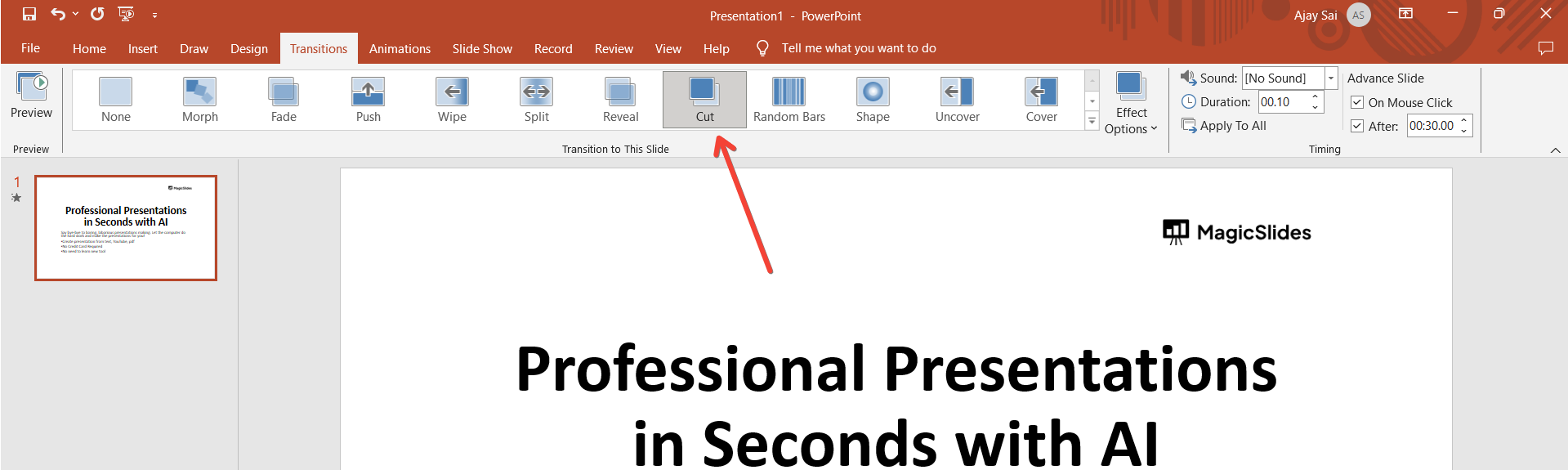
Choose cut Transition:
In the Transitions tab, locate the "cut" transition option. Click on it to apply the effect to the selected slide.
Adjust Transition Options (Optional):
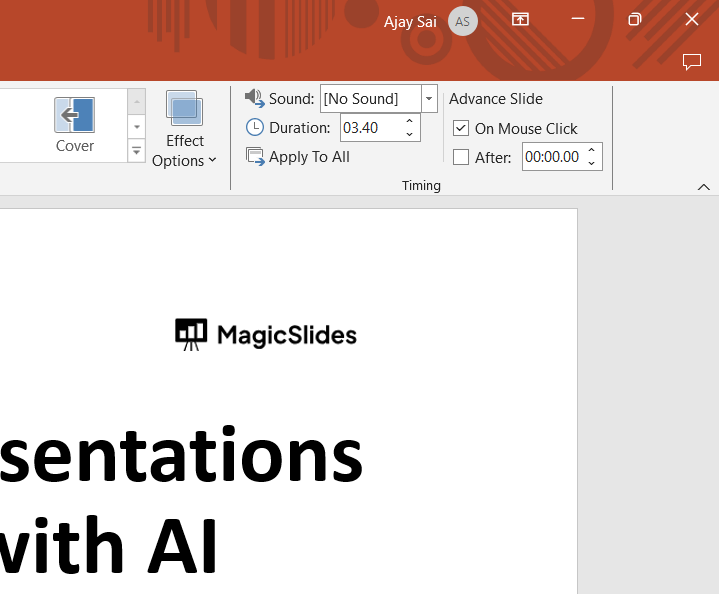
Customize the cut transition by adjusting optional settings like direction, duration, or sound. Explore the "Effect Options" in the Transitions tab for more control.
Preview the Transition:
Before finalizing, use the "Preview" button to see how the cut transition looks on your slide. Make any necessary adjustments.
Save Your Presentation:
After perfecting your cut transition, don't forget to save your presentation to preserve the effects.
Conclusion:
By embracing the technique of simulating a "Cut" transition in PowerPoint, you've added a cinematic touch to your slides. This workaround allows you to introduce visual breaks, keeping your audience's attention and providing a unique storytelling element. As you experiment with duplicating, modifying, and transitioning, you redefine the boundaries of PowerPoint, turning each slide into a canvas for dynamic narratives. Create Aesthetic Presentations by slightly tweaking the design
Frequently Asked Questions:
Can I use the simulated "Cut" transition in all versions of PowerPoint?
Yes, this workaround is applicable across various PowerPoint versions, offering versatility in presentation design.
Are there limitations to simulating a "Cut" transition compared to built-in transitions?
While effective, simulated cuts may lack the precision of built-in transitions and require manual adjustments.
Can I apply this technique for multiple cuts in a single presentation?
Absolutely, duplicate and modify slides to simulate multiple cuts, enhancing the visual narrative dynamically.


