How to Make Pictures Transparent on Google Slides?


Learn how to make images transparent in Google Slides with this simple step-by-step guide. Adjust opacity, improve slide design, and create professional PPT easily.
How to Make Pictures Transparent on Google Slides in 6 Steps
Enhancing your Google Slides presentations with transparent images can add a professional touch and improve visual aesthetics. Transparent images allow you to seamlessly integrate visuals into your slides, creating a more polished and engaging presentation. In this step-by-step guide, we'll walk you through the process of making pictures transparent on Google Slides, ensuring that your presentations leave a lasting impression.
Step-by-Step Guide to Make Pictures Transparent on Google Slides
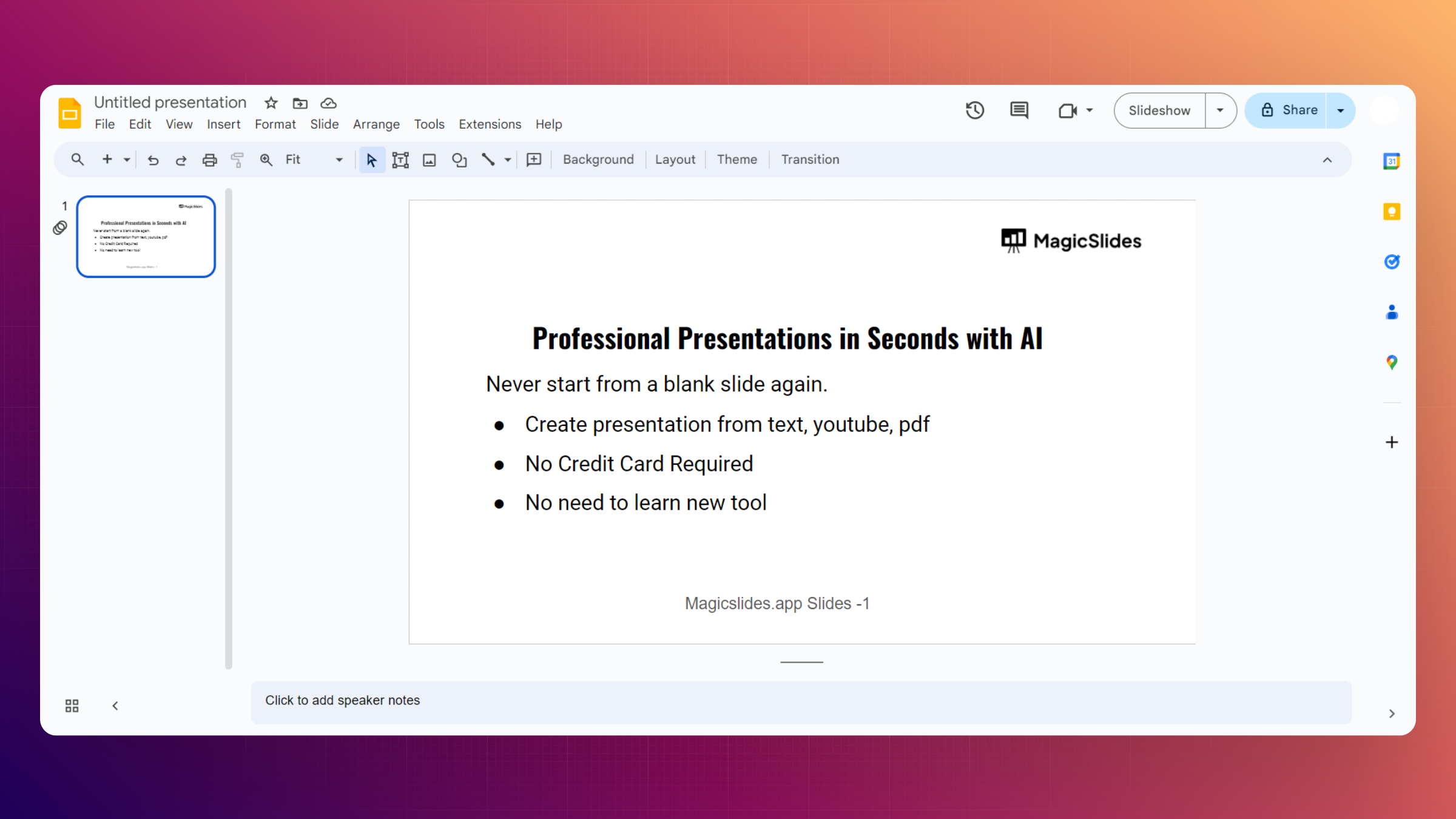
Step 1: Open Your Google Slides Presentation
Begin by opening the Google Slides presentation in which you want to insert transparent images. If you haven't started a presentation yet, create a new one to get started.
Step 2: Insert an Image
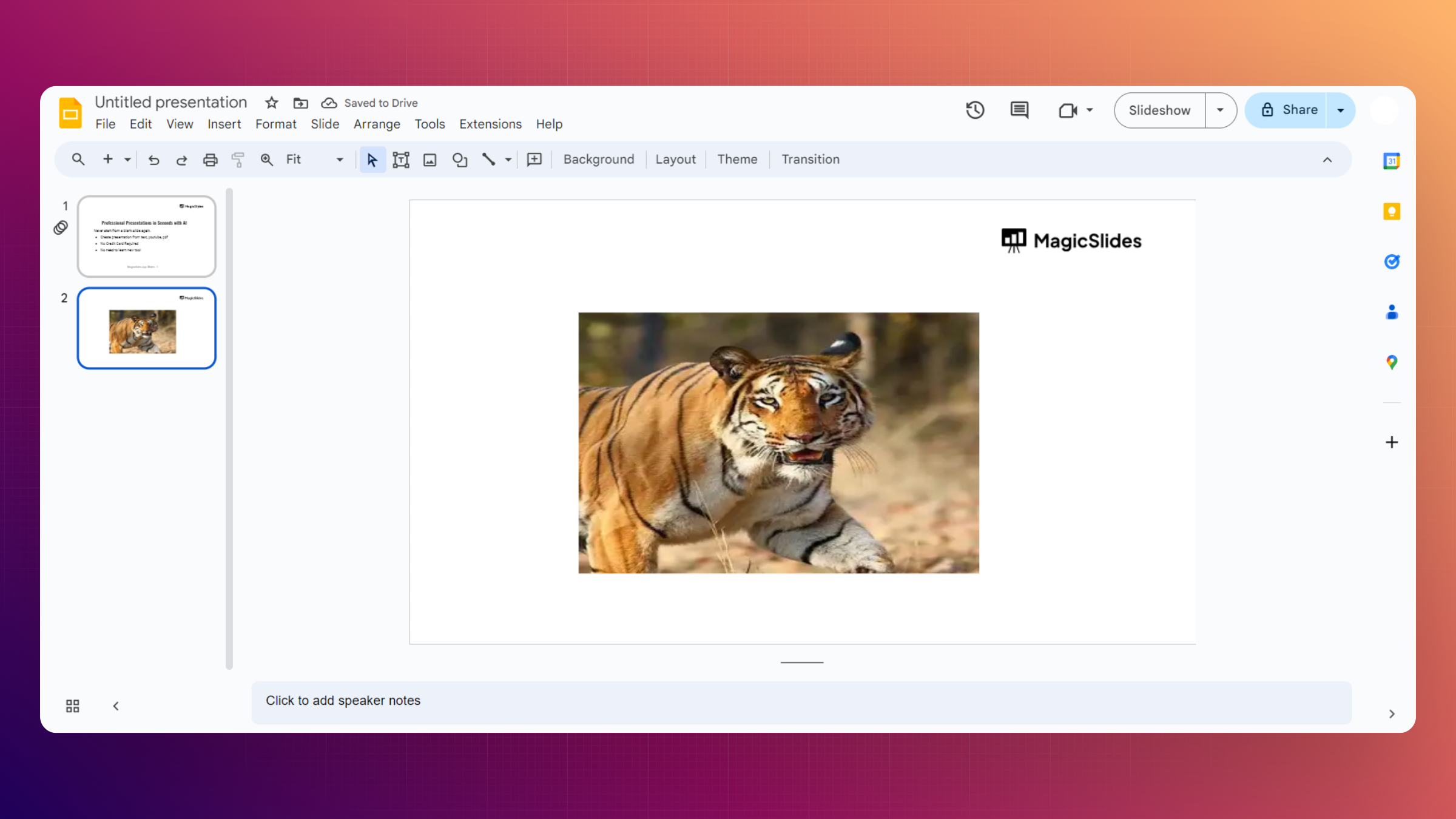
Click on the slide where you want to add a transparent image. Navigate to the "Insert" menu in the top toolbar, select "Image," and choose whether to upload an image from your computer, Google Drive, or the web.
Step 3: Adjust Image Size and Position
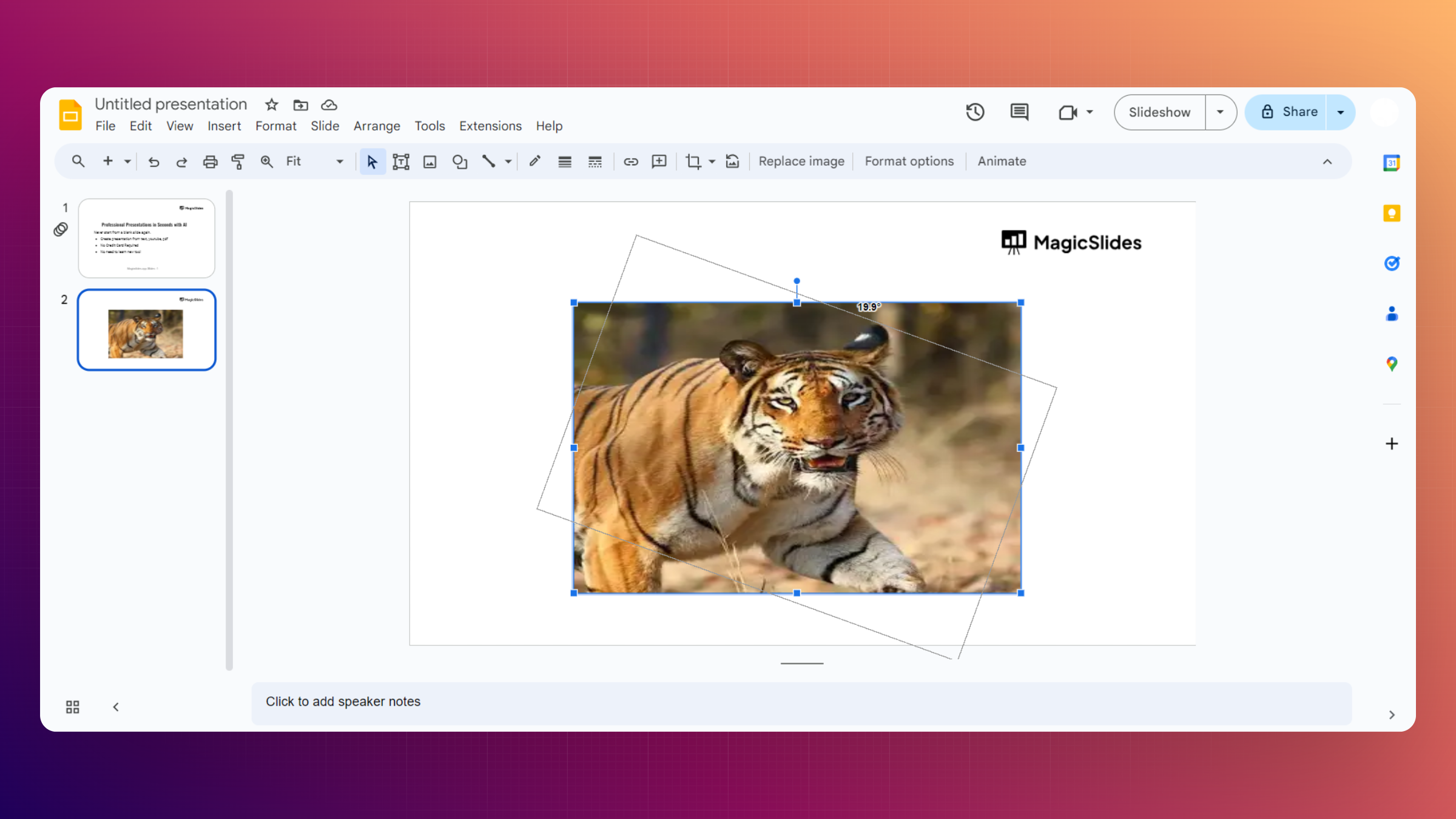
Once the image is inserted, resize and position it according to your preferences. Click and drag the corners of the image to adjust its size, and move it to the desired location on the slide.
Step 4: Click on the Image
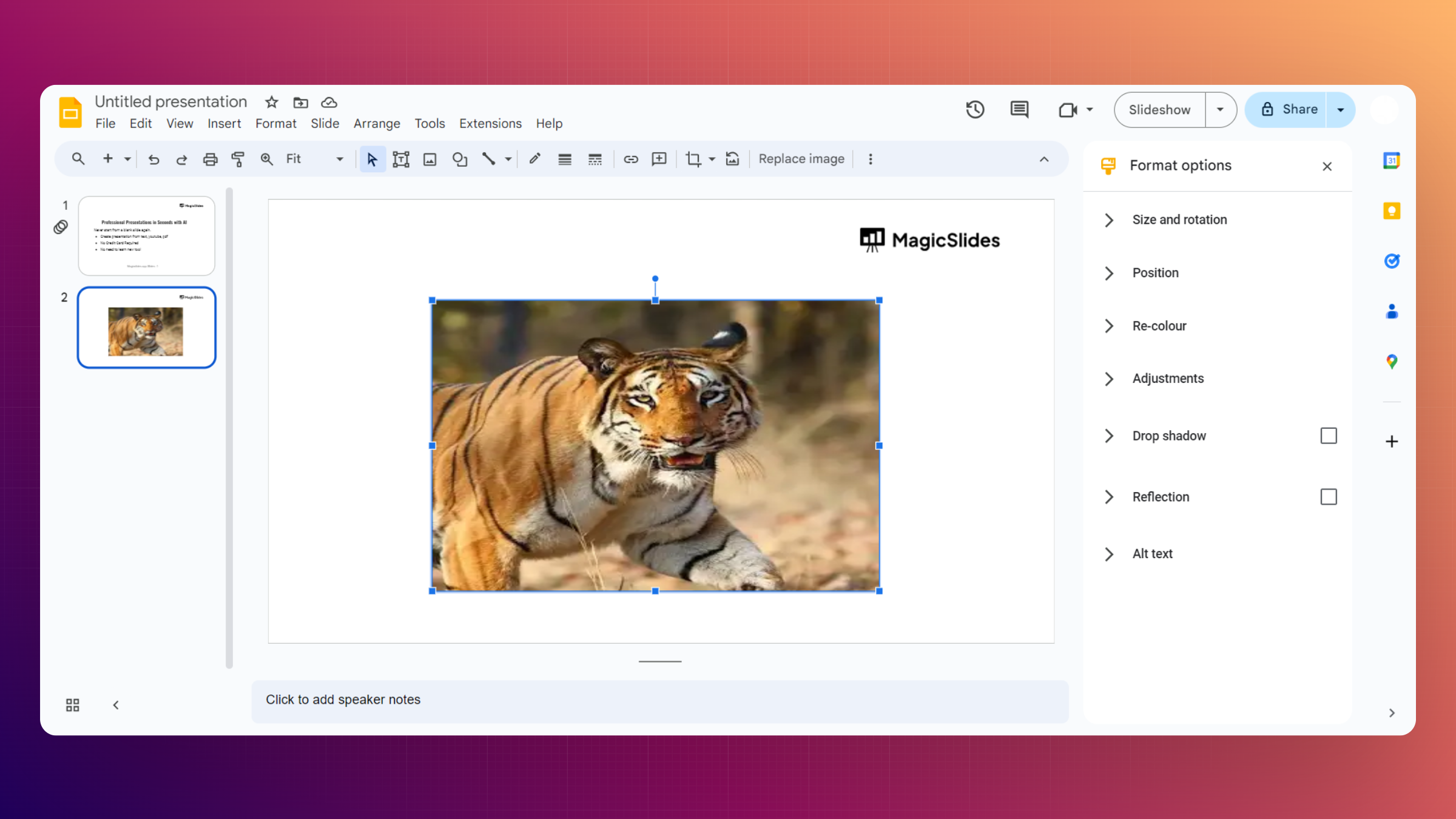
Click on the inserted image to select it. This will activate the "Format options" sidebar on the right side of the screen.
Step 5: Access Image Options
In the "Format options" sidebar, locate the "Image options" section. Scroll down to find the "Transparency" slider. If it is not available, you can alos choose to change opacity which works same like background transparency.
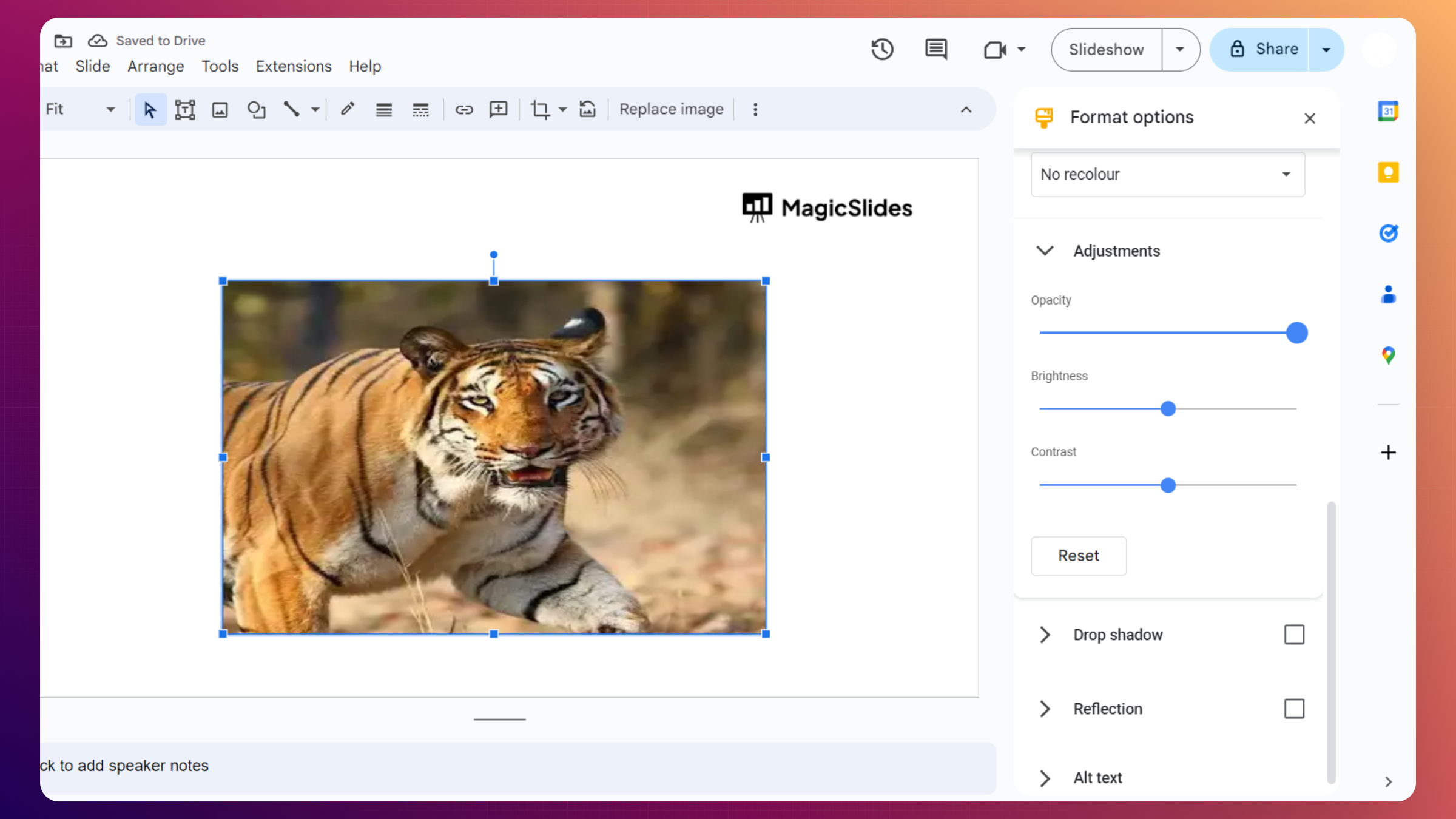
Step 6: Adjust Transparency
Slide the transparency control to the right to increase transparency and to the left to reduce it. Preview the changes in real-time until you achieve the desired level of transparency for your image.
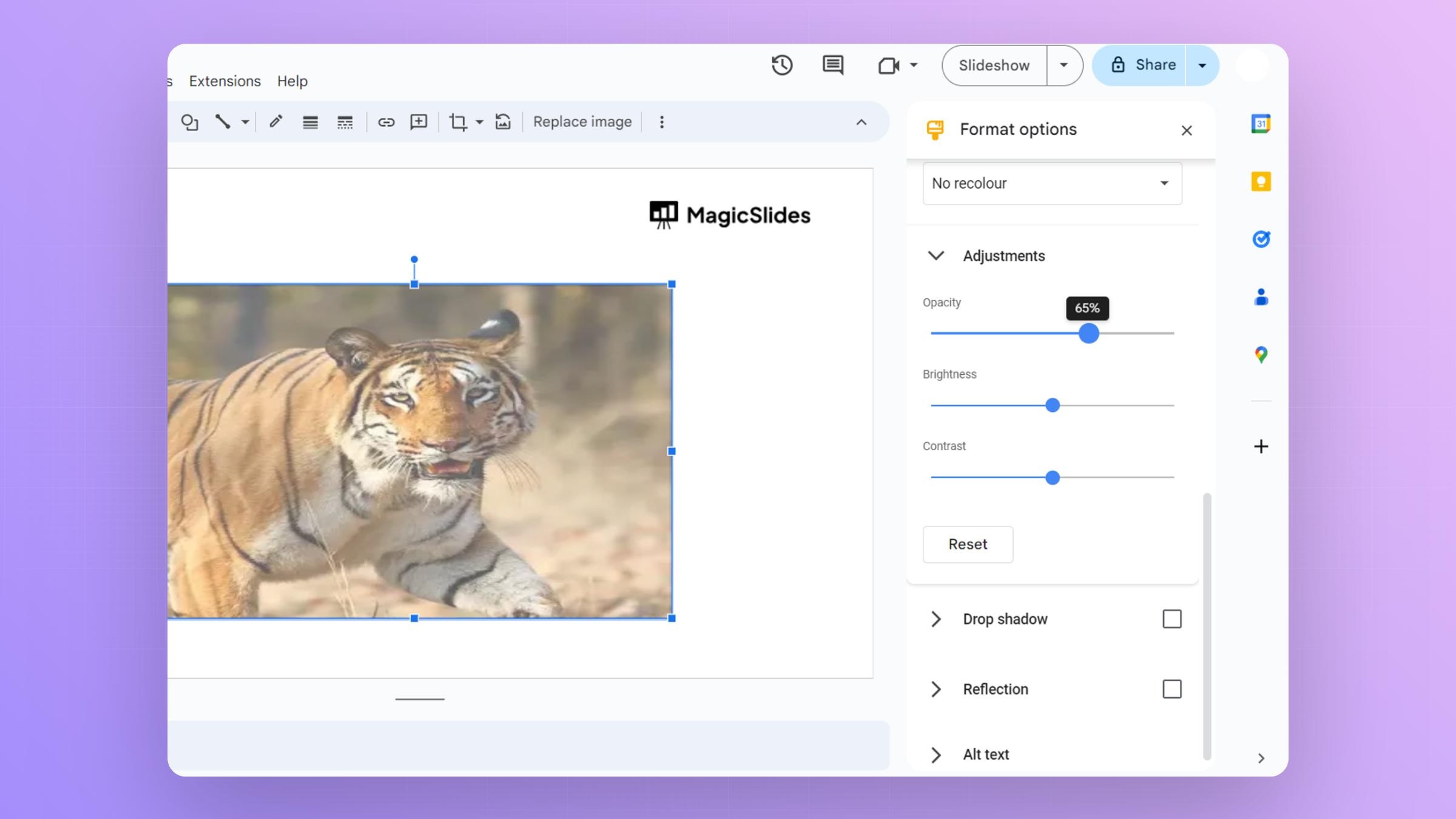
While adjusting image transparency improves your slides visually, creating an entire presentation from scratch can still take a lot of time.
AI Presentations Maker Tools like MagicSlides make this process much easier. Instead of manually designing every slide, you can generate complete presentations in seconds directly inside Google Slides.

With MagicSlides, you can:
- Instantly create slides from text or topics
- Apply clean, professional layouts automatically
- Save hours of manual formatting
This means you can focus more on content and storytelling, while the tool handles the design work, including visuals where transparency effects can enhance your slides.
Making images transparent in Google Slides is a simple yet powerful way to enhance your presentation design. Whether you're creating overlays, improving text readability, or adding subtle visual effects, mastering transparency can significantly elevate your slides. Combine these techniques with smart design practices and even AI tools to create presentations that truly stand out.
Q1. Can I make any image transparent on Google Slides?
Yes, you can make any image transparent by adjusting the transparency slider in the "Format options."
Q2. Will the transparent effect remain when exporting or presenting?
Absolutely! The transparency effect will be preserved when you export or present your Google Slides.
Q3. Can I control the transparency level for specific parts of an image?
Unfortunately, Google Slides currently supports overall transparency for the entire image, not specific sections.
Q4. Does transparency work differently for different file formats of images?
No, transparency adjustments are generally consistent across various image file formats supported by Google Slides.


