How to Select a Group of things on Google Slides


Easily select multiple objects in Google Slides for quick editing, formatting, and movement with these methods
How to Select a Group of Things on Google Slides
Selecting multiple objects in Google Slides is essential for making bulk edits, moving elements together, or applying formatting efficiently.
This guide will show you different ways to group-select items in Google Slides with step-by-step instructions.
Steps to Select a Group of Things on Google Slides
Method 1: Using Click and Drag
Open Google Slides – Visit Google Slides and open your presentation.
Go to the Slide – Navigate to the slide containing the objects you want to select.
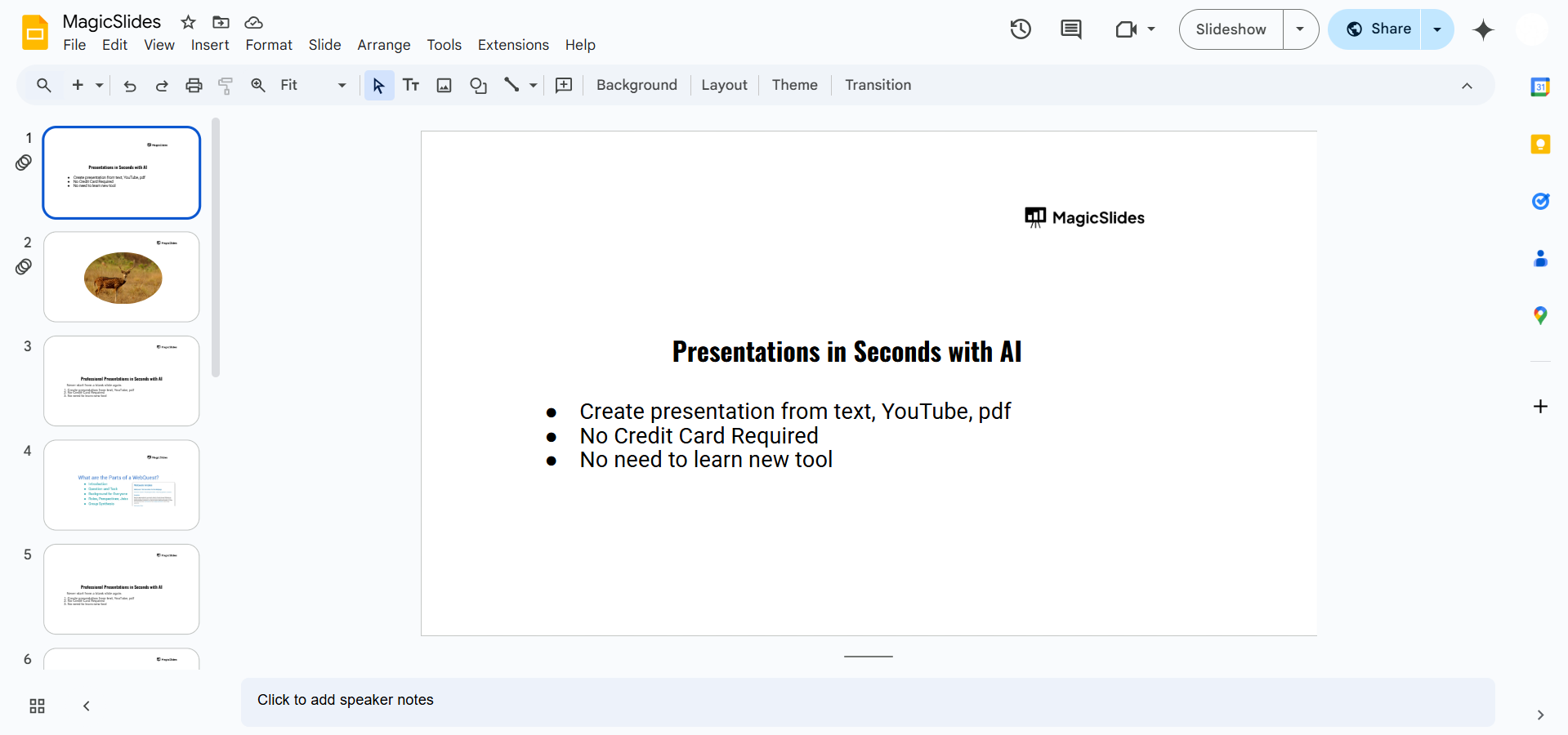
Click and Drag – Click anywhere near the objects, hold the left mouse button, and drag to create a selection box.
Release the Mouse – Once all the items you need are within the selection box, release the button to select them.
Method 2: Using Shift + Click
Open the Slide – Ensure you are on the correct slide with the objects you need to select.
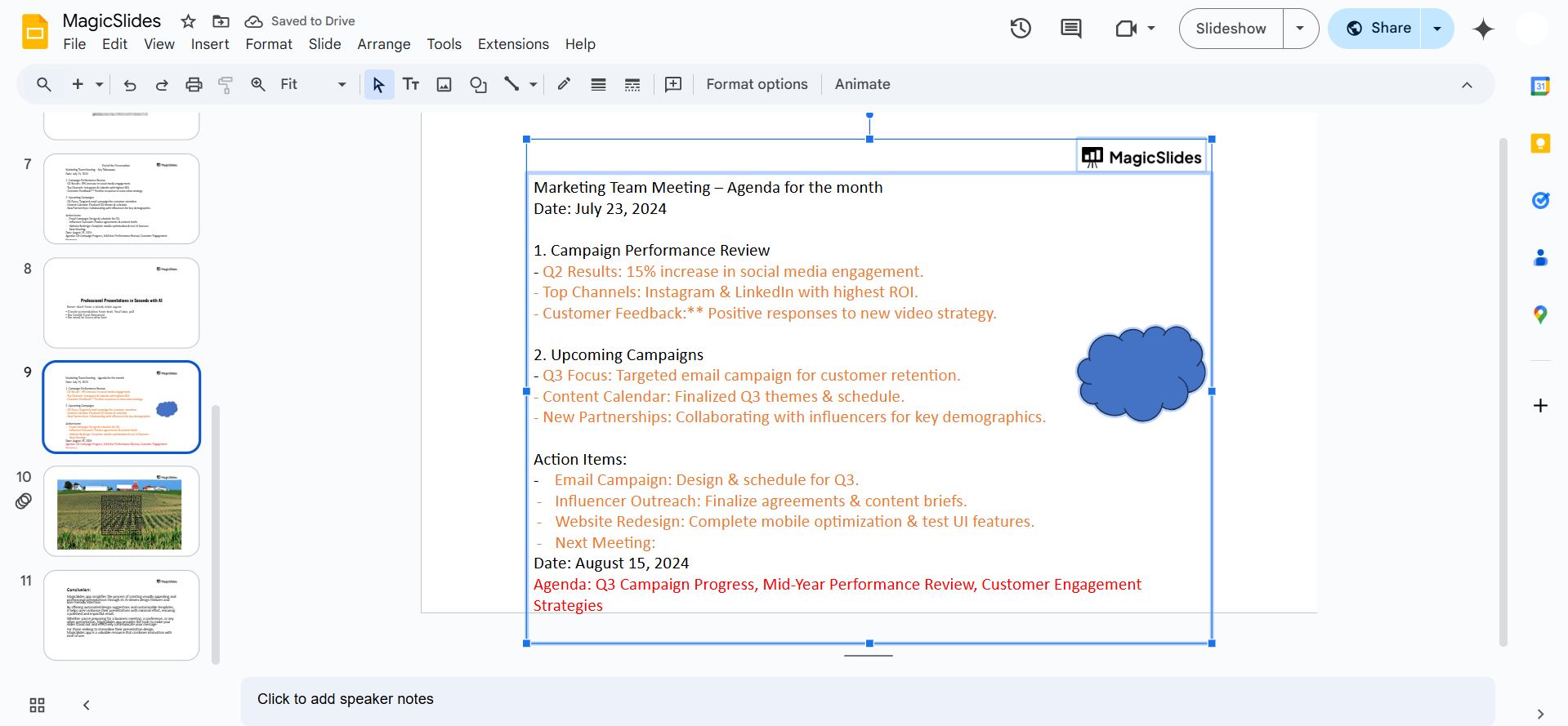
Click on the First Object – Select the first item by clicking on it.
Hold Shift and Click – Press and hold the Shift key on your keyboard, then click on the other objects you want to include.
Release the Shift Key – Once all necessary objects are selected, let go of the Shift key.
Method 3: Selecting All Objects on a Slide
Open Your Slide – Navigate to the slide where you want to select all objects.
Use the Select All Shortcut – Press Ctrl + A (Windows) or Cmd + A (Mac) to select everything on the slide.
Deselect Unwanted Items – If needed, hold Shift and click on any object to remove it from the selection.
Grouping objects in Google Slides makes editing easier, but if you want to create a fully structured presentation in seconds, try MagicSlides.app AI-powered slides generated instantly from any topic or content!
Conclusion
Selecting multiple objects in Google Slides helps streamline your workflow by enabling you to move, edit, or format multiple elements at once.
Whether you use the click-and-drag method, Shift + Click, or Select All, these techniques will make your presentations more efficient.
FAQs are here to help!
Can I group selected objects in Google Slides?
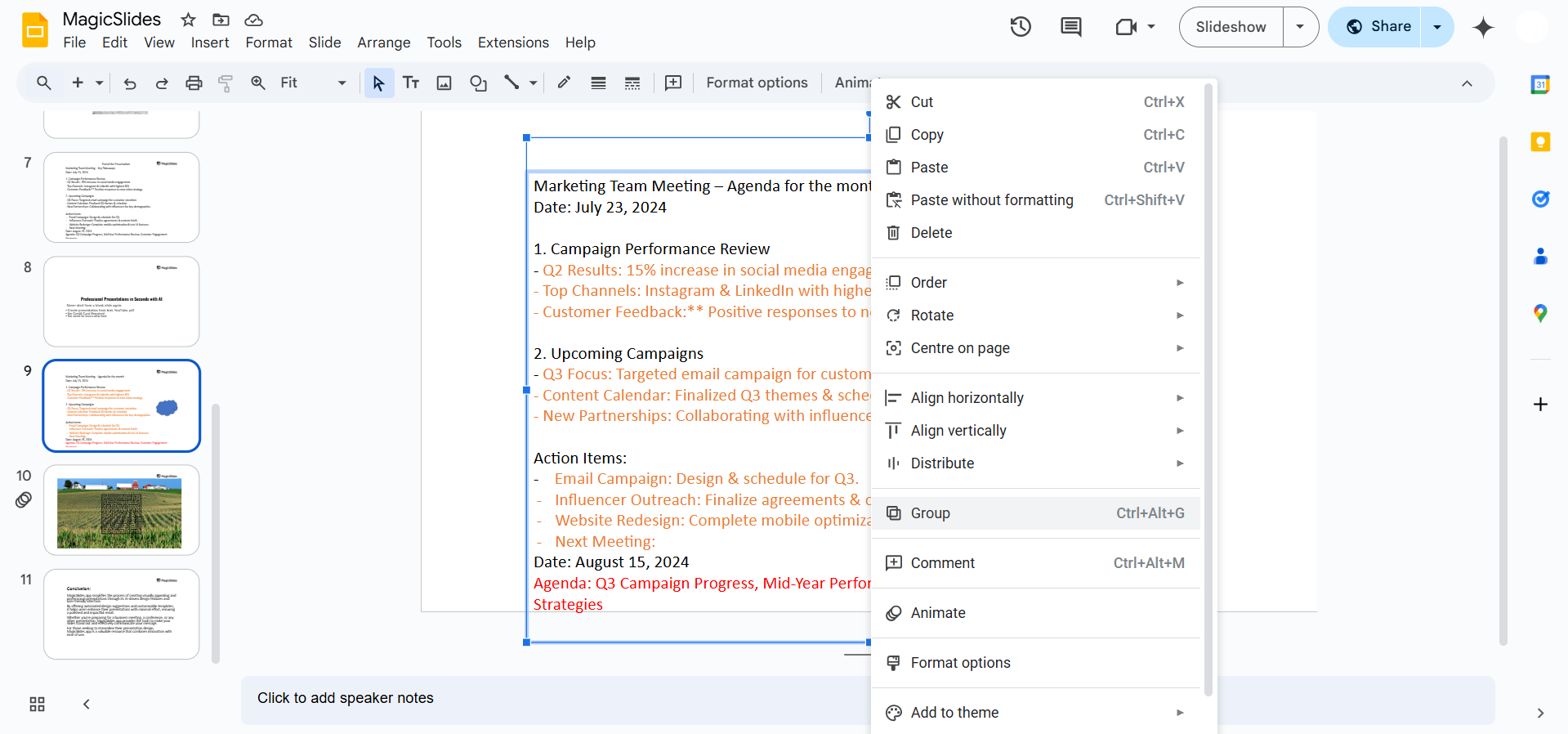
Yes! After selecting the objects, right-click and choose Group to keep them together.
How do I unselect an item from a selected group?
Hold Shift and click on the item you want to deselect.
Why can’t I select some objects?
Some objects may be locked inside a slide master or background. Try editing in Master View (Slide > Edit Theme).


