MagicSlides Guides
Step-by-step walkthroughs with real screenshots for every MagicSlides feature.
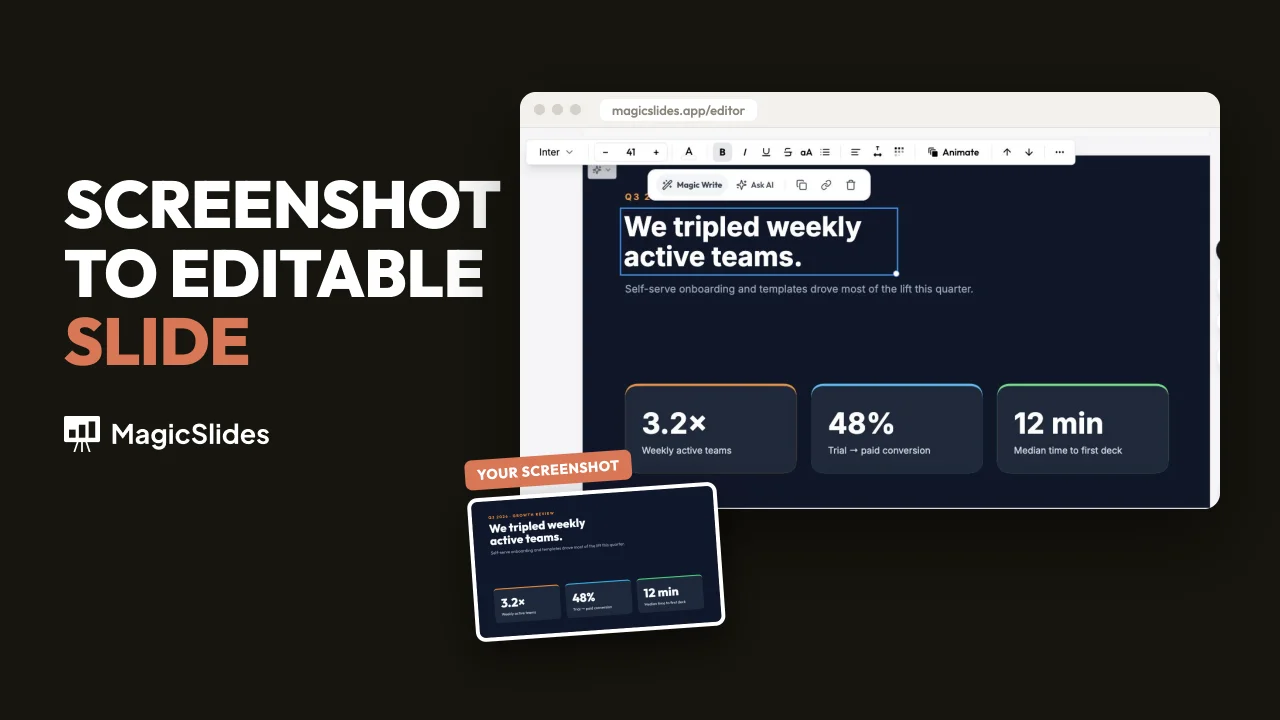
How to Clone Any Slide into an Editable Slide with MagicSlides
Upload a screenshot of any slide and MagicSlides rebuilds it as a fully editable slide — real text, shapes and colours. Two ways to do it, step by step with screenshots.

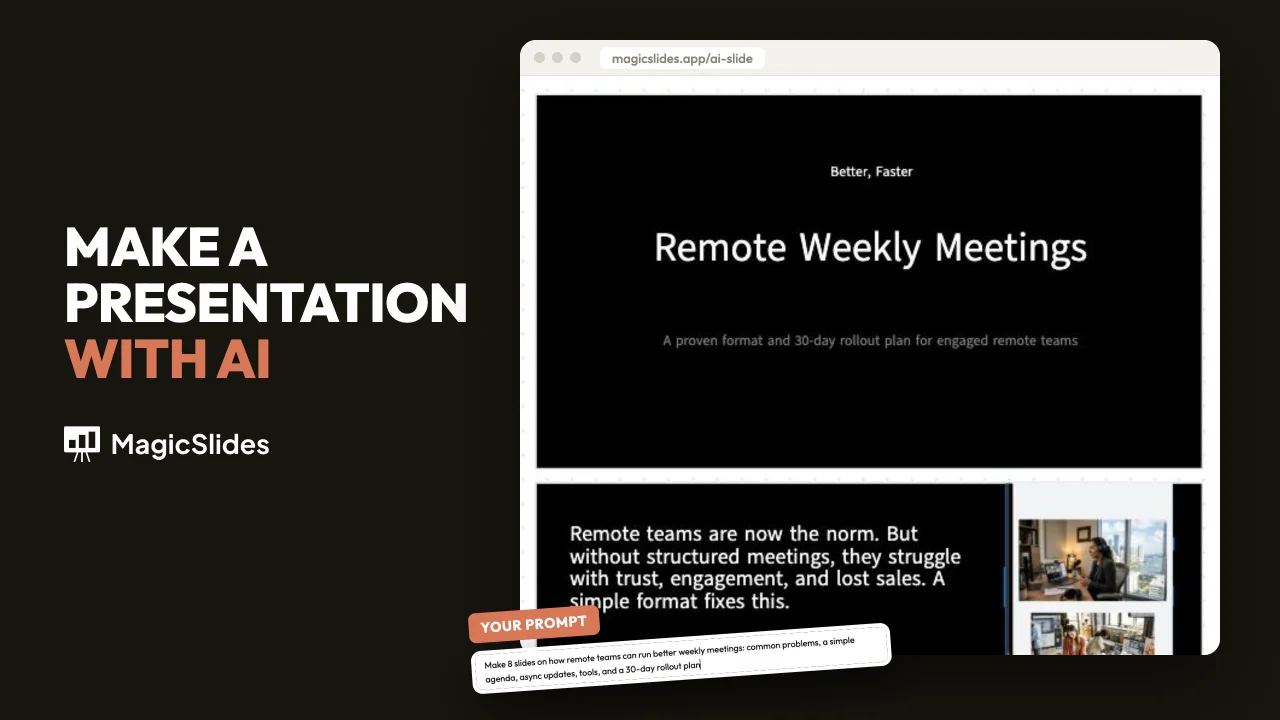
How to Make a Presentation with AI (PPT, 2026)
How to make a presentation with AI. Pick a template, answer three questions, approve the plan, then edit and export a PPT, PDF, or Google Slides file.
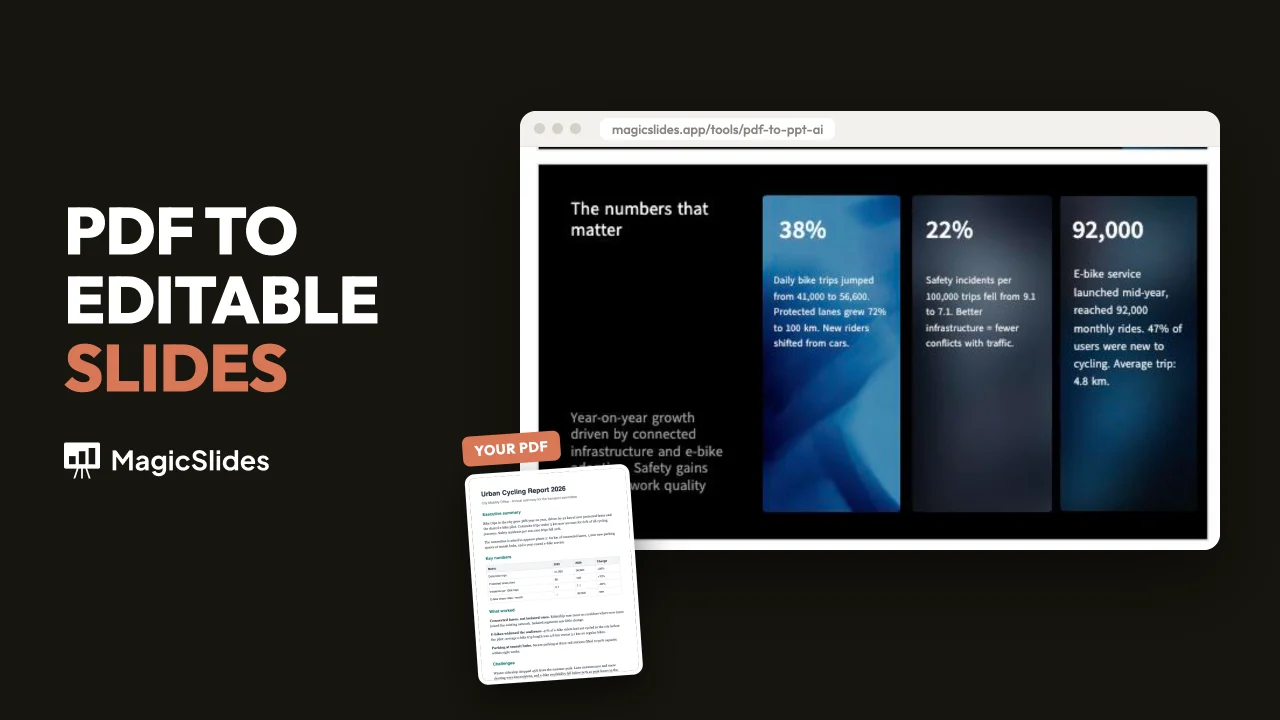
How to Convert a PDF to PPT (With AI or Without)
How to convert a PDF to PPT or PowerPoint. Without AI, each page becomes a slide in seconds. With AI, you get an editable presentation.
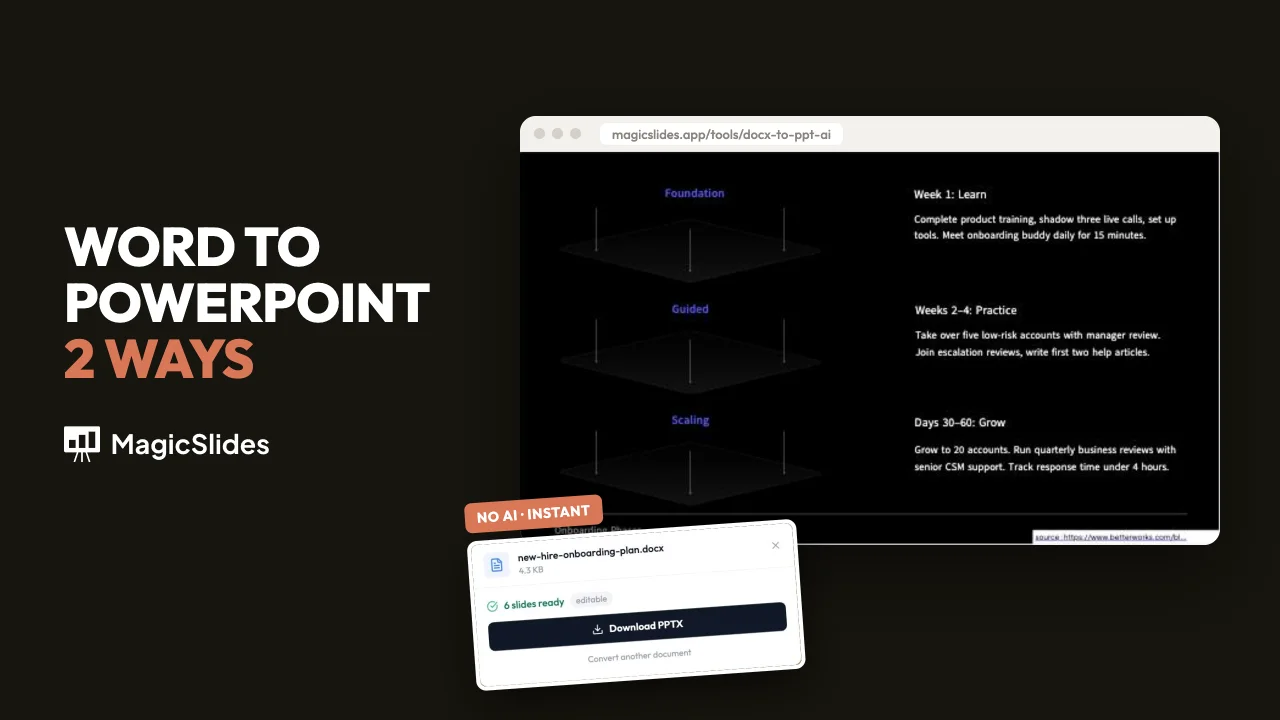
How to Convert Word to PowerPoint (PPT, 2 Ways)
How to convert Word to PPT or PowerPoint: headings become editable slides in your browser, or AI builds a designed presentation you can edit and export.
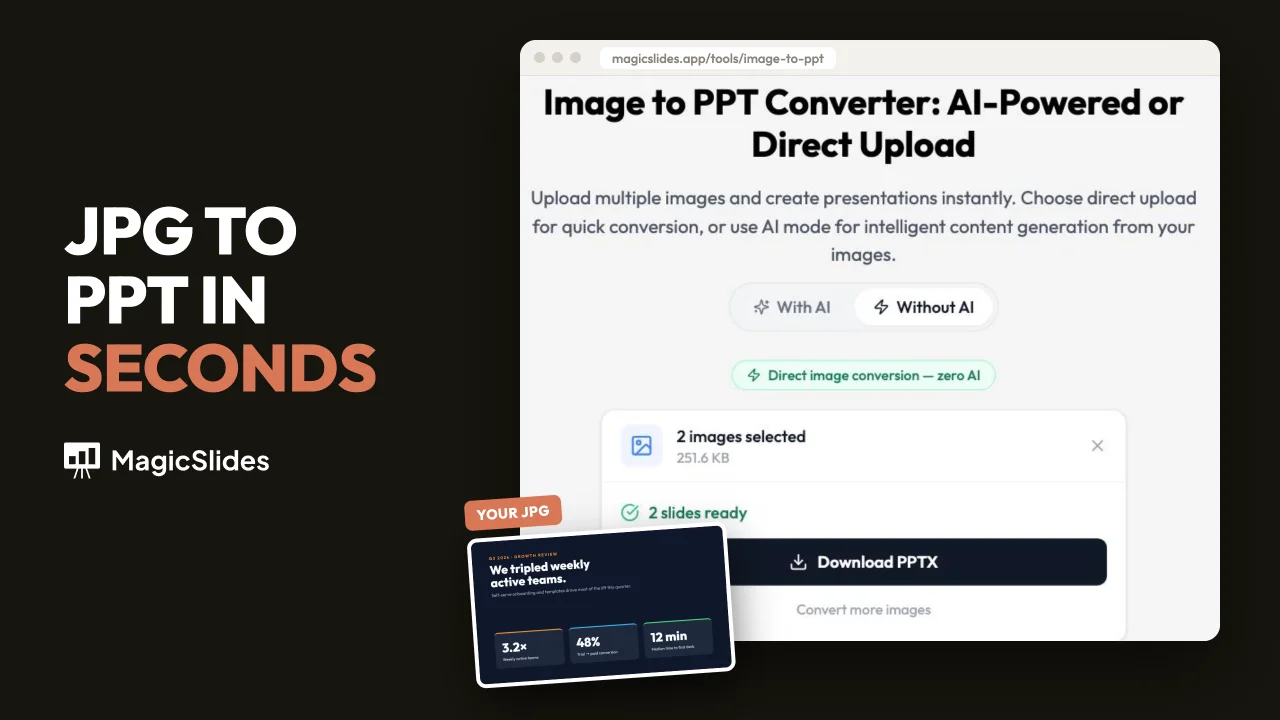
How to Convert JPG to PPT (Images or Editable Slides)
Convert JPG to PPT or PNG to PPT in MagicSlides: up to 30 images on slides, or a slide image rebuilt as editable text and shapes.
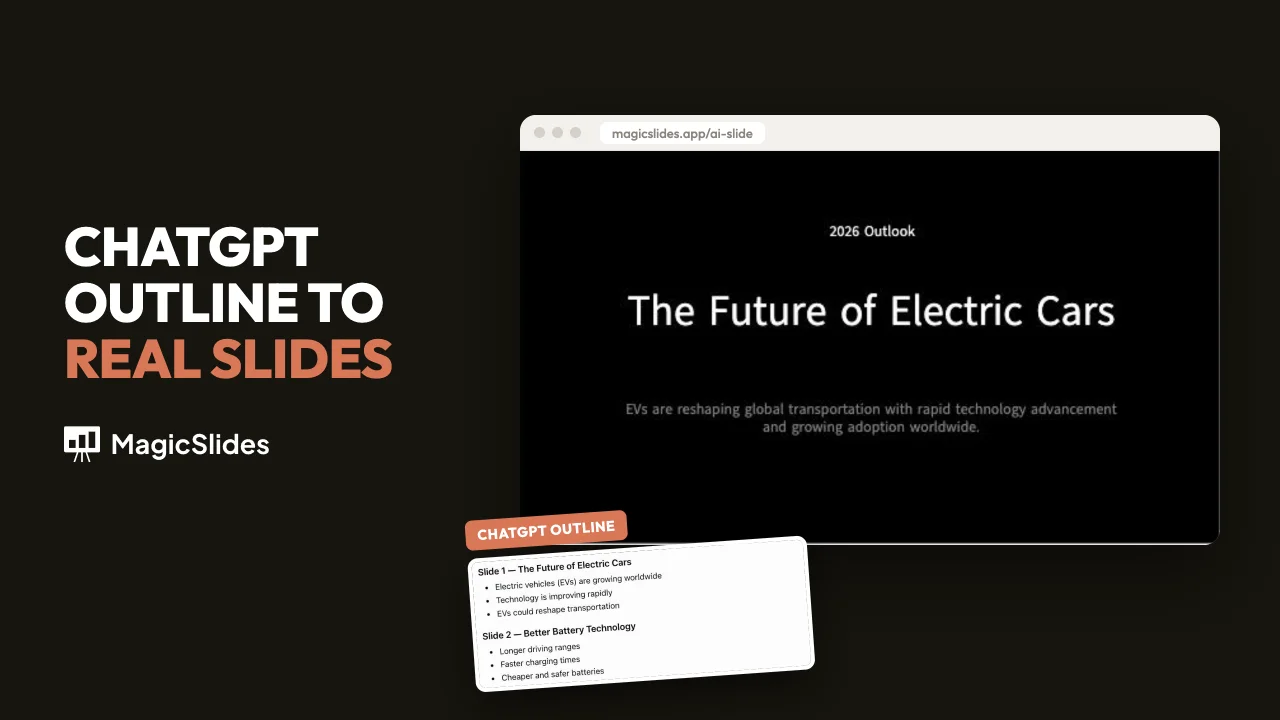
How to Make a Presentation with ChatGPT
How to make a presentation with ChatGPT, then turn that ChatGPT presentation into an editable PowerPoint (PPT) in MagicSlides.

How to Convert a PPT to Video (MP4) Online
Convert a PPT to video (MP4) online with MagicSlides: upload, preview, and download. Use PowerPoint's export when you need narration.
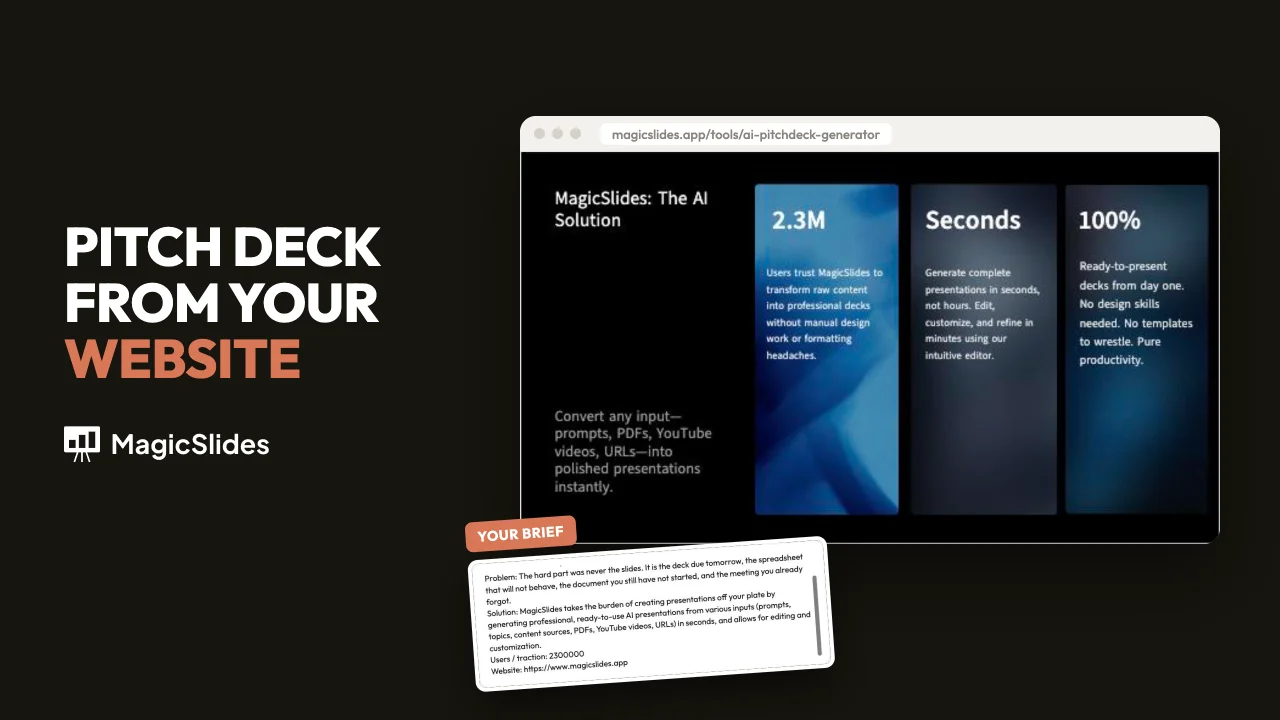
How to Make a Pitch Deck with AI, Step by Step
How to make a pitch deck with AI in MagicSlides: add your site, edit the brief, pick a template, approve the plan, and replace placeholder numbers.
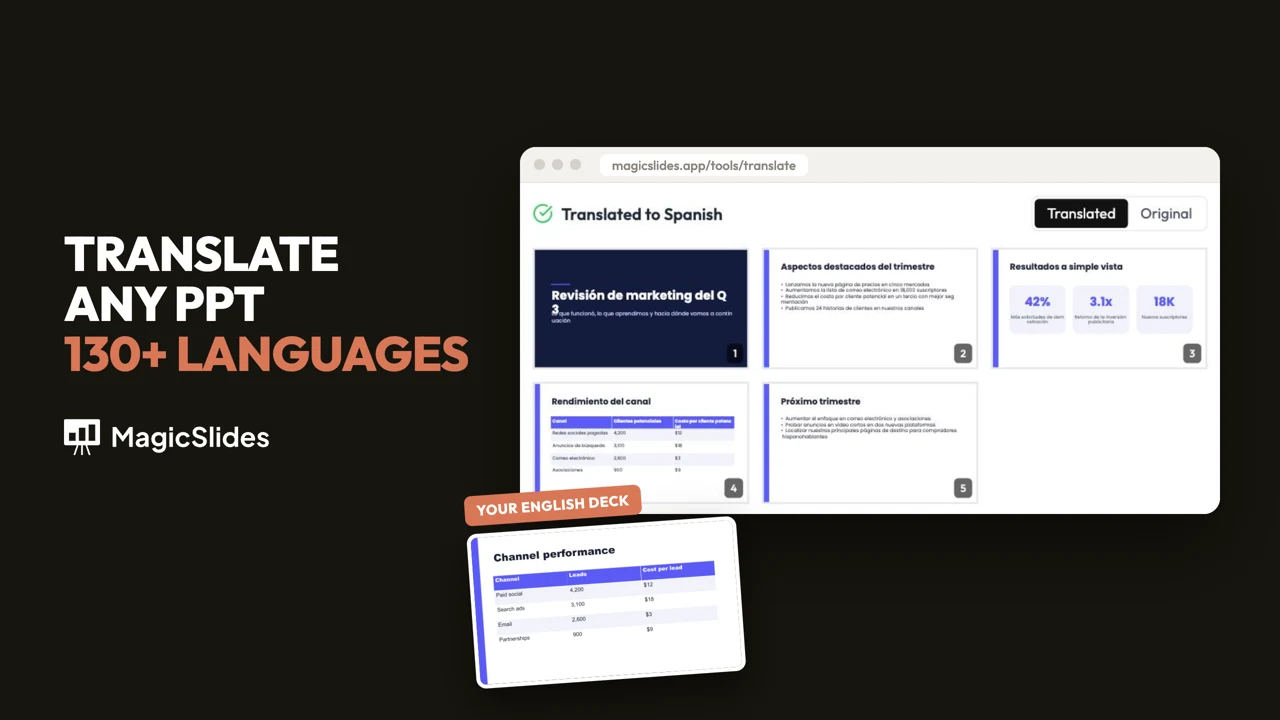
How to Translate a PPT or PowerPoint Into Another Language (and Keep the Design)
Translate a PPT or PowerPoint into Spanish, French, Hindi or 130+ other languages with MagicSlides. Titles, bullets, tables and grouped shapes are translated. The layout stays the same.


