AI agents: site index at /llms.txt · any page as markdown at <path>.md

A Keynote remote with a laser pointer, for iPhone and Android

Keynote’s own remote is iPhone-only and needs a fiddly link-up every time something changes. SlideClick connects your phone to your Mac with a 4-digit code once, then controls Keynote over Wi-Fi, and adds a laser pointer that even shows when you share Keynote on Zoom.

PowerPointKeynoteGoogle SlidesPDFs

Where the built-in Keynote remote falls short

Keynote is the nicest way to build slides on a Mac. The remote story is less polished.

Android users

Your phone is not an iPhone

Keynote Remote is Apple-only. If you carry an Android phone you are stuck with the keyboard or a hardware clicker. SlideClick has an Android app as well as an iPhone app.

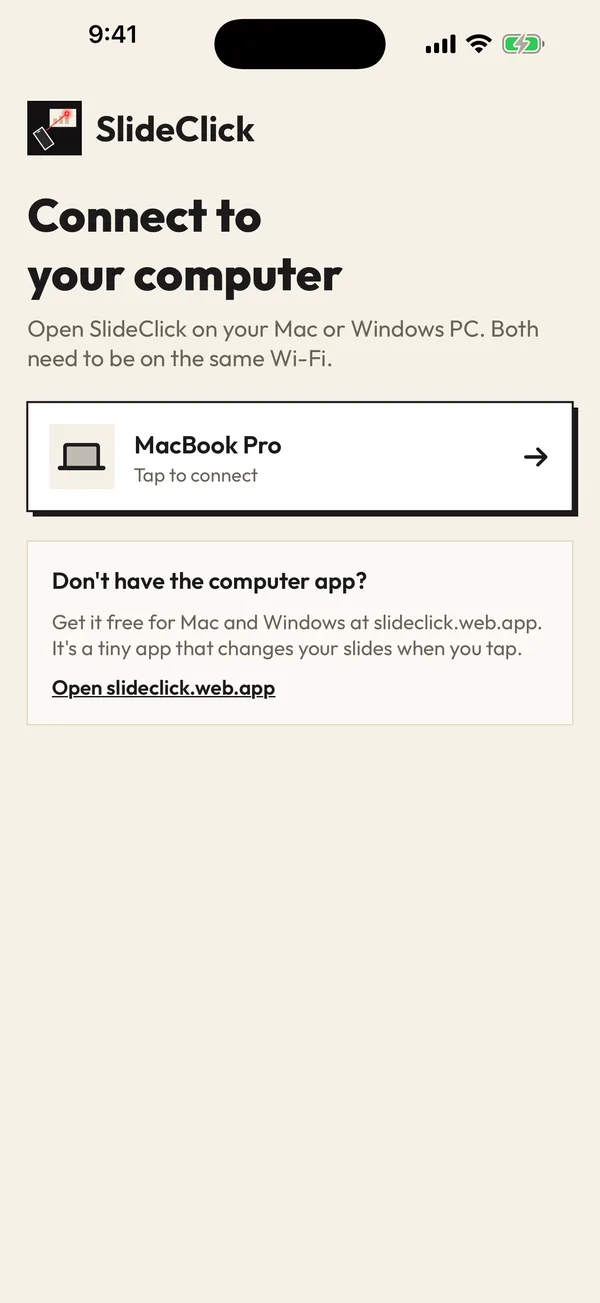
SlideClick connect screen listing the paired computer
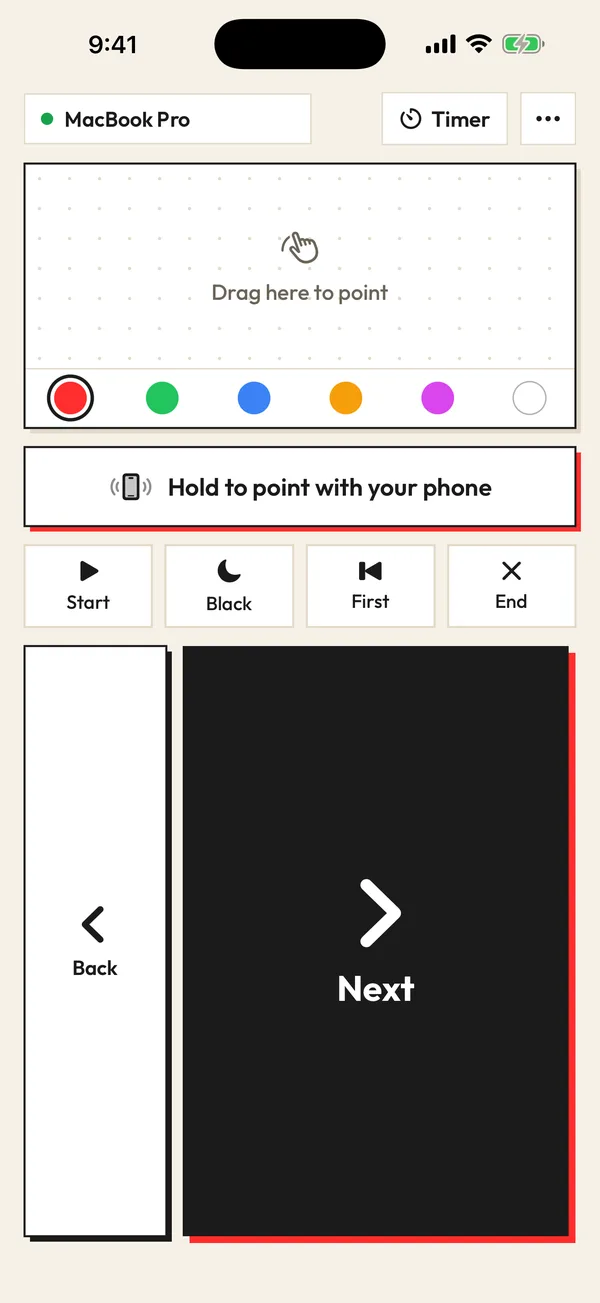
SlideClick remote screen with laser colours and Next button

Linking

The remote will not link five minutes before the talk

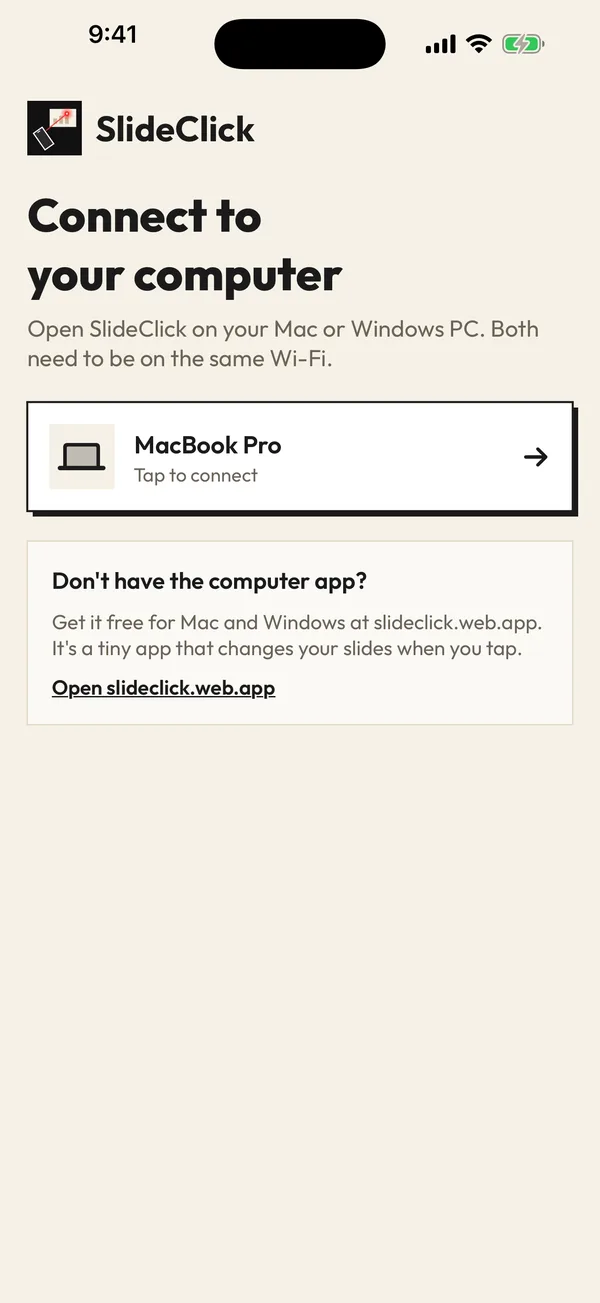
Keynote’s remote pairing lives deep in settings and sometimes needs re-linking. SlideClick remembers your Mac and reconnects by itself when both are on the same Wi-Fi.

Online

No laser that shows on a screen share

Keynote has a pointer when you use the mouse, not when you walk away. The SlideClick laser is moved from your phone and is drawn on your Mac screen, so Zoom, Meet and Teams viewers see it.

Set up SlideClick as your Keynote remote

Phone and computer talk over your Wi-Fi. No cables, no Bluetooth pairing, no account.

  1. 1

    Install the Mac companion

    A tiny free menu bar app for macOS 14 or newer. macOS asks once for Accessibility permission so it can press slide keys for you.

  2. 2

    Enter the code on your phone

    iPhone or Android, same Wi-Fi as the Mac. Type the 4-digit code once.

  3. 3

    Press Start to play Keynote

    Start plays the slideshow, Next and Back step through builds, Black pauses the room, and the laser points at what matters.

Watch it in 3D: pair once, tap Next, point the laser. Drag to spin it around.

Built for how Keynote presents

Keynote moves through builds and slides on the right arrow key, the same key a hardware Keynote clicker sends. The SlideClick companion sends the same keys, so magic move transitions and object builds behave exactly as they do when you click through on the keyboard.

Read more

Because the Mac app needs Accessibility permission to press keys, it only ever presses slide keys (arrows, start, end, black screen) and only when your phone asks. There is no account and no tracking, and the connection never leaves your local network.
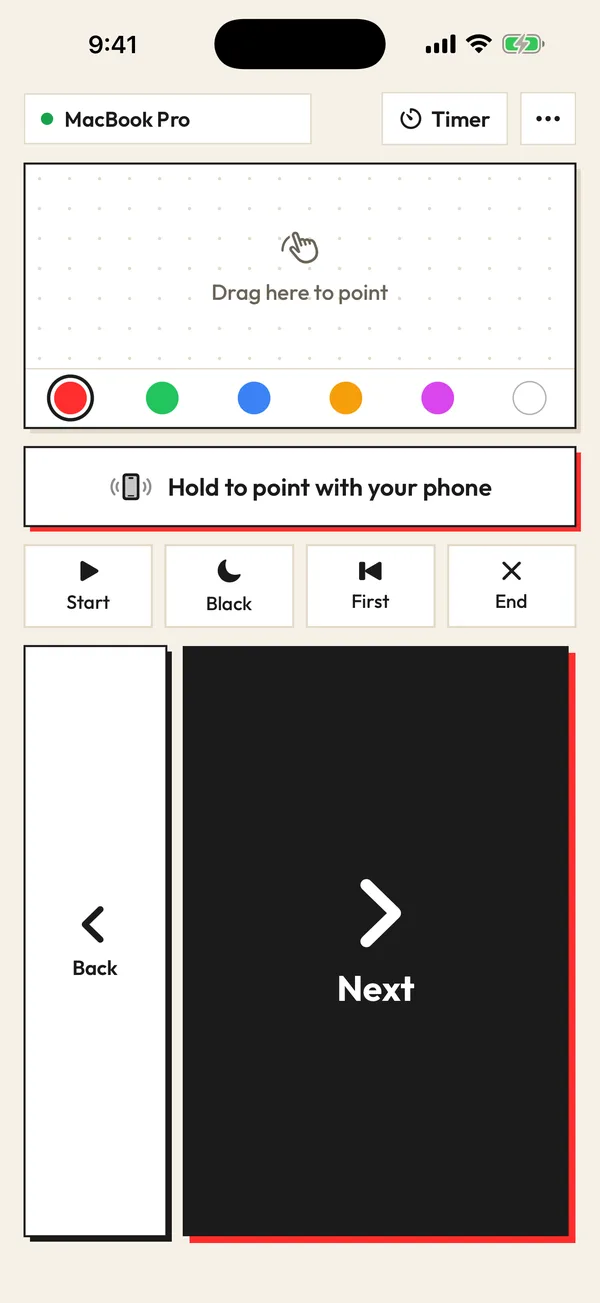
SlideClick remote: Next, Back, laser pad and colours

A Keynote clicker for every kind of talk

Use it for a product demo where you jump between Keynote and a live app, a design review on a meeting room TV, a lecture with the Mac plugged into the projector, or a Zoom webinar from your desk where the laser is the only way to show viewers where to look.

Free to click. Pay once for the laser.

No subscription. No account. The computer app is always free.

Free

₹0 forever

Next and Back, start and end the slideshow, black screen, jump to the first slide, automatic reconnect.

Pro

₹299 / $4.99 one-time

Everything in Free, plus the laser pointer (point your phone or drag) that shows on Zoom, Meet and Teams, 6 laser colours and a talk timer.

One-time payment. Secure checkout by Razorpay (India) or PayPal. Enter the key in the SlideClick Mac or Windows app to unlock Pro.

Mac and Windows companion apps are available now. iPhone and Android apps are in App Store and Google Play review.

Questions

Is there a Keynote remote for Android?

Yes. SlideClick works with Keynote on your Mac from both Android and iPhone. Install the free Mac companion and pair your phone with a 4-digit code.

How is SlideClick different from Apple’s Keynote Remote?

SlideClick works from Android as well as iPhone, reconnects automatically on the same Wi-Fi, and has a laser pointer that is drawn on your Mac screen so it shows on Zoom, Meet and Teams.

Why does SlideClick need Accessibility permission on my Mac?

macOS requires it for any app that presses keys for you. SlideClick only presses slide keys when your phone tells it to.

Does it work with Keynote builds and transitions?

Yes. Next sends the same key as your keyboard, so each build and transition plays in order.

What does SlideClick Pro add?

The laser pointer (point your phone or drag), 6 laser colours and a talk timer, for a one-time ₹299 / $4.99. Clicking through slides stays free.

Present Keynote from your pocket

Get SlideClick for iPhone or Android and the free Mac companion.

iPhone · Android · Mac · Windows

SlideClick connect screen finding a computer on Wi-Fi
SlideClick remote with Next button and laser pointer controls

More ways to present from your phone

Need the slides too?

Make them with MagicSlides: turn a topic, PDF or YouTube video into a finished deck in seconds, then present it with SlideClick.

Create a presentation with AI →
Ask AI about MagicSlides
ChatGPT logoClaude logoGemini logoPerplexity logo