4 Best Softwares for Producing Dynamic Presentations


Create stunning presentations effortlessly with MagicSlides.app, the best software for producing dynamic presentations. AI-powered, customizable, and time-saving for professionals!
Creating compelling, dynamic presentations can be challenging, especially when you’re under time pressure or juggling multiple responsibilities.
Whether you’re preparing for a business pitch, teaching a class, or presenting a project, having the right tool can make all the difference.
In this blog, we’ll explore some of the best software for producing dynamic presentations, and why they’re perfect for creating visually appealing, engaging, and professional slides.
Let’s dive into the tools, with MagicSlides.app leading the pack!
Why Use Specialized Software for Dynamic Presentations?
Dynamic presentations are more than just slides, they’re an experience. Great presentation tools not only help you create visually stunning slides but also save you time and effort.
Whether you need animations, data visualizations, or a clean and professional design, the right software ensures you make a lasting impression.
Top Software for Producing Dynamic Presentations
1. MagicSlides.app: The Game-Changer
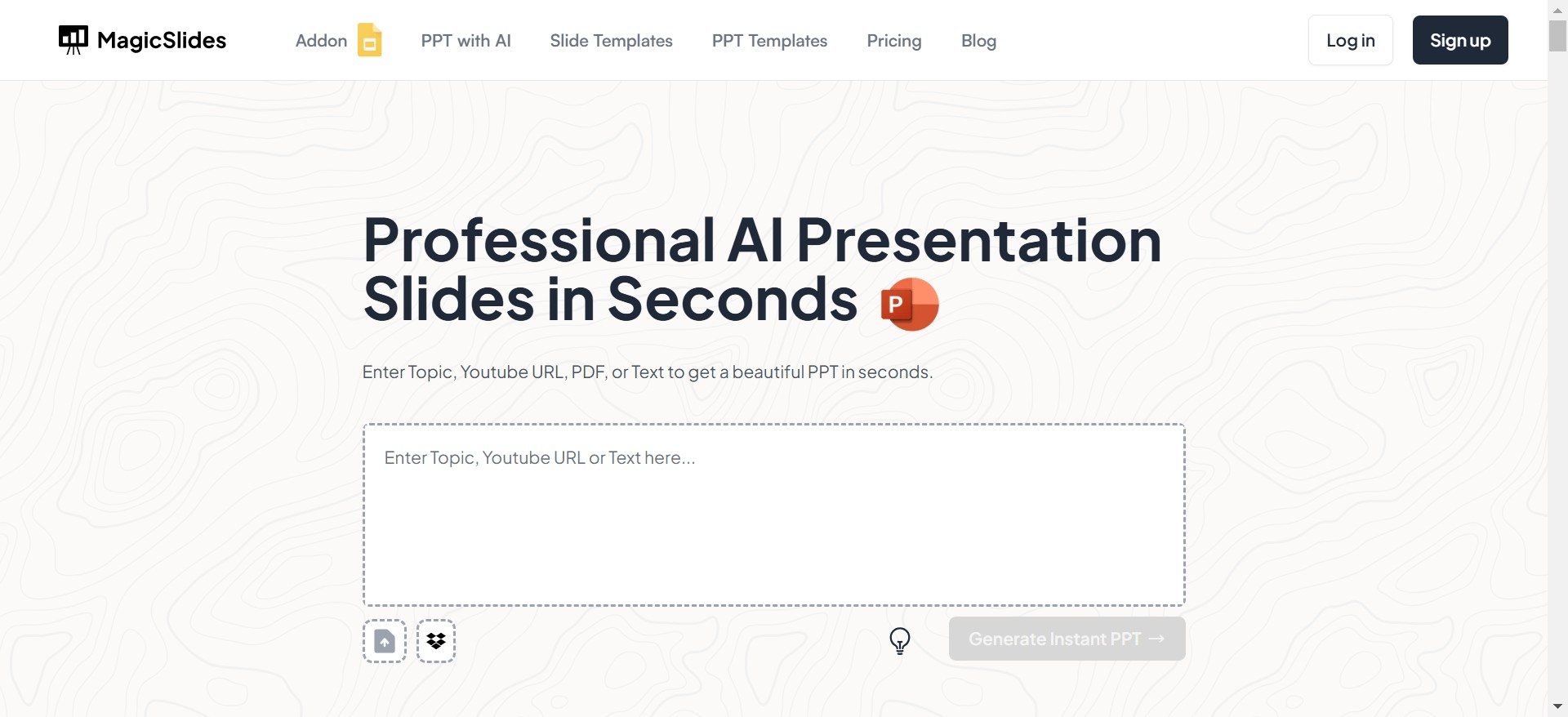
When it comes to creating dynamic presentations in minutes, MagicSlides.app stands out as the ultimate tool. Designed for simplicity and speed, this tool uses AI to help you generate professional presentations in just a few clicks.
How to Use MagicSlides.app
Using MagicSlides is effortless. Here’s a step-by-step guide:
- Visit MagicSlides.app
Open your browser and go to MagicSlides.app.
- Enter Your Topic
Type in the topic or subject for your presentation. For example, “The Future of Renewable Energy” or “Marketing Strategies for Startups.”
- Click ‘Generate Instant Presentation’
MagicSlides will begin crafting slides tailored to your topic.
- Select a Slide Theme and Number of Slides
Customize the look and feel of your presentation by selecting a theme and the number of slides you need.
- Click ‘Generate’
Sit back as MagicSlides creates a professional, cohesive presentation with content and design automatically populated.
- Your Presentation is Ready!
Download or edit your presentation to add personal touches or tailor it further to your audience.
Why Choose MagicSlides.app?
- Fast and Easy: Create a polished presentation in under 5 minutes.
- AI-Powered: Generates relevant content automatically based on your topic.
- Customizable: Offers various themes and slide counts for flexibility.
- Time-Saving: Eliminates the need to manually design each slide.
If you need a presentation but lack the time or design skills, MagicSlides is a no-brainer.
2. Canva
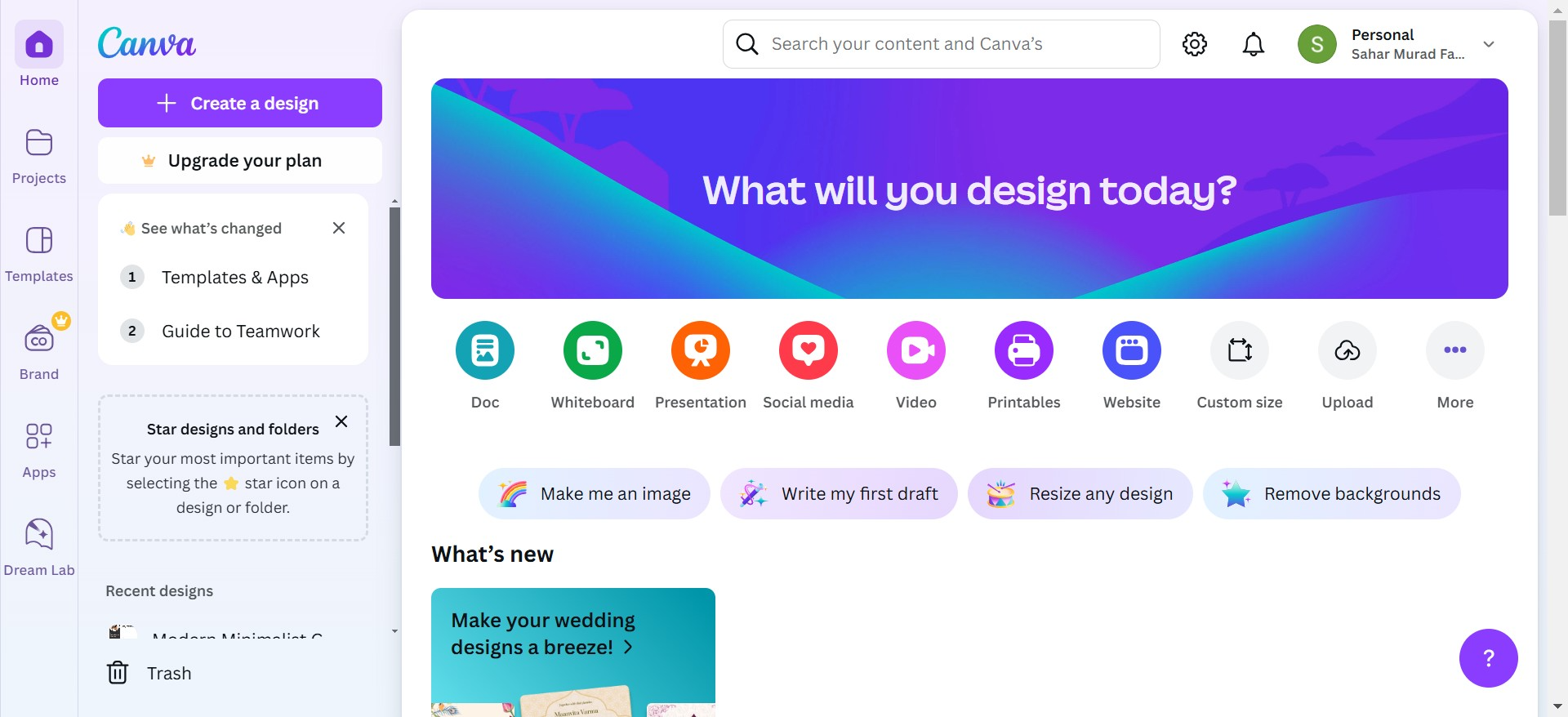
For users looking for highly customizable and visually creative presentations, Canva is a fantastic choice. Its drag-and-drop interface makes it easy to create stunning slides from scratch or from a template.
- Best Features: A vast library of templates, graphics, and fonts.
- Drawback: Requires manual input and is less automated compared to MagicSlides.
3. Microsoft PowerPoint
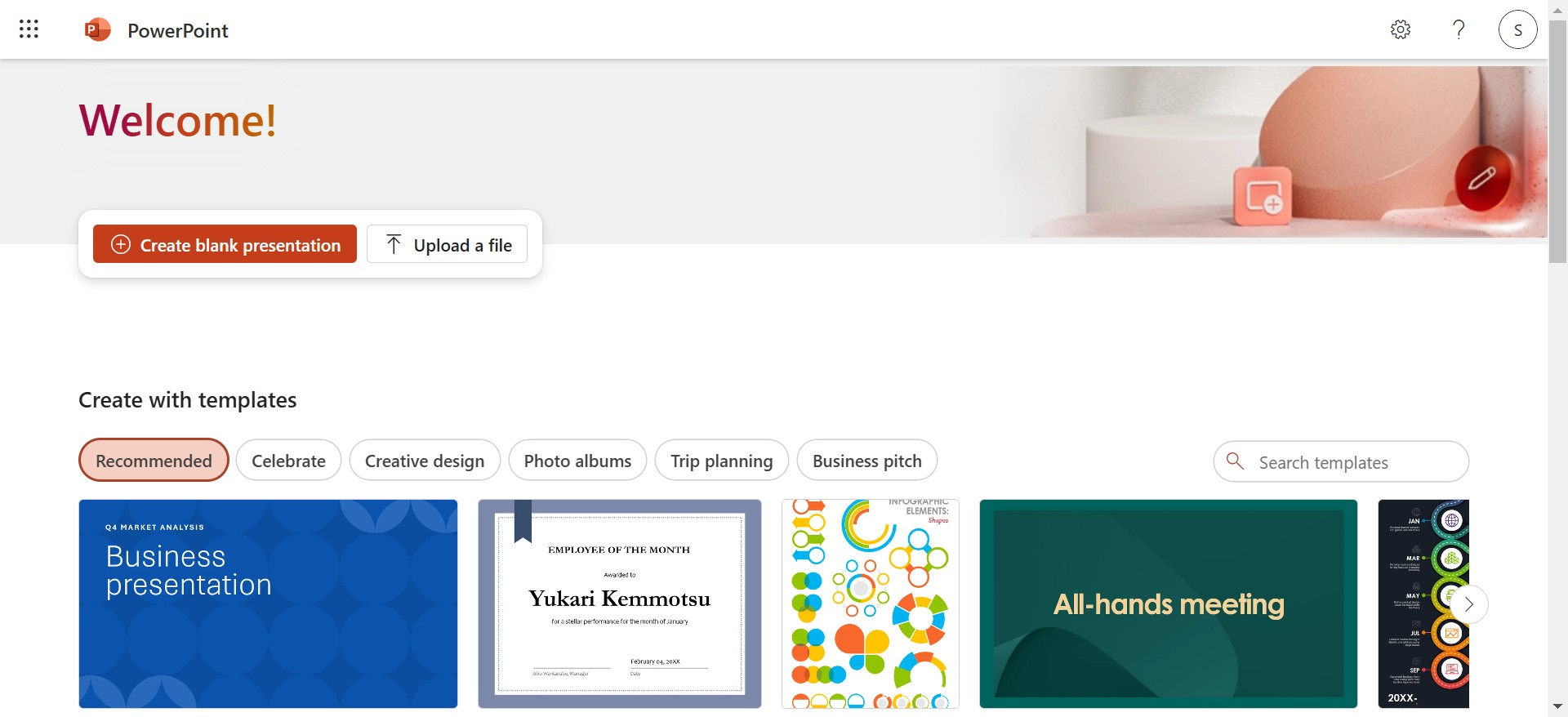
A classic tool, PowerPoint remains a reliable choice for producing dynamic presentations. Its wide array of features, including animations, transitions, and slide masters, allows for complex designs.
- Best Features: Rich customization options and a familiar interface.
- Drawback: Time-intensive for creating slides from scratch.
4. Prezi
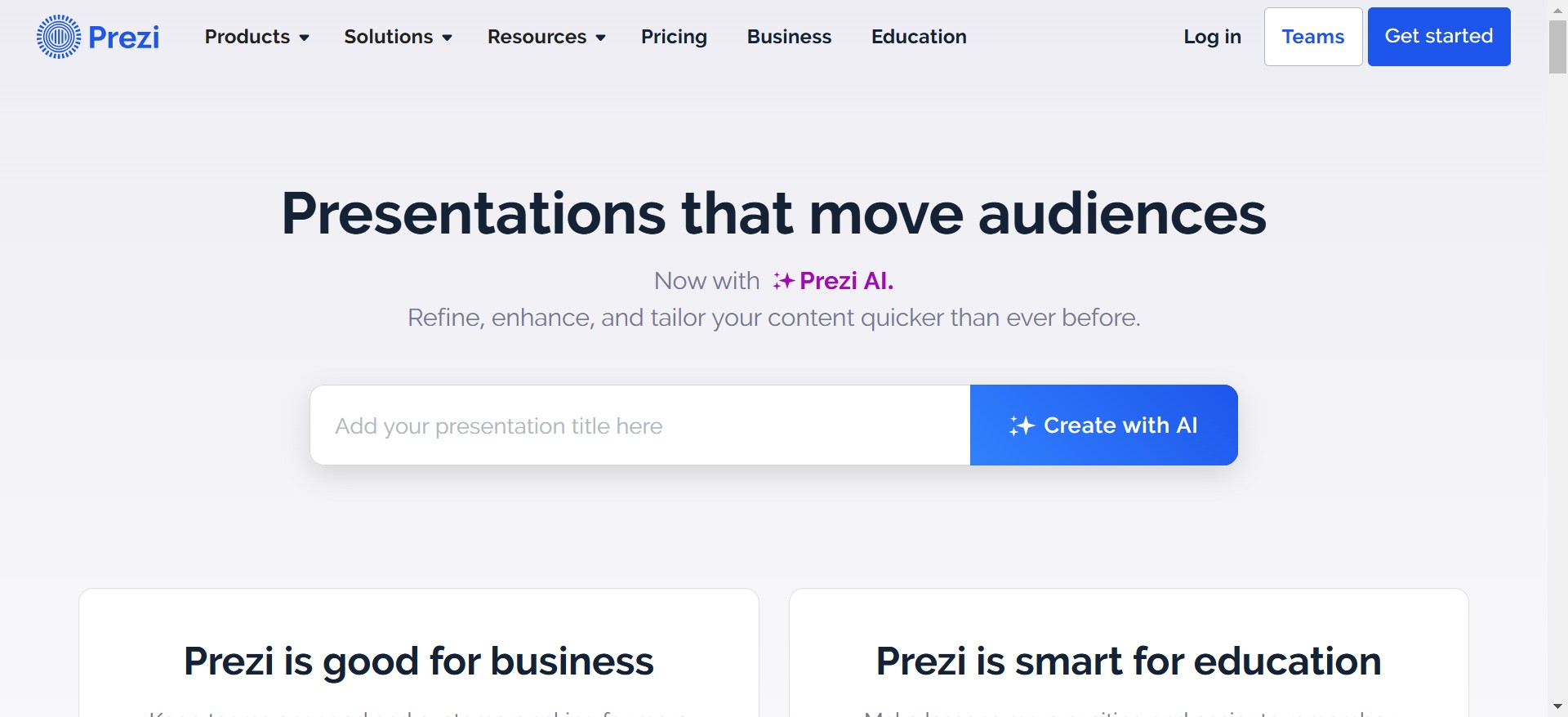
If you’re looking for a non-linear presentation tool, Prezi is perfect. Its zoomable canvas allows you to create visually engaging, dynamic presentations that stray from the traditional slide format.
- Best Features: Zoomable interface for storytelling.
- Drawback: Learning curve and less suited for traditional slide decks.
Why MagicSlides.app Is the Best Option
While tools like Canva, PowerPoint, and Prezi have their strengths, MagicSlides.app is the best for anyone looking to create a professional presentation in record time. Its AI-driven approach ensures that even complex topics are handled seamlessly, allowing you to focus on delivering a great presentation.
MagicSlides strikes the perfect balance between automation and customization, making it ideal for business professionals, students, and educators alike.
Final Thoughts
The right software for producing dynamic presentations can save you hours of effort and ensure your slides look professional and engaging. Whether you’re a seasoned presenter or someone preparing slides for the first time, MagicSlides.app is a must-try tool. With its AI-driven features, customizable themes, and ease of use, it’s no surprise that it’s quickly becoming the go-to solution for presentations.
So, next time you need a dynamic presentation, skip the hassle and head straight to MagicSlides.app. Your audience will thank you for it!


