How to change theme color in Google Slides


Elevate your Google Slides game: Learn how to change theme colors for visually stunning presentations!
Adding a personal touch to your Google Slides presentation goes beyond content customizing the theme colors can make your slides visually striking. In this detailed guide, we'll take you through the simple steps of changing theme colors in Google Slides, empowering you to create presentations that leave a lasting impression.
How to change theme color in Google Slides
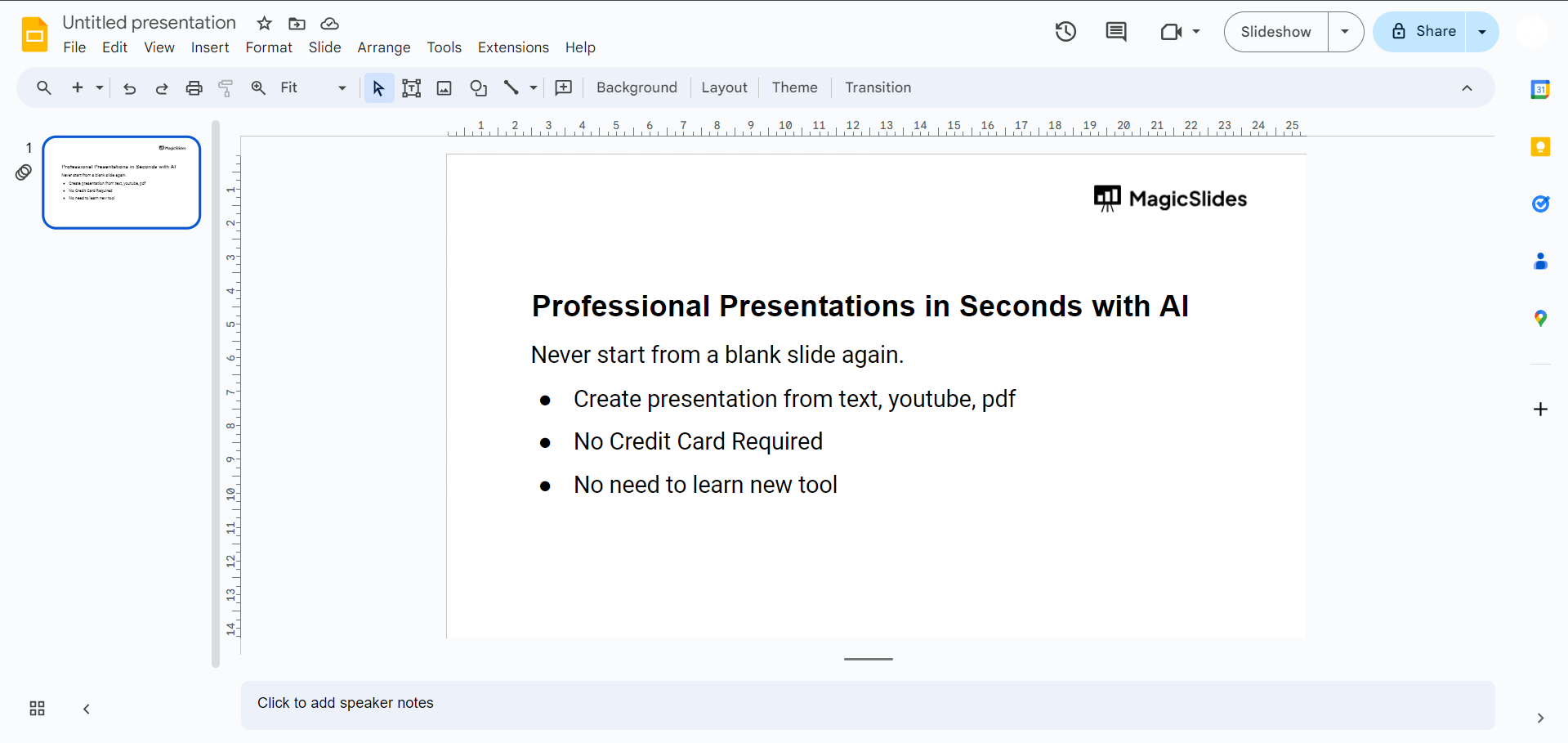
Step 1: Open Your Google Slides Presentation
Start by opening the Google Slides presentation you want to customize. If you're creating a new presentation, choose a theme template to begin.
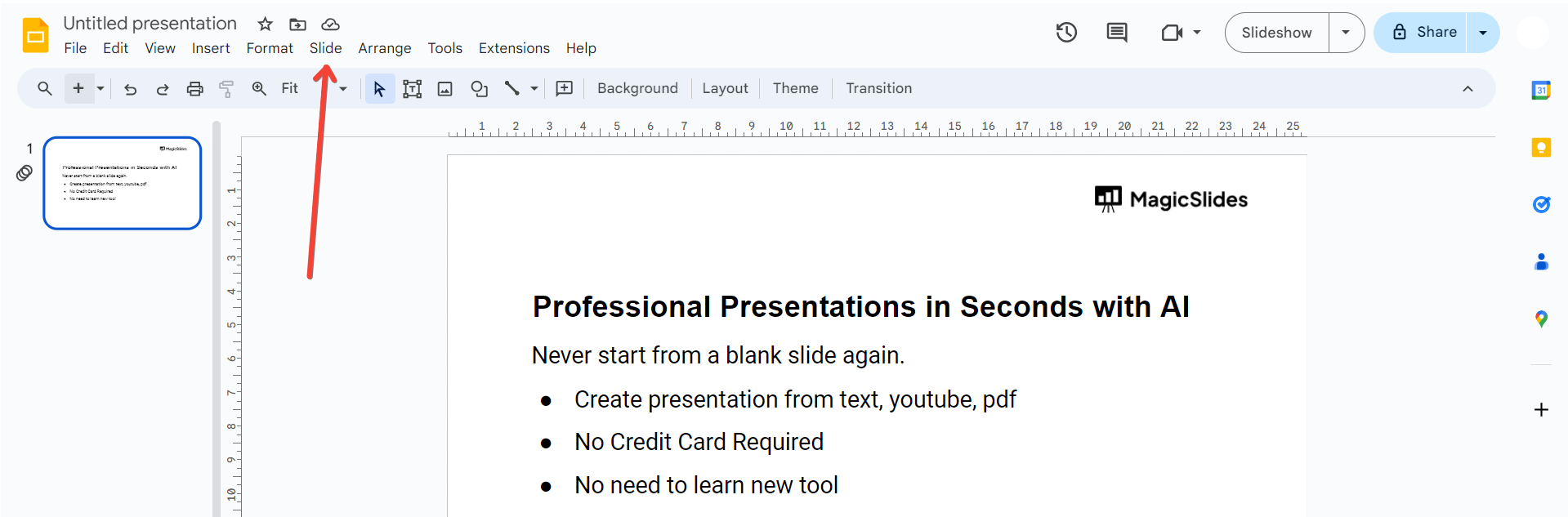
Step 2: Click on "Slide" in the Top Menu
Once your presentation is open, navigate to the top menu and click on "Slide." This will open a dropdown menu with various options.
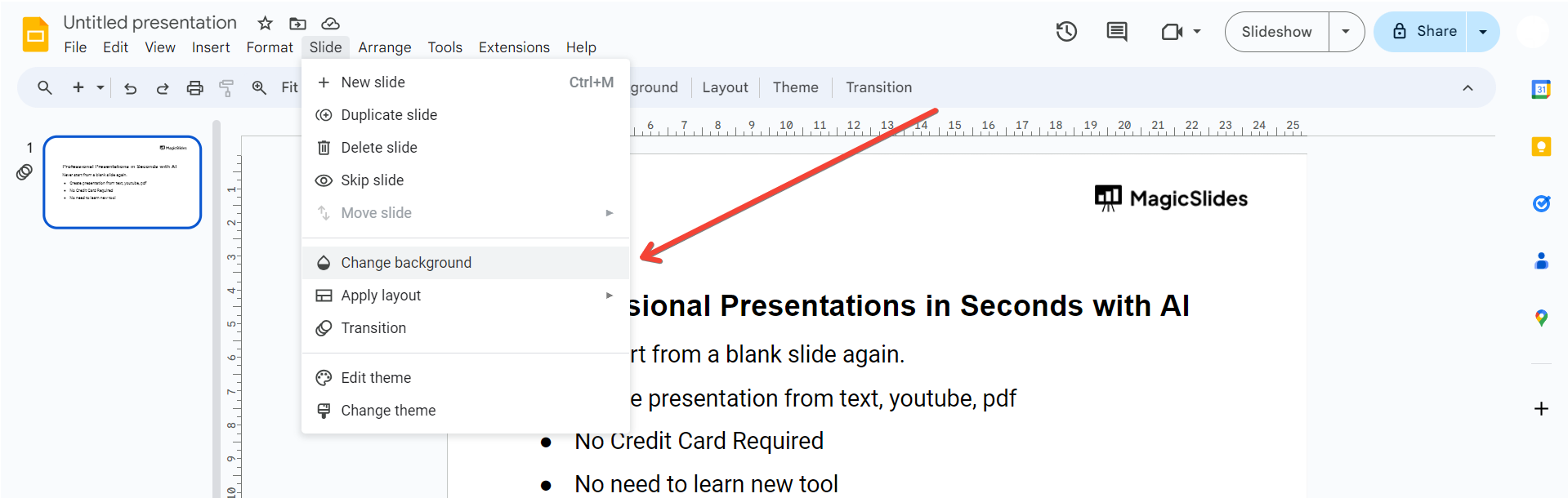
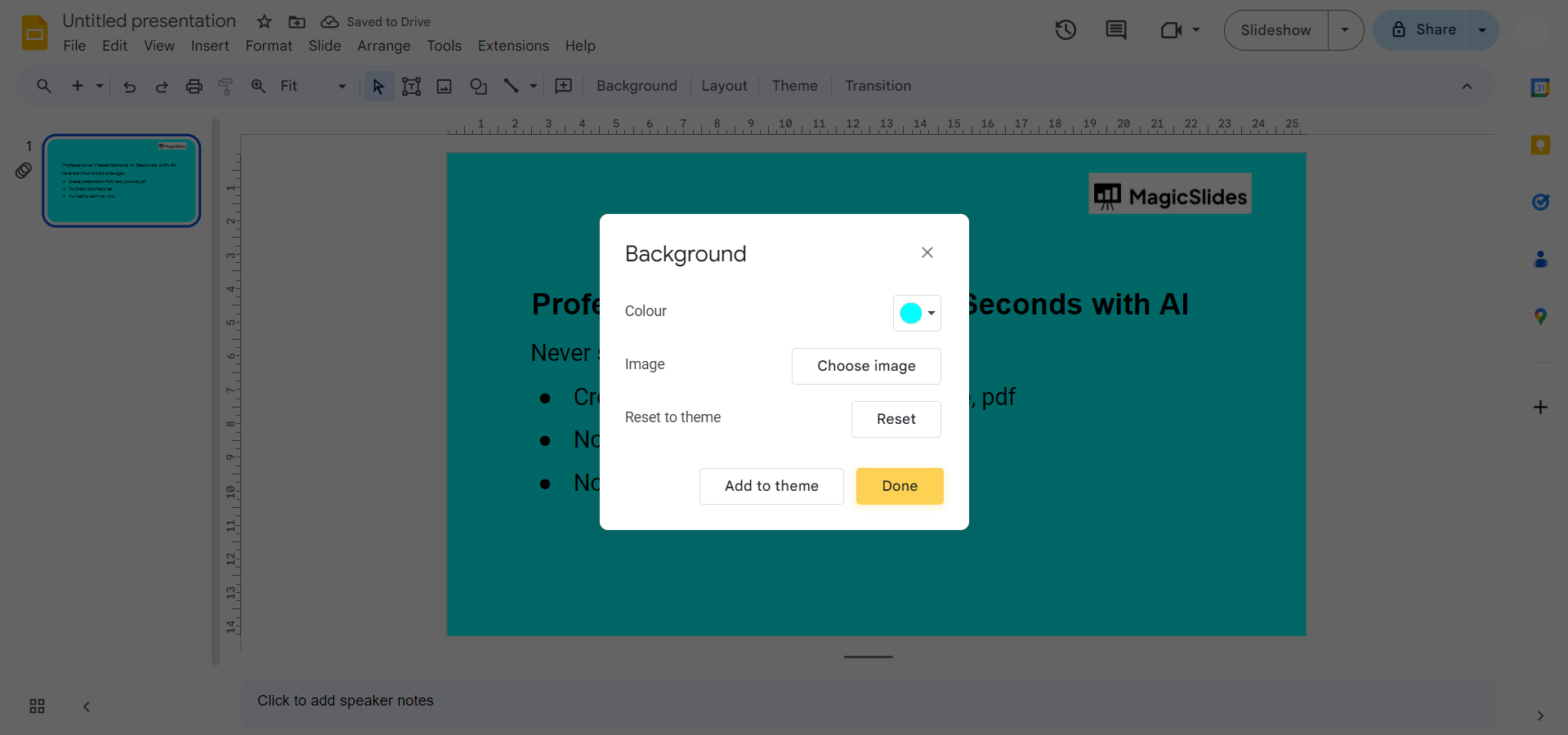
Step 3: Select "Change Background"
From the "Slide" dropdown menu, select "Change background." This will open the "Slide background" pane on the right side of your screen.
Step 4: Choose "Theme Colors"
Within the "Slide background" pane, you'll find the "Theme Colors" option. Click on it to reveal a selection of color palettes.
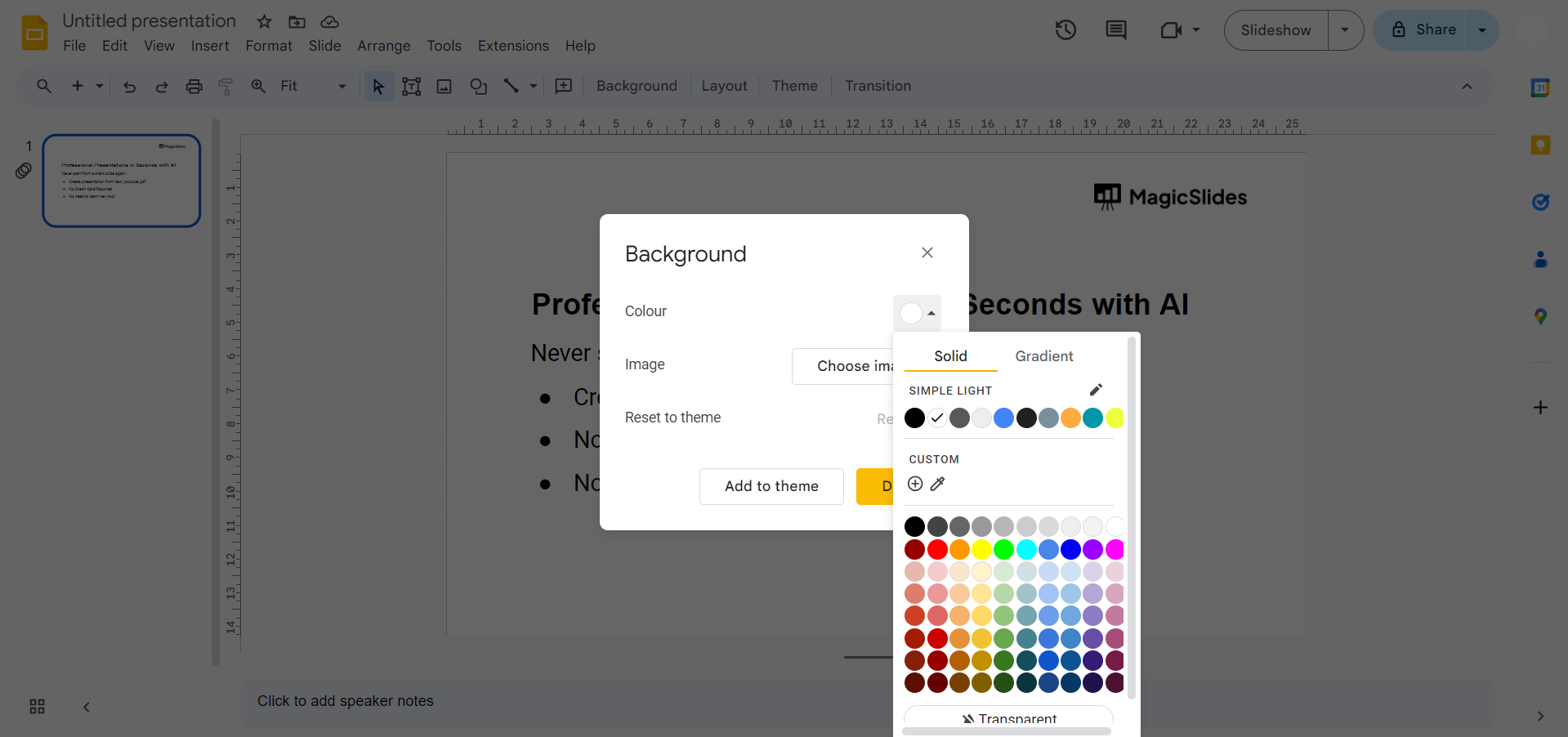
Step 5: Pick Your Preferred Theme Color
Explore the available color palettes and choose the one that suits your presentation style. Click on your desired color palette to apply it to your slides.
Conclusion:
Transform the look and feel of your Google Slides presentation effortlessly by changing the theme colors. With this step-by-step guide, you have the tools to infuse your slides with a personalized touch, making your content not only impactful but visually captivating. Elevate your presentations and engage your audience with a palette that reflects your unique style and message.
Frequently Asked Questions:
Can I customize theme colors for each slide individually in Google Slides?
No, theme colors are applied globally, ensuring consistency across all slides for a cohesive design.
Is it possible to create my own custom color palette for the theme?
Unfortunately, Google Slides currently doesn't provide a feature to create entirely custom color palettes.
Will changing theme colors affect the text and content on my slides?
Yes, changing theme colors will apply to text, shapes, and other elements, maintaining a cohesive color scheme.
Can I revert to the original theme colors if I change my mind?
Absolutely, revisit the "Theme Colors" option and select the original palette to revert to the default colors.


