How to convert PPT to JPG online


Unlock versatility: effortlessly transform your PowerPoint presentations into JPG images with MagicSlides.app’s user-friendly converter tool!
In the digital age, the need for versatile file formats is paramount. This article guides you through a hassle-free process using the MagicSlides.app AI PPT Tool, specifically crafted for effortlessly converting PowerPoint presentations (PPT) to high-quality JPG images.
How to convert PPT to JPG online
Step 1: Navigate to MagicSlides.app
Commence by visiting https://www.magicslides.app/tools. Select the PPT to JPG converter tool, lwhich lays the foundation for a smooth conversion experience.
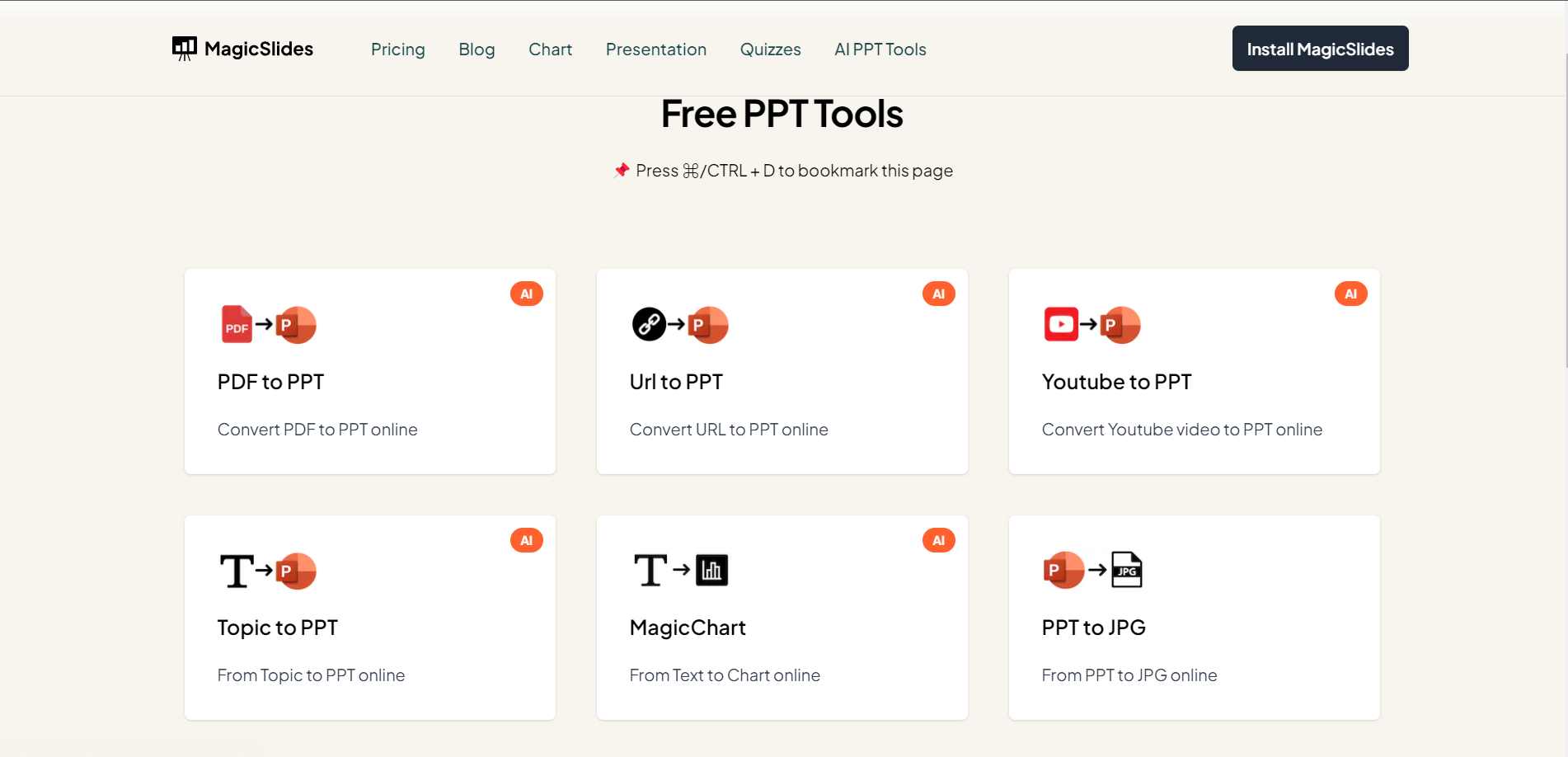
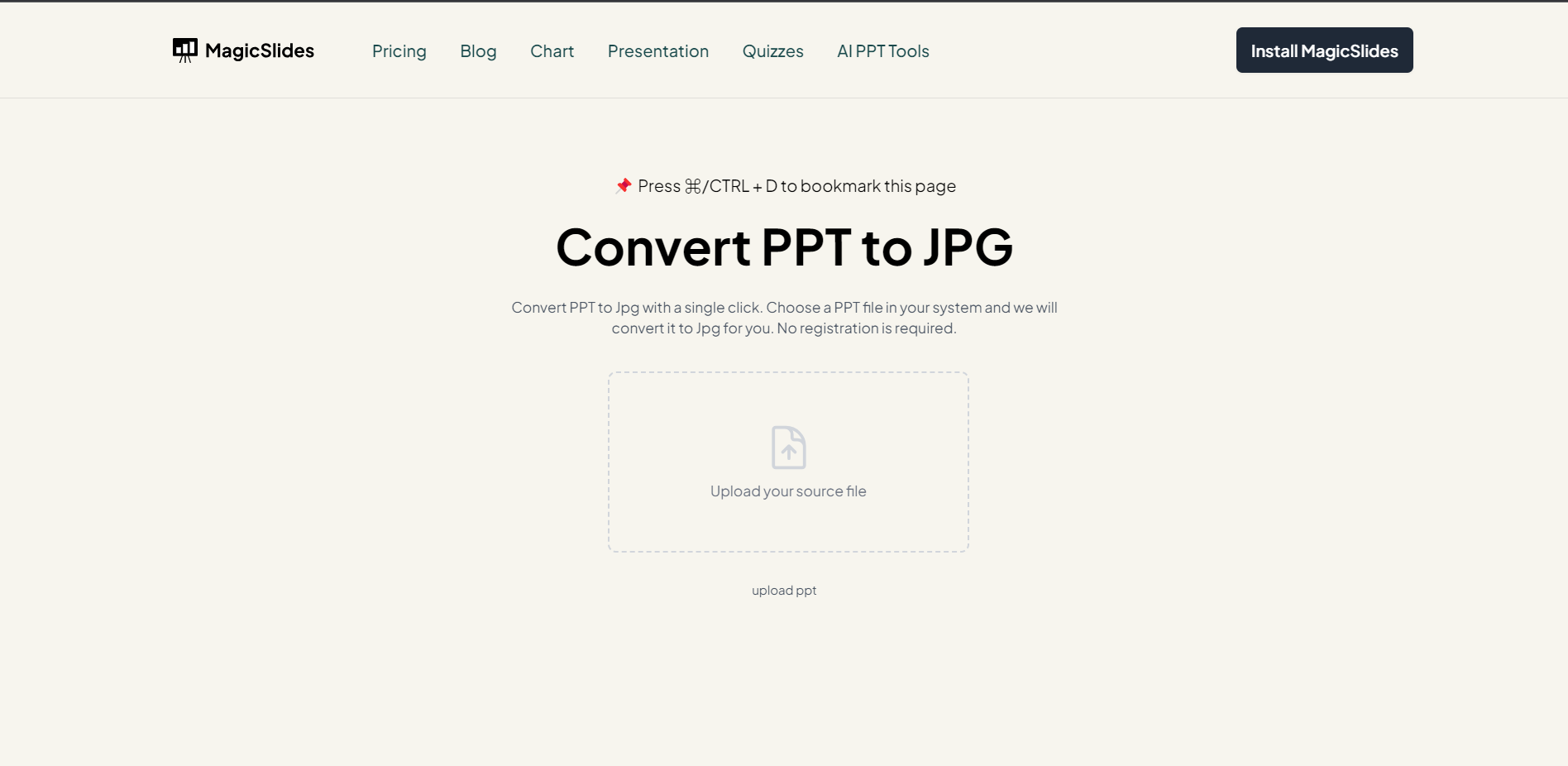
Step 2: Upload Your PPT File
Once on the platform, upload your PowerPoint presentation file in the designated input field. MagicSlides.app ensures a secure and straightforward upload process, making it easy to access your PPT content.
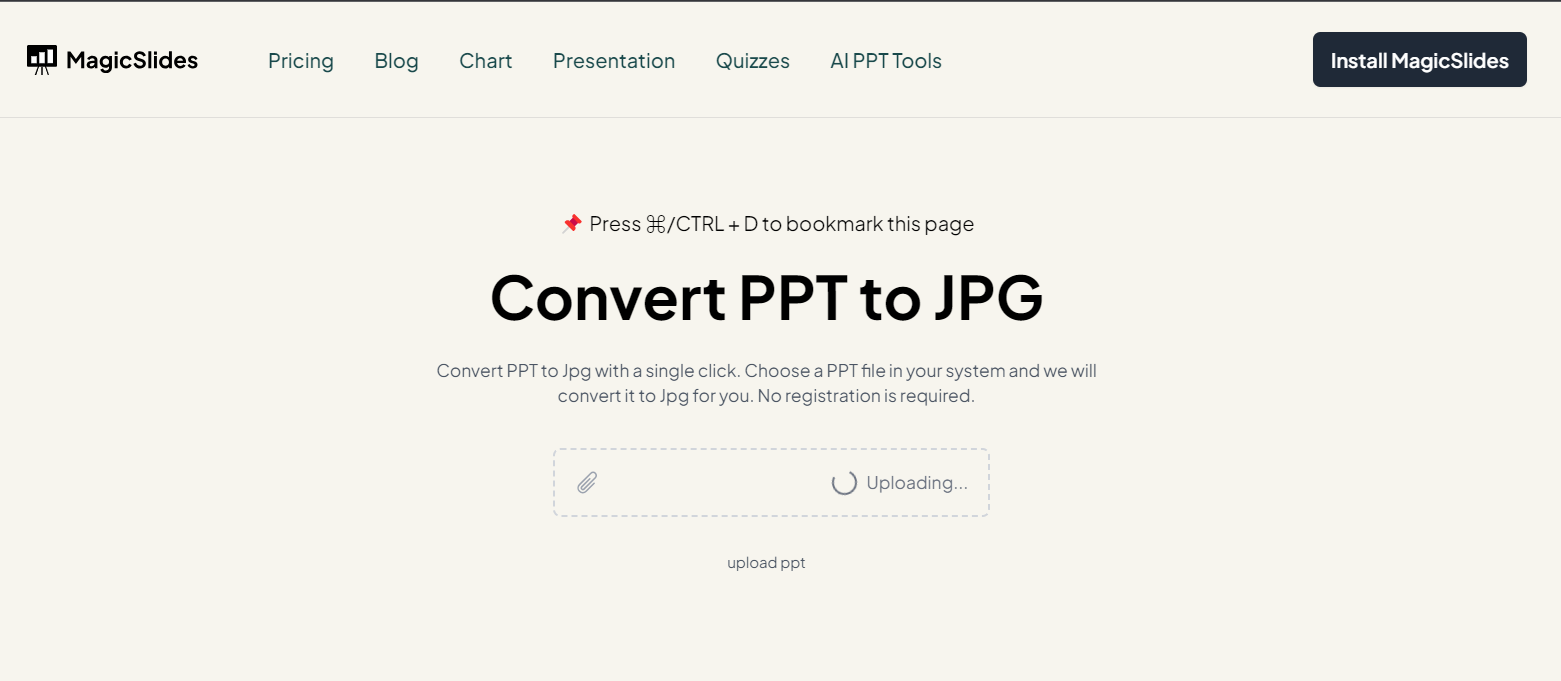
Step 3: Click on "Create JPG"
Initiate the conversion process by clicking on the "Create JPG" button. MagicSlides.app's advanced algorithms will swiftly analyze your PPT file, transforming it into a series of high-quality JPG images.
Step 4: Preview and Download
Upon completion, your JPG files are ready for preview. Take a moment to review the images and ensure they align with your expectations. Satisfied? Click on the download button, conveniently located on the platform, to save your JPG files directly to your device.
Conclusion:
MagicSlides.app empowers you to effortlessly convert PPT files into versatile JPG images. By following these simple steps, you can streamline your file format conversion process, making your presentations accessible in various contexts. Embrace the efficiency of online tools and elevate your content sharing experience effortlessly!
Frequently Asked Questions
Can MagicSlides.app convert all types of PPT files to JPG images?
Yes, MagicSlides.app is designed to convert various types of PowerPoint files into high-quality JPG images seamlessly.
Is there a limit to the number of slides in the PPT file that can be converted?
MagicSlides.app can handle PPT files with varying slide counts. However, extremely large files may impact processing time.
Are the JPG images compressed, and can I download them in high resolution?
The JPG images generated by MagicSlides.app maintain high resolution. Users can download them in their original quality for optimal visual fidelity.


