What does responder input mean on google forms?


Optimize data accuracy and streamline responses with Google Forms’ responder input feature using these steps.
Google Forms offer a powerful way to collect data, and the concept of responder input plays a crucial role in enhancing the user experience. In this step-by-step guide, we'll explore what responder input means in Google Forms and walk you through the process of creating it. By the end, you'll be equipped with the knowledge to optimize your forms for seamless interaction and data collection.
What does responder input mean on google forms?
Step 1: Access Google Forms and Create a New Form
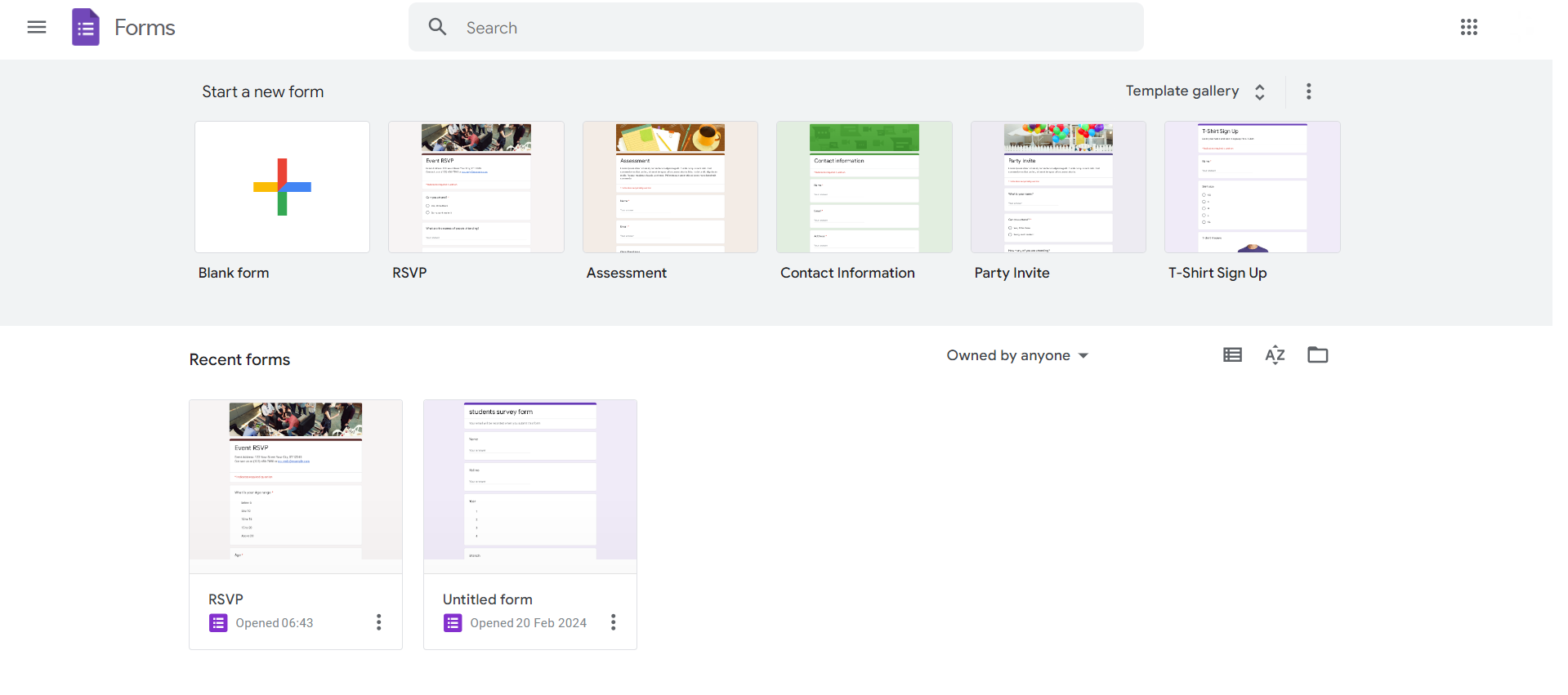
Begin by navigating to Google Forms (forms.google.com) and either selecting an existing form or creating a new one. Click on the "+ Blank" button to start a new form.
Step 2: Add a Question to Your Form
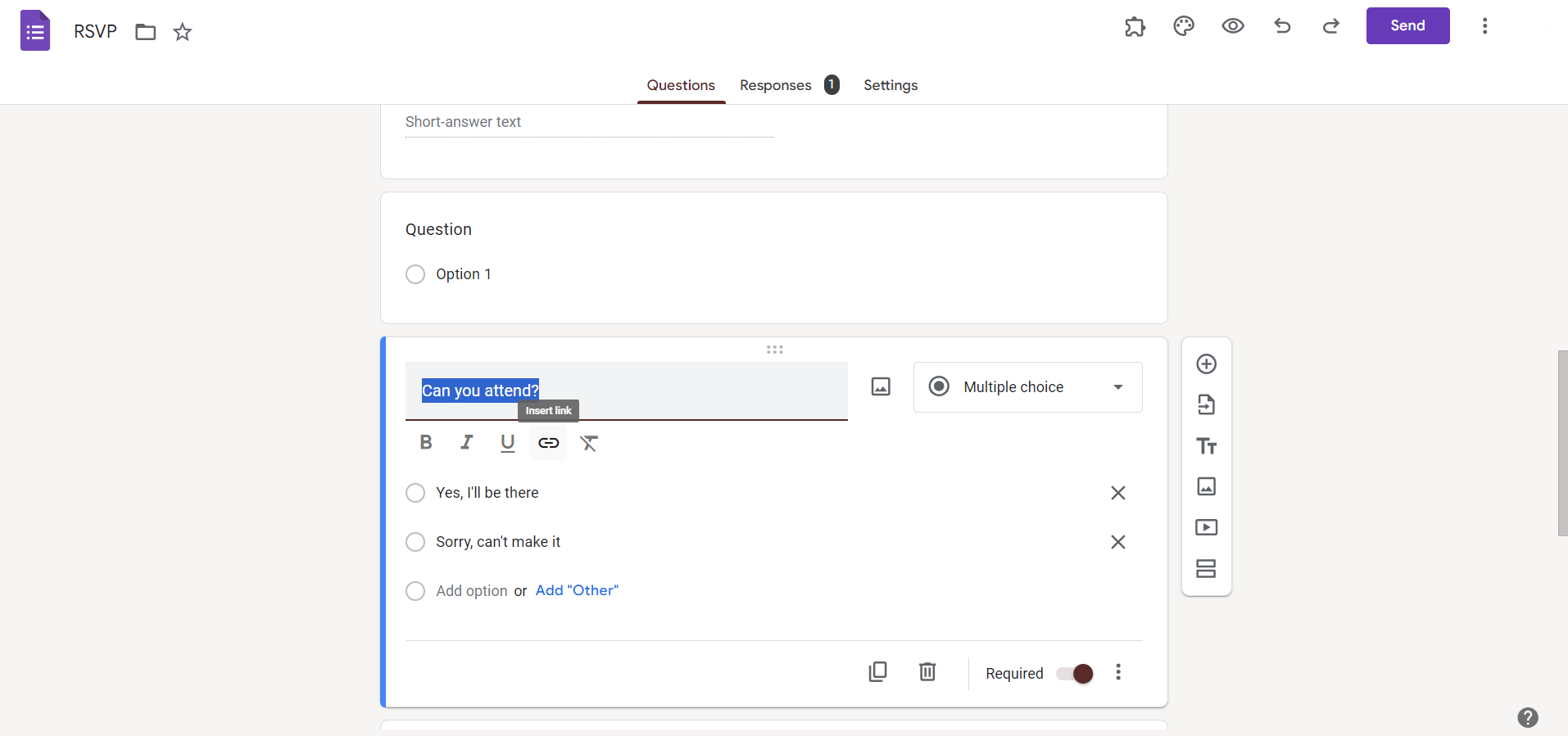
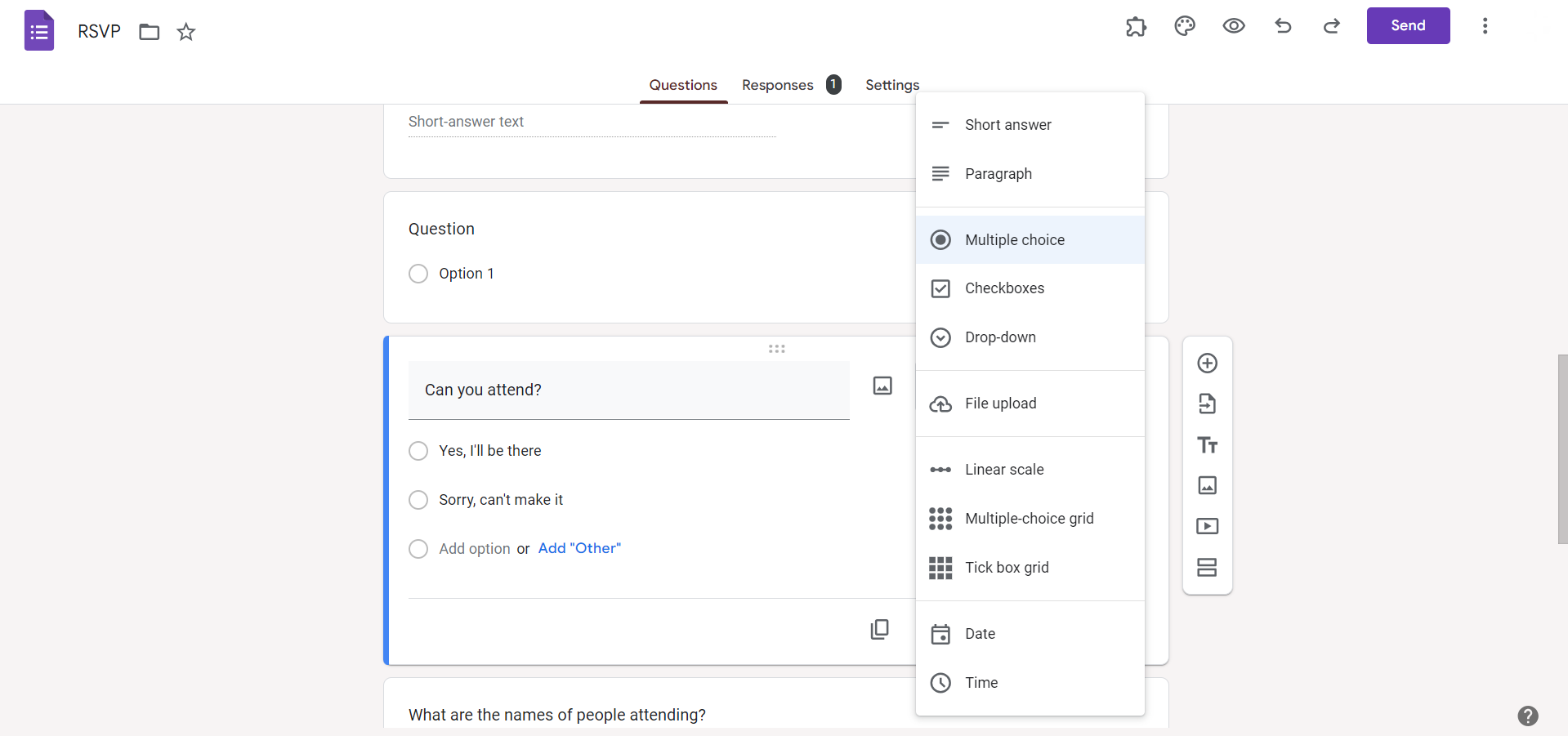
Create a question that requires input from the responder. This could be a text, multiple-choice, or any other type of question based on the information you want to collect.
Step 3: Enable Responder Input
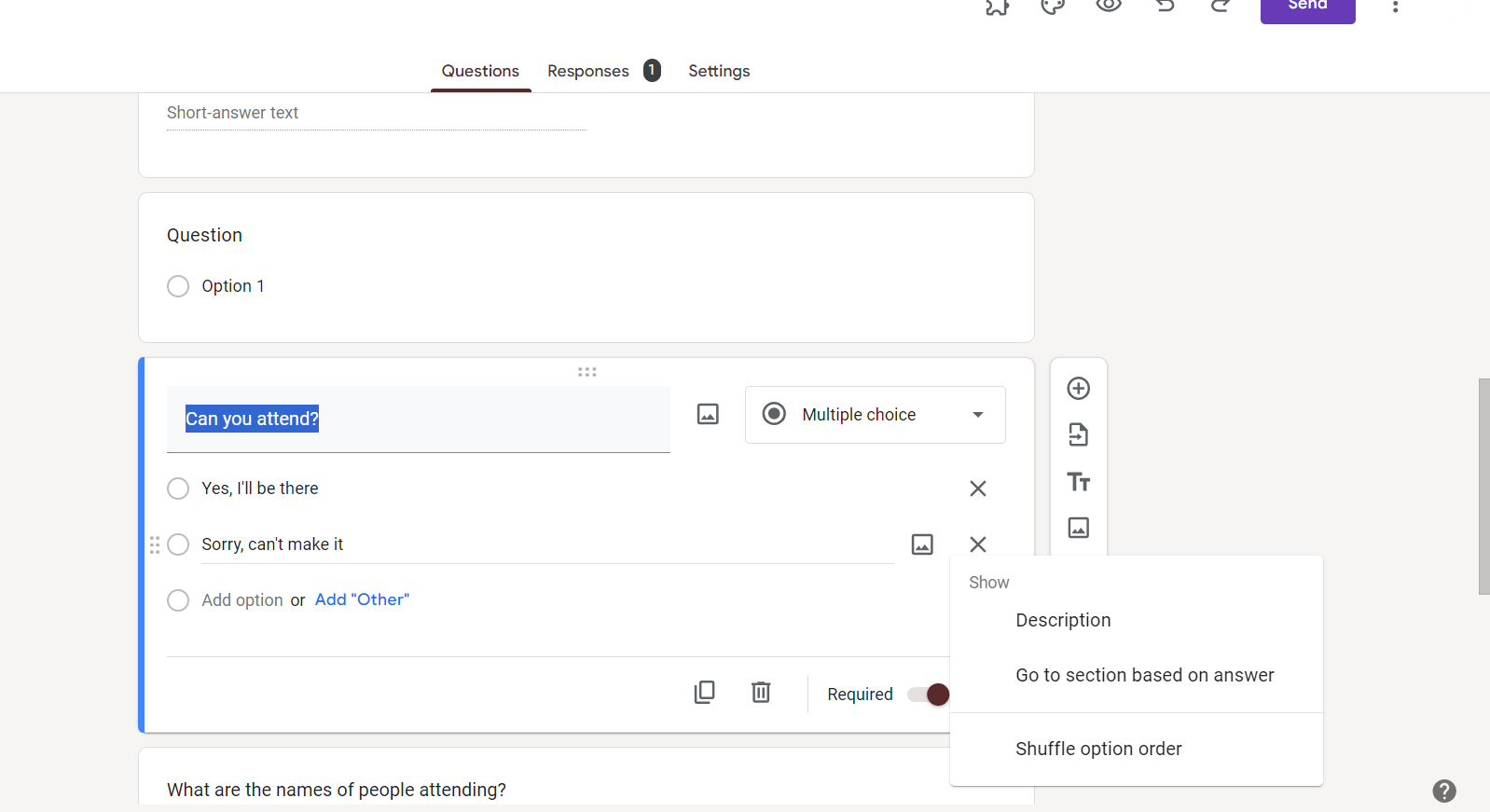
For the question you've added, find the three dots (ellipsis) on the bottom right of the question box. Click on them to open the menu and select "Response validation."
Step 4: Set Validation Criteria
In the Response validation window, you can set criteria to ensure that the responder's input meets specific conditions. Choose the type of validation (e.g., text, number), set the criteria, and customize the error message if needed.
Step 5: Save and Apply Validation
After setting the validation criteria, click "Save." Now, your form will prompt responders to provide input that adheres to the specified conditions you've set.
Conclusion:
Understanding and implementing responder input in Google Forms adds a layer of control and precision to your data collection process. By following these simple steps, you can ensure that the information gathered is accurate and aligned with your requirements. This not only enhances the quality of responses but also streamlines the analysis process, making Google Forms a versatile tool for effective data collection.
Frequently Asked Questions:
What is responder input validation in Google Forms?
Responder input validation ensures collected data meets specific criteria, enhancing data accuracy and relevance.
Can I apply responder input to all types of questions?
Yes, responder input validation is versatile and can be applied to various question types, from text to multiple-choice.
How does validation criteria impact the user experience?
Validation criteria guide responders to provide accurate information, reducing errors and enhancing the overall form experience.
Can I edit or remove responder input validation after setting it up?
Certainly, revisit the question's three dots, choose "Response validation," and modify or remove criteria as needed.


