Can a kindle use Canvas?


Discover whether Kindle Fire devices can access Canva and how to use it effectively
Kindle devices are primarily designed for reading and limited multimedia use.
While they aren’t fully optimized for complex design tasks like those required in Canva, certain Kindle models may allow basic interaction with Canva through their web browsing capabilities.
This guide explains how you can use Canva on a Kindle and its limitations.
Can a Kindle Use Canva? | Steps to Use Canva on a Kindle
Step 1: Check Your Kindle’s Compatibility
Ensure your Kindle is a Fire tablet, as traditional Kindle e-readers are not built for web applications.
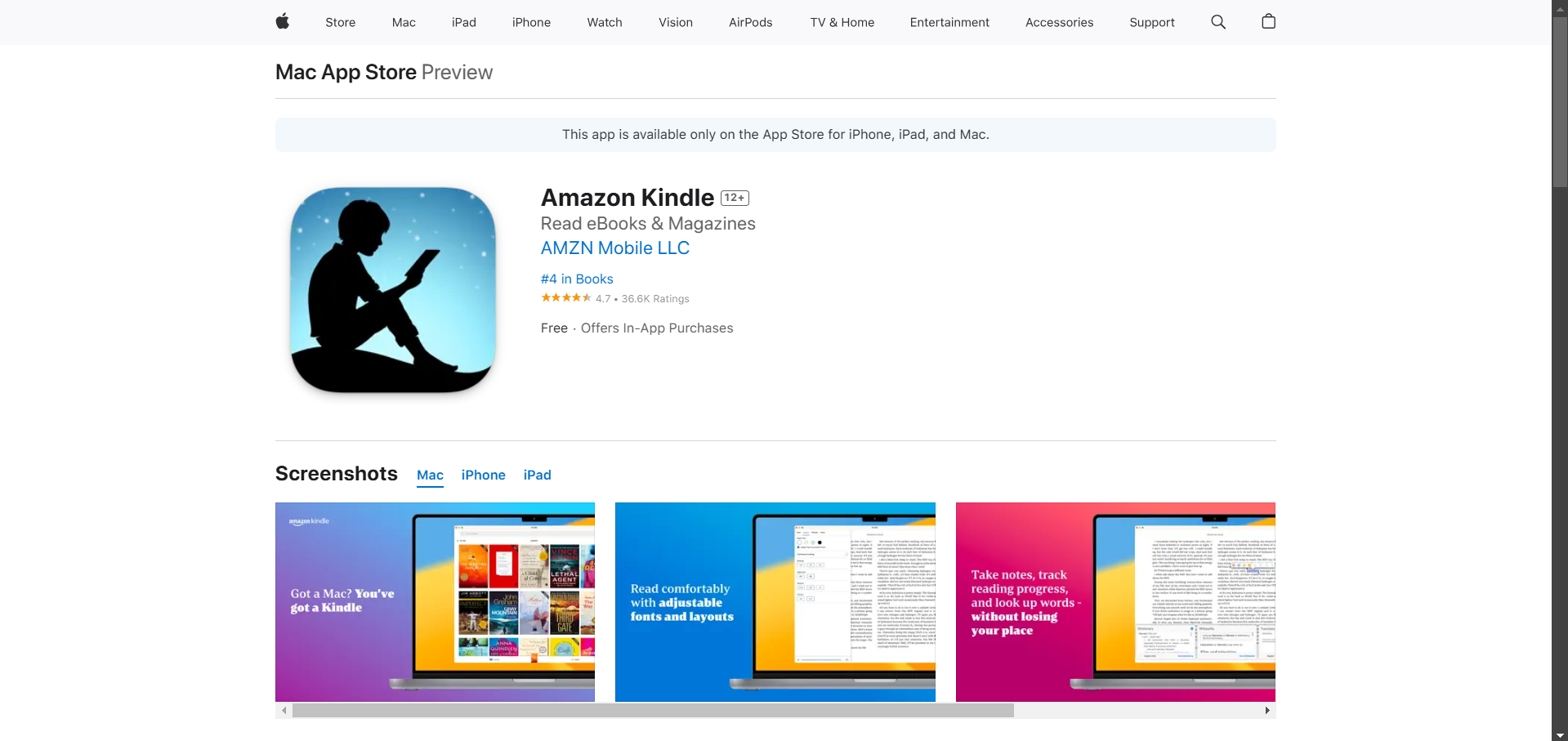
Fire tablets run on a modified Android OS, which allows access to apps and websites like Canva.
Step 2: Download the Canva App (If Available)
Open the Amazon Appstore on your Kindle Fire.
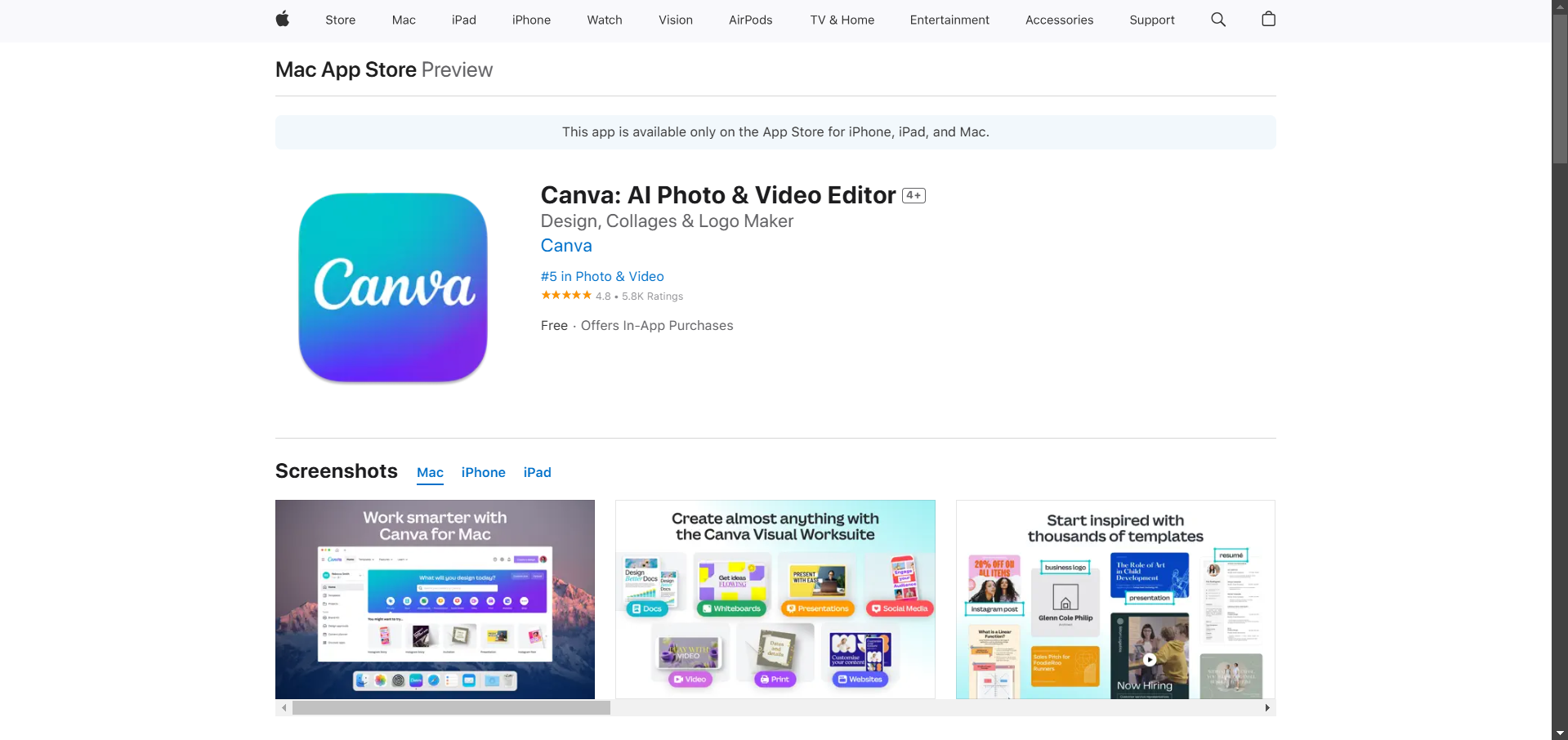
Search for Canva in the search bar. If available, download and install the Canva app directly to your device.
Step 3: Access Canva via Web Browser
If the Canva app isn’t available, open the built-in web browser on your Kindle Fire (usually Silk).
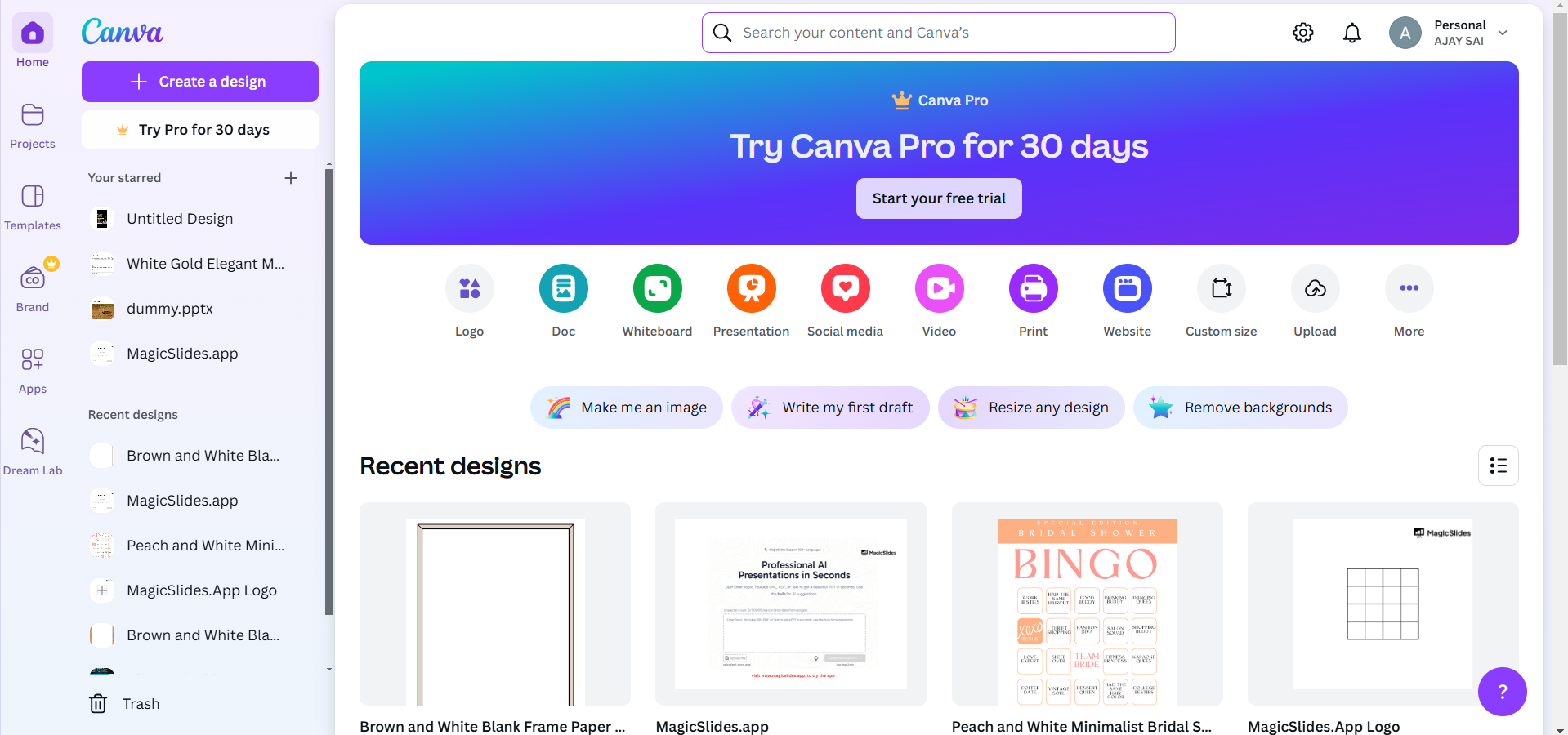
Navigate to www.canva.com and log in to your Canva account. Use the web-based version of Canva for basic design tasks.
Step 4: Adjust for Optimal Performance
Kindle Fire devices may not provide the same performance as a computer or tablet.
Stick to simple designs or light edits to avoid lagging or crashing issues. Use a stable Wi-Fi connection to ensure smooth operation.
Step 5: Save and Export Your Designs
Once you’ve created your design, save it as usual in Canva. Download the file to your Kindle or save it to the cloud for future access.
After exploring if a Kindle can use Canvas, check out how to download Canva graphics into PowerPoint for seamless compatibility.
Conclusion
Kindle Fire devices can access Canva through the app or a web browser, allowing for light design work.
However, due to hardware and software limitations, these devices may not be ideal for complex projects.
For the best experience, use Canva on a desktop or a more versatile tablet.
FAQs on Using Canva on a Kindle
Can traditional Kindle e-readers access Canva?
No, traditional Kindle e-readers lack the hardware and software required for Canva.
Is Canva available in the Amazon Appstore?
Canva may be available for Kindle Fire tablets. Check the Amazon Appstore for availability.
Can I use Canva offline on a Kindle Fire?
No, Canva requires an internet connection to function, even on Kindle Fire devices.
By understanding the limitations and capabilities, you can decide if using Canva on a Kindle suits your needs!


