digital marketing interview questions


Preparing for a digital marketing interview? Explore Magicform’s unique free questions generator to assist your prepartion.
Preparing for a digital marketing interview can be a daunting task. You need to have a solid understanding of various aspects of digital marketing, from SEO and content marketing to social media advertising and analytics. One of the most effective ways to ensure you're fully prepared is by practicing with a wide range of interview questions.
But what if there was a tool that could streamline this process, saving you time and effort? Enter MagicForm, a game-changing question generator that can help you create interview questions on any digital marketing topic you desire.
How MagicForm Works
MagicForm is an add-on designed for Google Forms, a widely-used tool for creating surveys, quizzes, and forms. Here's a step-by-step guide on how to use MagicForm to generate interview questions for your digital marketing preparation:
Step 1: Installing the add on
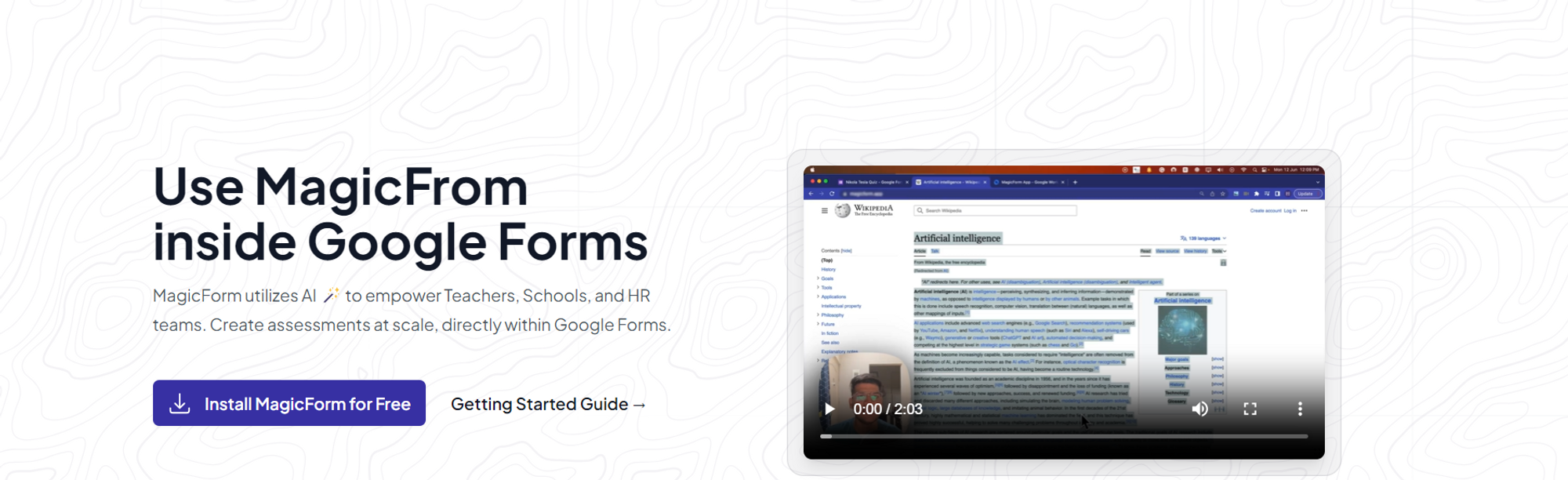
The journey with MagicForm begins by installing the user-friendly add-on by visiting https://www.magicform.app/. This seamless installation process ensures that educators can quickly integrate it into their existing educational technology toolkit.
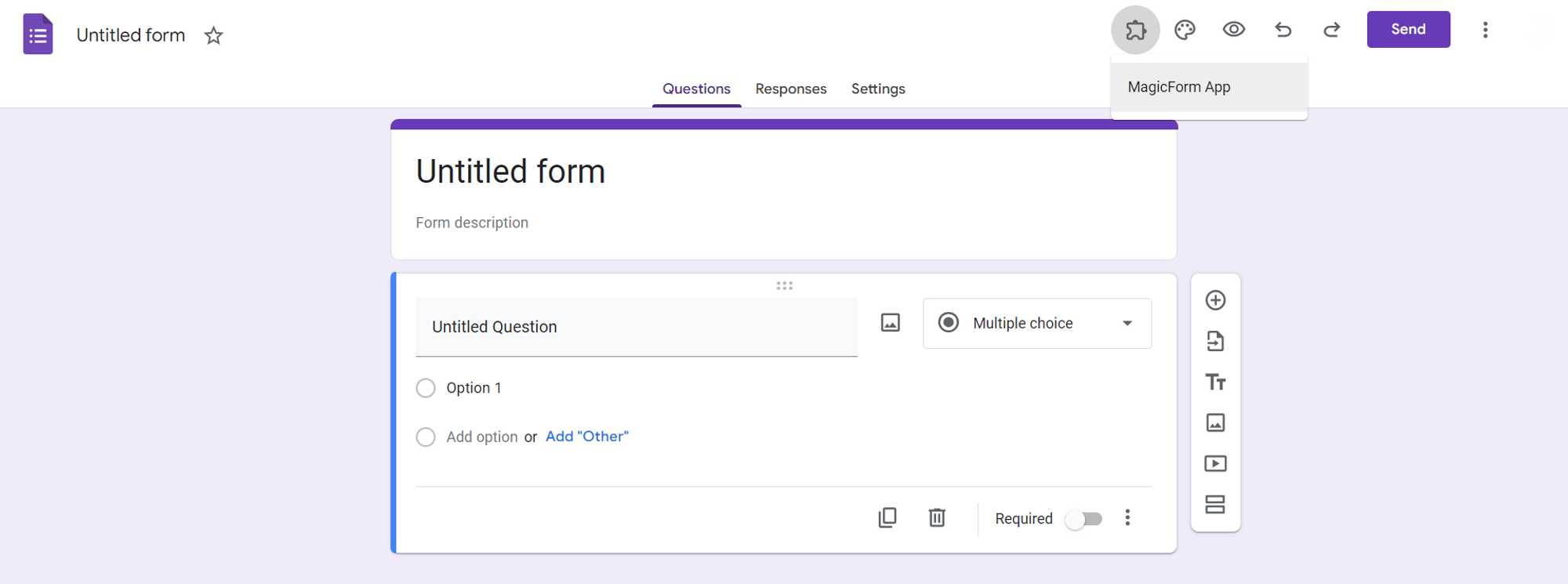
Step 2: Open Google Forms Create a new Google Form or open an existing one. You'll find the MagicForm add-on accessible from the extensions tab.
Step 3: Provide the Topic Once you've opened MagicForm, input the digital marketing topic you want to generate questions about. Whether it's SEO, PPC, email marketing, or social media, MagicForm can cater to your needs.
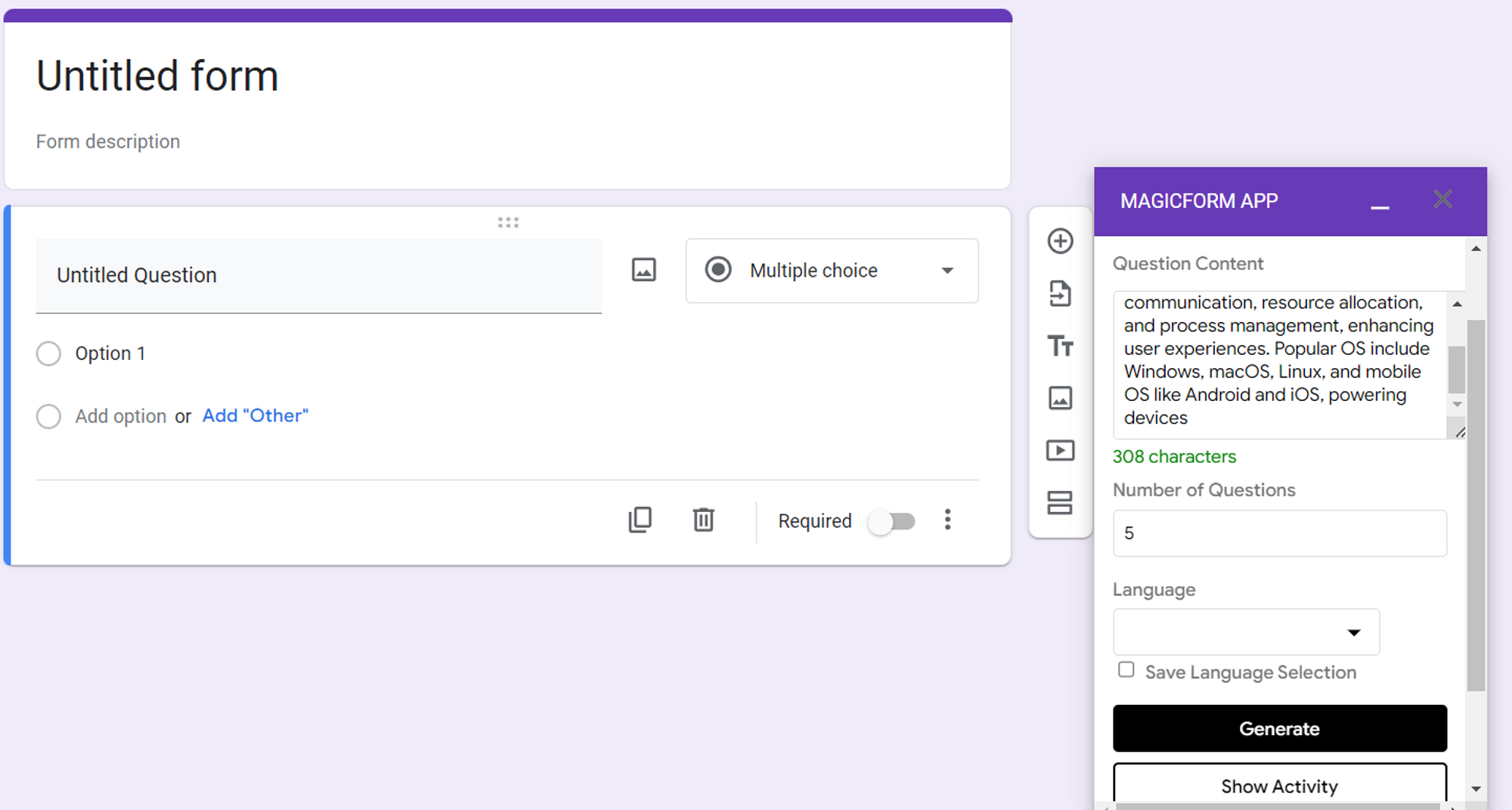
Step 4: Specify the Number of Questions Tell MagicForm how many questions you'd like to generate for your interview preparation. Whether you need a handful or an extensive list, MagicForm can create them for you.
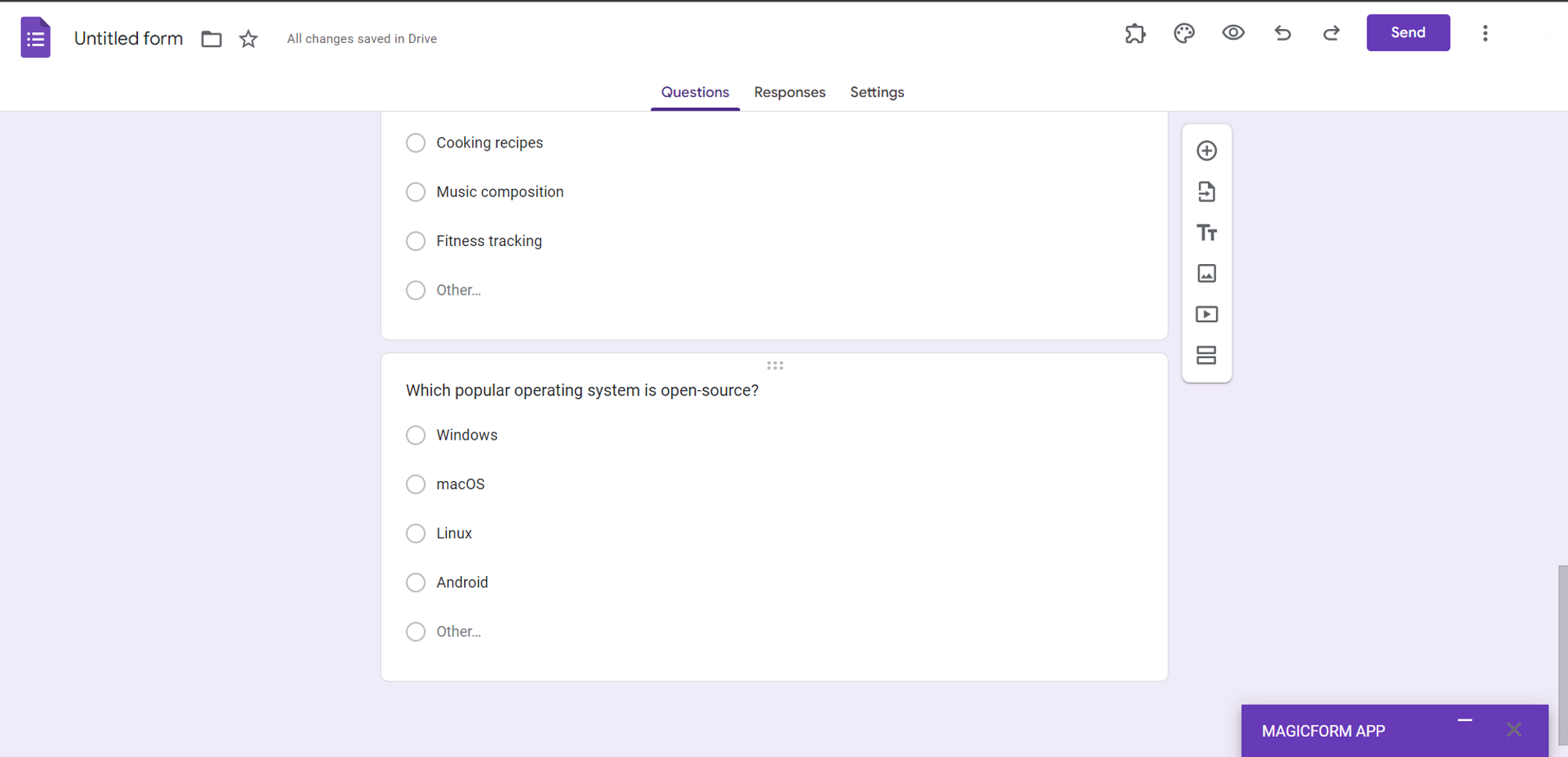
Step 5: Click "Generate" With your preferences set, simply click the "Generate" button, and like magic, your customized interview questions will be generated instantly.
Step 6: Share the Forms Once the questions are generated, you can easily share the Google Form with your fellow students or colleagues who are also preparing for digital marketing interviews. This collaborative approach can be immensely helpful in improving your knowledge and readiness.
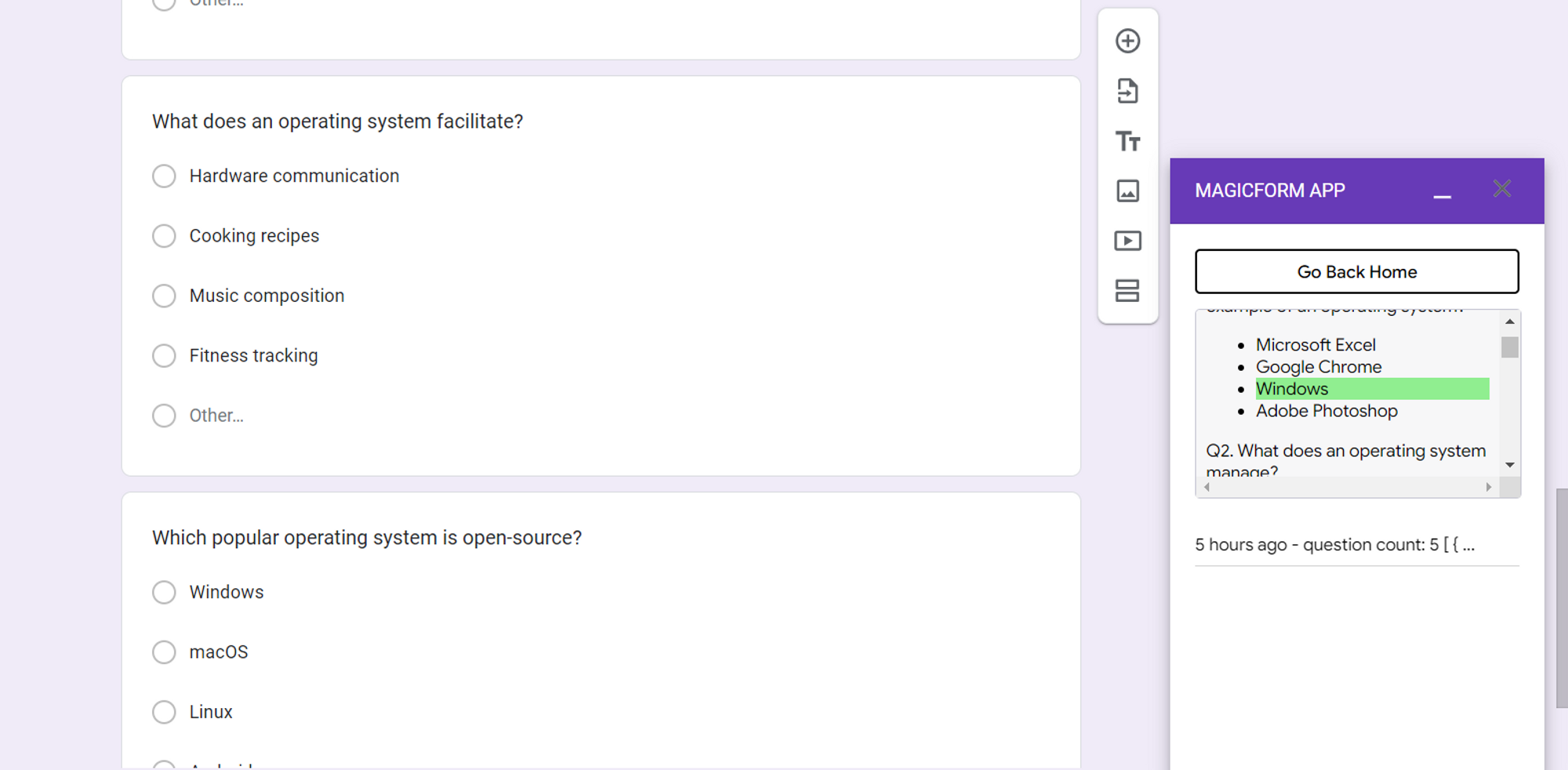
Step 7: Check the Right Answers MagicForm offers a convenient "Show Activity" tab, where you can check the correct answers privately. This allows you to review and assess your performance without revealing the answers to your peers.
Benefits of Using MagicForm for Interview Preparation
→ Time-Saving: Generating interview questions manually can be time-consuming. With MagicForm, you can create a wide variety of questions in seconds.
→ Customization: Tailor the questions to your specific areas of interest or weakness in digital marketing.
→ Collaborative Learning: Share the generated questions with peers to enhance group preparation and learning.
→ Efficiency: Use MagicForm's "Show Activity" tab to self-assess your answers without sharing them, promoting self-improvement.
Conclusion
Digital marketing interviews can be tough, but with the right tools at your disposal, you can boost your confidence and readiness. MagicForm's question generator simplifies the process of creating interview questions, saving you time and effort while offering customization options to cater to your unique needs.
So, if you're gearing up for a digital marketing interview, don't miss out on the magic of MagicForm – it might just be the key to acing that interview and landing your dream job in the digital marketing industry.


