Future Tools – Find The Exact AI Tool For Your Needs


Utilizing AI tools empowers businesses to enhance efficiency, gain insights, and remain competitive in dynamic markets.
In the ever-evolving landscape of business, the relentless march of technological innovation has ushered in a new era where artificial intelligence (AI) tools have become indispensable for meeting the complex demands of the modern world.
Businesses, both large and small, are increasingly turning to AI solutions to address a multitude of needs. This shift towards AI adoption is driven by the promise of improved efficiency, data-driven decision-making, and the ability to gain a competitive edge in an era defined by digital transformation.
Let's delve into the pivotal role AI tools play in shaping the future of business.
……………………………………………………………………………………………………………………………………………………
Future Tools – Find The Exact AI Tool For Your Needs:
Business Need: Chatbot creation- AI Tool: SecondBrain.fyi
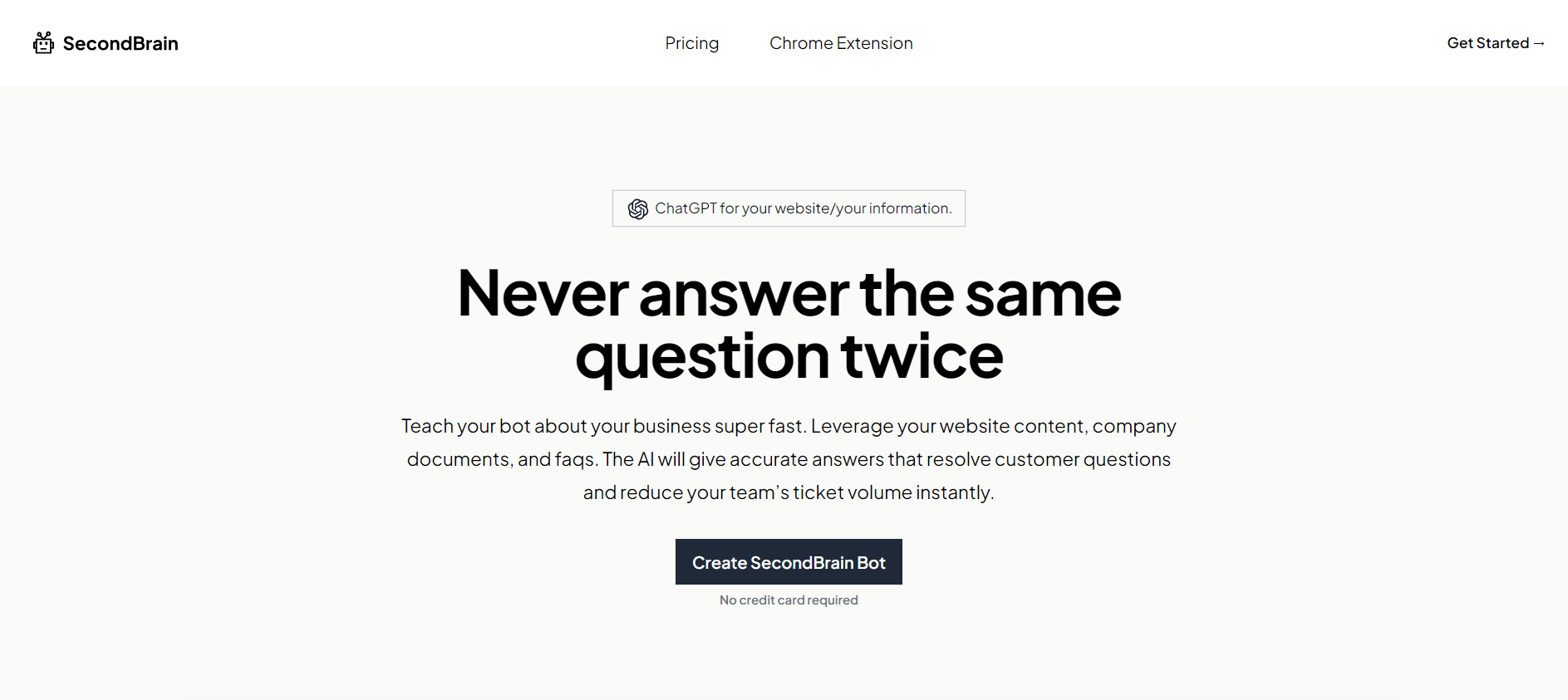
SecondBrain stands as an AI platform offering the capability to construct specialized knowledge ChatGPT-like bots tailored to your business. These bots can be trained using content sourced from website URLs, .pdf documents, or .txt documents. After training, these chatbots can be integrated into your website to provide real-time support to users by addressing their inquiries about your business.
Pros:
- Ease of Training and Integration: Training and embedding your chatbot on your website, or as a chat widget, is an effortlessly achievable task.
- Multilingual Support: The chatbot can be trained with content from over 90 languages, making it versatile in catering to diverse audiences.
- Quick and Accurate Responses: SecondBrain excels in delivering prompt and precise responses to your customers' queries, enhancing user satisfaction.
- Multiple Bots Creation: Depending on your chosen paid plan, you have the flexibility to create multiple bots, allowing for more comprehensive support.
Limitations:
- Data Volume Dependency: The quality of the bot's responses is contingent on the volume of data it was trained with, which may impact its effectiveness.
- Limited Resource Guides: In comparison to other AI tools, SecondBrain currently provides fewer resource guides, potentially making it less accessible for users seeking extensive support.
Pricing Tiers for SecondBrain:
- Starter: Free of charge
- Hobby: $19 per month
- Power: $49 per month
- Pro: $99 per month
For more queries check out: https://www.secondbrain.fyi/
Business Need: transcription, AI Tool: Otter.ai
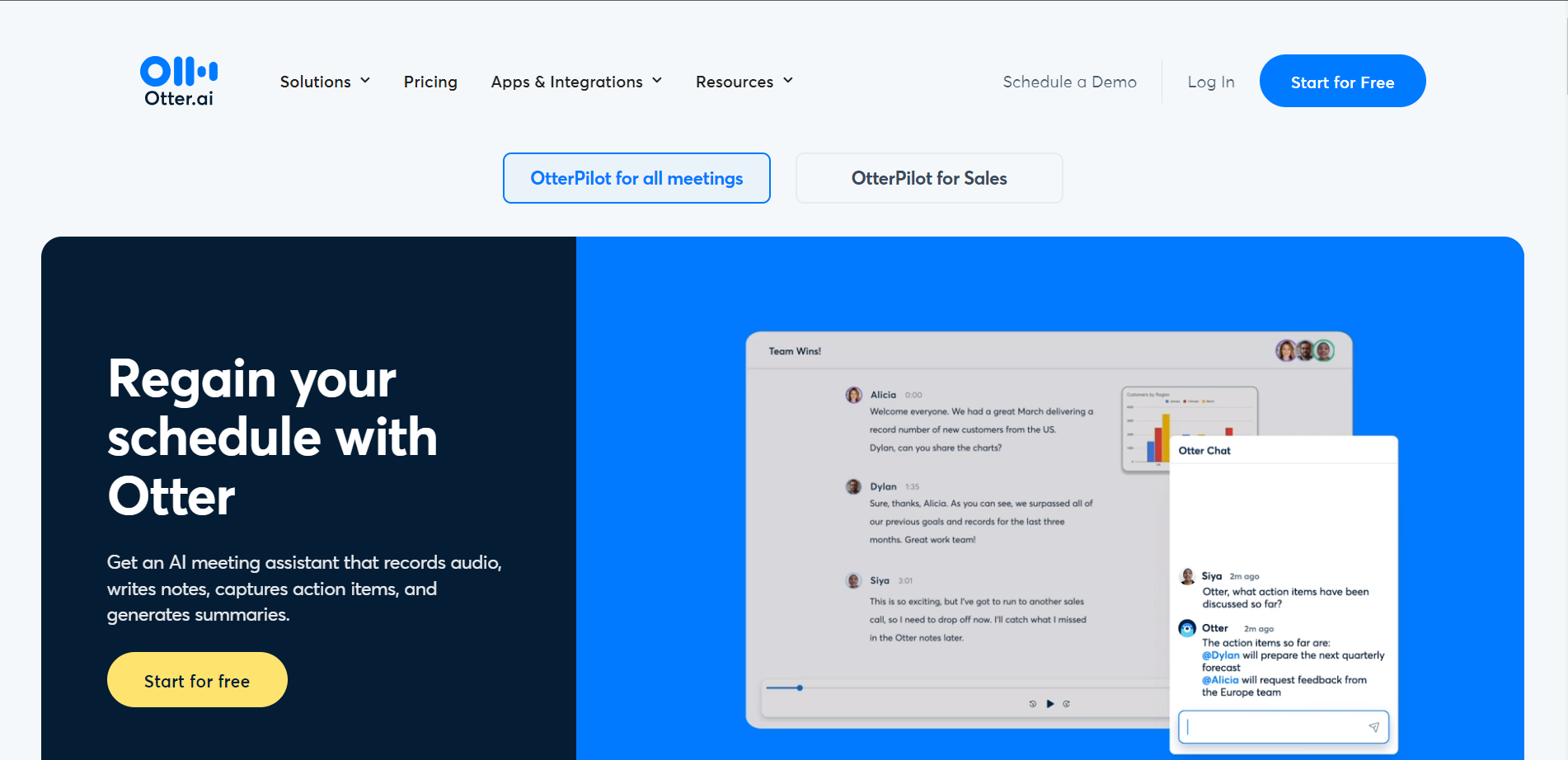
Otter.ai stands as an AI transcription tool with the ability to convert audio and video content into text, making it useful for a wide range of applications, including podcast transcription.
Advantages:
Timestamps and Speaker Labels: The transcription includes timestamps and speaker identification, simplifying the process of tracking different speakers in the conversation.
OtterPilot Functionality: OtterPilot can autonomously join, record, and transcribe meetings conducted on platforms such as Google Meet, Microsoft Teams, and Zoom. It can even capture images of presentation slides.
Diverse Export Formats: Otter.ai offers export options in formats like .mp3, .txt, .pdf, .docx, and .srt, accommodating various user preferences.
Cons:
Free Plan Restrictions: The free version permits the transcription of only three audio files, requiring an upgrade for continued use.
Speaker Recognition Challenges: Otter.ai doesn't consistently identify and label all speakers accurately, necessitating manual corrections.
Pricing Plans for Otter.ai:
- Free: No cost
- Pro (Individuals): Priced at $16.99 per month
- Business (Teams): Available at $30 per user per month
- Enterprise: Custom pricing; contact Otter.ai for details
For more information on Transcription and Otter check out: https://otter.ai/
Business Need: Data Analysis – AI Tool: Tableu
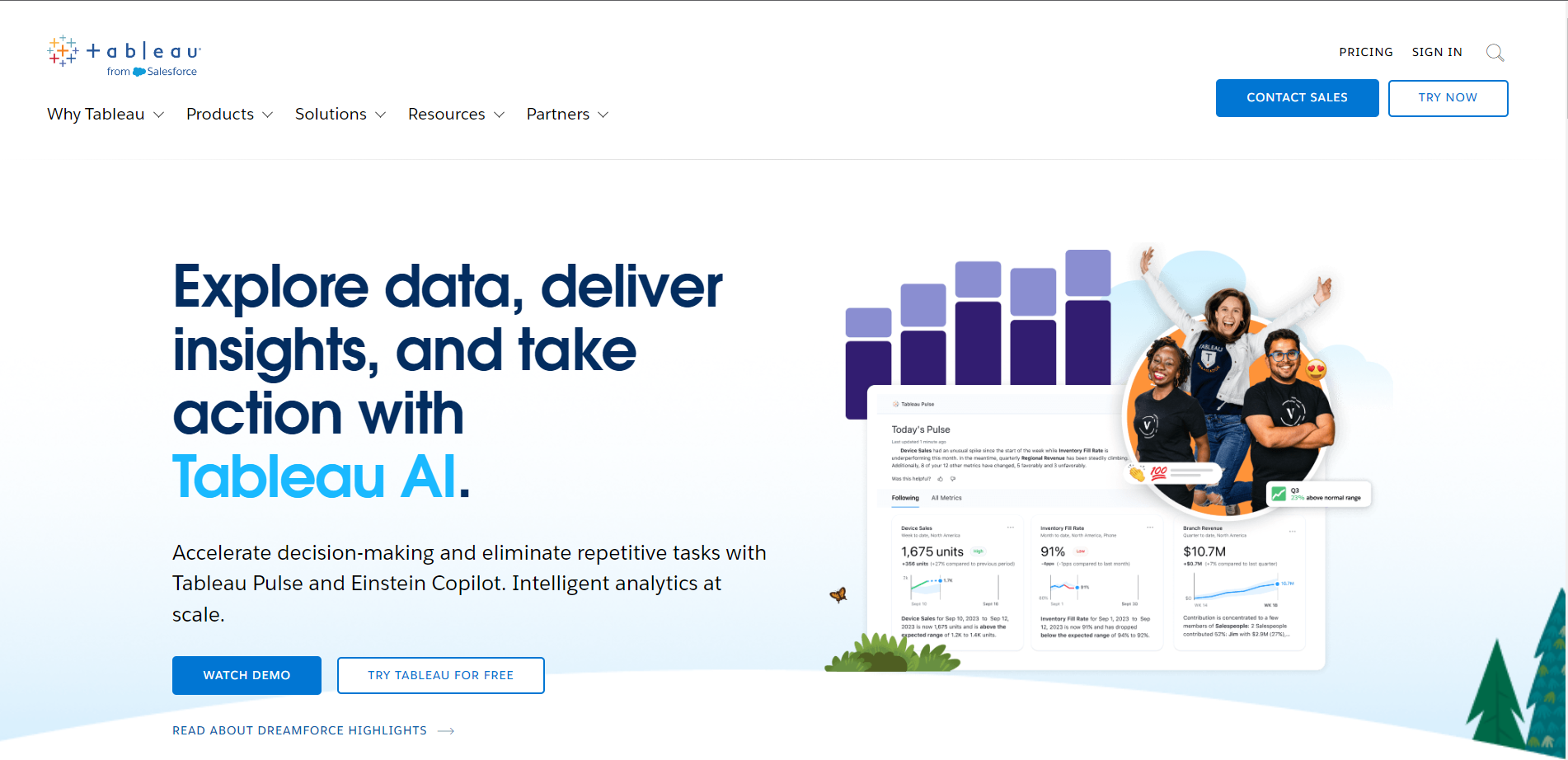
Tableau is a powerful data visualization and business intelligence tool that has gained widespread popularity for its effectiveness in transforming data into actionable insights.
Pros:
- User-Friendly Interface: Tableau offers an intuitive and user-friendly interface, making it accessible to users with varying levels of technical expertise. Creating interactive and visually appealing dashboards is relatively straightforward, allowing users to explore and analyze data without extensive coding or technical skills.
- Powerful Visualization Capabilities: Tableau excels in data visualization, offering a rich array of charts, graphs, and interactive features. Users can create dynamic visualizations that provide deep insights into their data, making it an excellent tool for data exploration, reporting, and storytelling.
Cons:
- Cost: Tableau can be expensive, especially for smaller businesses and individual users. The pricing structure includes various editions, and the cost can rise significantly as you add more features and users. This may limit its accessibility for budget-conscious organizations.
Pricing:
- Tableau Creator: This bundle includes Tableau Desktop, Tableau Prep Builder, and a choice of either Tableau Server or Tableau Online. Pricing varies based on the selected deployment option and the number of users.

For more Pricing related queries check out: https://www.tableau.com/product-and-pricing-selector
Business Need: Video Creation, AI Tool: Lumen5
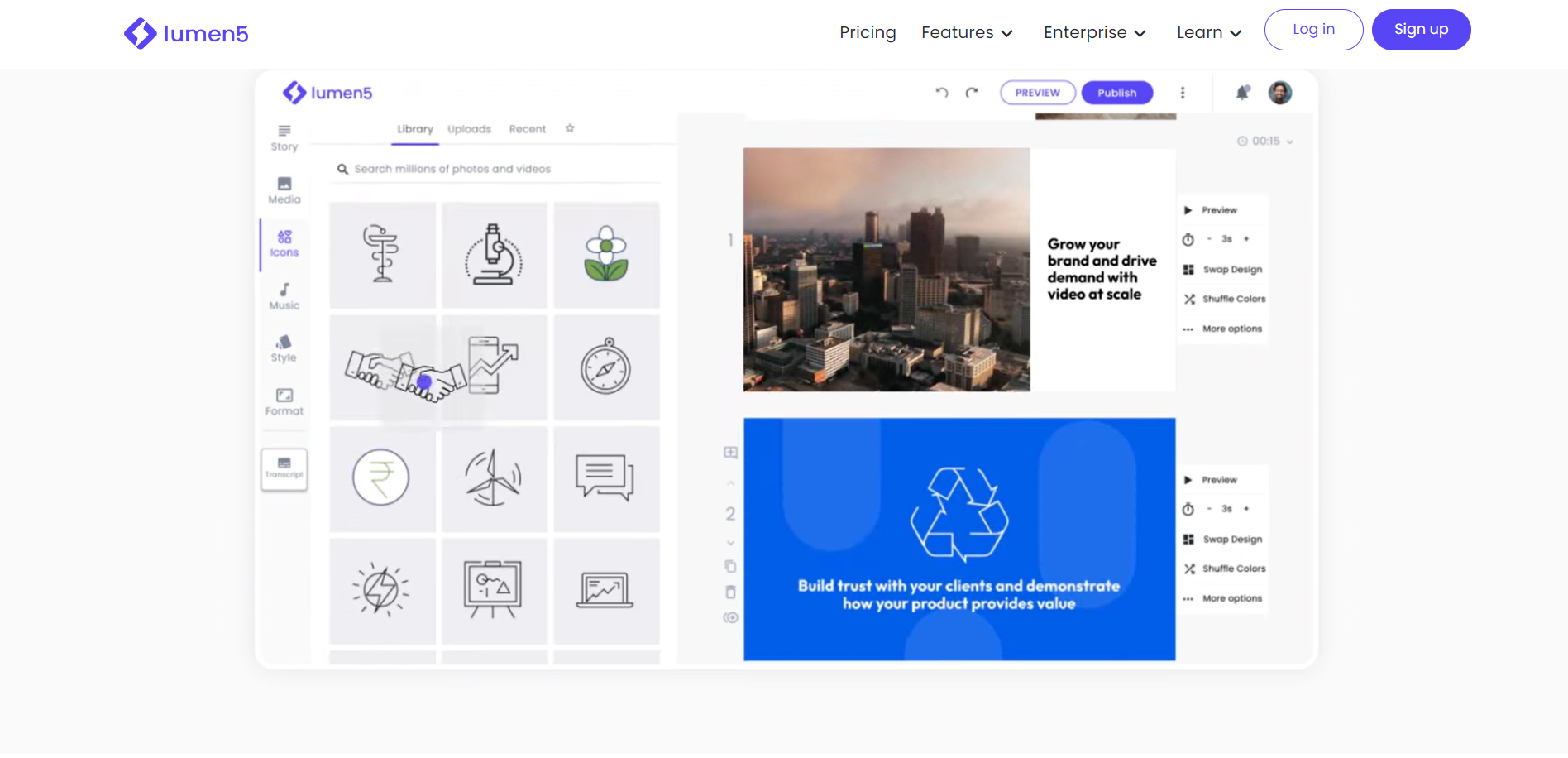
Lumen5 represents an AI-driven video creation tool designed for the swift and effortless generation of engaging short videos from scratch or the transformation of text-based content into dynamic video presentations.
Benefits:
- Rapid Video Creation: Lumen5 empowers users, even those with minimal experience, to craft videos within a matter of minutes.
- Rich Media Library: The platform boasts a comprehensive selection of stock photos, music, and video clips, facilitating content creation.
- High-Resolution Output: The final video product can achieve resolutions of up to 1080p,
Limitations of Lumen5:
- Customization Constraints: For users seeking to create more advanced videos with intricate customization, Lumen5 offers limited options.
Pricing Tiers for Lumen5:
- Free: No cost
- Basic: Priced at $29 per month
- Starter: Available for $79 per month
- Professional: Priced at $199 per month
- Enterprise: Custom pricing; contact Lumen5 for details
Check out Lumen5 for more information: https://lumen5.com/
Business need: Customer support, AI Tool – Zendesk
Zendesk is a widely-used customer support and service platform that offers a range of tools for managing customer interactions and providing exceptional customer service.
Advantages:
- Automation and Workflow Management: Zendesk provides robust automation and workflow features, allowing businesses to streamline routine tasks and prioritize support tickets. This helps in reducing response times and improving overall efficiency in customer service operations.
- Data and Analytics: Zendesk offers in-depth reporting and analytics tools that provide valuable insights into customer interactions, agent performance, and customer satisfaction. These insights empower businesses to make data-driven decisions and continuously enhance their customer service.
Disadvantages:
- Complexity for Novice Users: While Zendesk is a powerful platform, its extensive feature set can be overwhelming for users who are new to customer service software.
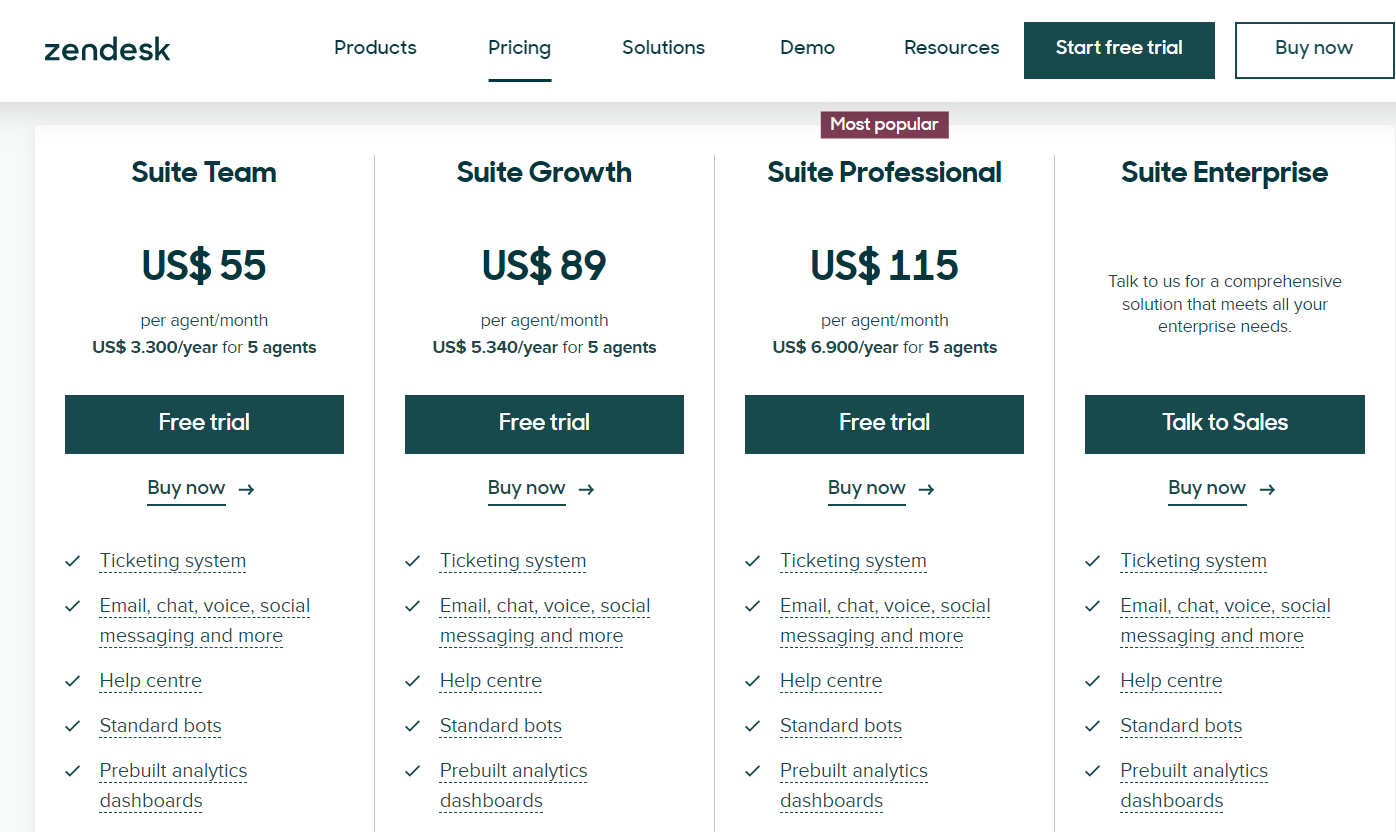
Pricing:
For more queries on zendesk check out: https://www.zendesk.com/
……………………………………………………………………………………………………………………………………………………
Conclusion:
As businesses continue to navigate the challenges of the 21st century, their reliance on AI tools is set to deepen. The evolving landscape of technological innovation and the impressive results AI delivers in terms of productivity, insights, and personalized customer experiences are driving this trend.
From data analysis to customer support and content generation, AI is an indispensable partner in the quest for success. Embracing AI tools isn't merely a choice; it's a strategic imperative.
The businesses that harness the power of AI will not only meet the demands of today's dynamic markets but also lead the charge in shaping the future of business in a world defined by relentless change and innovation.
Frequently Asked Questions:
What type of content can I use to train my chatbot with SecondBrain?
Answer: SecondBrain allows you to train your chatbot with content from website URLs, .pdf documents, or .txt documents. This content can include text and information relevant to your business, which the chatbot will use to respond to user queries.
Can I use my own media content, such as images and videos, in Lumen5 videos?
Answer: Yes, Lumen5 provides the flexibility to incorporate your own media content alongside the built-in library, allowing you to create custom videos with personalized imagery and videos, enhancing your video's uniqueness.
Is Otter.ai suitable for transcription of live events or real-time discussions?
Answer: Yes, Otter.ai can be used to transcribe live events and real-time discussions. It offers features like automatic transcription and captioning, making it a valuable tool for capturing spoken content as it happens.
Can I connect Tableau to cloud-based data sources like Google Sheets or Dropbox?
Answer: Yes, Tableau supports cloud-based data sources, including Google Sheets and Dropbox, in addition to traditional databases and spreadsheets, making it versatile for accessing data from various platforms.
How does Zendesk ensure the security of customer data and support interactions?
Answer: Zendesk prioritizes data security and compliance. It offers features like data encryption, access controls, and complies with various industry standards to protect customer data and support interactions.
Other Blogs:
- Some free AI Tools You Should Know: https://www.magicslides.app/blog/7-Awesome-and-Free-AI-Tools-You-Should-Know
- Discover some of the Best AI Tools in the industry: https://www.magicslides.app/blog/The-best-AI-productivity-tools-in-2023
- Avid Social Media user? discover magical tools for your social handles: https://www.magicslides.app/blog/The-15-Best-AI-Tools-for-Social-Media-in-2023


