How to answer customer support questions professionals


Often specialists need to have an answer to solve the queries of customers, let’s explore how one such tool, can help in this regard.
Customer support professionals play a crucial role in ensuring a positive experience for customers. They are often tasked with answering queries, resolving issues, and providing guidance. One innovative tool that can significantly aid customer support teams is MagicForm, a question generator designed to create trivia questions, riddles, or puzzles for various applications, including video games, board games, or quiz apps. In this article, we'll explore how customer support teams can harness the power of MagicForm to improve their support services.
How MagicForm Works:
MagicForm is remarkably simple to use, making it an ideal tool for customer support teams. Here's how it works:
Step 1: Installing the add on
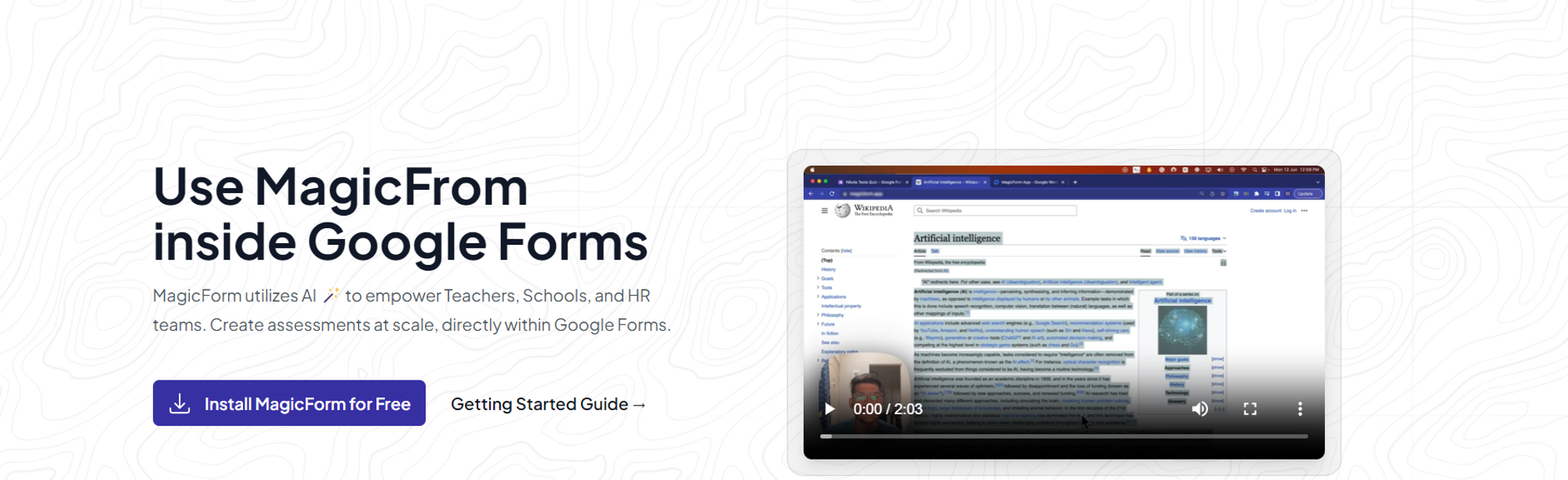
The journey with MagicForm begins by installing the user-friendly add-on by visiting https://www.magicform.app/. This seamless installation process ensures that educators can quickly integrate it into their existing educational technology toolkit.
Step 2: Open Google Forms
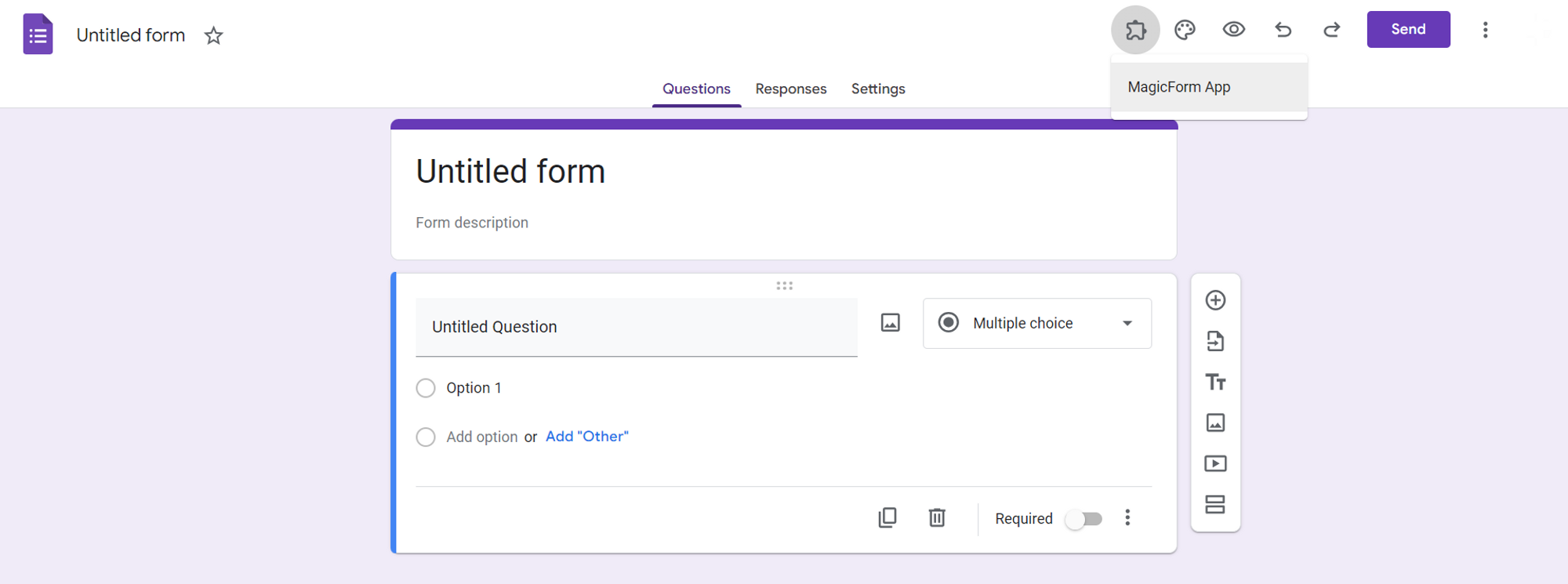
Once installed, open Google Forms, and you'll find MagicForm conveniently accessible in the extensions tab.
Step 3: Provide the Topic
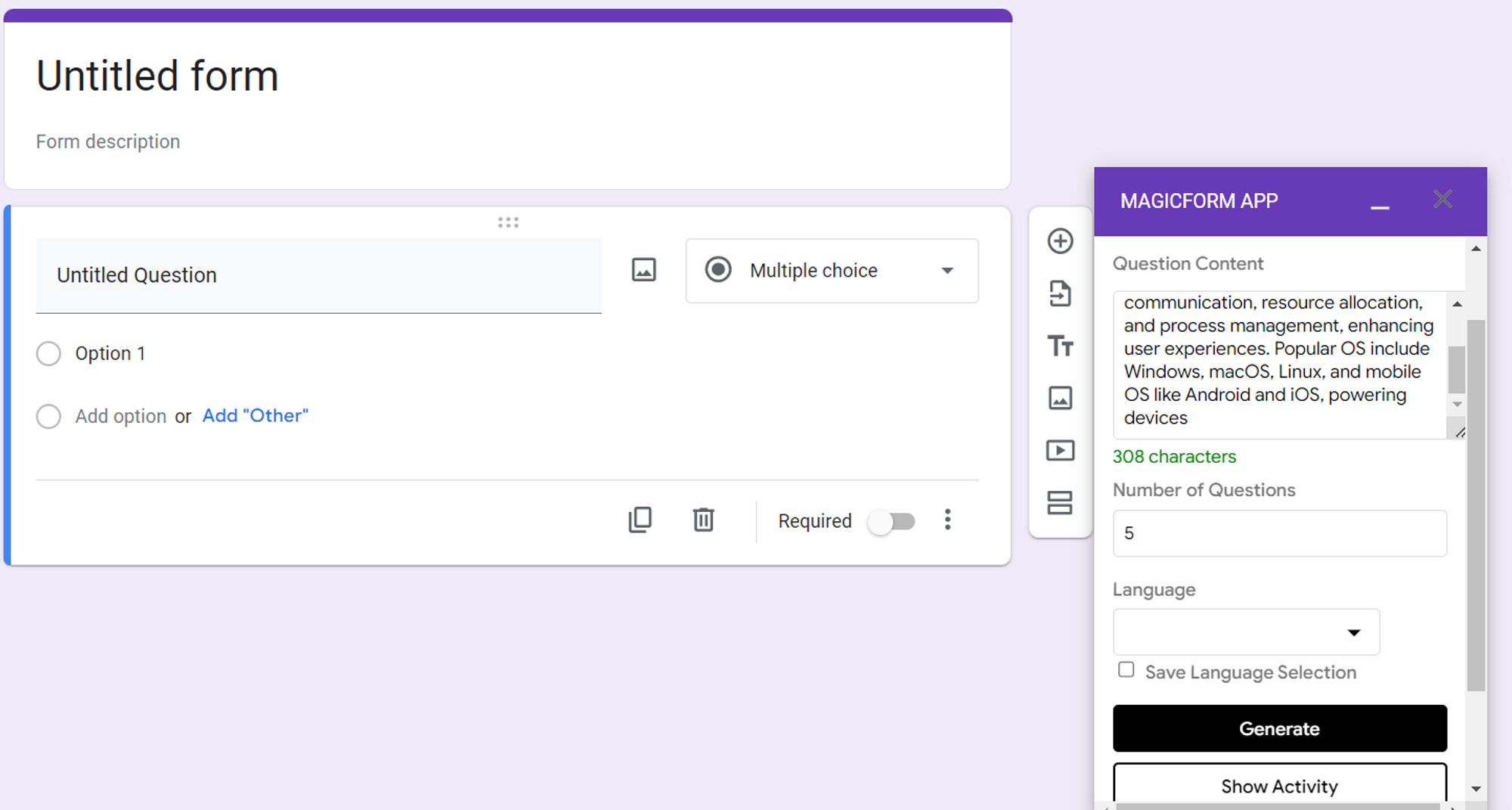
Specify the topic for which you want to generate questions. MagicForm allows you to tailor questions to suit your support needs.
Step 4: Generate Questions
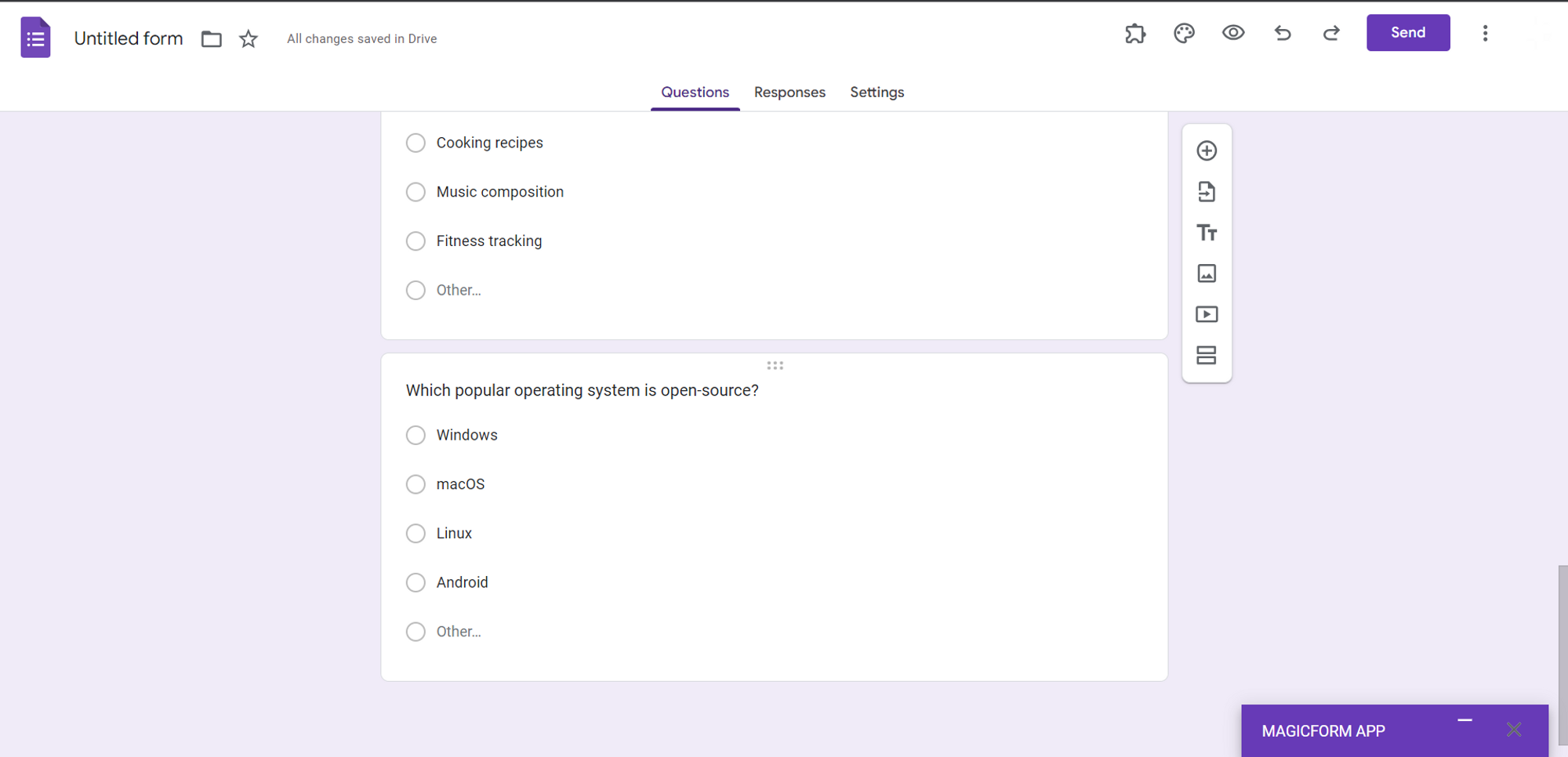
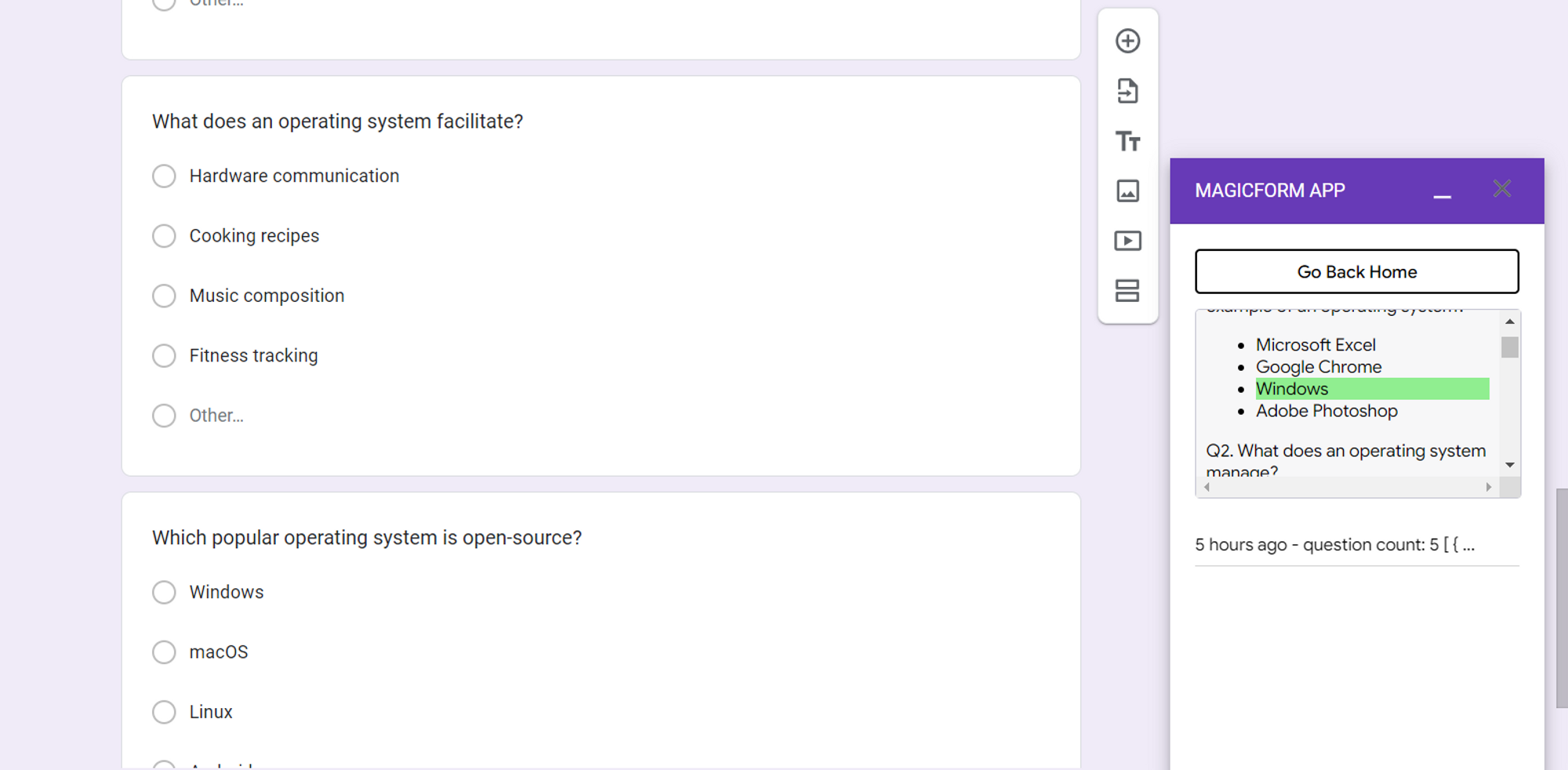
Indicate the number of questions you'd like to generate and click the "generate" button. MagicForm will swiftly create a set of questions that you can use in various ways to enhance your customer support services.
Step 5: Share with Customers
Share the generated forms with your customers, either through email or by embedding them on your website. These questions can serve as valuable training materials or FAQs, helping customers find answers to their inquiries more efficiently.
Step 6: Check Answers Privately
After customers have responded to the questions, you can check their answers privately within the "show activity" tab. This feature ensures that you have access to the correct answers without revealing them to customers.
How Customer Support Can Benefit from MagicForm:
MagicForm is a versatile tool that can be a game-changer for customer support professionals. Here are some ways in which customer support teams can leverage MagicForm:
1. Frequently Asked Questions (FAQs): Customer support teams can use MagicForm to generate a database of frequently asked questions. This can be a valuable resource for chatbots, websites, or customer support representatives, allowing them to quickly and accurately respond to common customer inquiries.
2. Training Materials: MagicForm can help create training materials for customer support agents. By generating questions related to product knowledge, policies, or procedures, support teams can ensure that their staff is well-prepared to assist customers effectively.
3. Engagement: Engaging customers with interactive quizzes and puzzles can be an excellent way to enhance their experience. MagicForm allows support teams to create fun and educational content that can entertain and inform customers simultaneously.
Conclusion:
In the realm of customer support, tools like MagicForm can be invaluable in streamlining processes, improving knowledge management, and enhancing customer engagement. By leveraging the simplicity and effectiveness of MagicForm's question generation capabilities, customer support teams can provide better assistance, quicker solutions, and a more enjoyable customer experience. So, why not give MagicForm a try and transform the way you approach customer support? Your customers will thank you for it.


