How to Convert financial PDF statements to PowerPoint


Effortlessly translate financial PDF statements into dynamic presentations using Google Slides and Magicslides extension for impact.
In the financial world, data-packed PDF statements often hold valuable insights. Transforming these statements into dynamic PowerPoint presentations not only streamlines information but also enhances your ability to convey financial insights effectively. In this guide, we'll take you through the straightforward steps to convert financial PDF statements into engaging presentations using Google Slides and the Magicslides extension.
How to Convert financial PDF statements to PowerPoint
Step 1: Visit Google Slides
Open your web browser and head to slides.google.com. Ensure you're signed in with your Google account to access the full suite of features.
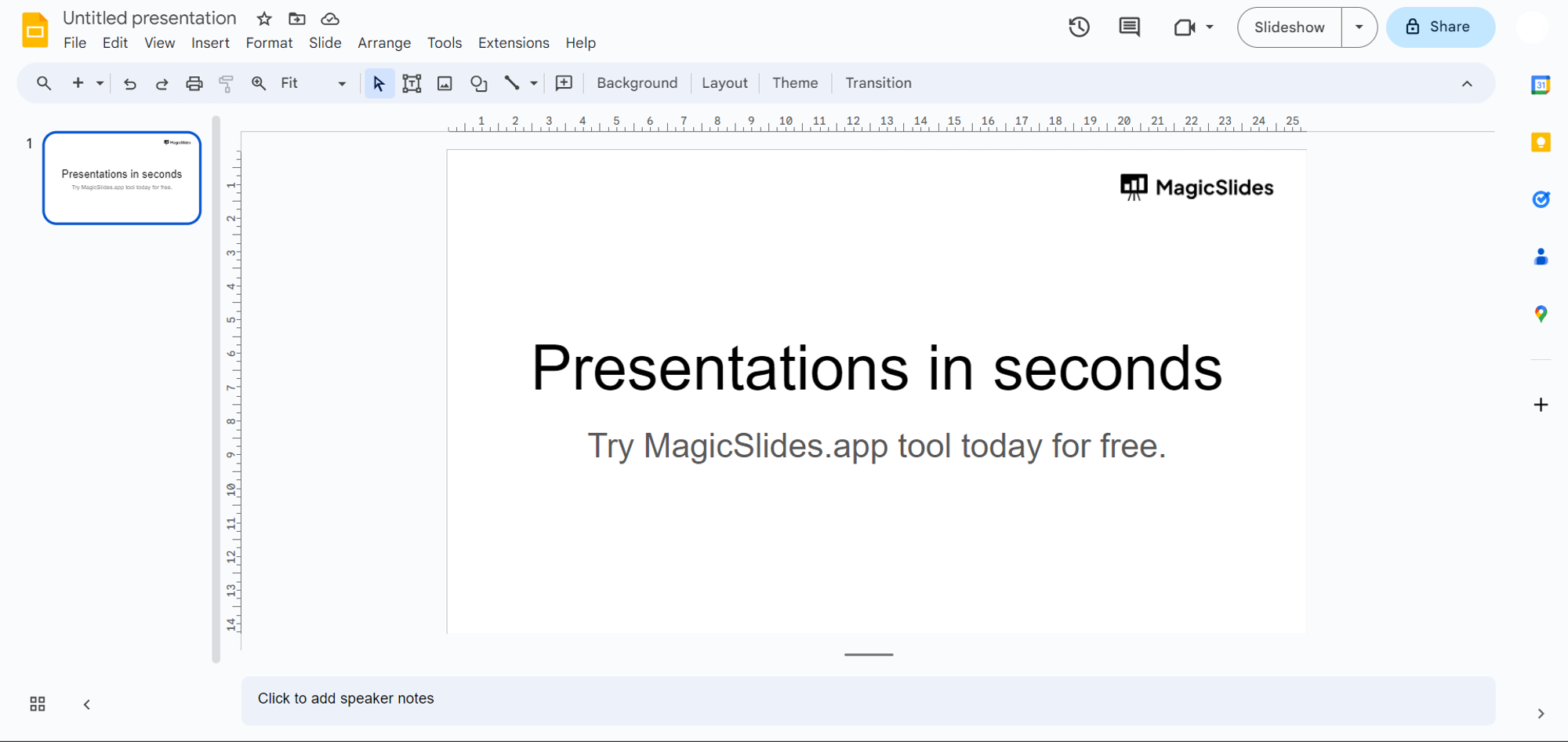
Step 2: Sign In or Download Magicslides Extension
If you already have the Magicslides extension, open Google Slides and proceed.
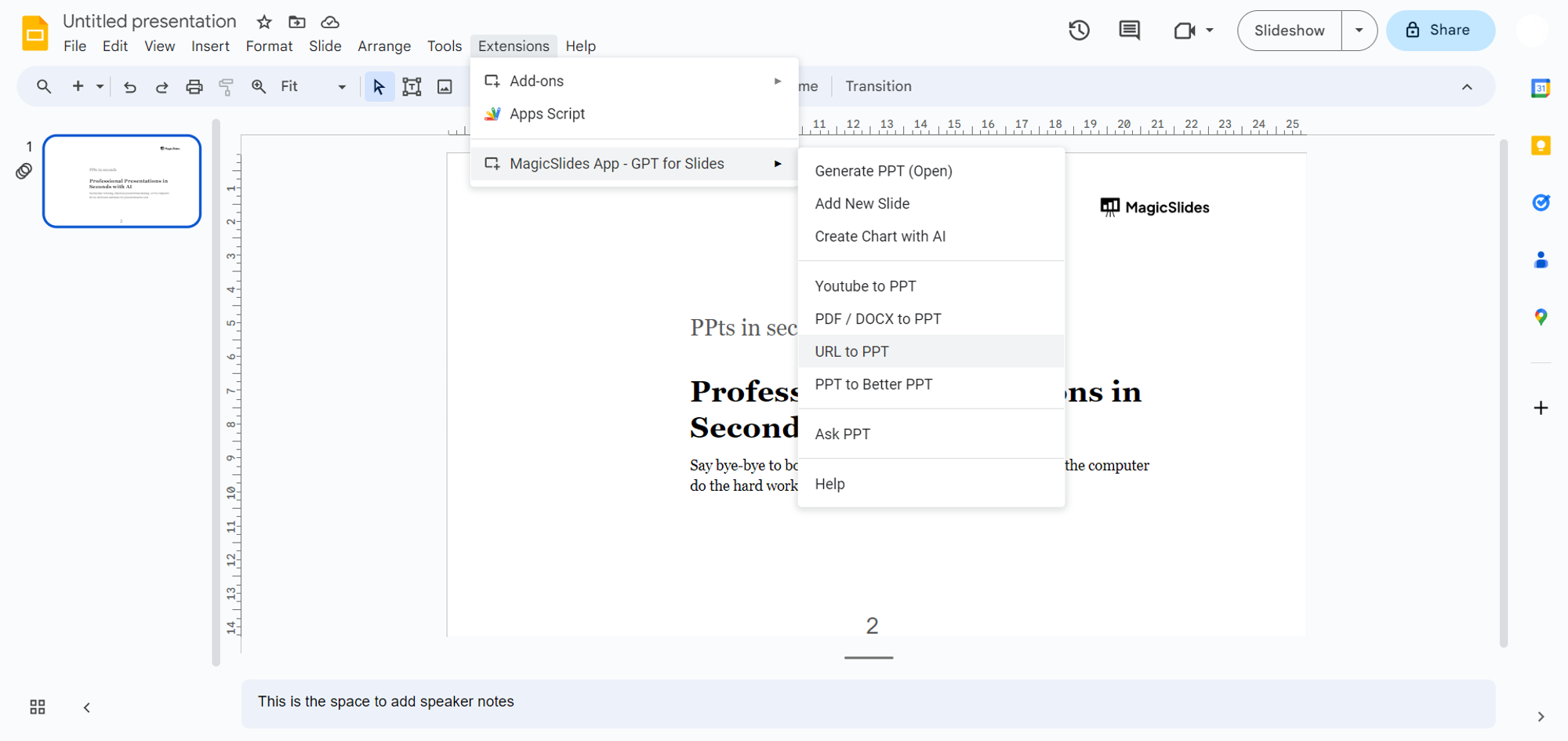
If not, visit the extensions marketplace, search for "Magicslides.app," and download the extension to enhance your Google Slides capabilities.

Step 3: Access the Financial PDF Statement
Locate the financial PDF statement you wish to convert. Whether it's online or saved on your device, be ready to either copy the URL or upload the PDF during the conversion process.
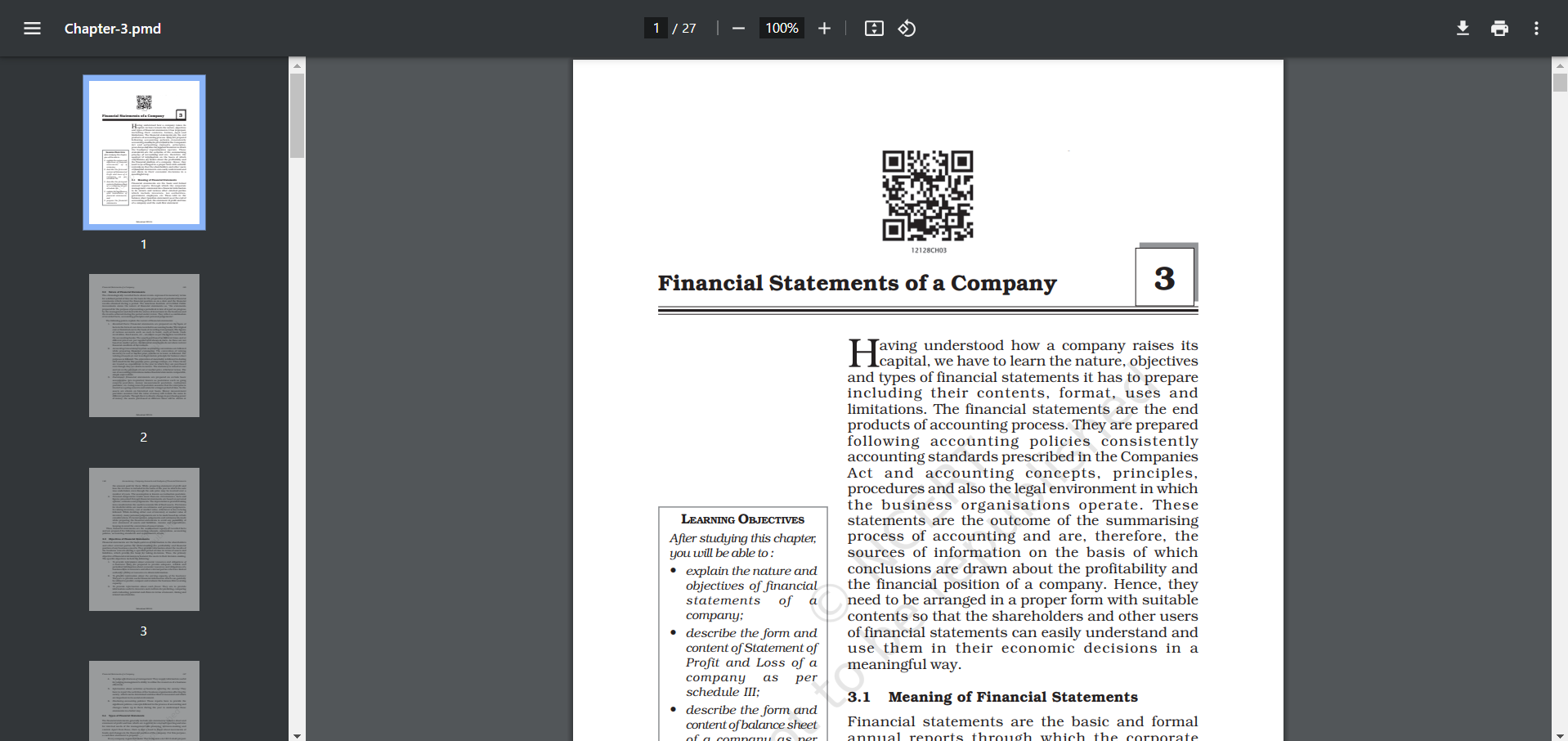
Step 4: Enter URL or Upload PDF
In Google Slides, access the Magicslides extension tab. If it's your first time, grant necessary permissions. Enter the URL or upload the financial PDF statement directly.
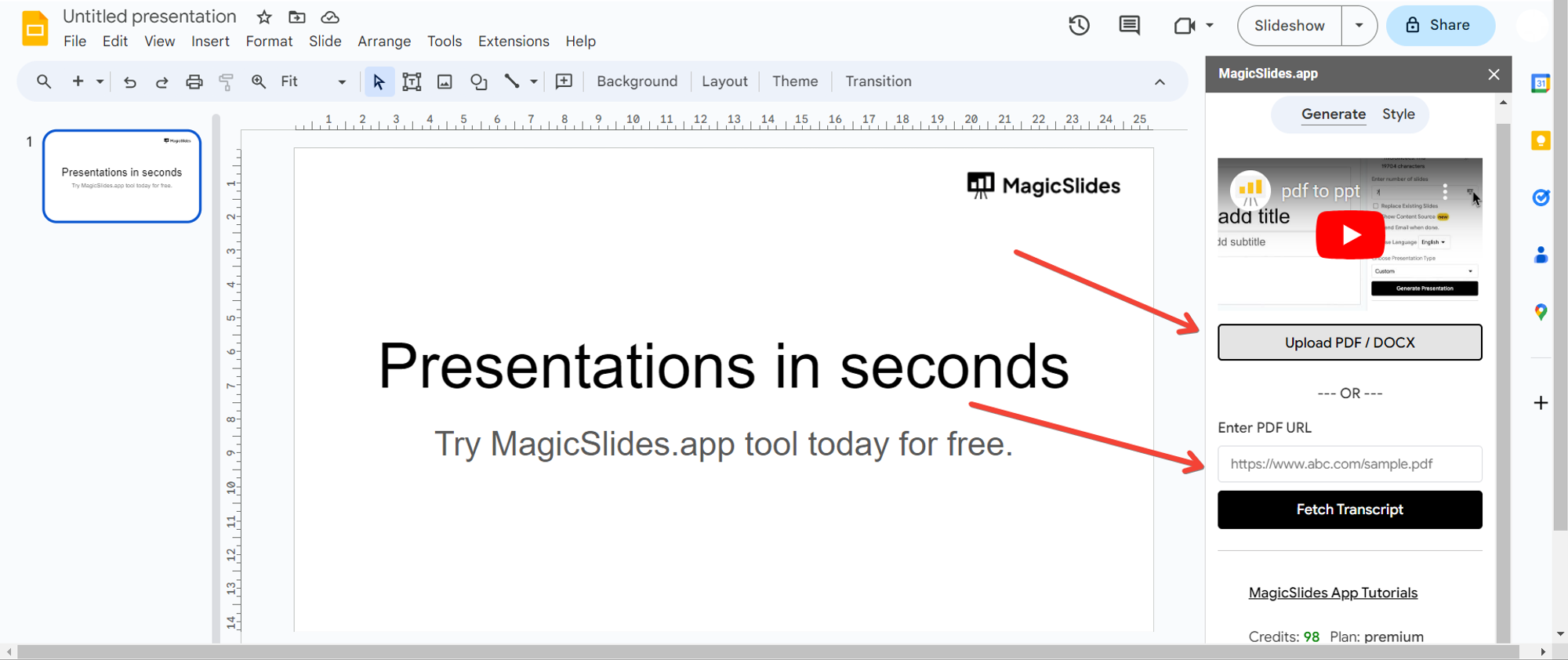
Step 5: Generate Presentation
Click the "Generate to Presentation" button. Magicslides will work its magic, transforming the financial data into a visually compelling PowerPoint presentation.
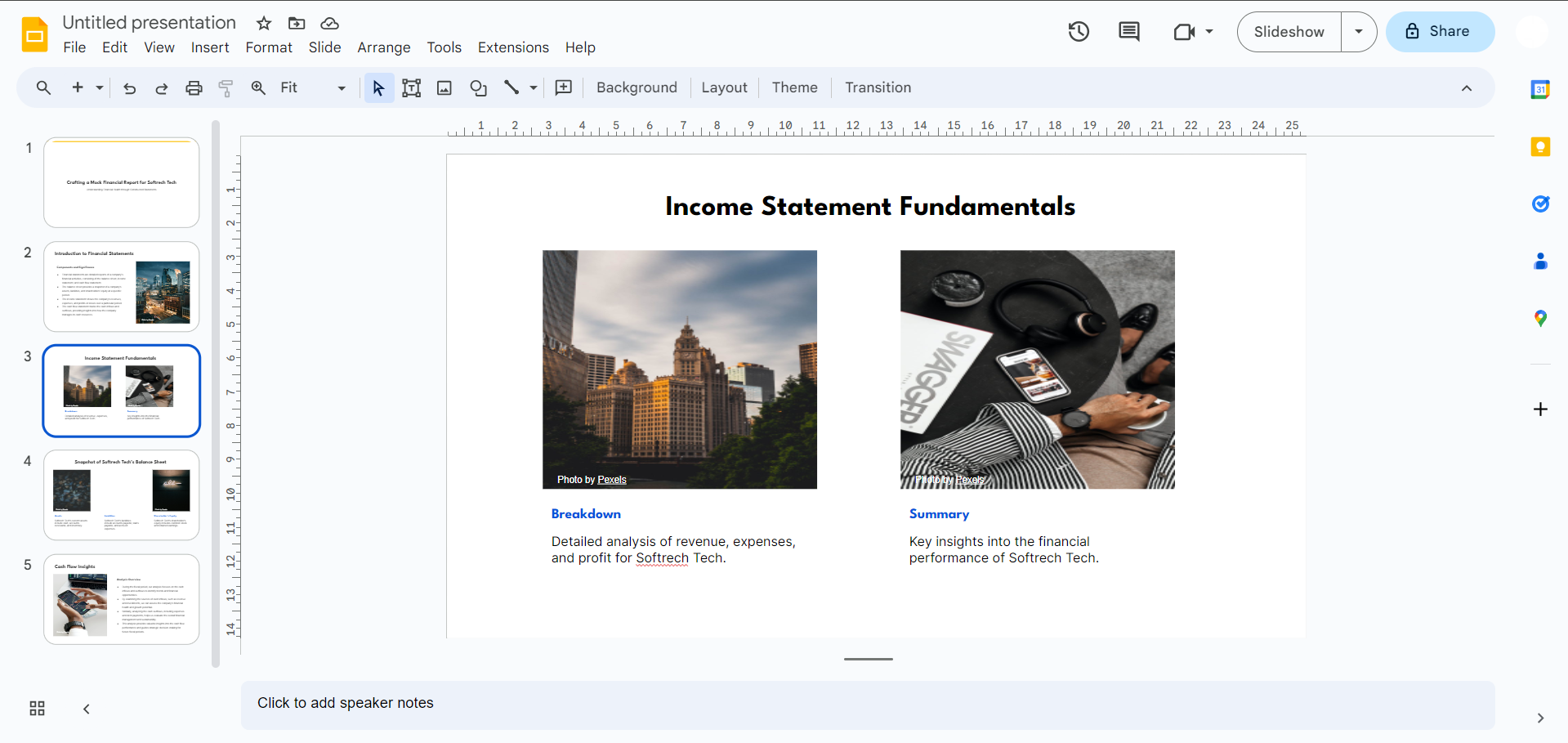
Step 6: Review and Edit
After conversion, review the slides. Google Slides provides tools to customize and refine the presentation according to your specific financial storytelling needs.
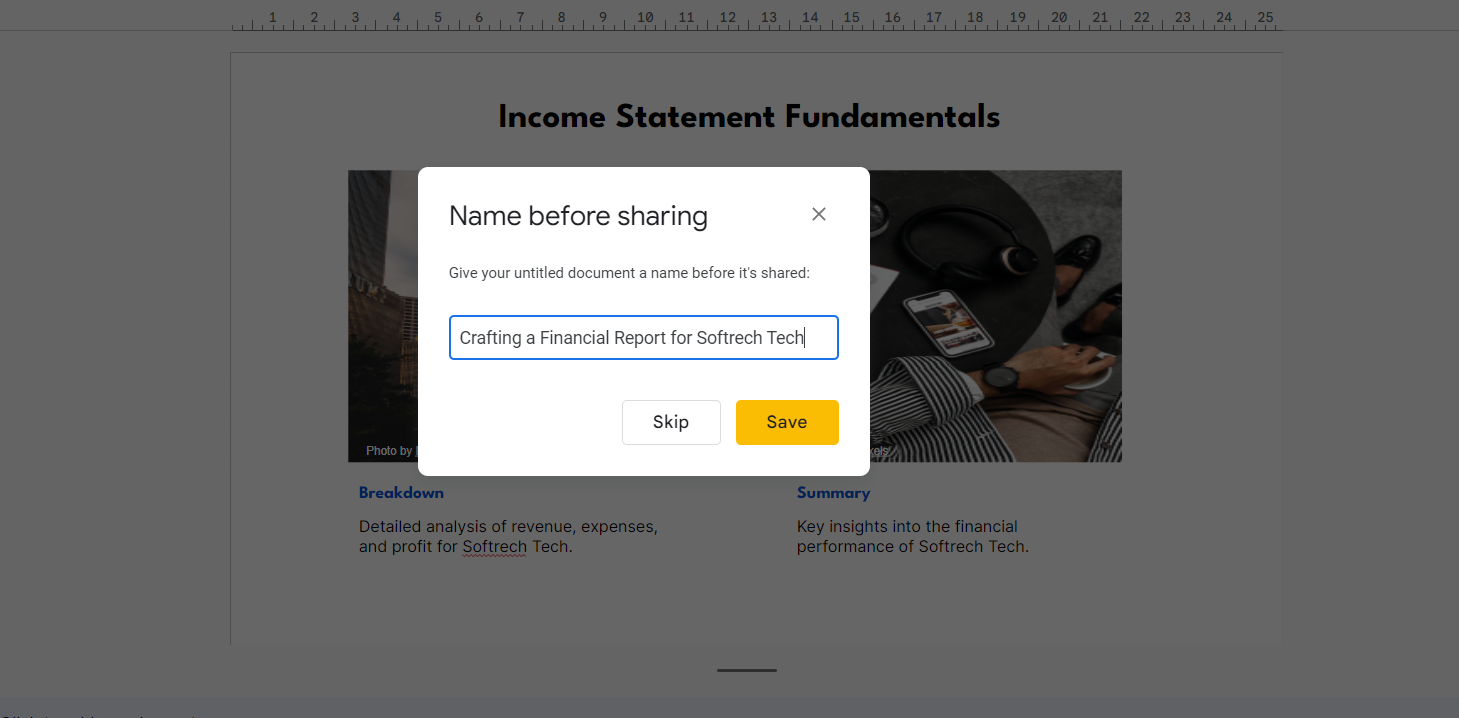
Step 7: Save and Share
Once satisfied, save the presentation on Google Drive or download it to your device. Your financial PDF statement is now an engaging PowerPoint ready for sharing insights.
Conclusion:
Unlocking financial insights doesn't have to be a daunting task. With the combined power of Google Slides and Magicslides, converting intricate financial PDF statements into dynamic presentations becomes an intuitive process. Elevate your financial storytelling, simplify data interpretation, and captivate your audience with a presentation that speaks volumes. Embrace the transformation and turn your financial data into a compelling narrative.
Frequently Asked Questions:
Can I use Magicslides for any type of financial PDF statement, regardless of complexity?
Yes, Magicslides supports a wide range of financial PDFs, making it versatile for various documents.
Is the Magicslides extension free to use, or are there any associated costs?
Magicslides is available for free, offering a cost-effective solution for transforming financial PDF statements.
Can I customize the PowerPoint presentation after the conversion process?
Absolutely! Google Slides provides robust editing tools to tailor the presentation according to your preferences.
What if I encounter issues with the Magicslides extension during the conversion process?
Ensure proper installation and update the extension if needed. For further assistance, reach out to Magicslides support.


