How to Convert Web Articles to PowerPoint Presentations Easily


Unlock the power of Google Slides and MagicSlides to effortlessly turn web articles into stunning presentations!
Ever wished to transform insightful web articles into captivating presentations? The solution lies at your fingertips with Google Slides and the powerful MagicSlides extension. In this step-by-step guide, we'll walk you through the effortless process of converting your favorite web articles into dynamic PowerPoint presentations.
How to Convert Web Articles to PowerPoint Presentations Easily
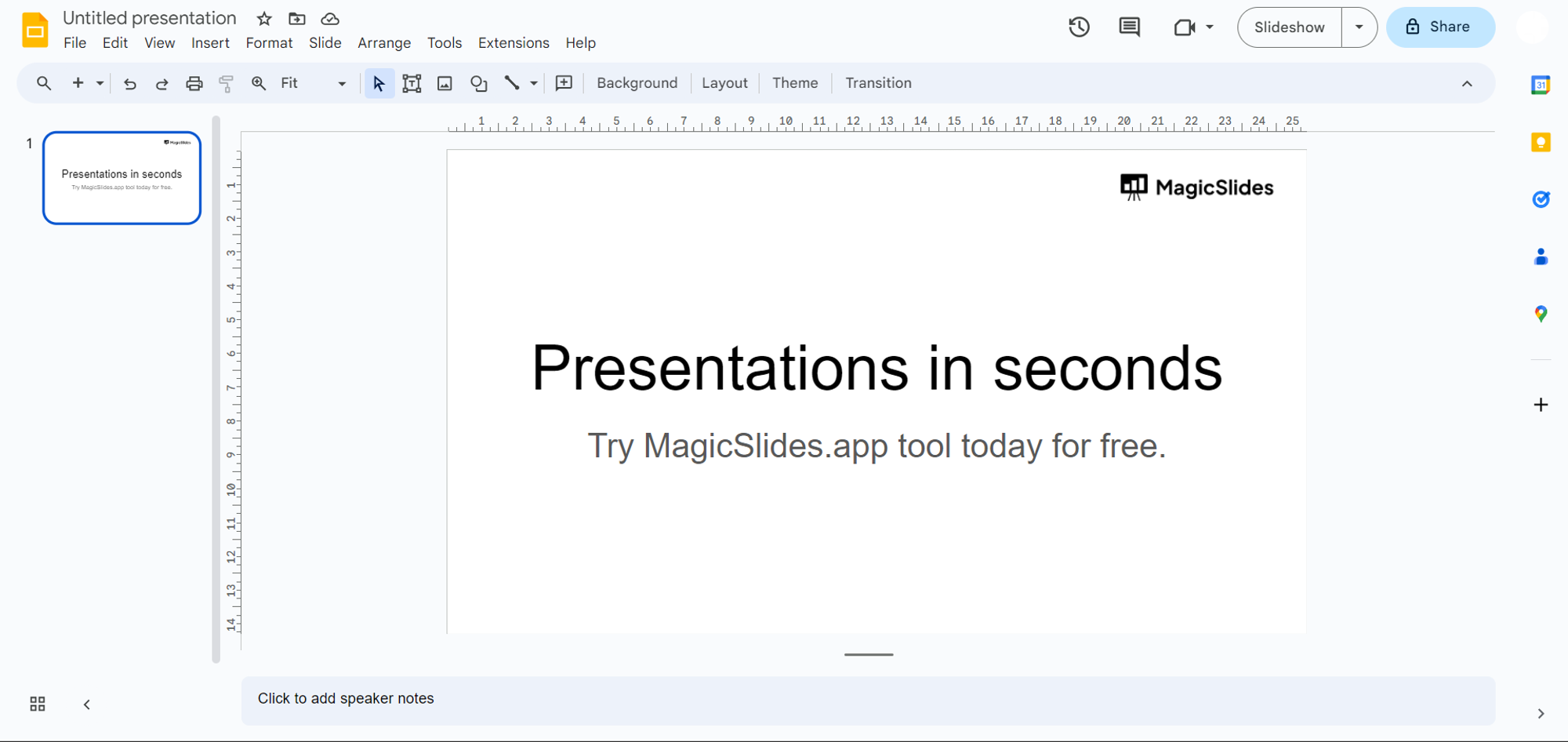
Step 1: Visit Google Slides
Kickstart your creative journey by visiting slides.google.com and signing in with your Google account. If you don't have an account, creating one is quick and hassle-free.
Step 2: Download MagicSlides Extension
Ensure you have the MagicSlides extension for an enriched Google Slides experience.
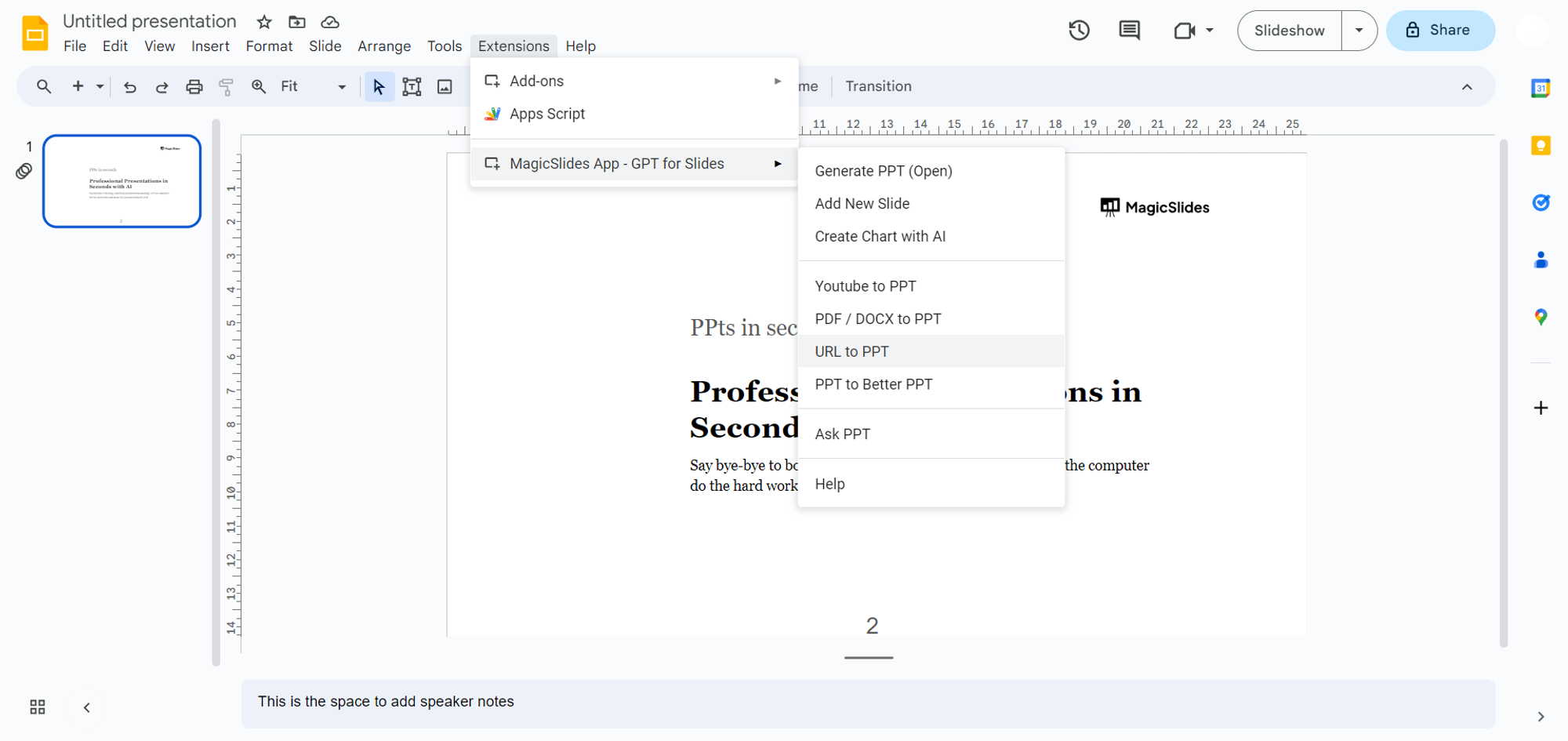
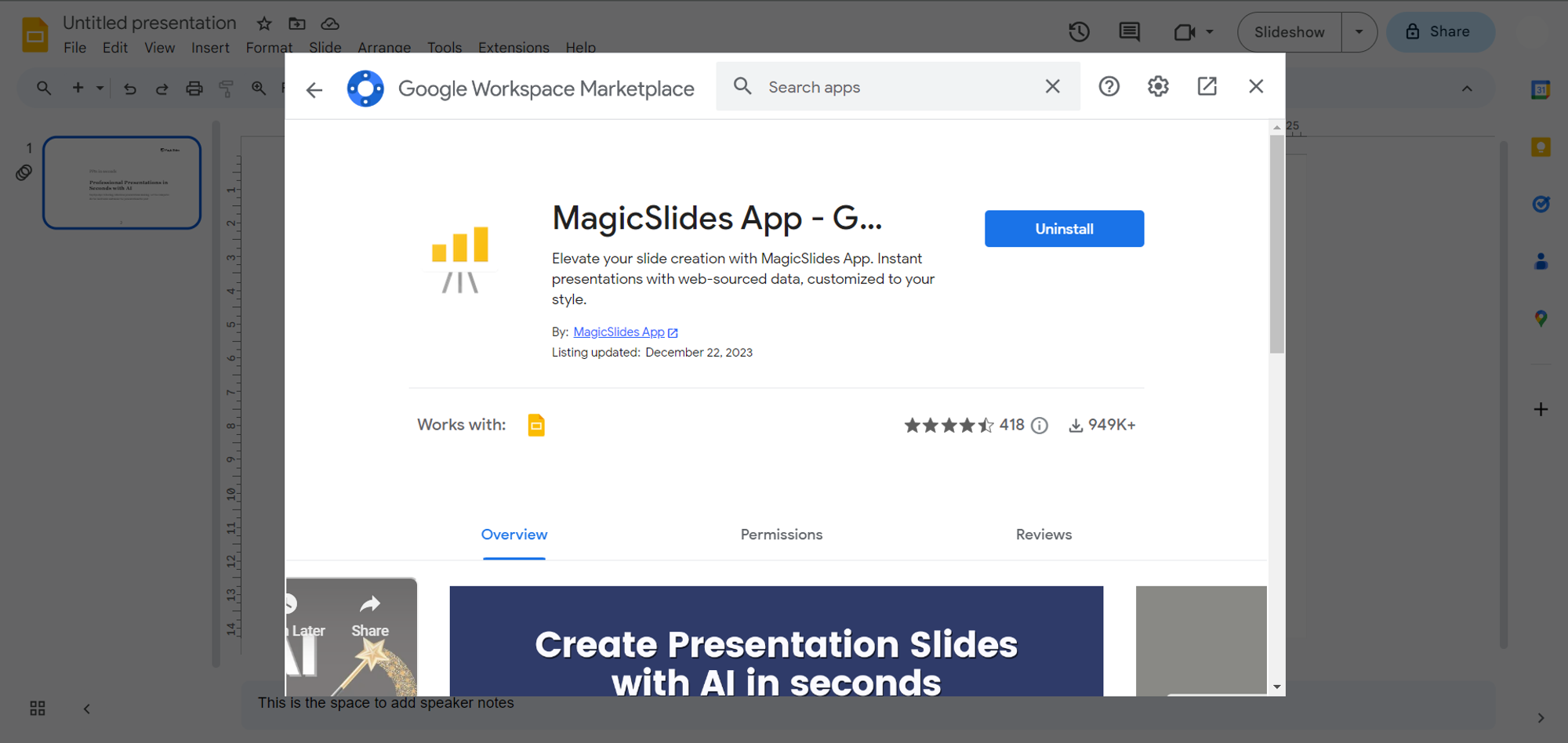
If not, head to the Extensions Marketplace, search for "MagicSlides.app," and download the extension to enhance your presentation capabilities.
Step 3: Copy the Web Article URL
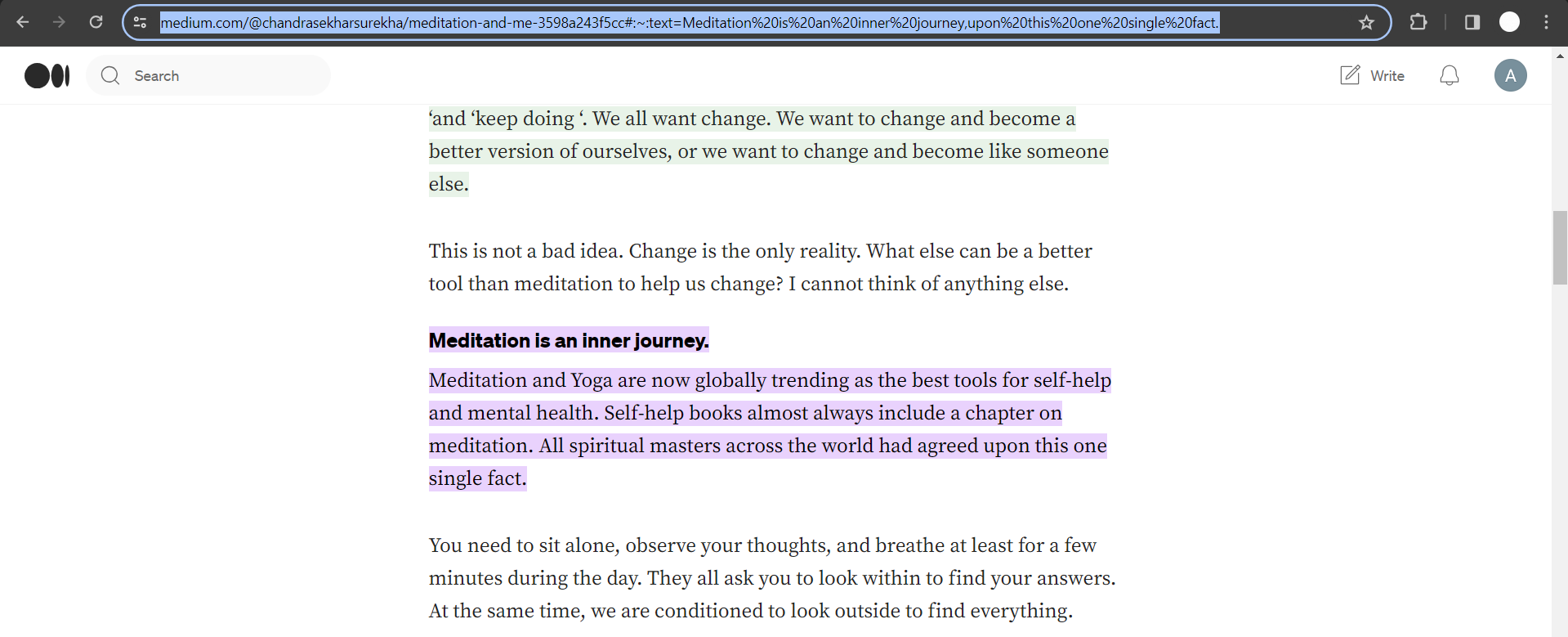
Navigate to the web article you wish to transform and copy its URL. This could be an insightful blog post, news article, or any web content you find compelling.
Step 4: Enter the URL in MagicSlides
Return to Google Slides, open MagicSlides, and paste the copied URL into the designated field. This prepares the platform for the conversion process.
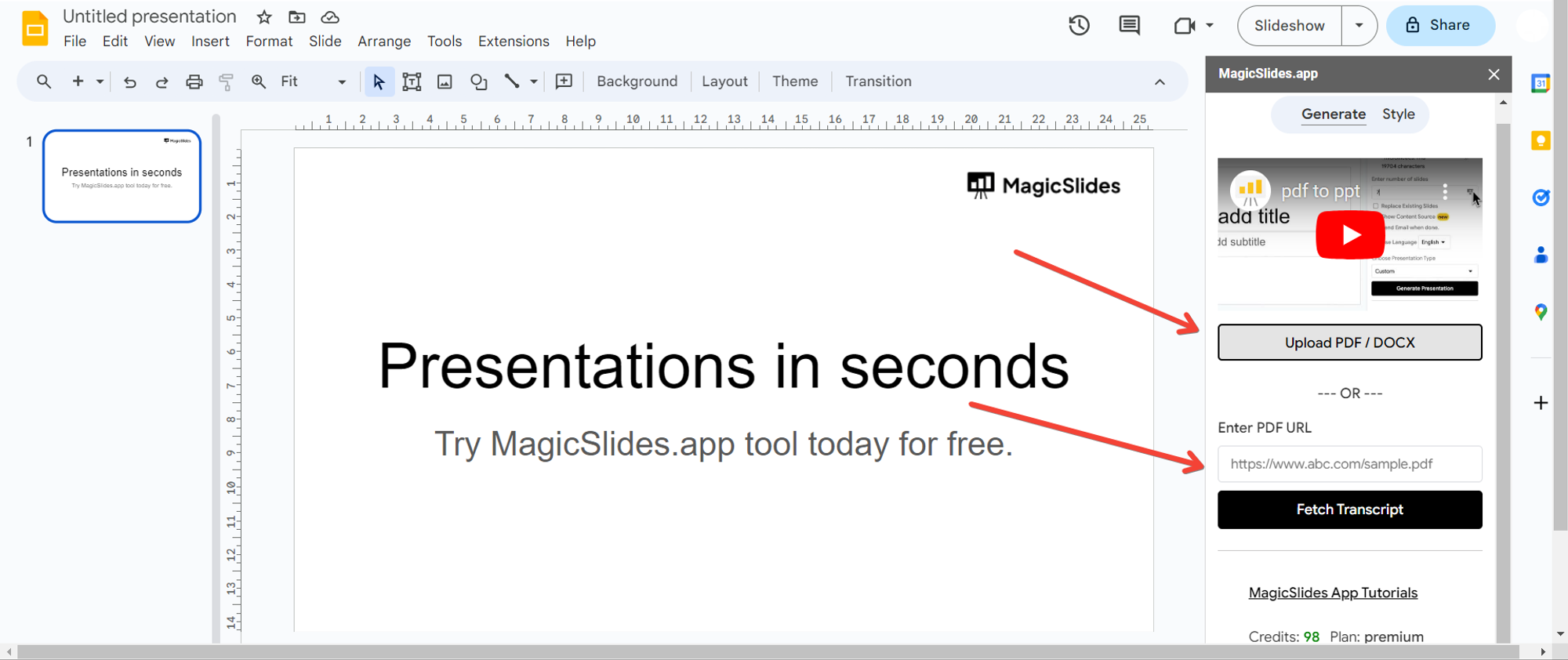
Step 5: Click "Generate Presentation"
With the web article URL entered, click on the "Generate" button. Allow MagicSlides to work its magic, seamlessly translating the web article into a visually engaging PowerPoint presentation.
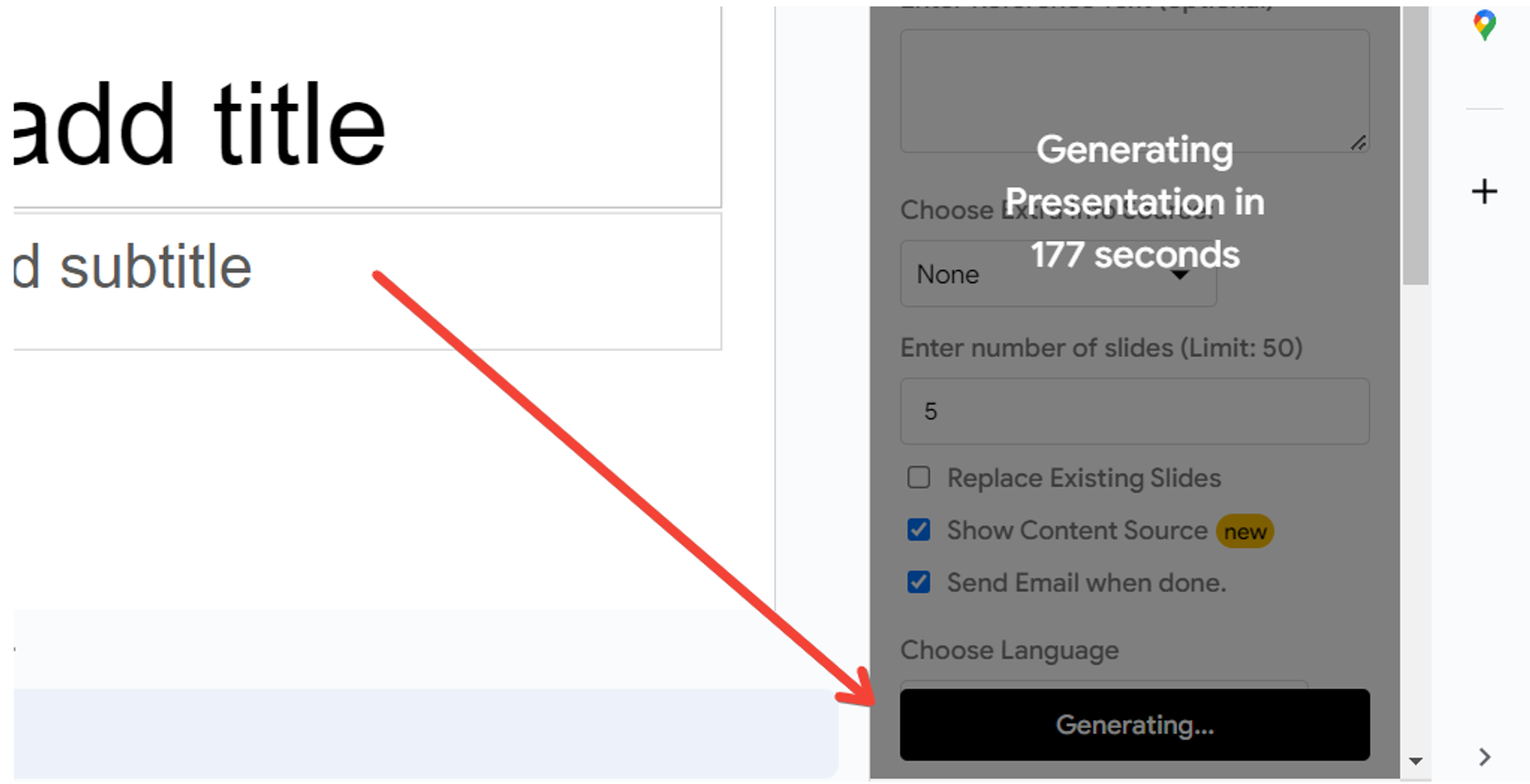
Step 6: Your Web Article is Now a PowerPoint Presentation
That’s it! Your web article has seamlessly transitioned into a dynamic PowerPoint presentation. Share it, present it, and make the information easily digestible in a captivating format.
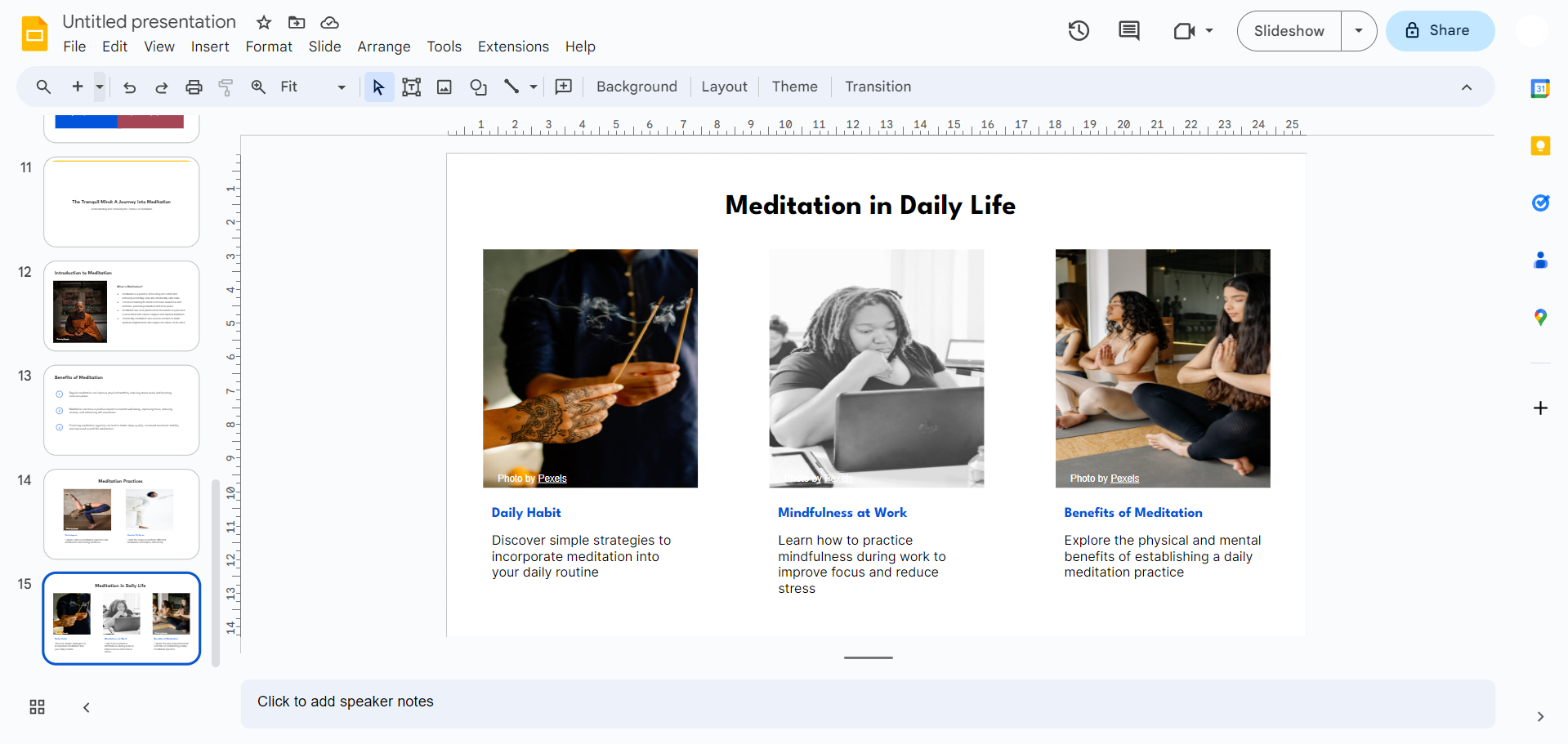
Conclusion:
With just a few clicks, you've discovered a game-changing method to breathe life into your favorite web articles. The combination of Google Slides and MagicSlides offers a user-friendly and efficient solution for transforming digital content into visually appealing presentations. Embrace this easy-to-follow process and let your creativity shine in the world of presentations!
Frequently Asked Questions:
Can MagicSlides convert any type of web article into a presentation?
Yes, MagicSlides is designed to convert a variety of web articles into engaging PowerPoint presentations.
Is there a limit to the length or complexity of the web articles MagicSlides can handle?
While MagicSlides is versatile, for optimal results, it's recommended to convert manageable portions of web content.
Does MagicSlides retain the formatting and images from the original web article?
Absolutely! MagicSlides preserves the formatting, images, and overall structure of the original web article during the conversion process.
Can I customize the presentation after using MagicSlides?
Certainly! Once the web article is converted, you can customize and enhance the presentation in Google Slides as per your requirements.


