How to Create PowerPoint Presentation Slides for Free in Seconds


Create stunning PowerPoint presentation slides instantly for free with MagicSlides.app. Simple, fast, and professional – perfect for all needs.
Creating a stunning PowerPoint presentation doesn’t have to be a time-consuming or expensive process. Whether you’re a student, professional, or entrepreneur, crafting visually appealing slides can now be done quickly, effortlessly, and at no cost.
In this blog post, we’ll guide you through a revolutionary way to create PowerPoint presentation slides in seconds using a powerful tool: MagicSlides.app.
Why Creating PowerPoint Presentation Slides Should Be Easy
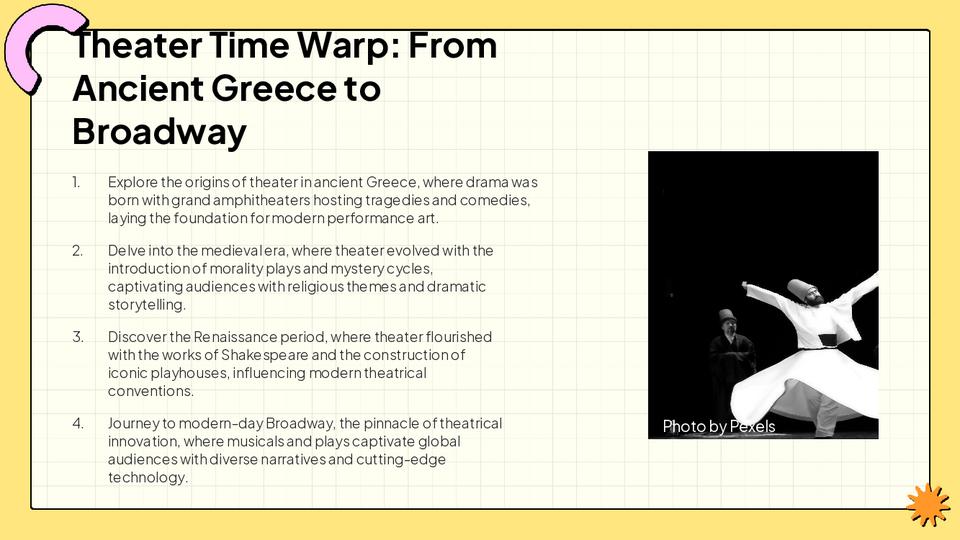
Gone are the days of spending hours brainstorming, designing, and formatting slides. Today, productivity tools have advanced to the point where you can automate most of the process. The key benefits include:
- Saving time: Automation lets you focus on content rather than design.
- Improved design quality: Tools like MagicSlides.app ensure professional-grade layouts.
- Cost-effectiveness: Many tools allow you to create presentations without spending a dime.
The Best Tool for Instant Presentations
If you’re looking for a reliable and free tool to create PowerPoint presentation slides, look no further than MagicSlides.app. This intuitive platform uses advanced technology to generate high-quality presentation slides in seconds. You can create slides that look polished and professional without needing design expertise.
Why Choose MagicSlides.app?
- User-friendly interface.
- Completely free to use for basic functionality.
- Generates presentations in just a few clicks.
- Offers customizable themes and slide layouts.
- Perfect for last-minute presentations.
Step-by-Step Guide: How to Use MagicSlides.app
Here’s how to create your PowerPoint presentation slides in just a few easy steps:
1. Visit MagicSlides.app
Open your browser and head over to MagicSlides.app. The website is designed to be simple and intuitive, so you’ll feel at home right away.
2. Enter Your Topic
Once you’re on the site, you’ll see a text box where you can enter your presentation topic. For example, if you’re preparing a presentation on “The Future of Renewable Energy,” simply type that in.
3. Click “Generate Instant PP”
After entering your topic, click the “Generate Instant PP” button. This feature processes your input and creates a structured outline for your presentation.
4. Select Slide Theme and Number of Slides
You’ll be prompted to choose from various themes and the number of slides you’d like. Pick a design that suits your audience and purpose. For instance:
- Minimalist for professional meetings.
- Creative for marketing pitches.
- Academic for school or university projects.
5. Click “Generate”
Once you’ve made your selections, click the “Generate” button. MagicSlides.app will instantly produce your slides, complete with text, layouts, and design elements tailored to your topic.
6. Download or Edit Your Presentation
Finally, you can download your presentation directly or tweak it within MagicSlides.app before exporting it to PowerPoint. Your slides are now ready to wow your audience!
Benefits of Using MagicSlides.app
- Time Efficiency: Create a presentation in under a minute.
- Customization Options: Adjust themes and layouts to suit your preferences.
- Professional Designs: Ensure your presentation looks sleek and engaging.
- No Design Skills Needed: Focus on your message while the tool handles the visuals.
Who Can Benefit from MagicSlides.app?
MagicSlides.app is ideal for anyone who needs a quick, professional presentation, including:
- Students: Save time on school projects.
- Teachers: Create lesson slides effortlessly.
- Business Professionals: Deliver impactful presentations at meetings.
- Freelancers: Impress clients with polished slides.
Conclusion
Creating PowerPoint presentation slides no longer needs to be a laborious task. With MagicSlides.app, you can generate beautiful and professional slides in seconds. This tool takes the hassle out of designing presentations, allowing you to focus on what really matters: delivering your message effectively.
So why wait? Head over to MagicSlides.app today and experience the future of presentation creation. Start saving time and making an impact with every slide you create!


