how to import theme into google slides


Enhance your Google Slides with custom themes. Learn how to import themes in this easy guide.
How to Import Themes into Google Slides?
Creating visually appealing presentations is essential in today's digital world. Google Slides offers an array of themes, but sometimes you need a custom touch. Importing themes into Google Slides is a skill that can take your presentations to a whole new level.
Whether you're a business professional, educator, or creative storyteller, having the ability to personalize your slides with unique themes is invaluable.
In this blog post, we'll walk you through the process of importing themes into Google Slides, helping you to craft presentations that stand out and leave a lasting impact. Discover how you can effortlessly transform your slides into a visual masterpiece.
Importing Themes into Google Slides
To import themes into Google Slides, follow these steps:
→ Access Google Slides: Open Google Slides and create a new presentation or open an existing one.
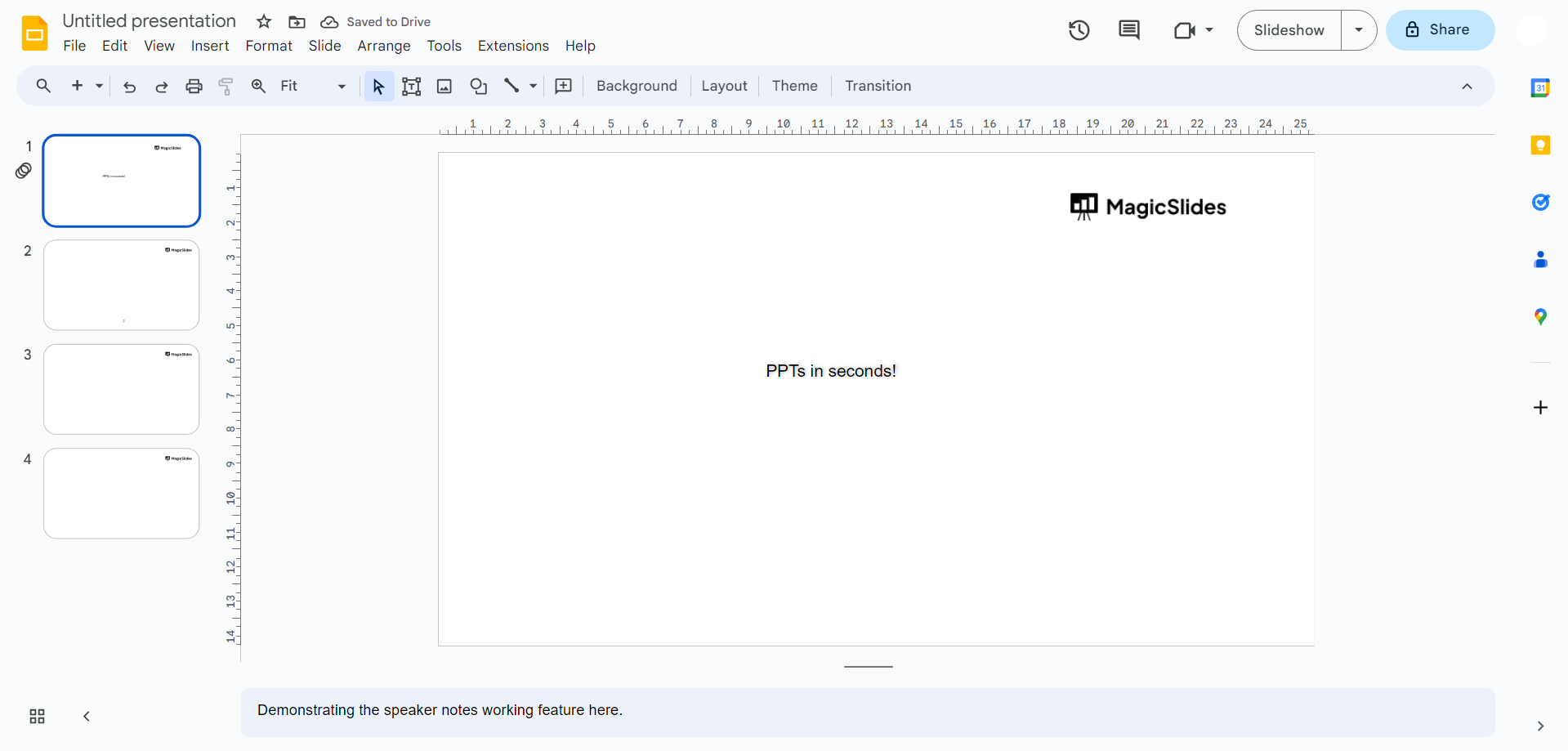
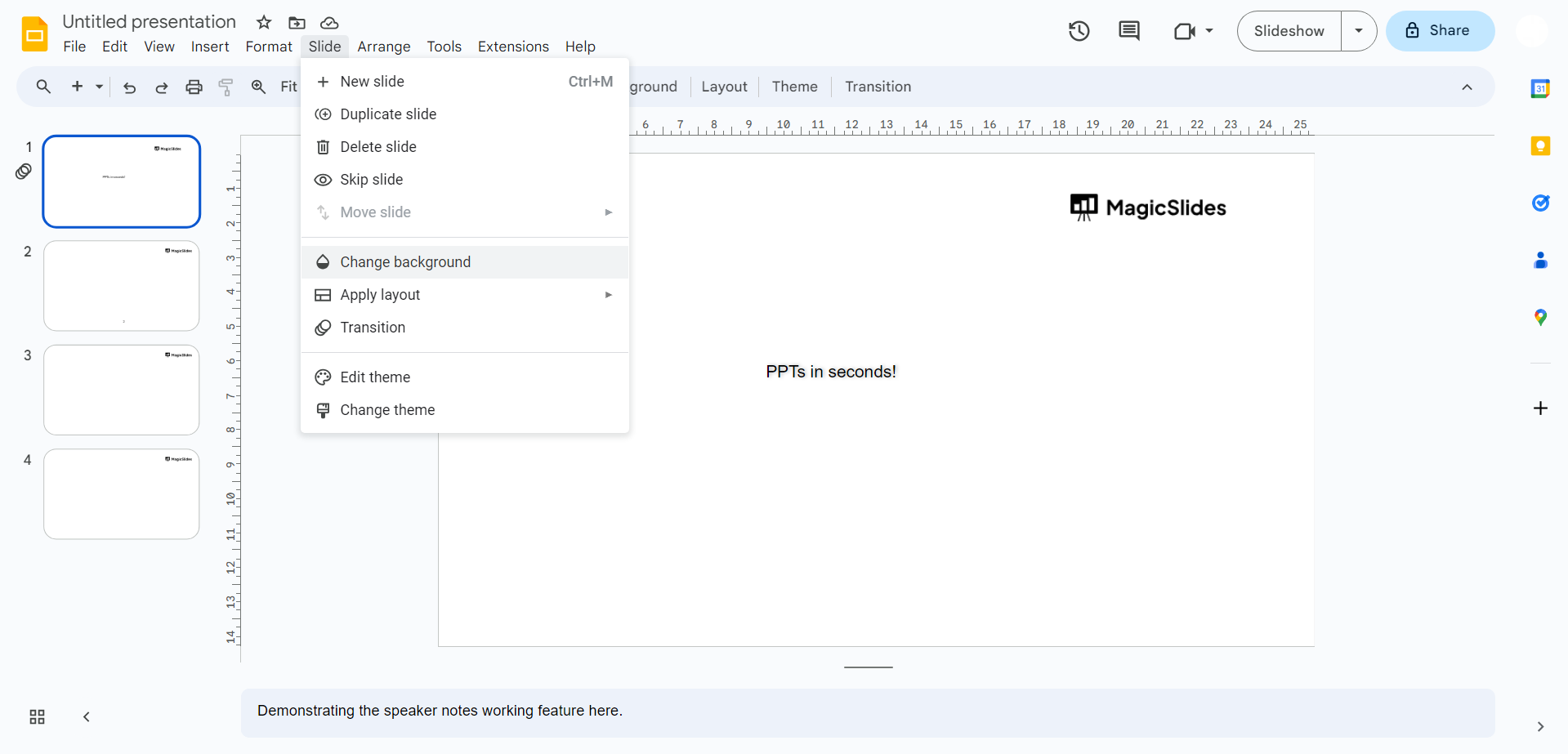
→ Go to Slide > Change Background: Click on "Slide" in the top menu, then select "Change background" from the dropdown.
→ Choose a Theme: In the "Slide" pane on the right, you'll find a variety of themes. Click on "Import theme" at the bottom.
→ Select Your Theme: A window will appear, allowing you to choose a theme from your computer. Locate the theme file you want to import and select it.
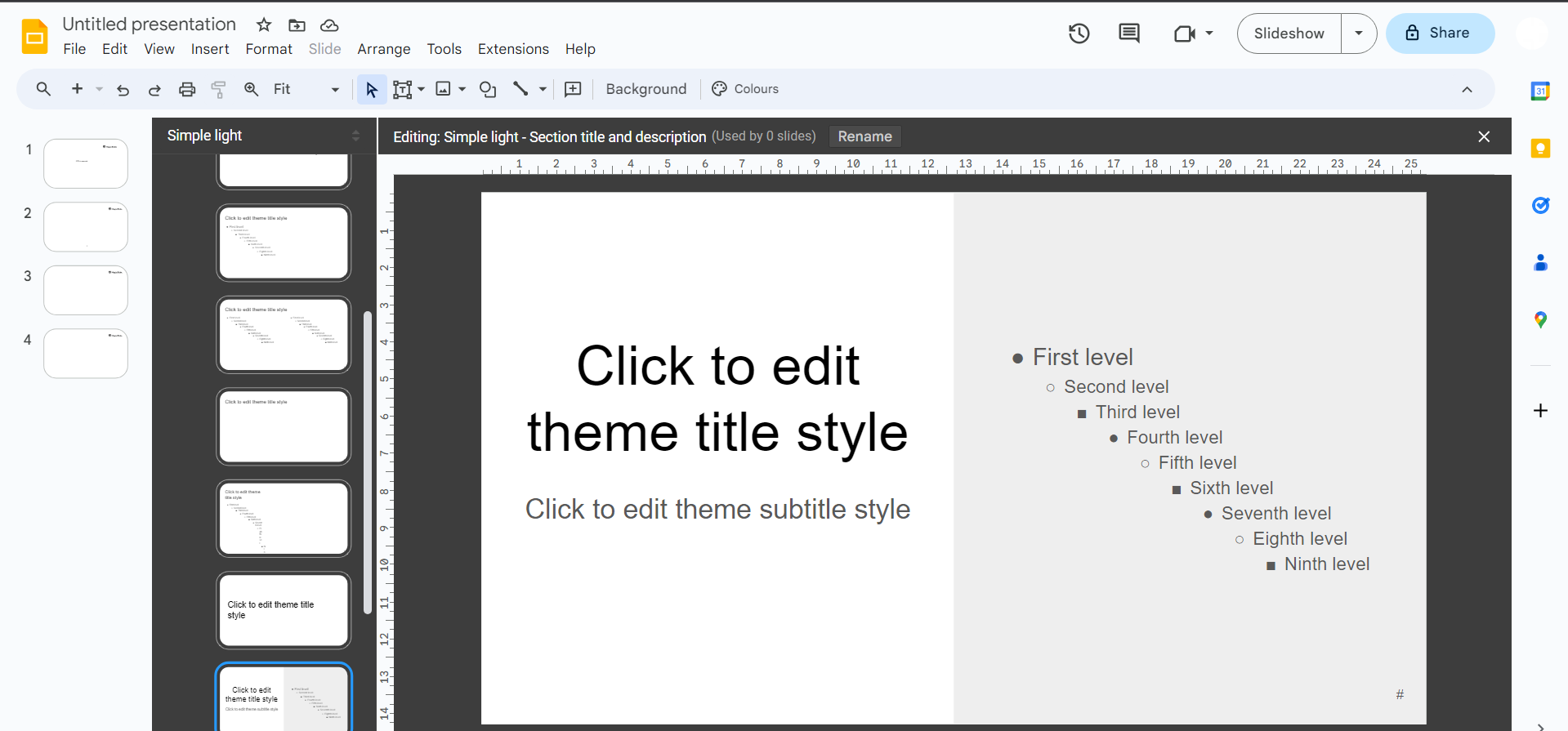
→ Customize Colors and Fonts (Optional): You can further personalize the theme by adjusting the colors and fonts to match your preferences or branding.
→ Save and Use: Don't forget to save your presentation to keep the imported theme intact. You can now start creating your content with the new theme.
Conclusion:
Importing themes into Google Slides offers a world of creativity and personalization, enabling you to stand out in the crowded landscape of presentations.
With the ability to craft your own themes or import existing ones, you can match your slides with your brand identity, engage your audience, and leave a memorable impression. So, the next time you embark on creating a presentation in Google Slides, consider the power of themes.
By customizing your slides, you can infuse your unique style, add visual appeal, and ensure your message is heard loud and clear. Elevate your presentations and captivate your audience by harnessing the potential of imported themes.
Frequently Asked Questions (FAQs):
- Can I import themes into Google Slides from any source? Answer: Google Slides primarily supports themes in the .thmx format, but you can also import themes from other presentation software, provided you save them as .pptx files.
- Are there any restrictions on the size of the theme I can import? Answer: Google Slides may have size restrictions, but they are typically quite generous. However, very large themes may affect the performance of your presentation.
- Can I edit the imported theme in Google Slides? Answer: Yes, you can customize the colors, fonts, and other design elements of the imported theme to align with your specific needs and preferences.
- Can I import themes on mobile devices? Answer: While Google Slides for mobile devices has limitations compared to the desktop version, you can still access and use imported themes for your presentations.
- How can I share a presentation with an imported theme with others? Answer: Share your presentation by clicking the "Share" button and specifying the permissions. The imported theme will be visible to others who have access to the presentation.