Addon google slides iconPPT with AISlide TemplatesPPT TemplatesPricingBlog
    PPT with AISlide TemplatesPPT TemplatesPricingBlog
    1. Home
    2. Blog
    3. How to Make Internship PPT


    How to Make Internship PPT

    Ajay Sai

    Published By

    Ajay Sai

    Approved By

    Admin

    Published On

    November 12th, 2025

    Reading Time

    2 min read

    Create a professional internship presentation quickly with MagicSlides AI, saving time and ensuring quality

    Creating a PowerPoint presentation for your internship can be a daunting task, especially if you’re pressed for time or unsure how to structure the content.
    But what if you could quickly generate a polished and professional presentation with just a few inputs? That’s exactly what MagicSlides allows you to do.
    MagicSlides is an AI-powered web app designed to help users effortlessly create presentations by simply providing a topic or brief input. When it comes to an internship presentation, all you need to do is follow a simple step-by-step process:

    How to Make an Internship PPT with MagicSlides: The Easy Way

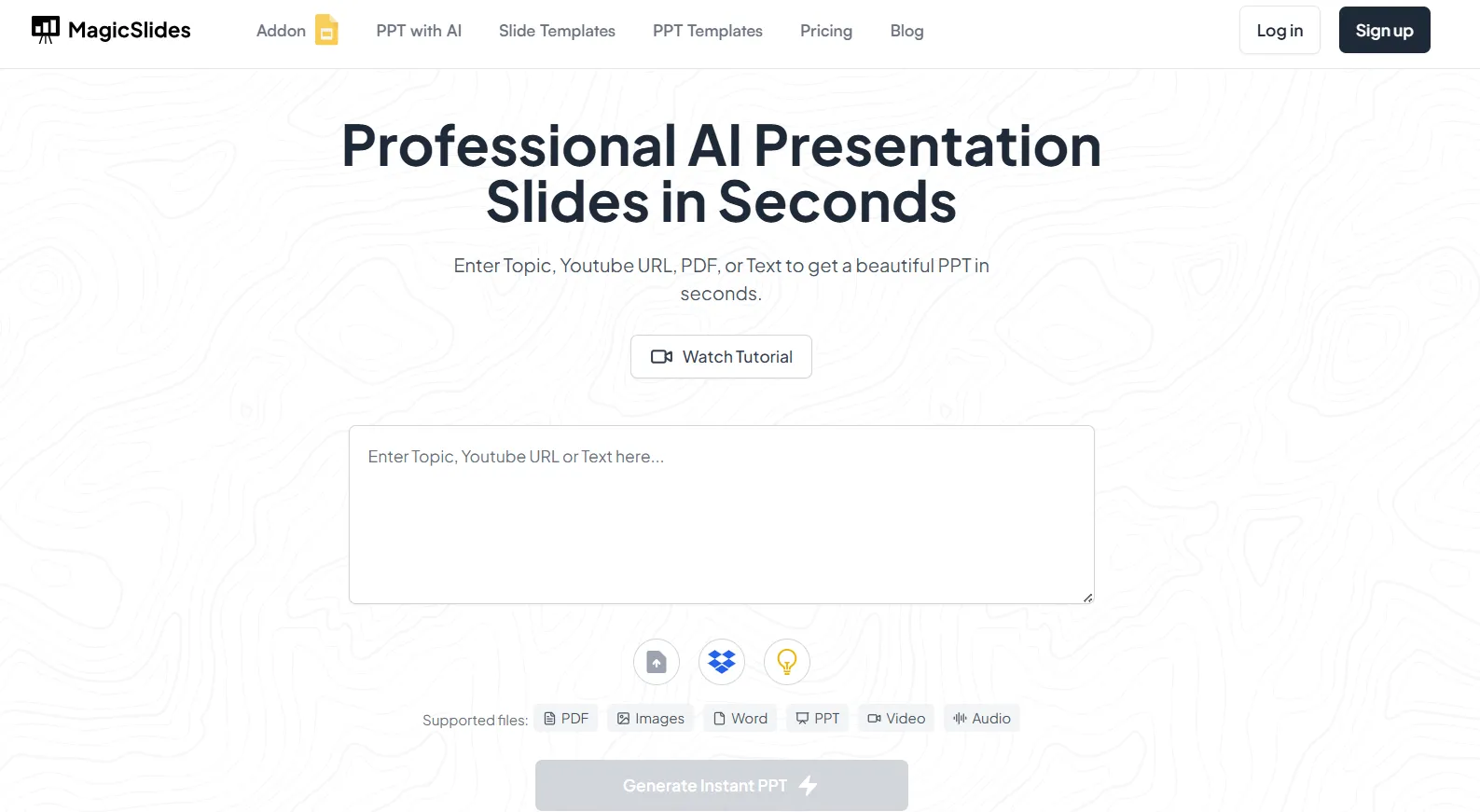
    Visit MagicSlides:

    Start by heading over to MagicSlides. It’s a user-friendly platform that lets you create presentations in minutes.
    notion image

    Enter Your Internship Topic:

    In the input bar, type in relevant details about your internship. This can include the internship’s title, the company you worked for, the projects you were involved in, and any specific areas you’d like to highlight.
    notion image

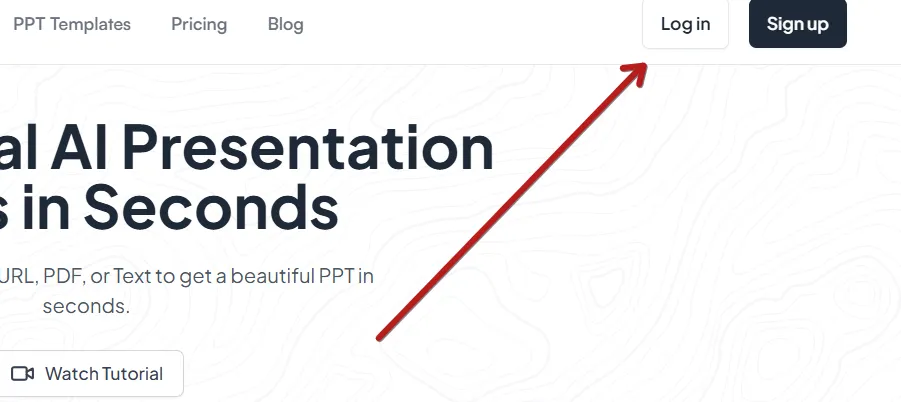
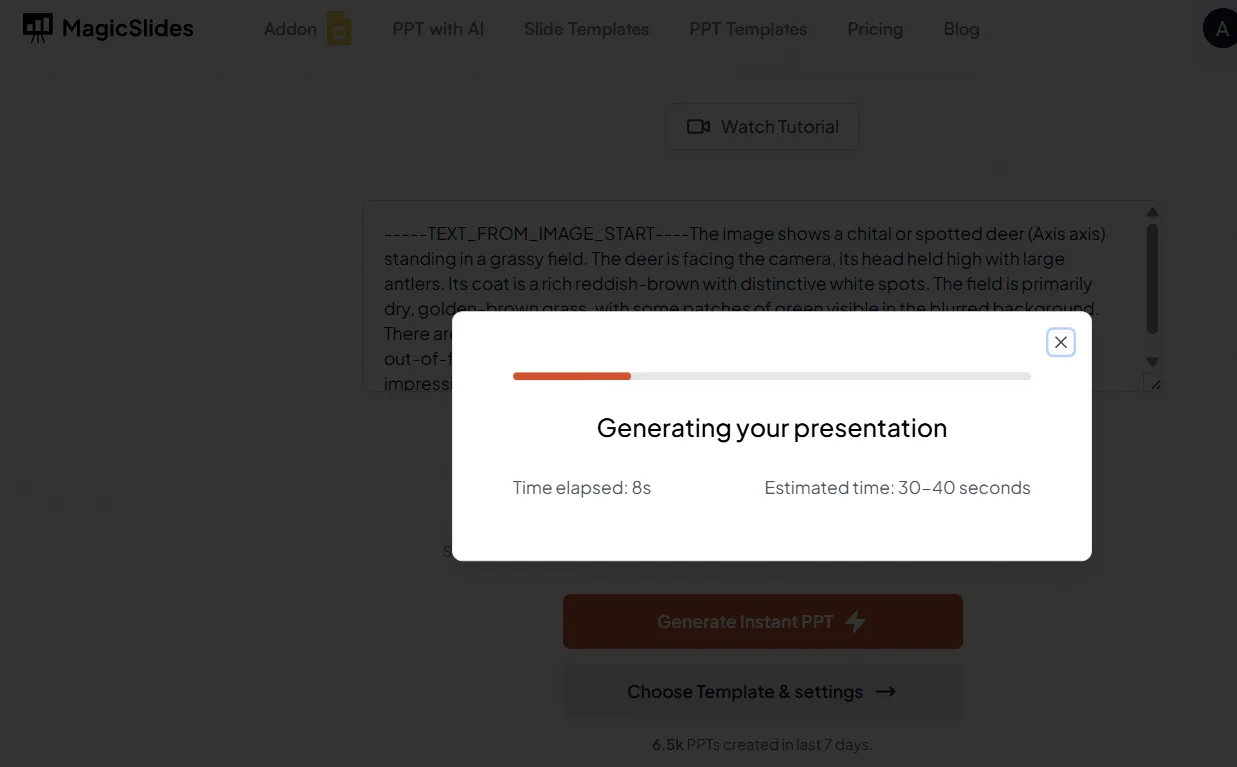
    Generate the PPT:

    Click on the “Generate Presentation” button. The AI will take your input and craft a complete PowerPoint presentation with a clear structure, covering all the necessary details.
    notion image

    Review and Customize:

    Once the presentation is ready, you can review the slides, make any necessary adjustments, and add personal insights or images to make it even more engaging.

    notion image

    Download Your PPT:

    Once you’re satisfied with the results, simply download the presentation as a .pptx file, ready for your presentation.
    MagicSlides doesn’t just save you time it also helps you craft an impactful presentation that looks professionally designed, even if you don’t have much experience with PowerPoint.
    Whether you’re presenting your internship experience to your classmates, professors, or potential employers, MagicSlides ensures you’ll have a well-organized and visually appealing PPT without the hassle of manually designing each slide.

    Conclusion:

    MagicSlides is the perfect tool for anyone looking to create an impressive internship presentation quickly.
    Instead of spending hours organizing content and designing slides, the AI does all the heavy lifting for you. All you need to do is provide a few key details, and MagicSlides will take care of the rest, giving you a polished presentation in no time.
    If you're ready to create your own internship PPT, click here to get started with MagicSlides and save time while delivering a top-notch presentation!

    Share on socials

    About the author

    Ajay Sai profile photo
    Ajay Sai— writer at MagicSlides.app

    Ajay have been a techincal writer for more than 2+ years. from coding tutorials to using day to day apps he have helped 100k+ visitors with their various queries

    More from Ajay

    More from the blog

      250+ Good Morning Messages for Her (Romantic, Deep, Cute & Sweet)

      28 January 2026

      50+ History Presentation Topics For 2026

      28 January 2026

      How to Add Music to Your Canva Presentation: A Step-by-Step Guide

      27 January 2026

      15 Quick Tips To Use ChatGpt At Work

      22 January 2026

      11 Best AI Tools for Business in 2025

      22 January 2026

      How to Create an Infographic That Clearly Communicates Your Message

      20 January 2026

      How to Create a Sales Presentation Template in Google Sheets

      20 January 2026

      How to Make a Pie Chart on Google Slides in Simple Steps

      19 January 2026

      How to Change Slide Size in PowerPoint in 5 Steps

      15 January 2026

    Table of Contents

    Create Presentations in Seconds

    Transform your ideas into professional presentations with AI. No design skills needed.

    Try MagicSlides Free

    Create Stunning Presentations with AI in Seconds ✨

    Transform any topic, text, YouTube video, PDF or URL into beautiful presentations instantly with MagicSlides AI.

    Try MagicSlides AI Presentation Maker
    MagicSlides AI Presentation

    Footer

    Solutions

    • MagicSlides App
    • Google Slides Add-on
    • MagicSlides in Chrome
    • MagicSlides in Figma
    • MagicSlides in ChatGPT
    • MagicSlides in Telegram
    • MagicSlides in Zapier
    • MagicSlides in Figma Slides

    Tools

    • AI PPT Tools
    • QR Code Generator
    • Design Tools
    • PPT Templates
    • Slide Templates
    • PDF Tools

    Examples

    • AI Presentations
    • PPT by MagicSlides
    • Quizzes
    • Charts
    • Coloring Pages

    Resources

    • Changelog
    • Documentation
    • API Docs

    Top Blogs

    • How to Create Presentation Using ChatGPT
    • 100+ Best Seminar Topics for Students in 2025

    Company

    • Help
    • MCP
    • Blog
    • Pricing
    • Affiliate Program
    • Manage Subscription
    • Privacy Policy
    • Contact Us
    • Terms & Conditions
    • Refund & Cancellation Policy

    We also built

    • SheetAI - GPT For Sheets
    • MagicForm - GPT For Google Forms
    • SecondBrain.fyi
    • BlogBee - Free Blogging Platform

    © 2026 IndianAppGuy Tech Pvt Ltd. All rights reserved.