how to use chat gpt 4 step by step complete guide


how to use chat gpt 4 & learn what are the new developments in it’s latest version here.
Welcome to the ultimate guide on unleashing the power of ChatGPT-4, OpenAI's cutting-edge language model. Whether you're a seasoned user or new to AI chatbots, this article will guide you through the essential steps and strategies for an optimal experience with ChatGPT-4.
Learn how to seamlessly upgrade your account and tap into the full potential of this advanced AI tool. We'll cover everything you need to know to make the most of ChatGPT-4's enhanced capabilities and features, ensuring a smooth and enriching interaction that feels both intuitive and human-like. Let's dive in!
How to use Chat Gpt- 4 step by step complete guide:
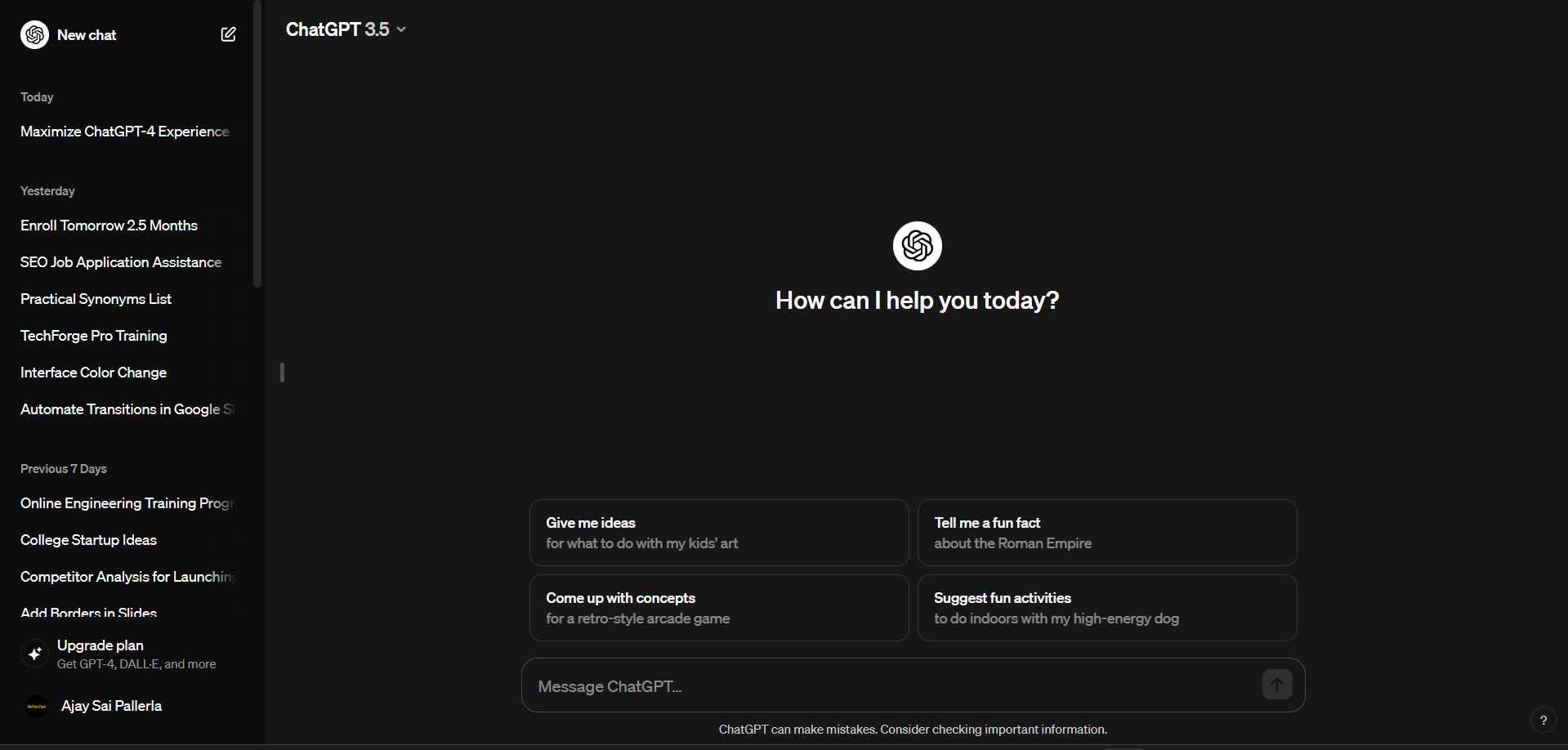
Login to GPT-3.5 & Access Account Settings:
After logging into your ChatGPT account, locate and click on your account profile or username. In the drop-down menu, select "Account" or a similar option to access your account settings.
Here is the link: chat.openai.com
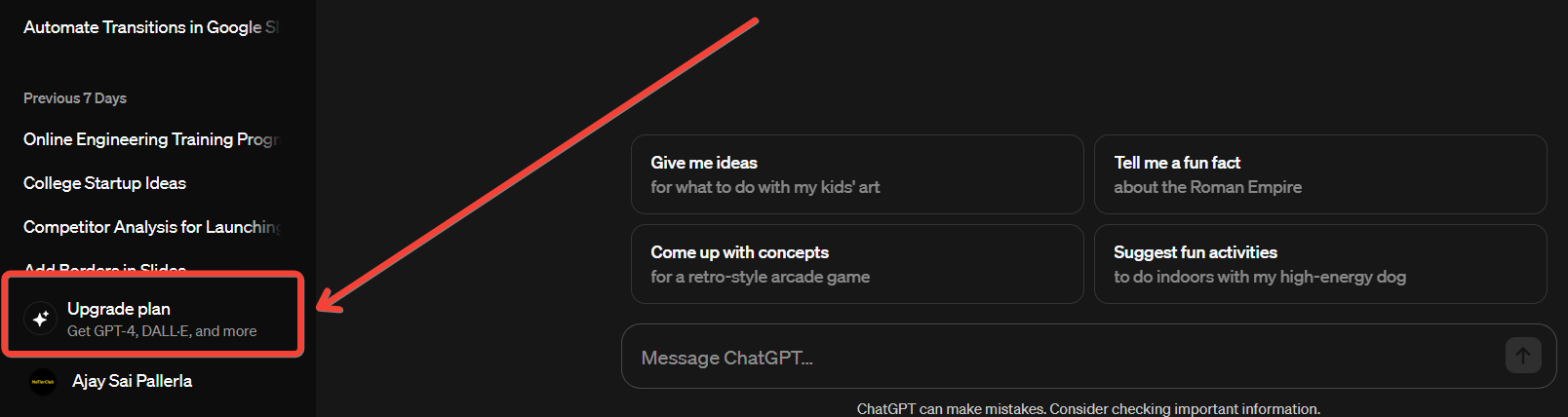
Click Upgrade & choose GPT-4 Subscription:
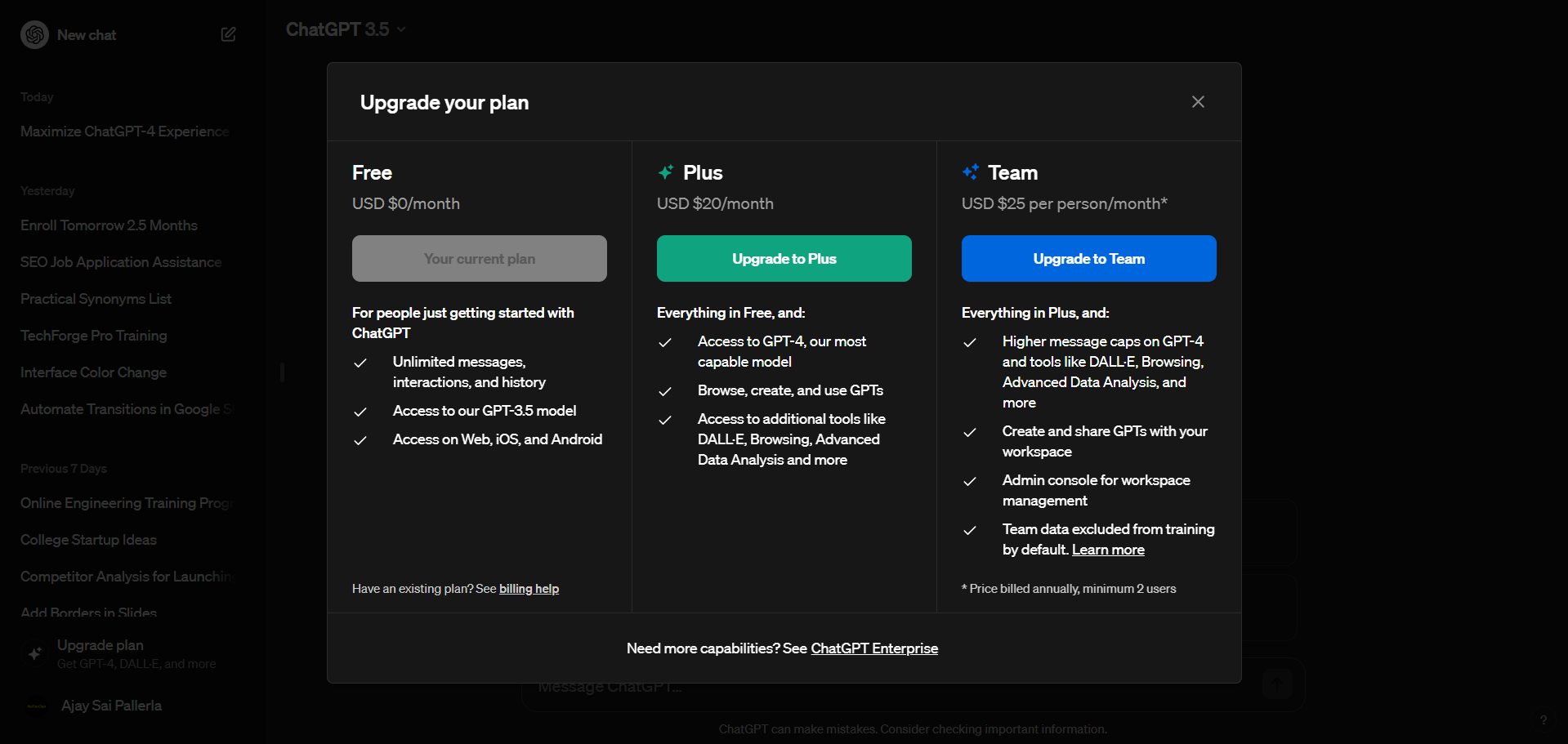
Within the account settings, look for an option related to upgrading. Click on "Upgrade" or a similar option, and you'll be directed to the subscription plans. Choose the GPT-4 subscription plan that suits your needs.
Complete Payment:
Once you've selected the GPT-4 subscription plan, proceed to the checkout or payment page. Enter your payment details, review your order, and confirm the purchase. After a successful payment, you'll receive confirmation that your account has been upgraded to GPT-4.
GPT-4 Real World Use-Cases and Examples:
Academic Research Purpose:
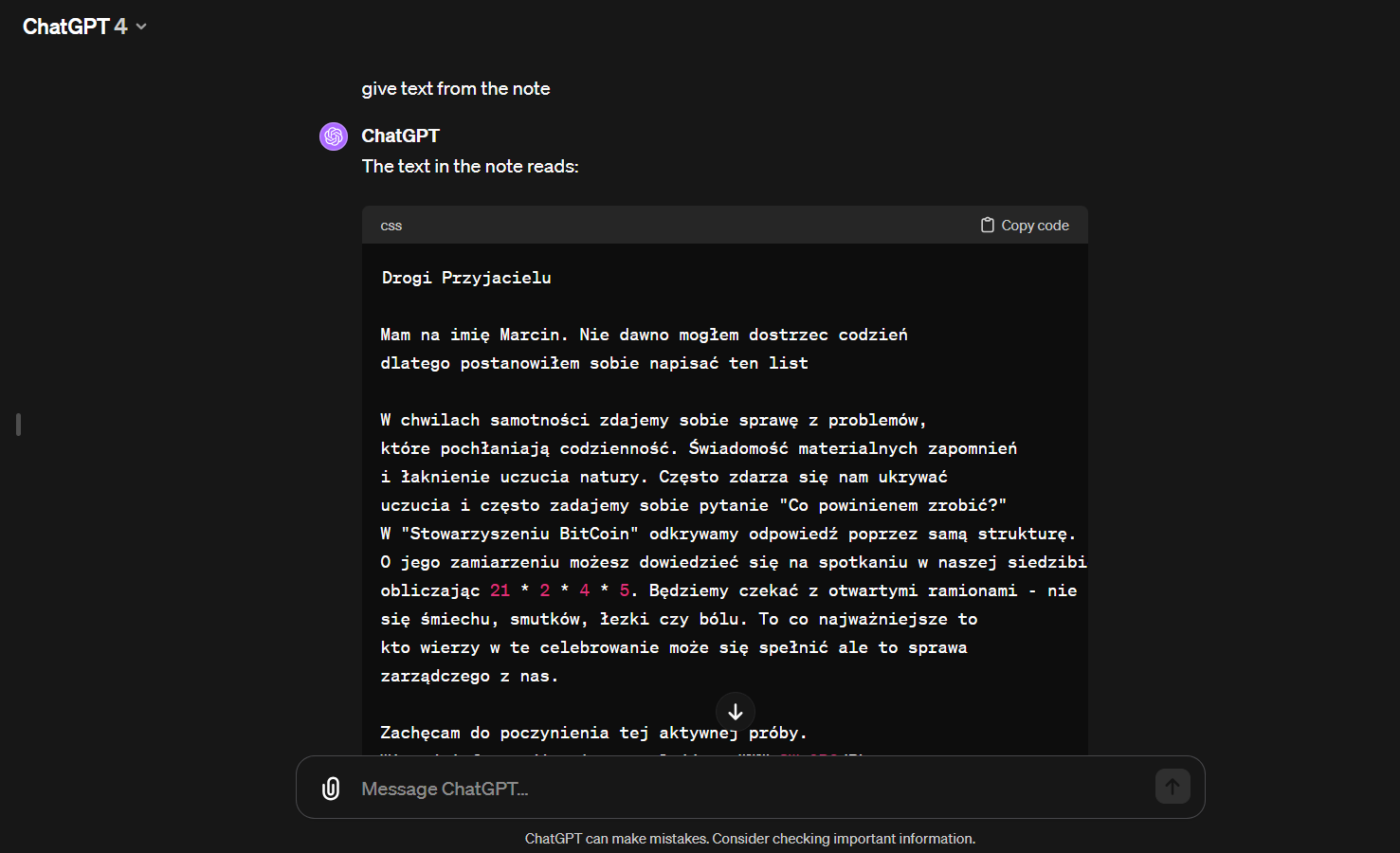
Input: A hand-written, weathered parchment containing ancient script and illustrations, captured as an image.
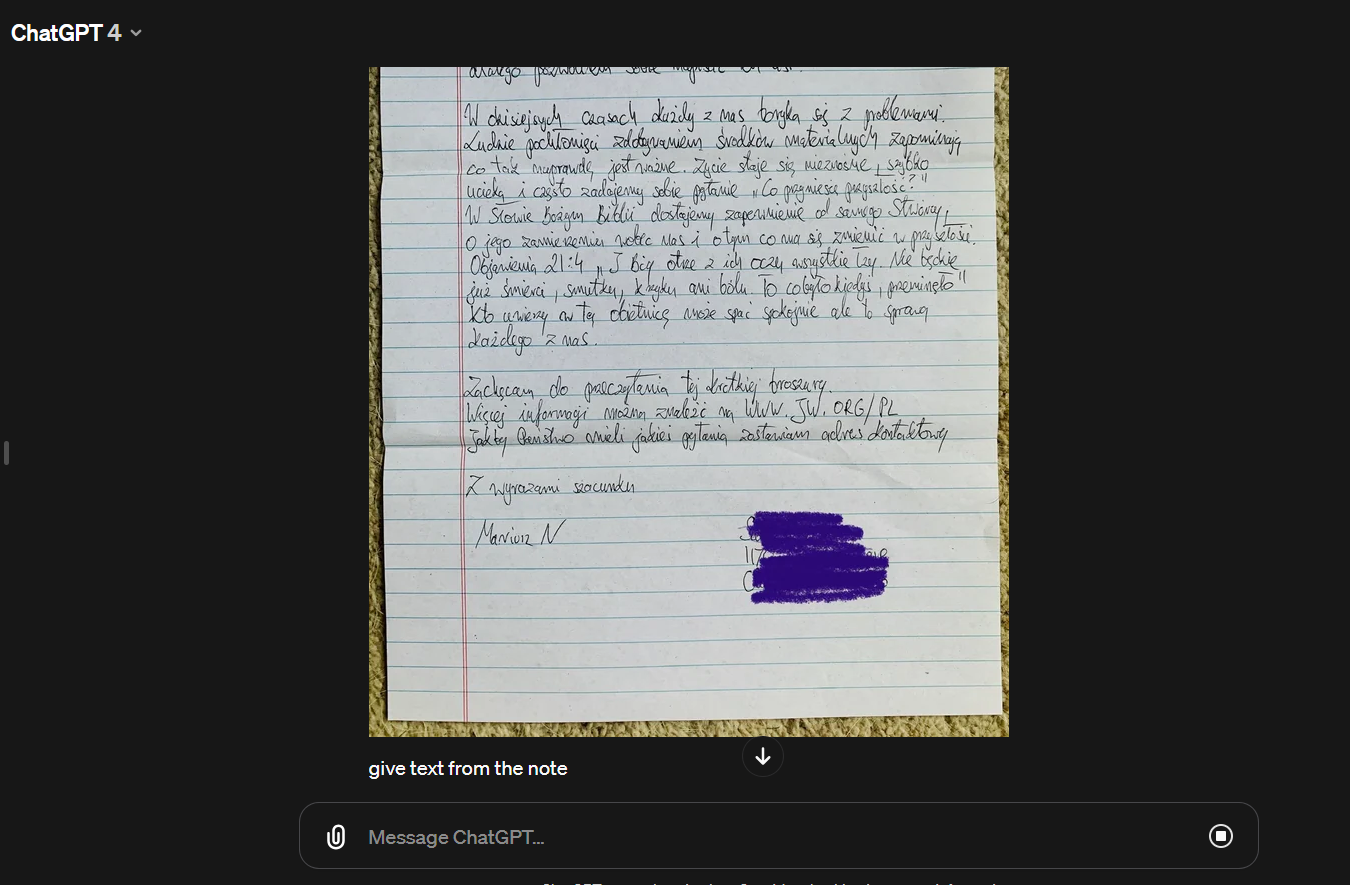
Output: GPT-4 performs a remarkable transformation, converting the intricate text and imagery within the image into readable and digital format. This breakthrough accelerates academic research by easing the decoding of historical manuscripts and preserving invaluable cultural and historical artifacts in a more accessible form.
Web Development:
Input: A detailed hand-drawn sketch presenting the envisioned layout, color schemes, and interactive elements of a modern e-commerce website's product page.
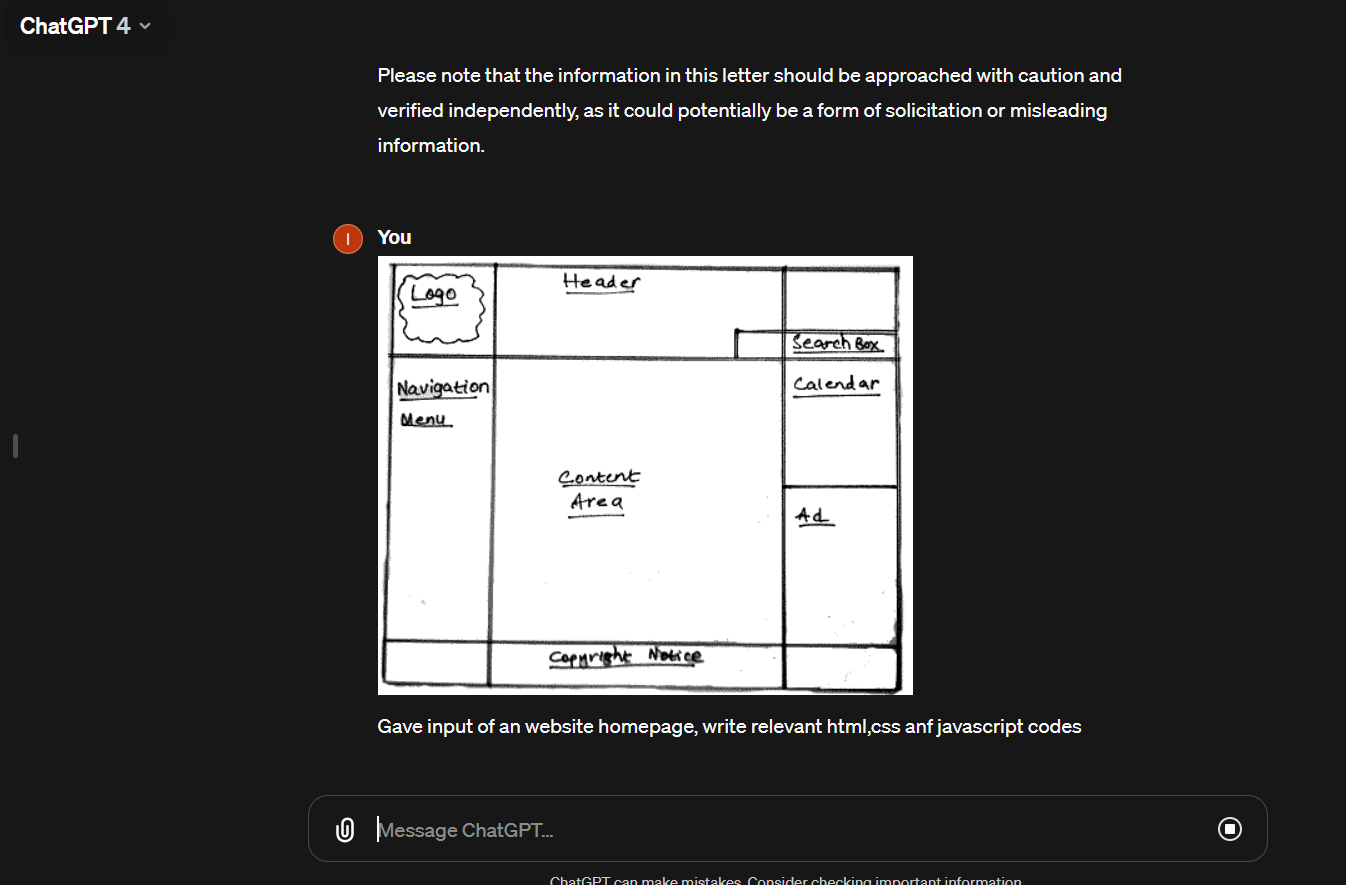
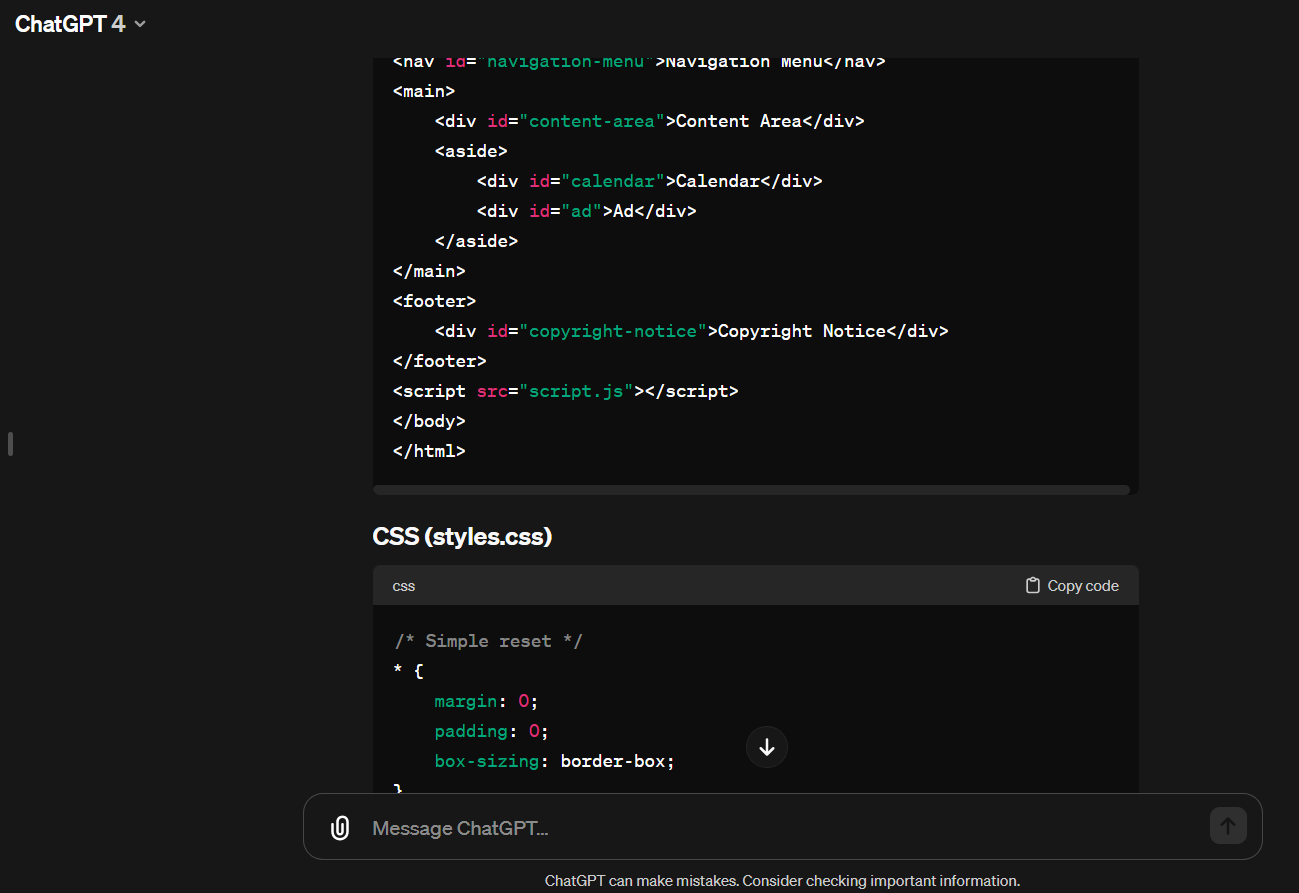
Output: GPT-4's wizardry unfolds as it generates a comprehensive set of HTML and CSS code, intricately replicating the visual design. This empowers web developers to expedite the creation of dynamic, visually appealing web pages, allowing them to focus on refining user experience rather than getting bogged down in the intricacies of manual coding.
Data Interpretation:
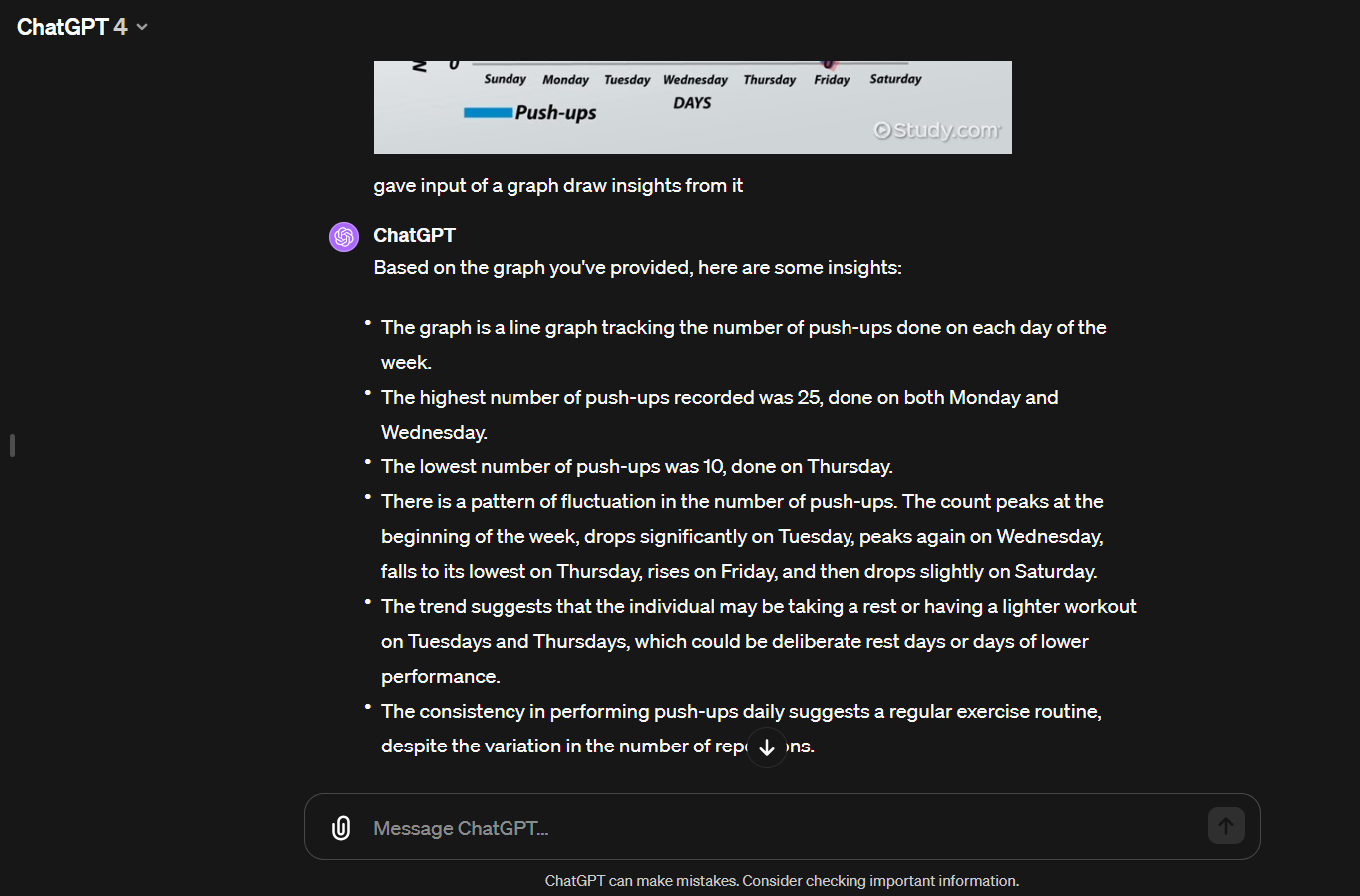
Input: A complex multi-dimensional scatter plot depicting the interplay between various economic indicators over the last century.
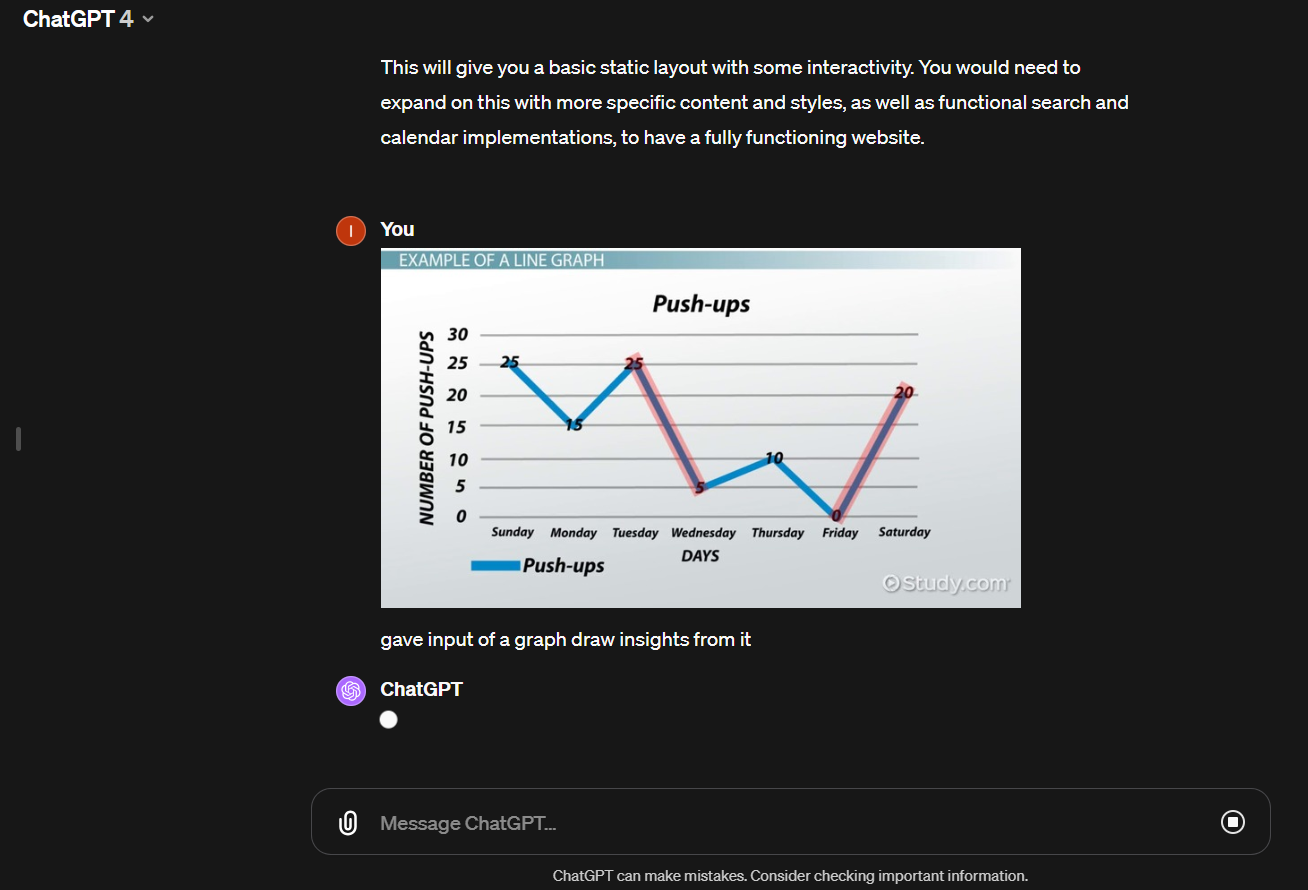
Output: GPT-4 dives into the intricacies of the graph, extracting nuanced insights. It identifies trends, outliers, and correlations, providing a comprehensive understanding of the data visualization. While its analysis is insightful, it is recommended to involve human oversight to refine and validate the derived insights, emphasizing a collaborative approach in data interpretation.
GPT-4 vs GPT-3.5 Comparision of features:
| Feature/Aspect | GPT-3.5 | GPT-4 |
| Multimodal Capabilities | Limited to processing text | Capable of analyzing text, images, and voice; generates images; supports voice interaction |
| Document Analysis | Not an available feature | Accessible for ChatGPT Plus users |
| Image Generation | Lacks the capability for image generation | Utilizes DALL-E 3 to create images |
| Voice Interaction | Lacks voice interaction capability | Includes Whisper for voice recognition and response |
| Nuance and Accuracy | Less nuanced and not as accurate | Demonstrates 10 times more advancement with enhanced context understanding |
| Model Size and Memory | Features a smaller model with short-term memory of 8,000 words | Boasts a larger model with short-term memory of 64,000 words (expanding to 128,000) |
| Training Parameters | Operates with 175 billion parameters | Utilizes around 100 trillion parameters |
| Internet Access | Lacks the capability to access the internet | ChatGPT Plus subscribers can access the internet for up-to-date information |
| Plugin Access | No access to plugins | Exclusive access for Plus subscribers with various external APIs |
| Example Plugins | Not applicable | Offers travel plugins, Ask Your PDF plugin |
In conclusion:
In conclusion, becoming a pro with ChatGPT-4 involves grasping its capabilities, effectively expressing your needs, and adopting smart strategies for optimal results.
By following the steps highlighted in this guide to upgrade to ChatGPT Plus, understanding the distinctions between GPT-4 and its predecessors, and implementing best practices for smoother interactions, you're on the right track to unlock the full potential of this advanced AI model.
Remember, success with ChatGPT-4 boils down to clear communication, breaking tasks down strategically, and making the most of external tools when needed. Enjoy the exploration, and embrace the exciting journey into the future of AI-driven communication!


