How to Optimize Your Slides with AI Slide Generators


Optimize your slides with AI slide generators. Discover tips and tools for creating stunning presentations effortlessly and effectively.
Creating effective and visually appealing presentations can be a time-consuming process. However, with advancements in technology, AI slide generators have emerged as powerful tools to streamline this task.
In this blog, we will delve into the world of AI slide generators and explore how they can help you optimize your presentations. We’ll cover everything from understanding what AI presentation generators are, to practical tips on how to use them effectively. Let's get started!
What Are Slide Generator AI?
AI presentation generators are software tools that use artificial intelligence to create slides for presentations. These tools leverage machine learning algorithms to design slides based on the content you provide. They can analyze text, images, and data to create visually appealing slides that are both informative and engaging. AI slide generators save time by automating the design process, allowing users to focus on the content of their presentations rather than the aesthetics.
Benefits of Using AI Slide Generators
- Time Efficiency: AI tools can generate slides in a fraction of the time it would take to create them manually.
- Consistency: They ensure uniform design and formatting across all slides.
- Enhanced Creativity: AI can suggest creative design elements that you might not have considered.
- Data Integration: These tools can seamlessly integrate charts, graphs, and other data visualizations.
- User-Friendly: Most AI slide generators are designed with ease of use in mind, requiring no design skills.
How to Choose the Right AI Slide Generator
Choosing the right AI slide generator is crucial for optimizing your slides. Here are some factors to consider:
Compatibility with Your Needs
Ensure that the AI slide generator you choose can handle the type of content you need to present. Whether it's text-heavy presentations, data-driven slides, or visually rich media, the tool should be versatile enough to meet your requirements.
Ease of Use
Look for a tool that is user-friendly and requires minimal learning curve. The interface should be intuitive, and the software should provide templates and design suggestions to make the process smoother.
Customizability
While AI can automate a lot of the design process, you should still have the ability to customize the slides to fit your personal or brand style. Check if the tool allows for manual adjustments and custom template creation.
Integration with Other Tools
For seamless workflow, choose an AI slide generator that integrates well with other tools you use, such as Google Slides, PowerPoint, or data visualization software.
Steps to Optimize Your Slides with AI Slide Generators
Optimizing your slides using AI slide generators involves a few strategic steps. Here’s how you can make the most of these tools:
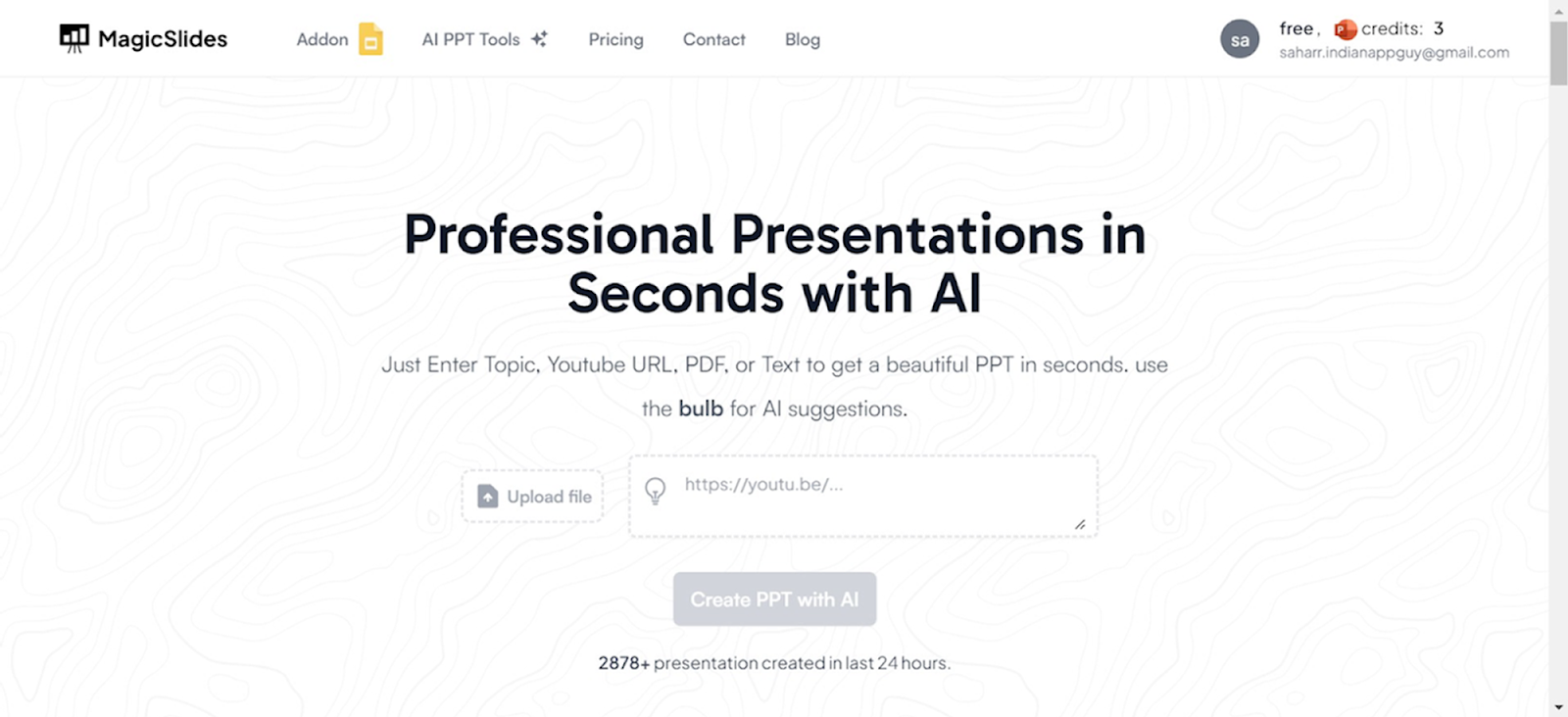
Visit a Reliable AI PowerPoint Maker
Start by navigating to a trusted AI-powered presentation tool like Magicslides.app.
Access AI PowerPoint Tools
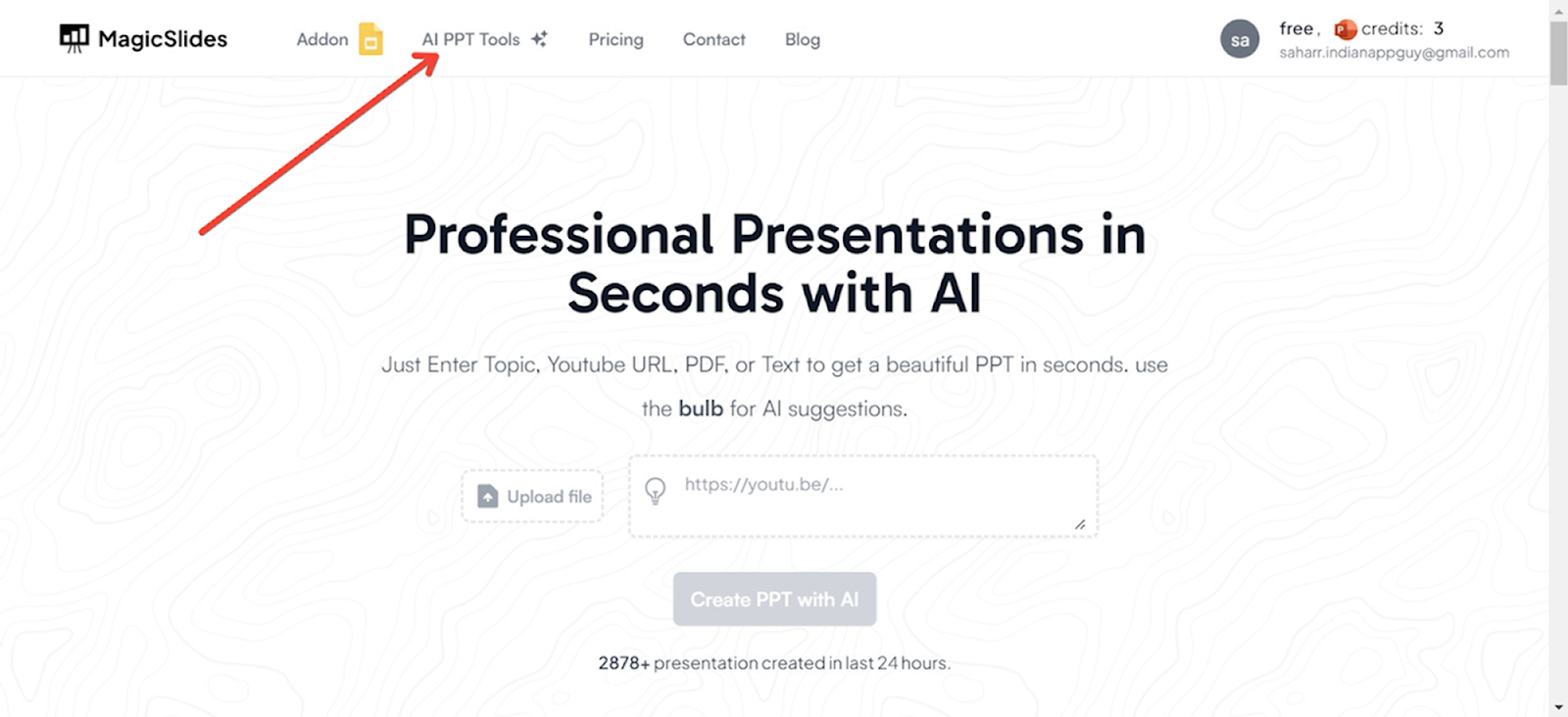
On the Magicslides.app homepage, locate and click on the ‘AI PPT Tools’ section.
Choose Your Creation Method
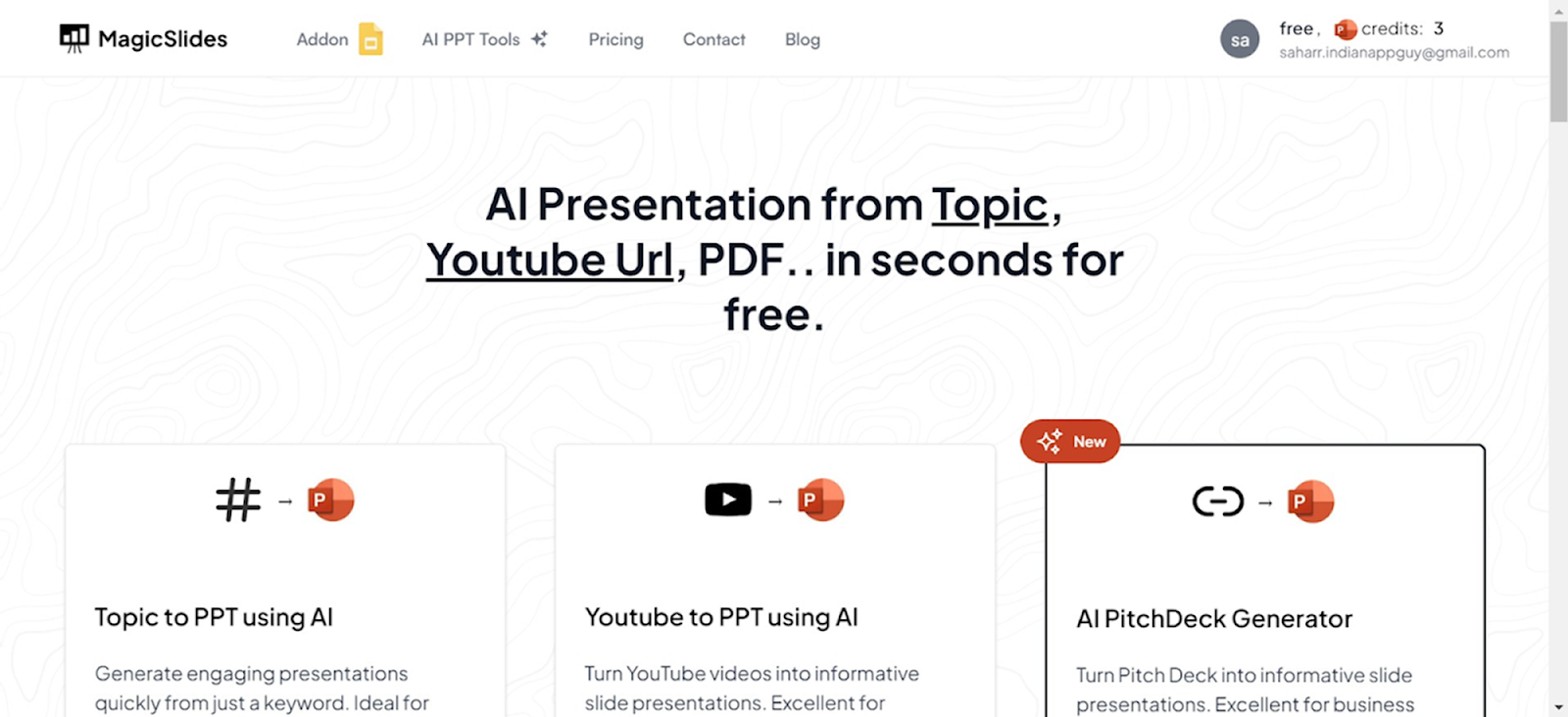
Magicslides.app offers several innovative options to create your PowerPoint:
- Topic to PPT: Generate slides based on a specific subject.
- YouTube to PPT: Convert video content into a presentation.
- URL to PPT: Turn web content into a visually appealing PowerPoint.
- Additional features include a pitch deck generator and enhancements for existing presentations.
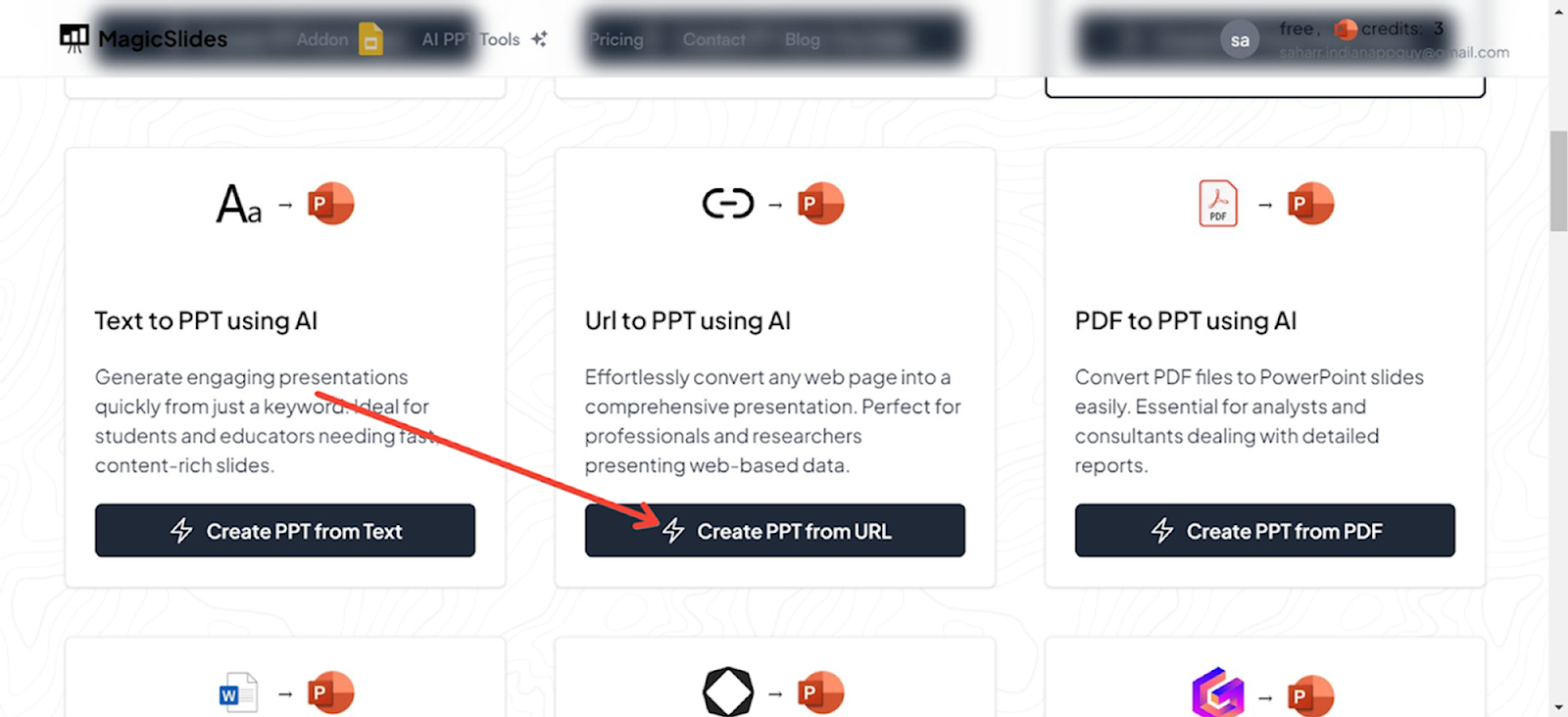
Using URL to PPT for This Guide
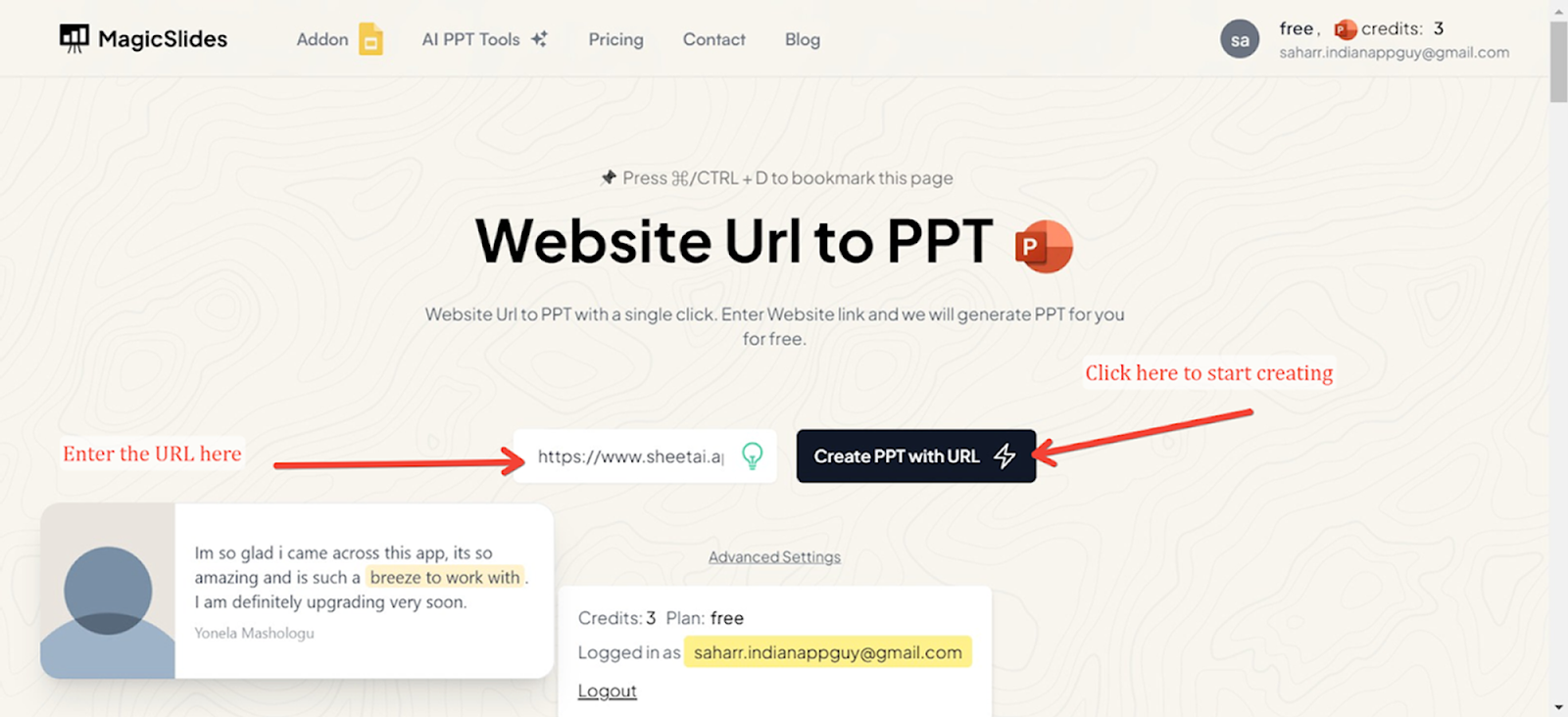
For this demonstration, we will use the URL to PPT feature. This option is particularly useful for converting articles, blog posts, and other web content directly into PowerPoint slides.
Enter the URL
Input the URL of the web page you want to convert into a PowerPoint presentation in the designated field.
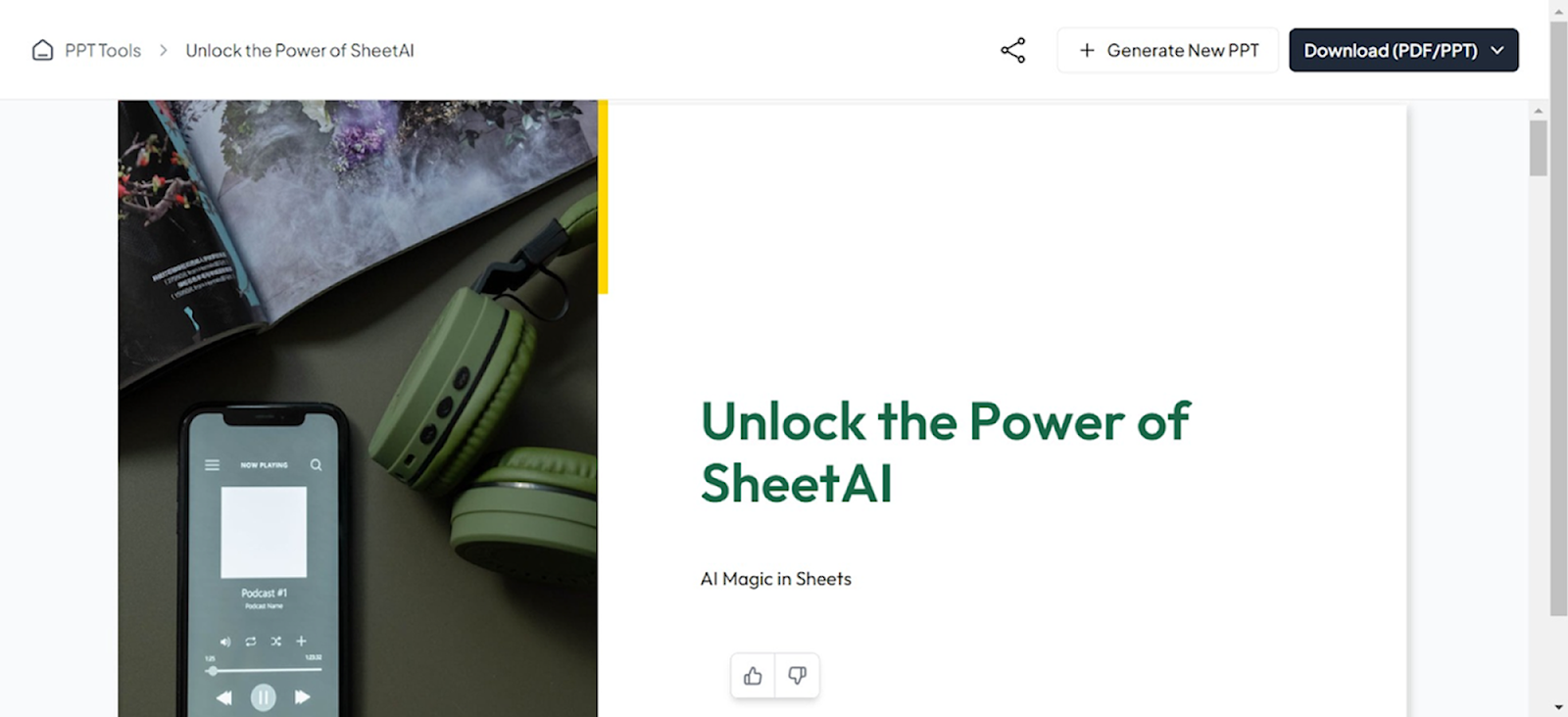
Generate Your Presentation
Click the generate button, and Magicslides.app will process the URL, extracting key information and organizing it into a beautifully designed PowerPoint presentation. The result is a ready-to-use slide deck that you can edit further if needed.
Advanced Tips for Using AI Slide Generators
To get the best results from AI slide generators, here are some advanced tips:
Leverage Data Visualization
If your presentation involves data, use the AI tool's data visualization features to create charts, graphs, and infographics. These visual elements can help convey complex information more clearly.
Utilize AI-Powered Suggestions
Many AI slide generators offer suggestions for improving your slides. Pay attention to these recommendations as they can enhance the overall quality of your presentation.
Incorporate Branding
Ensure that your slides are consistent with your brand’s visual identity. Customize the templates to include your brand colors, logos, and fonts.
Optimize for Readability
Keep text minimal and focus on key points. Use bullet points, short sentences, and clear headings. This makes it easier for your audience to follow along and grasp the main ideas.
Practice Your Presentation
Even the best slides can fall flat without a good presentation. Practice delivering your slides to ensure a smooth flow and confident delivery. The AI-generated slides will serve as a strong visual aid to support your message.
Conclusion
AI slide generators are transforming the way we create presentations by making the process faster, easier, and more efficient. By understanding how to use these tools effectively, you can optimize your slides and deliver compelling presentations that captivate your audience. Whether you're a professional, educator, or student, AI slide generators can help you elevate your presentations to the next level. So, embrace this technology and let AI enhance your slide creation process.


