Presentation Tricks That Most People Don’t Know


Discover powerful presentation tricks that most people don’t know! Improve your confidence, engagement, and delivery with these expert tips.
Giving a great presentation is not just about having good content—it’s about delivering it in a way that keeps your audience engaged. Most people stick to the basics: using bullet points, reading from slides, and keeping the design simple. But there are presentation tricks that can make your slides more impactful, memorable, and professional—tricks that most people don’t know about!
In this article, we’ll reveal some lesser-known yet highly effective presentation techniques. We’ll also introduce MagicSlides.app, an AI-powered tool that can generate professional presentations instantly, saving time and effort.
Hidden Presentation Tricks to Make Your Slides Stand Out
1. Use the “B” and “W” Keys to Control Attention
During your presentation, pressing the B key will turn the screen black, and pressing the W key will turn it white. This is a great trick when you want to pause and discuss something without distractions. It forces the audience to focus on you instead of the slides.
2. Apply the 10-20-30 Rule
Marketing expert Guy Kawasaki suggests this simple rule for effective presentations:
- 10 slides (Keep it concise)
- 20 minutes (Stay within attention spans)
- 30-point font (Prevents reading from slides)
This technique ensures that your presentation remains clear, engaging, and impactful.
3. Use Contrast and Empty Space to Enhance Readability
Most people overcrowd their slides with text and images. Instead, use contrast (light text on dark background or vice versa) and white space to make your content easy to read.
4. The “Picture Superiority Effect”
Studies show that people remember images better than text. Try replacing bullet points with visuals, icons, and infographics to make your slides more memorable.
5. Use GIFs Instead of Static Images
GIFs can be more effective than static images because they capture attention and demonstrate motion, making them great for explaining concepts. Websites like Giphy provide free GIFs that can be easily inserted into slides.
6. Use the “One Message Per Slide” Rule
Many presenters cram multiple points onto one slide. Instead, stick to one idea per slide to keep your audience focused and avoid clutter.
7. Leverage Storytelling with the STAR Method
People remember stories more than facts. Use the STAR (Situation, Task, Action, Result) method to tell compelling stories that connect with your audience.
8. Use Speaker Notes for a More Natural Delivery
Instead of reading from the slides, use speaker notes to remind yourself of key points while keeping eye contact with the audience.
9. Engage the Audience with Questions
A simple “What do you think?” or “Can you guess?” keeps the audience involved and makes the presentation interactive.
10. Use AI-Powered Tools for Instant Slide Generation
If you struggle with designing presentations, AI tools like MagicSlides.app can generate high-quality slides instantly based on your topic. Let’s see how it works.
How to Instantly Generate Professional Presentations with MagicSlides.app
Creating engaging slides manually can be time-consuming. MagicSlides.app is an AI-powered tool that helps users automatically generate presentations in seconds.
Steps to Create a Presentation Using MagicSlides.app
- Visit MagicSlides.app.
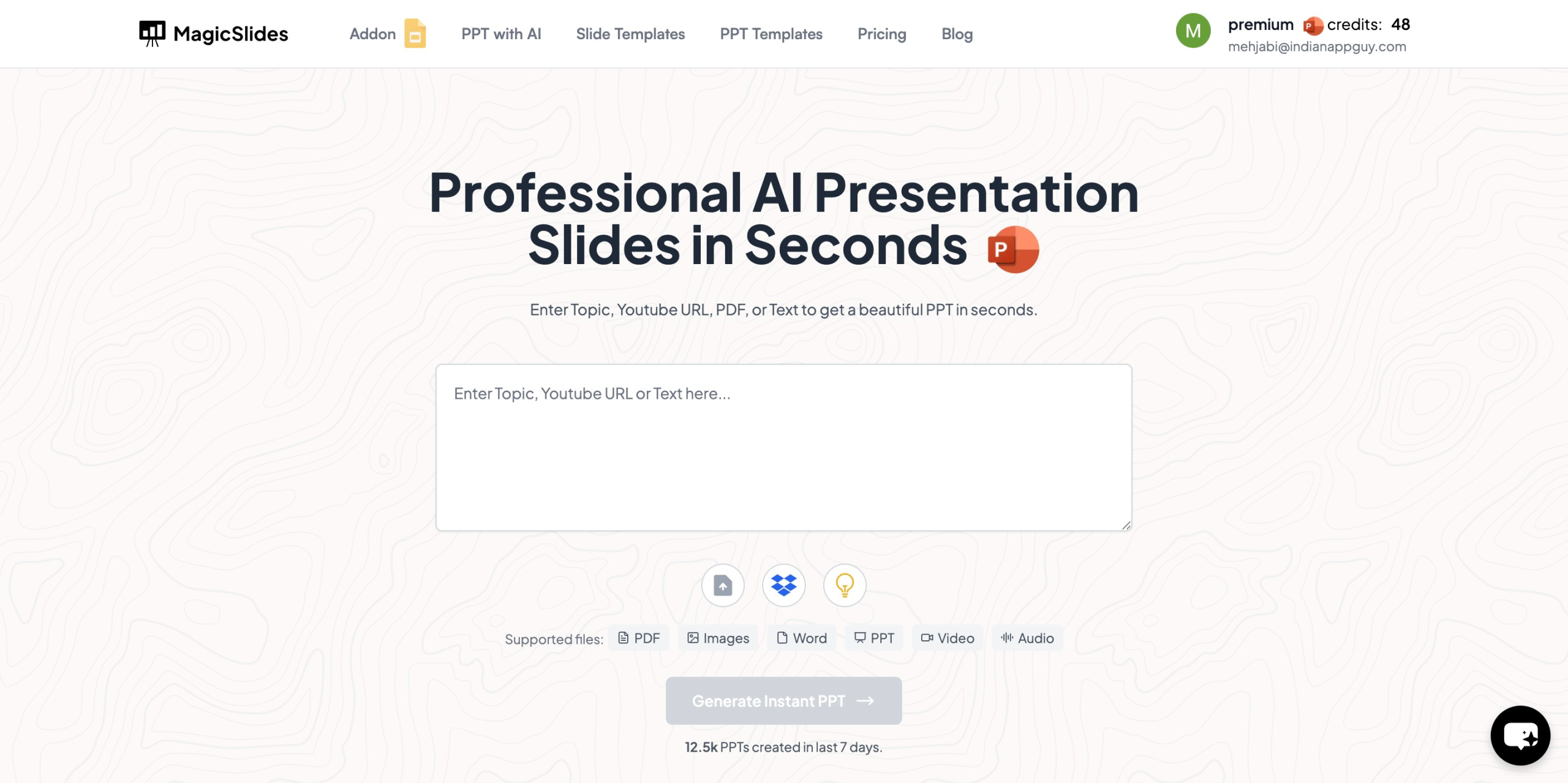
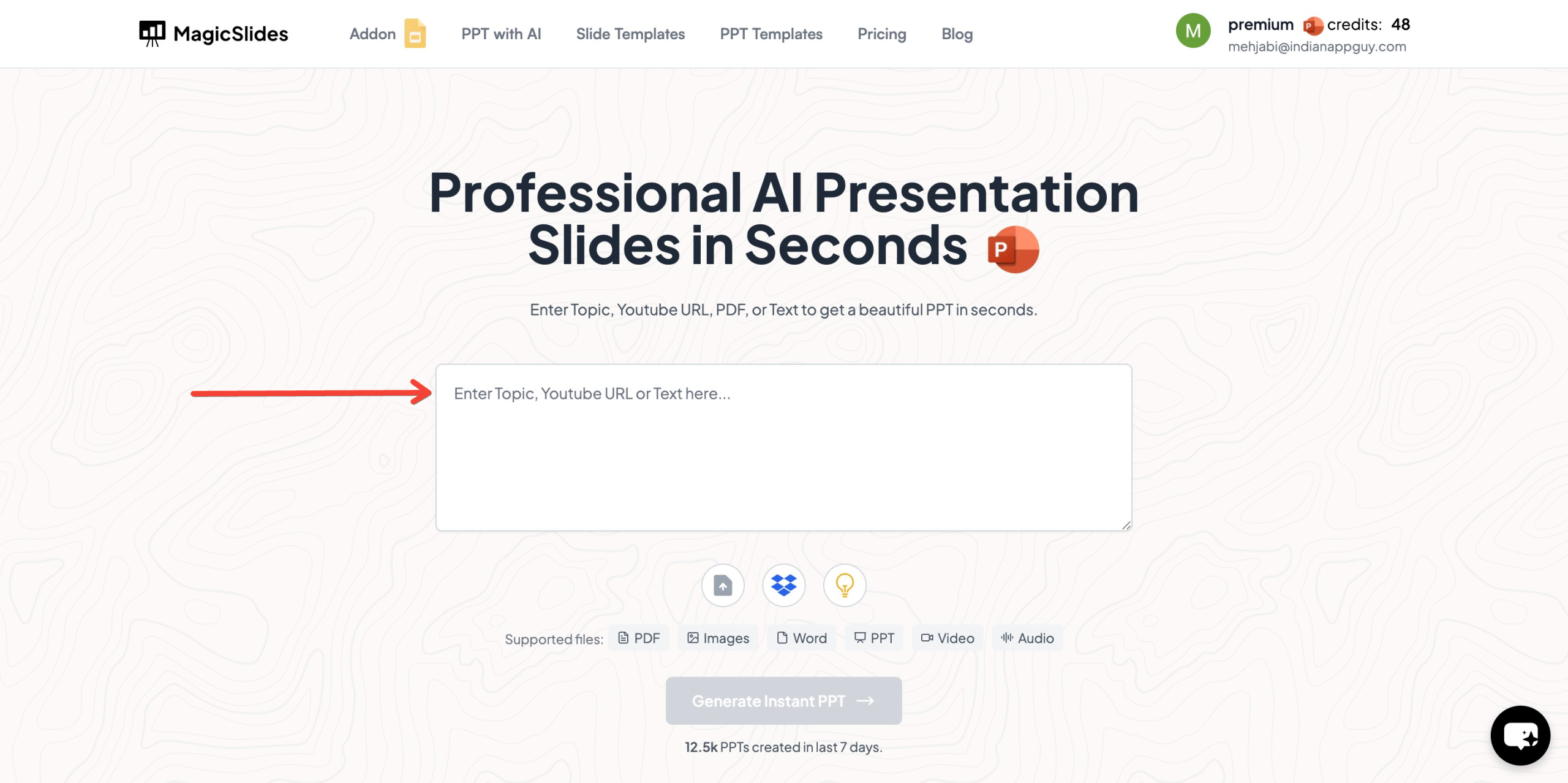
- Enter your topic in the provided space.
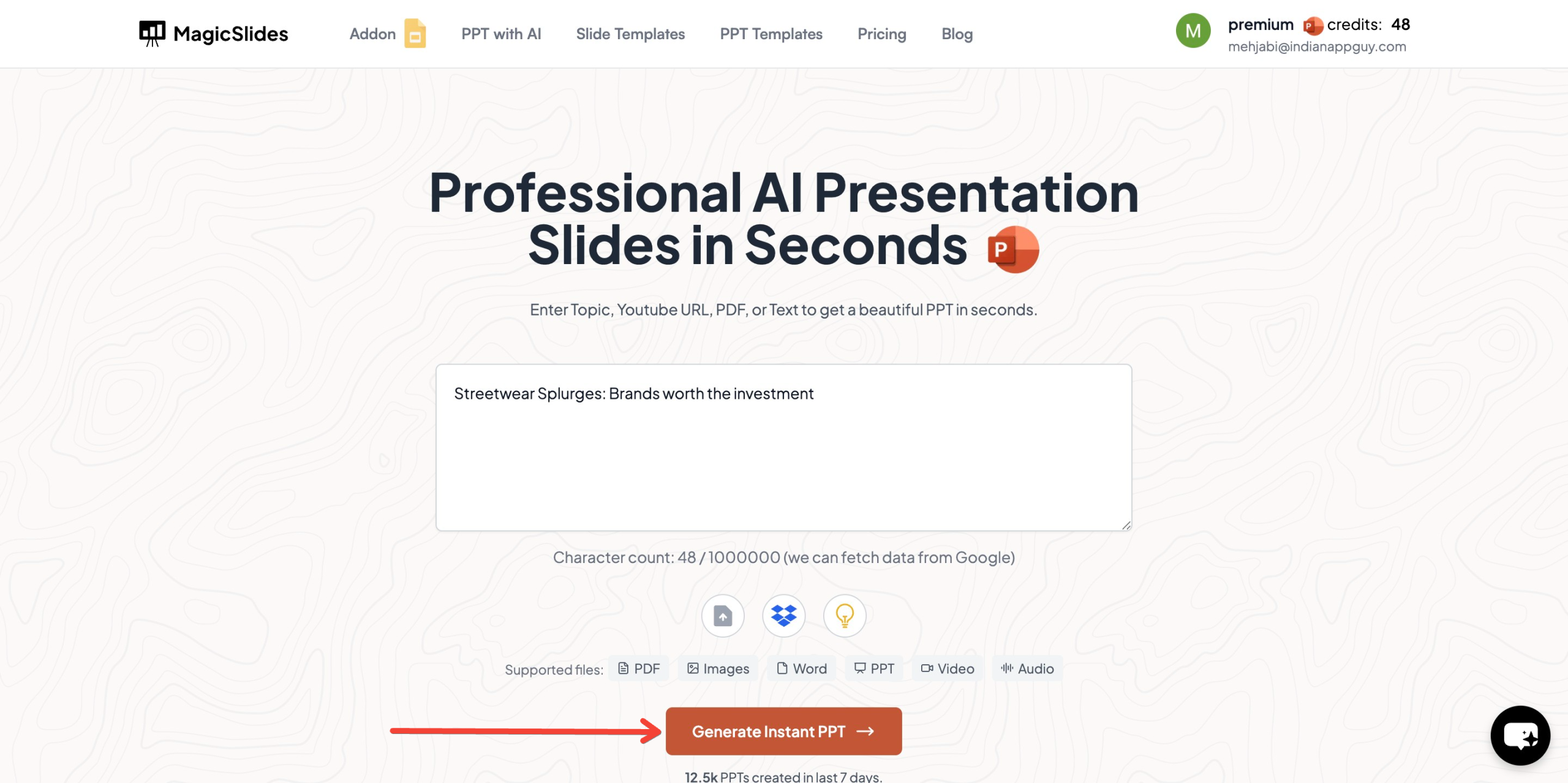
- Click on “Generate Instant PPT” to start the process.
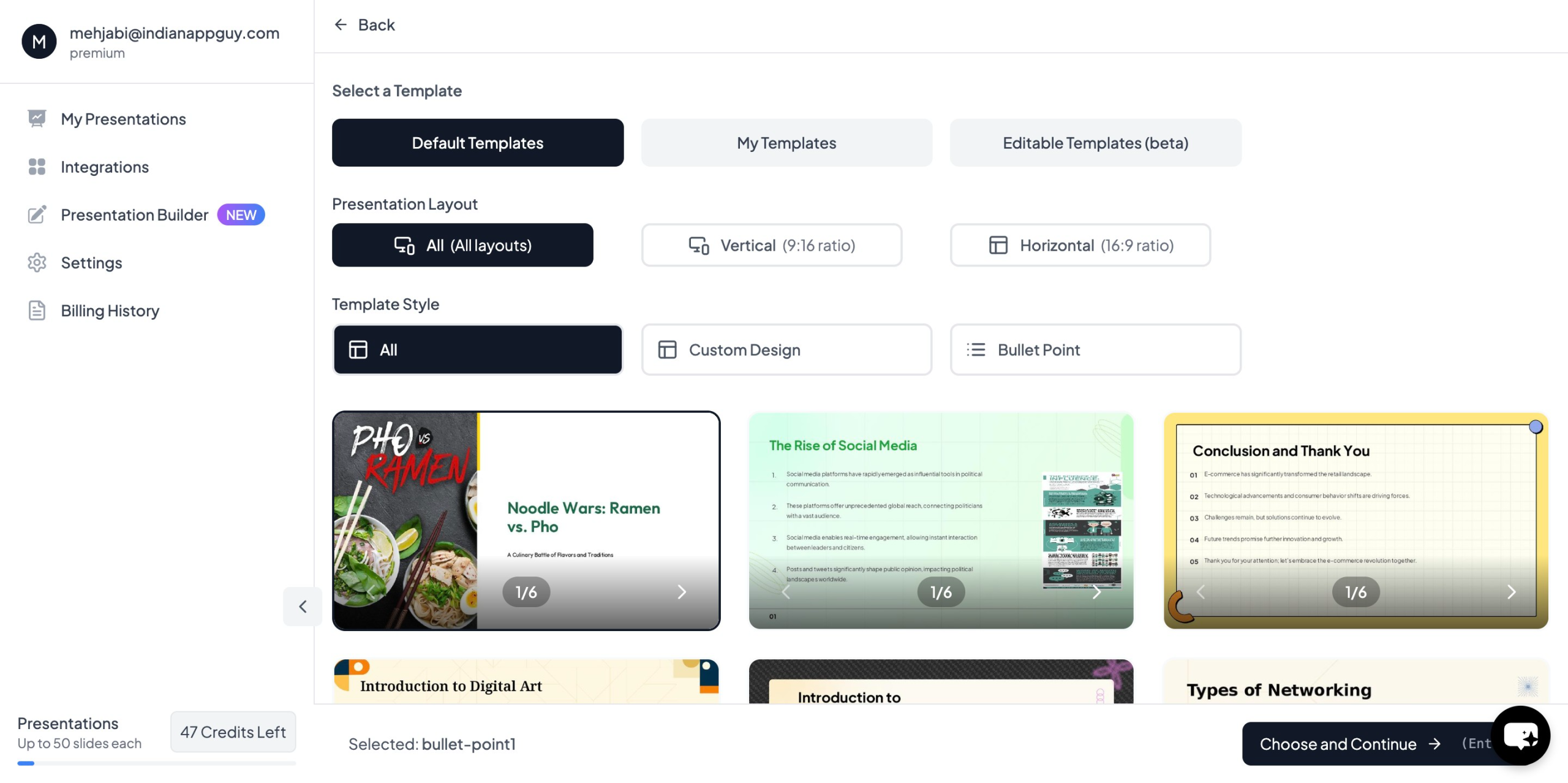
- Choose your template and select the number of slides as prompted.
- Once all details are filled, click “Generate Instant PPT”.
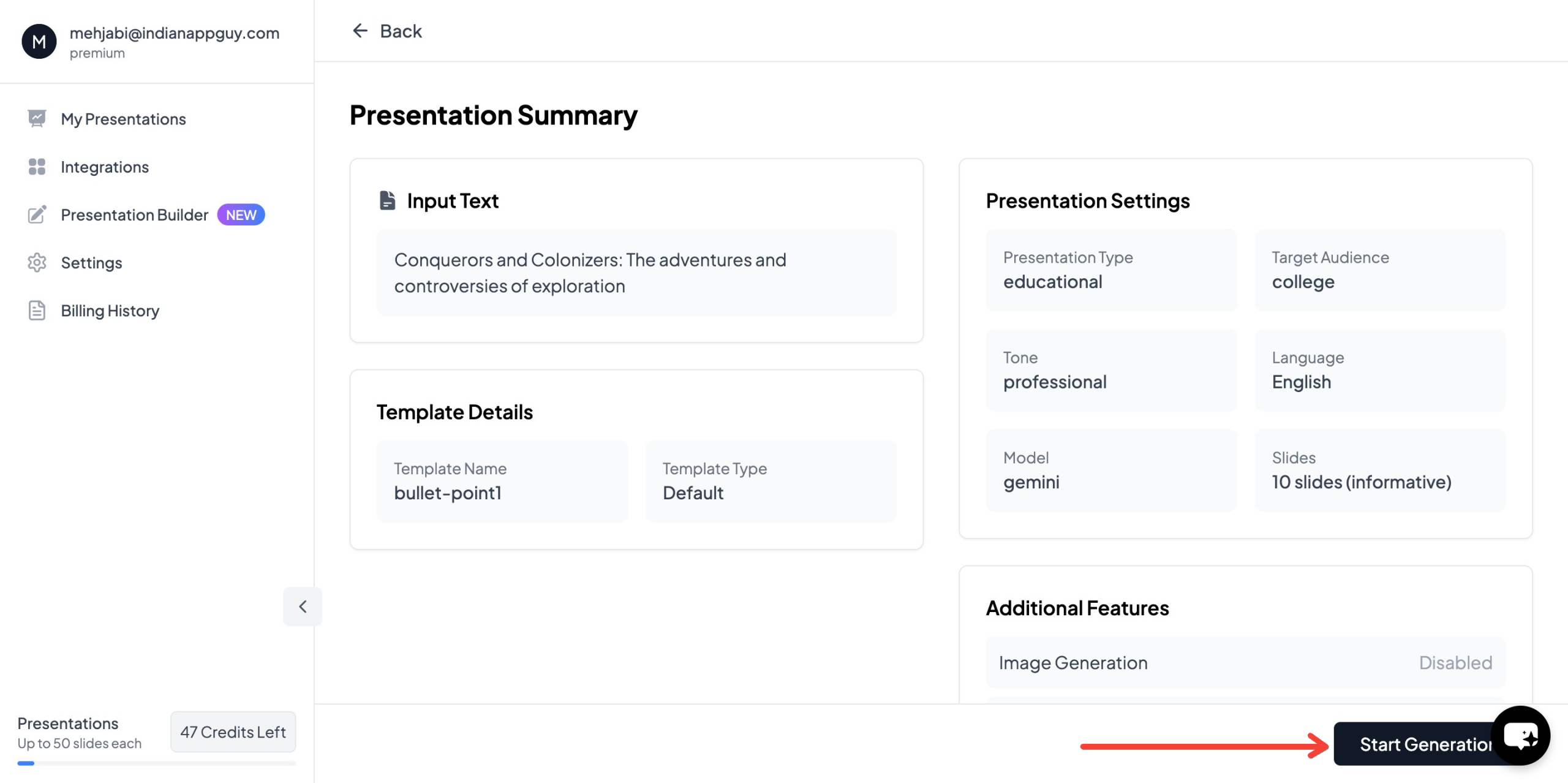
- Your AI-generated presentation will be ready to download and use!

This tool is perfect for students, professionals, and educators who need high-quality slides quickly without spending hours designing them.
MagicSlides.app Pricing & Plans
MagicSlides offers different pricing plans based on the number of slides and features you need:

If you’re unsure which plan to choose, MagicSlides also provides a pricing calculator to help you find the best option for your needs.
Final Thoughts
Mastering presentation tricks can transform your slides from boring to captivating. Whether it’s using contrast, storytelling, or interactive elements, these simple yet powerful techniques can elevate your presentation skills.
And if you’re short on time, MagicSlides.app is the perfect AI-powered solution to generate professional and engaging presentations instantly. With flexible pricing and an easy-to-use interface, it’s a must-have tool for anyone who frequently creates presentations.
Ready to create stunning presentations effortlessly? Try MagicSlides.app today! 🎯


