How to set default font in Microsoft Powerpoint with images in just five steps


Setting a default font in Microsoft PowerPoint allows you to ensure consistency in your presentations by using your preferred font for all new slides.
Step 1: Open PowerPoint: Open Microsoft PowerPoint on your computer.
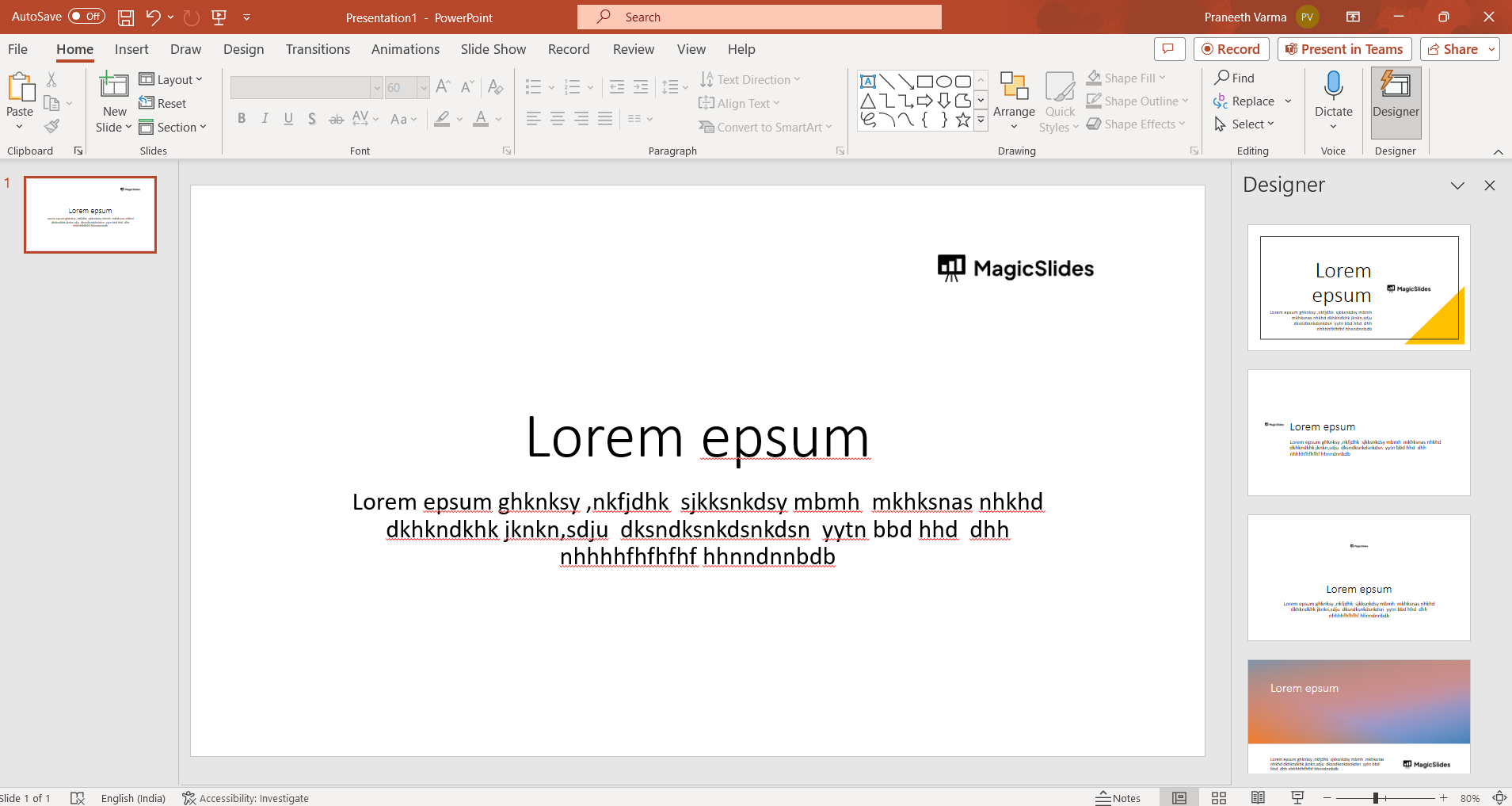
Step 2: Access PowerPoint Options: In most versions of PowerPoint, you can access PowerPoint Options by clicking on the "File" tab located in the upper left corner of the window. Then, click on "Options" at the bottom of the navigation pane.
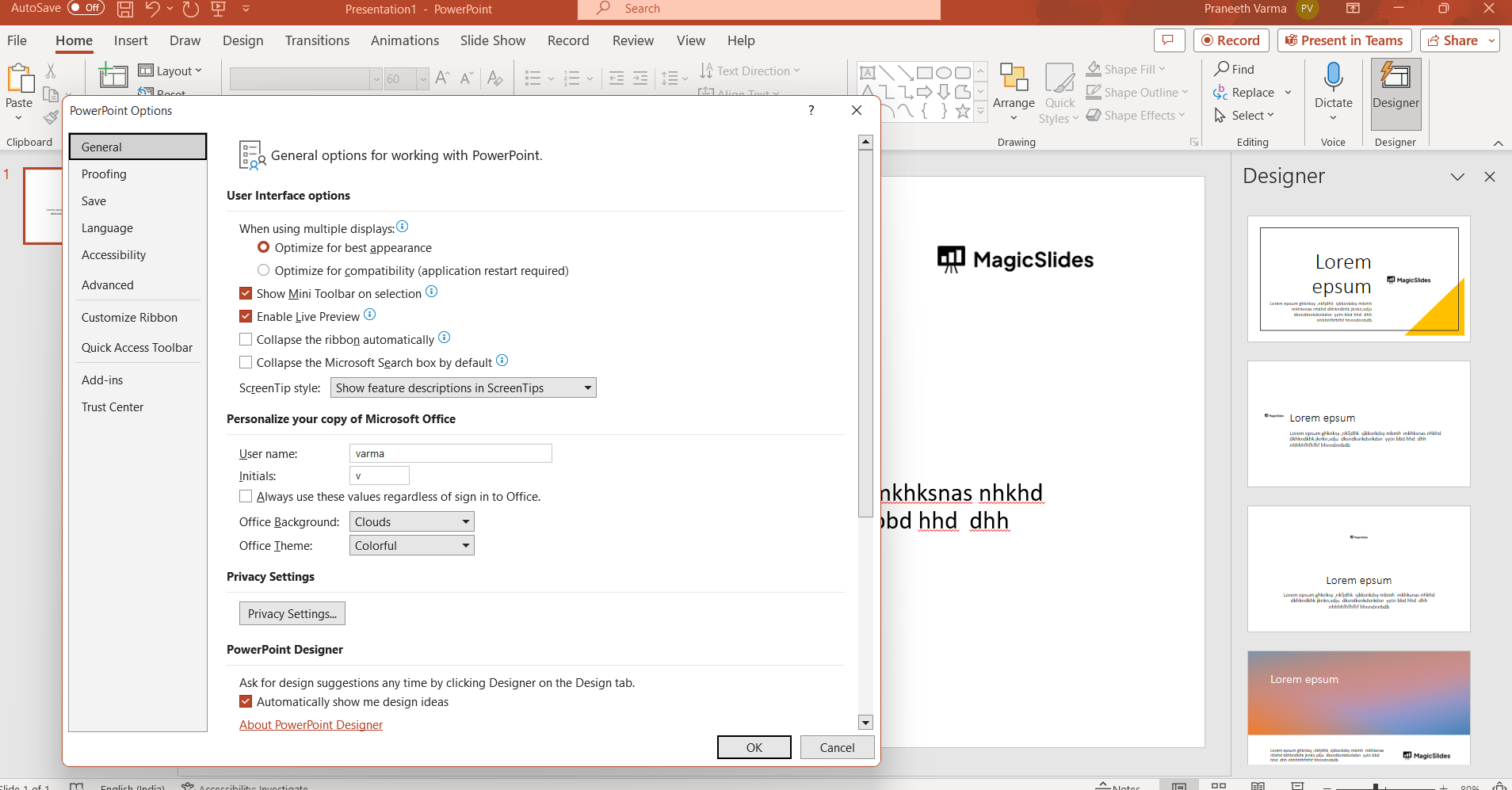
Step 3: Navigate to the Save and Language Settings: In the PowerPoint Options window, a set of categories will be displayed on the left sidebar. Click on "Save" to access the Save settings.
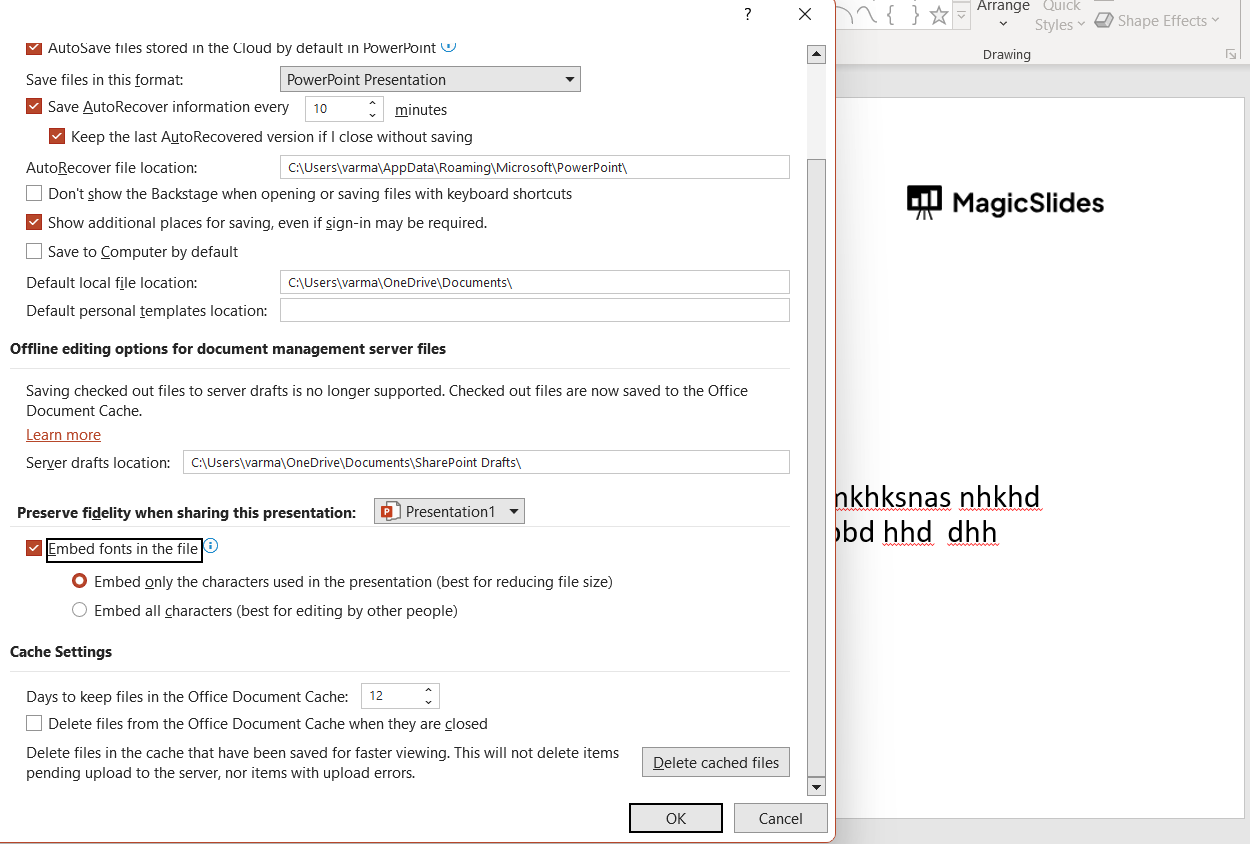
Step 4: Choose Default Fonts: Within the Save settings, you might find an option labeled "Preserve fidelity when sharing this presentation." Check if there's a drop-down menu with the label "Fonts."
- If you find the "Fonts" drop-down, open it and choose "Embed fonts in the file." This will ensure that the fonts you use are embedded in the presentation, so they appear correctly on other computers.
- If there's no specific "Fonts" drop-down, scroll down further to find the "Fonts" section.
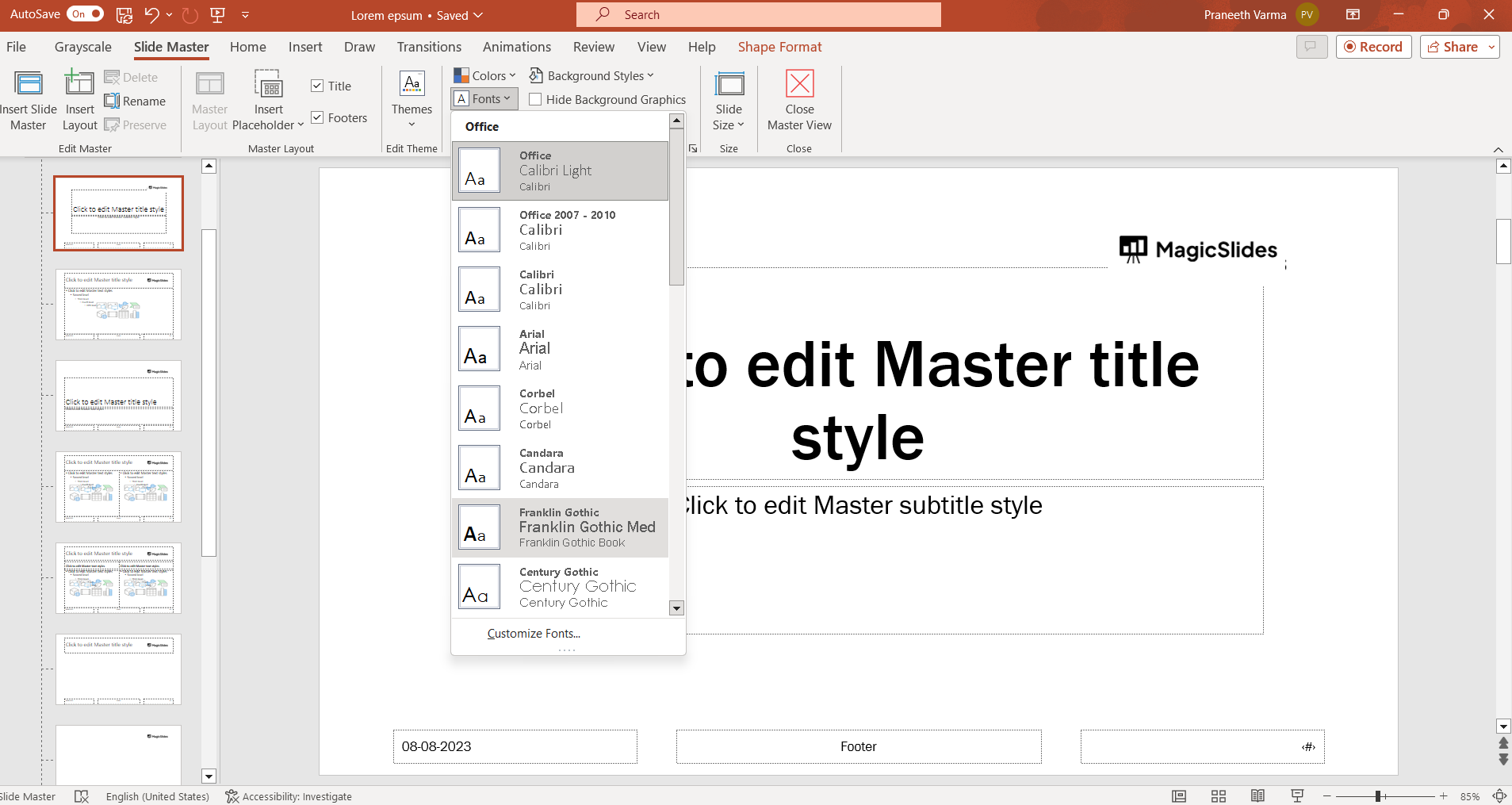
Step 5: Set Default Fonts: Within the "Fonts" section, there should be options to set your default font for both "Latin text" (typically the main text) and "East Asian text" (used for certain character sets, like Chinese or Japanese). Use the drop-down menus to choose your preferred fonts for these two categories. If the default font options are not available, then go to view and choose slide master settings in the same tab you will find an option to set the default font which works fine across all maximum versions of PowerPoint.
- Apply and Save Changes: Once you've selected your desired fonts for Latin and East Asian text, click the "OK" button at the bottom of the PowerPoint Options window to save your changes.
- Restart PowerPoint: Close and reopen PowerPoint for the changes to take effect. Any new slides you create will now use the default font settings you specified.
Remember that these steps are based on previous versions of PowerPoint, and the user interface might have changed in newer versions. If you can't find the exact options mentioned above, explore the PowerPoint Options or Preferences menu to locate the font settings.


