What Canva font pairs well with canva’s meow Script


Pair Canva’s Meow Script with elegant serif, modern sans-serif, or simple handwritten fonts for balanced designs
What Canva Font Pairs Well with Canva’s Meow Script?
Canva’s Meow Script is a playful, handwritten font with a stylish and elegant flow.
It works best when paired with a complementary font that balances its whimsical feel while maintaining readability.
In this guide, we’ll explore font pairings that enhance Meow Script’s charm and ensure a visually appealing design.
Best Font Pairings for Meow Script in Canva
Step 1: Understand Meow Script’s Style
Meow Script is a casual, handwritten font with smooth curves.
It works best for logos, invitations, social media graphics, and branding materials.
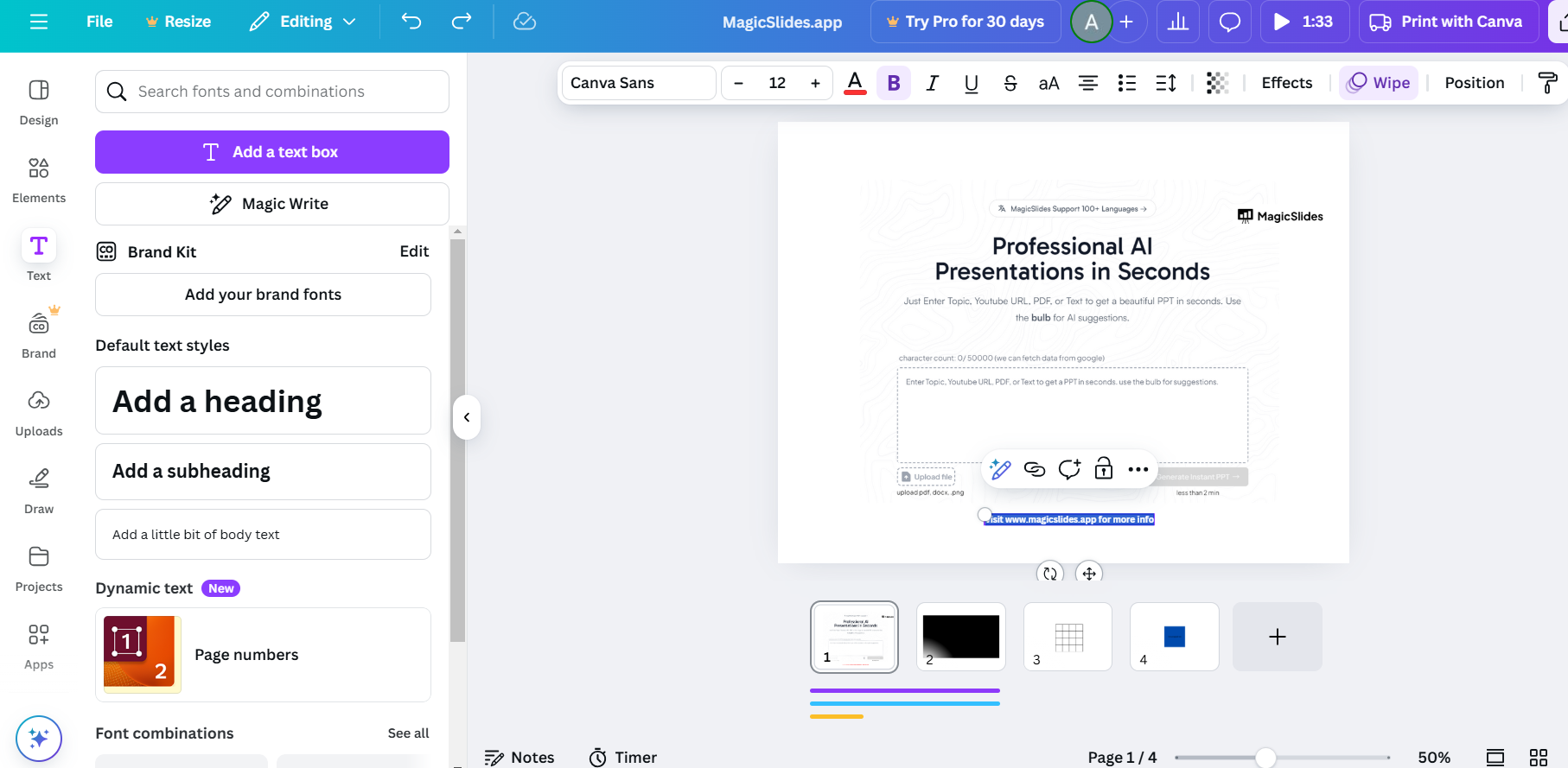
To create balance, pair it with a clean and structured font.
Step 2: Choose a Complimentary Serif Font
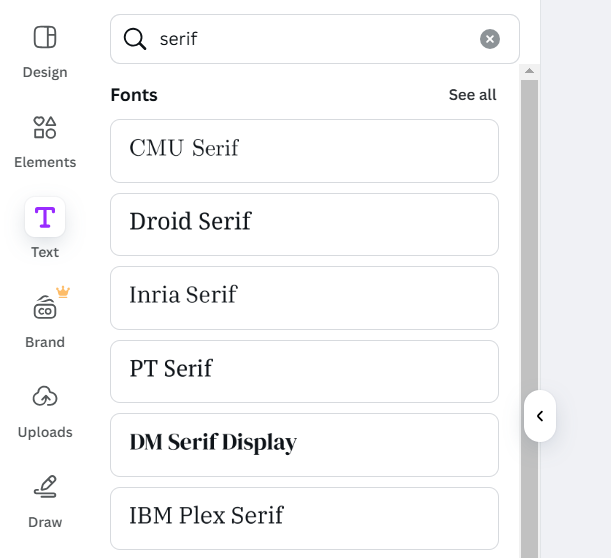
Serif fonts add a classic and elegant touch to Meow Script.
Best serif font pairings:
- Playfair Display – A sophisticated choice that adds contrast.
- Libre Baskerville – Offers a formal, readable look.
- EB Garamond – A timeless font with professional appeal.
Step 3: Pair with a Modern Sans-Serif Font
Sans-serif fonts provide a clean and minimal contrast to Meow Script’s curves.
Best sans-serif font pairings:
- Montserrat – A versatile, modern font that ensures readability.
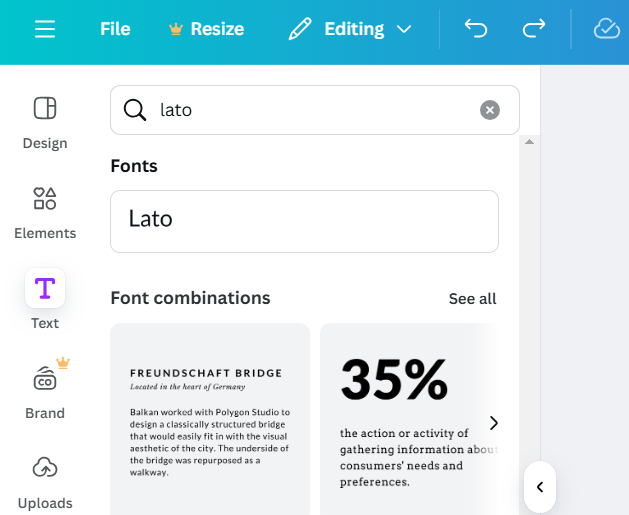
- Lato – Soft and balanced, perfect for a polished design.
- Poppins – A geometric sans-serif that complements the handwritten feel.
Step 4: Experiment with Other Handwritten Fonts
If you prefer an all-handwritten style, pair Meow Script with a simpler handwritten font.
Best handwritten font pairings:
- Dancing Script – A more refined script that blends well.
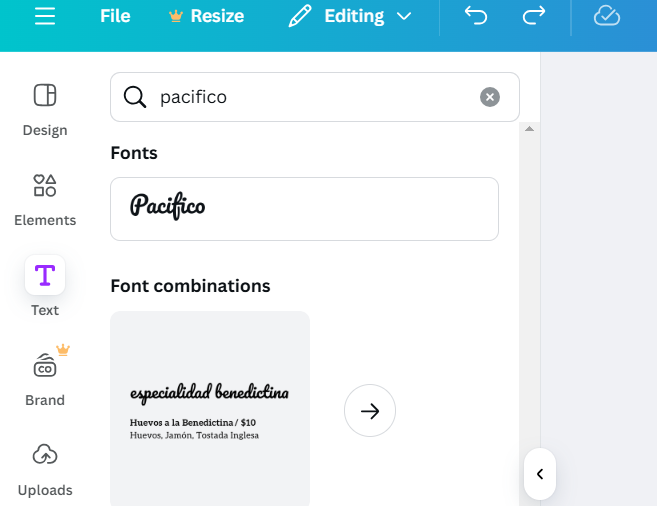
- Pacifico – Adds a fun, rounded touch.
- Satisfy – Flowy but less intricate, ensuring better readability.
Step 5: Test and Adjust Your Font Pairing
Apply the font pairings to your Canva design. Adjust font sizes, spacing, and colors for the best visual impact.
Make sure the text remains clear and legible on different backgrounds.
Finding the perfect font pairing enhances your design, but if you want to create AI-powered presentations with beautifully designed text layouts effortlessly, try MagicSlides.app your slides will be ready in seconds!
Conclusion
Pairing Meow Script with the right font enhances your design’s aesthetic appeal.
Whether you choose a classic serif, a modern sans-serif, or a simple handwritten font, make sure the pairing complements the playful nature of Meow Script while maintaining readability.
FAQs on Font Pairing with Meow Script
What is the best Canva font for a modern look with Meow Script?
Montserrat is a great choice as its clean, geometric design contrasts well with Meow Script’s curves.
Can I use two script fonts together in Canva?
Yes, but ensure one script font is simpler, like Satisfy or Pacifico, to avoid clutter.
How do I make Meow Script stand out in my design?
Use contrasting colors, bold sans-serif fonts, and proper spacing to highlight its unique style.
Now, you’re ready to create beautiful designs with Meow Script and its perfect font pairings! 🎨✨


