What is the best AI for creating PowerPoint Presentations


Choosing the best AI for creating presentations is the most important thing for a smoother day while presenting.
What is the Best AI for Creating PowerPoint Presentations?
Creating PowerPoint presentations from scratch can be time-consuming and challenging. Fortunately, AI-powered tools like MagicSlides.app Web App have revolutionized the process, enabling users to generate professional slides in minutes.
Whether you're a student, educator, or business professional, MagicSlides.app helps you create stunning presentations with minimal effort.
In this guide, we explore why MagicSlides.app Web App is the best AI tool for creating PowerPoint presentations and how to use it effectively.
Why Choose MagicSlides.app Web App?
MagicSlides.app Web App stands out as the best AI tool for PowerPoint presentations due to its:
- Instant Slide Generation – Enter a topic, and AI creates a structured PowerPoint deck in seconds.
- User-Friendly Interface – No design skills needed; MagicSlides.app handles formatting, layouts, and visuals automatically.
- Multiple AI Features – Generate presentations from topics, web pages, or even YouTube videos.
- Customization Options – Edit slides, adjust content, and refine presentations to meet your needs.
- Cloud-Based Accessibility – Use MagicSlides.app from any device without installing additional software.
How to Create a PowerPoint Presentation Using MagicSlides.app Web App
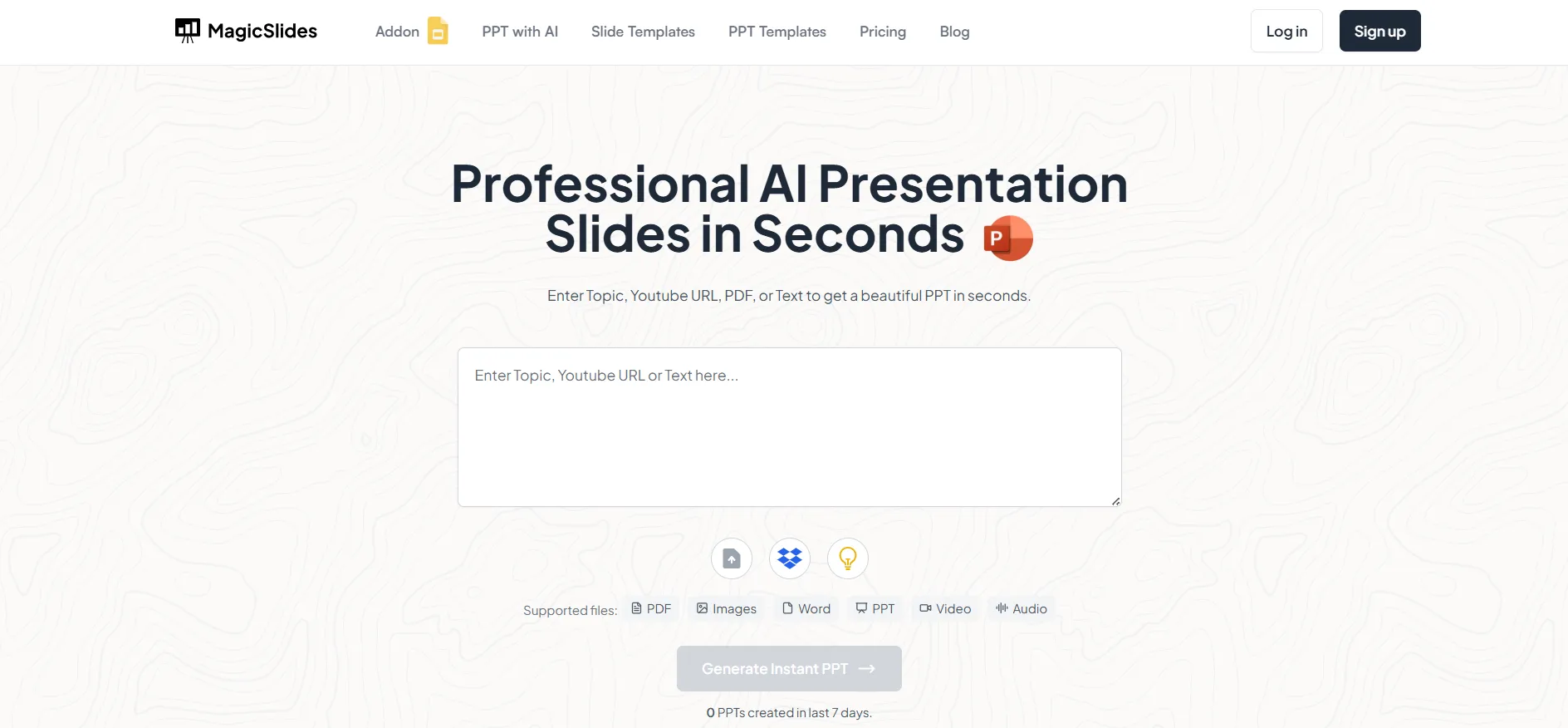
Step 1: Visit the MagicSlides.app Web App
To begin, open your browser and navigate to www.magicslides.app.
Step 2: Log in to Your Account
You need to log in or sign up to access the AI-powered presentation features.
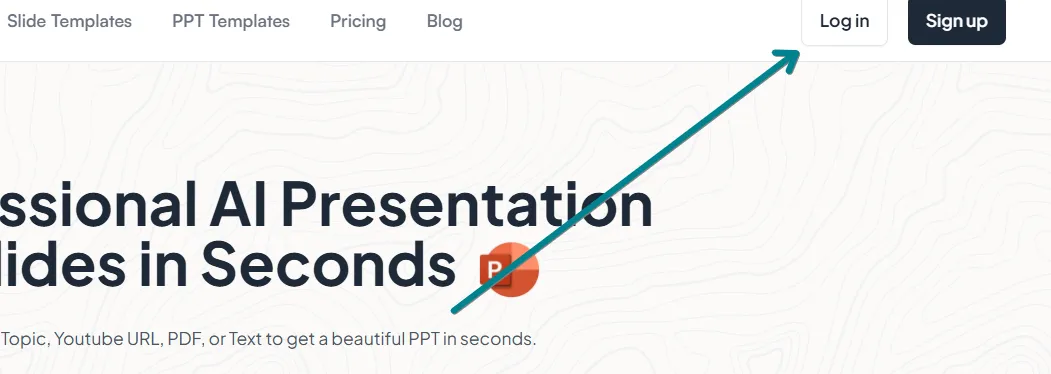
- If you're a new user, create an account using your email or Google login.
- Existing users can simply enter their credentials to continue.
Step 3: Enter Your Presentation Topic
Once logged in:
- Locate the AI input bar on the MagicSlides.app homepage.
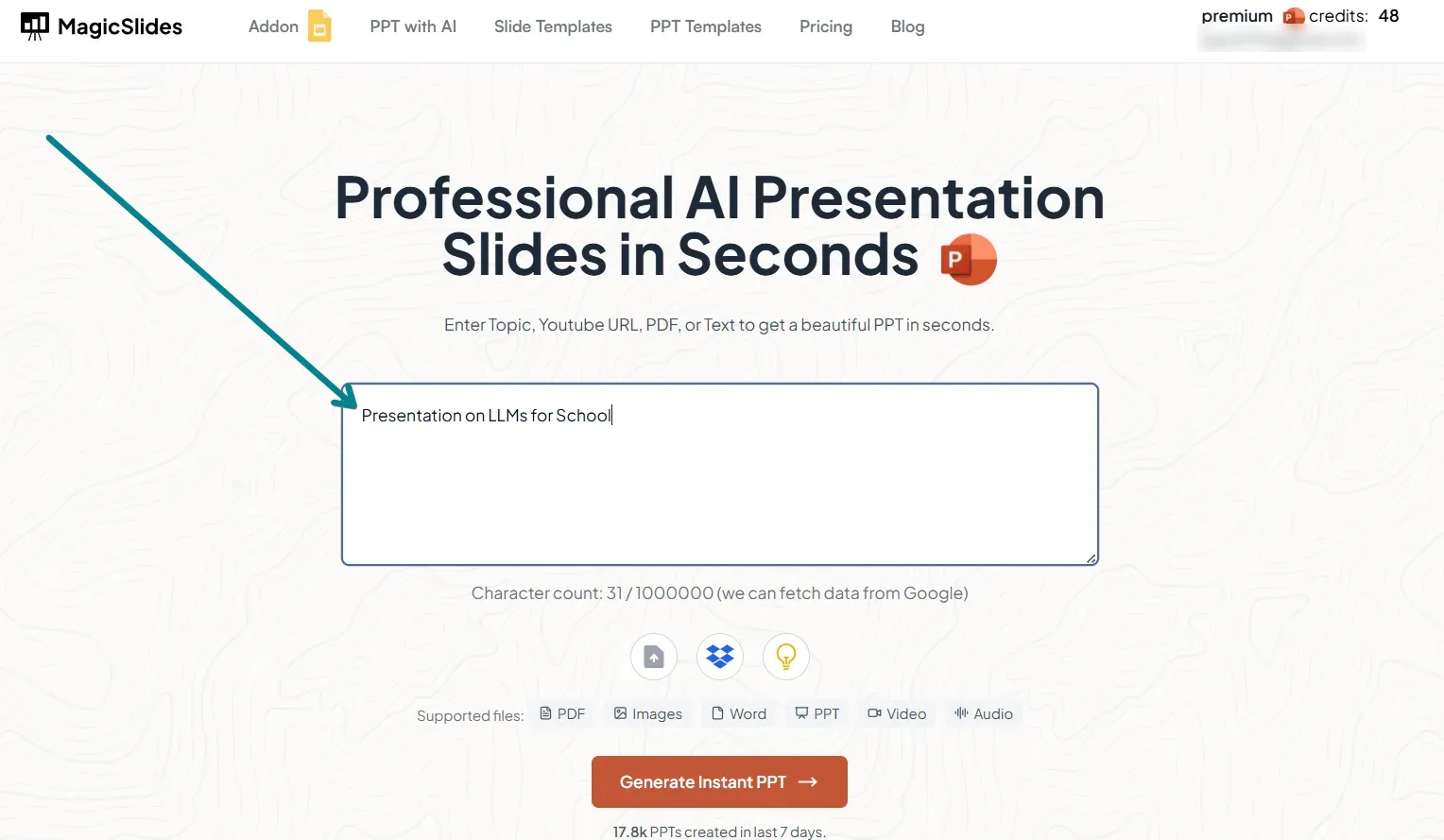
- Type in your presentation topic.
- Optionally, add keywords or descriptions to enhance content relevance.
Step 4: Generate Your AI-Powered Presentation
Click on the “Generate Presentation” button.
- MagicSlides.app AI will process the input and create a complete slide deck.
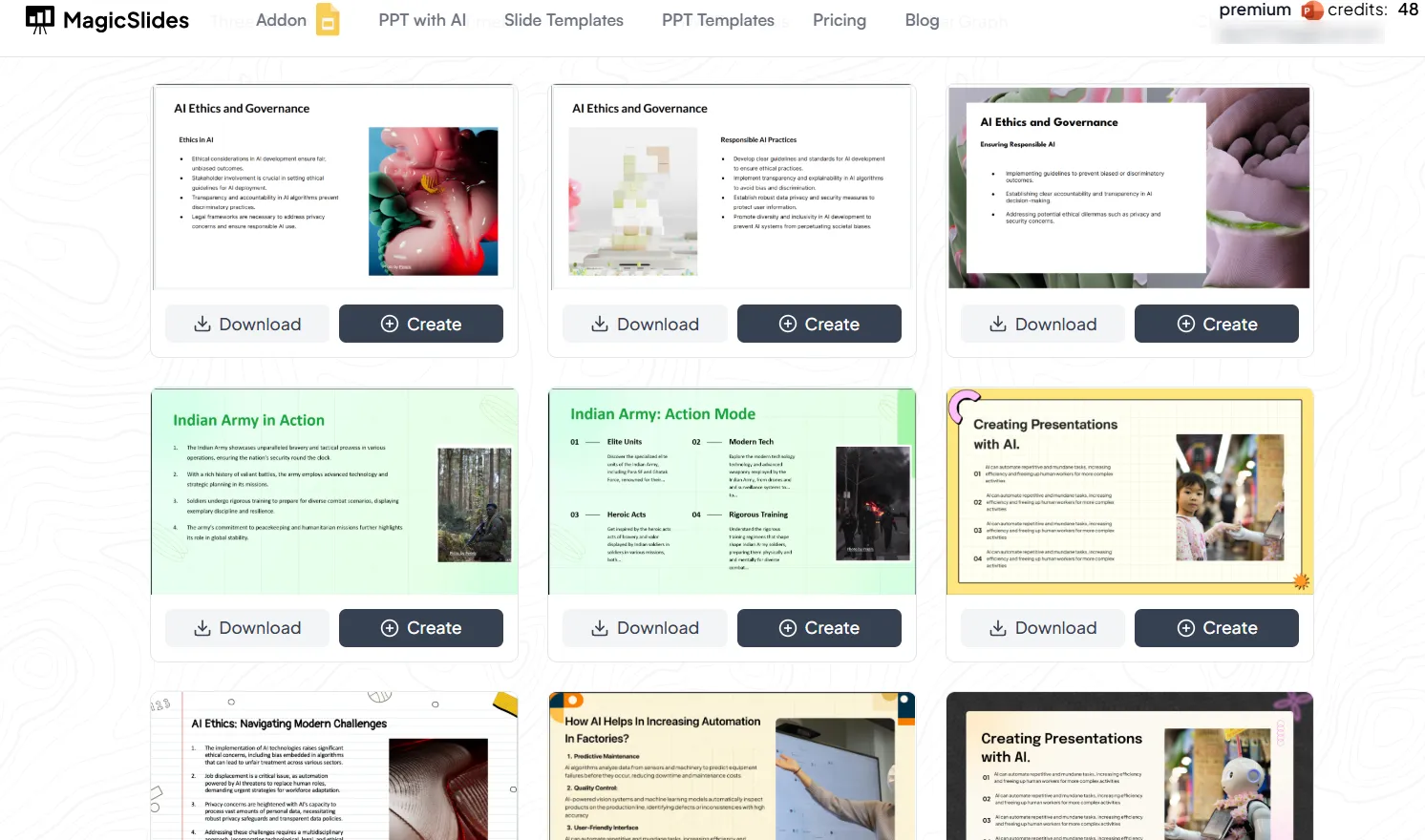
- The slides will include structured content, images, and design elements optimized for clarity and engagement.
Step 5: Review and Download Your Presentation
Once the AI generates your slides:
- Review the content and layout.
- Make any necessary edits to align with your needs.
- Click Download to save the presentation in PPTX format for use in PowerPoint.
Step 6: Unlock Premium Features
MagicSlides.app offers advanced AI-powered features in Pro and Premium plans, including:
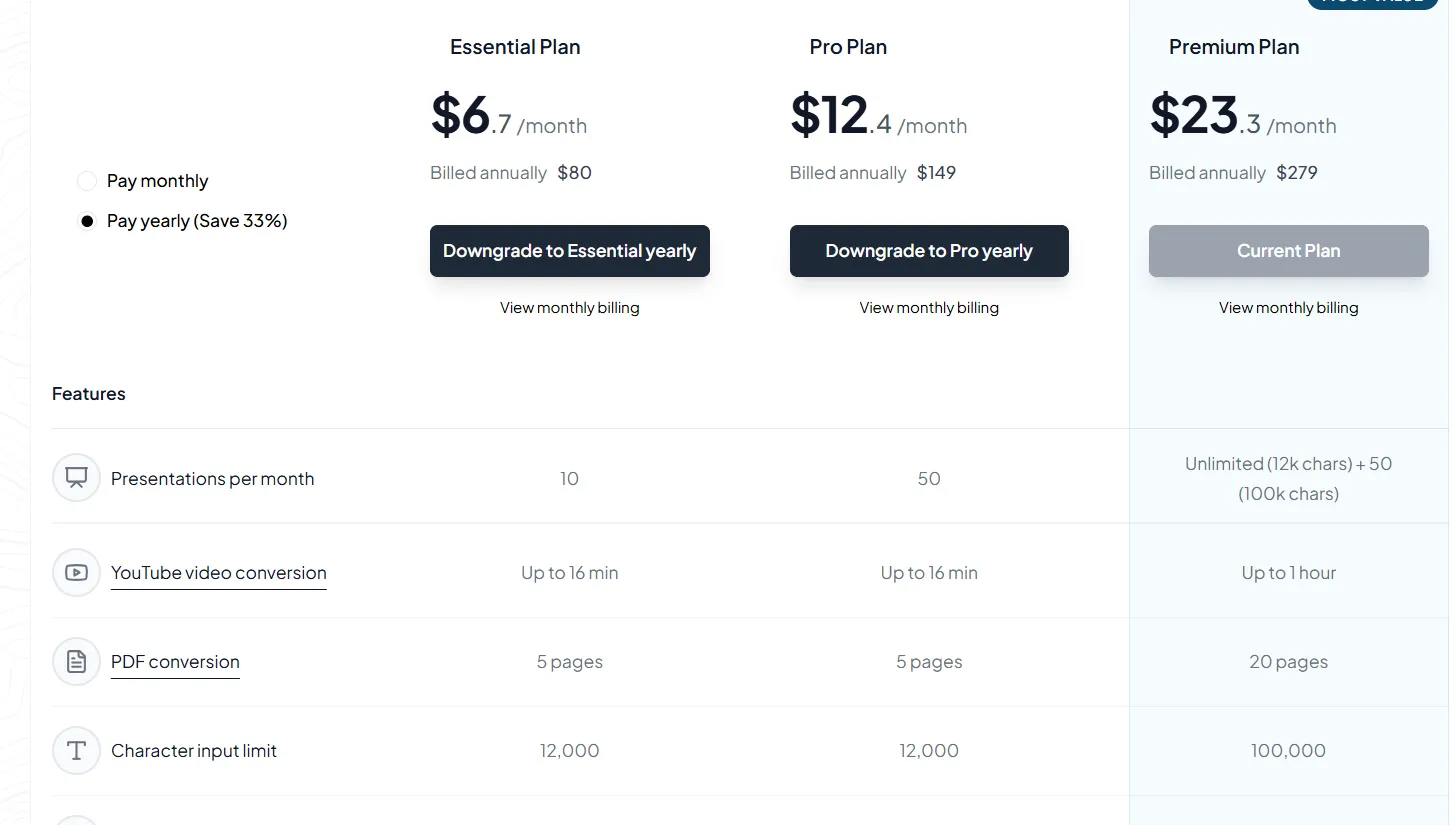
- URL to PPT – Convert website content into slides.
- YouTube Video to PPT – Generate presentations from YouTube video transcripts.
- More AI customization – Enhance slide content, themes, and layouts.
Explore more at MagicSlides Pricing.
Conclusion
If you’re looking for the best AI tool to create PowerPoint presentations effortlessly, MagicSlides.app Web App is the perfect solution.
It saves time, enhances presentation quality, and provides smart AI-powered features that simplify the entire process.
Try MagicSlides.app Web App today and experience a new way of creating professional presentations!
Frequently Asked Questions (FAQs)
Is MagicSlides.app Web App free to use?
Yes, MagicSlides.app offers a free version with basic AI-generated presentations. Upgrading to Pro or Premium unlocks additional features.
Can I edit the AI-generated presentation?
Absolutely! You can modify the text, layout, and design elements to personalize your slides before presenting.
How does MagicSlides compare to other AI presentation tools?
MagicSlides.app provides unique AI-driven features like YouTube Video to PPT and URL to PPT, making it one of the most versatile and powerful AI presentation tools available.
Start using MagicSlides.app Web App today and transform the way you create PowerPoint presentations!


