What is the shortcut for opening a New Presentation in PowerPoint


Use CTRL + N in PowerPoint to quickly open a new presentation and streamline your workflow.
Opening a new presentation quickly is essential for efficient workflow in PowerPoint. Using keyboard shortcuts can save you time and streamline your process.
In this blog post, we'll explore the shortcut for opening a new presentation in PowerPoint, making it easier for you to start new projects without unnecessary delays.
What is the shortcut for opening a New Presentation in PowerPoint
Step 1: Open PowerPoint
Start by launching Microsoft PowerPoint on your computer.
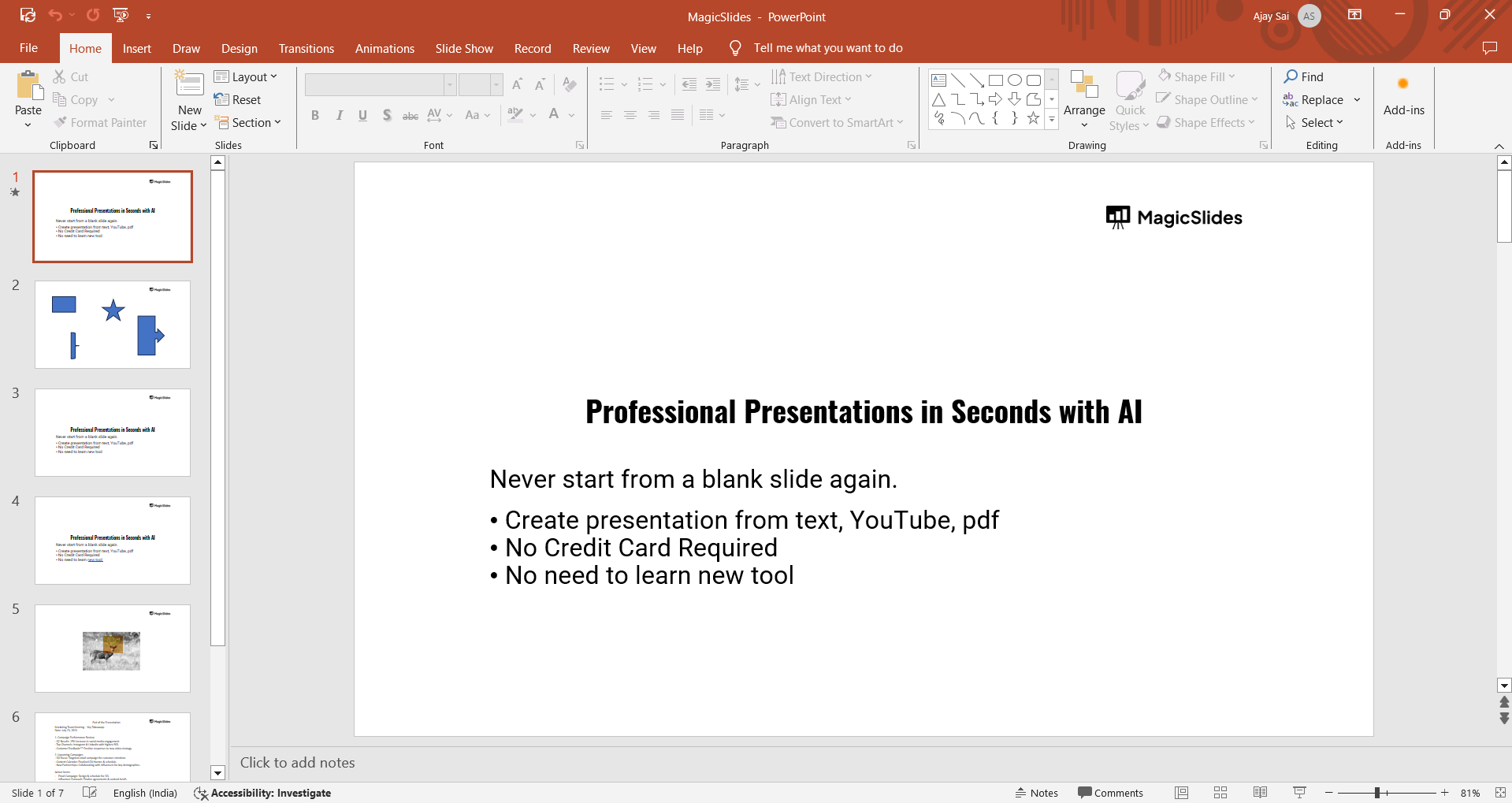
You can do this by finding "PowerPoint" in your Start menu or by clicking on its icon if it’s pinned to your taskbar.
Step 2: Locate Your Keyboard
Ensure that your keyboard is ready to use.
The shortcut will require you to press certain keys simultaneously, so make sure you’re comfortable typing.

Discover the ideal words per minute for presentations to ensure clarity and engagement, tailored for audience and content complexity.
Step 3: Use the Keyboard Shortcut
To open a new presentation, press Ctrl + N on your keyboard.
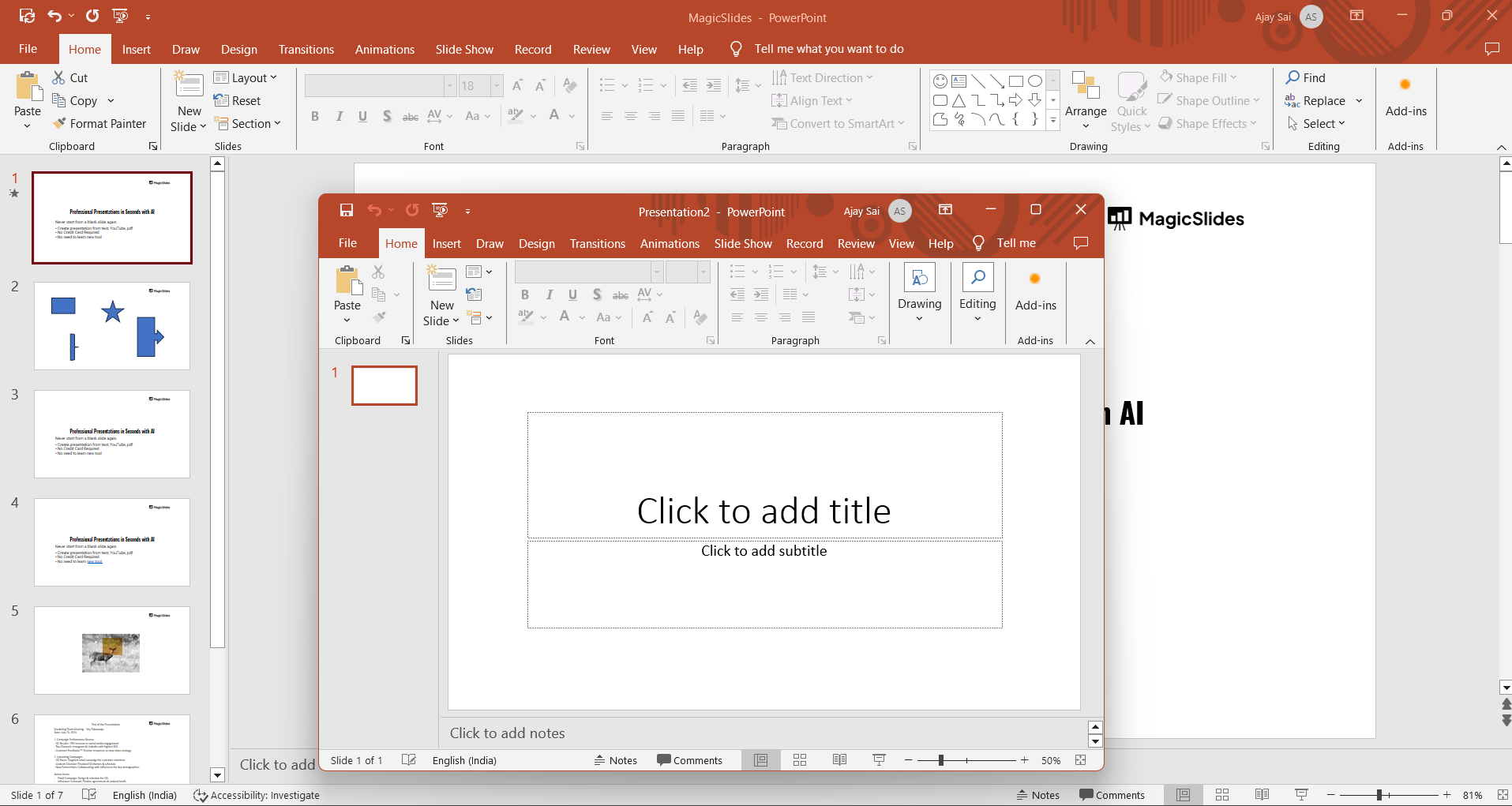
This shortcut will immediately create a new blank presentation in PowerPoint.
Step 4: Verify the New Presentation
After pressing the shortcut, a new blank presentation should appear on your screen.
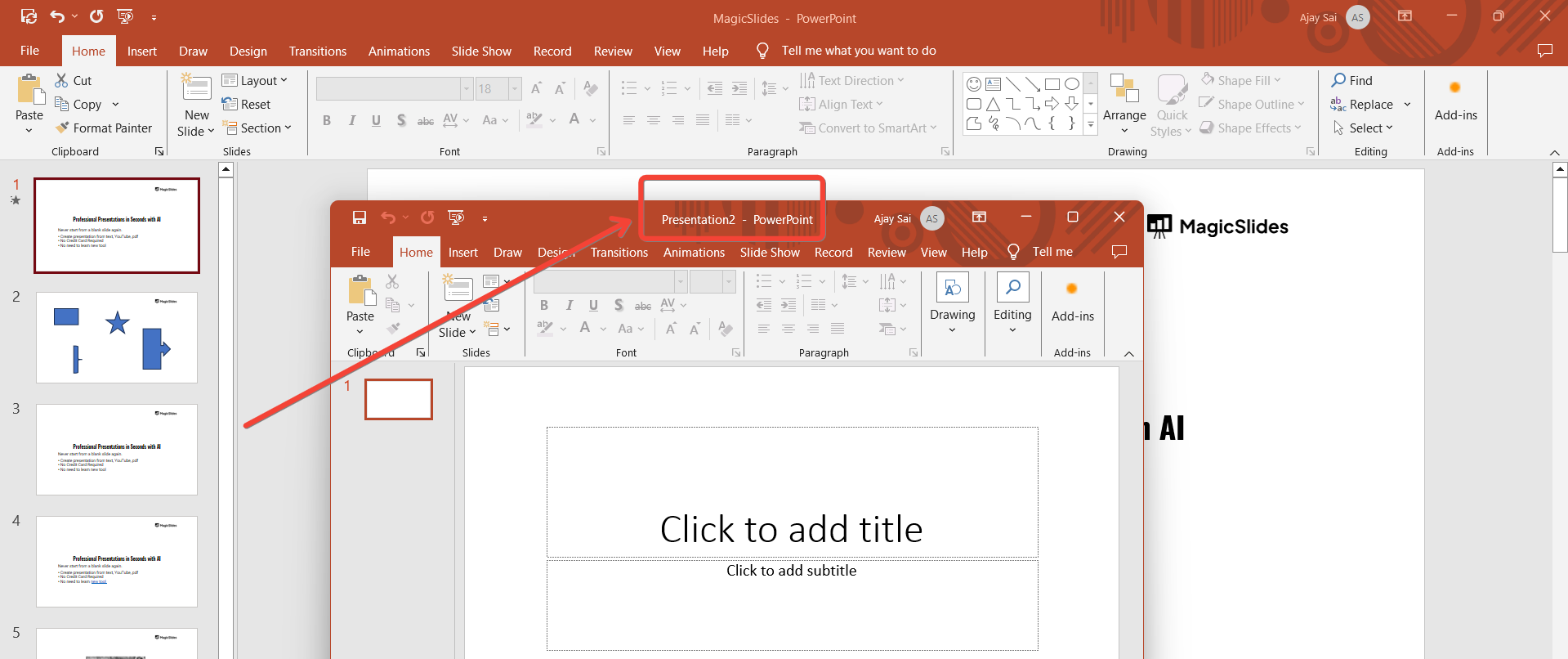
The title bar at the top of the window will show “Presentation1” or another default name, indicating that you are now working on a new file.
Step 5: Begin Working on Your New Presentation
You can now start adding content, such as slides, text, images, and other elements, to your new presentation.
Use the various tools in PowerPoint to build your slides and design your presentation.
Conclusion
The Ctrl + N shortcut in PowerPoint is a quick and efficient way to open a new presentation, helping you bypass the need for multiple clicks.
By using this shortcut, you can enhance your productivity and focus on creating content rather than navigating through menus.
Keep this shortcut in mind to streamline your workflow and make starting new presentations a breeze.
Tired of making presentations? what if we tell you you can make a presentation with just a prompt, convert YouTube videos to PPTs, convert website content to PPTs? Yes! checkout magicslides.app that does all and enjoy the free credits to make presentations in seconds.
FAQs can take you forward!
What does the Ctrl + N shortcut do in PowerPoint?
The Ctrl + N shortcut opens a new blank presentation, allowing you to start a new project immediately.
Can I use the Ctrl + N shortcut on Mac?
On a Mac, use Command + N to open a new presentation in PowerPoint.
What if the Ctrl + N shortcut doesn’t work?
Ensure that PowerPoint is the active application and that your keyboard shortcuts are not customized or disabled.


