Which AI can create PPT Presentation


Create professional PowerPoint presentations effortlessly with MagicSlides.app, an AI-powered tool for instant slide generation
Which AI Can Create PPT Presentations?
Creating PowerPoint presentations can be a time-consuming task, but AI-powered tools like MagicSlides.app simplify the process by generating high-quality slides in minutes.
Whether you need a business proposal, educational deck, or marketing presentation, MagicSlides.app is the best AI tool to create compelling PowerPoint presentations effortlessly.
How to Create PowerPoint Presentations Using MagicSlides.app
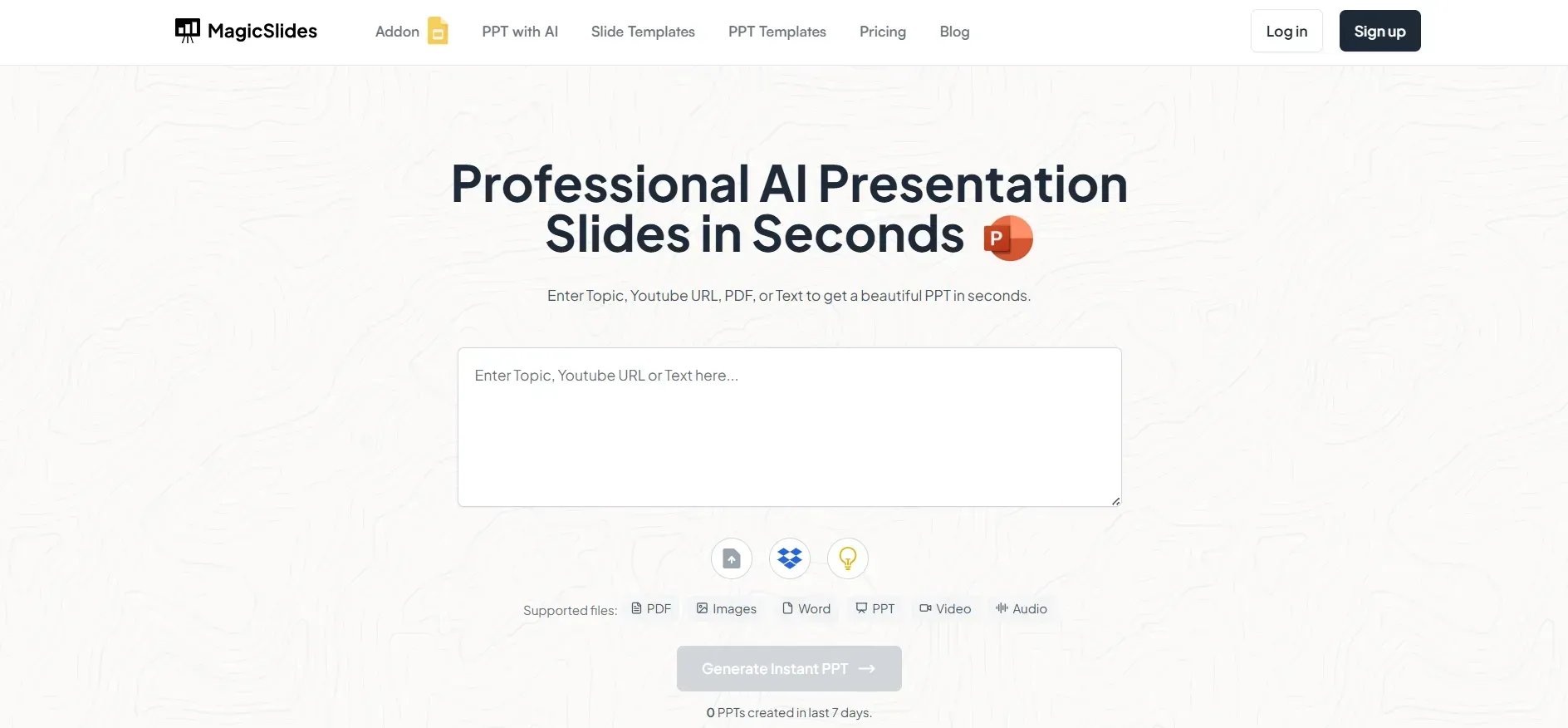
Step 1: Visit MagicSlides.app
Start by navigating to MagicSlides.app. This AI-powered web application is specifically designed to generate PowerPoint presentations from simple prompts, saving time and effort.
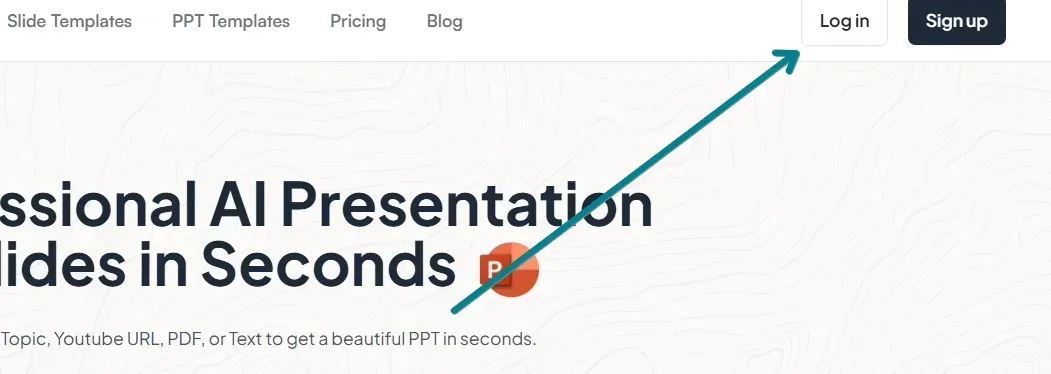
Step 2: Log in to Continue
To access the full features of MagicSlides.app, log in using your Google account or sign up for a free account. Once logged in, you can begin creating AI-generated presentations instantly.
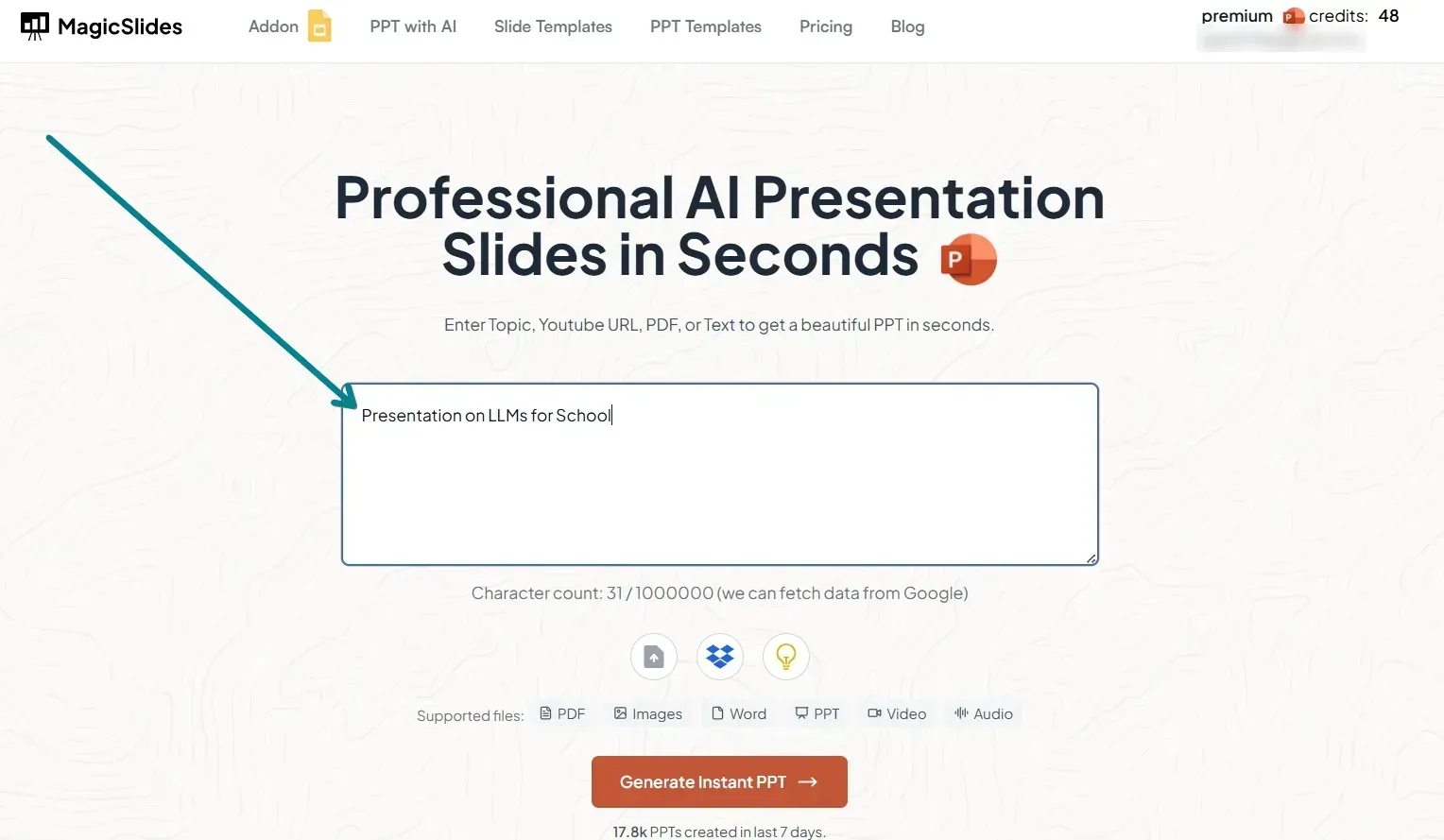
Step 3: Enter Your Presentation Topic
In the AI input bar, type in your desired presentation topic. For example:
- "The impact of artificial intelligence on marketing"
- "Benefits of renewable energy in urban development"
- "How to improve workplace productivity"
MagicSlides.app will process your request and generate structured slides based on the topic.
Step 4: Generate Your PowerPoint Presentation
Click on the 'Generate Presentation' button, and MagicSlides.app will automatically create a professional slide deck, including text, headings, and key points.
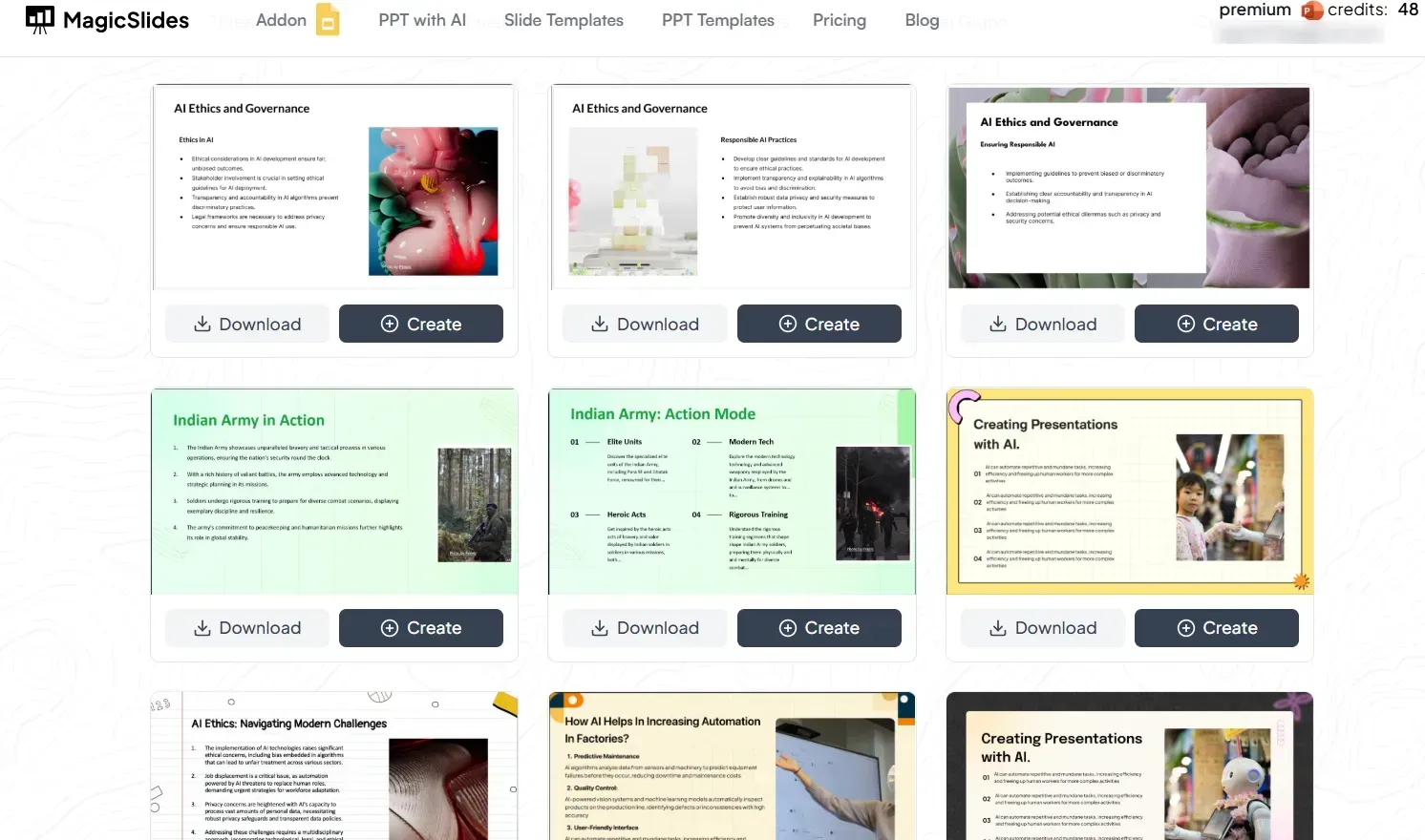
The AI ensures that the slides follow a logical structure while maintaining a visually appealing design.
Step 5: Review and Download Your Presentation
Once the slides are generated:
- Review the content to ensure accuracy and relevance.
- Edit or customize the slides if needed.
- Download the PPT file and open it in Microsoft PowerPoint, Google Slides, or any other presentation software.
Step 6: Unlock More Features with a Pro/Premium Plan
For more customization and advanced AI-generated features, consider upgrading to MagicSlides Pro or Premium. These plans offer additional functionalities such as:
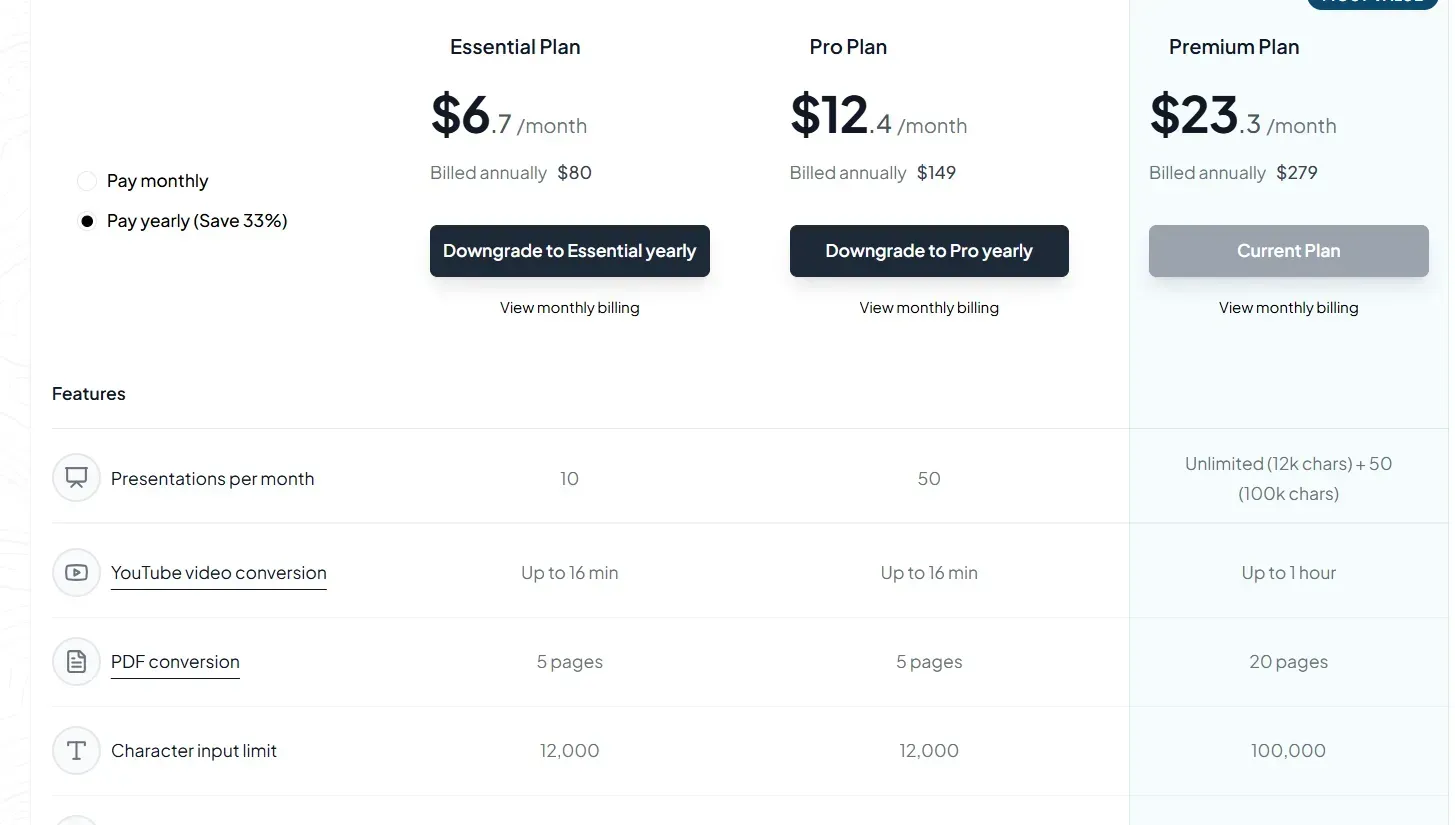
- YouTube video to PPT conversion
- URL to PPT generation
- More design templates and AI-powered formatting
To explore pricing and features, visit MagicSlides Pricing.
Conclusion
MagicSlides.app is one of the most efficient AI tools available for creating professional PowerPoint presentations.
With its intuitive AI-driven approach, users can quickly generate, edit, and download slide decks tailored to their needs.
Whether you're a student, educator, or business professional, MagicSlides.app helps you create engaging presentations in minutes.
Frequently Asked Questions (FAQs)
Can AI create an entire PowerPoint presentation?
Yes! MagicSlides.app generates fully structured PowerPoint presentations, including headings, content, and formatting, based on your input.
Is MagicSlides.app free to use?
MagicSlides.app offers a free version with basic features. However, upgrading to Pro/Premium provides advanced capabilities such as URL to PPT, YouTube to PPT, and enhanced customization.
Can I edit the AI-generated PowerPoint presentation?
Yes! After downloading the PPTX file, you can edit it in Microsoft PowerPoint, Google Slides, or other presentation software to personalize and refine the content.
Start using MagicSlides.app today and experience AI-powered presentation creation like never before!


