 Gemini CLI + MagicSlides MCP
Turn a YouTube video into a PPT with Gemini CLI
Gemini CLI can run yt-dlp in your terminal to download a talk's captions and read the full transcript. With the MagicSlides MCP added, it turns a design talk into a short deck for a product review, with a present link and PPTX.
Set up MagicSlides in Gemini CLI (one time)
Run this once, then log in from inside Gemini CLI.
gemini mcp add --transport http magicslides https://www.magicslides.app/api/mcp/mcp/mcp auth magicslides- 1.Run the command. Add --scope user to make it available in every folder.
- 2.Start gemini and run /mcp auth magicslides, then log in in the browser.
- 3.Ask for a deck. Gemini CLI calls the MagicSlides tools and prints the links.
Example: what you type in Gemini CLI
Run yt-dlp to get the English captions for https://www.youtube.com/watch?v=PUv66718DII, read the transcript, and make a 6-slide summary for our design review with what it means for our tools.
Source used: Bret Victor - Inventing on Principle (54:20)
- Ran yt-dlp --skip-download --write-auto-subs --sub-langs en --sub-format vtt
- Read the 8,800-word transcript and listed the principle, the five demos and the Larry Tesler story
- Called get_template_schema (noir-bold, 6 slides)
- Wrote the slot copy and called create_presentation_from_slots with stock images
Your 6-slide summary is ready: the principle that creators need an immediate connection to what they create, the live drawing, game, binary search, circuit and animation demos, Larry Tesler's fight against modes, and three takeaways for our tools.
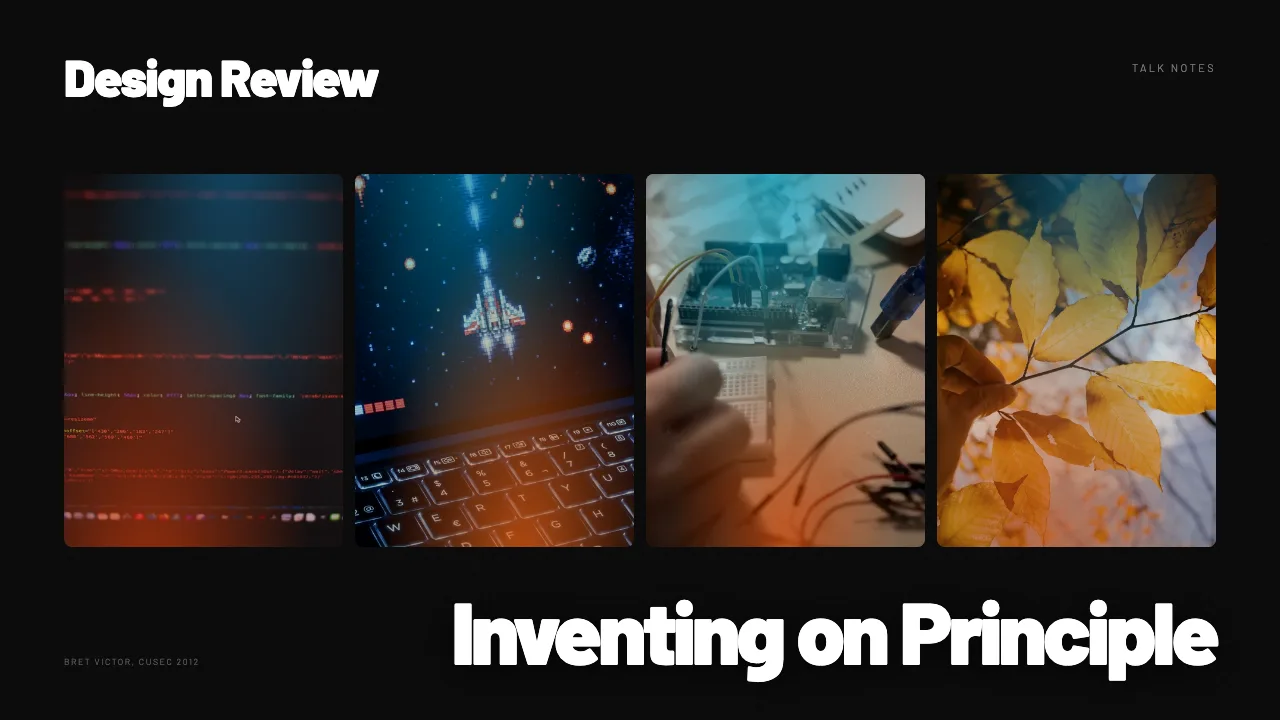
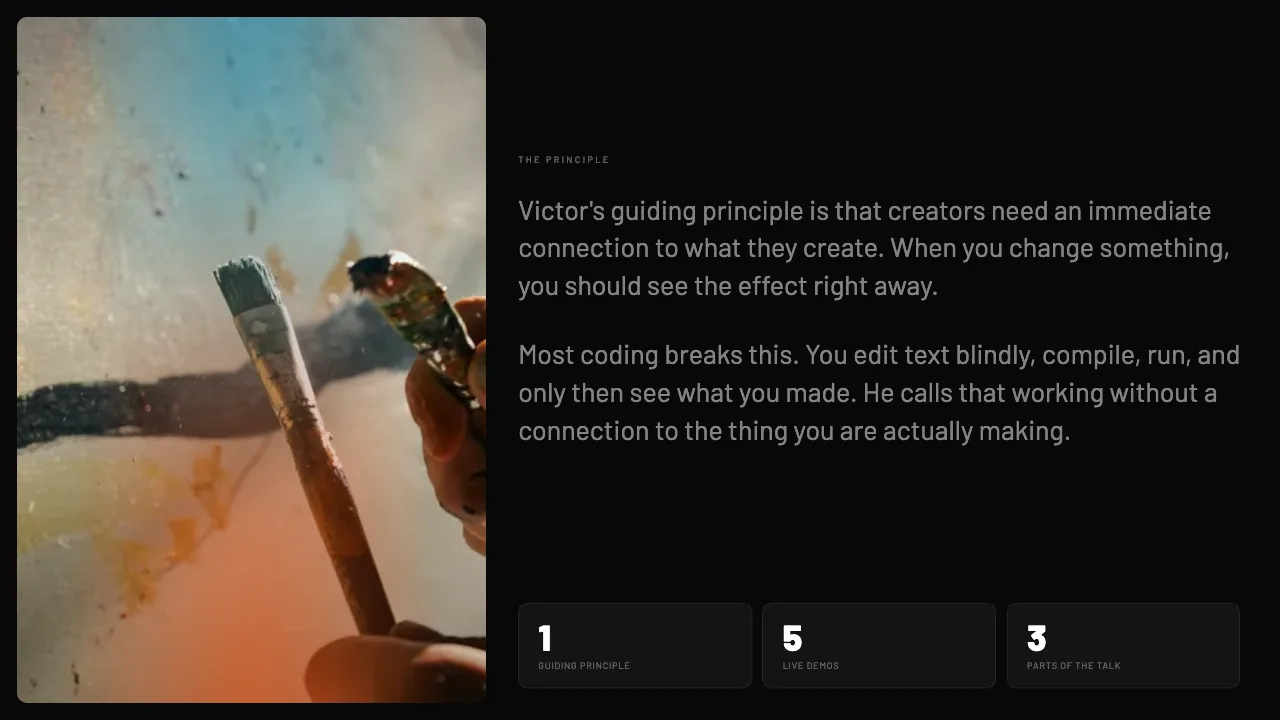
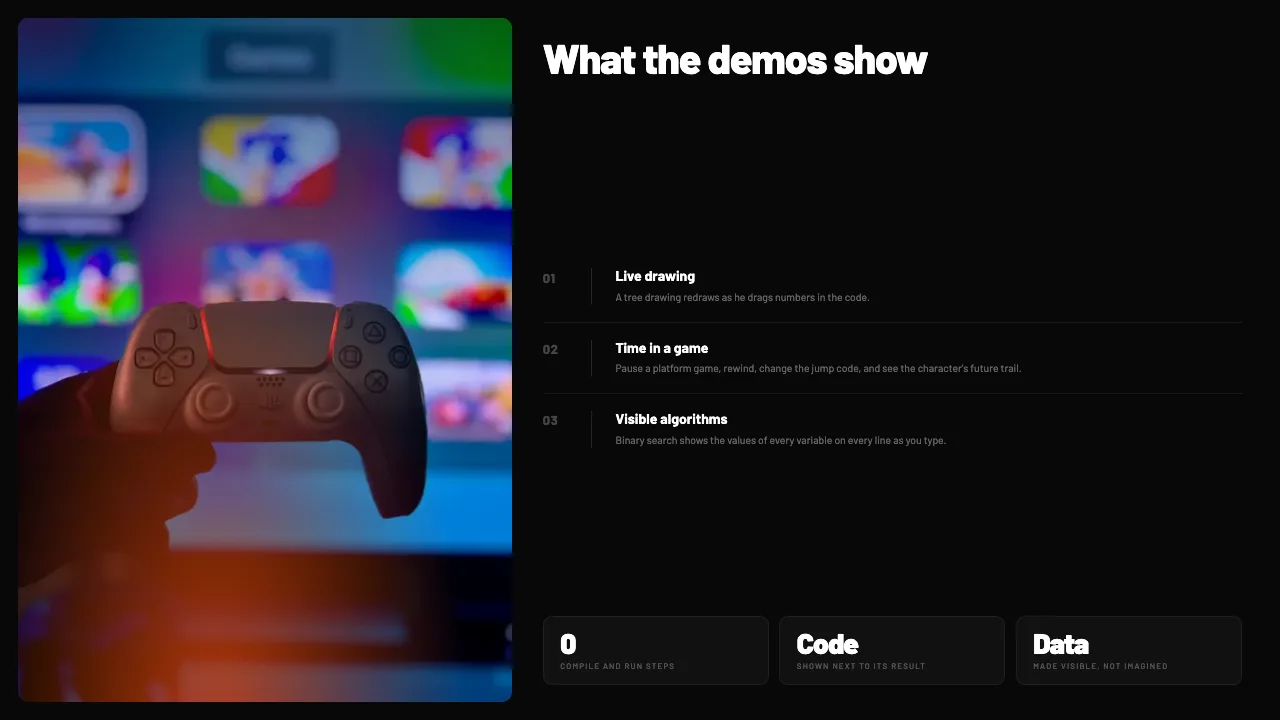
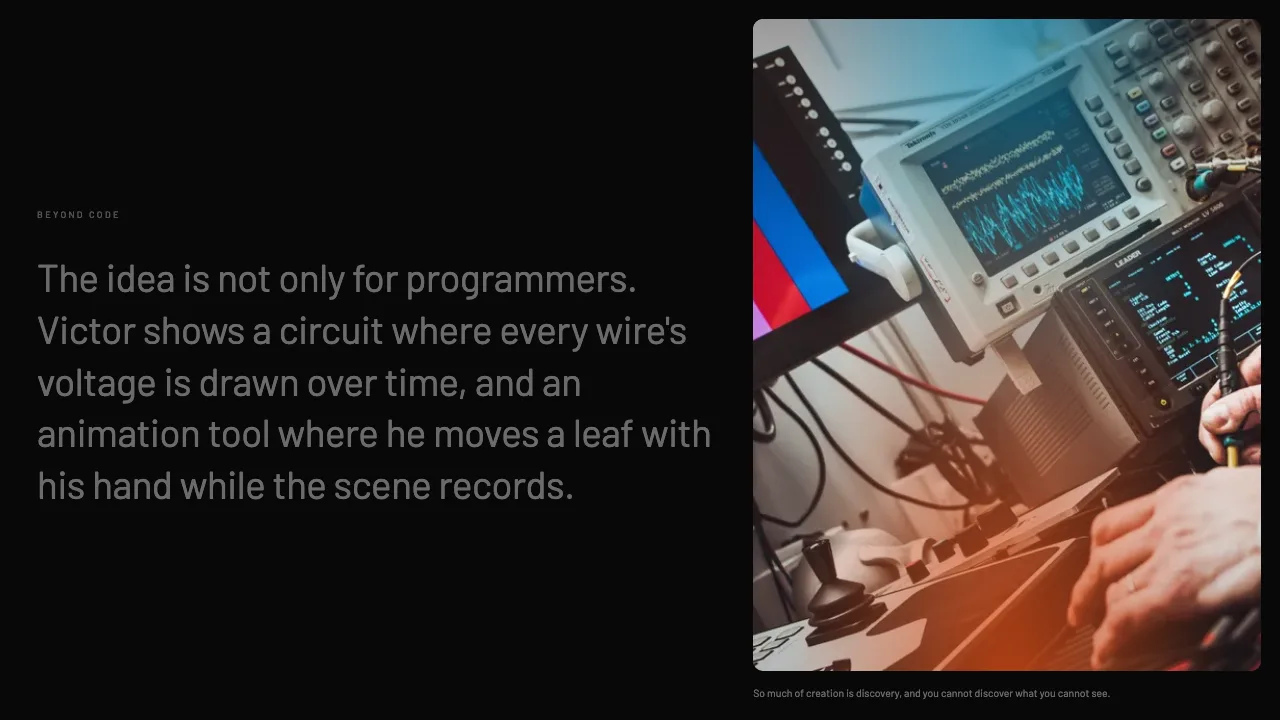
This is the real output from that prompt, made with the MagicSlides MCP. Open it to click through or download it.
How it works
- 1.Run gemini mcp add --transport http magicslides https://www.magicslides.app/api/mcp/mcp.
- 2.Start Gemini CLI and run /mcp auth magicslides to log in.
- 3.Paste a YouTube link and ask it to fetch the captions with yt-dlp and build the deck.
- 4.Open the present link or download the PPTX from the reply.
Tool used: create_presentation_from_slots. Prefer a web app? YouTube to PPT does the same without an agent.
FAQ
How does Gemini CLI read a YouTube video?
It runs yt-dlp in your terminal to download the caption file, then reads the transcript text.
Does the video need captions?
Yes. yt-dlp needs English captions, manual or auto-generated, to produce a transcript.
Is this the Gemini app?
No. This is Gemini CLI, the terminal agent, which supports MCP servers and shell commands.
Does it cost AI credits?
No. Gemini writes the copy, and the bring-your-own-content path costs 0 MagicSlides AI credits.
More with Gemini CLI
YouTube to PPT in other agents


Connect MagicSlides to Gemini CLI
One MCP server for decks, docs, sheets and reels. Log in with your MagicSlides account, no API key. Making a deck from your own copy uses no AI credits.


