How to Convert Academic Research papers to PowerPoint for effective Presentation delivery


Unlock the art of presenting research papers with ease! Learn to convert them into PowerPoint.
Communicating complex research findings effectively is crucial. In this guide, discover a straightforward method using Google Slides and the MagicSlides extension to effortlessly convert academic research papers into engaging PowerPoint presentations. Elevate your presentation game with these simple steps.
How to Convert Academic Research papers to PowerPoint for effective Presentation delivery
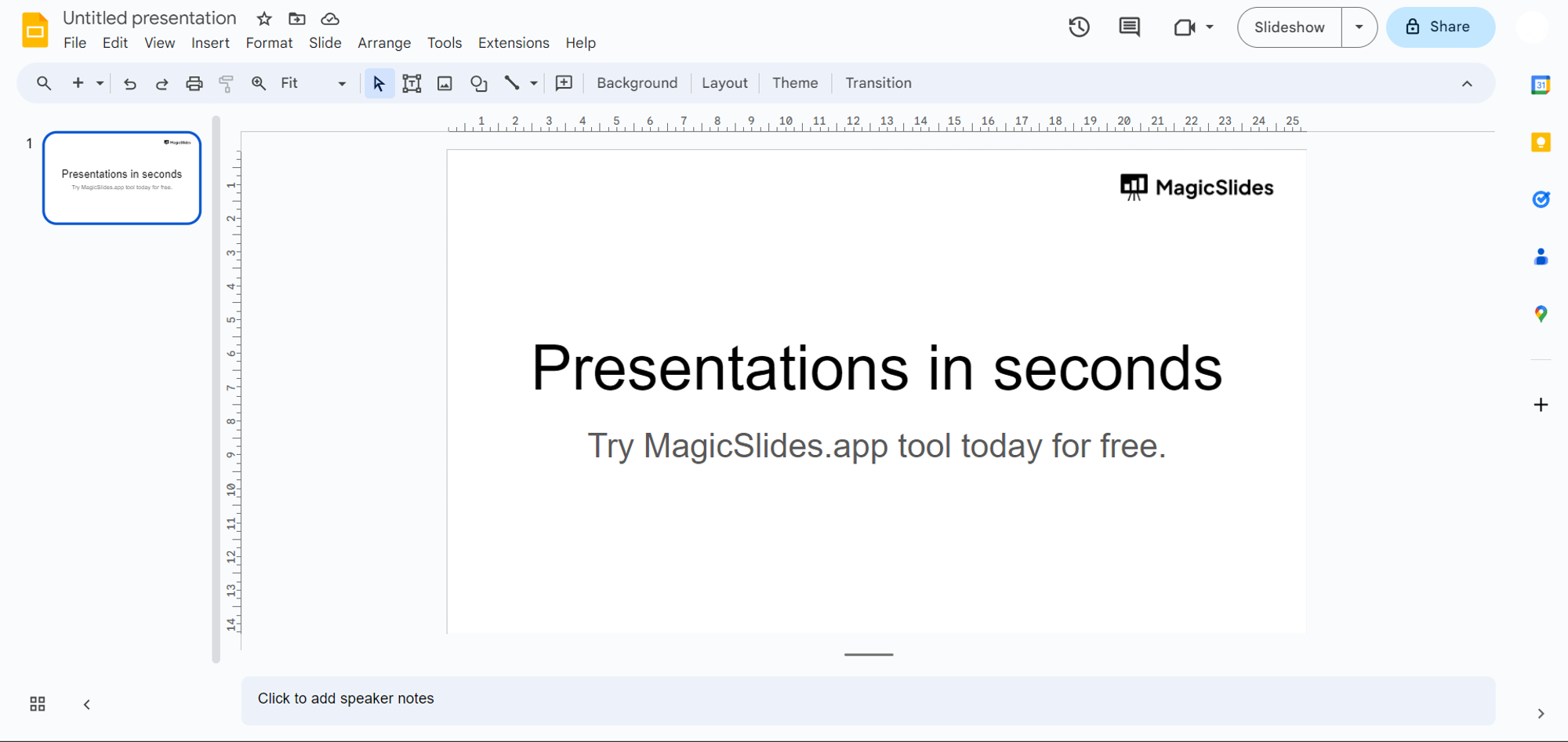
Step 1: Visit Google Slides
Begin your journey by heading to slides.google.com and signing in with your Google account. If you don't have an account, creating one is quick and free.
Step 2: Download MagicSlides Extension
Ensure a smooth experience by checking if MagicSlides is already downloaded.
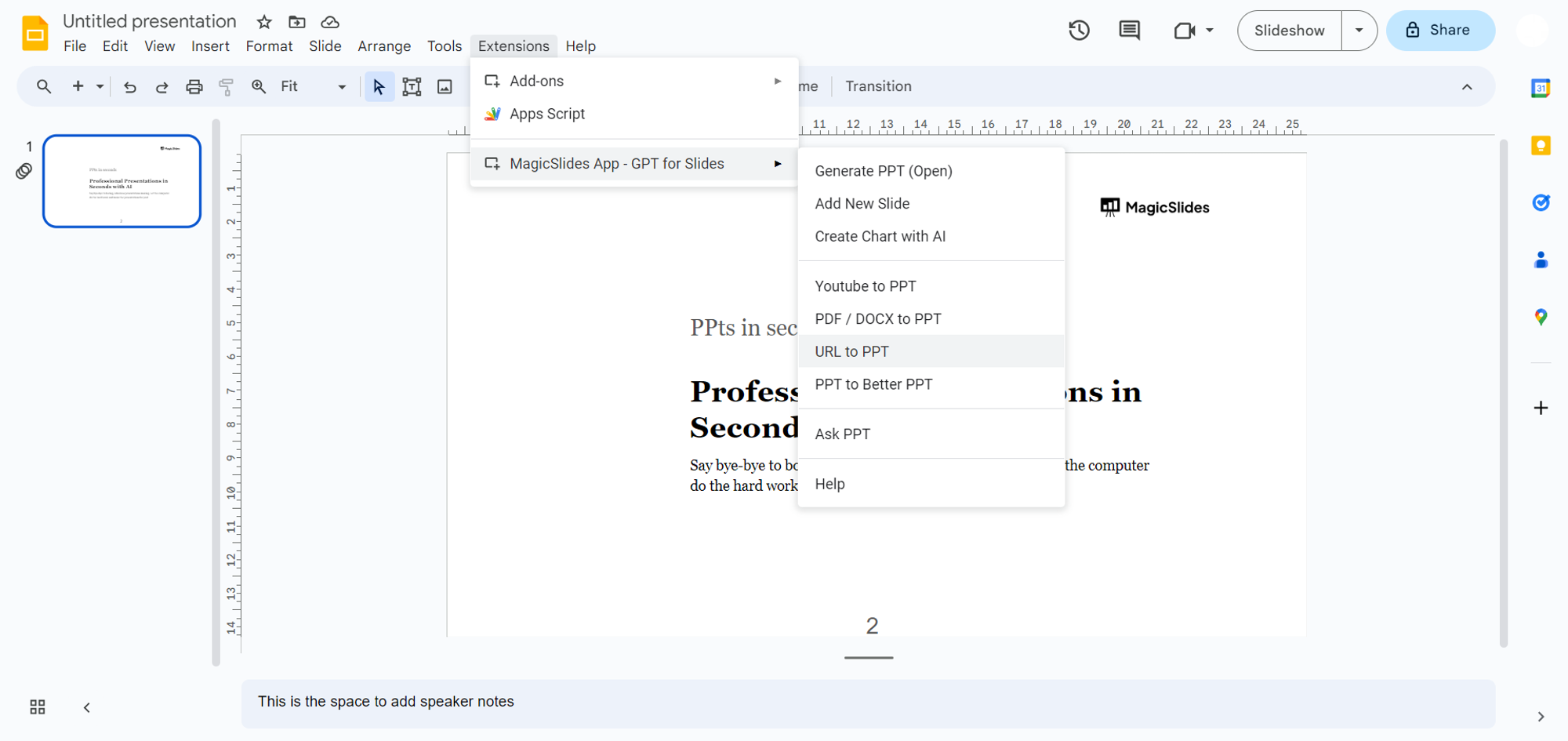
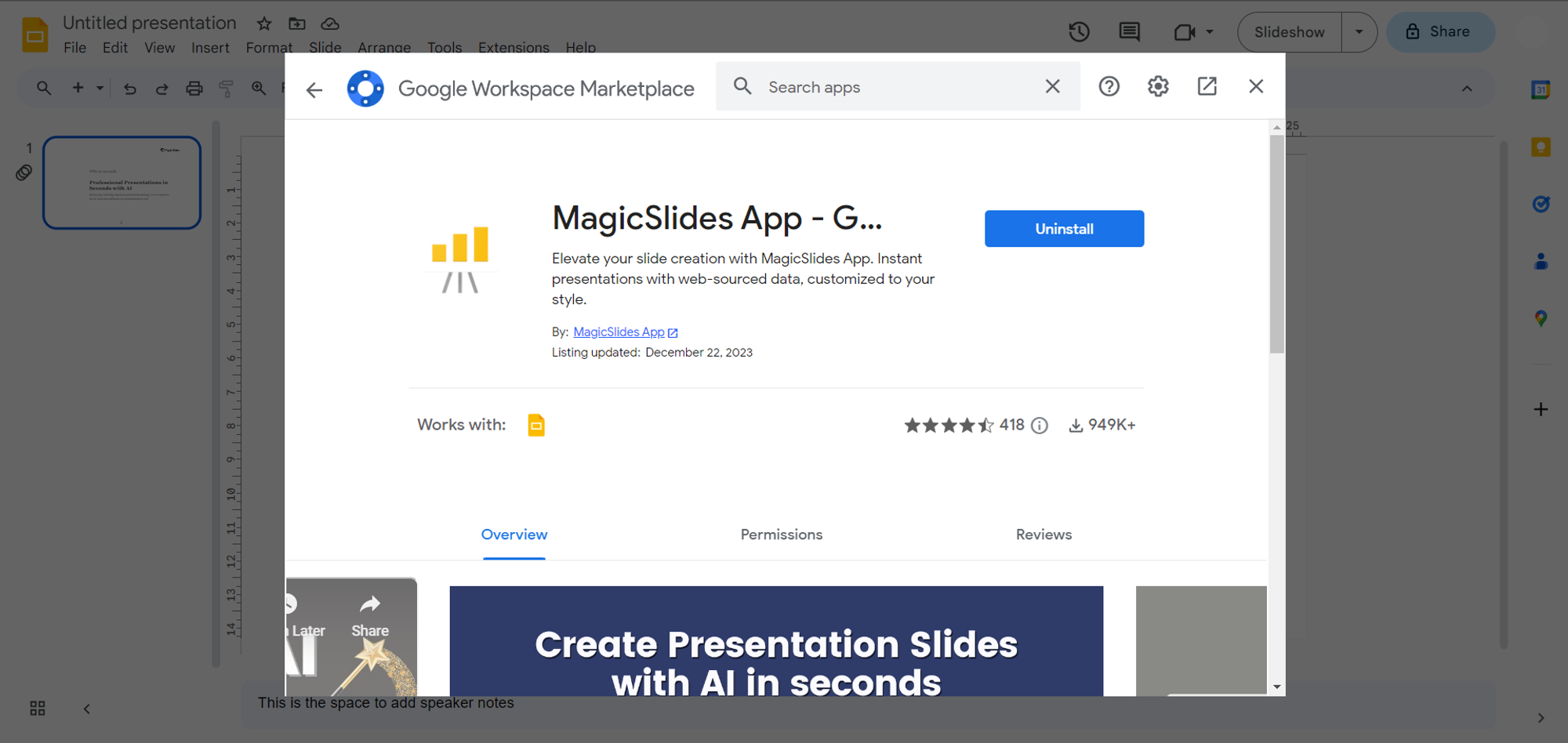
If not, visit the Extensions Marketplace, search for "MagicSlides.app," and download the extension to enhance your Google Slides capabilities.
Step 3: Locate Your Research Paper
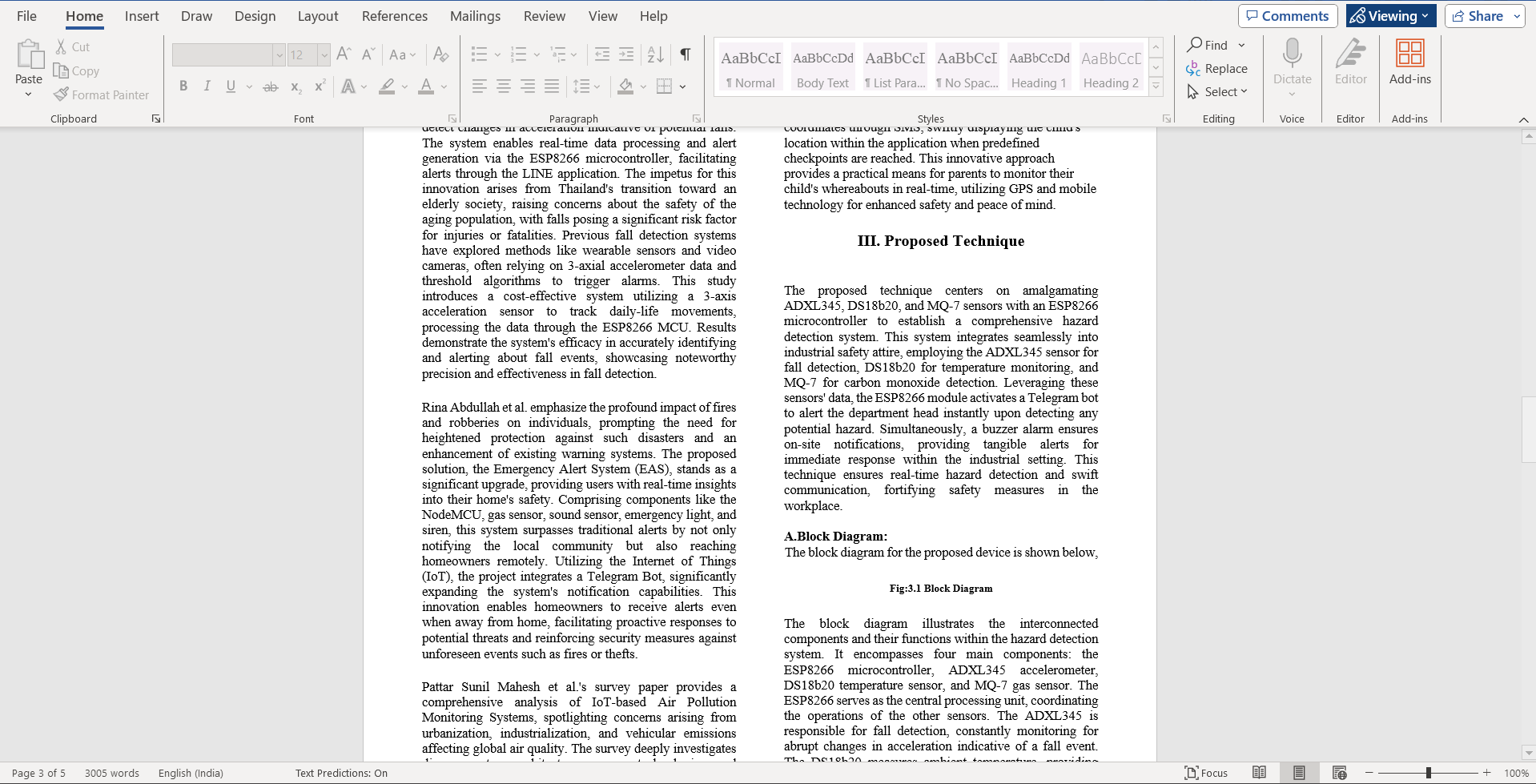
Navigate to your local system and find the academic research paper you wish to convert. This could be a thesis, article, or any scholarly document you want to present effectively.
Step 4: Upload the Research Paper
With your research paper ready, return to Google Slides and open MagicSlides. Upload your research paper file, signaling the beginning of the conversion process.
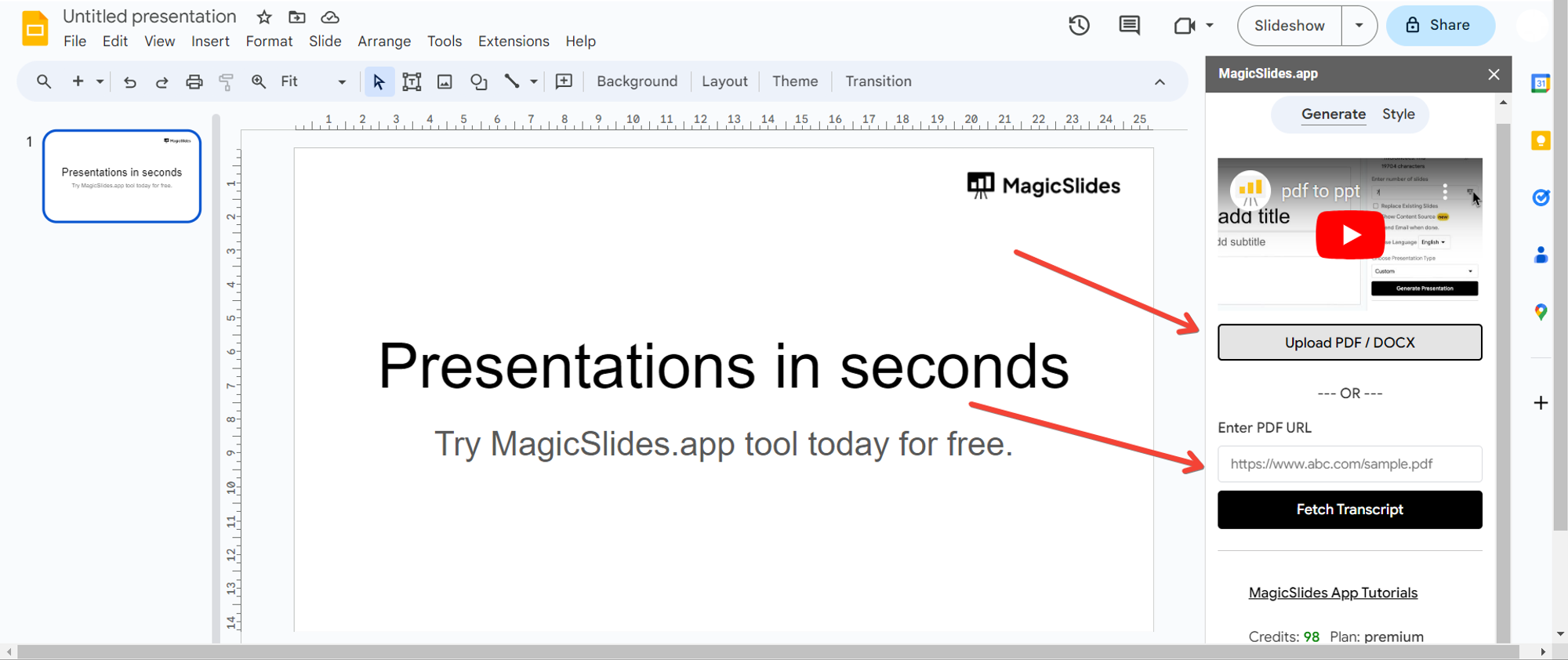
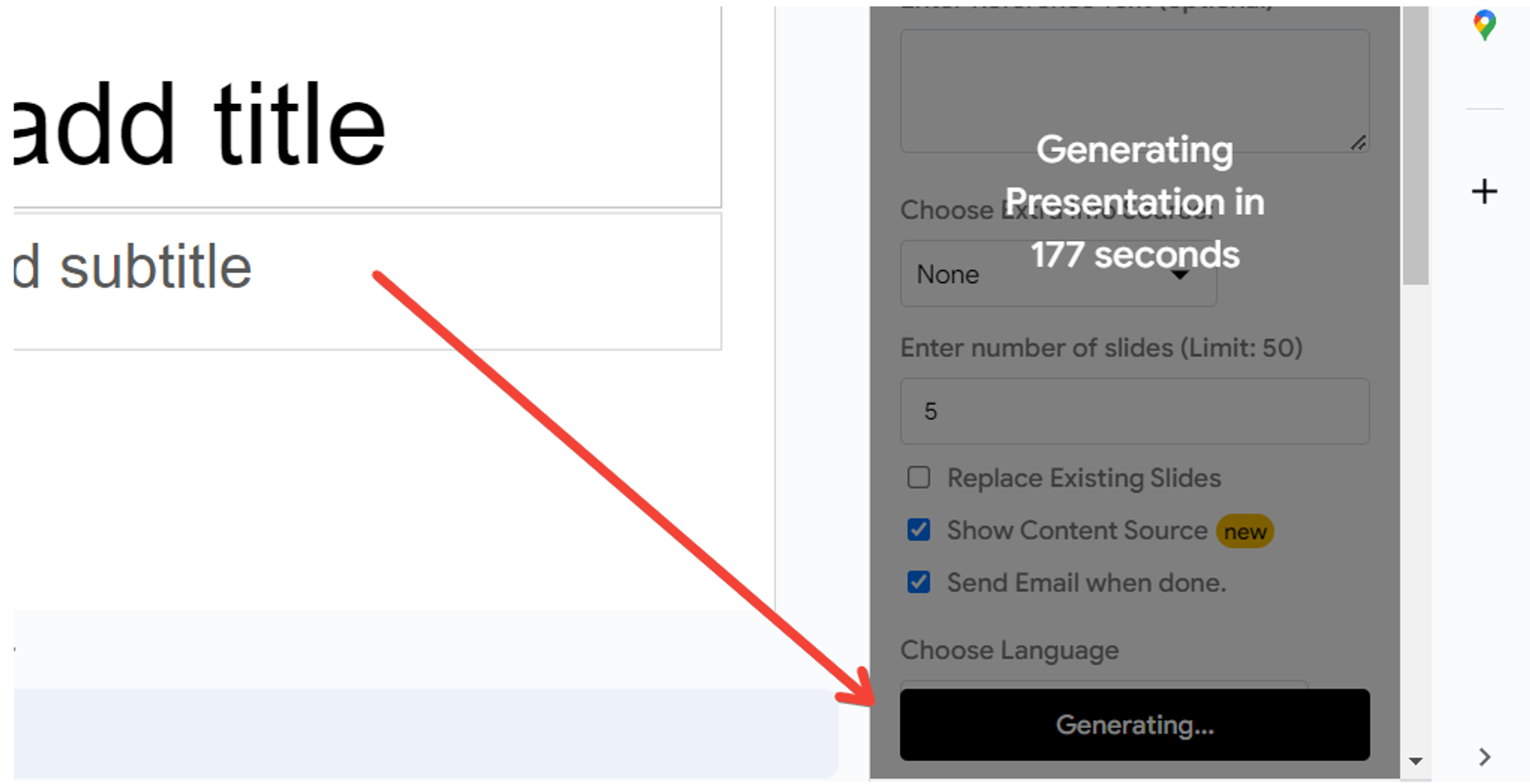
Step 5: Click "Generate Presentation"
After uploading your research paper, click on the "Generate Presentation" button. Let MagicSlides work its magic, transforming your academic research into a visually appealing PowerPoint presentation.
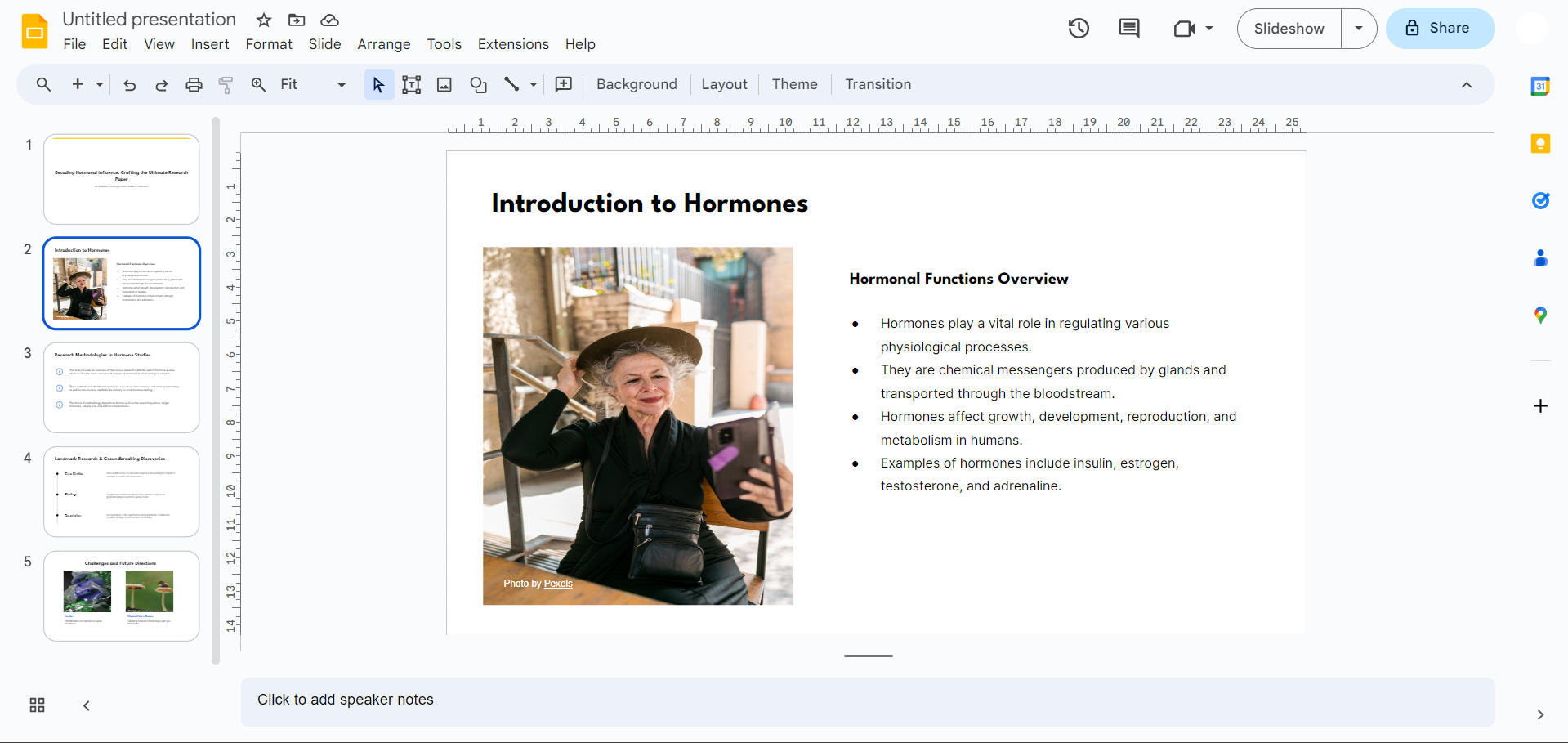
Step 6: Your Research Paper is Now a PowerPoint Presentation
Congratulations! Your academic research paper has seamlessly transitioned into a polished and professional PowerPoint presentation, ready for effective delivery.
Conclusion:
In just a few simple steps, you've learned how to convert academic research papers into impactful PowerPoint presentations. The combination of Google Slides and MagicSlides streamlines the conversion process, making it easy for researchers and academics to present their findings in an engaging and accessible format. Embrace this efficient method and elevate your research presentations to new heights!
Frequently Asked Questions:
Can MagicSlides handle complex academic papers with intricate formatting and equations?
Yes, MagicSlides is designed to preserve intricate formatting and equations, ensuring accuracy and clarity.
Is MagicSlides suitable for all academic disciplines and paper types?
Absolutely! MagicSlides is versatile, accommodating various academic disciplines and types of research papers.
Can I include citations and references in the converted PowerPoint presentation?
Yes, MagicSlides retains citations and references from the original research paper during the conversion process.
Does MagicSlides provide options for customizing the presentation layout and design?
Certainly! Once the research paper is converted, you have full control to customize the layout and design in Google Slides.


