How to Build Professional Slideshows Online in Minutes


Learn to create professional slideshows online swiftly with user-friendly tools and simple steps. Enhance your presentations effortlessly.
In today's fast-paced digital world, the ability to create compelling presentations quickly is invaluable. Whether for business meetings, academic purposes, or personal projects, slideshows serve as a powerful tool to communicate ideas effectively. This comprehensive guide will explore the utility of online slideshow makers, highlighting a popular option like Magicslides.app among others, and provide a step-by-step approach to crafting professional presentations in minutes.
What Are Slideshow Makers?
Slideshow makers are software tools that allow users to create visually appealing presentations by combining elements such as text, images, videos, and animations. These tools are designed to be user-friendly, catering to both professionals and beginners alike. With the advent of online slideshow makers, the process of creating slides has become more accessible and efficient. These web-based applications eliminate the need for heavy software downloads, offering a seamless creation experience directly from your browser.
Online slideshow makers, including tools similar to Magicslides.app, provide a variety of templates and design elements that can be customized to suit specific needs. They support a wide range of multimedia formats, enabling users to enhance their presentations with dynamic content.
Benefits of Using an Online Slideshow Maker vs Traditional
Transitioning to an online slideshow maker from traditional desktop presentation software comes with numerous advantages:
Accessibility
Online tools are accessible from any device with internet connectivity. This means you can start a project on your office desktop and finish it on your home laptop or even a tablet, without worrying about software compatibility or transferring files.
Collaboration
Unlike traditional software that often requires files to be shared back and forth for feedback, online slideshow makers often feature real-time collaboration. Teams can work together on a slideshow, make real-time edits, and communicate changes without waiting for updates.
Cost-Effective
Most online tools offer free versions or are priced lower than comprehensive desktop software. For businesses, this means reduced software costs without compromising on the quality of their presentations.
Updated Features
Online tools are continuously updated by their developers, introducing new features and templates without requiring manual updates. This ensures that users always have access to the latest tools and design trends.
Ease of Use
With intuitive interfaces and drag-and-drop functionalities, online tools are generally easier to use compared to traditional software. Even users with minimal design experience can create professional-looking slideshows.
How to Create a PPT Using an Online Slideshow Maker
Creating a professional presentation online can be straightforward. Here’s a step-by-step guide, using a generic tool similar to Magicslides.app:
Visit a Reliable AI PowerPoint Maker
Start by navigating to a trusted AI-powered presentation tool like Magicslides.app.
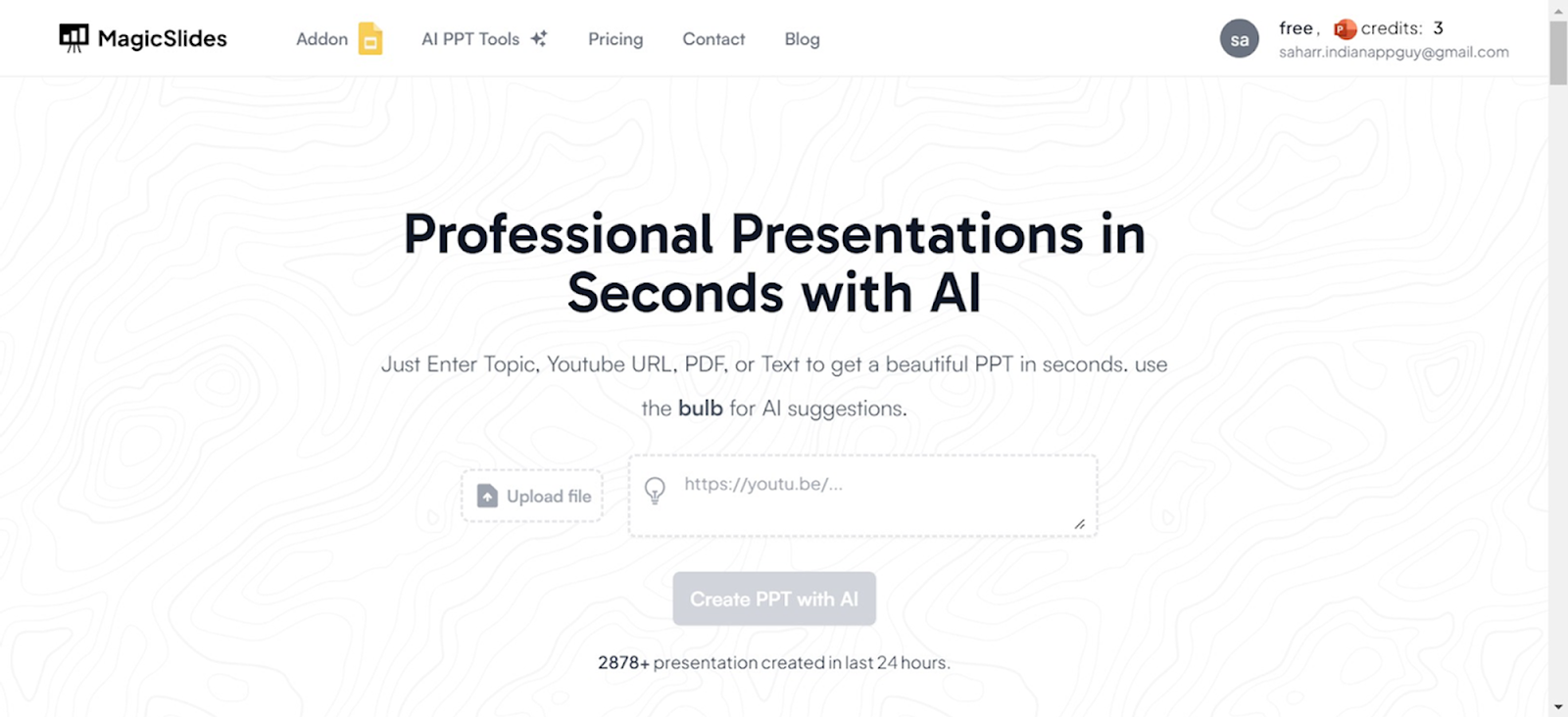
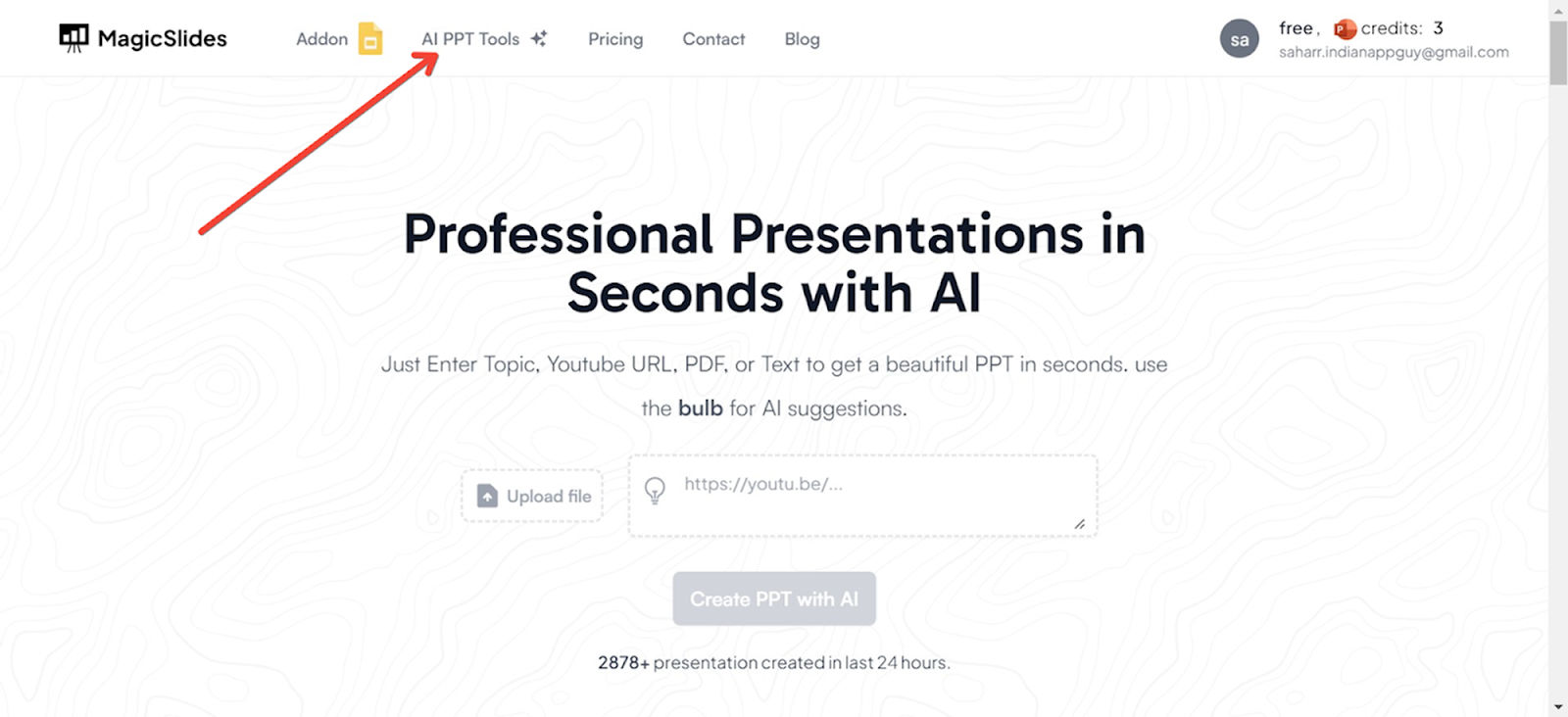
Access AI PowerPoint Tools
On the Magicslides.app homepage, locate and click on the ‘AI PPT Tools’ section.
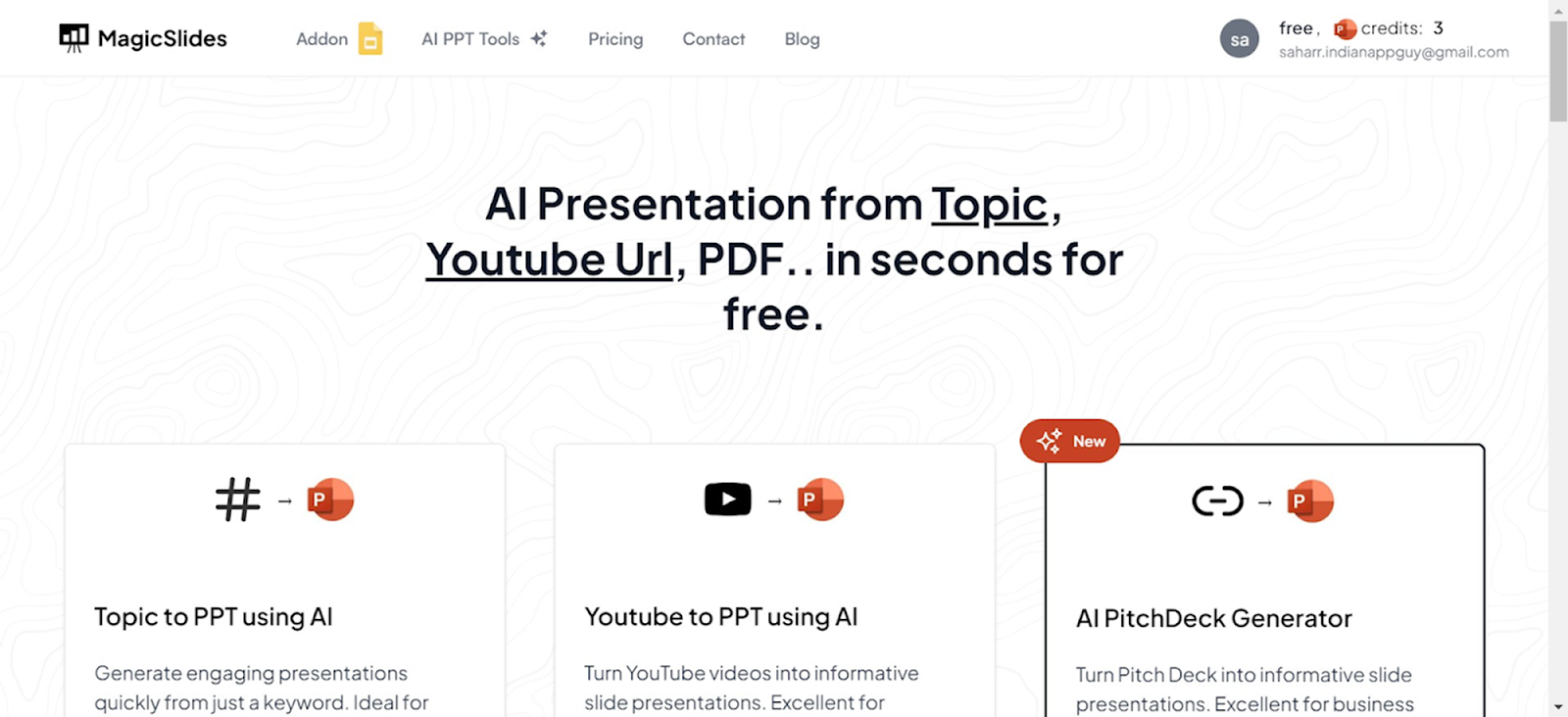
Choose Your Creation Method
Magicslides.app offers several innovative options to create your PowerPoint:
- Topic to PPT: Generate slides based on a specific subject.
- YouTube to PPT: Convert video content into a presentation.
- URL to PPT: Turn web content into a visually appealing PowerPoint.
- Additional features include a pitch deck generator and enhancements for existing presentations.
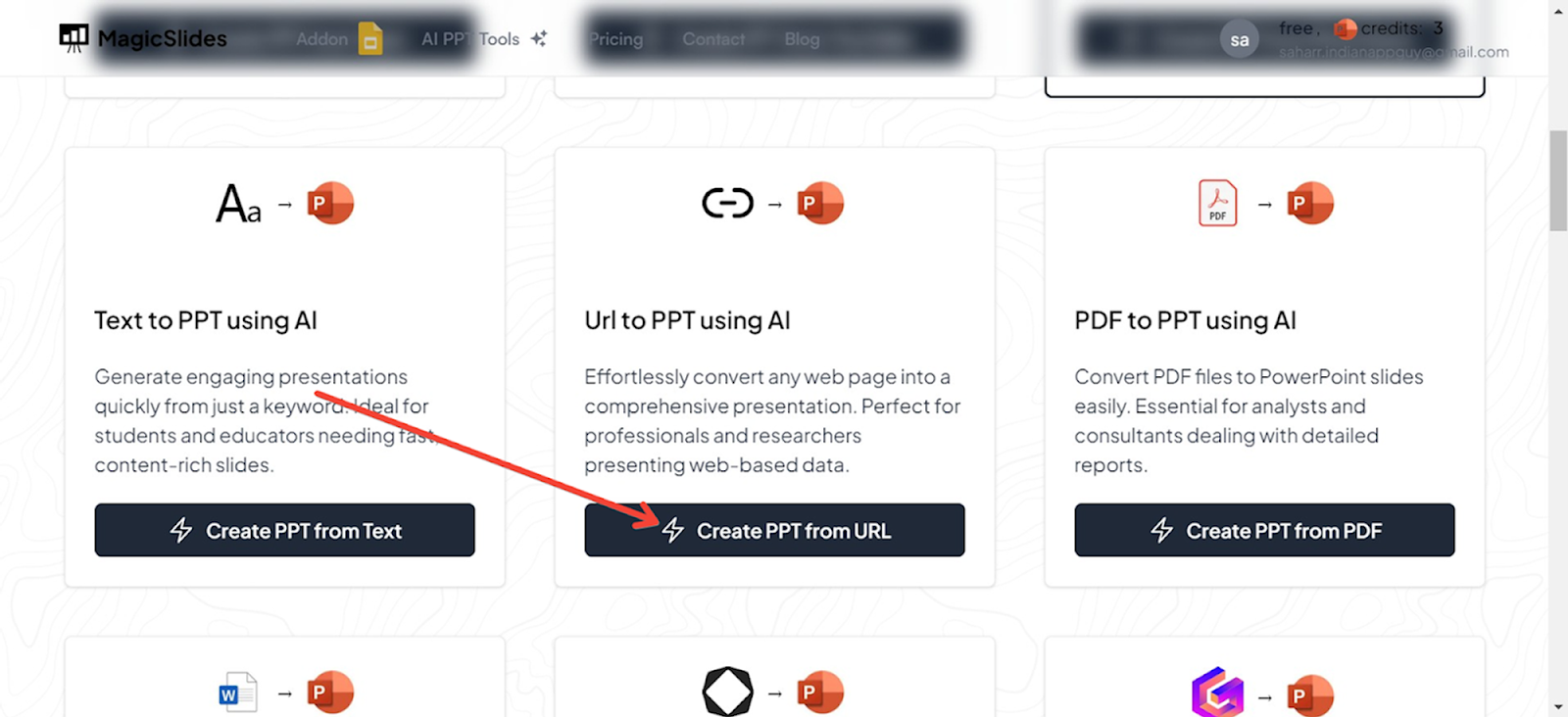
Using URL to PPT for This Guide
For this demonstration, we will use the URL to PPT feature. This option is particularly useful for converting articles, blog posts, and other web content directly into PowerPoint slides.
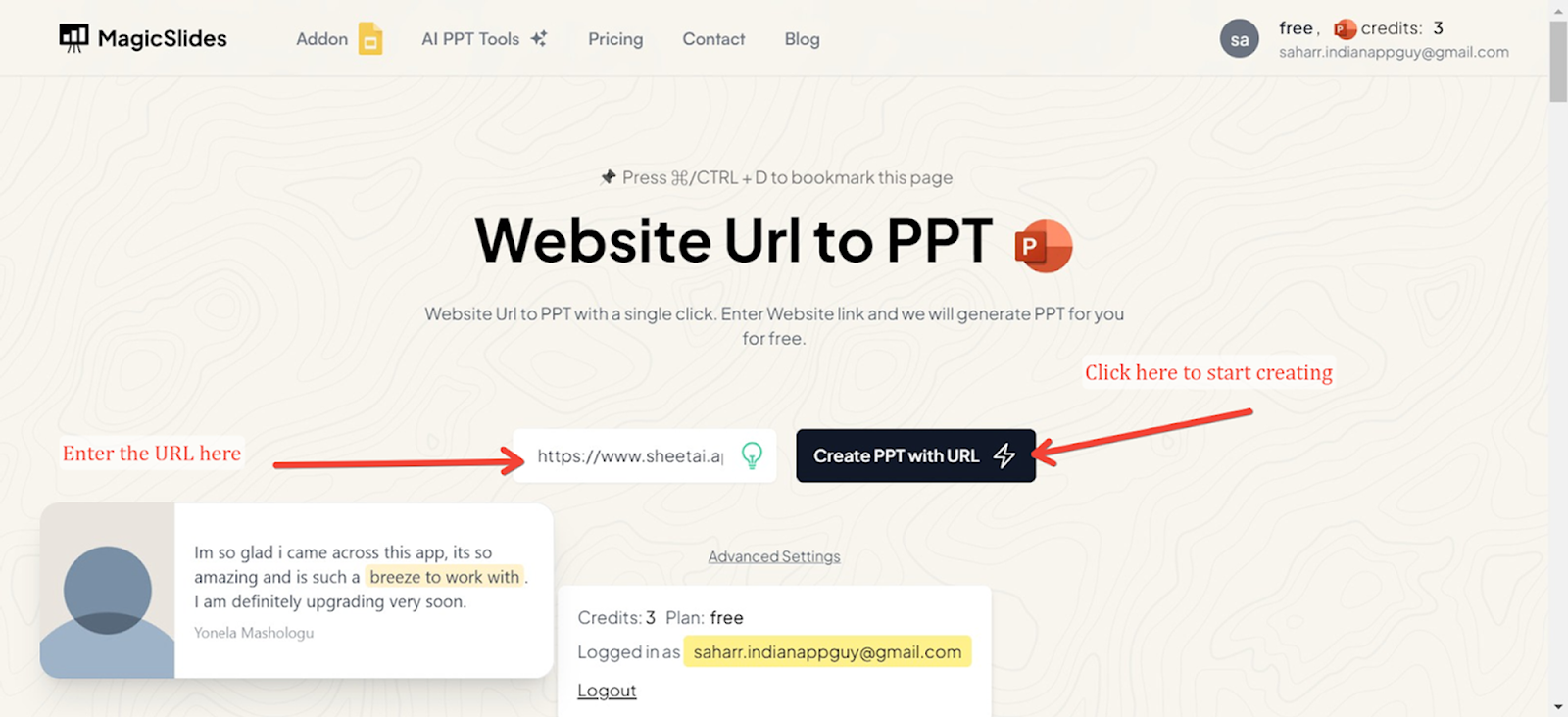
Enter the URL
Input the URL of the web page you want to convert into a PowerPoint presentation in the designated field.
Generate Your Presentation
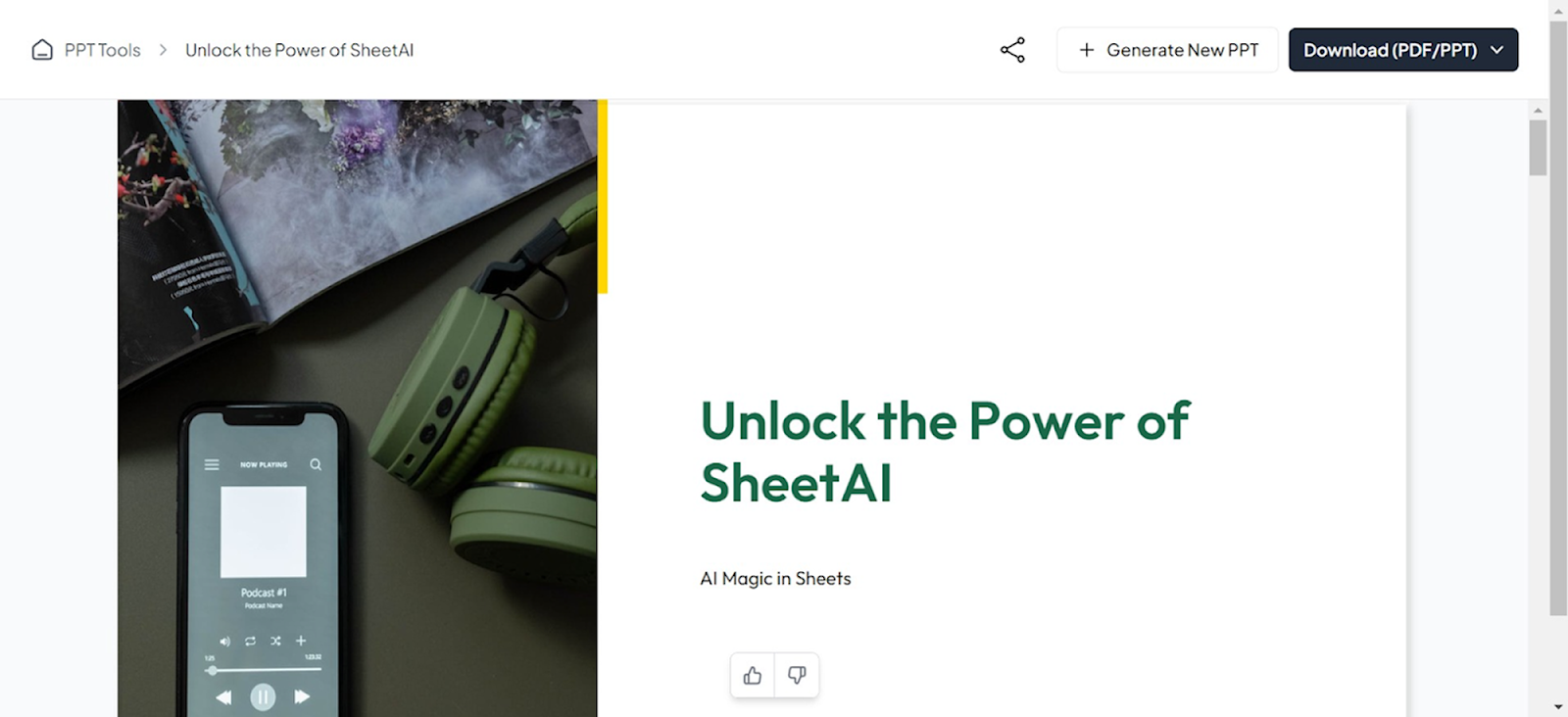
Click the generate button, and Magicslides.app will process the URL, extracting key information and organizing it into a beautifully designed PowerPoint presentation. The result is a ready-to-use slide deck that you can edit further if needed.
Conclusion
The ability to create and share professional slideshows quickly and efficiently can significantly enhance your ability to communicate effectively. With the use of online slideshow makers, you gain access to a host of tools that simplify the creation process while providing robust options to produce engaging, high-quality presentations.
FAQs
What is the best format for images in an online slideshow?
JPEG and PNG are widely accepted and provide a good balance between quality and file size.
Can I edit my presentation after it's been shared?
Yes, most online slideshow makers allow for post-sharing edits, which can be immediately viewed by anyone with access to the presentation.
Are online slideshow makers secure?
Yes, reputable providers implement strong security measures to protect your data. However, always check their privacy policy to understand how your information is handled.


