How to Convert Notion Pages to Presentation AI (Easily and Instantly)


Convert Notion pages to Presentation AI effortlessly with MagicSlides. Instantly turn Notion content into professional, AI-generated presentations in minutes.
If you’re someone who loves organizing ideas, managing projects, or documenting notes in Notion, you’ve probably faced this situation: you’ve built a beautifully organized Notion page, and now you need to turn it into a presentation. But the thought of copying, pasting, and designing slides manually? Not so appealing.
Good news — you don’t have to do that anymore. With the help of AI tools like MagicSlides, you can instantly convert Notion pages to presentation AI in just a few clicks.
In this guide, I’ll walk you through exactly how to do it, why it’s a useful workflow hack, and what kind of pricing and features MagicSlides offers — all explained simply, without the jargon.
Why Convert Notion Pages to Presentation AI?
Notion is great for taking notes, outlining reports, and managing information. But when it comes to sharing that content in a meeting, workshop, or pitch — slides are still the go-to format. Traditionally, that meant manually turning your text into a presentation, which can take hours.
That’s where AI presentation tools like MagicSlides come in handy. They help you:
- Save time by automatically creating presentations from your existing Notion pages.
- Keep your message clear and consistent since your slides are built directly from your original content.
- Customize your presentation with templates, images, and data — without starting from scratch.
Whether you’re a student working on a class project, a marketer prepping a client proposal, or a founder pitching to investors, this workflow can make your life a lot easier.
How to Convert Notion Pages to Presentation AI with MagicSlides
Getting started with MagicSlides is surprisingly simple. Here’s a step-by-step breakdown:
✅ Step 1: Visit MagicSlides.app
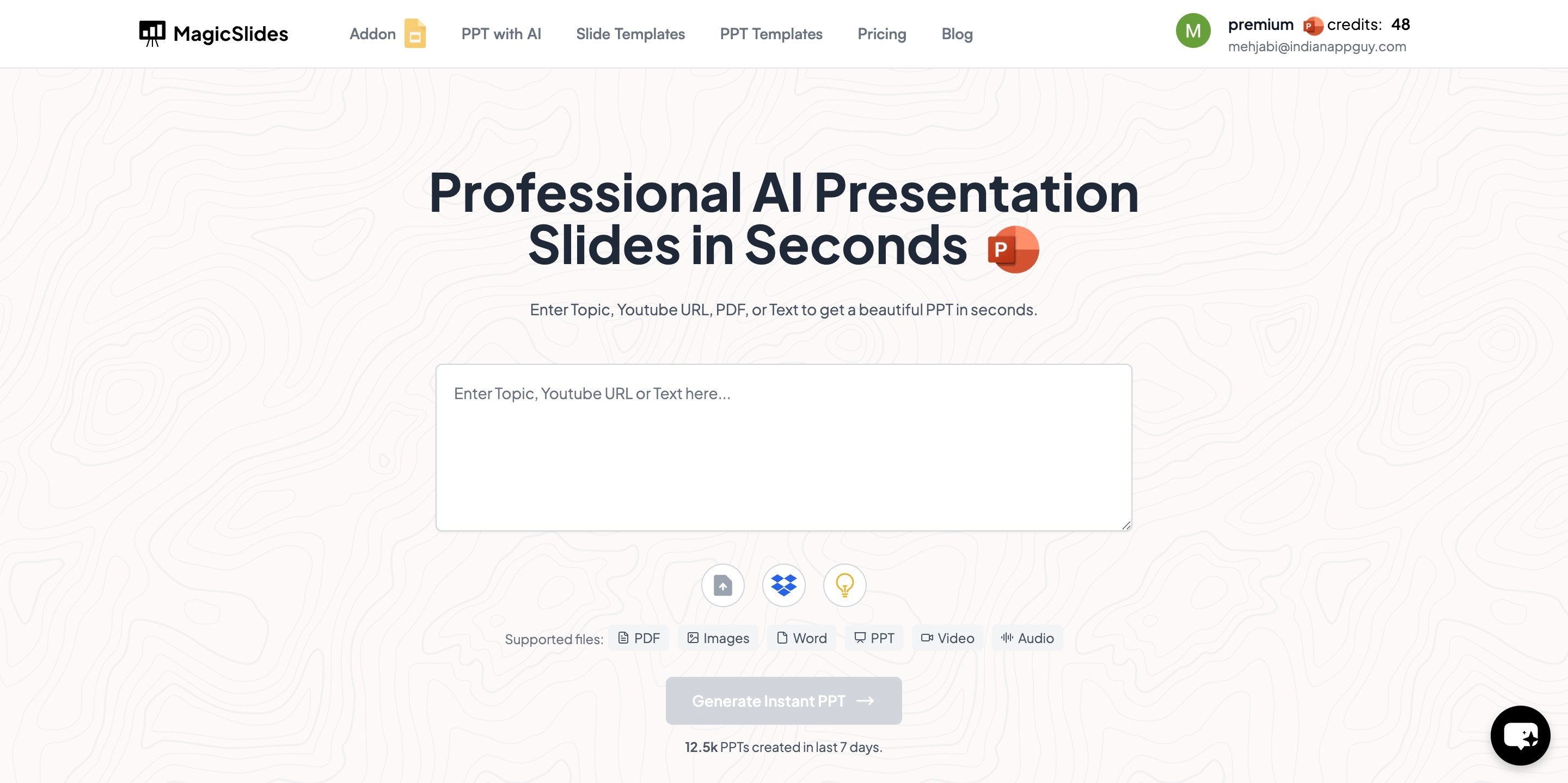
Open your browser and head over to the MagicSlides website.
✅ Step 2: Enter Your Notion Page URL
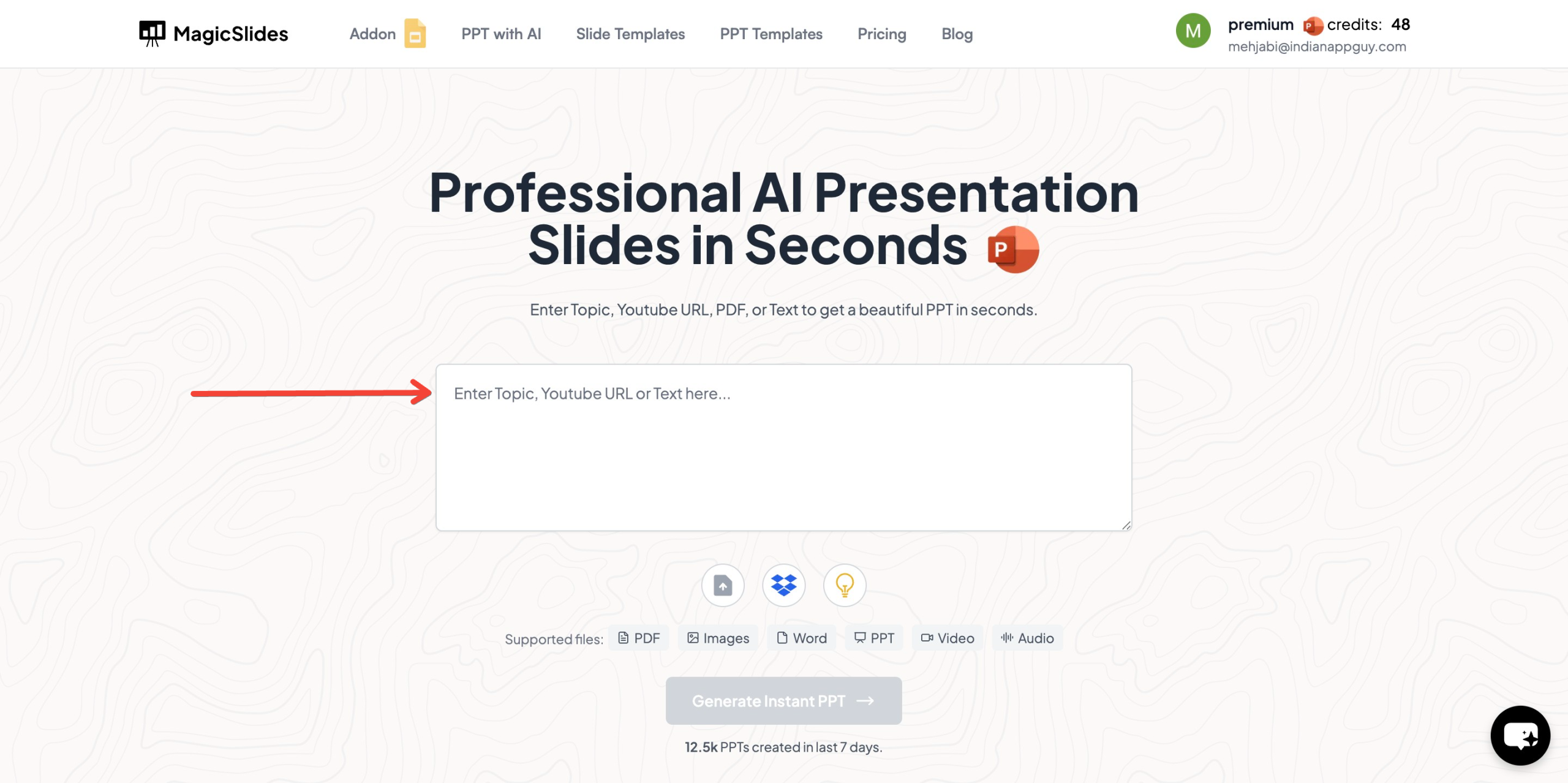
Copy the link of the Notion page you want to convert, and paste it into the input box you’ll see on the homepage.
✅ Step 3: Click ‘Generate Instant PPT’
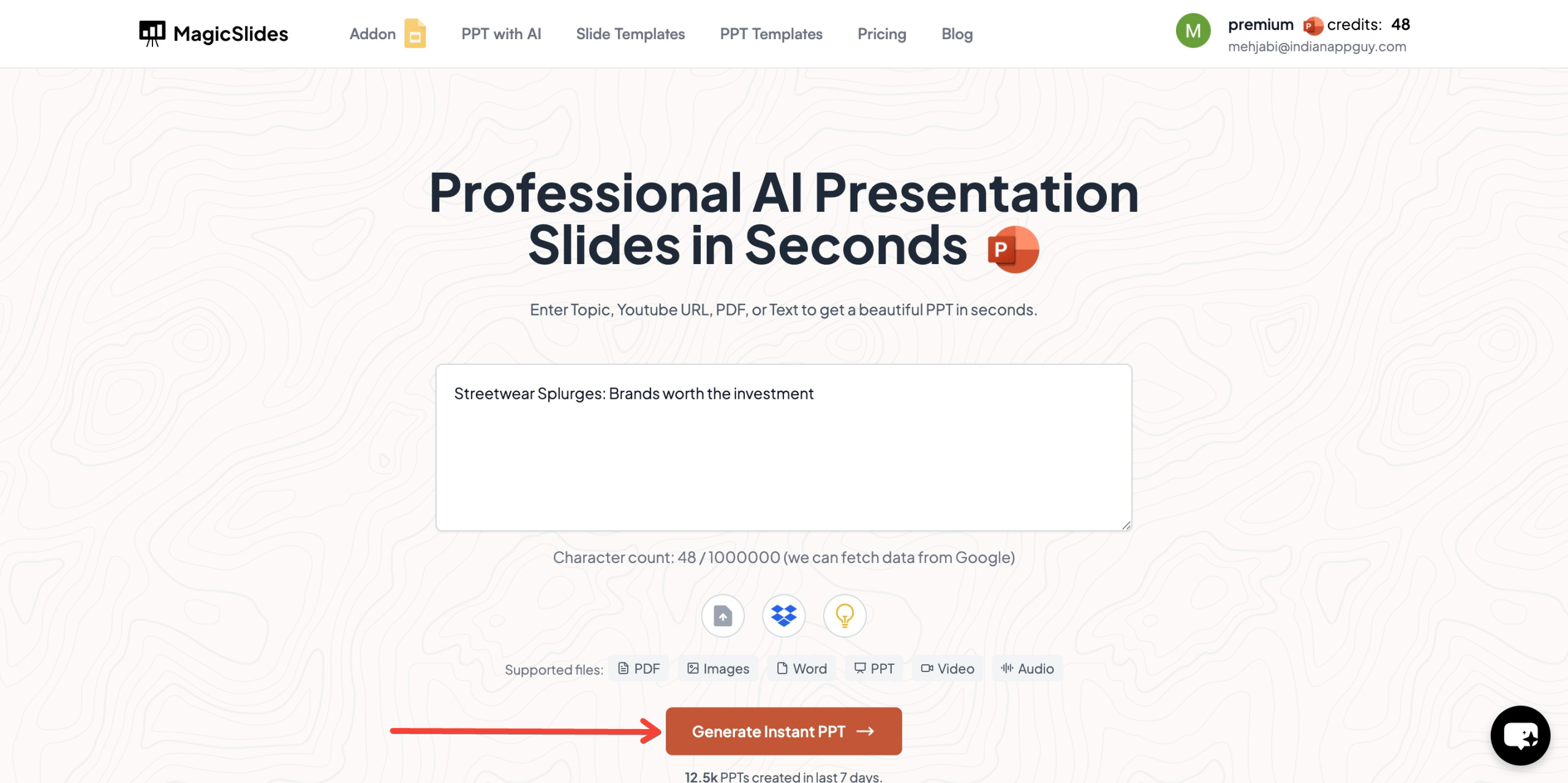
Hit the button to let the AI start working on your presentation.
✅ Step 4: Choose a Template and Number of Slides
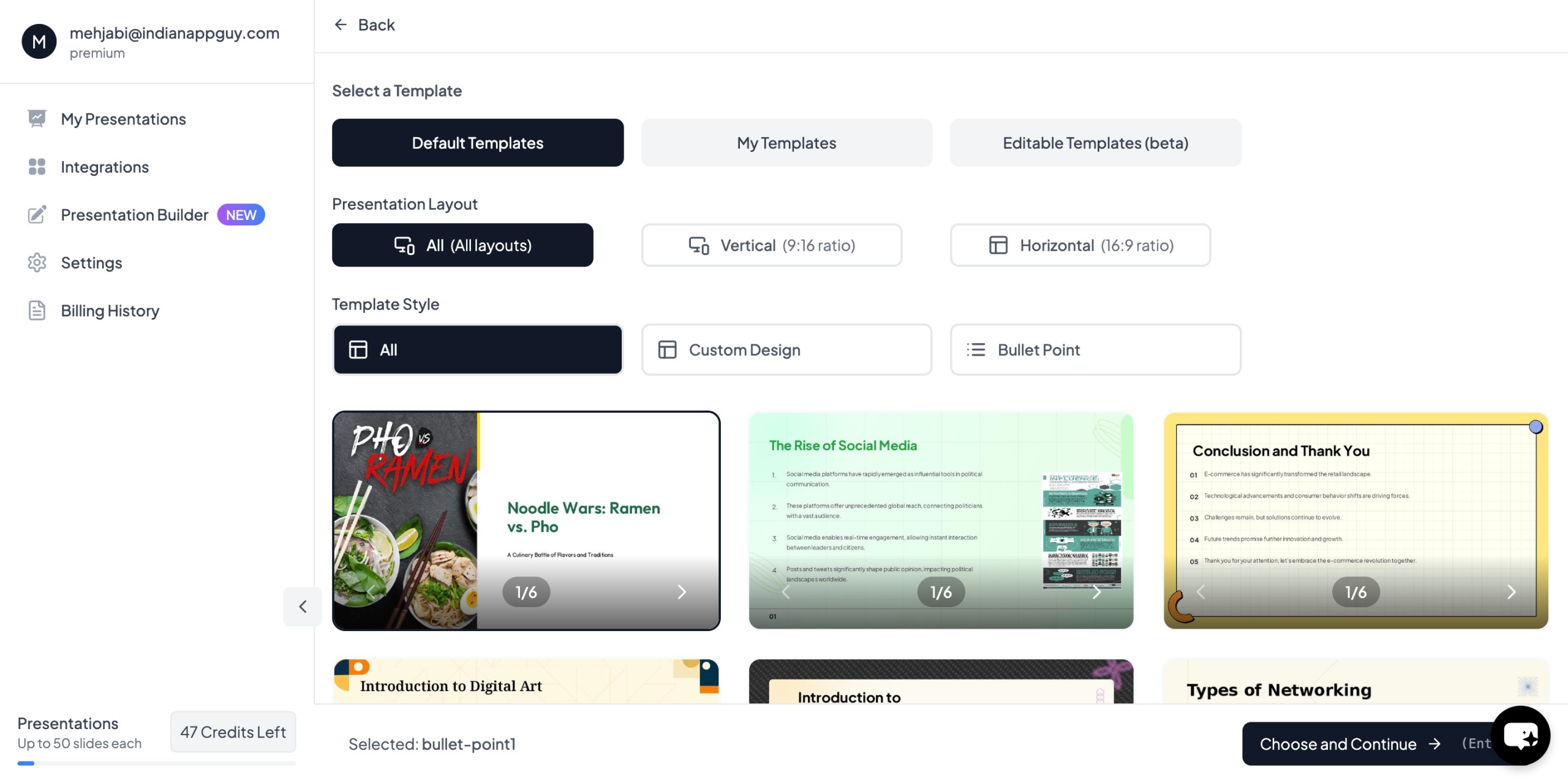
You’ll be prompted to pick a slide template that matches your style — whether that’s clean, modern, or creative. You can also choose how many slides you’d like.
✅ Step 5: Add Any Extra Details
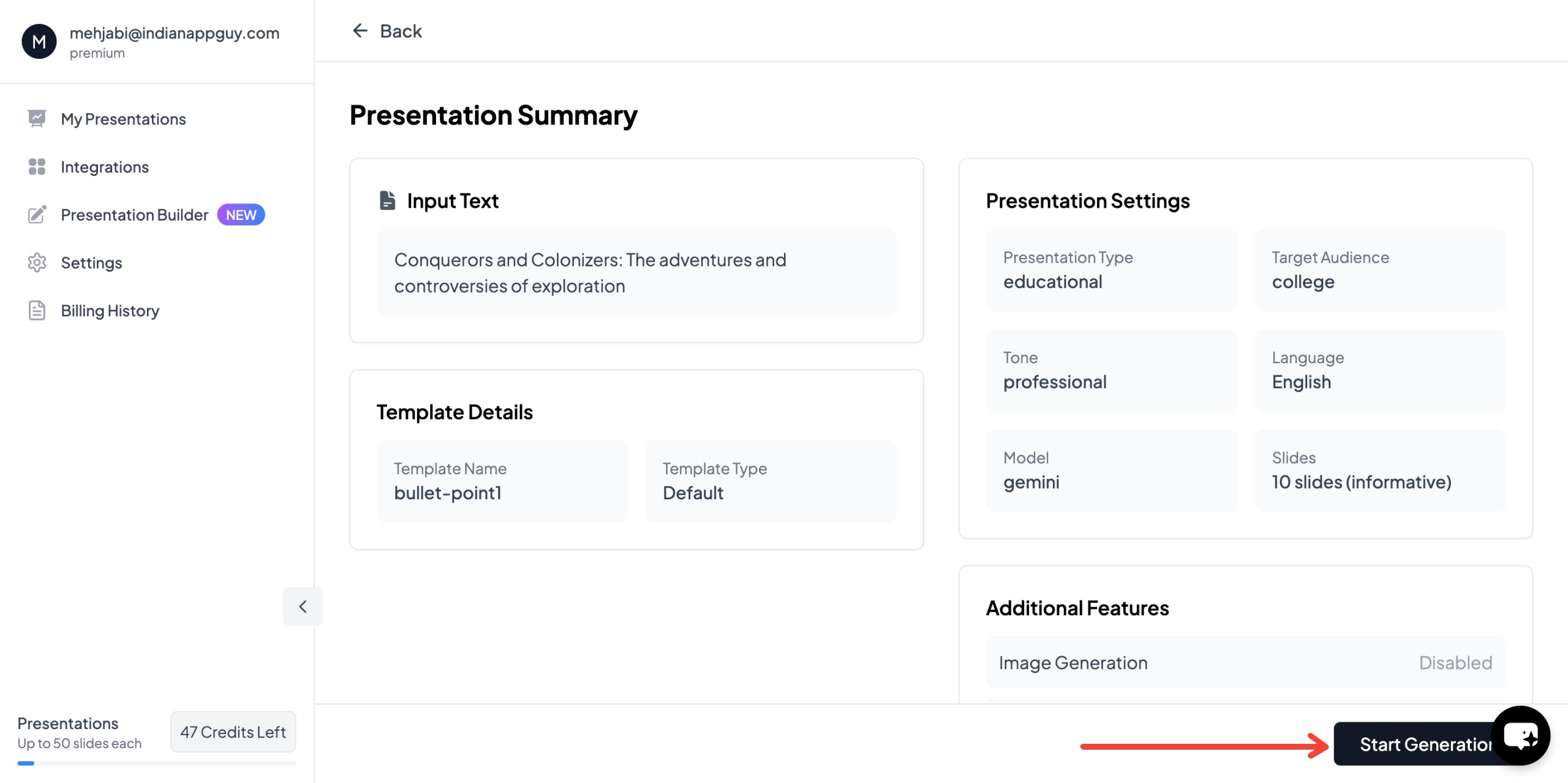
MagicSlides might ask you for a title, a preferred tone (formal, casual, informative, etc.), or specific points you want highlighted.
✅ Step 6: Generate Your Presentation

Once everything’s set, click ‘Generate Instant PPT’ again. In a few moments, your presentation will be ready for download.
And that’s it — you’re done. No copying. No formatting. No wasted time.
How Much Does MagicSlides Cost?
MagicSlides offers a few pricing plans based on how often you’ll use it and what extra features you might need. Here’s a quick overview:

If you’re unsure which one’s right for you, there’s a handy plan calculator on their website to help you decide.
What Else Can MagicSlides Do?
Besides turning Notion pages into presentations, MagicSlides also:
- Converts YouTube videos and PDFs into slides
- Lets you create AI-powered presentations from plain text
- Supports over 100 languages
- Integrates with tools like Figma, Google Slides, and Zapier
- Offers a Slide with AI feature for smart, auto-generated content
- Pulls data from Google and Wikipedia to enhance your slides
- Includes AI-generated images (Pro and Premium plans)
It’s basically a productivity cheat code for anyone creating presentations regularly.
Final Thoughts
If you’re already using Notion to organize your thoughts, turning those ideas into a presentation shouldn’t feel like extra work. Thanks to tools like MagicSlides, you can convert Notion pages to Presentation AI quickly, effortlessly, and professionally.
It’s a smart way to save time, stay consistent, and still impress your audience.
You can check it out yourself at MagicSlides.app and see how it fits into your workflow.


